
Turn recordings into transcripts and summaries in minutes
Upload audio or video for multilingual transcription, AI notes, and action items
In today's world of cross-border meetings, online presentations, and remote collaboration, language barriers are often the biggest productivity killers. Have you ever experienced scenarios where the speaker talks too fast, you can't look up technical terms in time, or you re-listen to recordings but can't grasp the key points?
Don't worry—this article compiles the best solutions on the market in 2026. Here's what you'll get:
- Reviews of 5 Major Tools: Pros and cons analysis of built-in features and standalone software.
- Multi-Dimension Comparison Table: See language support, summary features, and pricing differences at a glance.
- AI-Assisted Practical Guide: Learn how to turn voice into searchable text notes using these tools.
- FAQ: Answers to common questions about accuracy, device limitations, and more.
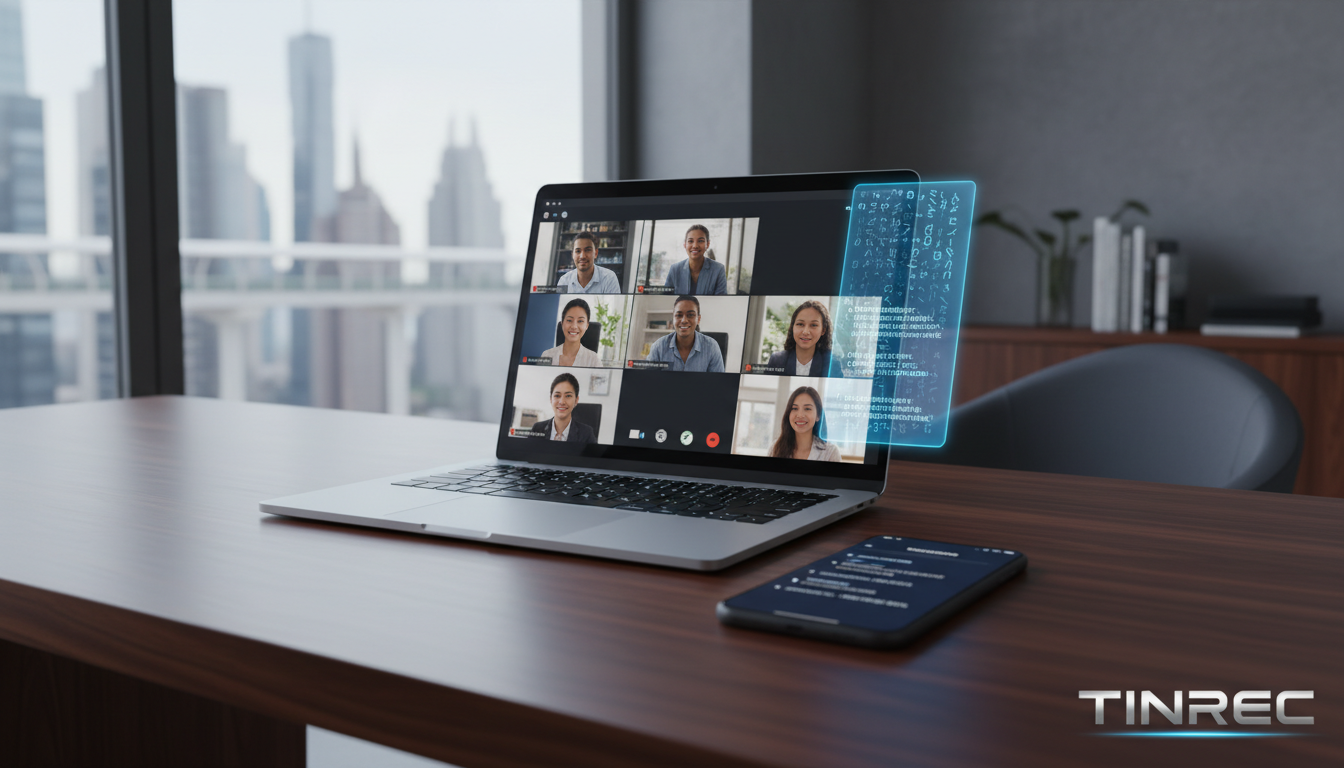
Quick Guide Conclusion: If you prefer all-in-one video conferencing, prioritize built-in features in Zoom or Google Meet. If you need high-accuracy meeting minutes and post-meeting action item organization, AI recording assistants like Tinrec (Voice Recorder & Transcription) are a more comprehensive choice.
2026 Top 5 Online Meeting Real-Time Translation and Assistant Tools Reviewed
1. Zoom (Built-in Interpretation & Captions)
As one of the most widely used online meeting platforms, Zoom offers mature real-time translation features. Its Language Interpretation function allows hosts to assign dedicated interpreters, while the system can also automatically recognize speech and generate live captions via AI.
- Key Features: Display both original and translated text simultaneously for easy comparison. Supports traditional Chinese captions, user-friendly for users in Taiwan.
- Best For: Large international conferences, formal presentations.
- Note: Some advanced translation features require a paid plan.
2. Google Meet (Strong Ecosystem Integration)
Google Meet's recently launched AI real-time speech translation can automatically convert the speaker's voice into target language captions displayed on screen. For companies already using Google Workspace, integration is seamless.
- Key Features: Intuitive operation, continuously expanding translation database. Brings communication experience closer to natural conversation.
- Best For: Heavy Google ecosystem users, daily team collaboration.
- Note: Currently best support for English and Spanish; Chinese contextual understanding still has room for improvement.
3. ViiTor (Focused on Education & Enterprise)
ViiTor is software designed for enterprises and educational institutions, emphasizing AI-driven high-accuracy translation. It can display translated content on projection screens or embed it in video feeds.
- Key Features: Built-in smart note-taking, generates transcripts. Supports multilingual caption display.
- Best For: Educational seminars, physical/hybrid meetings that need screen projection.
4. Transync AI (Multi-Language Support)
This tool supports real-time detection and conversion of over 60 languages, with both voice and text display. It automatically generates summaries after meetings, ideal for complex language needs.
- Key Features: Wide language support, high cross-platform flexibility.
- Best For: Cross-border trade, multi-language mixed complex meetings.
5. Tinrec (Voice Recorder & Transcription: All-in-One Assistant for Recording, Understanding, and Action)
Unlike simple caption translators, Tinrec focuses on turning voice into assets. It is a multi-platform AI recording assistant that transcribes audio in real-time during meetings (supporting 10 languages including Chinese, English, Japanese, Korean), and automatically generates structured meeting minutes and to-do action items.
For users who struggle with listening, Tinrec turns fleeting speech into text that you can review, translate, and query using AI, completely solving the problem of forgetting what you heard.
Stop organizing recordings by hand
Upload audio or video and automatically get a transcript, summary, and action items

- Key Features: Not just transcription; also offers AI chat query and action item extraction.
- Best For: PMs, marketing professionals, students, and content creators who need to organize meeting notes.
In-Depth Feature and Specification Comparison Table
To help you choose the right tool intuitively, here's a comparison across 5 key dimensions:
| Dimension | Zoom / Google Meet | ViiTor / Transync AI | Tinrec (Voice Recorder & Transcription) |
|---|---|---|---|
| Main Focus | Video conferencing platforms | Translation & caption tools | AI recording, notes & decision assistant |
| Language Support | Varies by plan (multi-language) | 60+ languages | Automatic recognition of 10 languages (CN, EN, JP, KR, etc.) |
| Real-Time Capability | Live on-screen captions | Live on-screen captions | Real-time recording to transcript |
| Summaries & Action Items | Basic transcription (paid plan required) | Basic summary | Strength (auto-generates minutes & to-do lists) |
| Information Retrieval | Traditional text search | Keyword search | AI Chat Query (ask about content details) |
| Cross-Platform/Export | Cloud storage | Multi-platform integration | Sync across iOS, Android, Web |
Practical Tutorial: How to Use AI Tools for Real-Time Meeting Transcription and Key Point Queries
Choosing the right tool is only half the battle—integrating it into your workflow is key. Using the more comprehensive Tinrec as an example, here's how to turn a cross-language meeting into actionable text notes.
Step 1: Start Real-Time Recording to Text
At the start of a meeting, launch the tool to record. For English or Japanese meetings, the system automatically recognizes speech and transcribes it in real time, so you never miss a beat and can check text at any time.
Action: Record & Transcribe in Real Time

Step 2: Process Existing Meeting Recordings
If you already have recorded MP3 or WAV files, simply import them. The AI quickly converts them into transcripts with speaker differentiation, saving the time of manual transcription.
Action: Audio Files to Text


Step 3: Analyze Online Videos or Podcasts
For foreign language seminars or instructional videos on YouTube, simply paste the link and the system will parse and generate a summary. This is very helpful for learning new knowledge or compiling competitor analysis.
Action: Podcasts/Online Videos to Text
Step 4: Use AI Chat Query for Key Points
This is the most critical step for boosting efficiency. Instead of reading through long meeting notes from start to finish, directly ask the AI: "What was the budget decision discussed in the meeting?" or "List all action items." The system will answer precisely based on the recording content.
Action: AI Chat Query

FAQ
Q1: Are there recording limitations on iPhone or Android when using these real-time translation tools?
Most video conferencing apps (Zoom/Meet) may stop recording when switched to background. It's recommended to use apps like Tinrec that support multi-device sync, or prepare a second device dedicated to recording and transcription to ensure no data loss.
Q2: Are the free versions of translation or transcription features sufficient?
Free versions often have limits on minutes or features. For example, Zoom's translation captions are mostly paid. Tinrec's free plan offers 100 minutes of recording per month, suitable for light users to try core features.
Q3: How accurate are AI-generated transcripts?
In quiet environments with clear pronunciation, modern AI (like Tinrec) can achieve over 90% accuracy. However, accuracy drops in scenarios with multiple people talking, background noise, or excessive jargon. Using speaker differentiation features can help.
Q4: Can these tools directly translate YouTube videos?
Yes. Some tools like TopMediai or Tinrec's video-to-text feature support pasting a video link to directly generate transcripts and summaries—perfect for organizing foreign language video content.
Q5: What is an AI meeting summary? How is it different from a transcript?
A transcript records everything said—dense and hard to read. An AI meeting summary uses algorithms to structure the transcript, automatically extracting conclusions, summaries, and action items, making it more useful for decision-making.
Q6: Can these tools be used for in-person meetings?
Yes. For physical meetings, tools like ViiTor or Tinrec can use a phone app to record audio on site and transcribe in real time—very useful for documenting cross-border client interviews.
Turn every recording into actionable outcomes
Get 60 free transcription minutes when you sign in. No credit card required.
Related Reading
You might also like

2026 AI Recording Tools Compared: How to Use PLAUD Recordings and Which Has the Fastest Workflow
Got a PLAUD recording and want to turn it into a transcript, summary, and a shareable meeting recap? This guide first walks through the full PLAUD process—pairing the device, recording, syncing, transcribing, and exporting—then compares Tinrec, Otter.ai, and Notta from a practical standpoint for Chinese meetings, online meetings, and post-meeting organization. It ends with four common pitfalls and selection advice.

Tinrec vs Plaud Recorder 2026: 5-Dimension Comparison — Software Collaboration or Portable Hardware?
Plaud is a popular AI recording hardware in 2026, but before buying a device, think about where your meetings happen. This article compares Plaud and Tinrec across 5 dimensions—device cost, online meeting handling, post-meeting workflow, language translation, and team governance—to help you decide between portable hardware and software collaboration.

4 AI Recorders Compared for 2026: PLAUD, Granola, Otter, and Tinrec — How to Choose
How do you choose an AI recorder in 2026? Starting from three real-world scenarios — online meetings, in-person interviews, and team handoffs — this article lays out 4 key buying criteria and compares the positioning, pricing, and limitations of Tinrec, PLAUD Note Pro/NotePin, Granola, and Otter.ai to help you decide whether to buy hardware or use software.

4 Recording Tools Tested for 2026: PLAUD's Latest vs. Tinrec — Which Saves More Post-Meeting Time?
Looking for the latest PLAUD recording version? This guide covers PLAUD Note Pro and NotePin specs, firmware updates, and subscription costs, plus hands-on comparisons of Tinrec, Otter.ai, and Notta for meeting notes, AI Q&A, and team collaboration—helping you choose the right tool for your budget and use case.
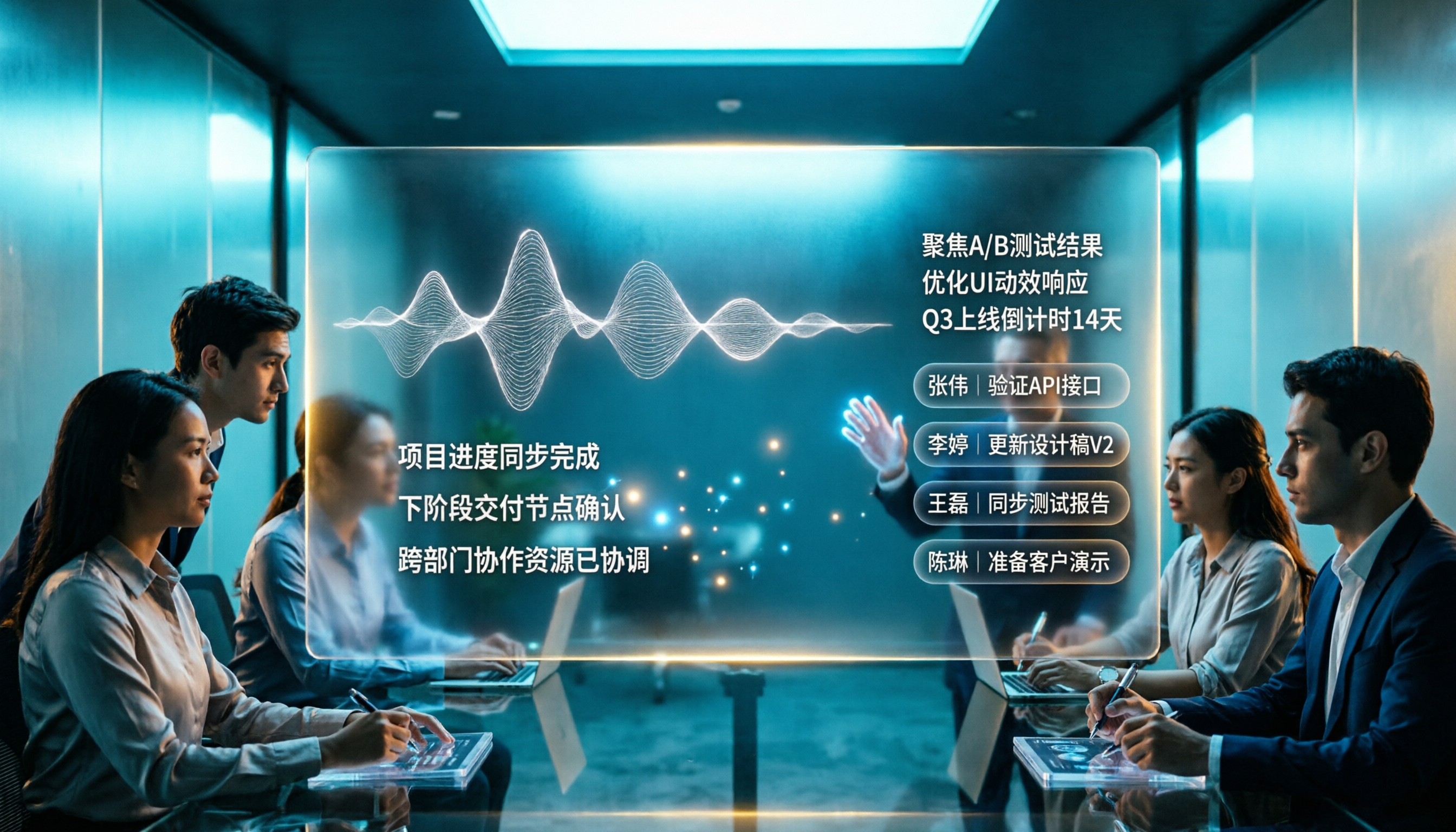
2026 AI Voice Recorder Comparison: Plaud Note Tutorial & Tinrec Chinese Meeting Review
A hands-on Plaud AI voice recorder tutorial comparing hardware recording vs. software meeting notes, with 4 buying tips, 3 common mistakes, and real-world testing of Tinrec for Chinese meetings, post-meeting organization, and team collaboration.

2026 Recording Tools Compared: Plaud Hardware vs. Tinrec Software — Which Is Better for Hong Kong Office Workers?
How to choose a recording tool in 2026? This article breaks down the 3 most common mistakes, compares PLAUD Note/NotePin hardware, Otter.ai, Notta, and Tinrec (秒聽錄音) in terms of capture method, mixed Chinese-English transcription, post-meeting AI organization, and team knowledge retention, and includes testing conditions and selection advice to help Hong Kong office workers save time on meeting notes every evening.

2026 Comparison of 4 Audio-to-Text Tools: Plaud Tutorial and Free Tier Guide
How exactly do you use Plaud for audio transcription? This article starts with the choice between buying hardware or using software, explains the 4 key criteria for choosing a tool, then walks through Tinrec's meeting workflow and Plaud's 5-step process, and honestly lists the free tiers and paid prices for Plaud, Notta, Otter.ai, and TurboScribe, finishing with scenario-based recommendations.

PLAUD Note Pro vs Tinrec (2026): 5-Factor Comparison — Which Is Worth Buying?
PLAUD Note Pro costs $189 for the hardware plus a separate transcription subscription. What's the total cost of ownership over a year? This article compares PLAUD Note Pro and Tinrec across 5 dimensions (meeting capture, post-meeting organization, Chinese-language experience, team collaboration, and cost of ownership), with buying tips and FAQs to help you justify your choice in budget meetings.

6 AI Voice Recorders Tested for 2026: Is the Plaud Recorder Worth the Hype on Dcard?
We compiled real Dcard discussions about Plaud recorders and compared 6 recording-to-text solutions: Tinrec (no hardware needed), PLAUD Note Pro and NotePin (most discussed on Dcard), Notta (multilingual), TurboScribe (bulk transcription), and built-in phone recording (zero budget). The article honestly lists prices and limitations to help you decide which fits your meeting and interview scenarios.