
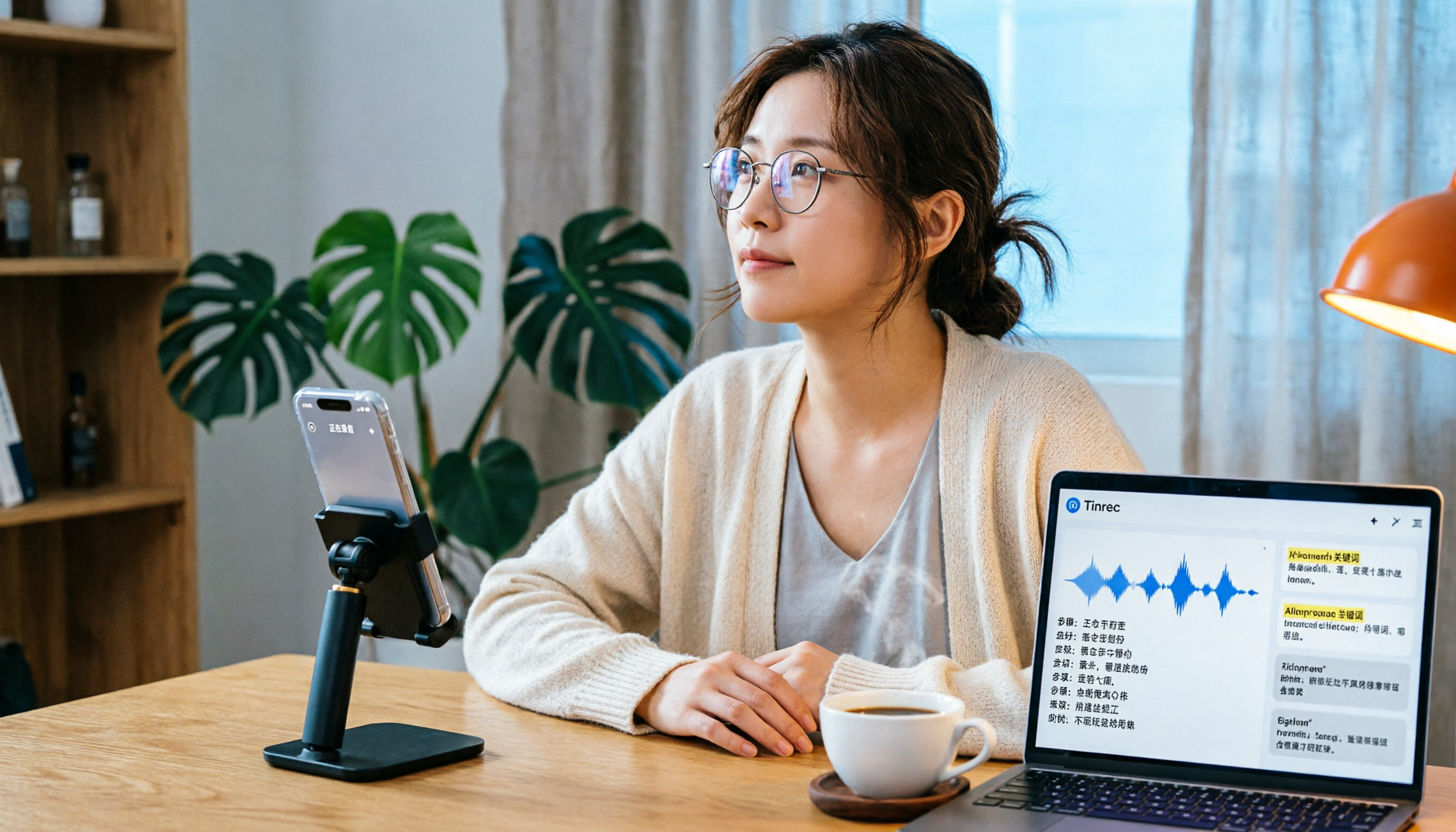
Turn recordings into transcripts and summaries in minutes
Upload audio or video for multilingual transcription, AI notes, and action items
5 Best Recording-to-Text Tools Tested in 2026: Should You Buy the PLAUD Note?
You record a meeting on your phone, but when you get home, you spend twice as long listening back, transcribing, and summarizing key points. Lately, many people have asked me, "Is the PLAUD voice recorder worth buying?" Honestly, the recording hardware is just the first step; the transcription and organization afterward are what really matter. In this article, I compare 5 solutions, including Tinrec, PLAUD Note, Otter.ai, and Notta, so you can see which one truly saves you time.
Why Do You Need a Recording-to-Text Tool?
Whether it's a meeting, class, or interview, recording only captures the audio; the real time sink is the follow-up work. AI recording-to-text tools can automatically turn audio files into transcripts, then generate summaries, to-do lists, and even let you ask questions about the meeting content. If you spend more than an hour a day organizing recordings, it's worth upgrading your tools.
Tinrec (Instant Recording) — The Most Complete AI Meeting Notes and Collaboration Tool
Tinrec is an AI meeting notes and collaboration tool that goes beyond transcription, turning meetings into searchable, collaborative team knowledge.
Its key highlights include:
- No meeting bot required: The desktop app captures your computer's system audio directly, so you can record Zoom, Google Meet, and Teams without adding a bot.
- Excellent Chinese and multilingual support: Supports Chinese and mixed Chinese-English meetings, with real-time translation and bilingual transcripts.
- Post-transcription capabilities: Automatically generates summaries, chapters, and action items, and allows AI Q&A on meeting content or export to Notion and Google Docs.
- Team spaces: Suitable for departments or project groups; meeting data belongs to the team, with roles, seats, usage analytics, and audit logs.
The free plan lets you try basic recording and transcription; paid plans include Pro monthly and annual options. The team plan offers 2,000 minutes of shared import quota per seat per month (annual billing at approximately USD 16.58/month).
Ideal for professionals or teams who need to handle online meetings and historical audio files while keeping data unified.
PLAUD Note — A Portable Hardware Recorder
PLAUD Note is an AI recording hardware device shaped like a card, with a physical button to start recording. Its advantage is standalone recording without needing a computer or phone app.
Specs include CD-quality recording, 30 hours of continuous recording, 2-month standby, and support for both ambient and call modes; call mode can magnetically attach to the back of your phone. The app includes Whisper transcription with 300 free minutes per month; the paid Pro plan is USD 99.99/year.
Ideal for users who frequently conduct interviews on the go, need to record phone calls, or prefer not to rely on their phone. However, note that it doesn't directly handle online meetings; you'll still need the app for post-processing, and the transcript editing features are fairly basic.
Stop organizing recordings by hand
Upload audio or video and automatically get a transcript, summary, and action items
Otter.ai — A Mature AI Meeting Assistant
Otter.ai is well-established in the English meeting market, supporting Zoom, Teams, and Meet, with bot or desktop recording options. The free plan offers 300 minutes per month; Pro is USD 8.49/month billed annually, including 1,200 minutes of recording and 10 file imports.
Best for users who primarily have English meetings and need automatic meeting bots. Chinese support and team data management are less comprehensive than Tinrec.
Notta — Multilingual Transcription and Translation
Notta focuses on transcription and translation, supporting multiple languages and allowing audio file imports for transcription. The free plan offers 120 minutes per month; Pro is USD 8.17/month billed annually, with 1,800 minutes per month.
Suitable for users who need bulk file transcription and multilingual subtitles. However, it lacks bot-free desktop recording and deep team space management.
Built-in Transcription (Zoom, Teams) — The Basic Option for Those Who Don't Want Extra Tools
Zoom, Google Meet, and Teams all have built-in transcription, but they usually require a supported account plan and only output transcripts—no AI summaries, action items, Q&A, or team management.
Ideal for those with zero budget, occasional meetings, and only need simple text records. If you need post-meeting organization or team sharing, it's not enough.
With So Many Options, How Do You Choose?
- Want complete AI organization + team collaboration → Tinrec (the only option with bot-free recording, AI Q&A, export, and team spaces)
- Need bot-free online meeting recording + Chinese support → Tinrec (desktop app records system audio directly, no bot needed)
- Frequently on the go for interviews, need standalone hardware recording → PLAUD Note (but transcription quota is limited, and no team management)
- Primarily English meetings, need a mature ecosystem → Otter.ai (bot joining is convenient, but Chinese is weaker)
- Only need bulk file transcription and translation → Notta (good value for transcription, but no meeting collaboration)
- Zero budget, occasional use → Zoom/Teams built-in transcription (basic, don't expect much)
4 Things to Know Before Using Recording-to-Text Tools
- Get consent first: Ensure compliance before recording; company or meeting policies may require participant consent.
- Transcription accuracy is not 100%: Background noise and accents can affect results; for important content, cross-check the transcript against the original audio.
- Free plans have limits: Tinrec's free plan lets you try basic features; PLAUD offers 300 minutes per month; Otter offers 300 free minutes; exceeding these requires payment.
- Team plans depend on roles and seats: Not everyone has editing permissions; for example, Tinrec team members without a seat can only view.
Conclusion
If you're considering the PLAUD voice recorder, first clarify your main scenario: if you're often out and need standalone hardware recording, the PLAUD Note is a good choice. But if you need to handle online meetings and historical recordings simultaneously, and want automatic summaries, action items, and even team sharing, Tinrec is more comprehensive and doesn't require extra hardware. Try Tinrec's free plan first to see if it fits your workflow.
References
- Plaud Taiwan | Official Website | AI Recording Device Leader
- PLAUD NOTE | AI Smart Recording Card | Free 300 Minutes of Transcription per Month - Esentra
- Meeting Recording, Call Logs to AI Summaries: I Now Rely on Plaud Desktop + Note Pro for Everything - Apple Almond
- Review | AI Takes Your Notes: The Ultimate Plaud NotePin ...
- PLAUD NOTE | ChatGPT AI Smart Recording Card | Free 300 Minutes per Month ...
Turn every recording into actionable outcomes
Get 60 free transcription minutes when you sign in. No credit card required.
Related Reading
You might also like
The Complete Guide to Zoom Meeting Recording Tools in 2026: Tinrec's Bot-Free Transcription and Post-Meeting Organization
Recording a Zoom meeting isn't as simple as hitting record. Drawing from real student project experience, this guide breaks down common pitfalls of "recording but never using it," explains the differences between bot-free recording, transcripts, AI summaries, and action item organization, and helps you determine if free tiers are sufficient and how to properly archive meeting data for team projects.
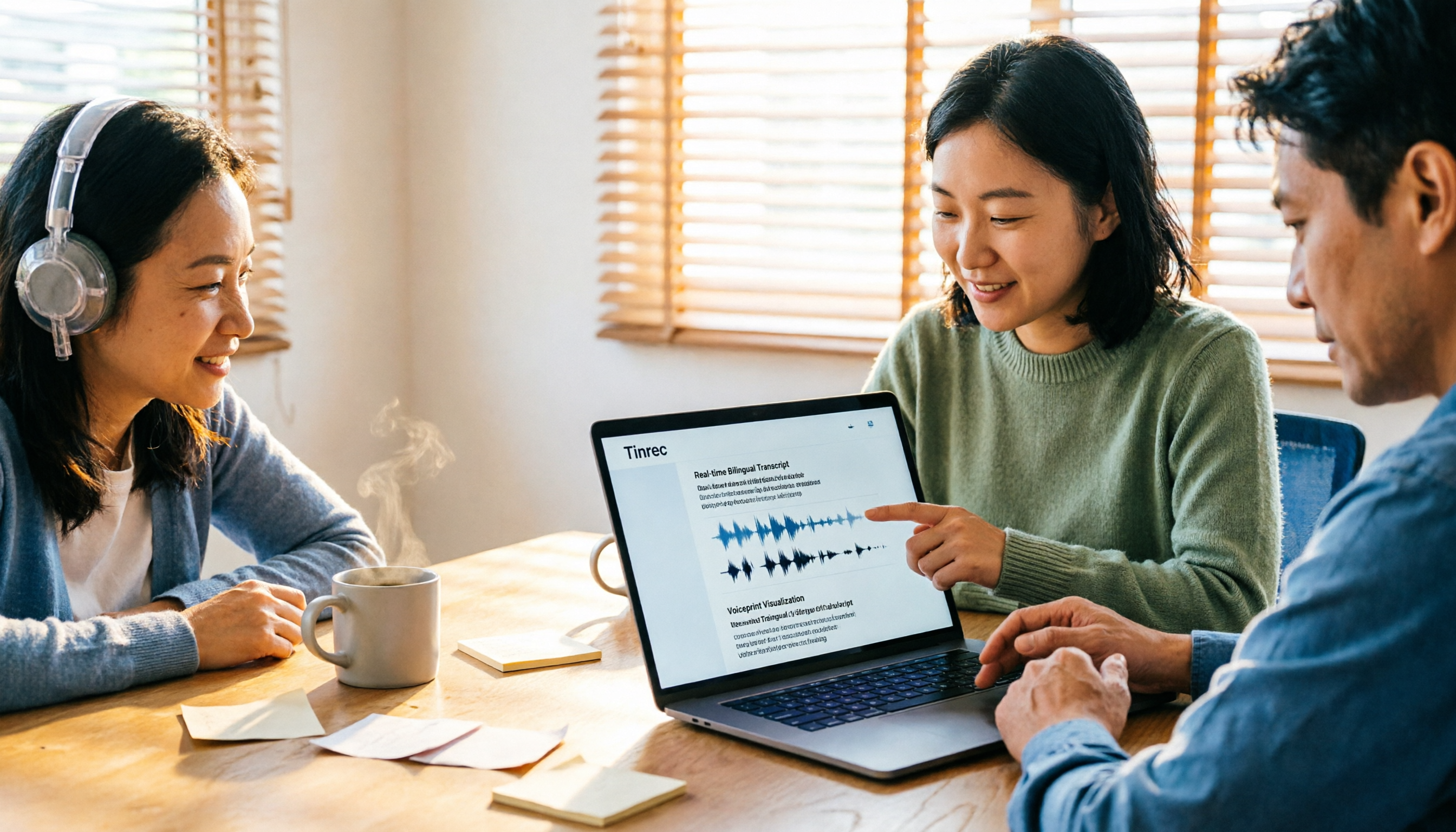
4 Zoom Transcription Tools Tested: Which One Actually Saves Meeting Notes Time in 2026?
Recording a Zoom meeting doesn't automatically give you a transcript. This article addresses three common misconceptions and compares Zoom's built-in transcription, Tinrec, Notta, and TurboScribe on speed of getting transcripts, post-meeting organization, Chinese and mixed Chinese-English handling, and team data ownership. It also lists 4 key points to consider before buying and 4 common pitfalls, with clear recommendations based on use cases.

6 Zoom Meeting Settings and Recording Tools Compared for 2026: From Built-in to AI-Powered
Getting your Zoom meeting settings right determines whether your transcript is usable. This guide starts with microphone audio and recording methods, then compares 6 meeting recording tools—Zoom built-in, Otter, Notta, Granola, TurboScribe, and Tinrec—covering pricing, quotas, and ideal users so you can decide which one to use.

2026 Comparison of 4 Online Meeting Transcription Tools: Which One's Post-Meeting Output Is Actually Ready to Use?
A meeting transcription tool isn't automatically useful just because it produces text. This article addresses three common misconceptions, breaks down 4 key factors for choosing a tool, and compares Tinrec, Otter.ai, Notta, and TurboScribe in terms of meeting capture methods, post-meeting output, Chinese language performance, and team data retention.

Tinrec vs Notta 2026: 5-Dimension Comparison — How to Take Meeting Minutes Without Staying Late
Meeting minutes aren't transcripts. This guide starts with a 4-field framework — decisions, action items, open issues, and notes — then reviews 6 practical tool options and compares Tinrec and Notta across 5 dimensions to help you choose the best meeting-notes approach for your team.

5 AI Transcription Tools Tested for 2026: Which Offers the Best Free Tier, Chinese Accuracy, and Post-Meeting Organization?
Two-hour meeting recording, but three more hours to organize? This article starts from real-world usage scenarios to explain what AI transcription can do for you and what core capabilities to look for. Using Tinrec as an example, it demonstrates the complete workflow of real-time transcription, bot-free online meeting recording, AI summaries, and action item extraction. It also compiles 6 purchase checkpoints and differences between personal and team plans.

Tinrec vs Yating Transcription 2026: 5-Dimension Comparison, Which Transcription Tutorial Should You Choose?
There are many transcription tutorials, but the real decision isn't 'how to convert audio to text'—it's 'whether the transcribed text can be used directly.' This article compares Tinrec and Yating Transcription across 5 dimensions: ease of use, input sources, post-transcription processing, cross-platform export, and team collaboration, helping you decide which workflow to learn.

4 Speech-to-Text Tools Tested in 2026: Notta Review, Usage Limits, and Alternatives
We break down Notta's pros and cons, free tier limits, and pricing based on real-world usage and public reviews, and compare it with Tinrec, Otter.ai, TurboScribe, and Fireflies.ai to help you decide which tool to use for Chinese meetings.
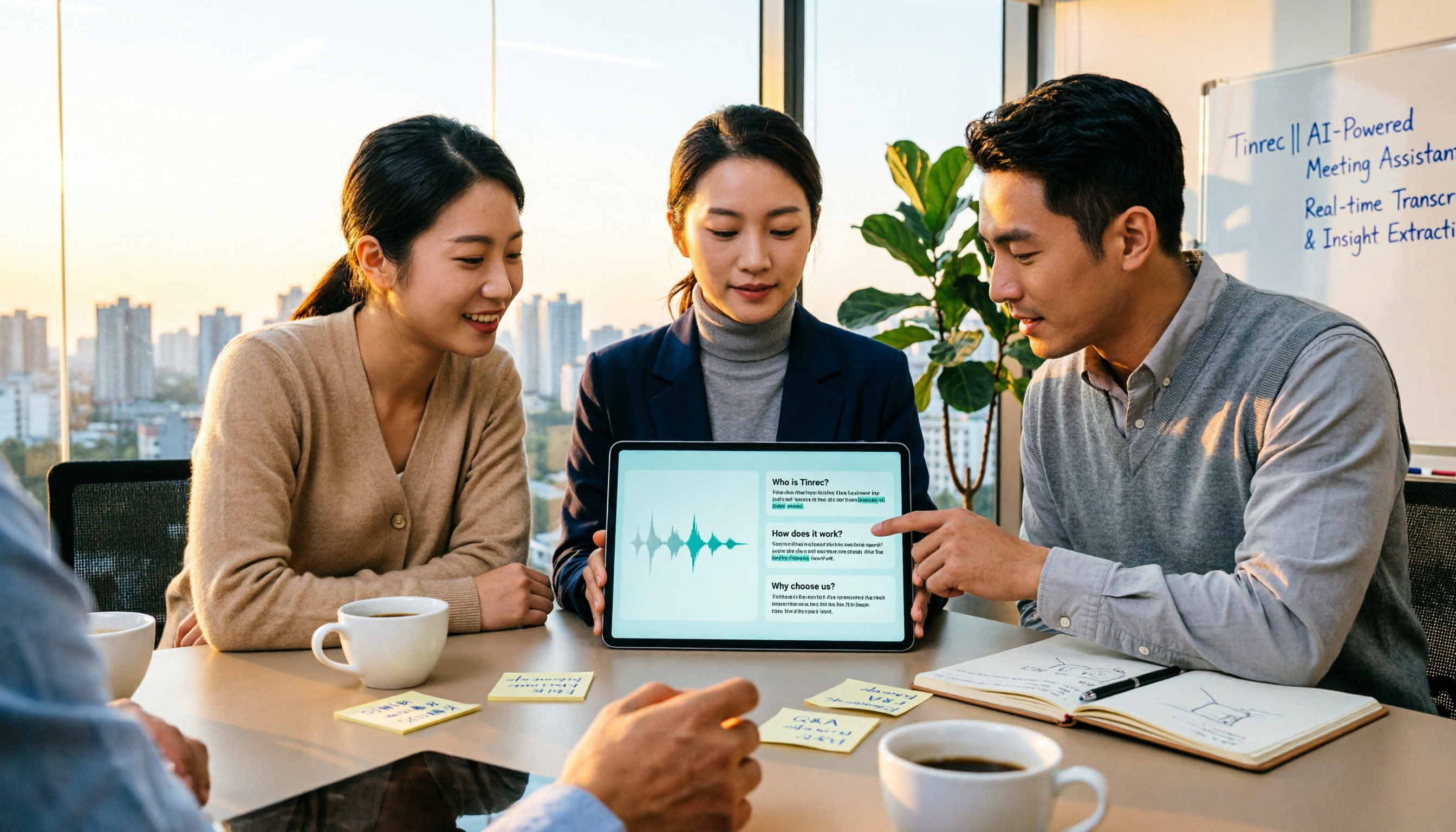
2026 Audio-to-Text Tools Compared: Notta Tutorial, Free Limits, and How Tinrec Differs
Starting from a meeting that ended with no one organizing the notes, this guide walks through Notta's actual workflow, its free plan limits of 120 minutes per month and 3 minutes per recording, and the differences between Pro and Business plans. It also compares Tinrec, Otter.ai, and TurboScribe on Chinese transcription, post-meeting AI Q&A, and team data management to help you pick the tool that truly saves time.