
Turn recordings into transcripts and summaries in minutes
Upload audio or video for multilingual transcription, AI notes, and action items
Tired of looking at piles of notes after every meeting and spending hours listening to recordings to produce transcripts? Besides being time-consuming, inaccurate Chinese recognition and quickly exhausted free quotas are common pain points for many professionals and students.
This article provides a comprehensive overview of the hottest AI meeting note generators in 2026, along with a detailed comparison table, hands-on steps, and FAQs.
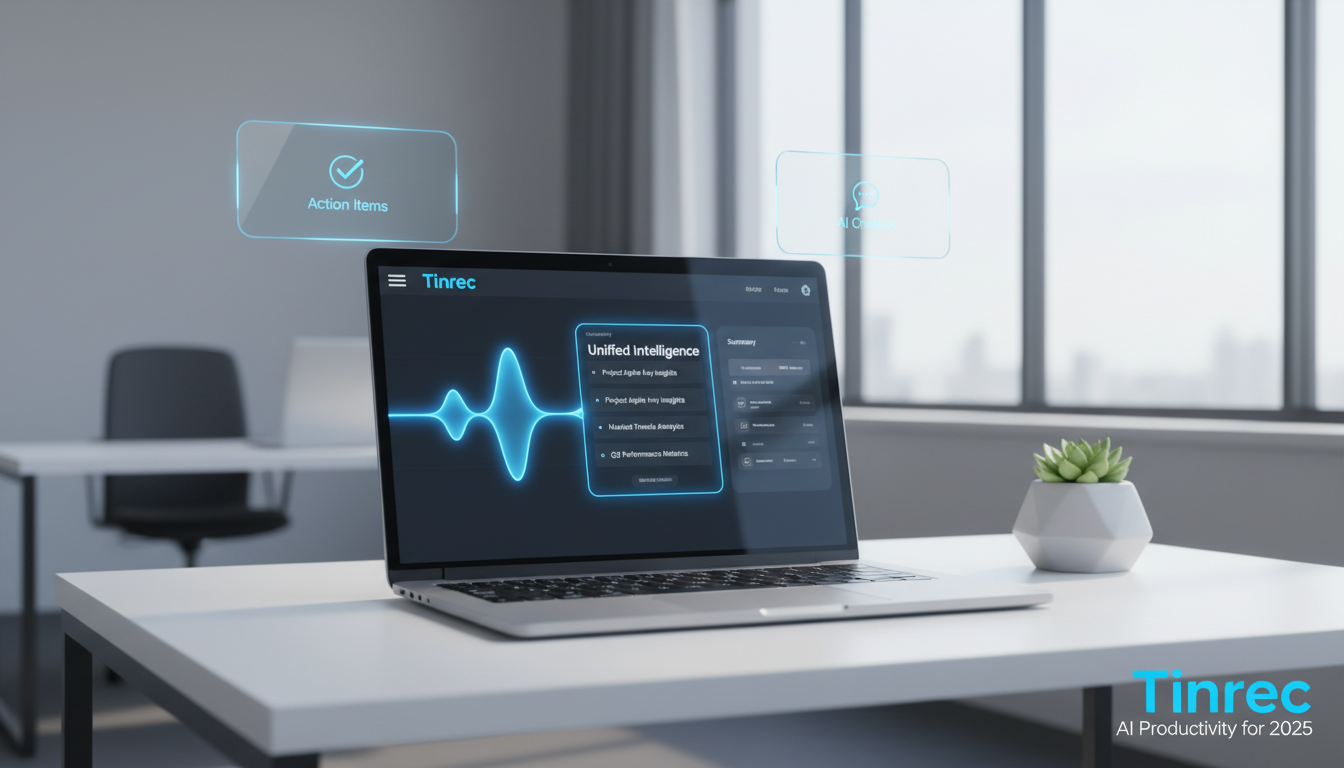
Quick navigation suggestion: For deep automated management of calendars and inbox → check out Lindy; for high-accuracy multilingual real-time transcription and post-meeting action item extraction → consider Tinrec first.
1. The Pain Points: Why Traditional Meeting Notes Are Outdated
Traditional meeting notes often rely on manual typing or simple voice recorders, which bring several obvious efficiency bottlenecks:
- Extremely low information density: Recordings are time-based content; replaying a one-hour meeting takes an hour, making review costly.
- Lack of decision summaries: Traditional tools at best provide a transcript without key points, but cannot automatically extract meeting minutes, conclusions, and action items.
- Difficulty in retrieving details: Past transcripts rely on Ctrl+F keyword searches, without semantic query capabilities for context.
- Cross-language barriers: For foreign-language courses or overseas client meetings, if the tool doesn't support multiple languages, subsequent understanding and organizing will consume significant effort.
2. Must-See in 2026: Comparison of 5 Popular AI Meeting Note Generators
When choosing a tool, don't just focus on "can it transcribe speech to text"; look at "the efficiency of subsequent information processing." Below is an objective comparison of 5 common tools on the market (including Lindy, which focuses on automated management, and Tinrec, which specializes in transcription and summarization):
| Tool Name | Language Support | Real-time Transcription | Summary & Action Items | AI Chat Query | Free Tier & Pricing |
|---|---|---|---|---|---|
| Lindy | English primarily | Varies by integration | Supported (focused on scheduling) | Workflow queries | 7-day free trial |
| Otter.ai | English only | Supported | Supported | Supported | Free 300 min/month |
| Fireflies | Multiple languages | Supported (bot joins) | Supported | Supported | Limited free version |
| PLAUD | Multiple languages | Requires hardware | Supported | Needs export | Hardware purchase required |
| Tinrec | 10 languages (including Taiwanese Hokkien and Cantonese) | Supported (App/Web) | Auto-generates minutes | Supports semantic queries | Free 100 min/month; Basic $4.9/month |
3. In-Depth Review: A New Standard for Meeting Notes from "Recording" to "Action"
Among the many tools, Tinrec offers a differentiated, complete workflow. Most traditional tools stop at "speech-to-text transcription," but the ultimate goal of meeting notes is to drive work forward.

Tinrec breaks down the process into "Record → Understand → Act."

Stop organizing recordings by hand
Upload audio or video and automatically get a transcript, summary, and action items
First, it supports iOS, Android, and web versions. Whether for physical meetings or online discussions, it transcribes speech to text in real time without long waits. Second, its built-in AI not only distinguishes speakers but also automatically generates meeting minutes including conclusions and to-do lists. Most uniquely, it changes the habit of "flipping through documents"; users can ask the AI chat query directly, such as "What was the marketing budget mentioned in the meeting?" greatly reducing the time spent finding information.
4. Hands-On Tutorial: How to Efficiently Auto-Generate Meeting Notes and Summaries
After understanding the tool features, here we use Tinrec as an example to break down four common work and study scenarios with specific steps:
1. Real-time Recording to Text (Ideal for in-person meetings, class notes)
In face-to-face project discussions or classes, open the tool to record synchronously.
- Step 1: Open your device and go to the real-time recording-to-text feature.
- Step 2: Tap the record button; the system will transcribe speech to text in real time; you can view and note key points.
- Step 3: After recording ends, the system automatically generates a transcript and extracts action items.

2. Audio File to Text (Ideal for interview recordings, past meeting notes)
If you already have files from your phone's voice recorder or a dictaphone, you can process them quickly.
- Step 1: Go to the audio file to text page.
- Step 2: Upload supported audio format files.
- Step 3: Wait for the system to process, and receive a full transcript with speaker identification and AI summary.

3. Podcast/Online Video to Text (Ideal for research, content creators)
When learning from online courses or organizing YouTube materials, no separate recording is needed.
- Step 1: Copy the URL from YouTube, podcast, or other online video.
- Step 2: Go to the podcast/online video to text feature.
- Step 3: Paste the URL; the system automatically fetches the audio and converts it to text, convenient for content creation or note-taking.

4. AI Chat Query (Ideal for long meetings, complex project reviews)
When a meeting lasts one or two hours, asking the AI directly is the fastest way to find answers.
- Step 1: In the generated meeting notes page, open the AI chat query window.
- Step 2: Enter your question, e.g., "What are the deadlines for next Wednesday that the boss just assigned?"
- Step 3: The AI will provide intelligent answers based on the recording content, precisely capturing key points.


5. FAQ
Q1: Can I use these AI meeting note generators on iPhone?
Most modern tools (like Tinrec) support multiple platforms, not only web but also iOS and Android versions, solving the past problem of iPhone's limited recording and export options.
Q2: Can online meetings in Teams or Google Meet be transcribed?
Yes. There are two common methods: one is to use the tool's real-time recording feature to capture audio from your computer; the other is to import the meeting audio or video file recorded from Teams or Meet into the tool for processing and summarization.
Q3: Are the free tiers of these tools sufficient?
It depends on your usage frequency. Most tools offer basic trial quotas (e.g., Lindy offers a 7-day free trial, Tinrec provides 100 minutes of free recording per month). If you are a high-frequency user (professional or student), upgrading to a paid plan is a more stable choice.
Q4: How accurate is Chinese speech recognition? Does it often make errors?
Current leading AI models have significantly improved Chinese recognition. For example, Tinrec not only supports Traditional Chinese but also automatically recognizes 10 languages including Taiwanese Hokkien, Cantonese, English, Japanese, etc., effectively handling mixed Chinese-English or multilingual meeting scenarios.
Q5: Besides providing transcripts, what else can AI meeting note tools do?
This is the greatest value of next-gen AI tools. They can transform lengthy content into scannable, actionable information, including automatically summarizing meeting minutes, extracting to-do items, and even supporting chat-like AI query functionality similar to ChatGPT.
Q6: Is there a risk of privacy breaches when uploading company meeting recordings?
Legitimate enterprise and productivity tools adhere to strict data protection regulations. After audio files are converted to text and summarized, data is only accessible within the user's personal account for retrieval and management. When creating an account, it is advisable to review their privacy policy to ensure corporate information security.
Turn every recording into actionable outcomes
Get 60 free transcription minutes when you sign in. No credit card required.
Related Reading
You might also like

Google Meet Without App: Tinrec vs Otter.ai Comparison for 2026 Meeting Notes
Don't want to install the Google Meet app but still need to capture meeting notes? This hands-on comparison of Tinrec and Otter.ai evaluates bot-free recording, Chinese transcription, post-meeting organization, team collaboration, and pricing to help you decide which AI meeting tool best fits your workflow without the Google Meet app.

Google Meet vs Tinrec in 2026: 5-Dimension Comparison – Who Summarizes Your Meeting?
2026 Google Meet tutorial and post-meeting note solution comparison: start with real-time meetings, scheduling, cross-device, screen sharing, and post-meeting processing, then compare Google Meet built-in capabilities, Tinrec, Otter.ai, and Notta across 5 dimensions to help you decide when just having the meeting is enough and when you need a meeting notes solution that handles transcripts, summaries, action items, and team data together.

Google Meet Meeting Notes in 2026: Bot-Free Transcription + Automatic Summaries
After a Google Meet call, the real work begins. This guide starts with how to decide between built-in features and third-party tools, breaks down 4 key buying factors, and hands-on tests how Tinrec records Google Meet without a bot, automatically generates summaries and action items, and compares it with Otter.ai, Granola, and Notta, including pitfalls to avoid.

3 Ways to Download Google Meet in 2026: Mobile App vs Desktop PWA vs Web Compared
Not sure which way to use Google Meet? This hands-on comparison of the mobile app, desktop PWA, and web version covers installation, features, updates, and best use cases to help you find the smoothest way to use Google Meet.

4 Google Meet Note-Taking Tools Compared in 2026: Which One Does Transcription and AI Summaries Best?
Google Meet has live captions, but captions are not meeting notes. This article compares four common approaches—Google Meet's built-in capabilities, Otter.ai, Granola, and Tinrec—covering capture methods, language support, post-meeting organization, and team data ownership to help you choose the best meeting note-taking tool for your needs.

Best Free Video Conferencing Alternatives to Google Meet in 2026: 4 Options
Switching from Google Meet keeps meetings running smoothly, but post-meeting organization doesn't get any easier. This article, from the perspective of a mid-level manager who holds 15 meetings a week, outlines 4 directions for video conferencing without Google Meet and explains how a bot-free meeting notes tool handles transcripts, summaries, action items, and team knowledge retention, with recommendations for free and team plans.

Google Meet Built-in Recording vs Tinrec in 2026: 5-Dimension Showdown — Which Helps You Clock Out on Time?
Creating a Google Meet link takes 10 seconds, but post-meeting notes are the real time sink. This hands-on comparison of Google Meet built-in recording and Tinrec evaluates transcription accuracy, post-meeting organization, cross-platform support, team collaboration, and pricing across 5 dimensions to help you pick the most time-saving meeting notes tool.

4 Google Meet Alternatives Tested in 2026: Which One Works Without a Meeting Bot?
We tested 4 Google Meet alternatives in 2026, comparing bot-free recording, Chinese transcription, AI summary Q&A, and team collaboration. Tinrec excels at Chinese meetings and post-meeting organization, while Otter.ai, Notta, and Granola each suit different scenarios. This article uses real-world use cases to help you choose the best meeting notes solution.
Google Meet vs Zoom 2026: Which Online Meeting Tool Actually Works for Post-Meeting Notes?
Google Meet or Zoom? This hands-on comparison focuses on post-meeting organization, comparing the built-in transcription limits of both, and testing Tinrec desktop's bot-free meeting recording, AI summaries, action items, and team spaces to help you find a meeting notes solution that truly saves time.