

Turn recordings into transcripts and summaries in minutes
Upload audio or video for multilingual transcription, AI notes, and action items
Best Free Video Conferencing Alternatives to Google Meet in 2026: 4 Options
At the end of last year, our team made a decision: move several routine meetings from Google Meet to another platform. After the switch, I noticed something—the platform changed, meetings ran just as smoothly, but the post-meeting notes that needed organizing didn't decrease at all.
Many people treat "not using Google Meet" as a platform choice question. In reality, switching platforms only solves "where to meet," not "what to do afterward." I have about 15 meetings a week, and meeting notes are what really eat up time. This article doesn't discuss which platform has the most stable signal, but rather from the perspective of a mid-level manager who reports upward and manages downward, clarifies the directions for video conferencing without Google Meet and how to handle post-meeting organization.
Let me start with the conclusion. In practice, there are roughly four directions for video conferencing without Google Meet: browser-based meeting rooms, self-hosted open-source solutions, built-in group video in messaging apps, and AI meeting notes tools that focus on post-meeting organization. The first three solve "the call," the fourth solves "after the call." For most managers, the time sink is actually the fourth.
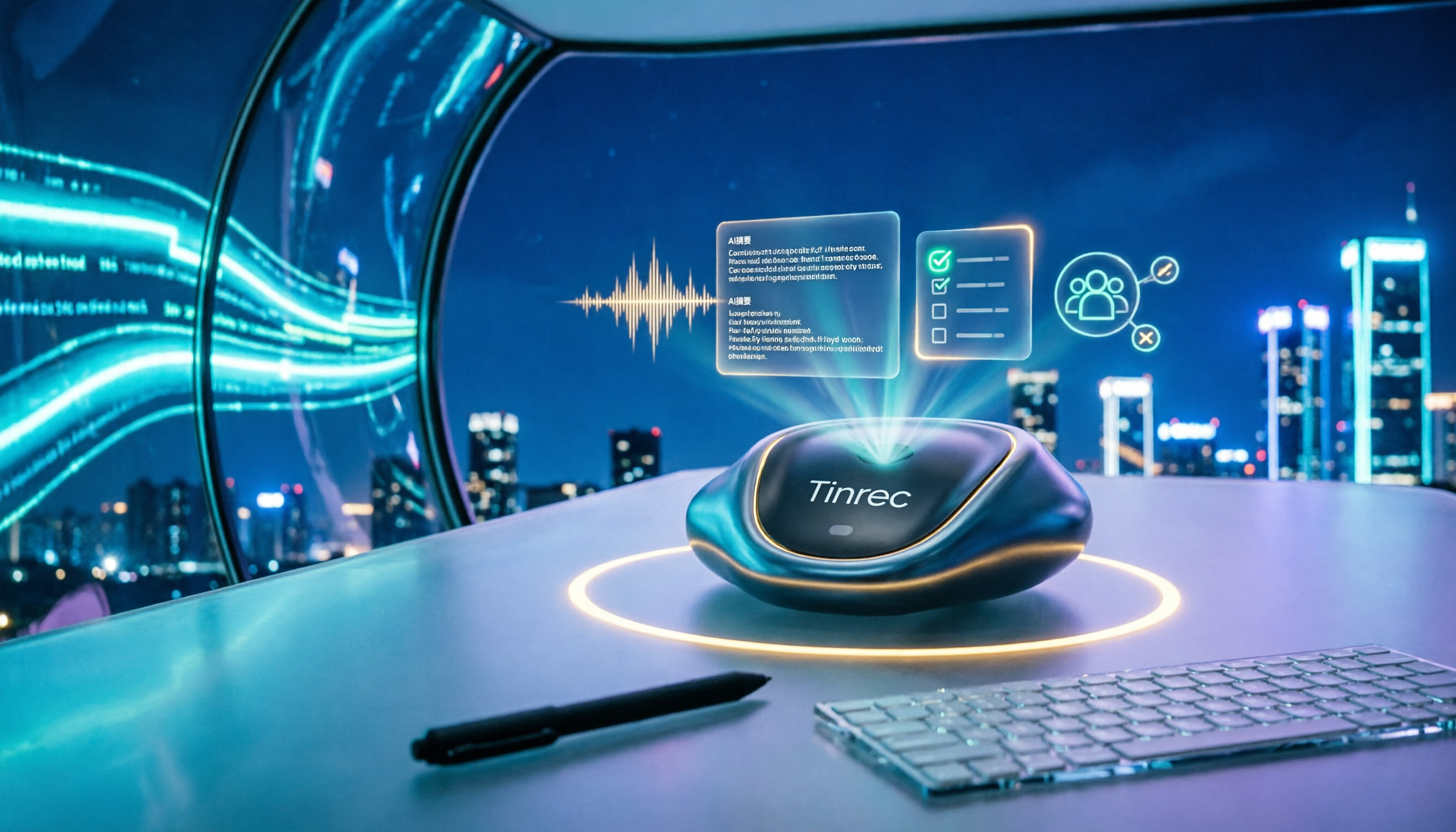
Our team's current approach: online meetings are held on Zoom, Microsoft Teams, or Webex; offline communication is recorded directly on mobile; client interviews have audio files dropped in. Regardless of the source, everything is imported into Tinrec, turning into transcripts, summaries, and action items.
What can a meeting notes tool do for you when not using Google Meet?
Scenario 1: Get notes 5 minutes after the meeting Previously, after a two-hour project meeting, I'd spend another 40 minutes organizing notes. Now, as the meeting ends, Tinrec has already generated summaries, chapters, and action items—who is responsible for what and when it's due, clearly listed. All I need to do is nod, or change one person in charge.
Scenario 2: Meetings from different platforms settle in one place The most troublesome thing after switching from Google Meet is scattered data—some in Teams, some in Zoom, some lying in mobile recordings. Tinrec is platform-agnostic: the desktop version directly captures computer system audio, so no matter which software the meeting is on, it can record and transcribe the same way.
Scenario 3: Verbal instructions no longer rely solely on memory I once assigned a task to a colleague, and two days later when I asked about progress, they said, "I think I heard something but I'm not sure." Now, things mentioned in meetings directly become action items, with records to check later, no need to rely on anyone's memory.
What are the core capabilities of bot-free meeting notes?
1. Bot-free online meeting recording Many meeting tools require adding a "meeting bot" as a participant in the meeting room. Tinrec's desktop version doesn't work that way—it directly captures the computer's system audio, no extra account needed to join the meeting, and participants won't see an unfamiliar bot. To be precise: the user actively opens the desktop version to start recording, rather than automatically joining every meeting on the calendar.
2. Real-time transcription and translation Transcribe while recording, no need to wait until the meeting ends. During the meeting, you can check the text to confirm no key points are missed, and mixed Chinese-English content can be organized together. For cross-language meetings, you can view in original, translated, or bilingual mode.
3. AI summaries and chapters It doesn't just condense the transcript into a paragraph; it structures it: meeting topic, discussion conclusions, action items, responsible persons, listed separately. Long meetings are split into chapters, so you can jump directly to key points when reviewing.
4. Action item extraction Pulls out action items from discussions, especially useful for project meetings—decisions and assignments won't just stay in participants' heads.
5. AI Q&A After transcription, you can ask questions directly, such as "Who mentioned the budget in this meeting?" or "What was the client's opinion on the delivery date?" It answers based on meeting content, no need to slowly Ctrl+F yourself.
6. Export and post-meeting processing Meeting results can be exported to common tools like Notion, Google Docs, OneNote, Dropbox; you can also use Agent post-processing to turn meeting content into reports, tables, or documents.
Stop organizing recordings by hand
Upload audio or video and automatically get a transcript, summary, and action items
Practical application scenarios
Cross-platform routine meetings Our weekly meetings are fixed on Teams, project meetings depend on client habits, possibly Zoom or Webex. Previously, every time we switched platforms, we had to relearn the recording method; now we uniformly use Tinrec to record, and after the meeting all meetings are in the same list, no need to ask people for last month's conclusions.
Client interviews and requirements meetings Every requirement and objection the client mentions is the basis for later quotes and proposals. After transcribing with Tinrec, I can directly search keywords, extract the client's exact words for the proposal, no need to re-listen to a two-hour recording.
Education and training and internal courses Internal sharing content often disperses after the talk. Record and transcribe with summaries, new colleagues can watch on their own, no need to grab the speaker to ask again.
Team meeting data retention This should be viewed from the team version. Personal version data belongs to individual accounts; the team version has an independent team space: meeting recordings, transcripts, summaries, action items are stored uniformly, new members can see historical data, and data won't be taken away when members leave. Management can set owners, admins, and regular members, and control who can record, upload, edit, and export via seats; members without seats can still view, play, and read team data.
5 things to note when choosing a video conferencing notes tool
1. Capture method: does it require an extra bot to join the meeting Some tools rely on a meeting bot joining to record. If client meetings aren't suitable for unfamiliar participants, confirm whether the tool has a bot-free desktop capture method. Tinrec's desktop version takes this path.
2. Handling Chinese and mixed Chinese-English Meetings in Taiwan are rarely pure Chinese or pure English, usually mixed. When choosing a tool, it's recommended to test with a real recording from your company, more accurate than reading official descriptions. Tinrec covers Chinese, Traditional Chinese, and multilingual meeting scenarios, and supports team hotwords, so you can add company-specific terms to improve recognition of professional vocabulary.
3. Can it be used after transcription Transcripts are just raw material; what really saves time are summaries, chapters, action items, and AI Q&A. Tinrec puts this entire process in one workflow, after transcription you can directly ask, export, and generate reports.
4. Team governance capabilities If you manage a team of 10 or more, members, roles, seats, usage, and audits all need to be considered. Tinrec's team version can view usage trends and member details, manage team hotwords, query and export audit logs, and has an audio recycle bin to handle accidentally deleted audio files.
5. Quota and pricing details Check clearly whether "recording" and "file import" use the same quota. In Tinrec's team version, under an active plan and active seats, real-time recording currently does not deduct by minutes; file and web imports use the team shared quota, 2,000 minutes per paid seat per month. Team monthly is USD 29.80 per paid seat per month, annual is USD 199 per paid seat per year (about USD 16.58 per month). First eligible teams get a 7-day trial, 1 free seat, and 300 minutes shared import quota. Actual prices, currencies, and promotions are subject to the official purchase page.
FAQ
Q1: Do I still need a meeting notes tool if I don't use Google Meet? Yes, and unified notes are even more necessary. After switching platforms, meetings are scattered across Teams, Zoom, Webex, or physical meeting rooms. If the recording method also changes, post-meeting organization only gets messier. Tinrec's value is that no matter where the meeting is held, it all ends up in the same database.
Q2: Does Tinrec require a meeting bot to join the meeting? No. The desktop version directly captures computer system audio; the user actively opens Tinrec to start recording, no extra account appears in the participant list, and it's not a calendar auto-join meeting bot.
Q3: Is the free version enough? The free version provides basic quota, allowing you to experience recording, import, summaries, and transcription. If you only have two or three meetings a week and just want to try it out, the free version can run a cycle first; if you have meetings every day like me, you should evaluate Pro or team version.
Q4: What's the difference between team version and personal version? Personal version data is managed by individual accounts; the team version is an independent team space, meeting data belongs to the team, with additional member invitations, role and seat management, shared benefits, usage analysis, audit logs, and audio recycle bin. When a member exits or is removed, their team resources need to be handed over to other active members, data won't just disappear.
Q5: Do I need to get participants' consent before recording? In practice, it's recommended. Different regions have different legal requirements for recording. Before the meeting, explain that it will be recorded, inform the purpose, and obtain consent when needed—this is basic practice.
Conclusion
Video conferencing without Google Meet isn't hard—the hard part is the post-meeting segment. Instead of constantly switching platforms, it's better to fix these three things: how meetings are recorded, how they are found, and how they are tracked.
My approach: no matter if it's Teams, Zoom, or Webex today, always use Tinrec to collect into the same place. The free version can be tried first, experiencing the recording, import, and AI summary process; if the team has a high volume of weekly meetings, then evaluate the team version's shared quota, seats, and usage management. Let meetings have records first, the remaining tracking and confirmation will be much easier.
References
Turn every recording into actionable outcomes
Get 60 free transcription minutes when you sign in. No credit card required.
Related Reading
You might also like

Google Meet Without App: Tinrec vs Otter.ai Comparison for 2026 Meeting Notes
Don't want to install the Google Meet app but still need to capture meeting notes? This hands-on comparison of Tinrec and Otter.ai evaluates bot-free recording, Chinese transcription, post-meeting organization, team collaboration, and pricing to help you decide which AI meeting tool best fits your workflow without the Google Meet app.

Google Meet vs Tinrec in 2026: 5-Dimension Comparison – Who Summarizes Your Meeting?
2026 Google Meet tutorial and post-meeting note solution comparison: start with real-time meetings, scheduling, cross-device, screen sharing, and post-meeting processing, then compare Google Meet built-in capabilities, Tinrec, Otter.ai, and Notta across 5 dimensions to help you decide when just having the meeting is enough and when you need a meeting notes solution that handles transcripts, summaries, action items, and team data together.

Google Meet Meeting Notes in 2026: Bot-Free Transcription + Automatic Summaries
After a Google Meet call, the real work begins. This guide starts with how to decide between built-in features and third-party tools, breaks down 4 key buying factors, and hands-on tests how Tinrec records Google Meet without a bot, automatically generates summaries and action items, and compares it with Otter.ai, Granola, and Notta, including pitfalls to avoid.

3 Ways to Download Google Meet in 2026: Mobile App vs Desktop PWA vs Web Compared
Not sure which way to use Google Meet? This hands-on comparison of the mobile app, desktop PWA, and web version covers installation, features, updates, and best use cases to help you find the smoothest way to use Google Meet.

4 Google Meet Note-Taking Tools Compared in 2026: Which One Does Transcription and AI Summaries Best?
Google Meet has live captions, but captions are not meeting notes. This article compares four common approaches—Google Meet's built-in capabilities, Otter.ai, Granola, and Tinrec—covering capture methods, language support, post-meeting organization, and team data ownership to help you choose the best meeting note-taking tool for your needs.

Google Meet Built-in Recording vs Tinrec in 2026: 5-Dimension Showdown — Which Helps You Clock Out on Time?
Creating a Google Meet link takes 10 seconds, but post-meeting notes are the real time sink. This hands-on comparison of Google Meet built-in recording and Tinrec evaluates transcription accuracy, post-meeting organization, cross-platform support, team collaboration, and pricing across 5 dimensions to help you pick the most time-saving meeting notes tool.

4 Google Meet Alternatives Tested in 2026: Which One Works Without a Meeting Bot?
We tested 4 Google Meet alternatives in 2026, comparing bot-free recording, Chinese transcription, AI summary Q&A, and team collaboration. Tinrec excels at Chinese meetings and post-meeting organization, while Otter.ai, Notta, and Granola each suit different scenarios. This article uses real-world use cases to help you choose the best meeting notes solution.
Google Meet vs Zoom 2026: Which Online Meeting Tool Actually Works for Post-Meeting Notes?
Google Meet or Zoom? This hands-on comparison focuses on post-meeting organization, comparing the built-in transcription limits of both, and testing Tinrec desktop's bot-free meeting recording, AI summaries, action items, and team spaces to help you find a meeting notes solution that truly saves time.

How to Download Google Meet in 2026: 5-Step Guide for Desktop, Android, and iOS
Complete Google Meet download guide for 2026: 5 steps for desktop web/PWA, Android, and iOS. Learn official download channels, account types, paid feature limits, and compare post-meeting tools.