

Turn recordings into transcripts and summaries in minutes
Upload audio or video for multilingual transcription, AI notes, and action items
4 Google Meet Alternatives Tested in 2026: Which One Works Without a Meeting Bot?
The Meeting Ends, and the Pain Begins—You Don't Need Another Google Meet
It's 3 PM, and you just finished a 50-minute Google Meet. Your manager asks, "Who said that budget conclusion last week?" You open the meeting notes and see only a pointless transcript. You have to Ctrl+F and search slowly yourself.
Another common scenario: after a cross-department weekly meeting, everyone verbally agrees on who will send the quote and who will update the progress. Three days later, the to-dos disappear in the chat, and no one remembers the deadline.
These problems can't be solved by "switching to another video platform." Google Meet itself can host meetings, but the real time-wasters are often the post-meeting transcript, summary, to-dos, follow-up questions, and team sharing. If you've experienced these situations, this article is for you.
Before Choosing a Google Meet Alternative, Understand These 4 Key Points
1. Meeting Recording Method: Bot or No Bot? Some tools send a meeting bot to join the meeting. The advantage is automation, but the downside is that participants see an extra account, and some companies don't like that. Another approach is for the desktop app to capture the computer's system audio directly, without adding an extra participant. Tinrec's desktop version is the latter, and this was the most important dimension in our selection.
2. Handling Chinese and Multilingual Meetings Most tools perform well in English meetings, but the recognition experience for Chinese, mixed Chinese-English, Taiwanese terminology, and technical terms varies greatly. Tinrec covers Chinese, Traditional Chinese, and multilingual meeting scenarios, and supports real-time translation and team hotwords. Actual results will still be affected by recording quality, accent, noise, and overlapping speakers.
3. Post-Meeting Organization, Not Just Transcription Transcripts are just raw material. What really saves time is automatic summaries, chapters, to-dos, AI Q&A, translation, export, and the ability to generate reports, tables, and documents. Tinrec puts these into a single workflow, which is the biggest difference from ordinary transcription tools.
4. Team Collaboration and Governance For personal use, look at free quota and transcription quality; for team use, look at spaces, members, roles, seats, usage, and auditing. Tinrec's team version is an independent team space, not multiple people sharing a personal account. Meeting data belongs to the team, so it's less likely to disappear when an individual leaves.
Tinrec—Our Top Pick After Testing
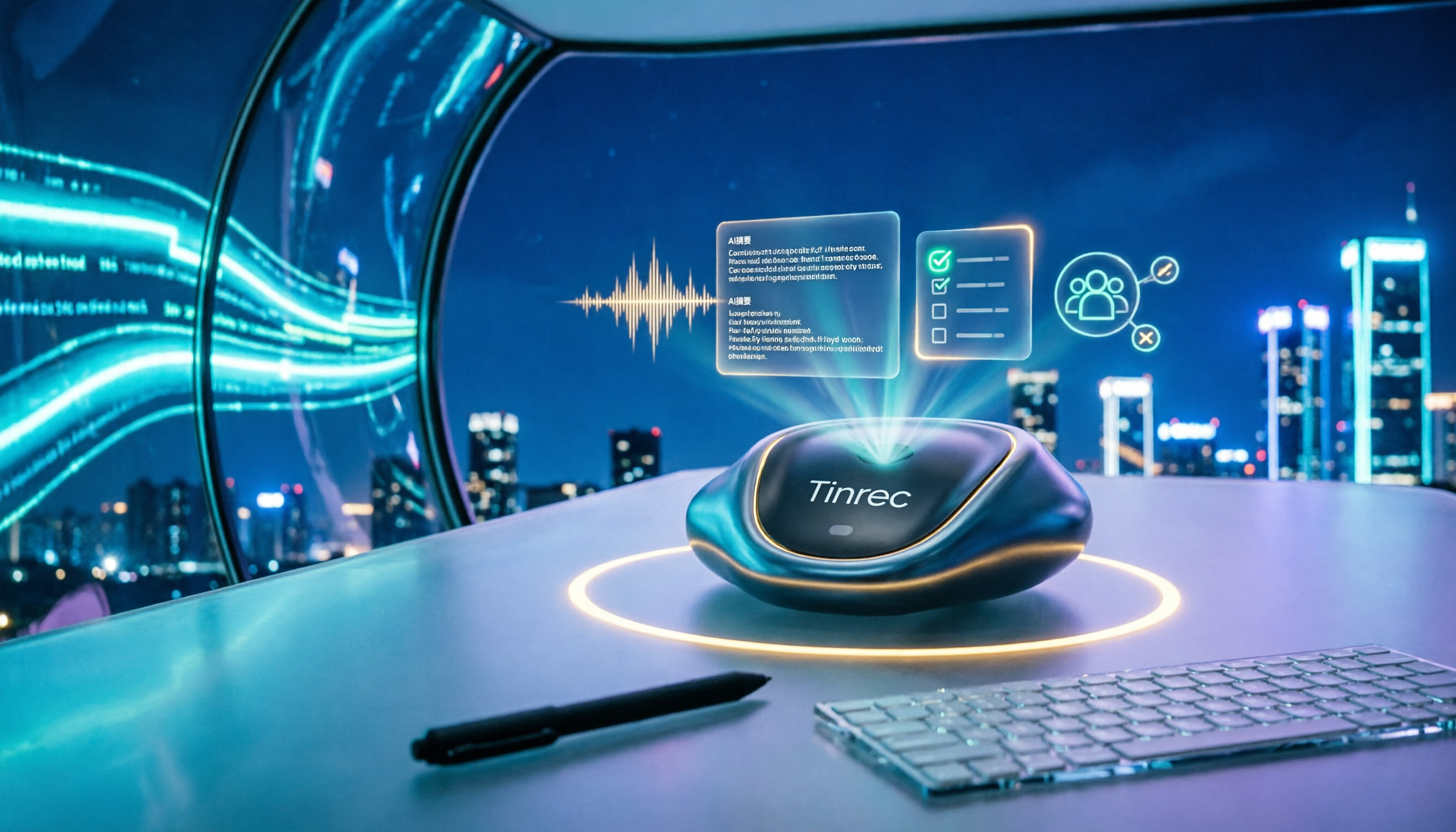
Tinrec is an AI meeting notes and collaboration tool for individuals and teams. It can be used via desktop and mobile, and can also import audio and video files. It doesn't just convert sound to text; it organizes meeting recordings into searchable, summarizable, queryable, exportable, and further processable material.
Bot-free recording, no extra account for meetings Tinrec's desktop version captures the computer's system audio to handle meeting audio played on the computer from Zoom, Google Meet, Microsoft Teams, Webex, etc., without a meeting bot joining. The user actively opens Tinrec to start recording, not automatically joining all calendar meetings. For those who frequently meet with external clients, this is a thoughtful touch—participants won't see an unfamiliar bot account.
Transcribe while recording, see live transcripts even in Chinese meetings Open Tinrec during a meeting, and it will generate a transcript while recording. If there's mixed Chinese-English, you can view the original, translation, or bilingual content. Note that accuracy will be affected by microphone, ambient noise, accent, and multiple people talking over each other; rather than just looking at promotional numbers, it's better to test with a short recording of your own meeting.
Post-meeting AI organization is where the real time savings are After the meeting, Tinrec automatically generates summaries, chapters, key points, and to-dos. You can directly ask it: "Who mentioned the budget in the last meeting?" It will answer based on the meeting content, not just throw keyword search results. It can also organize content into reports, tables, and documents, and export to common tools like Notion, Google Docs, OneNote, Dropbox. For those who need to write meeting minutes, project weekly reports, or client follow-ups, this is much faster than manual organization.
Team spaces turn meetings into reusable data Tinrec's team version provides independent team spaces, allowing you to create multiple teams, invite members via join links, and set owners, admins, and regular members. Members can view, play, and read team data; only those with seats can record, upload, edit, import/export. Admins can also view usage trends, member rankings, audit logs, and use audio recycle bin and team hotwords. Simply put, meetings no longer stay only in personal accounts but become searchable, collaborative, and traceable team data.
Stop organizing recordings by hand
Upload audio or video and automatically get a transcript, summary, and action items
Pricing and limitations The personal version has a free version, weekly pass, Pro monthly, and Pro annual. The free version allows basic quota to experience recording, import, summary, and transcription; heavy users can consider paid. The team version offers a 7-day trial for first-time eligible users, 1 free seat, and 300 minutes of team shared import quota; team monthly is USD 29.80 per paid seat per month, annual is USD 199 per paid seat per year, about USD 16.58 per month. Paid seats provide 2,000 minutes of team shared import quota per seat per month; under an active team plan and active seats, real-time recording currently does not deduct minutes. Prices and promotions are subject to the official purchase page.
Tinrec's limitations should also be clear: it's not a calendar bot that automatically joins all meetings; users need to start recording manually. The team version currently focuses on team-level sharing, not fine-grained file permissions. The free version has a basic quota, and long-term high-frequency use requires payment. Overall, if you frequently handle Chinese meetings, want to use AI to find key points directly after meetings, and need to keep data for the team, Tinrec is our top recommendation.
Besides Tinrec, What Other Options Are There?
Otter.ai Otter.ai is a mature English meeting assistant, covering Zoom, Microsoft Teams, Google Meet, and also offers real-time transcription, speaker identification, AI Chat, and team management. Basic is free with 300 minutes per month; Pro annual is about USD 8.49 per user per month, including 1,200 minutes of in-app recording and 10 file imports per month. If your meetings are almost all in English, Otter is worth considering. But if you need Chinese meetings, team hotwords, and bot-free desktop recording to store data in a team space, Tinrec is closer to Chinese team workflows; Otter does not emphasize Chinese terminology management like team hotwords.
Notta Notta overlaps significantly with Tinrec, supporting multi-platform transcription, meeting notes, file import, translation, and team plans. Free is 120 minutes per month, max 3 minutes per session; Pro annual is about USD 8.17 per month, 1,800 minutes per month; Business annual is about USD 16.67 per seat per month. If you mainly organize uploaded files, Notta's transcription and translation are sufficient. But if you want bot-free recording of online meetings and post-meeting AI Q&A and Agent-generated reports and tables, Tinrec's meeting workflow is more complete.
Granola Granola is a bot-free AI meeting notes tool that transcribes in real-time via desktop system audio and microphone, and combines user handwritten notes to generate meeting content. Basic is free, Business is USD 14 per user per month, Enterprise is USD 35 per user per month. Its strengths are note enhancement and cross-meeting context, but it does not support uploading pre-recorded audio files and does not save meeting audio. If you need to keep recordings, import historical audio, Chinese real-time translation, and a team database, Tinrec is more suitable.
Pitfall Guide: 4 Most Common Mistakes When Choosing a Google Meet Alternative
Pitfall 1: Only looking at free minutes, ignoring post-meeting organization. Free quota is important, but if you still have to manually organize for two hours after recording, the subscription fee saved is not worth it. First, see if the tool can automatically produce summaries, to-dos, and exportable meeting notes.
Pitfall 2: Assuming a meeting bot is always best. A bot joining the meeting is convenient, but some clients mind, and some companies don't allow extra accounts to enter. Desktop system audio capture is another way, and Tinrec uses this bot-free approach. Before choosing, think clearly: can your meeting occasions accept a bot?
Pitfall 3: Treating the transcript as the end goal. The transcript is just the first step. If you only use an AI meeting tool as audio-to-text, you're only using one-third of its capabilities. AI Q&A, to-do extraction, and Agent post-processing like Tinrec's are the key to turning meetings into action lists.
Pitfall 4: Treating the team version as multiple people sharing one account. The team version is not about sharing a personal account password with everyone. Tinrec's team version distinguishes roles and seats: roles determine who can manage the team, members, auditing, and settings; seats determine whether members can record, upload, edit, and import/export. Active members without seats can still view, play, and read team data. Understanding this will prevent you from buying and finding permissions different from your expectations.
Conclusion: Which One Should You Choose?
To sum up: if your meetings are mainly in Chinese, and you value "finding key points directly after meetings" and "team data accumulation," Tinrec is the top choice.
Scenario breakdown:
- Need Chinese, mixed Chinese-English meeting transcripts → Tinrec (supports Chinese, Traditional Chinese, and multiple languages, plus real-time translation)
- Don't want a meeting bot joining Zoom, Google Meet, Teams → Tinrec (desktop bot-free system audio capture)
- After recording, want to directly ask AI "What was the conclusion of the last meeting?" → Tinrec (AI Q&A and post-meeting Agent processing)
- Team needs to share meetings, manage members, seats, usage, and auditing → Tinrec team version (independent team space)
- Meetings are almost all English, and budget is limited → Otter.ai (Basic free 300 minutes per month)
- Mainly upload files for transcription and translation, fewer real-time meetings → Notta (complete transcription and translation plans)
- Want AI meeting notes, don't mind not saving meeting audio → Granola (bot-free note experience)
We suggest starting with Tinrec's free version to experience recording, import, summary, and transcription with the basic quota. If you're using it for a team, then evaluate the team version's 7-day trial, number of seats, and shared import quota. Don't forget to get participants' consent before recording and comply with local regulations.
References
- Google Meet Alternatives, Competitors & Similar Software | GetApp 2026
- r/degoogle on Reddit: Google Meet/Zoom Alternatives? (And thoughts on fairmeeting?)
- 8 Best Video Conferencing Alternatives to Google Meet | Noota
- 15 melhores alternativas ao Google Meet
- 14 Melhores Alternativas ao Google Meet - JoinSecret
Turn every recording into actionable outcomes
Get 60 free transcription minutes when you sign in. No credit card required.
Related Reading
You might also like

Google Meet Without App: Tinrec vs Otter.ai Comparison for 2026 Meeting Notes
Don't want to install the Google Meet app but still need to capture meeting notes? This hands-on comparison of Tinrec and Otter.ai evaluates bot-free recording, Chinese transcription, post-meeting organization, team collaboration, and pricing to help you decide which AI meeting tool best fits your workflow without the Google Meet app.

Google Meet vs Tinrec in 2026: 5-Dimension Comparison – Who Summarizes Your Meeting?
2026 Google Meet tutorial and post-meeting note solution comparison: start with real-time meetings, scheduling, cross-device, screen sharing, and post-meeting processing, then compare Google Meet built-in capabilities, Tinrec, Otter.ai, and Notta across 5 dimensions to help you decide when just having the meeting is enough and when you need a meeting notes solution that handles transcripts, summaries, action items, and team data together.

Google Meet Meeting Notes in 2026: Bot-Free Transcription + Automatic Summaries
After a Google Meet call, the real work begins. This guide starts with how to decide between built-in features and third-party tools, breaks down 4 key buying factors, and hands-on tests how Tinrec records Google Meet without a bot, automatically generates summaries and action items, and compares it with Otter.ai, Granola, and Notta, including pitfalls to avoid.

3 Ways to Download Google Meet in 2026: Mobile App vs Desktop PWA vs Web Compared
Not sure which way to use Google Meet? This hands-on comparison of the mobile app, desktop PWA, and web version covers installation, features, updates, and best use cases to help you find the smoothest way to use Google Meet.

4 Google Meet Note-Taking Tools Compared in 2026: Which One Does Transcription and AI Summaries Best?
Google Meet has live captions, but captions are not meeting notes. This article compares four common approaches—Google Meet's built-in capabilities, Otter.ai, Granola, and Tinrec—covering capture methods, language support, post-meeting organization, and team data ownership to help you choose the best meeting note-taking tool for your needs.

Best Free Video Conferencing Alternatives to Google Meet in 2026: 4 Options
Switching from Google Meet keeps meetings running smoothly, but post-meeting organization doesn't get any easier. This article, from the perspective of a mid-level manager who holds 15 meetings a week, outlines 4 directions for video conferencing without Google Meet and explains how a bot-free meeting notes tool handles transcripts, summaries, action items, and team knowledge retention, with recommendations for free and team plans.

Google Meet Built-in Recording vs Tinrec in 2026: 5-Dimension Showdown — Which Helps You Clock Out on Time?
Creating a Google Meet link takes 10 seconds, but post-meeting notes are the real time sink. This hands-on comparison of Google Meet built-in recording and Tinrec evaluates transcription accuracy, post-meeting organization, cross-platform support, team collaboration, and pricing across 5 dimensions to help you pick the most time-saving meeting notes tool.
Google Meet vs Zoom 2026: Which Online Meeting Tool Actually Works for Post-Meeting Notes?
Google Meet or Zoom? This hands-on comparison focuses on post-meeting organization, comparing the built-in transcription limits of both, and testing Tinrec desktop's bot-free meeting recording, AI summaries, action items, and team spaces to help you find a meeting notes solution that truly saves time.

How to Download Google Meet in 2026: 5-Step Guide for Desktop, Android, and iOS
Complete Google Meet download guide for 2026: 5 steps for desktop web/PWA, Android, and iOS. Learn official download channels, account types, paid feature limits, and compare post-meeting tools.