

Turn recordings into transcripts and summaries in minutes
Upload audio or video for multilingual transcription, AI notes, and action items
Why You Need an AI Meeting Assistant
Lectures last two hours, professors talk like machine guns, and slides flip faster than you can turn pages. I tried handwriting notes, but when I opened my notebook before midterms, I couldn't understand a thing I'd written. Group discussions were even worse—everyone talking at once, no one remembering the conclusions, and someone always ended up stuck with the cleanup.
By 2026, AI meeting assistants are nothing new, but for students, the key questions are: Is the free tier enough? Is transcription accurate? Can it help me organize key points? In this article, I tested 5 popular tools as a student, covering real scenarios like lecture recording, group discussions, and exam prep, to tell you which one is worth downloading.
Tinrec (MiaoTing) | The Most Complete AI Recording Assistant
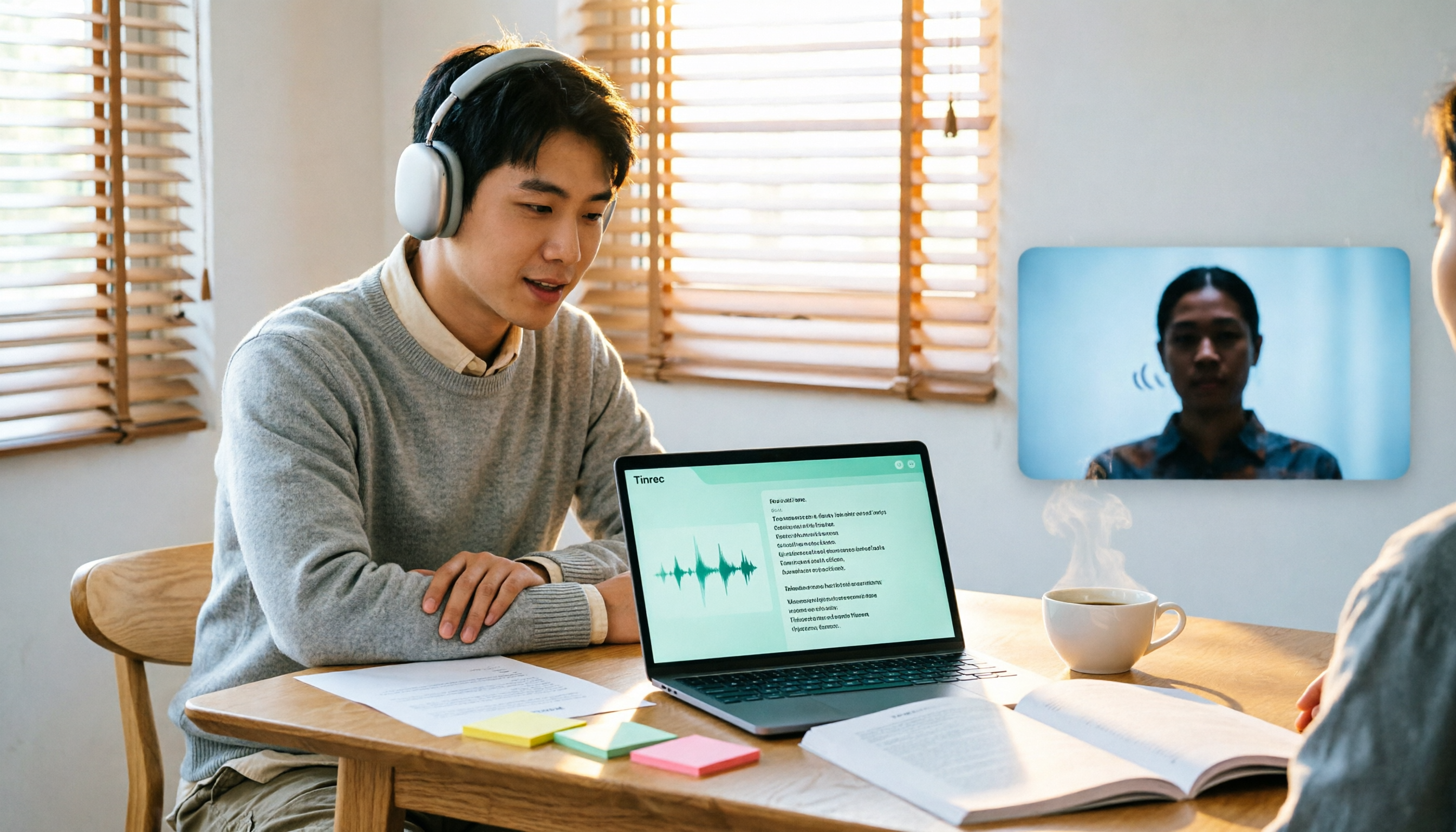
Tinrec has been my go-to tool this semester, and I've convinced three classmates to use it too. It doesn't just turn audio into text—it turns an entire lecture into searchable, queryable, and editable notes.
Key Highlights:
- Real-time transcription: Open the app in class, and it transcribes as the professor speaks. By the time class ends, key points are already organized—no need to re-listen to recordings.
- AI summaries and chapters: It automatically breaks a two-hour lecture into chapters and generates summaries. Before finals, I just review the summaries and chapter titles to quickly recall the content without listening to the whole recording.
- AI Q&A: This is my favorite feature. While studying, I can ask, "What did the professor say about blockchain?" It answers based on the transcript and timestamps, so I can jump back to verify.
- Action item extraction: During group discussions, it automatically compiles things like "We need to finish X by next time" or "Remember to email the professor" into a to-do list. After the meeting, I share it directly to the group chat—no more forgotten tasks.
Free/Paid Plans: The free version offers a basic monthly quota, which is plenty for light users. If you want to record every class, consider the Pro monthly plan—it costs less than a fancy coffee but saves you tons of time on note-taking.
Best for: College and grad students, especially those who need to record and organize lots of notes or struggle to find conclusions in group discussions.
Otter.ai | Strong for English Meetings
Otter.ai is a tool recommended by many international students. Its English transcription accuracy is high, and it supports online meetings like Zoom and Meet. The free version offers 300 minutes per month, which is generous for students.
However, for Chinese speakers, Otter's Chinese transcription isn't as impressive, and its AI features (like AI Chat) are limited in the free tier. If your classes are mainly in English or you need to transcribe English interviews, Otter is worth considering; but for Chinese lectures, Tinrec is more seamless.
Best for: Students with English-taught courses or those needing English transcription.
Notta | A Multilingual Option
Notta supports multiple languages, including Chinese, and transcription speed is decent. The free version offers 120 minutes per month, but each recording is capped at 3 minutes—which is impractical for lectures that usually exceed an hour.
Notta's AI summaries and key point extraction require a paid plan; the free version only gives you the raw transcript. If you occasionally need to transcribe a short audio clip, Notta can work in a pinch, but for regular use, the quota is insufficient.
Stop organizing recordings by hand
Upload audio or video and automatically get a transcript, summary, and action items
Best for: Students who occasionally need to transcribe short audio clips and have a tight budget.
TurboScribe | A Lifesaver for Long Files
TurboScribe focuses on long-file transcription. The free version allows 3 files per day, each up to 30 minutes. If you have podcasts or long interviews to transcribe, it's very useful.
However, TurboScribe lacks AI summaries, Q&A, and similar features—it's purely a transcription tool. For students, if you just need to convert audio to text, it works; but if you want to organize key points or review efficiently, it won't help.
Best for: Students who need to transcribe long audio files but don't need extra AI organization.
Granola | Bot-Free Meeting Notes
Granola is a bot-free AI meeting notes tool that records system audio directly via a desktop app, so no meeting bot is needed. It combines your handwritten notes to generate more personalized meeting content.
Granola's free version offers basic features, but advanced features require a paid plan (Business plan at USD 14/month). It doesn't support uploading pre-recorded audio files and doesn't retain audio, which might be inconvenient for students who just want to record lectures.
Best for: Students who attend online meetings on laptops and need AI note-taking assistance.
How to Choose Among These Options
- Want the most complete AI features (transcription + AI Q&A + auto summaries) → Tinrec (the only one with all these features, and the best Chinese experience)
- Need Chinese transcription on a budget → Tinrec's free version is sufficient; the paid version is also affordable
- Mostly English content with high transcription accuracy → Otter.ai (but don't expect great Chinese transcription)
- Occasionally need to transcribe short audio clips → Notta's free version (but watch the 3-minute limit per recording)
- Need to transcribe long files (e.g., podcasts) → TurboScribe (but no AI organization features)
3 Things to Know Before Using an AI Meeting Assistant
1. Free quotas are usually not enough: Free versions have time limits, and a week of lectures might max it out. Assess your usage frequency first, then decide whether to pay.
2. Transcription accuracy isn't 100%: AI transcription can be affected by recording quality, accents, and background noise. Always cross-check important content with the recording—don't rely solely on the transcript.
3. Mind your privacy: Before recording, it's best to get permission from the instructor or classmates, especially if you plan to share online. Be careful with personal information.
Summary
By 2026, AI meeting assistants have matured, but for students, Tinrec is the most user-friendly I've tried—it doesn't just transcribe; it truly turns lectures into reviewable, searchable notes. The free version is enough for light use, and the paid version is affordable. I recommend it to anyone tired of note-taking chaos.
Connecting Meeting Minutes to Your Team's Next Steps
Tinrec doesn't just produce transcripts. After generating summaries, key points, and action items, the Agent can help turn those to-dos into action plans, follow-up materials, reports, tables, or documents based on the meeting context. Important commitments and external communications should still be reviewed by a human.
Tinrec's Team Plan puts meeting materials, action items, and post-meeting outputs in a shared team space, allowing members to follow up, search context, and accumulate knowledge over time. This scenario includes capabilities like "Agent post-meeting task handling, team space, and shared meeting materials."
If these meeting notes need to be managed by multiple people, you can further use Tinrec's Team Plan to establish a consistent collaboration workflow.
References
- Dcard CEO Lin Yu-Chin's 2025 Review: After Giving Unlimited AI Budget, How Was the Work Model Disrupted? | Manager Today
- Dcard Employees Play with AI at Work, So Good They Can't Go Back! Dcard Ventures into AI Agency Business | CommonWealth Magazine
- 2024 Top 5 Best AI Meeting Assistants – meetXcc
- Free AI Transcript (with Timestamps) for Meeting Minutes! - Teacher Forum | Dcard
- 2024 H2 E-commerce Shopping Strategy: Dcard Ads Decoded for You
Turn every recording into actionable outcomes
Get 60 free transcription minutes when you sign in. No credit card required.
Related Reading
You might also like

2026 Live Transcription Tools Buying Guide: 5 Tested Picks and Recommendations
Live transcription doesn't just work by hitting record. This guide starts with common pitfalls, covers 4 key buying factors, provides a step-by-step tutorial with examples, and compares Tinrec, Notta, Otter.ai, and Granola to help you choose the right meeting notes tool.

2026 Real-Time Transcription AI Free Plans: 4 Options Compared
A mid-level manager leading a 10-person team and attending about 15 meetings a week tested real-time transcription AI. Starting from common misconceptions, this guide explains what real-time transcription can do for you, which core capabilities matter, and what to consider when choosing a plan. It also breaks down Tinrec's 4 plans from free to Pro annual, plus team plan seats and quota details.

2026 Live Transcription Tools Compared: Which One Can Transcribe Meetings in Real Time Without Losing the Recording?
Real-time transcription isn't just about accuracy. This article, from the perspective of a mid-level manager who holds 15 meetings a week, breaks down the 4 key factors to consider when choosing a live transcription tool: latency, recording retention, post-meeting processing, and team data ownership. It also compares Tinrec, Otter.ai, Notta, and Granola, with a guide to avoid pitfalls and selection advice.

2024 Real-Time Transcription Platforms Compared: Which AI Meeting Notes Actually Save Time?
How to choose a real-time transcription platform? Starting from the real pain points of meeting notes, this article outlines 4 key selection criteria, compares Tinrec, Otter.ai, Notta, and Granola, and includes a pitfalls guide and scenario-based recommendations to help you find the most time-saving option.
2026 Comparison of 3 Real-Time Transcription Tools: How to Choose for Thesis Writing and Interviews
Writing a thesis often requires both real-time transcription and originality checking, which are actually different tools. This article compares Tinrec and Yating Transcription across dimensions such as Chinese transcription, online interview recording, post-meeting organization, file import, and team collaboration, and clarifies the roles of plagiarism detection systems like Turnitin and SYMSKAN.

2026 Real-Time Transcription AI Buying Guide: 4 Tools Tested and How to Choose
How do you pick a real-time transcription AI without getting burned? This guide covers three common pitfalls, outlines 4 key buying factors, compares Tinrec, Granola, Notta, and Otter.ai in hands-on testing, and includes a pitfalls-avoidance guide plus recommendations by use case.

4 Real-Time Transcription Translation Tools Compared: Which Bilingual Transcript Is Most Practical for Cross-Language Meetings?
Can't keep up with cross-border meetings even if you understand them? This article compares 4 real-time transcription translation approaches, outlines 4 key points to consider before choosing, and tests Tinrec's real-time bilingual translation, bot-free online meeting recording, post-meeting AI Q&A, and team data retention. It also includes a pitfalls guide and selection advice.

2026 Real-Time Transcription Tools Compared: Which Offers the Best Free Tier and Pricing?
How much should real-time transcription cost? This article compares human live typing, AI transcription tools, and Tinrec's instant recording, covering free quotas, AI Q&A, team collaboration, and real-world use cases to help you find the most cost-effective real-time transcription solution.

2026 Real-Time Transcription Comparison: Costs, Reviews, and Free Tiers
How much does real-time transcription cost? This article compiles 2026 pricing for human transcription and AI transcription, comparing Tinrec and Yating Transcription across five dimensions: billing, post-meeting organization, team collaboration, meeting recording, and free tiers, to help you decide which real-time transcription solution fits your needs.