

Turn recordings into transcripts and summaries in minutes
Upload audio or video for multilingual transcription, AI notes, and action items
2026 Live Transcription Tools Buying Guide: 5 Tested Picks and Recommendations
The Most Common Misconception About Live Transcription: Thinking "It Produces Text" Means "It's Ready to Submit"
Most people's first experience with live transcription goes something like this: open the app before a meeting, hit record, and let it run. When the meeting ends, a big block of text appears on screen—but that's when the disaster begins. The text has no paragraphs, speakers are mixed together, and proper nouns are all wrong. You still have to listen to the recording from the start, editing as you go, and end up spending about the same time as typing from scratch.
The second inefficient approach is treating the transcript as the end goal. You save it, drop it in a folder, and next time you want to check "who said they'd change the specs last time," you have to slowly search through a 40-minute transcript. The data is there, but it never becomes something usable.
If you've encountered these two situations, the problem isn't that you don't know how to use the tool—it's that the tool only solves "producing text," not "getting the job done." Below, we compare the actual workflows of 5 common tools, include a step-by-step live transcription tutorial with examples you can follow directly, and give clear recommendations at the end.
Before Buying a Live Transcription Tool, Understand These 4 Key Points
1. Accuracy: Don't just look at the percentage on the official website. Real meeting rooms have air conditioning noise, keyboard clatter, people talking over each other, and mixed Chinese-English product terms. The numbers in ads usually come from quiet-environment tests and may not match your office conditions. A more practical approach is to run a free trial with a recording from a meeting you've attended—that result is more valuable than any review.
2. What else can the tool do after transcription? Turning audio into text is only one-third of the job. What really saves time is the summary, chapters, action items, and whether you can directly ask questions about the meeting content. This is often where tools differ the most.
3. How is the meeting recorded? One approach is to have a meeting bot join the meeting and become a person on the participant list; another is to capture the computer's system audio directly from the desktop, so no unfamiliar account appears in the meeting room. For external meetings and client interviews, the latter is usually less awkward.
4. Where does the data end up? Meetings recorded with a personal account can't be seen by colleagues or found by new hires, and the data scatters once the person leaves. If the meeting records are for long-term team use, you need to check whether the tool has team spaces and management mechanisms for members, roles, and seats.
Tinrec (秒聽錄音) — Our Top Pick After Comparison
Tinrec (秒聽錄音) is an AI meeting notes and collaboration tool for individuals and teams, available on iOS, Android, and web. It doesn't just convert audio to text—it organizes meeting recordings into searchable, summarizable, queryable, exportable, and further processable data.
Hands-On Use: Three Most Impressive Features
1. Live transcription while recording, no bot needed for online meetings. For in-person meetings and interviews, use live recording directly; for online meetings, use the desktop version to capture system audio, handling content played on Zoom, Google Meet, Microsoft Teams, and Webex without an extra meeting bot joining. Note that this is not "automatically joining all your calendar events"—you actively open Tinrec to start recording.
2. After recording, you can directly "ask" the meeting questions. This is where it stands out from tools at the same price. After the meeting, you don't have to slowly scroll through the transcript—you can ask directly, for example, "How many fields did the meeting decide to change to?" or "What was the budget cap the client mentioned?" It organizes answers based on semantics rather than dumping a string of keywords. Over multiple meetings, historical records can also be queried together.
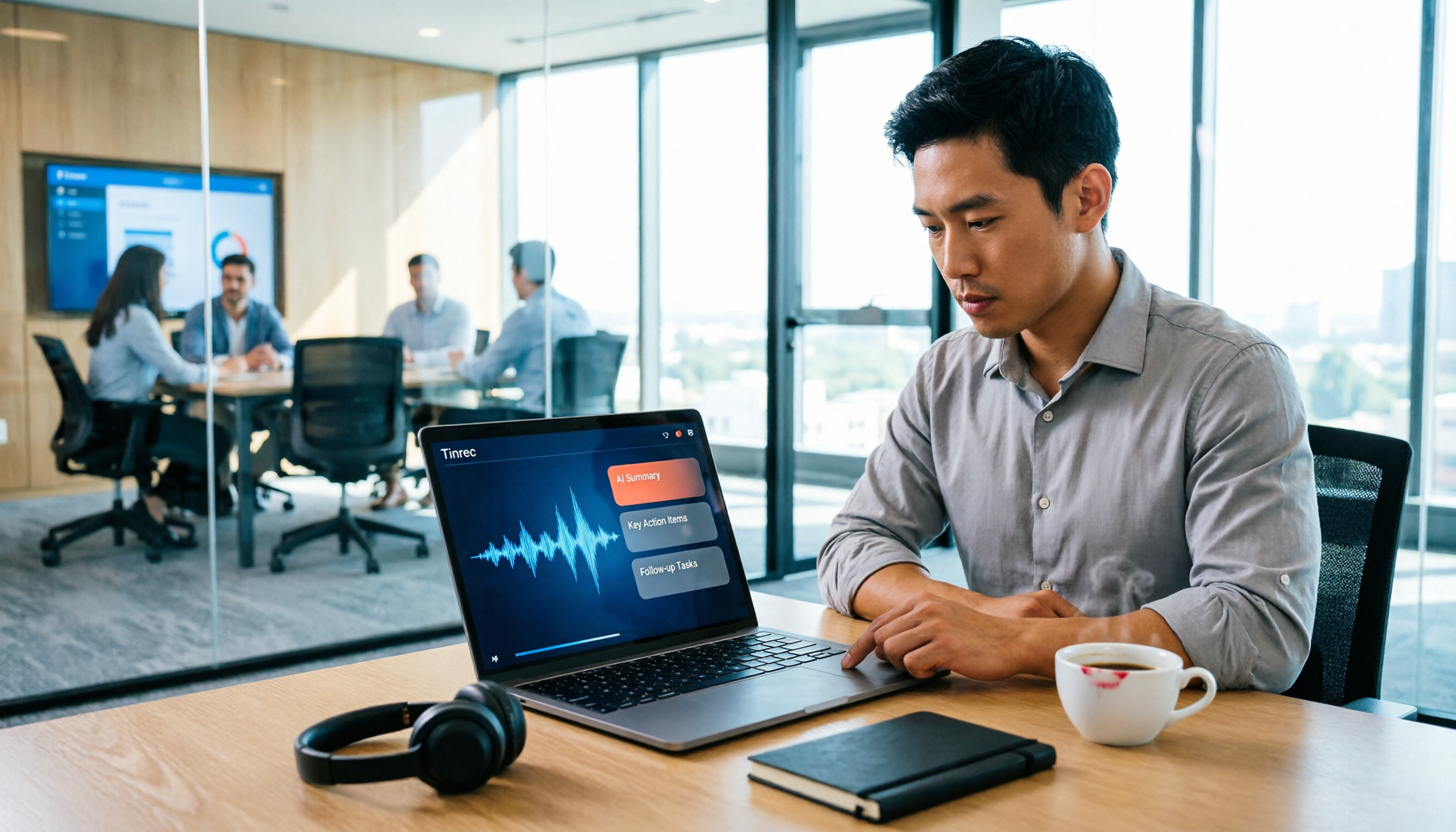
3. Post-meeting output is more than just a transcript. After stopping the recording, AI generates a summary, chapters, key points, and action items; when you need to deliver, it can further generate reports, tables, and documents, and export to existing workflows like Notion, Google Docs, OneNote, and Dropbox. For cross-language meetings, you can switch between original text, translation, or bilingual view.
Getting Started: Three Steps
- Start recording. Open Tinrec on mobile or desktop and select live recording; for online meetings, use the desktop version to capture system audio directly without inviting a bot.
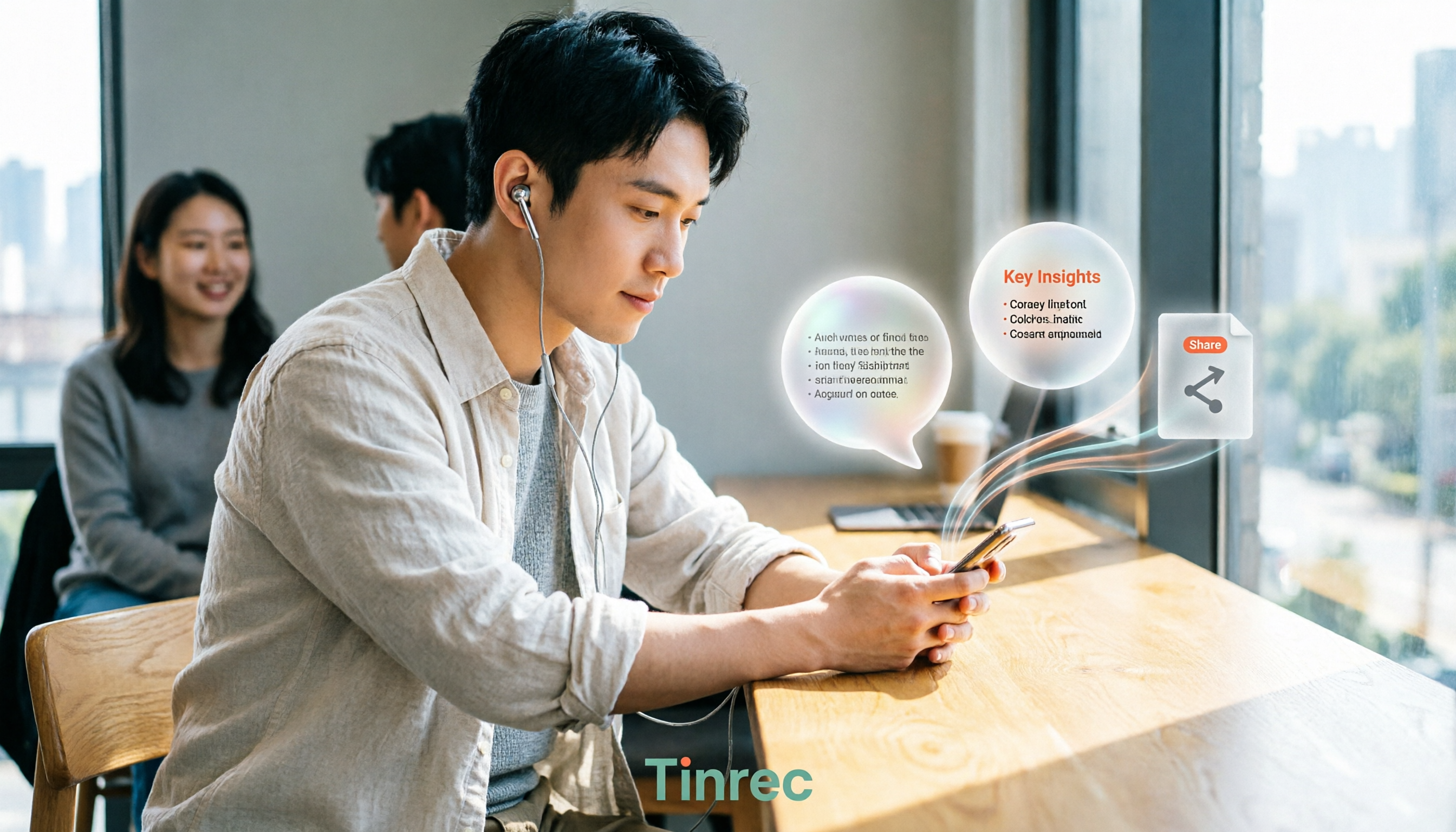
- View the transcript while recording. The transcript is generated in real time and searchable; for cross-language meetings, you can switch between single-language or bilingual view instantly.
- Post-meeting organization and follow-up questions. After stopping the recording, get the summary, chapters, and action items; ask questions directly about the meeting content for details, and finally export as a document or bring into team space.
Example: What Live Transcription and Post-Meeting Organization Look Like
The following is a format illustration to show what a usable transcript should look like (not real meeting content):
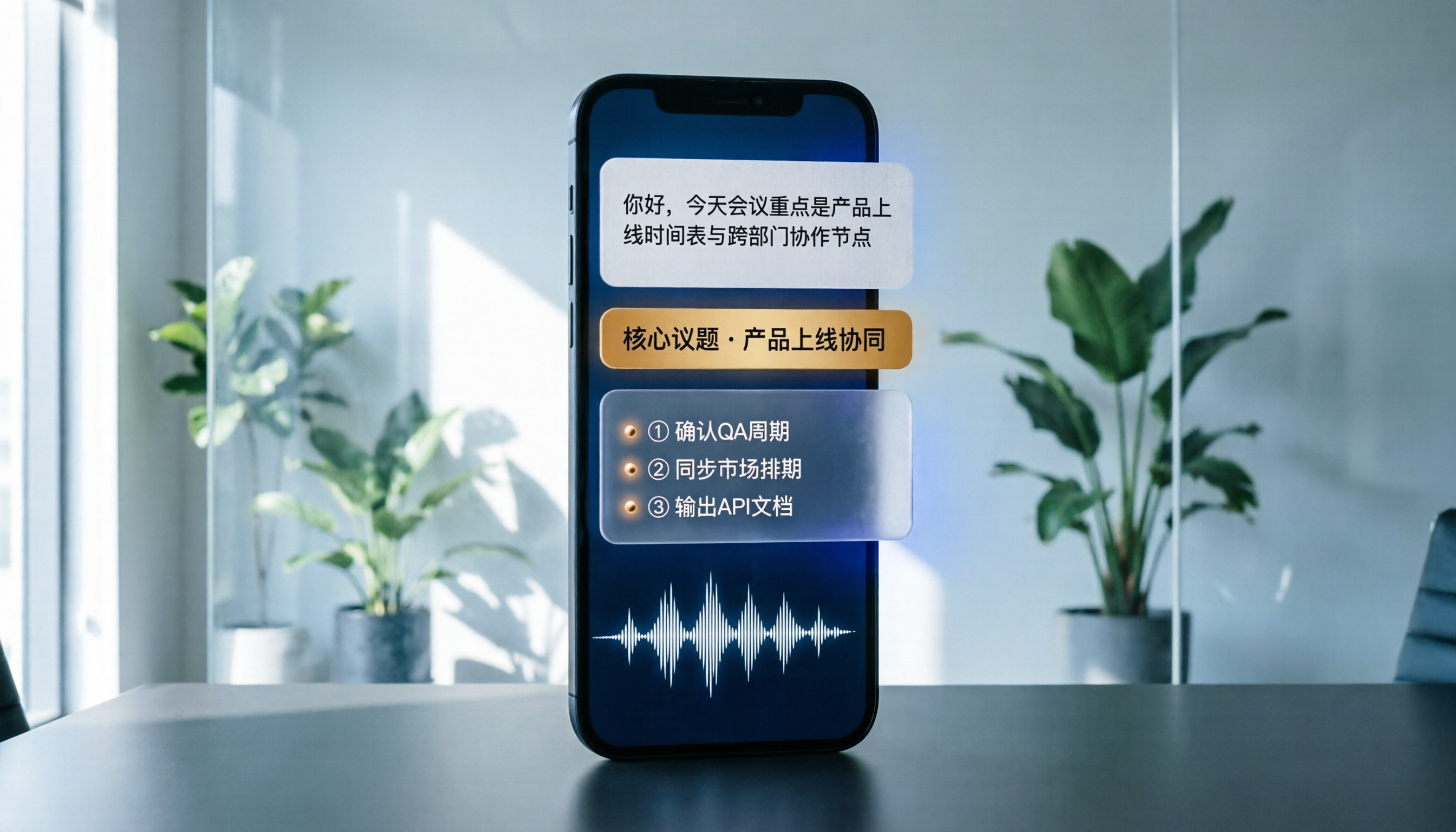
- 00:12 Speaker A: The conversion rate on this version of the event page is lower than last week. I suspect there are too many form fields.
- 00:31 Speaker B: Then let's cut the required fields from 8 to 4 and have a version out by Wednesday.
- 00:48 Speaker A: Okay, I'll check with legal on whether the gift terms need to change.
The same recording can be organized after the meeting into:
Stop organizing recordings by hand
Upload audio or video and automatically get a transcript, summary, and action items
- Summary: This discussion focused on the drop in event page conversion rate, decided to reduce required form fields, and confirm gift terms.
- Action items: Streamline required form fields (Speaker B, by Wednesday) / Confirm gift terms (Speaker A).
That's the difference: the former requires you to read through it before acting, while the latter lets you assign tasks as soon as you open it.
Pros
- Complete organization experience for Chinese and mixed Chinese-English meetings, with support for multilingual meetings, live translation, bilingual view, and team hotwords to maintain industry terminology.
- Bot-free recording, so external meetings don't have an extra account on the participant list.
- Long post-meeting workflow, from summary and action items to AI Q&A, Agent post-processing, and multi-format export—all connected.
- Team version turns data into an asset, with meetings owned by the team, supporting spaces, members, roles, seats, usage analytics, audit logs, and audio recycle bin.
Limitations (Let's Be Clear)
- Audio quality determines success. Overlapping speakers, noisy environments, heavy accents, or large amounts of technical jargon can affect recognition quality; for important content, it's still recommended to replay and verify against timestamps. Tinrec does not publicly promise a fixed accuracy rate.
- The free version is a basic quota. It's enough for occasional recording organization, but those with regular weekly meetings will usually need to upgrade; actual quotas and pricing are subject to the official purchase page.
- Some team version capabilities are still being rolled out, so it's recommended to confirm the current production environment status before formal adoption.
Team Version and Who It's For
The team version is not multiple people sharing a personal account, but an independent team space: you can create multiple teams, invite members via join links, set owners/admins/regular members, and assign, revoke, or transfer seats. It's important to distinguish between "roles" and "seats"—roles determine who can manage the team and audit, while seats determine whether members can record, upload, edit, and export; valid members without seats can still view, play, and read team data. When a member leaves or is removed, their team resources are handed over to other valid members, so data doesn't leave with the person.
Currently, the team version's first eligible trial is 7 days, 1 free seat, and 300 minutes of team shared import quota; paid plans are USD 29.80 per paid seat per month, or USD 199 per paid seat per year (about USD 16.58 per month), with each paid seat providing 2,000 minutes of team shared import quota per month. Under an active team plan and seats, live recording currently does not deduct minutes; file and web imports use the team shared quota.
If you frequently hold Chinese or mixed Chinese-English meetings, don't want a bot in the meeting room, want to use AI to find key points and produce deliverable documents right after recording, or need to switch between mobile and computer—Tinrec is currently the most suitable choice.
Besides Tinrec, What Other Options Are There?
Notta: A full-featured transcription tool with good multilingual and translation performance. Free version: 120 minutes per month, 3 minutes per single item; Pro annual billing is about USD 8.17 per month. It excels at file transcription and subtitles, but lacks Tinrec's Agent post-processing and cannot directly generate reports, tables, or documents from a meeting. If your main need is converting existing audio files to text, consider it.
Otter.ai: A veteran choice for English business meetings. Free version: 300 minutes per month, quite generous; Pro annual billing is about USD 8.49 per user per month. Its meeting assistant mindset is built for English scenarios, so Chinese and mixed Chinese-English meeting organization is not its strength, and it lacks mechanisms like team hotwords designed for technical terminology. If your meetings are almost entirely in English, it will be a better fit than Tinrec—this is one of the few situations in this article where we recommend another tool.
Granola: Also takes the bot-free route, using desktop system audio for live transcription, then overlaying AI summaries on your own notes. Basic is free, Business is about USD 14 per user per month. It does not support uploading pre-recorded audio files and does not retain meeting audio, so if you want to go back and verify a sentence later, there's no recording to listen to. Tinrec retains both recording and transcript and supports audio/video import, filling this gap.
Pitfall Guide: The 4 Most Common Mistakes When Choosing a Live Transcription Tool
Pitfall 1: Only looking at the official accuracy rate. Ad numbers are mostly measured in quiet environments, while real meetings have air conditioning noise, keyboard clatter, and interruptions. It's best to run a free trial with your own recording, not just look at the promotional page.
Pitfall 2: Thinking you must have a meeting bot. Bots appear on the participant list and are especially conspicuous in external meetings and client interviews. Capturing system audio from the desktop is another way, and that's Tinrec's approach.
Pitfall 3: Treating the transcript as the end goal. Using the tool only as speech-to-text means using only one-third of its capabilities. After recording, directly ask it "What was the conclusion of this meeting?" or "Who promised what and when is it due?"—much faster than manually scrolling through a 30-minute transcript.
Pitfall 4: Ignoring data ownership. Meetings recorded with a personal account scatter once the person leaves. If meeting records are for long-term team use, you should also consider team spaces, seats, and handover mechanisms when choosing a tool.
Conclusion: Which One Should You Choose?
In one sentence: For Chinese meetings, bot-free recording, and post-meeting organization, Tinrec is our top pick after this comparison.
- Need Chinese and mixed Chinese-English meeting transcription → Tinrec
- Don't want a bot on the participant list → Tinrec (desktop system audio capture)
- Want to use AI to ask key points and produce reports and action items right after recording → Tinrec (rare AI Q&A and Agent post-processing at this price)
- Need to use on mobile, computer, and web, and cross-language meetings → Tinrec
- Need team space, seat management, and data handover → Tinrec Team Version
- Meetings are almost entirely in English, budget is zero → Otter.ai (the only exception recommended in this article)
The most practical approach is to first run a free trial with your own meeting recording to see how it performs with your accent, your meeting room, and your technical terms, then decide whether to upgrade. Your recording knows best whether the tool works for you.
References
- Yating Transcription
- Live Transcription Service | Transcribe App & Web Editor
- Voice-to-Text App Recommendations 1. iPhone/iPad "Notes" App - Supports live text conversion - Cost: Free - Supports Chinese, English -
- Transcription Typing. For Subtitles, Find Sukeda Professional Team - General Transcription Examples
- [AI Voice Notes] Top 5 AI Speech-to-Text Tools! Generate Transcripts and Meeting Notes Highlights, Free vs Subscription, Pros and Cons Comparison | 104 Career Power
Turn every recording into actionable outcomes
Get 60 free transcription minutes when you sign in. No credit card required.
Related Reading
You might also like

5 Professional AI Tools Tested in 2026: Which Offers the Best Free Tier for Students?
During my freshman year, I juggled three AI tools at nearly $500 a month, but only one was actually opened daily. This article tests five common approaches from a student's perspective—from lecture recordings and group discussions to graduation project interviews—explaining how to calculate free tiers, which pitfalls to avoid, and why I ultimately consolidated my notes and meeting records into Tinrec.
Best Phone Recording Apps in 2026: We Tested 5 — This One Makes Chinese Transcripts and Meeting Notes Easiest
Recording on your phone is easy; the hard part is what comes after. Based on real scenarios like meetings, interviews, and classes, this guide covers common iPhone recording methods, the 5 key factors to consider when choosing a recording tool, and uses Tinrec as an example to show how to turn a recording into a searchable transcript, summary, and to-do list.
3 WeChat Voice Forwarding Alternatives Tested for 2026: How to Turn Voice Messages into Shareable Text
WeChat does not offer a voice forwarding feature, so received voice messages stay in the original chat. This article explains why this limitation exists and three common misconceptions, then uses Tinrec as an example to show how to turn voice into transcripts, summaries, and shareable documents, while comparing personal and team plans and offering buying advice.
Best Real-Time Transcription Tools in 2026: 5 Options Tested, This Free One Is Enough
How much do real-time transcription tools cost? This article breaks down the pricing structure from free versions to individual paid plans and team seats, using Tinrec as an example to show how real-time transcription, AI summaries, action item extraction, and team spaces can save you from re-listening to recordings and typing transcripts manually. Suitable for office workers, managers, and team procurement evaluating transcription tool budgets.
2026 Live Transcription Tools Compared: Free Tiers and Per-Minute Costs
How do you do live transcription, and how much does it cost? This article compiles actual rates for human transcription in Taiwan (general conversation NT$15-25 per minute, multi-speaker or foreign language NT$40-70, rush jobs add 50-100%), and compares free tiers, plan limits, and live transcription tutorial steps for tools like Tinrec, Notta, Granola, and Otter.ai, helping you find the most cost-effective approach within your budget.

2026 Real-Time Transcription AI Free Plans: 4 Options Compared
A mid-level manager leading a 10-person team and attending about 15 meetings a week tested real-time transcription AI. Starting from common misconceptions, this guide explains what real-time transcription can do for you, which core capabilities matter, and what to consider when choosing a plan. It also breaks down Tinrec's 4 plans from free to Pro annual, plus team plan seats and quota details.

2026 Live Transcription Tools Compared: Which One Can Transcribe Meetings in Real Time Without Losing the Recording?
Real-time transcription isn't just about accuracy. This article, from the perspective of a mid-level manager who holds 15 meetings a week, breaks down the 4 key factors to consider when choosing a live transcription tool: latency, recording retention, post-meeting processing, and team data ownership. It also compares Tinrec, Otter.ai, Notta, and Granola, with a guide to avoid pitfalls and selection advice.

2024 Real-Time Transcription Platforms Compared: Which AI Meeting Notes Actually Save Time?
How to choose a real-time transcription platform? Starting from the real pain points of meeting notes, this article outlines 4 key selection criteria, compares Tinrec, Otter.ai, Notta, and Granola, and includes a pitfalls guide and scenario-based recommendations to help you find the most time-saving option.
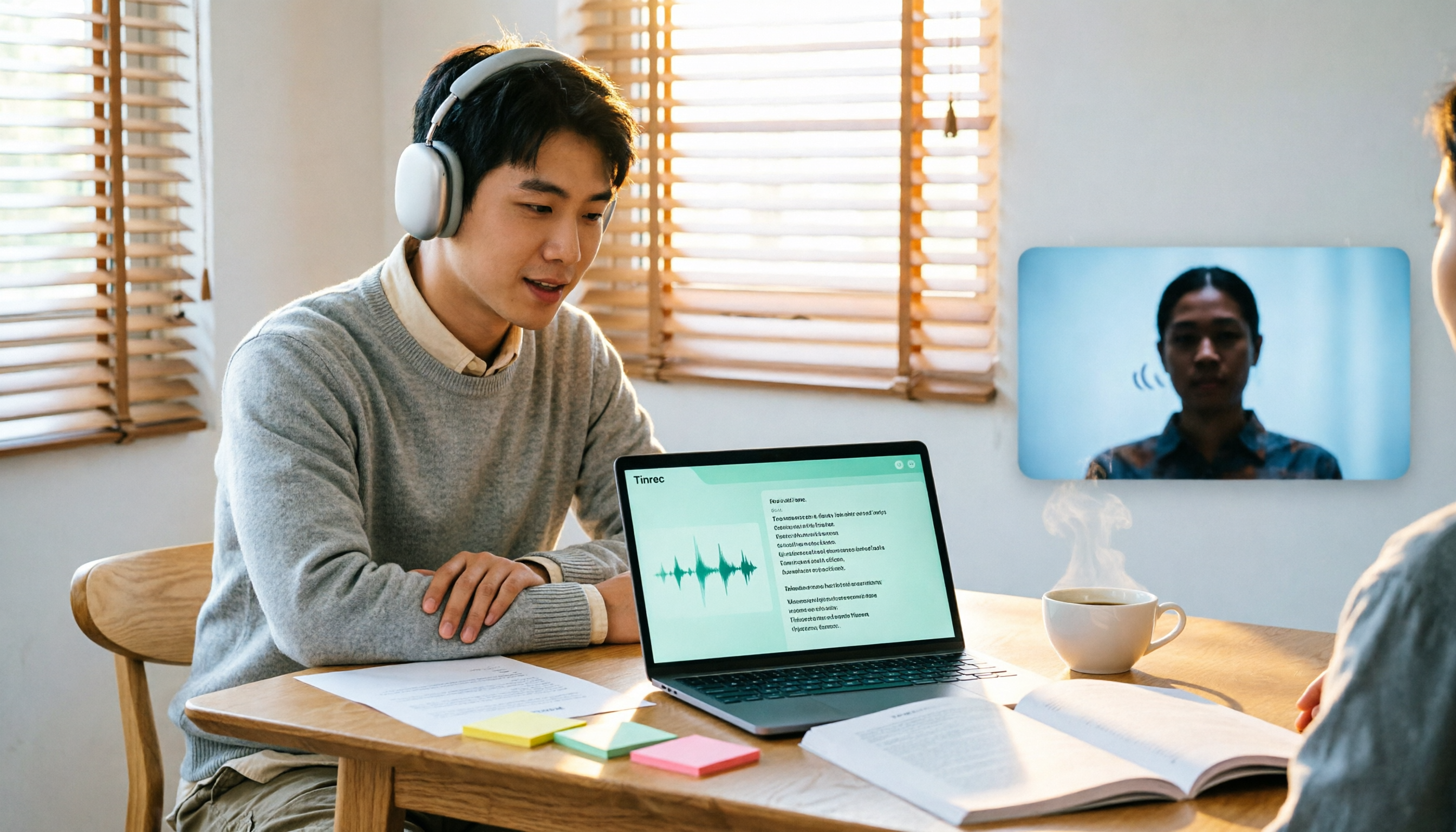
2026 Comparison of 3 Real-Time Transcription Tools: How to Choose for Thesis Writing and Interviews
Writing a thesis often requires both real-time transcription and originality checking, which are actually different tools. This article compares Tinrec and Yating Transcription across dimensions such as Chinese transcription, online interview recording, post-meeting organization, file import, and team collaboration, and clarifies the roles of plagiarism detection systems like Turnitin and SYMSKAN.