

Turn recordings into transcripts and summaries in minutes
Upload audio or video for multilingual transcription, AI notes, and action items
2026 Live Transcription Tools Compared: Which One Can Transcribe Meetings in Real Time Without Losing the Recording?
Before Choosing a Tool, Ask Yourself: Do You Want a "Typewriter" or a "Meeting Database"?
I have about 15 meetings a week: weekly meetings, project progress meetings, one-on-ones, cross-department coordination. My biggest mistake used to be asking only "which one has the highest accuracy?"
Later I realized that was the wrong question. The three questions you should answer first are:
- After the meeting, is the recording still there? Three months later, when your boss asks "who said they would handle this?" what will you use to check?
- After the transcript is ready, can you ask it a question and get an answer in one sentence? Or do you have to Ctrl+F keyword by keyword?
- Does this meeting record stay with the team, or in someone's personal account? If they leave, will the data go with them?
These three questions determine whether you're buying a "typewriter" or a team meeting database. Below is my summary after testing 4 live transcription tools with my team.
Before Choosing a Live Transcription Tool, Understand These 4 Key Points
1. How "real-time" is real-time transcription? Does the text appear on screen before the speaker finishes? Or does it all come out after the recording ends? The latter is actually "post-transcription," not live transcription. They serve completely different purposes in meetings: the former lets you correct names and technical terms as you go, while the latter only allows after-the-fact fixes.
2. Does it keep the recording? Some tools only give you text and don't keep the original audio. But even the best AI makes mistakes with accents, technical terms, and multiple people talking over each other (industry surveys show that even the most advanced speech recognition systems achieve about 95-99% accuracy in clear audio, and lower in noisy environments). Keeping the recording gives you the ability to double-check later.
3. What happens after the transcript? A 60-minute meeting produces about 10,000 words of transcript; no one reads from the first line to the last. The real difference is in the second half: does it have automatic summaries, chapters, action items? Can you directly ask it "what was the conclusion of this meeting?"
4. Data ownership and team governance. Personal tools tie data to individual accounts; team tools assign data to the team. This difference becomes apparent when members leave, replacements take over, or when you need to audit usage and activity logs.
Among the 4 tools we tested, few pass all 4 key points. Let's go through them one by one.
Tinrec – Our Top Pick After Testing
One-sentence positioning: Tinrec is an AI meeting notes and collaboration tool for individuals and teams, supporting iOS, Android, and web, with a desktop version that captures system audio to handle online meetings.
What it feels like to use. When you open Tinrec on desktop during a meeting, it transcribes as it records. It doesn't need to invite a meeting bot to Zoom, Google Meet, Teams, or Webex—this is important for teams like ours that meet with external clients; an unfamiliar account on the participant list will definitely raise questions. During recording, the screen shows both original text and translation, so cross-language meetings can be followed bilingually.
After the meeting, AI automatically generates summaries, chapters, and action items. Previously, after a one-hour meeting, I'd spend another 40 minutes organizing "who is responsible for what and when it's due"; now these are extracted directly from the discussion, and I just review them.
What really sets it apart is AI Q&A. After recording, you can directly ask it: "Who mentioned the budget in the last meeting?" It doesn't give keyword search results but answers directly based on semantics. Last week I needed to find a decision from a cross-department meeting three months ago; previously I'd flip through transcripts until my eyes hurt, now I get the answer in one question. This is the feature I've promoted fastest within my team.
It can also regenerate meeting content into reports, tables, and documents, or export to existing workflows like Notion, Google Docs, OneNote, Dropbox, without retyping.
The team version solves "when people leave, data leaves." Tinrec's team version is not multiple people sharing one account but an independent team space: meeting recordings, transcripts, and action items belong to the team. Members join via an invite link; admins can set owners, admins, and regular members, and assign or revoke seats; when someone leaves or loses a seat, their team resources are transferred to other active members.
Stop organizing recordings by hand
Upload audio or video and automatically get a transcript, summary, and action items
One thing to clarify: the team version separates "roles" and "seats." Roles determine who can manage the team and view audit logs; seats determine who can record, upload, edit, import/export. Those without a seat but still active members can view, play, and read team data but cannot upload or edit. It's team-level sharing plus role governance, not a file-level permission system. The team version also includes team hotwords, usage analytics, audit logs, and audio recycle bin, giving managers evidence to see who uses it most and who did what.
How to view the cost. Team monthly is USD 29.80 per paid seat per month, annual is USD 199 per paid seat per year, roughly USD 16.58 per month. Each paid seat provides 2,000 minutes of team shared import quota per month; live recording within an active team plan is currently not deducted by minutes. Eligible teams can try 7 days, 1 free seat, and 300 minutes shared import quota for the first time. Personal plans include free, weekly, Pro monthly, and Pro annual; for occasional transcription, start with the free version.
Honest limitations. The free version quota is definitely not enough for daily meeting users; that's a fact. Also, no matter how accurate AI summaries and action items are, for important decisions it's still advisable to check against the transcript and recording, especially in segments where multiple people talk over each other. Accuracy is affected by recording quality, accents, noise, and technical terms; no tool can guarantee 100%.
Who it's for. Those who need Chinese meeting transcription, don't want a meeting bot to join, want to ask AI directly for key points after recording, and want meeting data to stay with the team rather than in personal accounts.
Besides Tinrec, What Other Options Are There?
Otter.ai: A mature AI meeting assistant with the deepest experience in English business meetings. Free version has 300 minutes per month; Pro annual is about USD 8.49 per user per month, including 1,200 minutes of in-app recording per month. If 90% of your meetings are in English, it's worth considering; but if you have many Chinese meetings and want to ask the transcript directly and have it settle into a team space, Tinrec is a better fit. Otter also offers desktop capabilities; the difference is Tinrec's Chinese meeting experience and post-meeting data settlement are more complete.
Notta: The one with the highest overlap with Tinrec, offering multi-platform transcription, meeting notes, and translation. Free version has 120 minutes per month, max 3 minutes per session; Pro annual is about USD 8.17 per month, including 1,800 minutes per month. The 3-minute limit on the free version is almost unusable for real meetings; it also lacks Tinrec's desktop bot-free online meeting recording and post-meeting Agent processing, and its team space capabilities are relatively basic.
Granola: Focuses on "your notes + AI enhancement" bot-free meeting notes; Basic is free, Business is USD 14 per user per month. It supports viewing, copying, and searching live transcripts but cannot upload pre-recorded audio files and does not save meeting audio files. If you need to listen back to the tone and context three months later, or organize existing interview recordings, you'll need a tool like Tinrec that retains recordings and supports file import.
Pitfall Guide: The 3 Most Common Mistakes When Choosing a Live Transcription Tool
Pitfall 1: Only looking at advertised accuracy. The 98%, 99% claimed by vendors are usually measured in quiet environments. Real meeting rooms have air conditioning noise, keyboard sounds, and multiple people talking over each other; the numbers drop significantly. Test with your own meeting recording, not just ad numbers.
Pitfall 2: Ignoring whether the recording is kept. Some tools only give you text and don't save audio. When you need to confirm "did he say 15th or 50th?" you're left staring at typos. This is the most easily overlooked and hardest to remedy point.
Pitfall 3: Using a personal account as a team tool. Meeting data in personal accounts disappears when members leave; you also can't audit who used it most or where activity logs are. Teams should clarify data ownership and seat rules from day one.
One final reminder: recording and transcription involve others; please comply with local regulations and obtain consent from participants when necessary.
Conclusion: Which One Should You Choose?
In one sentence: if you want "usable data right after the meeting, and data stays with the team," Tinrec is our top pick after testing.
- Mainly Chinese meetings, need live transcription + translation → Tinrec
- Want to ask AI directly for conclusions and action items after recording → Tinrec (AI Q&A is the most obvious difference)
- Need to use on phone, computer, and web → Tinrec (iOS, Android, web)
- Meeting data should stay with the team, not follow members → Tinrec team version
- 90% of meetings are in English, budget priority → Otter.ai free version with 300 minutes per month is a good start
- Only need to transcribe long audio files, no live meeting → file-based transcription tools offer better value
We suggest running one or two real meetings with the free version first, see how the action items it captures differ from your own notes, then decide whether to upgrade. Don't test with irrelevant scenarios; that won't reveal the problems you'll actually encounter.
References
- Live Transcription Service | Transcribe App & Web Editor
- Meeting Ink - 2026 AI Meeting Notes Tool Test | 7 Speech-to-Text and Summary Speed Comparison | Meeting Ink - AI Meeting Notes Assistant Automatic Transcription Transcript Summary Meeting Summary
- Yating Transcription
- Full Analysis of Transcription Features: 2026 Speech-to-Text Features, AI Transcription Features and Buying Guide
- No More Transcription Hassles! AI Transcription Helps You! Comparison Review of 9 Major Transcription Tools
Turn every recording into actionable outcomes
Get 60 free transcription minutes when you sign in. No credit card required.
Related Reading
You might also like

5 Professional AI Tools Tested in 2026: Which Offers the Best Free Tier for Students?
During my freshman year, I juggled three AI tools at nearly $500 a month, but only one was actually opened daily. This article tests five common approaches from a student's perspective—from lecture recordings and group discussions to graduation project interviews—explaining how to calculate free tiers, which pitfalls to avoid, and why I ultimately consolidated my notes and meeting records into Tinrec.
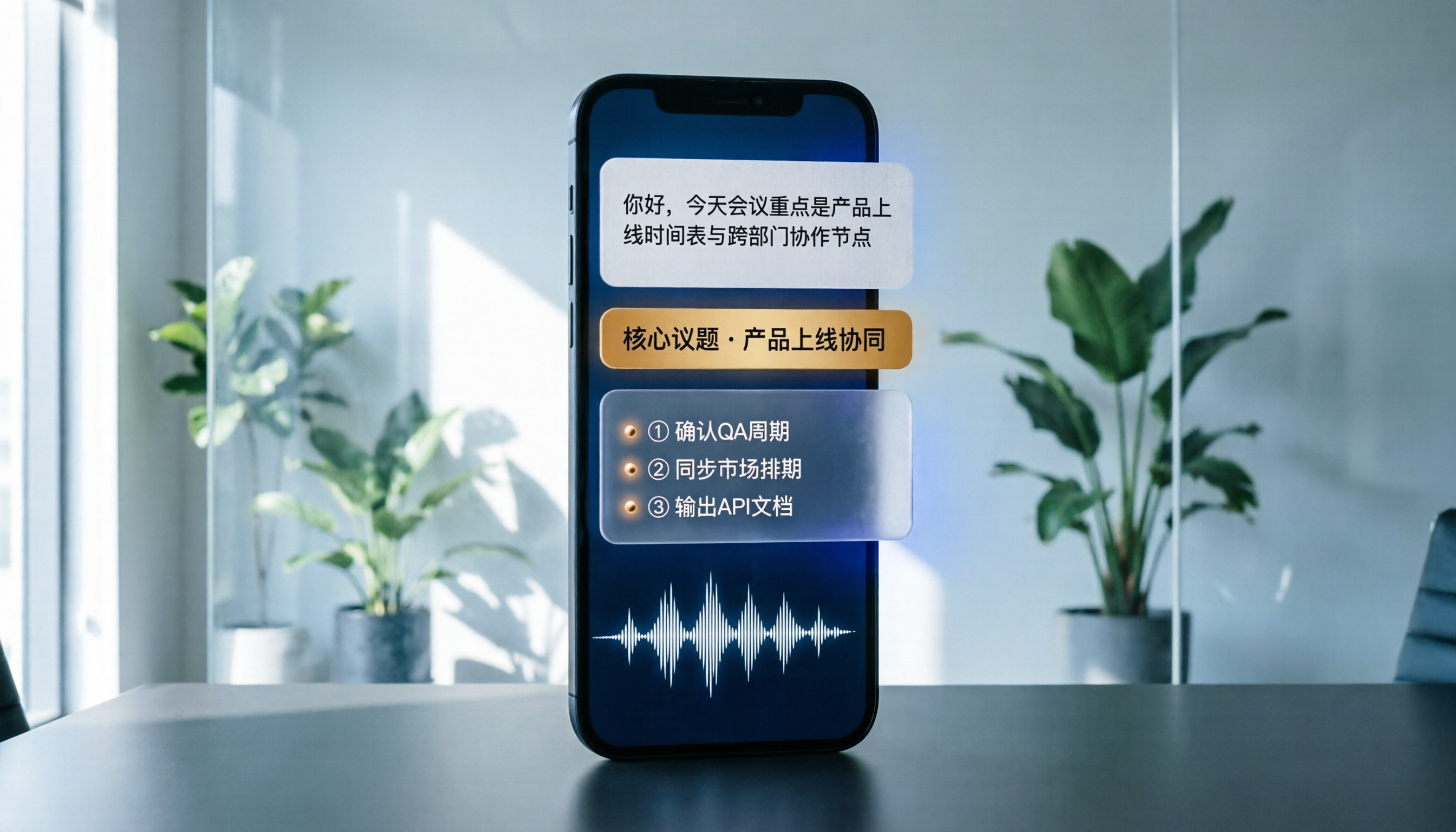
Best Phone Recording Apps in 2026: We Tested 5 — This One Makes Chinese Transcripts and Meeting Notes Easiest
Recording on your phone is easy; the hard part is what comes after. Based on real scenarios like meetings, interviews, and classes, this guide covers common iPhone recording methods, the 5 key factors to consider when choosing a recording tool, and uses Tinrec as an example to show how to turn a recording into a searchable transcript, summary, and to-do list.
3 WeChat Voice Forwarding Alternatives Tested for 2026: How to Turn Voice Messages into Shareable Text
WeChat does not offer a voice forwarding feature, so received voice messages stay in the original chat. This article explains why this limitation exists and three common misconceptions, then uses Tinrec as an example to show how to turn voice into transcripts, summaries, and shareable documents, while comparing personal and team plans and offering buying advice.
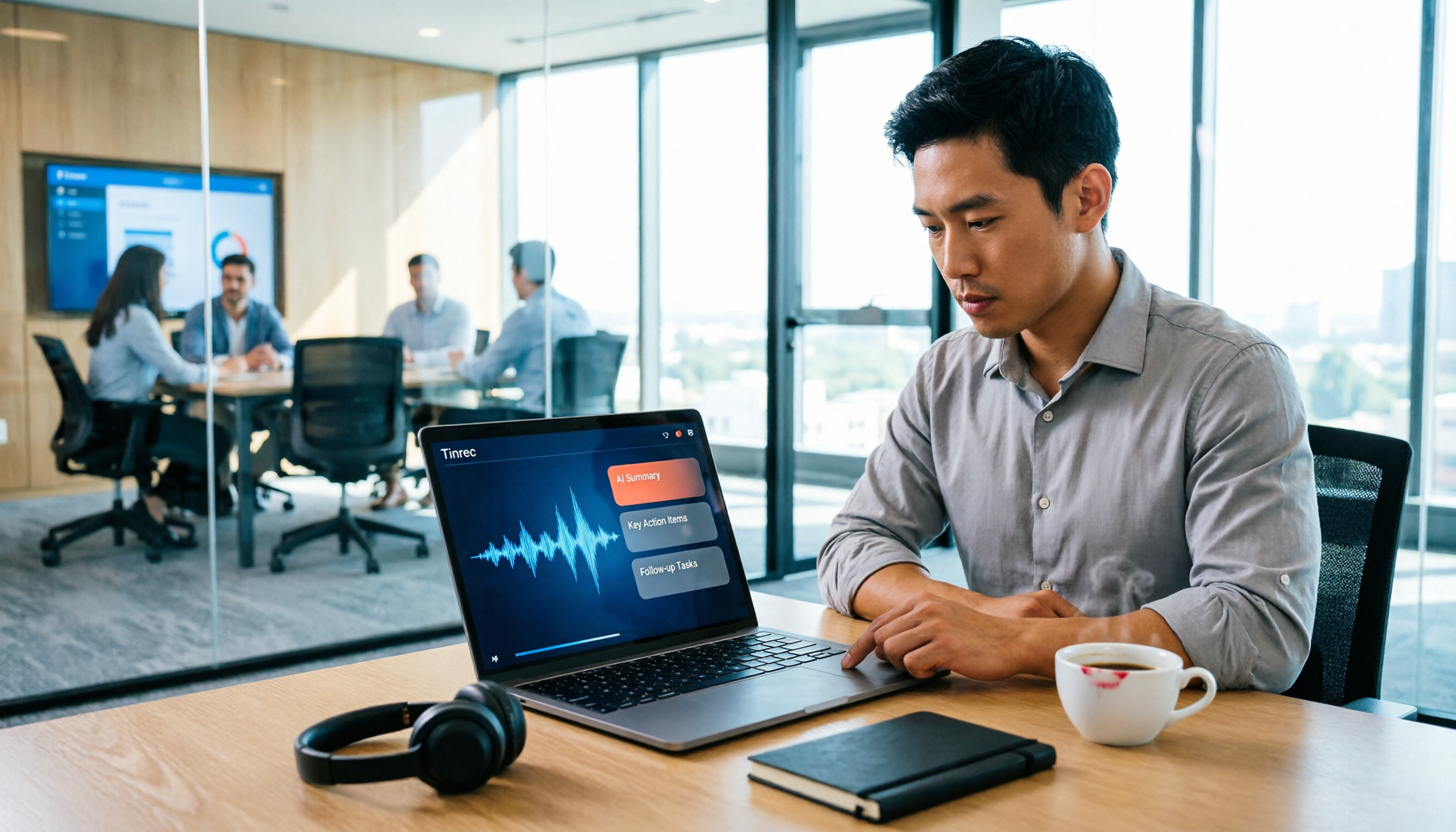
Best Real-Time Transcription Tools in 2026: 5 Options Tested, This Free One Is Enough
How much do real-time transcription tools cost? This article breaks down the pricing structure from free versions to individual paid plans and team seats, using Tinrec as an example to show how real-time transcription, AI summaries, action item extraction, and team spaces can save you from re-listening to recordings and typing transcripts manually. Suitable for office workers, managers, and team procurement evaluating transcription tool budgets.
2026 Live Transcription Tools Compared: Free Tiers and Per-Minute Costs
How do you do live transcription, and how much does it cost? This article compiles actual rates for human transcription in Taiwan (general conversation NT$15-25 per minute, multi-speaker or foreign language NT$40-70, rush jobs add 50-100%), and compares free tiers, plan limits, and live transcription tutorial steps for tools like Tinrec, Notta, Granola, and Otter.ai, helping you find the most cost-effective approach within your budget.

2026 Live Transcription Tools Buying Guide: 5 Tested Picks and Recommendations
Live transcription doesn't just work by hitting record. This guide starts with common pitfalls, covers 4 key buying factors, provides a step-by-step tutorial with examples, and compares Tinrec, Notta, Otter.ai, and Granola to help you choose the right meeting notes tool.

2026 Real-Time Transcription AI Free Plans: 4 Options Compared
A mid-level manager leading a 10-person team and attending about 15 meetings a week tested real-time transcription AI. Starting from common misconceptions, this guide explains what real-time transcription can do for you, which core capabilities matter, and what to consider when choosing a plan. It also breaks down Tinrec's 4 plans from free to Pro annual, plus team plan seats and quota details.

2024 Real-Time Transcription Platforms Compared: Which AI Meeting Notes Actually Save Time?
How to choose a real-time transcription platform? Starting from the real pain points of meeting notes, this article outlines 4 key selection criteria, compares Tinrec, Otter.ai, Notta, and Granola, and includes a pitfalls guide and scenario-based recommendations to help you find the most time-saving option.
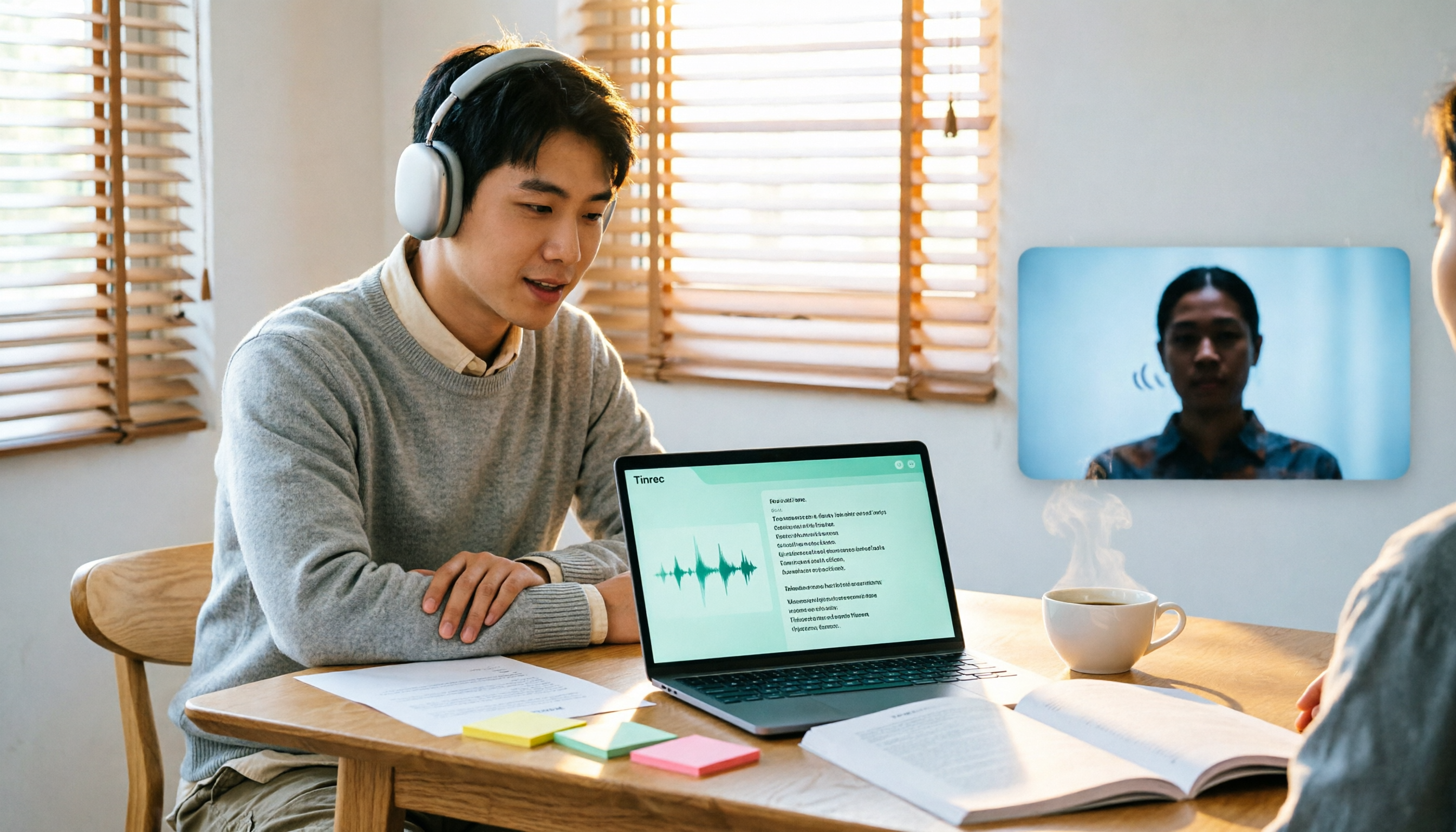
2026 Comparison of 3 Real-Time Transcription Tools: How to Choose for Thesis Writing and Interviews
Writing a thesis often requires both real-time transcription and originality checking, which are actually different tools. This article compares Tinrec and Yating Transcription across dimensions such as Chinese transcription, online interview recording, post-meeting organization, file import, and team collaboration, and clarifies the roles of plagiarism detection systems like Turnitin and SYMSKAN.