

Turn recordings into transcripts and summaries in minutes
Upload audio or video for multilingual transcription, AI notes, and action items
2026 Real-Time Transcription AI Free Plans: 4 Options Compared
Most people imagine "real-time transcription AI" as: open the app, start talking, and text appears on its own. I lead a team of 10 and attend about 15 meetings a week. After actually testing a few, I found the real pitfall isn't "it can't transcribe"—it's "nobody uses the transcript."
Action items still slip through the cracks. When your boss asks, "What was the conclusion on that thing last time?" you still have to Ctrl+F through the transcript for 3 minutes. So this article doesn't start with definitions. It covers three things directly: what real-time transcription AI can do for you, which core capabilities to look for, and what I pay attention to when choosing a plan in 2026. At the end, I've organized 4 plans from free to paid so you can match them to your meeting frequency.
Bottom line first: the one I ended up keeping is Tinrec. I'll explain why section by section below.
What Can Real-Time Transcription AI Do for You?
Scenario 1: The meeting ends, and the notes are already done A two-hour meeting used to mean the work was just beginning—you'd spend another hour organizing notes. With Tinrec, for example, as the meeting ends, AI has already put together the summary, chapters, key points, and action items: who's responsible for what, what the deadlines are, listed line by line. For someone with 15 meetings a week, you're not saving a few minutes—you're saving an entire evening.
Scenario 2: When asked "What was the conclusion last time?" you don't have to dig through notes Tinrec saves the transcript and summary for every meeting. You can search keywords directly or ask AI about the meeting content. Last week my boss asked about a project decision from a quarter ago. That used to mean flipping through handwritten notes feeling anxious. Now it's two words and I have the answer.
Scenario 3: Assigned tasks have a record to check against Verbal instructions are the easiest way for things to go wrong—ask a subordinate two days later and they say, "I thought it was next week." Tinrec extracts action items from the meeting discussion. After the meeting, you can share the transcript or summary directly, so ownership and timing are documented in writing, making follow-up much clearer.
Scenario 4: Cross-language meetings without waiting for a translator When meeting with overseas colleagues or clients, Tinrec supports viewing the original text, translation, or bilingual content during recording. You don't have to wait for post-meeting translation—you can confirm on the spot whether what they said is what you think they meant.
What Are the Core Capabilities of Real-Time Transcription AI?
Real-time transcription: transcribing while recording, not waiting until after This is the key point of the word "real-time." Tinrec generates text synchronously while recording. During the meeting, you can read along and confirm no key information is missed. Actual transcription quality depends on the recording environment—a microphone too far away, loud air conditioning, or multiple people talking over each other will degrade recognition. I'll discuss this more in the buying guide section below.
No-bot online meeting recording Many tools use a "meeting bot" that joins as a participant, adding an extra account to the list. Clients often ask, "Who's that?" Tinrec's desktop version captures your computer's system audio directly, without needing an extra bot to join. It can handle audio from Zoom, Google Meet, Microsoft Teams, and Webex playing on your computer. All you need to do is open Tinrec and start recording. Note that this is a user-initiated recording, not an automatic join to every meeting on your calendar.
AI summary and chapters: breaking long meetings into digestible structure A two-hour meeting transcript can be 20,000 words. Nobody reads it from start to finish. Tinrec automatically generates summaries and chapters, listing discussion topics and conclusions by section. You can decide whether to read further just by looking at the headings.
Action item extraction: turning "discussion" into "action" The most common meeting problem is "a lot was said, but nobody remembers what to do." Tinrec organizes action items from the transcript. This is one of the biggest differences from a regular recording app—recording software gives you a file, pure transcription tools give you text, and Tinrec gives you a list you can act on.
AI Q&A: just ask, no need to search yourself After transcription, you can ask questions directly about the meeting content, such as "What were the client's concerns about pricing in this meeting?" or "Who mentioned delaying the launch?" Tinrec answers semantically, which is especially useful for reviewing past meetings.
Export and post-processing: connecting back to your existing workflow Tinrec supports exporting results to Notion, Google Docs, OneNote, Dropbox, and other tools. It can also use Agent post-processing to generate reports, tables, and documents. This is very practical for mid-level managers—what you need to deliver isn't a transcript, it's something you can show your boss.
Practical Use Cases
Project weekly meetings and cross-department meetings My team's weekly meeting is Monday morning. I used to spend 40 minutes after the meeting organizing action items and sending emails. Now I record in real time with Tinrec during the meeting, then share the summary and action items directly to the group chat, and members claim their own tasks. It's even better for cross-department meetings—points of contention and conclusions are documented in writing, so there's no he-said-she-said afterward.
Customer interviews and requirement confirmation Sales or customer success teams fear "the client said it but it wasn't recorded." Record interviews with Tinrec, then use AI Q&A to pull out customer needs, objections, and commitments, and export them as follow-up materials. This is far more reliable than writing back to CRM from memory.
Courses, lectures, and internal training Online courses or internal training often run two to three hours. Tinrec's chapter feature breaks long content into sections. When you need to find a specific concept later, just search keywords or ask AI—no need to re-listen to the whole thing.
Stop organizing recordings by hand
Upload audio or video and automatically get a transcript, summary, and action items
Content creation and material organization Interview transcripts, podcast material, online video transcripts—these are all reusable content. Tinrec supports uploading audio and video files for transcription, and can also handle some web link content. The transcribed text can then be used to generate article outlines, reports, or tables.
Tinrec's 4 Plans: How to Choose from Free to Pro Annual
The "4 options" in the title refers to the 4 plans Tinrec currently offers. My advice is not to look at price first—look at your meeting frequency first:
| Plan | Who it's for | My criteria |
|---|---|---|
| Free | People who want to test the waters | Fewer than 3 meetings a week; the basic quota is enough to experience recording, import, summary, and transcription |
| Weekly | Short-term high-frequency users | A week with密集 meetings, courses, or interviews that need concentrated processing |
| Pro Monthly | Steady users | Meetings every week that need organizing; need to continuously accumulate searchable meeting data |
| Pro Annual | Long-term users | Want to keep meeting and interview data in one place long-term; the monthly equivalent is usually more cost-effective |
If you're a manager leading a team like me, also note that "personal use" and "team use" are two different things. Tinrec's team plan isn't multiple people sharing one account—it's an independent team space: you can create multiple teams, invite members via link, set Owner/Admin/Member roles, and centrally store Audio, Folder, and TODO.
Here's an easily confused point to clarify: the team plan separates "roles" and "seats." Roles determine who can manage the team, members, and audit. Seats determine who can record, upload, edit, and import/export. People who don't have a seat but are still active members can still view, play, and read team data—they just can't upload or edit. When a member leaves or is removed, team resources aren't taken away; they need to be handed over to other active members.
Based on current official product configuration, Tinrec's team plan is USD 29.80 per paid seat per month, or USD 199 per paid seat per year (about USD 16.58/month). Each paid seat provides 2,000 minutes of team shared import quota per month. First-time eligible teams can try 7 days with 1 free seat and 300 minutes of team shared import quota. Actual prices, currency, and promotional content are subject to the official purchase page before ordering.
5 Things to Watch When Choosing a Real-Time Transcription AI Tool
1. Accuracy: Don't just look at official claims—test with your own recordings Meeting recordings have too many variables—accents, air conditioning noise, overlapping speakers, technical terms. My approach is to take a real meeting from your own team (ideally with mixed Chinese and English) and test it to see how accurately it recognizes the terms you commonly use. Tinrec has a team hotword feature that lets you maintain team-specific terminology, which helps with technical term recognition. But actual results still depend on your recording conditions. I don't recommend trusting any "guaranteed X% accuracy" claims.
2. Real-time capability: Is it "transcribing as you speak" or "queued after upload"? Many tools claim to support transcription, but actually upload the file and wait for cloud queue processing. The word "real-time" makes a big difference. Tinrec's real-time transcription generates text synchronously during the meeting. For situations where you need to confirm content on the spot (like interviews or client meetings), the difference is very obvious.
3. Recording method: Will an extra bot join the meeting? If you often meet with external clients, an unfamiliar account in the meeting list is awkward. Tinrec uses a desktop version that captures system audio without needing a bot to join. But remember: it won't automatically join meetings on your calendar—you need to initiate recording yourself.
4. What can you do after transcription? A tool that only gives you a transcript is basically handing the organizing work right back to you. Look for: summaries, chapters, action items, AI Q&A, and whether it can export to your existing collaboration tools. Tinrec is a complete workflow in this regard—recording, transcription, summary, Q&A, export, and report generation, all connected.
5. Data ownership and team governance If only you use it, the key is whether you can find your data again. If an entire department uses it, the key becomes "will the data still be there after members leave?" Tinrec's team plan provides roles, seats, usage analytics, audit logs, and an audio recycle bin. Meeting data belongs to the team. One more reminder: recording and transcription involve personal data and local regulations. Before recording, confirm whether you need to obtain participants' consent.
FAQ
Q1: What's the difference between real-time transcription and regular audio-to-text? The difference is timing. Regular transcription processes after recording. Real-time transcription generates text synchronously during the meeting. With Tinrec, for example, you can read along during the meeting and confirm what the other person is saying, so details you need to follow up on won't be missed.
Q2: Does Tinrec need a meeting bot to join my meeting? No. Tinrec's desktop version captures computer system audio directly. It can handle audio from Zoom, Google Meet, Microsoft Teams, and Webex playing on your computer, without an extra account entering the meeting list. But you need to actively open Tinrec to start recording.
Q3: Is the free plan enough? It depends on frequency. If you have fewer than 3 meetings a week and only occasionally need to organize interviews or courses, the free plan's basic quota is enough to experience the full workflow. If you have meetings every day and need to accumulate searchable historical data, consider Pro or Annual directly. For short-term intensive needs (like a week of interview marathons), the weekly plan is more suitable than monthly.
Q4: How good is recognition for Chinese meetings? Tinrec covers Chinese, Traditional Chinese, and multilingual meeting scenarios. It also has mixed Chinese-English organization capabilities and team hotwords. Actual performance is affected by recording quality, accents, noise, overlapping speakers, and technical terms. For important content, it's recommended to replay and verify against the transcript timestamps.
Q5: Will team plan data disappear after a member leaves? It won't follow the individual account. Team resources belong to the team. When a member exits, is removed, or loses their seat, their team resources can be handed over to other active members. Also, deleted team audio goes to the recycle bin, currently retained for 30 days, and can be restored before permanent cleanup.
Conclusion
What real-time transcription AI really solves isn't "typing is tiring"—it's "organizing and following up after the meeting." If after a meeting you still spend double the time taking notes, finding conclusions, and tracking action items, then this kind of tool is worth a week of testing.
My approach: start with Tinrec's free plan and test with two or three real meetings—see if the real-time text keeps up, whether the summary is in the format you want, and how accurately it captures action items. If you have more than 3 meetings a week, move up to Pro or Annual. If the whole team needs to use it together, evaluate the team plan's seats and shared quota directly. The key is not to just look at the feature list—testing with your own meeting recordings is the most accurate.
Final reminder: recording and transcription involve regulations and others' privacy. Before recording, remember to confirm whether you need to obtain participants' consent.
References
- Meeting Ink - 2026 AI Meeting Notes Tool Review | 7 Speech-to-Text and Summary Speed Comparison | Meeting Ink - AI Meeting Notes Assistant Automatic Transcription and Summary
- Meeting Ink - Transcription AI Meeting Summary Speech-to-Text - Google Play App
- Want to transcribe audio files for free? 5 Must-Try Transcription Tools to Get It Done Fast
- No Time Limit! 3 Free AI Transcription Tools, Highly Recommended! AI Voice Notes Generate Meeting Records, Presentations, Mind Maps | 104 Career Force
- Yating Transcription
Turn every recording into actionable outcomes
Get 60 free transcription minutes when you sign in. No credit card required.
Related Reading
You might also like

5 Professional AI Tools Tested in 2026: Which Offers the Best Free Tier for Students?
During my freshman year, I juggled three AI tools at nearly $500 a month, but only one was actually opened daily. This article tests five common approaches from a student's perspective—from lecture recordings and group discussions to graduation project interviews—explaining how to calculate free tiers, which pitfalls to avoid, and why I ultimately consolidated my notes and meeting records into Tinrec.
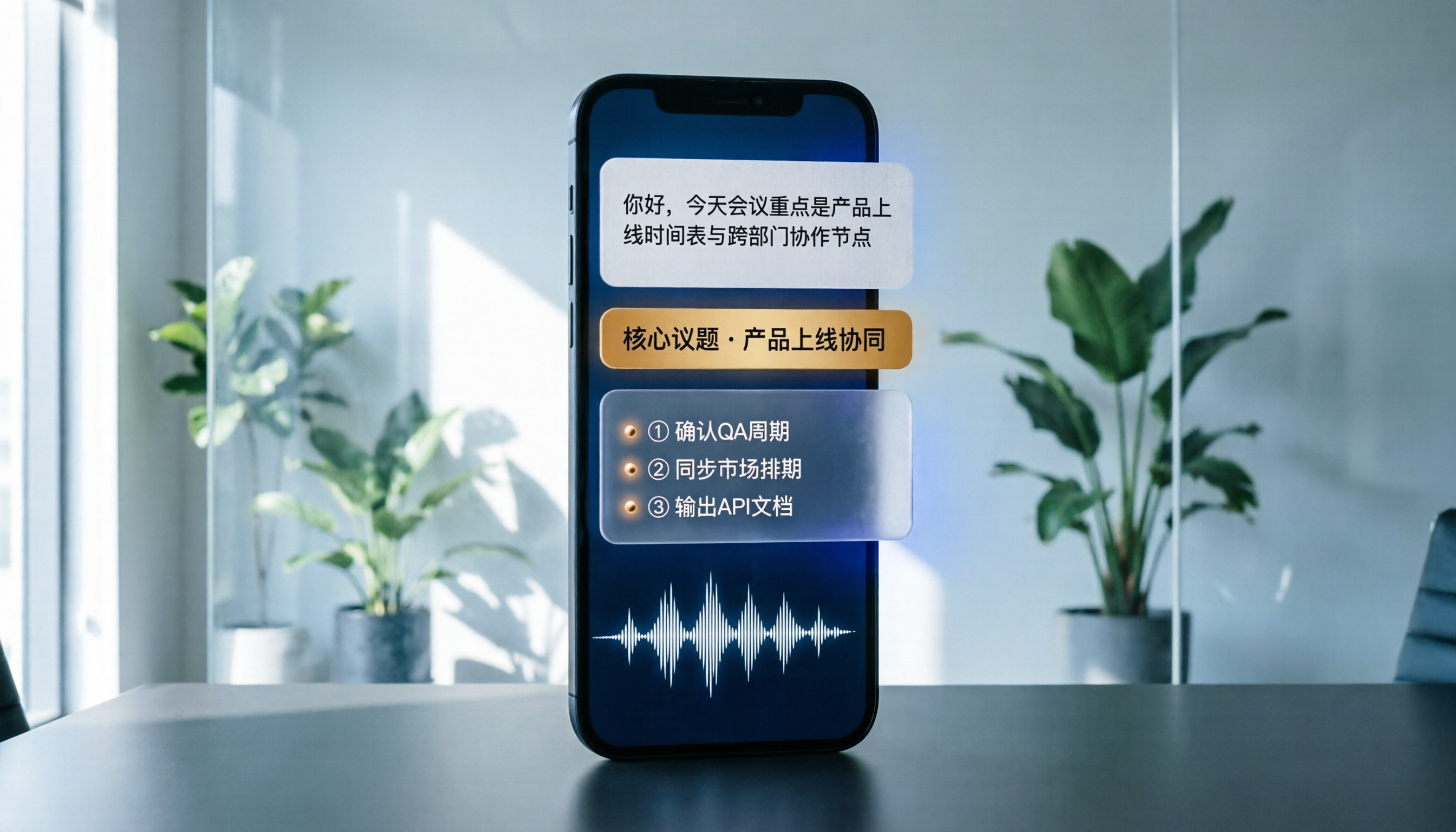
Best Phone Recording Apps in 2026: We Tested 5 — This One Makes Chinese Transcripts and Meeting Notes Easiest
Recording on your phone is easy; the hard part is what comes after. Based on real scenarios like meetings, interviews, and classes, this guide covers common iPhone recording methods, the 5 key factors to consider when choosing a recording tool, and uses Tinrec as an example to show how to turn a recording into a searchable transcript, summary, and to-do list.
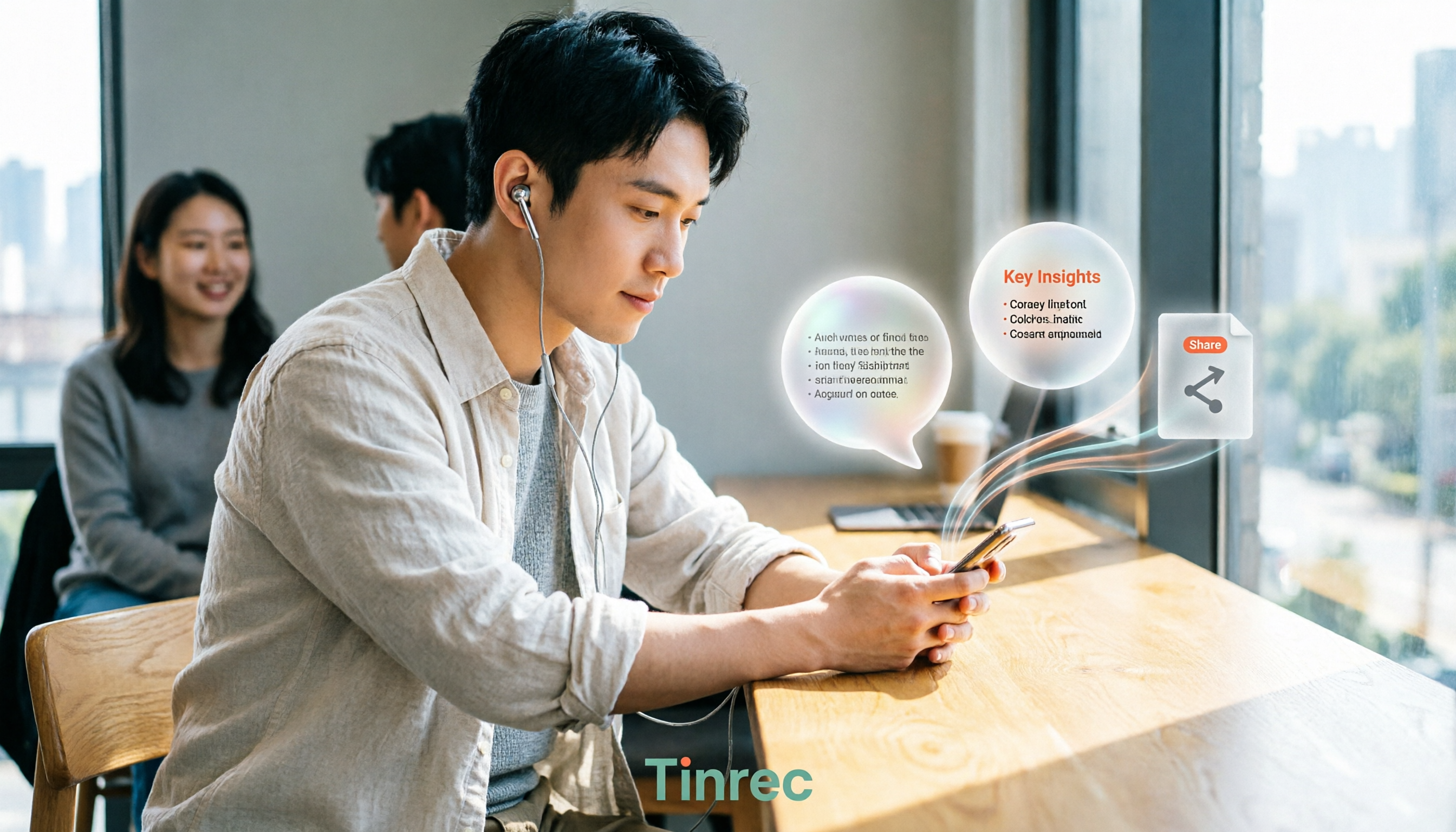
3 WeChat Voice Forwarding Alternatives Tested for 2026: How to Turn Voice Messages into Shareable Text
WeChat does not offer a voice forwarding feature, so received voice messages stay in the original chat. This article explains why this limitation exists and three common misconceptions, then uses Tinrec as an example to show how to turn voice into transcripts, summaries, and shareable documents, while comparing personal and team plans and offering buying advice.
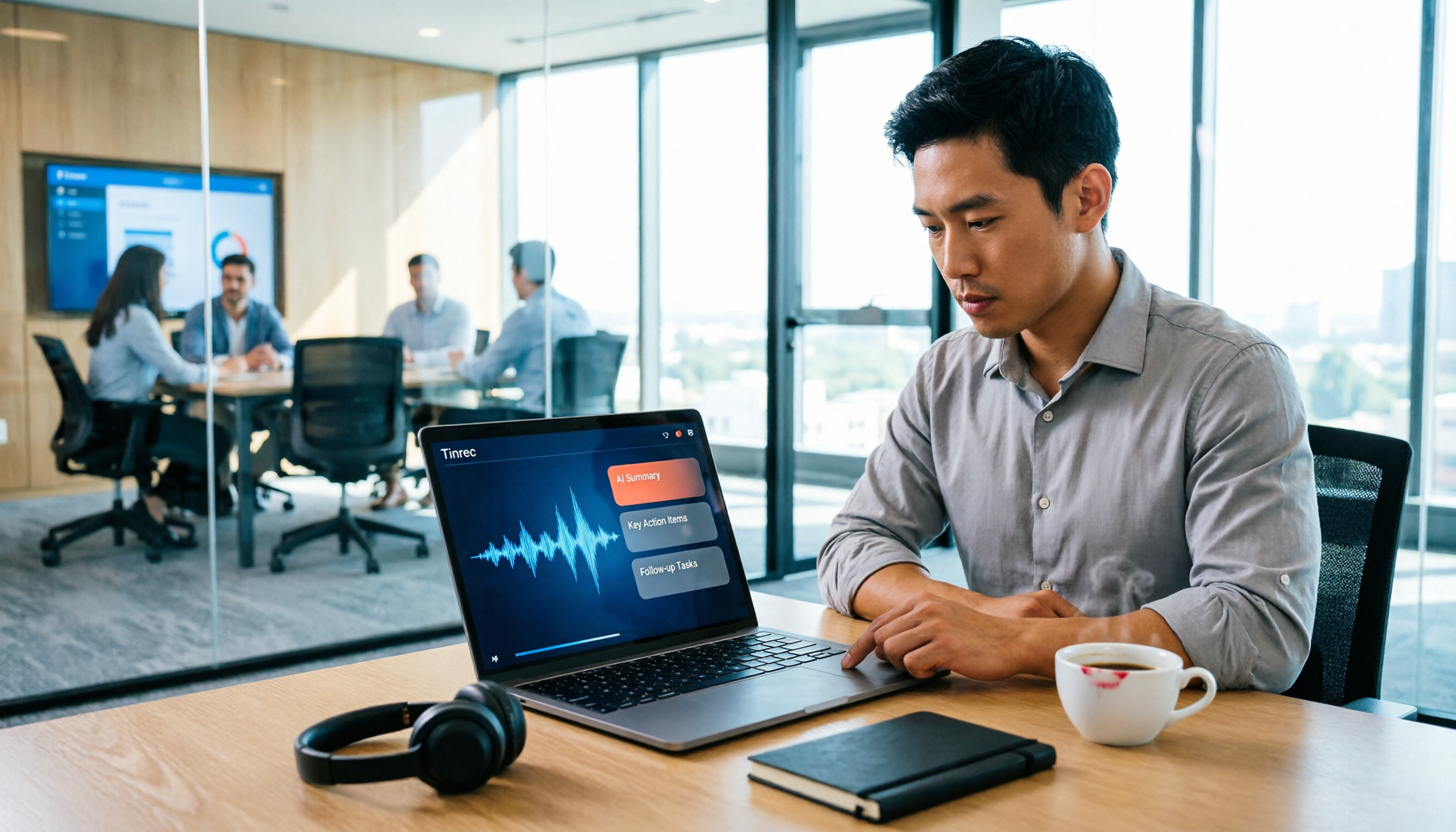
Best Real-Time Transcription Tools in 2026: 5 Options Tested, This Free One Is Enough
How much do real-time transcription tools cost? This article breaks down the pricing structure from free versions to individual paid plans and team seats, using Tinrec as an example to show how real-time transcription, AI summaries, action item extraction, and team spaces can save you from re-listening to recordings and typing transcripts manually. Suitable for office workers, managers, and team procurement evaluating transcription tool budgets.
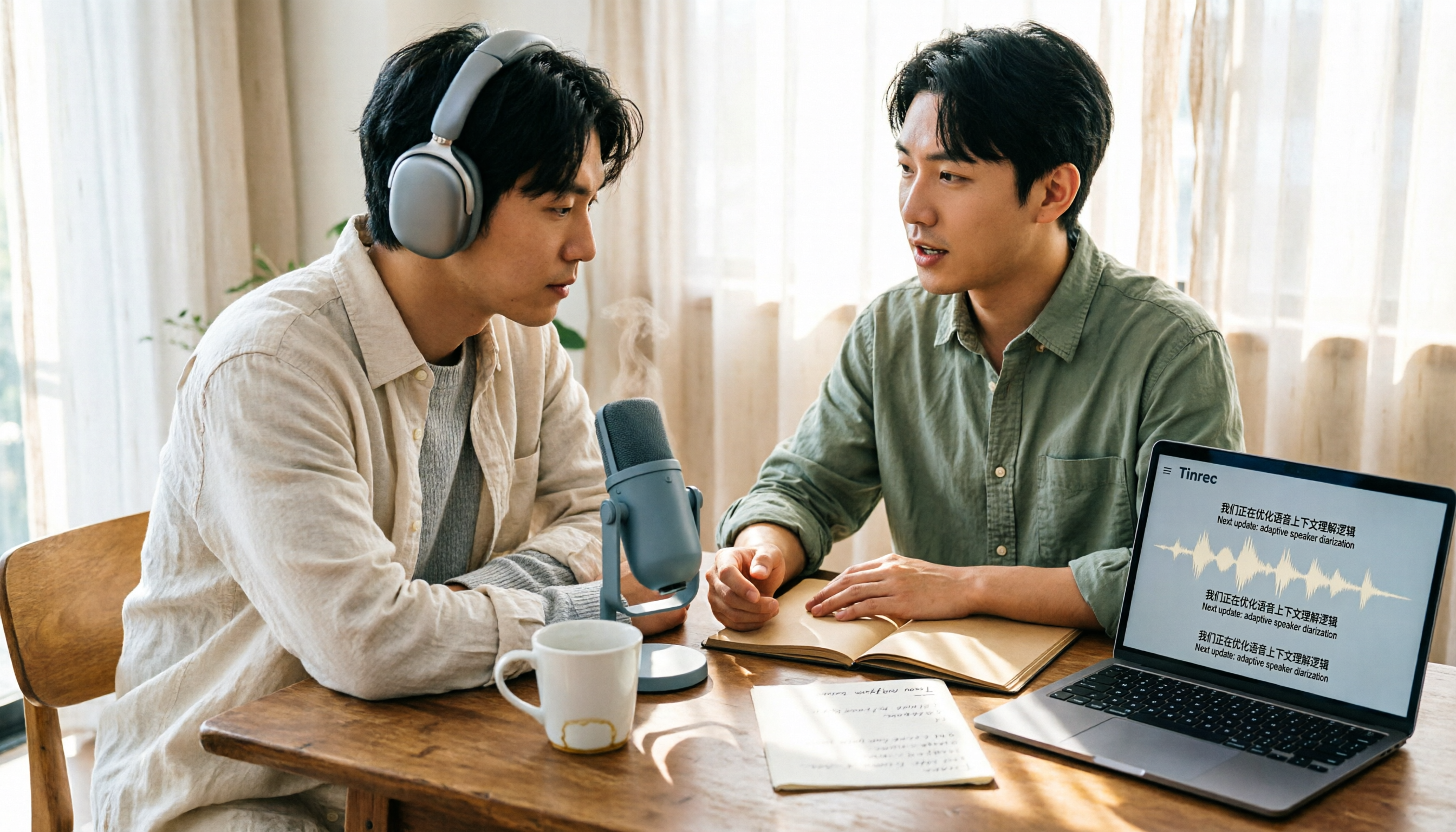
2026 Live Transcription Tools Compared: Free Tiers and Per-Minute Costs
How do you do live transcription, and how much does it cost? This article compiles actual rates for human transcription in Taiwan (general conversation NT$15-25 per minute, multi-speaker or foreign language NT$40-70, rush jobs add 50-100%), and compares free tiers, plan limits, and live transcription tutorial steps for tools like Tinrec, Notta, Granola, and Otter.ai, helping you find the most cost-effective approach within your budget.

2026 Live Transcription Tools Buying Guide: 5 Tested Picks and Recommendations
Live transcription doesn't just work by hitting record. This guide starts with common pitfalls, covers 4 key buying factors, provides a step-by-step tutorial with examples, and compares Tinrec, Notta, Otter.ai, and Granola to help you choose the right meeting notes tool.

2026 Live Transcription Tools Compared: Which One Can Transcribe Meetings in Real Time Without Losing the Recording?
Real-time transcription isn't just about accuracy. This article, from the perspective of a mid-level manager who holds 15 meetings a week, breaks down the 4 key factors to consider when choosing a live transcription tool: latency, recording retention, post-meeting processing, and team data ownership. It also compares Tinrec, Otter.ai, Notta, and Granola, with a guide to avoid pitfalls and selection advice.

2024 Real-Time Transcription Platforms Compared: Which AI Meeting Notes Actually Save Time?
How to choose a real-time transcription platform? Starting from the real pain points of meeting notes, this article outlines 4 key selection criteria, compares Tinrec, Otter.ai, Notta, and Granola, and includes a pitfalls guide and scenario-based recommendations to help you find the most time-saving option.
2026 Comparison of 3 Real-Time Transcription Tools: How to Choose for Thesis Writing and Interviews
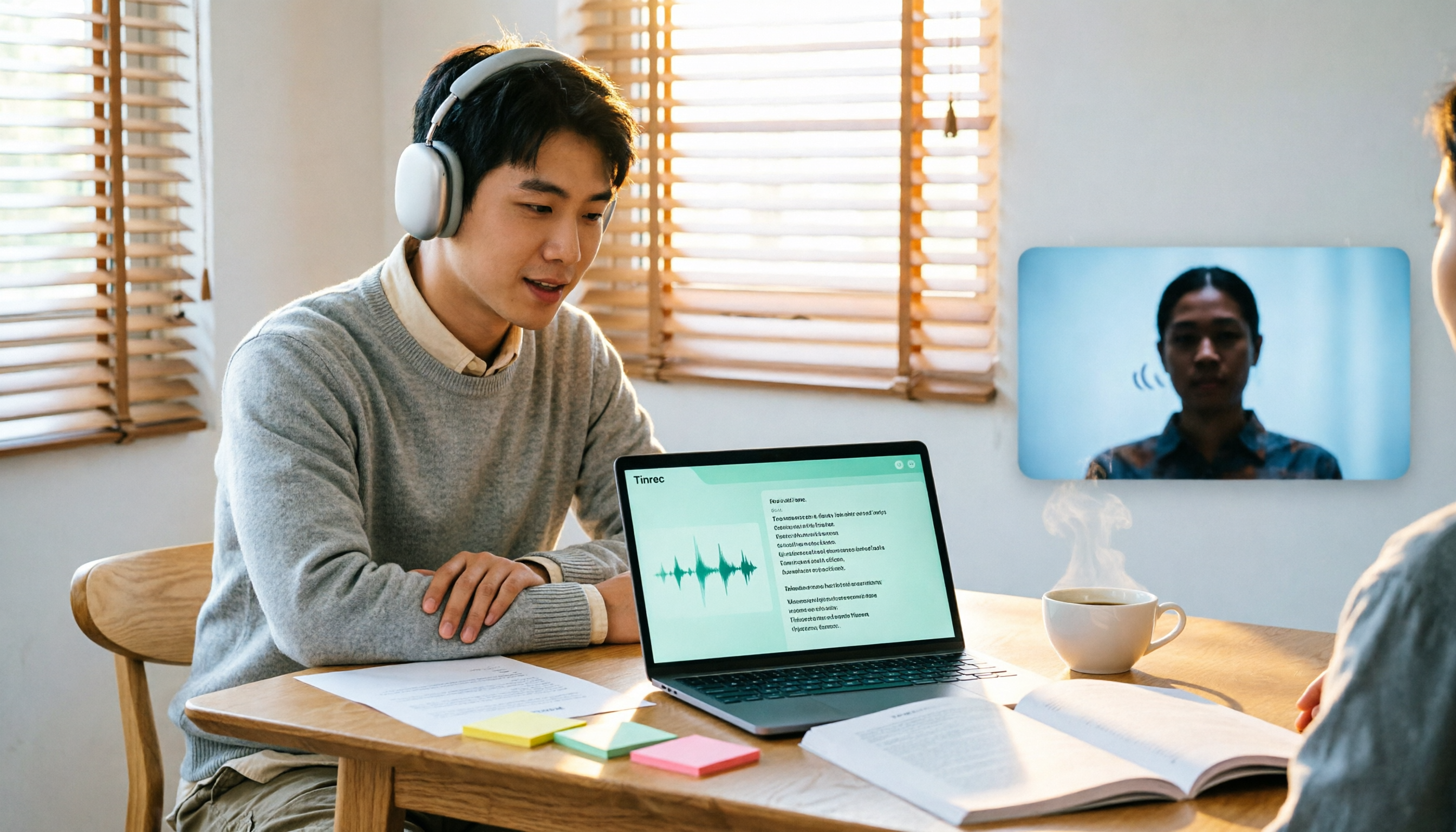
Writing a thesis often requires both real-time transcription and originality checking, which are actually different tools. This article compares Tinrec and Yating Transcription across dimensions such as Chinese transcription, online interview recording, post-meeting organization, file import, and team collaboration, and clarifies the roles of plagiarism detection systems like Turnitin and SYMSKAN.