

Turn recordings into transcripts and summaries in minutes
Upload audio or video for multilingual transcription, AI notes, and action items
5 Professional AI Tools Tested in 2026: Which Offers the Best Free Tier for Students?
When I was a freshman, I had a naive idea: the more professional AI tools you subscribe to, the stronger you are. That semester I was paying for three tools at once, totaling nearly $500 a month. But when I looked back at midterms, I realized I only opened one every day. I hadn't even used up the free tiers of the other two, yet the charges kept coming.
Later, I changed my approach: first ask yourself, "What are the three most time-consuming things this semester?" then choose tools accordingly, instead of subscribing just because others are using them. Below is my summary from over a year of testing, including the pitfalls of five common approaches and why I ultimately consolidated lecture recordings, group discussions, and graduation project interviews into one tool: Tinrec.
What Can Professional AI Tools Do for Students?
Scenario 1: A Two-Hour Class, Key Points in 5 Minutes After Class
Professors used to speak fast and flip slides even faster. My handwritten notes became illegible even to me. Now I record and transcribe in real time during class—with Tinrec, for example, it produces a transcript as it records. By the time class ends, the AI summary and chapters are ready. I just spend five minutes scanning through and marking unclear parts.
Scenario 2: Online Group Discussions Finally Have Someone Remember the Conclusions
Our group discussions are all on Google Meet. Previously, after each meeting, someone would ask in the group chat, "So what did we decide?" and no one could say for sure. Now we use Tinrec desktop to record the meeting directly. The action items in the post-meeting summary clearly state who is responsible for which part and when to submit. Even the group member who didn't attend can catch up on progress.
Scenario 3: Don't Want to Listen to Recordings from Scratch for Finals
A semester's recordings add up to dozens of hours; you can't possibly re-listen to all of them. Tinrec's AI Q&A lets you directly ask, "Which chapters did the professor say are on the final?" or "What types of questions were mentioned as must-know?" It finds answers from the transcript, much faster than scrubbing through the timeline myself.
Scenario 4: The Transcript Hell of Graduation Project Interviews
For my project, I had to interview seniors and industry professionals. Transcribing a one-hour interview took me about four hours. Now I upload the recording to Tinrec, and it generates a summary and key points directly after transcription. I can also search the transcript for quotes, saving time to write the analysis chapter.
What Are the Core Capabilities of Professional AI Tools?
Real-Time Transcription: Text as You Record
It's not transcribing after recording. Tinrec's real-time transcription lets you see the text synchronously during class or meetings. If you miss something, you can ask immediately instead of discovering later that you missed an entire segment.
No-Bot Online Meeting Recording
This has had the biggest impact on me. Tinrec desktop captures the computer's system audio directly. When handling online meetings on Zoom, Google Meet, Microsoft Teams, Webex, etc., it doesn't need to invite a meeting bot into the room. During group discussions, having one less unfamiliar account in the list makes everyone speak more naturally. Note: this is "the user actively opens the desktop version to initiate recording," not automatically joining all meetings on your calendar.
AI Summary and Chapters: No Need to Watch Long Meetings
Tinrec's summary isn't just condensing the transcript into a paragraph; it's structured—topics, discussion points, and conclusions listed separately. Long meetings are divided into chapters. For a two-hour discussion, I can grasp the whole picture by reading three summary paragraphs, and click back to the corresponding section for details.
Action Item Extraction and AI Q&A
When someone says, "Design the survey by next Wednesday," Tinrec automatically organizes it into an action item. After transcription, you can continue asking questions, such as "What report format did the professor mention in this class?" It answers directly based on semantic understanding, no need for Ctrl+F.
Multilingual, Translation, and Multi-Format Export
Some of our department's classes are taught entirely in English, and there are bilingual industry lectures. Tinrec supports Chinese, Traditional Chinese, and multilingual meeting scenarios. During recording, you can switch between original text, translation, or bilingual view. The organized results can be exported to Notion, Google Docs, OneNote, etc., for further processing—very convenient for those used to taking notes in Notion.
Practical Application Scenarios
Classes and Lectures
My current routine: open Tinrec for real-time recording before class, review the AI summary and chapters after class, and copy the professor's emphasized points into my notes. The free version offers a basic quota, enough to try recording and summarizing a few classes. If you record almost every class like me, upgrading is suitable. For short-term intensive use, a weekly pass is available.
Stop organizing recordings by hand
Upload audio or video and automatically get a transcript, summary, and action items
Group Discussions and Online Meetings
During the two weeks of final projects, we met almost daily. Using Tinrec desktop to record Google Meet, action items are assigned directly after the meeting—who does what is clear. If the whole team needs to manage meeting data together, Tinrec's team version provides an independent team space to centrally store transcripts, summaries, and action items. New members can also review previous discussion records.
Graduation Project Interviews
If interview recordings, transcripts, and quotes are scattered across your phone and cloud drives, writing your thesis will be a nightmare. Tinrec supports uploading audio and video files for transcription. I centralize all interviews in one place and search by keyword when citing, much faster than digging through transcript files.
Exam Preparation and Long-Term Knowledge Accumulation
A year's worth of recordings are actually valuable material before grad school exams or internship interviews. Tinrec's AI Q&A can query across meetings and recordings, turning your classes into a conversational database.
5 Things to Note When Choosing Professional AI Tools
1. Convert Free Quota into "How Many Classes You Can Record"
Don't just look at the official minutes; convert based on your usage scenario. Tinrec's free version offers a basic quota, suitable for trying recording, importing, summarizing, and transcribing. Once usage stabilizes, evaluate a weekly pass or Pro. For long-term data accumulation, an annual plan is suitable, with a lower monthly equivalent than monthly payment.
2. Will the Recording File Be Retained?
Some tools don't keep the audio after transcription, so you can't verify original statements later. Tinrec retains recordings, and important content can be checked by replaying with transcript timestamps.
3. Performance with Chinese and Mixed Chinese-English
Our classes often mix Chinese with English technical terms. Tinrec covers Chinese, Traditional Chinese, and multilingual scenarios, and can maintain team hotwords to improve recognition of technical terms. Actual performance is affected by recording quality, ambient noise, accents, and overlapping speakers. It's recommended to test with your own recording first.
4. Do You Need to Invite a Bot into the Meeting?
This is a hidden cost of many online meeting tools—an extra account in the list, which some interviewees mind. Tinrec desktop records via system audio capture without inviting a bot, much friendlier for interviews and group discussions.
5. Can You Use It Directly After Transcription?
The transcript is just a semi-finished product. What really saves time is the next step: Tinrec can generate summaries, chapters, action items, mind maps, and further produce reports, tables, and documents, and export to Notion, Google Docs, OneNote, Dropbox, etc.
6. If It's for Team Use
Personal version data belongs to the individual account; the team version is an independent collaborative space where meeting data belongs to the team. Tinrec team version allows creating multiple team spaces, inviting members via link, setting owner/admin/member roles, and controlling who can record, upload, and edit via seats; members without seats can still view, play, and read data. Admins can also view usage trends, member rankings, audit logs, and use the audio recycle bin to handle accidental deletions.
FAQ
Is the Free Version Enough for Students?
Enough to experience. Tinrec's free version offers a basic quota, enough to record a few classes, import a few files, and try summaries and transcription. The criterion is simple: if you only record one or two key classes a week, the free version can last a while; if you record almost every class like me, you'll need to consider a weekly pass or Pro.
Do I Need to Buy Hardware Like a Voice Recorder?
Not necessarily. Tinrec works on mobile, desktop, and web, no extra device needed. Hardware recorders are for those who need long-term portable recording, but if you mainly handle online meetings, class recordings, and existing audio files, Tinrec's multi-platform approach is sufficient.
What Accuracy Can Be Guaranteed?
It's not advisable to trust any fixed accuracy number. Actual performance is affected by recording quality, noise, accents, overlapping speakers, and technical terms. Tinrec provides high-quality transcription with clear audio and common scenarios. For important content, it's recommended to verify with transcript timestamps and recording playback.
Which Online Meeting Platforms Are Supported?
Tinrec desktop captures computer system audio, so it can handle meeting audio from Zoom, Google Meet, Microsoft Teams, Webex, etc., played on the computer. Also note that this means Tinrec is not officially partnered with these platforms.
What's the Difference Between Team and Personal Versions?
Personal version data is managed by the individual account; the team version provides an independent team space with member and seat management, shared benefits, usage analytics, audit logs, and audio recycle bin. The team version currently offers a 7-day trial for first-time eligible users, 1 free seat, and 300 minutes of team shared import quota; paid seats provide 2,000 minutes of team shared import per month. Plans are monthly and annual. Actual prices and benefits are subject to the official purchase page.
Conclusion
Back to my freshman misconception: tools aren't stronger with more; it's whether you actually use them. What professional AI tools truly help students with is turning a two-hour class into key points readable in ten minutes, turning discussions no one remembers into action items with owners, and saving a one-hour interview from four hours of transcript hell.
Among the five approaches I tried, Tinrec is the one I kept because it handles real-time recording, online meetings, and existing audio files, and completes the post-transcription summary, Q&A, and export all in one. I suggest starting with the free version, trying it with your own class or group discussion, experiencing how class content is automatically organized into key points, and then deciding whether to upgrade.
References
- 2026 Global 19 Strongest AI Tools Recommendation! See the Latest Top 100 AI Hot List Here!
- [AI Lazy Pack] Just Read This! 2026 Recommended AI Free vs Subscription Tools Collection, Improve Work Productivity & Workplace Competitiveness! (Continuously Updated) | 104 Workplace Power
- 12 Best AI Productivity Tools You Can't Miss in 2026
- [AI Tools Collection] What AI Tools Are There? 2025 Most Recommended 14 AI Tools
- [2026 AI Tools Collection] Super Practical AI Tools Lazy Pack, Free Resources Collection!
Turn every recording into actionable outcomes
Get 60 free transcription minutes when you sign in. No credit card required.
Related Reading
You might also like

2026 Comparison of 2 Transcription Tools: What Is Yating Transcription? How Does It Differ from Tinrec?
Many people think transcription tools are all about who recognizes speech more accurately, but the real difference comes after recording. This article compares Yating Transcription and Tinrec across 5 dimensions: Taiwanese accent recognition, online meeting recording methods, post-meeting summaries and action items, pricing plans, and team collaboration, to help you decide which workflow suits you.

3 iPhone Voice Typing Methods Compared in 2026: Built-in Dictation, Tinrec, or Notta — Which Is Most Accurate?
How do you use voice typing on iPhone? This article compares three methods—built-in dictation, Tinrec, and Notta—covering setup steps, recognition accuracy, and post-meeting organization to help you find the best voice input method for your needs.

iPhone Frozen? 2026 Guide: Force Restart vs DFU Recovery Mode Compared
iPhone suddenly black screen and unresponsive? Should you force restart first or plug into a computer? This article compares force restart vs computer recovery mode/DFU across 5 dimensions—difficulty, data risk, time, and applicable symptoms—with button steps for each model and when to seek repair, helping you decide your next step in 5 minutes.

2026 AI Transcription Tools Comparison: Which Is Best for Chinese Meeting Minutes?
The real pain begins after the meeting—replaying recordings, extracting key points, and writing minutes often takes more time than the meeting itself. This article compares AI transcription tools like Tinrec, Otter.ai, Notta, and PLAUD, covering differences in Chinese and mixed Chinese-English recognition, online meeting audio capture, AI summary Q&A, and team data management. It also highlights key purchasing factors and common pitfalls to help you find the most time-saving option.

Can iPhone Be Used as a Level in 2026? Measure App vs Camera Level: 5-Dimension Comparison, Which to Use for Home Improvement and Photography?
Can iPhone be used as a level? Yes. This article tests the built-in Measure app level, the iOS 17 camera level, and the level measurement feature that may be hidden in the Compass app on older versions. It organizes 5 practical dimensions, step-by-step instructions, and pitfalls to help you quickly determine level when hanging pictures or composing photos.
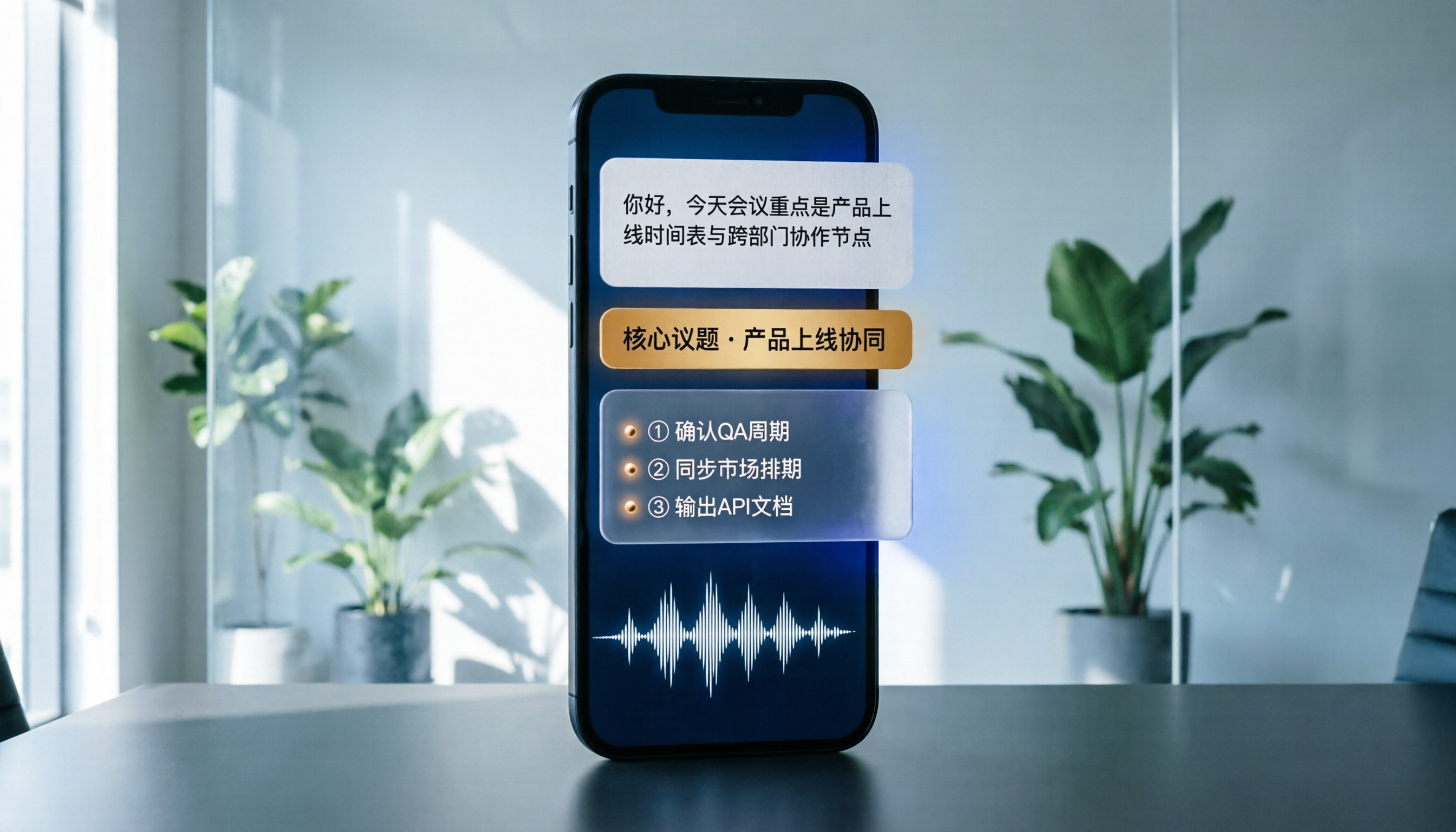
Best Phone Recording Apps in 2026: We Tested 5 — This One Makes Chinese Transcripts and Meeting Notes Easiest
Recording on your phone is easy; the hard part is what comes after. Based on real scenarios like meetings, interviews, and classes, this guide covers common iPhone recording methods, the 5 key factors to consider when choosing a recording tool, and uses Tinrec as an example to show how to turn a recording into a searchable transcript, summary, and to-do list.
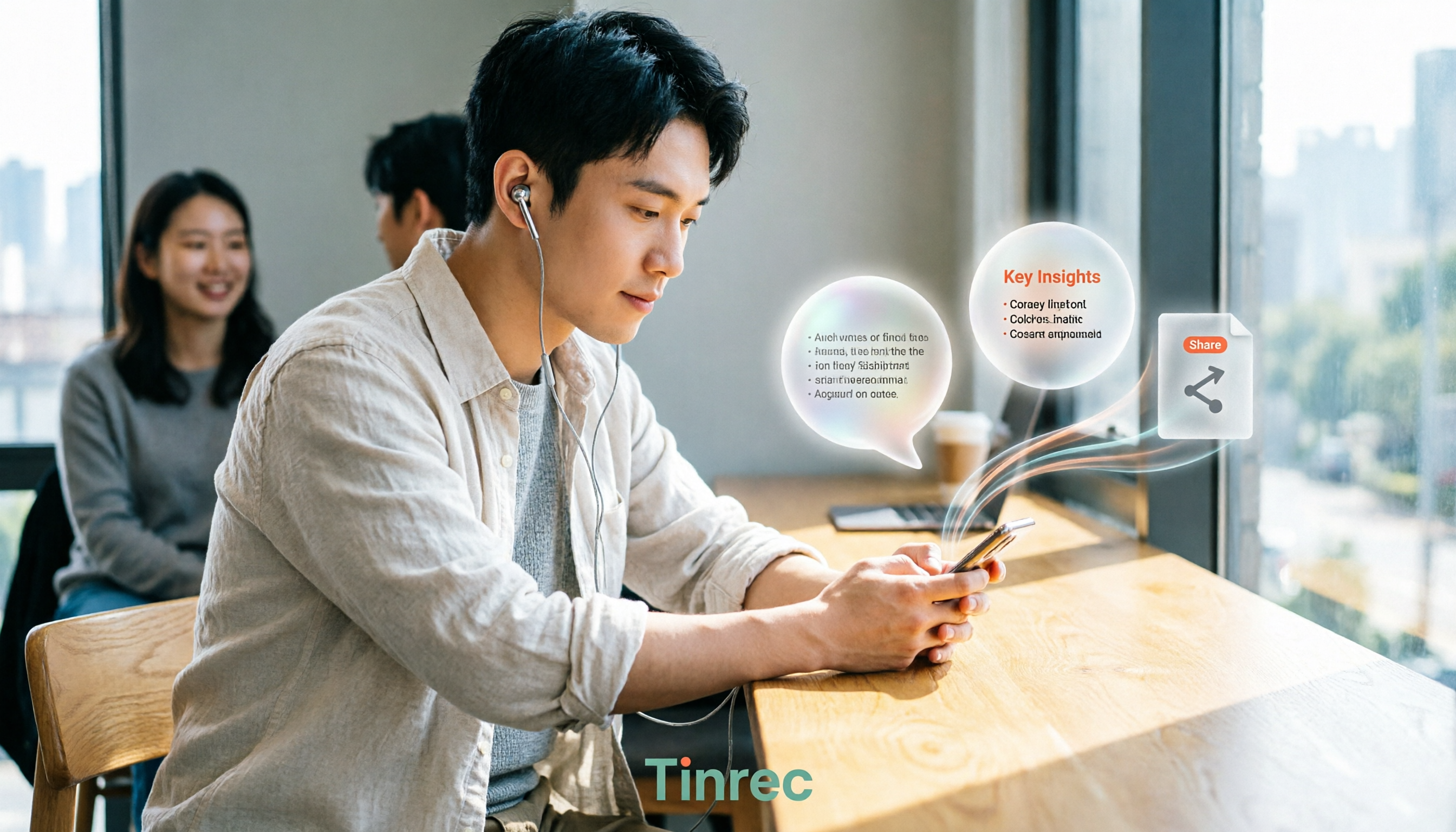
3 WeChat Voice Forwarding Alternatives Tested for 2026: How to Turn Voice Messages into Shareable Text
WeChat does not offer a voice forwarding feature, so received voice messages stay in the original chat. This article explains why this limitation exists and three common misconceptions, then uses Tinrec as an example to show how to turn voice into transcripts, summaries, and shareable documents, while comparing personal and team plans and offering buying advice.
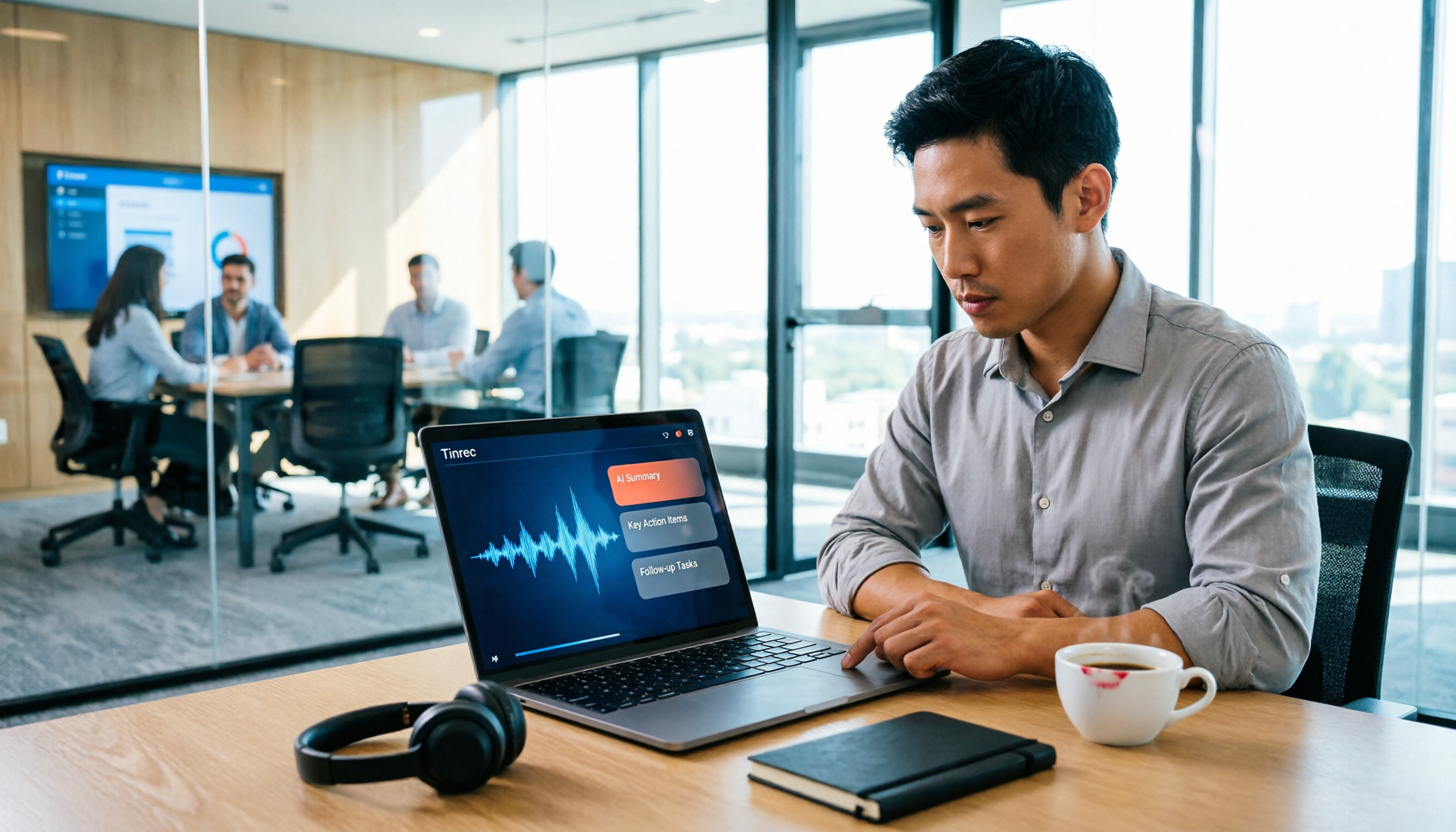
Best Real-Time Transcription Tools in 2026: 5 Options Tested, This Free One Is Enough
How much do real-time transcription tools cost? This article breaks down the pricing structure from free versions to individual paid plans and team seats, using Tinrec as an example to show how real-time transcription, AI summaries, action item extraction, and team spaces can save you from re-listening to recordings and typing transcripts manually. Suitable for office workers, managers, and team procurement evaluating transcription tool budgets.
2026 Live Transcription Tools Compared: Free Tiers and Per-Minute Costs
How do you do live transcription, and how much does it cost? This article compiles actual rates for human transcription in Taiwan (general conversation NT$15-25 per minute, multi-speaker or foreign language NT$40-70, rush jobs add 50-100%), and compares free tiers, plan limits, and live transcription tutorial steps for tools like Tinrec, Notta, Granola, and Otter.ai, helping you find the most cost-effective approach within your budget.