

Turn recordings into transcripts and summaries in minutes
Upload audio or video for multilingual transcription, AI notes, and action items
2026 AI Transcription Tools Comparison: Which Is Best for Chinese Meeting Minutes?
The meeting room empties out, and you're left with a 52-minute recording on your phone.
What you really need isn't those 52 minutes—it's the 5 decisions, 3 action items, and that one client request no one wrote down.
This article is for those moments.
The Real Pain Begins After the Recording Ends
During the meeting, you're busy listening and responding—no time to type. Afterward, the real work starts: replaying a 50-minute recording, pausing and scrubbing just to confirm whether that number was 300,000 or 130,000.
Online meetings are even trickier. On Zoom, Google Meet, or Teams, if you place your phone nearby to record, you often capture only your side—the other party's voice is faint and unclear.
There's a third pain point: the transcript you finally organized is impossible to find next time. You search for a keyword and get three irrelevant conversations.
These three issues are actually the same problem—you don't just need "voice to text," you need meeting content that's searchable and reusable.
4 Key Factors Before Choosing an AI Transcription Tool
1. Chinese and mixed Chinese-English recognition. Meetings in Taiwan rarely use pure Chinese; often three English words slip into a sentence. This scenario tests the model most and reveals differences between tools.
2. How online meeting audio is captured. Some tools use a meeting bot to join, while others capture system audio via desktop app. The latter doesn't add an unfamiliar participant to the meeting list—less intrusive for client calls.
3. What you can do after transcription. A transcript is just the start. Automatic summaries, action item extraction, and the ability to ask questions directly determine how much time you save.
4. Where your data lives. For personal use, your account is fine. For team sharing, look for member, role, seat, and usage management features.
With these four points in mind, the following order should make sense.
Tinrec: My Current Top Recommendation
Tinrec is an AI meeting notes and collaboration tool for individuals and teams, available on web, desktop, and mobile, handling Chinese, Traditional Chinese, and multilingual meetings.
Its biggest difference from ordinary recording apps is that it connects "recording" and "using" in one workflow.
Open Tinrec during a meeting, and it transcribes in real time. The desktop version captures system audio directly, so for Zoom, Google Meet, Microsoft Teams, or Webex, no meeting bot joins—no unfamiliar account appears on the participant list. For in-person meetings, interviews, or field visits, use mobile or web for live recording.
After the meeting, AI automatically generates summaries, chapters, and action items. Who's responsible for what and when it's due—all listed.
Even better is AI Q&A. After recording, you can ask: "How many budget constraints did the client mention?" or "What specs were we supposed to change from last meeting?" It answers based on meeting content, not a list of keyword search results. For recurring project meetings, you can ask across sessions. This is where it stands out from pure transcription tools.
Output is flexible: transcripts, summaries, mind maps, plus reports, tables, and documents, exportable to Notion, Google Docs, OneNote, Dropbox, etc. Real-time translation is supported during recording, so cross-language meetings can be viewed in original, translated, or bilingual mode.
Note: Tinrec is not a meeting bot that automatically joins all calendar events—you need to open the desktop app to start recording. Also, don't measure it by a fixed accuracy rate—recording quality, accents, overlapping speech, and technical terms all affect results. For important content, verify against the transcript timestamps and recording.
Stop organizing recordings by hand
Upload audio or video and automatically get a transcript, summary, and action items
Pricing: Personal plans include free, weekly, Pro monthly, and Pro annual, based on usage frequency. Team plan: first-time eligible users get a 7-day trial, 1 free seat, and 300 minutes of shared team import quota; afterward, monthly is USD 29.80 per paid seat per month, annual is USD 199 per paid seat per year (about USD 16.58/month), each paid seat provides 2,000 minutes of shared team import quota per month, and real-time recording within the team is currently not deducted by minutes. Actual prices and benefits are subject to the official purchase page.
The team plan deserves its own paragraph. It's not "multiple people sharing one account" but an independent team space: meeting data belongs to the team, you can create multiple teams, invite members via link, and distinguish owners, admins, and regular members. Whether a member has a "seat" affects whether they can record, upload, edit, and import/export; but even without a seat, they can still view, play, and read team data. Admins can also see usage trends, member details, query and export audit logs; accidentally deleted team audio can be restored from a 30-day recycle bin. When a member leaves or loses their seat, data isn't taken away but handed over to other active members.
If you have weekly meetings and need to write minutes afterward, or if your team's meeting content is scattered across individual phones, this is the one I'd recommend trying first.
Besides Tinrec, What Are the Alternatives?
Otter.ai: A mature choice for English meetings. Free plan: 300 minutes/month; Pro annual: about USD 8.49/month; covers Zoom, Teams, Google Meet, etc., with desktop and AI Chat. If your content is almost entirely English business meetings, it's sufficient. But Chinese and mixed Chinese-English recognition, as well as real-time translation during recording, are not its strengths—Tinrec is closer to Taiwan's usage scenarios.
Notta: A direct competitor with high overlap with Tinrec. Free plan: 120 minutes/month, max 3 minutes per item; Pro annual: about USD 8.17/month, 1,800 minutes/month; Business annual: about USD 16.67/seat/month. Its transcription and translation are good, but meeting recording still relies mainly on meeting bots or file uploads; Tinrec's desktop version records online meetings without a bot, and its post-meeting AI Q&A and Agent processing are also more emphasized.
PLAUD Note/NotePin: AI recording hardware representative. NotePin is USD 159, Note Pro is USD 189; Starter membership: 300 minutes/month, Pro annual: USD 99.99/year for 1,200 minutes/month. If you want a portable physical device that can even record phone calls, it's a great experience; but when meetings are on the computer, you still end up back in software. Tinrec requires no extra device—web, desktop, and mobile all work, with online meetings, historical audio, and team space in one place.
Pitfall Guide: 4 Common Mistakes When Choosing These Tools
Pitfall 1: Fooled by "free unlimited." Many tools say unlimited, but the fine print reveals limits on session length, file count, or export. Check the actual free plan limits before recording a two-hour meeting only to find you can't export.
Pitfall 2: Only recording your side. In online meetings, using just a phone nearby often captures the other party faintly and unclearly. Confirming whether the tool can capture system audio is more important than anything.
Pitfall 3: Using it only as "voice to text." If you only generate transcripts, you're using a third of its capability. Summaries, action items, and AI Q&A are where real time savings happen—like asking Tinrec directly "What was the conclusion of this meeting?" is much faster than manually scanning a 50-minute transcript.
Pitfall 4: Ignoring team data ownership. With personal accounts, meeting records get tied to specific colleagues; when they leave, data scatters. If meeting content is a team asset, choose a tool with team spaces, roles, and seat mechanisms.
Conclusion: Which One Should You Choose?
Simply put, it depends on your meetings:
- Chinese or mixed Chinese-English meetings, needing minutes and action items → Tinrec
- Online meetings without a bot appearing in the participant list → Tinrec (desktop captures system audio)
- Want to ask AI for details after recording, search across meetings → Tinrec (AI Q&A and post-meeting Agent processing)
- Team needs shared meeting data, seat and usage management → Tinrec Team Plan
- Content almost entirely English, want to keep costs low → Otter.ai
- Need to process large batches of files and subtitles → Choose based on per-file volume and duration needs
- Need portable hardware recording → PLAUD and similar recording devices
Don't rush to pay. Pick your most painful meeting recording, run it through the free tier, and see if the transcript is smooth, the summary accurate, and the AI Q&A answers what you really want to ask. Trying it yourself beats any review.
References
Turn every recording into actionable outcomes
Get 60 free transcription minutes when you sign in. No credit card required.
Related Reading
You might also like

2026 Comparison of 2 Transcription Tools: What Is Yating Transcription? How Does It Differ from Tinrec?
Many people think transcription tools are all about who recognizes speech more accurately, but the real difference comes after recording. This article compares Yating Transcription and Tinrec across 5 dimensions: Taiwanese accent recognition, online meeting recording methods, post-meeting summaries and action items, pricing plans, and team collaboration, to help you decide which workflow suits you.

3 iPhone Voice Typing Methods Compared in 2026: Built-in Dictation, Tinrec, or Notta — Which Is Most Accurate?
How do you use voice typing on iPhone? This article compares three methods—built-in dictation, Tinrec, and Notta—covering setup steps, recognition accuracy, and post-meeting organization to help you find the best voice input method for your needs.

iPhone Frozen? 2026 Guide: Force Restart vs DFU Recovery Mode Compared
iPhone suddenly black screen and unresponsive? Should you force restart first or plug into a computer? This article compares force restart vs computer recovery mode/DFU across 5 dimensions—difficulty, data risk, time, and applicable symptoms—with button steps for each model and when to seek repair, helping you decide your next step in 5 minutes.

Can iPhone Be Used as a Level in 2026? Measure App vs Camera Level: 5-Dimension Comparison, Which to Use for Home Improvement and Photography?
Can iPhone be used as a level? Yes. This article tests the built-in Measure app level, the iOS 17 camera level, and the level measurement feature that may be hidden in the Compass app on older versions. It organizes 5 practical dimensions, step-by-step instructions, and pitfalls to help you quickly determine level when hanging pictures or composing photos.

5 Professional AI Tools Tested in 2026: Which Offers the Best Free Tier for Students?
During my freshman year, I juggled three AI tools at nearly $500 a month, but only one was actually opened daily. This article tests five common approaches from a student's perspective—from lecture recordings and group discussions to graduation project interviews—explaining how to calculate free tiers, which pitfalls to avoid, and why I ultimately consolidated my notes and meeting records into Tinrec.
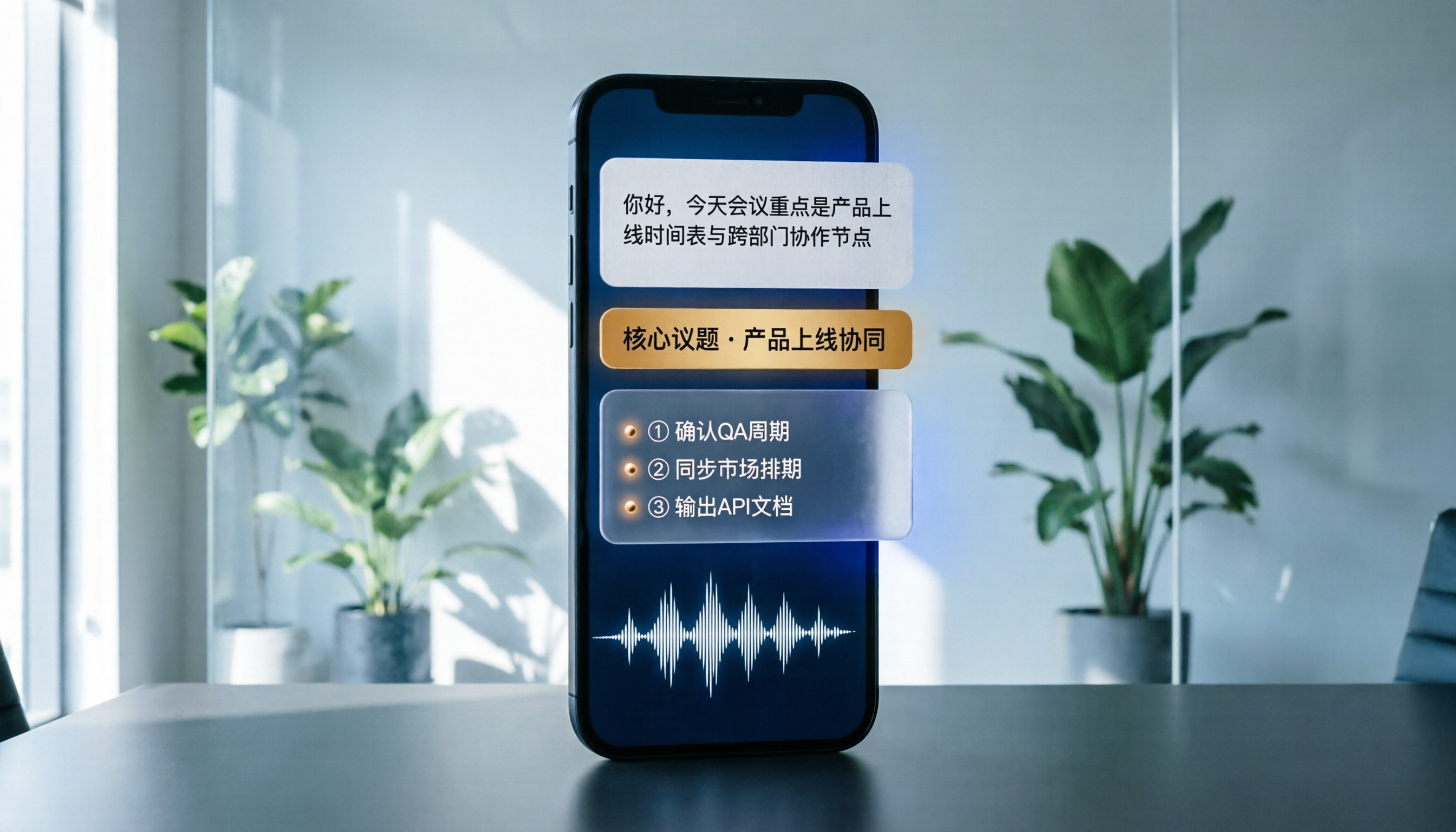
Best Phone Recording Apps in 2026: We Tested 5 — This One Makes Chinese Transcripts and Meeting Notes Easiest
Recording on your phone is easy; the hard part is what comes after. Based on real scenarios like meetings, interviews, and classes, this guide covers common iPhone recording methods, the 5 key factors to consider when choosing a recording tool, and uses Tinrec as an example to show how to turn a recording into a searchable transcript, summary, and to-do list.
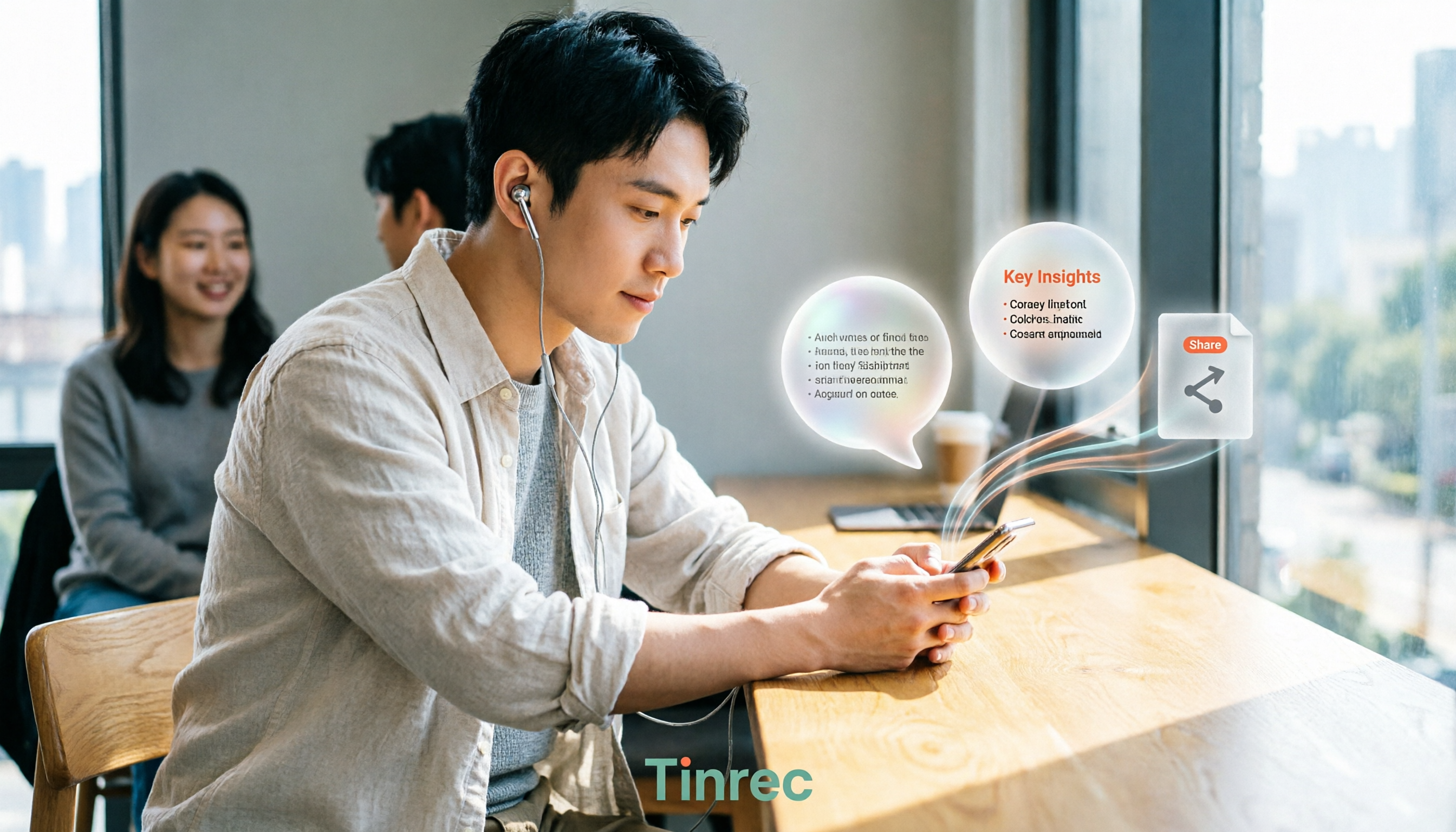
3 WeChat Voice Forwarding Alternatives Tested for 2026: How to Turn Voice Messages into Shareable Text
WeChat does not offer a voice forwarding feature, so received voice messages stay in the original chat. This article explains why this limitation exists and three common misconceptions, then uses Tinrec as an example to show how to turn voice into transcripts, summaries, and shareable documents, while comparing personal and team plans and offering buying advice.
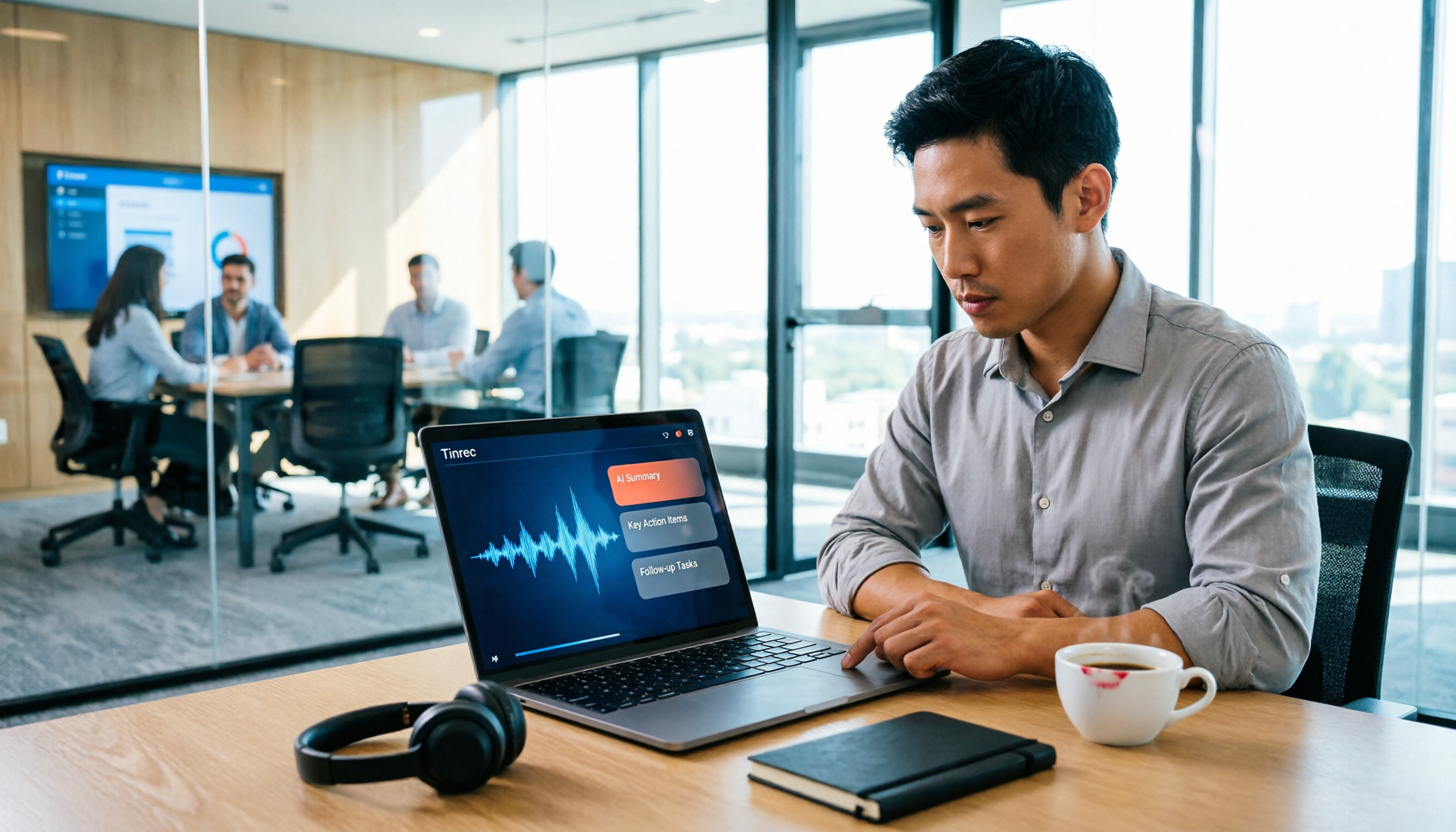
Best Real-Time Transcription Tools in 2026: 5 Options Tested, This Free One Is Enough
How much do real-time transcription tools cost? This article breaks down the pricing structure from free versions to individual paid plans and team seats, using Tinrec as an example to show how real-time transcription, AI summaries, action item extraction, and team spaces can save you from re-listening to recordings and typing transcripts manually. Suitable for office workers, managers, and team procurement evaluating transcription tool budgets.
2026 Live Transcription Tools Compared: Free Tiers and Per-Minute Costs
How do you do live transcription, and how much does it cost? This article compiles actual rates for human transcription in Taiwan (general conversation NT$15-25 per minute, multi-speaker or foreign language NT$40-70, rush jobs add 50-100%), and compares free tiers, plan limits, and live transcription tutorial steps for tools like Tinrec, Notta, Granola, and Otter.ai, helping you find the most cost-effective approach within your budget.