
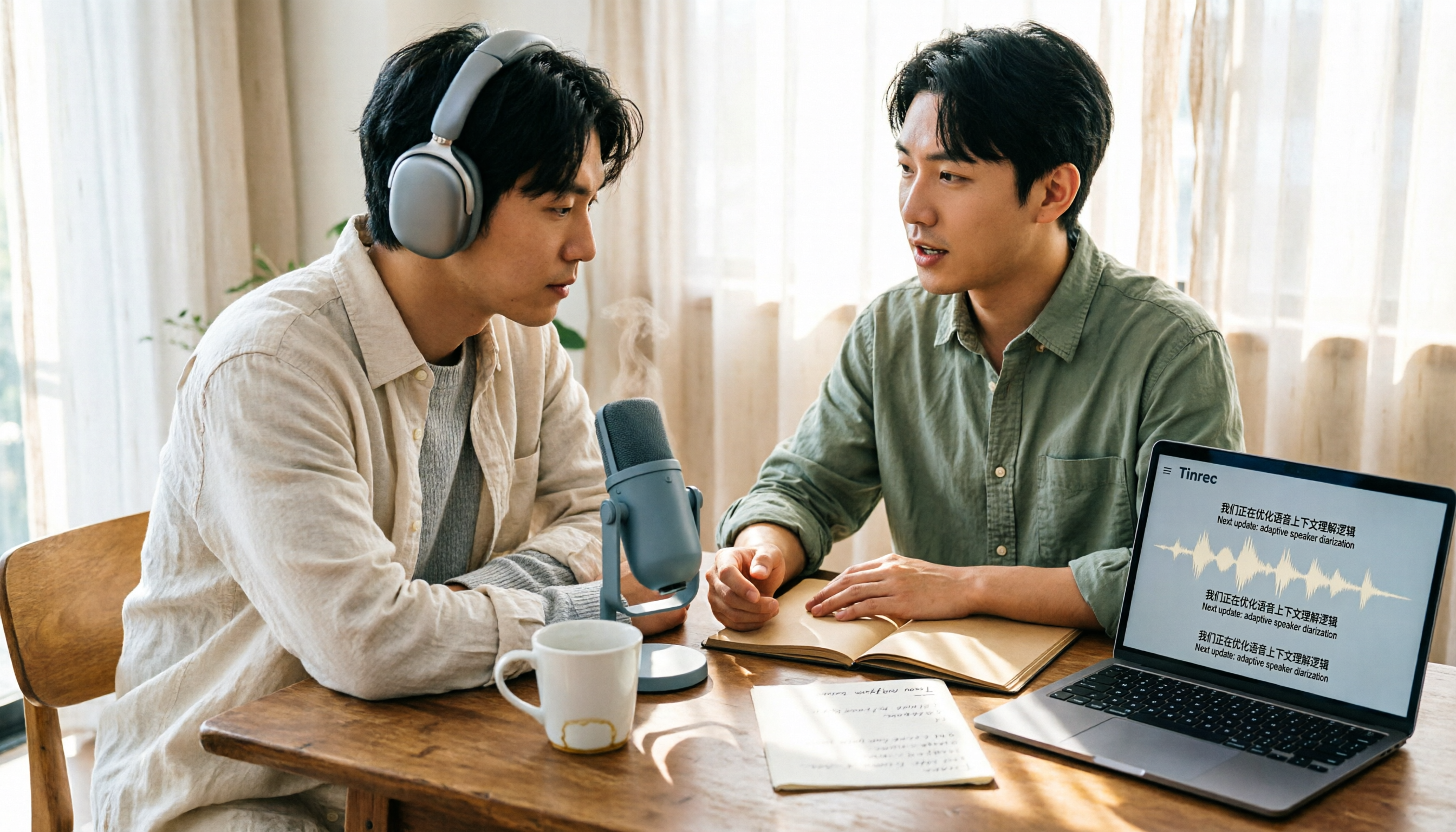
Turn recordings into transcripts and summaries in minutes
Upload audio or video for multilingual transcription, AI notes, and action items
2026 Live Transcription Tools Compared: Free Tiers and Per-Minute Costs
The Moment the Meeting Ends Is When the Pain Begins
It's 3 PM on a Wednesday, and a 90-minute cross-departmental meeting just ended. Your notebook has only a few lines, and the recording is still on your phone.
When it's time to submit the meeting minutes, you have to listen from the beginning: pause, type, rewind, type again. A one-hour recording often takes 3-4 hours to turn into a readable version.
Interviews or client meetings are even trickier—multiple people talking over each other, mixing Chinese and English, plus a bunch of unfamiliar technical terms.
Honestly, the problem usually isn't your typing speed; it's your method: you're doing "after-the-fact transcription," not "live transcription."
This article will clarify two things: how to do live transcription, and how to calculate the cost.
Before Choosing a Live Transcription Tool, Understand These 4 Things
1. Do You Need Live Transcription or Post-Upload?
Live transcription means "text appears as you speak," suitable for in-person meetings, interviews, and classes. Post-upload means recording first, then uploading the audio file to a tool for transcription, suitable for organizing historical recordings.
These two aren't mutually exclusive. In practice, the best approach is: live transcription on-site, then add past accumulated audio files afterward. So whether a tool can do both is more important than looking at just one feature.
2. Cost: How Much Does Human Transcription Differ from AI Tools?
Human transcription is usually billed by audio length. Reference rates: general conversation about NT$15-25 per minute, professional content about NT$25-40, and English or multi-speaker meetings about NT$40-70. Some charge per 30 minutes, around NT$500-1,500. For qualitative research interviews, a 1-hour recording is about NT$1,000-2,000.
Also factor in surcharges: poor audio quality or multiple overlapping speakers usually adds 20-50%; rush jobs within 24-48 hours add 50-100%.
Converting this, a 1-hour Chinese interview costs about NT$900-1,800 for human transcription. If you have 4 per month, that's NT$3,600-7,200.
AI tools follow a different model: free tiers plus subscriptions. For example, LINE's Clova Note offers 600 free minutes per month; Yating Transcription gives 20 minutes free upon registration, then you need to purchase more. The difference in this model is "how much volume you have per month," not "how much you're willing to pay."
Note that AI transcription saves typing time, not proofreading time. Important content still needs to be checked against the recording, so set aside time for that.
3. Can It Recognize Chinese, Mixed Chinese-English, and Taiwanese Accents?
This is the most common pitfall for Taiwanese users. Many tools perform well in English but start guessing when faced with Taiwanese Mandarin, Taiwanese Hokkien, or mixed Chinese-English speech.
When choosing a tool, it's best to test it with a real meeting of your own, not just official demo audio.
4. What Will You Do with the Transcript Afterward?
If you just need a text transcript, AI transcription is enough. But most people actually want: meeting minutes, to-do lists, and a searchable database.
So beyond transcription quality, consider whether it can generate summaries, chapters, and to-dos, whether you can ask questions about the content, and whether it can export to your existing workflow.
Tinrec (Miao Ting Lu Yin) — Our Top Pick After Actual Use
Tinrec (Miao Ting Lu Yin) is an AI meeting notes and collaboration tool for individuals and teams, supporting iOS, Android, and web versions, with online meetings handled by the desktop version.
Its most impressive feature is that you no longer need to throw a meeting bot into the meeting room. The desktop version directly captures your computer's system audio, so when handling online meetings like Zoom, Google Meet, Microsoft Teams, or Webex, no extra account appears in the participant list, and you don't need to wait for the host to admit you.
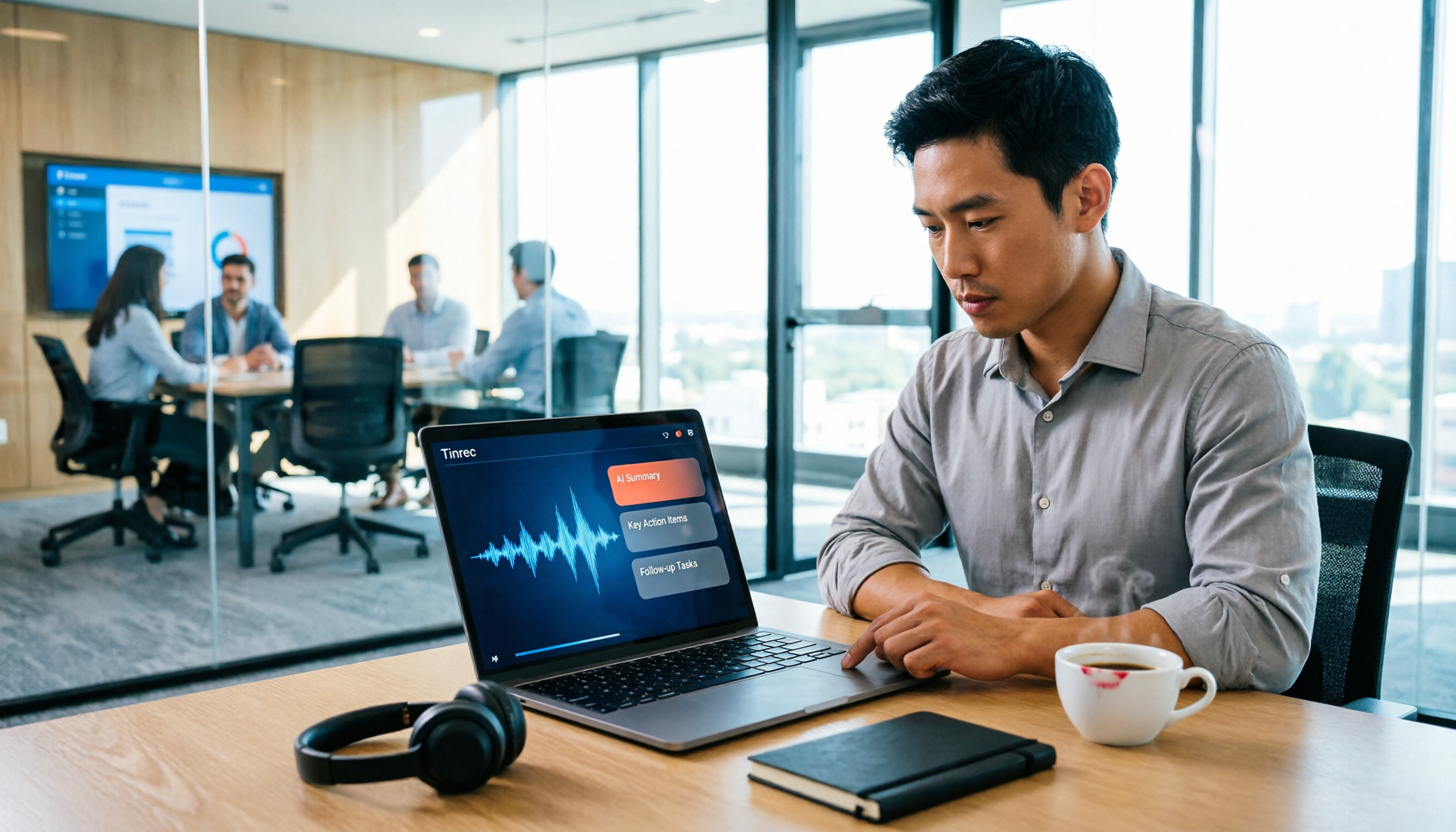
Live transcription is just the starting point. During the meeting, it records and transcribes simultaneously, and after it ends, it automatically generates summaries, chapters, and to-dos—who is responsible for what and by when, all clear at a glance. For cross-language meetings, it also offers live translation, allowing you to switch between original text, translation, or bilingual view.
Even better is the AI Q&A. After recording, you can directly ask it: "Who mentioned the budget in the last meeting?" It will answer based on the meeting content, rather than giving you a list of keyword search results. This feature is not common among tools in the same price range.
Finally, export. Meeting results can be taken to common tools like Notion, Google Docs, OneNote, and Dropbox, and can further generate reports, tables, and meeting minutes, essentially connecting the transcript back to your original workflow.
Stop organizing recordings by hand
Upload audio or video and automatically get a transcript, summary, and action items
Hands-On: 5 Steps for Live Transcription
- Test the microphone and system audio before the meeting starts to ensure proper recording.
- Ask participants to state their name and title when they speak; speaker recognition accuracy will improve significantly.
- Add technical terms, product codes, and project names to the team's hotwords in advance to reduce recognition errors.
- When cross-language is needed during the meeting, enable live translation and use bilingual mode for comparison.
- After the meeting, use the summary to grasp the structure, then use AI Q&A to fill in details, and finally export to your desired format.
Pricing and Plans
The personal version starts with a free plan, allowing you to experience recording, import, summary, and transcription. If you have a short period of intensive meetings or interviews, consider a weekly card; if you have steady needs every week, the Pro monthly card is suitable; if you need to accumulate recording data long-term, the annual card has a lower monthly equivalent. Actual prices are subject to the official purchase page.
The team version is not "multiple people sharing one account," but an independent team space. The first eligible team trial is 7 days, 1 free seat, and 300 minutes of team shared import quota. The paid plan is USD 29.80 per paid seat per month, or USD 199 per paid seat per year (equivalent to about USD 16.58 per month). Each paid seat provides 2,000 minutes of team shared import quota per month; under an active team plan and active seats, live recording currently does not deduct minutes, which makes a big difference for teams with long meetings.
The team version also allows separate management of members, roles, and seats: members without seats can still view and read data, but recording, uploading, editing, and exporting require a seat. Administrators can view usage trends, member details, query and export audit logs, and recover accidentally deleted audio from the recycle bin.
Three Things I Find Practical
- No meeting bot needed: the desktop version captures system audio, so the meeting flow isn't interrupted.
- Transcription isn't the end: summaries, chapters, to-dos, and AI Q&A all in one.
- Data stays: the team space turns meetings into searchable, queryable assets, rather than scattered across personal devices.
Limitations to Note
- No fixed accuracy rate is promised. Actual performance is affected by recording quality, ambient noise, accents, overlapping speakers, and technical terms.
- The team version currently focuses on team-level sharing, not file-level granular permission design.
- File and web link imports consume the team shared import quota; it's not unlimited.
- For highly regulated scenarios like healthcare, legal, and finance, you need to evaluate compliance requirements and authorization yourself.
Who Is It For
If you often have Chinese meetings, want to use AI to find key points directly after the meeting, and don't want to carry an extra recording device, Tinrec is a very reasonable choice right now. Teams that want to share meeting data, manage seats and usage can also start with the team version.
Besides Tinrec, What Other Options Are There?
Notta: Multi-platform transcription, subtitles, and translation are its strengths. The free version offers 120 minutes per month, up to 3 minutes per session; the Pro annual plan is about USD 8.17 per month (1,800 minutes per month), and there's also a Business team plan. Tinrec's difference is that the desktop version directly captures system audio, no need to invite a bot to the meeting, and it connects post-meeting Q&A, to-dos, and export into one flow. Prices and benefits are subject to the official page.
Granola: A bot-free AI meeting notes tool. Basic is free, Business is USD 14 per user per month. It does not support uploading pre-recorded audio files and does not retain meeting audio. Tinrec, besides live meetings, can also import existing audio files and retain recordings, so you can go back and verify or re-listen afterward.
Otter.ai: A mature choice for English business meetings. Basic is free with 300 minutes per month; Pro annual is about USD 8.49 per user per month. If most of your recordings are English meetings, it's sufficient; but it's not designed for Taiwanese accents and mixed Chinese-English. Tinrec is more aligned with the needs of Taiwanese teams in Chinese meetings, live translation, team space, and seat governance.
Pitfall Guide: 4 Most Common Mistakes in Live Transcription
Pitfall 1: Only looking at per-minute price. Human transcription quotes seem straightforward, but what you're actually paying for is the total time of "listening + proofreading + formatting." Rush job surcharges of 50-100% usually stem from this.
Pitfall 2: Ignoring the recording environment. Poor audio quality or multiple people talking over each other leads to 20-50% surcharges for human transcription, and AI tool recognition rates drop as well. Using an external microphone and reducing ambient noise is the cheapest and most effective investment.
Pitfall 3: Treating transcription as the end goal. Using a transcription tool only as "audio to text" means you're only using one-third of its capabilities. Meeting minutes, to-dos, and asking questions about content are where the real time savings are.
Pitfall 4: Team sharing one personal account. With multiple accounts, no one knows who recorded which meeting, and when a member leaves, the data goes with them. Teams need independent spaces, seats, and permission management, not shared passwords.
One more reminder: before recording and transcribing, check local regulations and obtain participant consent when necessary.
Conclusion: Which One Should You Choose?
- Chinese meetings, mixed Chinese-English, need live transcription as you go → Tinrec (desktop version, bot-free recording)
- Want to ask AI directly to find key points after the meeting, need summaries and to-dos → Tinrec (AI Q&A is its core differentiator)
- Need to import past audio files and keep recordings for replay → Tinrec
- Team needs to share meeting data, manage seats, usage, and audit → Tinrec team version
- Zero budget and only record English meetings → Otter.ai free version (one of the few exceptions recommended in this article)
We suggest starting with Tinrec's free version and testing it with a real meeting of your own. Use up the free quota first, then decide whether to upgrade—no need to pay from the start.
References
- 2026 Transcription Rate and Fee Overview: Are Free AI Transcription Tools Good? | Tasker Article Column
- How Much Does Transcription Cost? 2026 Latest Rates and Quotes | Tasker
- 2025 Transcription Rates from NT$500 | PRO360 Expert Network
- Yating Transcription: Online Speech-to-Text Service, Fee Introduction at a Glance! | Comprehensive AI Tool Introduction - Future Commerce
- 2026 Transcription Service Review Summary: Complete Evaluation and Recommendation Guide for 10 Major Transcription Tools
Turn every recording into actionable outcomes
Get 60 free transcription minutes when you sign in. No credit card required.
Related Reading
You might also like
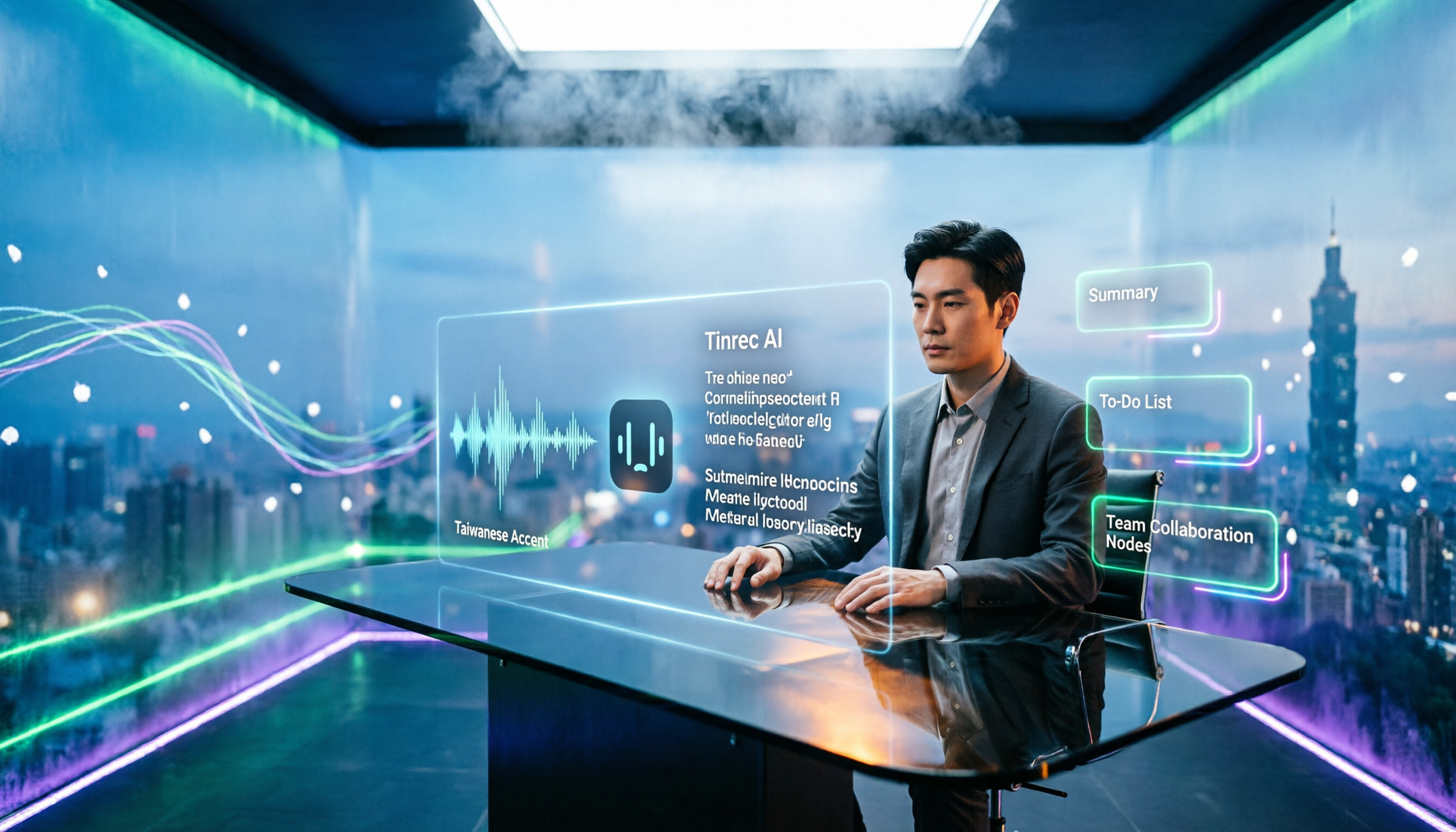
2026 Comparison of 2 Transcription Tools: What Is Yating Transcription? How Does It Differ from Tinrec?
Many people think transcription tools are all about who recognizes speech more accurately, but the real difference comes after recording. This article compares Yating Transcription and Tinrec across 5 dimensions: Taiwanese accent recognition, online meeting recording methods, post-meeting summaries and action items, pricing plans, and team collaboration, to help you decide which workflow suits you.

3 iPhone Voice Typing Methods Compared in 2026: Built-in Dictation, Tinrec, or Notta — Which Is Most Accurate?
How do you use voice typing on iPhone? This article compares three methods—built-in dictation, Tinrec, and Notta—covering setup steps, recognition accuracy, and post-meeting organization to help you find the best voice input method for your needs.

iPhone Frozen? 2026 Guide: Force Restart vs DFU Recovery Mode Compared
iPhone suddenly black screen and unresponsive? Should you force restart first or plug into a computer? This article compares force restart vs computer recovery mode/DFU across 5 dimensions—difficulty, data risk, time, and applicable symptoms—with button steps for each model and when to seek repair, helping you decide your next step in 5 minutes.

2026 AI Transcription Tools Comparison: Which Is Best for Chinese Meeting Minutes?
The real pain begins after the meeting—replaying recordings, extracting key points, and writing minutes often takes more time than the meeting itself. This article compares AI transcription tools like Tinrec, Otter.ai, Notta, and PLAUD, covering differences in Chinese and mixed Chinese-English recognition, online meeting audio capture, AI summary Q&A, and team data management. It also highlights key purchasing factors and common pitfalls to help you find the most time-saving option.

Can iPhone Be Used as a Level in 2026? Measure App vs Camera Level: 5-Dimension Comparison, Which to Use for Home Improvement and Photography?
Can iPhone be used as a level? Yes. This article tests the built-in Measure app level, the iOS 17 camera level, and the level measurement feature that may be hidden in the Compass app on older versions. It organizes 5 practical dimensions, step-by-step instructions, and pitfalls to help you quickly determine level when hanging pictures or composing photos.

5 Professional AI Tools Tested in 2026: Which Offers the Best Free Tier for Students?
During my freshman year, I juggled three AI tools at nearly $500 a month, but only one was actually opened daily. This article tests five common approaches from a student's perspective—from lecture recordings and group discussions to graduation project interviews—explaining how to calculate free tiers, which pitfalls to avoid, and why I ultimately consolidated my notes and meeting records into Tinrec.
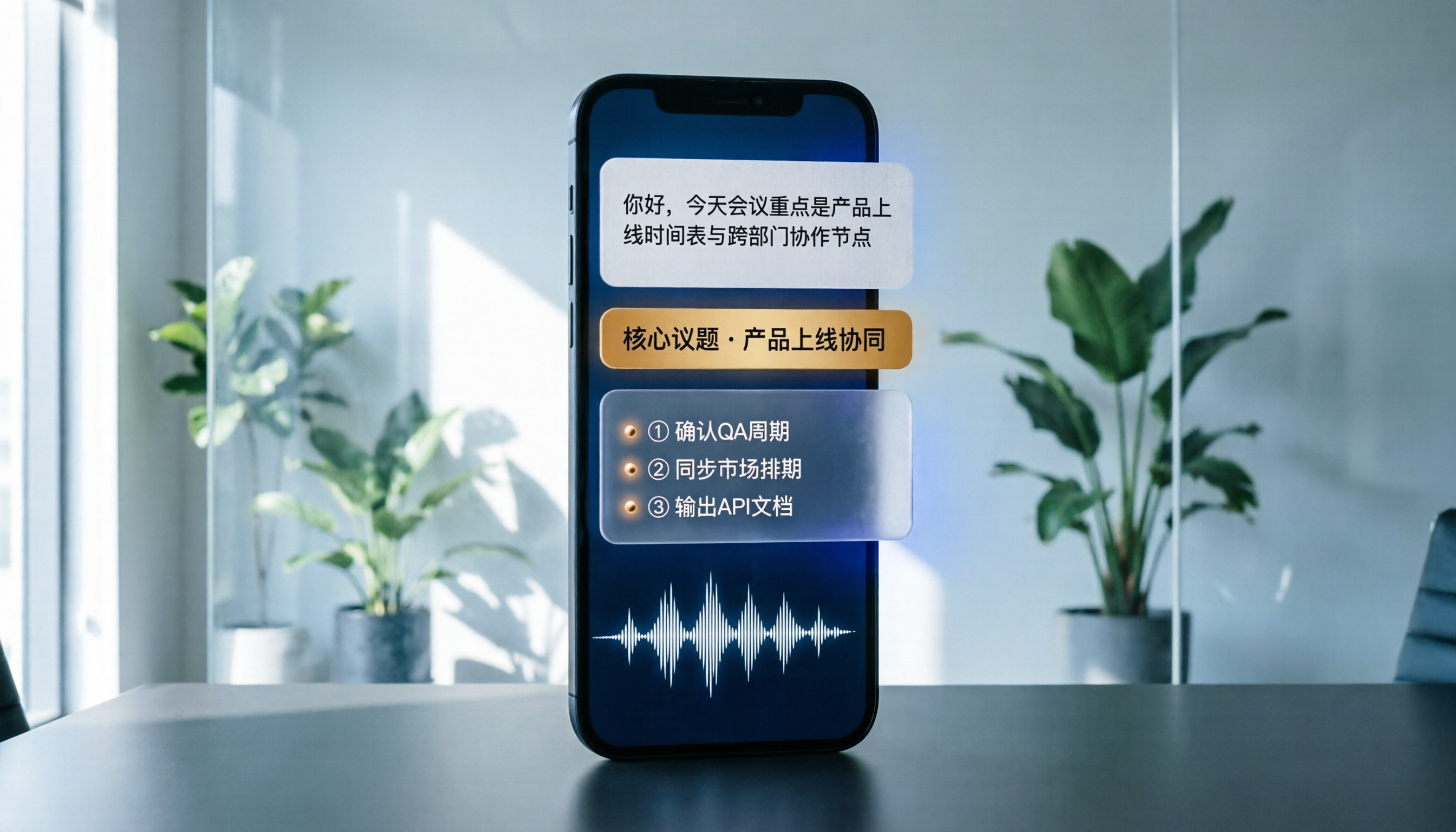
Best Phone Recording Apps in 2026: We Tested 5 — This One Makes Chinese Transcripts and Meeting Notes Easiest
Recording on your phone is easy; the hard part is what comes after. Based on real scenarios like meetings, interviews, and classes, this guide covers common iPhone recording methods, the 5 key factors to consider when choosing a recording tool, and uses Tinrec as an example to show how to turn a recording into a searchable transcript, summary, and to-do list.
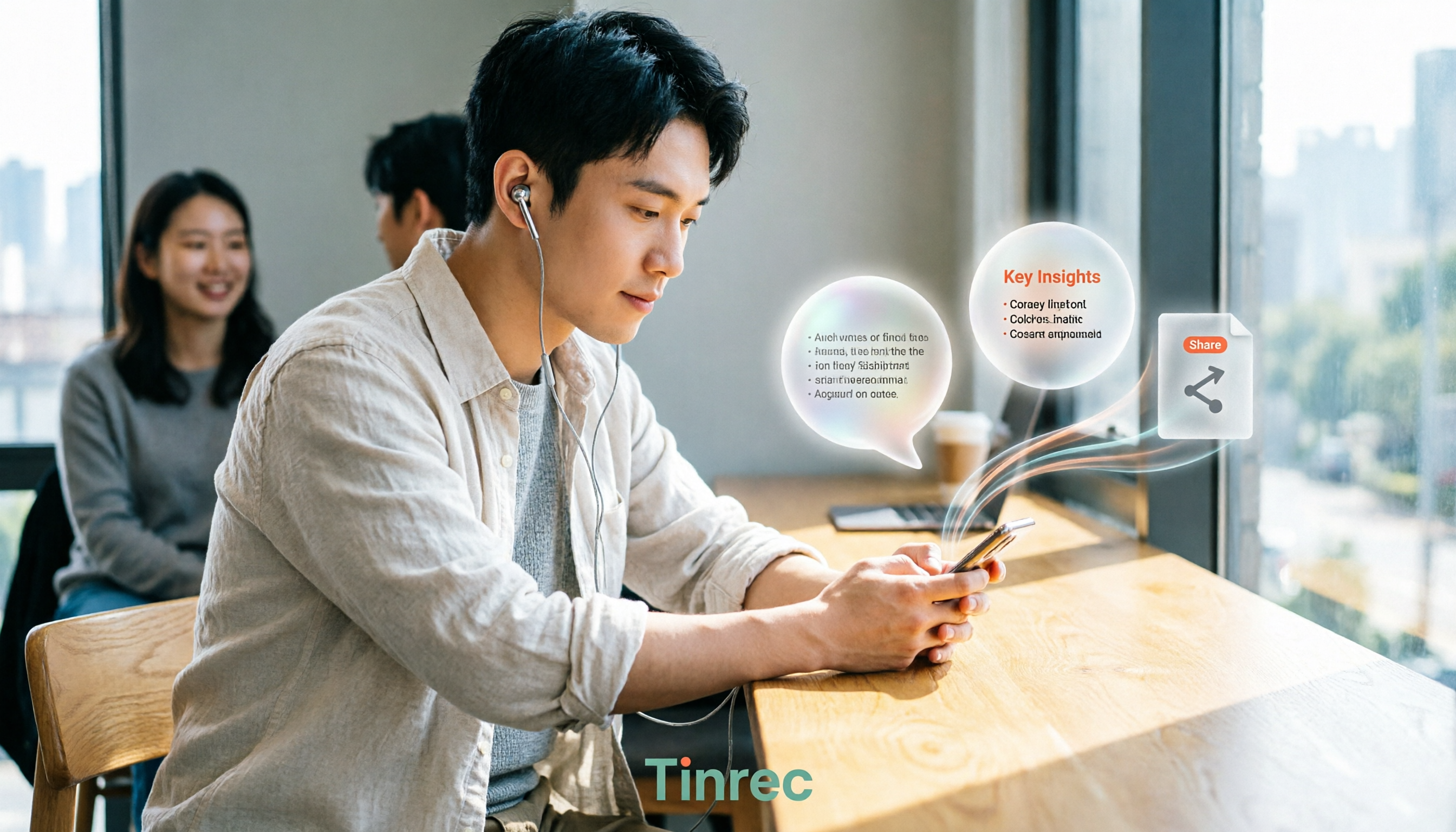
3 WeChat Voice Forwarding Alternatives Tested for 2026: How to Turn Voice Messages into Shareable Text
WeChat does not offer a voice forwarding feature, so received voice messages stay in the original chat. This article explains why this limitation exists and three common misconceptions, then uses Tinrec as an example to show how to turn voice into transcripts, summaries, and shareable documents, while comparing personal and team plans and offering buying advice.
Best Real-Time Transcription Tools in 2026: 5 Options Tested, This Free One Is Enough
How much do real-time transcription tools cost? This article breaks down the pricing structure from free versions to individual paid plans and team seats, using Tinrec as an example to show how real-time transcription, AI summaries, action item extraction, and team spaces can save you from re-listening to recordings and typing transcripts manually. Suitable for office workers, managers, and team procurement evaluating transcription tool budgets.