

Turn recordings into transcripts and summaries in minutes
Upload audio or video for multilingual transcription, AI notes, and action items
iPhone Voice Typing Pain Points: Slow Typing, Hands Too Busy?
Two-hour meetings, handwritten notes missing bits and pieces; suddenly remembering something important while driving but unable to type it down. You've surely encountered these situations.
iPhone's built-in voice input (dictation) can help solve some of these problems, but for long meetings or multi-person interviews, it's not enough. This article tests three iPhone voice typing methods, from free built-in to AI tools, to tell you which one suits you best.
Before Choosing an iPhone Voice Input Method, Understand These 4 Key Points
1. Recognition Accuracy and Language Support Don't just look at the official advertised accuracy rate. Real meetings have air conditioning noise, keyboard sounds, and multiple people talking over each other, which can lower accuracy. Also, if you often mix Chinese and English, make sure the tool supports mixed-language recognition.
2. Whether an Internet Connection Is Required iPhone's built-in dictation requires an internet connection (Wi-Fi or cellular data) to work. If you often use it in places without internet, keep this in mind.
3. Post-Meeting Organization Capabilities Speech-to-text is just the first step. If you need meeting summaries, to-do items, or key point reviews, choose a tool with AI post-processing features.
4. Cross-Platform and Team Collaboration Record on iPhone today, organize on computer tomorrow—if the tool supports cross-platform (iOS, Android, web), it's much more convenient. For team use, consider shared spaces and permission management.
Tinrec (Miao Ting Lu Yin) — Top Choice for Meetings and Long Recordings
Tinrec (Miao Ting Lu Yin) is an AI meeting notes and collaboration tool for individuals and teams, supporting iOS, Android, and web.
It doesn't just convert sound to text; it also organizes meeting recordings into searchable, summarizable, queryable, and exportable data. Here are the most practical features I found after actual use:
Real-time Recording to Text Open Tinrec during a meeting, and it will produce a transcript while recording. By the time the meeting ends, the transcript is ready, saving a lot of typing time.
AI Summary and Chapters Long meetings often last one or two hours. Tinrec automatically generates summaries and chapters, letting you quickly grasp the key discussion points without going through the entire transcript.
To-Do Extraction Automatically organizes to-do items from the conversation—who is responsible for what, what the deadlines are—at a glance.
AI Q&A After recording, you can directly ask Tinrec: "Who mentioned the budget in the last meeting?" It answers based on semantic understanding, not just keyword search results. This is the most convenient feature I found.
Multi-format Export and Team Spaces You can export results to Notion, Google Docs, OneNote, and other tools. The team version also offers shared spaces, member management, usage analytics, and audit logs.
In clear audio and common scenarios, Tinrec provides high-quality transcription; actual results depend on recording quality, accent, noise, and technical terminology. The free version has a basic quota, and heavy users need to pay, but for those who have meetings two or three times a week, the free quota is usually sufficient.
Stop organizing recordings by hand
Upload audio or video and automatically get a transcript, summary, and action items
If you frequently need Chinese meeting notes, post-meeting AI Q&A, or want to turn meeting data into team assets, Tinrec is currently the most suitable choice.
Besides Tinrec, What Other Voice Input Options Are There for iPhone?
iPhone Built-in Dictation Free and convenient, suitable for short sentence input. Setup steps:
- Go to Settings > General > Keyboard.
- Turn on "Enable Dictation."
- Tap any input field; a microphone icon appears at the bottom right of the keyboard. Tap it to start speaking.
- Say punctuation names, such as "comma," "period," "question mark." iOS 16 and later automatically adds punctuation.
- To add emojis, say "heart emoji."
- Press and hold the microphone icon to switch languages.
Limitations: Requires internet connection, no AI summary or to-do extraction, not suitable for long meeting organization.
Notta Multilingual transcription tool. Free version: 120 minutes per month, max 3 minutes per session. Pro annual plan is about USD 8.17/month, 1,800 minutes per month. Suitable for users with limited budget who need basic transcription. However, it lacks bot-free recording and team spaces, and the Chinese meeting experience is not as good as Tinrec.
Otter.ai Top choice for English meetings. Free version: 300 minutes per month. But Chinese support is weak. If you mainly record English content, consider it. For Chinese meetings, Tinrec is still more suitable.
Pitfall Guide: 3 Most Common Mistakes When Using iPhone Voice Typing
Pitfall 1: Thinking Dictation Is Completely Offline iPhone's built-in dictation requires an internet connection. In places without internet, voice input will not work. It's advisable to check connection status beforehand.
Pitfall 2: Ignoring Punctuation Commands Many people don't know you can say "comma" or "period" to add punctuation, resulting in transcripts without punctuation that need manual correction later. Although iOS 16 and later automatically add punctuation, commands are still more accurate for important sections.
Pitfall 3: Treating Dictation Only as an Input Method, Without a Post-Meeting Organization Tool Built-in dictation is suitable for short sentences, but if you often use it for meeting notes, you'll still need to organize summaries and to-dos yourself afterward. It's recommended to pair it with a tool like Tinrec, which generates summaries and action items directly after recording, saving a lot of time.
Conclusion: Which One Should You Choose?
Based on different needs, my recommendations are as follows:
- Quick message replies, short sentence input → iPhone built-in dictation (free, fastest)
- Chinese meeting notes and summaries → Tinrec (AI summary, chapters, to-dos all in one)
- Interview transcripts and AI Q&A → Tinrec (ask directly, quickly find key points)
- Team sharing and permission management → Tinrec (team spaces, member seats, usage analytics)
- English meetings, limited budget → Otter.ai (free 300 minutes, good English recognition)
Overall, iPhone built-in dictation is sufficient for daily short sentences, but if you need meeting notes, interview organization, or team collaboration, Tinrec is a more complete solution. It's recommended to try the free version first and consider upgrading if it meets your needs.
References
- Dictate text on iPhone - Apple Support (Taiwan)
- iPhone Typing and Voice Recognition Simultaneously: No More Words You Can't Type | Hami Book City. Quick Read
- Use Live Speech to type to speak on iPhone - Apple Support (Taiwan)
- Complete Guide to iPhone Voice to Text: How to Use Dictation? 5 Major Solutions for Low Accuracy and Missing Microphone!
- iPhone Voice Input Tutorial: Using Dictation to Enter Text, Punctuation, and Emojis - Tech Girlz
Turn every recording into actionable outcomes
Get 60 free transcription minutes when you sign in. No credit card required.
Related Reading
You might also like

2026 Comparison of 2 Transcription Tools: What Is Yating Transcription? How Does It Differ from Tinrec?
Many people think transcription tools are all about who recognizes speech more accurately, but the real difference comes after recording. This article compares Yating Transcription and Tinrec across 5 dimensions: Taiwanese accent recognition, online meeting recording methods, post-meeting summaries and action items, pricing plans, and team collaboration, to help you decide which workflow suits you.

iPhone Frozen? 2026 Guide: Force Restart vs DFU Recovery Mode Compared
iPhone suddenly black screen and unresponsive? Should you force restart first or plug into a computer? This article compares force restart vs computer recovery mode/DFU across 5 dimensions—difficulty, data risk, time, and applicable symptoms—with button steps for each model and when to seek repair, helping you decide your next step in 5 minutes.

2026 AI Transcription Tools Comparison: Which Is Best for Chinese Meeting Minutes?
The real pain begins after the meeting—replaying recordings, extracting key points, and writing minutes often takes more time than the meeting itself. This article compares AI transcription tools like Tinrec, Otter.ai, Notta, and PLAUD, covering differences in Chinese and mixed Chinese-English recognition, online meeting audio capture, AI summary Q&A, and team data management. It also highlights key purchasing factors and common pitfalls to help you find the most time-saving option.

Can iPhone Be Used as a Level in 2026? Measure App vs Camera Level: 5-Dimension Comparison, Which to Use for Home Improvement and Photography?
Can iPhone be used as a level? Yes. This article tests the built-in Measure app level, the iOS 17 camera level, and the level measurement feature that may be hidden in the Compass app on older versions. It organizes 5 practical dimensions, step-by-step instructions, and pitfalls to help you quickly determine level when hanging pictures or composing photos.

5 Professional AI Tools Tested in 2026: Which Offers the Best Free Tier for Students?
During my freshman year, I juggled three AI tools at nearly $500 a month, but only one was actually opened daily. This article tests five common approaches from a student's perspective—from lecture recordings and group discussions to graduation project interviews—explaining how to calculate free tiers, which pitfalls to avoid, and why I ultimately consolidated my notes and meeting records into Tinrec.
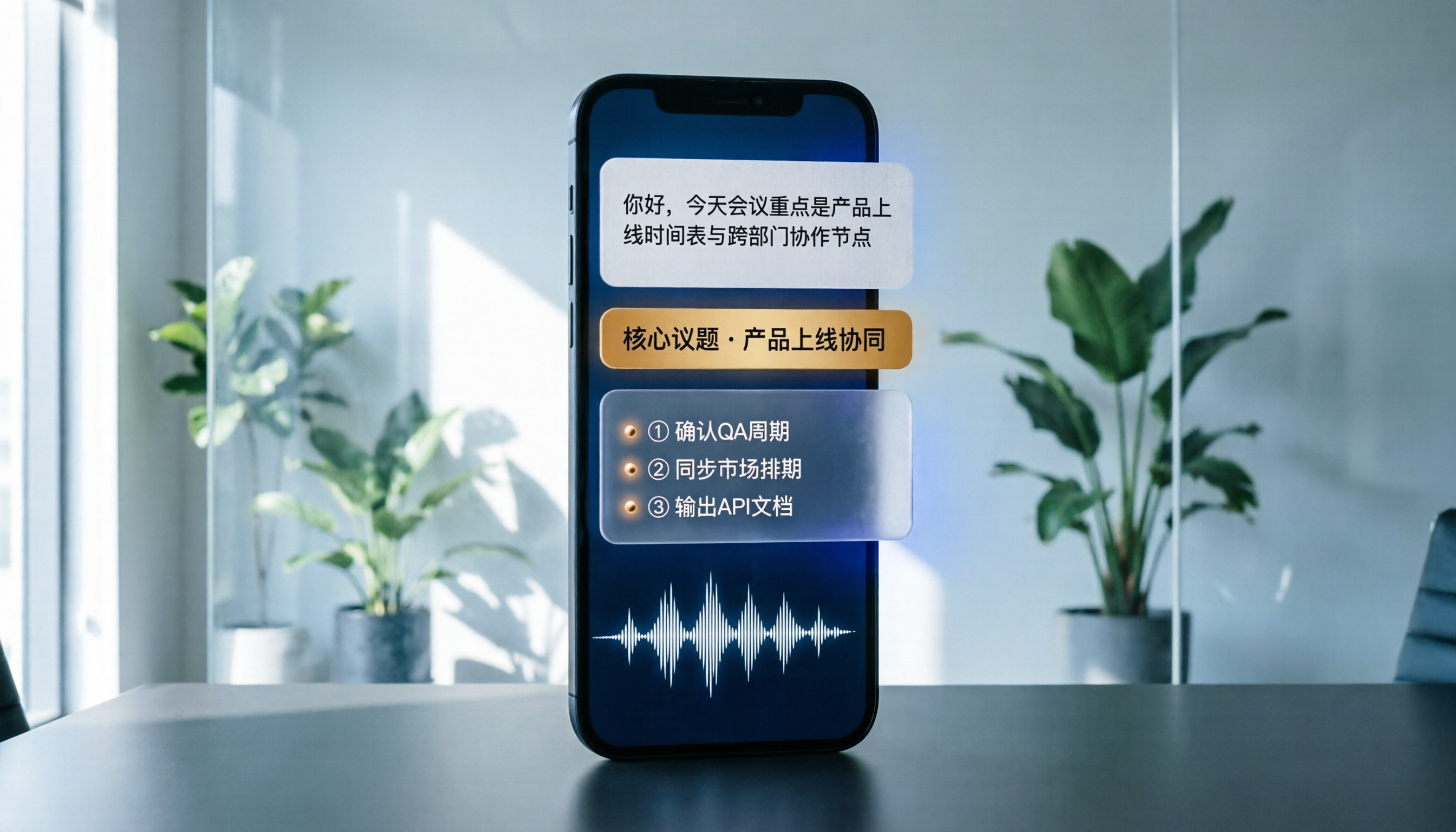
Best Phone Recording Apps in 2026: We Tested 5 — This One Makes Chinese Transcripts and Meeting Notes Easiest
Recording on your phone is easy; the hard part is what comes after. Based on real scenarios like meetings, interviews, and classes, this guide covers common iPhone recording methods, the 5 key factors to consider when choosing a recording tool, and uses Tinrec as an example to show how to turn a recording into a searchable transcript, summary, and to-do list.
3 WeChat Voice Forwarding Alternatives Tested for 2026: How to Turn Voice Messages into Shareable Text
WeChat does not offer a voice forwarding feature, so received voice messages stay in the original chat. This article explains why this limitation exists and three common misconceptions, then uses Tinrec as an example to show how to turn voice into transcripts, summaries, and shareable documents, while comparing personal and team plans and offering buying advice.

Best Real-Time Transcription Tools in 2026: 5 Options Tested, This Free One Is Enough
How much do real-time transcription tools cost? This article breaks down the pricing structure from free versions to individual paid plans and team seats, using Tinrec as an example to show how real-time transcription, AI summaries, action item extraction, and team spaces can save you from re-listening to recordings and typing transcripts manually. Suitable for office workers, managers, and team procurement evaluating transcription tool budgets.
2026 Live Transcription Tools Compared: Free Tiers and Per-Minute Costs
How do you do live transcription, and how much does it cost? This article compiles actual rates for human transcription in Taiwan (general conversation NT$15-25 per minute, multi-speaker or foreign language NT$40-70, rush jobs add 50-100%), and compares free tiers, plan limits, and live transcription tutorial steps for tools like Tinrec, Notta, Granola, and Otter.ai, helping you find the most cost-effective approach within your budget.