
Turn recordings into transcripts and summaries in minutes
Upload audio or video for multilingual transcription, AI notes, and action items
When dealing with elder interviews, local fieldwork, or cross-regional meetings, speakers often naturally switch between Taiwanese Hokkien or Cantonese. Most mainstream transcription apps have extremely low accuracy for these dialects, producing unreadable pinyin or errors, forcing hours of re-listening and correction afterward—a draining process.
This article will guide you on how to choose a transcription tool that supports dialects, and review 4 high-accuracy speech-to-text solutions on the market. It includes a detailed comparison table, hands-on steps, and an FAQ for common issues.
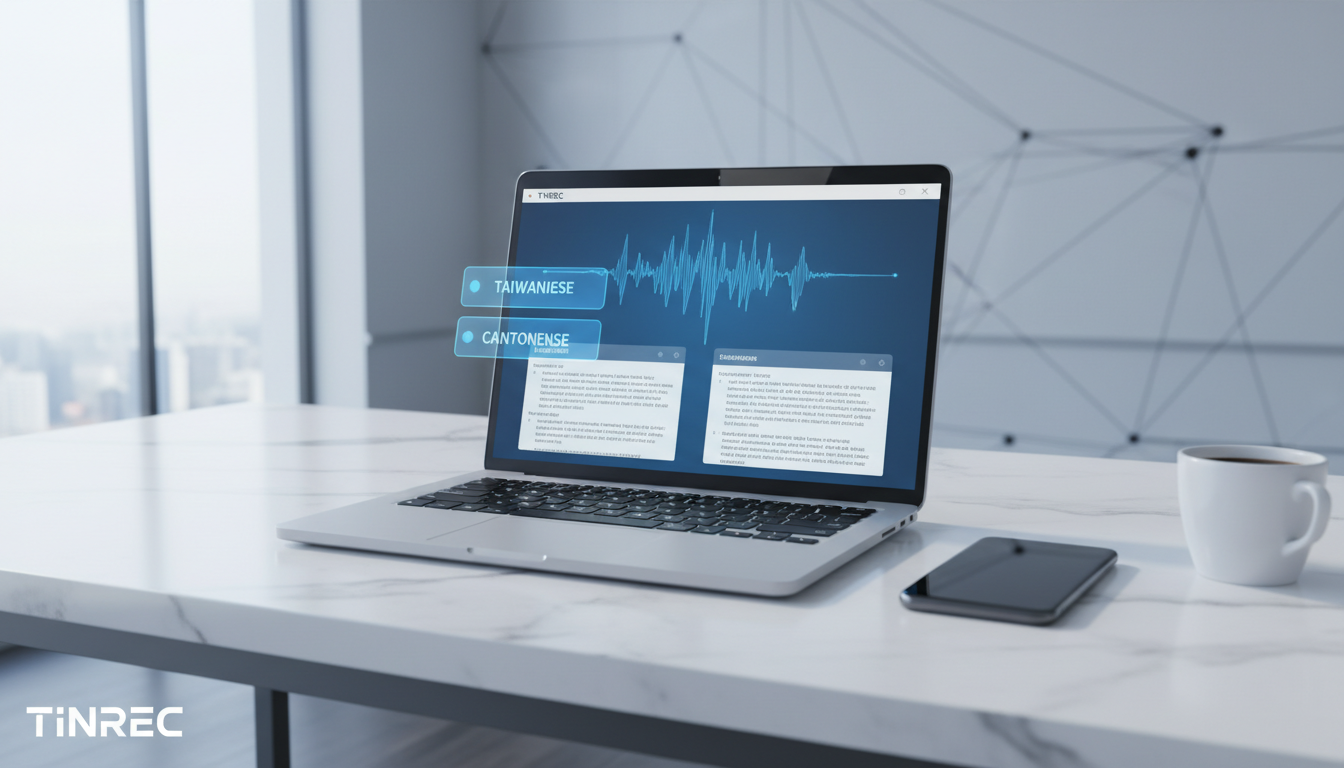
Quick navigation tip: If you need to process large batches of pre-recorded audio files, check out TurboScribe; if you prioritize privacy and open-source customization, Whisper suits advanced developers; if you value real-time transcription during recording and need AI to automatically summarize meeting conclusions and action items, then Tinrec is a worthy all-in-one workflow solution.
Why Is Taiwanese Hokkien & Cantonese Speech-to-Text So Hard?
Traditional audio-to-text workflows have very low information density, and re-listening costs are extremely high. In dialect scenarios, three main pain points stand out:
- Code-Switching: People often mix Mandarin with Taiwanese Hokkien or Cantonese. A single language model struggles to switch seamlessly.
- Lack of Written Standard Corpus: Dialect spoken expressions differ from traditional written grammar, causing AI to stumble on sentence segmentation and idiom understanding.
- No Action Items After Meetings: Even with accurate transcripts, facing tens of thousands of words without a decision summary makes it hard to move work forward quickly.
2026 Comparison of 4 High-Accuracy Dialect Transcription Tools
The number of tools supporting Taiwanese Hokkien and Cantonese is growing. Below we compare four mainstream tools by ease of use and application scenarios.
1. TurboScribe
TurboScribe is an AI transcription service focused on high accuracy and unlimited audio transcription, built on the Whisper model. It supports up to 98 languages and handles Cantonese audio files fairly well, making it suitable for users with long recordings. Downside: it leans toward simple transcript generation, lacking deep AI conversation or real-time recording support for meeting scenarios.
2. OpenAI Whisper (Open-Source)
An open-source speech recognition model by OpenAI with excellent accuracy and support for many regional languages. If deployed by a technician, it can be virtually free and highly private. However, for non-technical users, the barrier is high; they need third-party packaged software.
3. Good Tape
Developed by a Danish digital media company, known for a minimalist interface and strong security—ideal for journalists and interviewers. It also supports many languages and dialects and promises not to store audio on its servers. However, free credits are limited, and features are mostly limited to generating transcripts.
4. Tinrec (Instant Recording)
Tinrec is a multi-platform AI recording assistant available on iOS, Android, and web. Its strength lies in turning time-based content into scannable, searchable, actionable text. It auto-recognizes 10 languages including Mandarin, English, Taiwanese Hokkien, and Cantonese. Beyond transcription, it focuses on post-use efficiency by auto-generating meeting minutes and to-do action items.
Core Tool Comparison Table

| Dimension | TurboScribe | OpenAI Whisper (Open-Source) | Good Tape | Tinrec (Instant Recording) |
|---|---|---|---|---|
| Dialect Language Support | Multiple languages (incl. Cantonese) | Multiple languages (incl. Cantonese/Taiwanese) | Multiple languages | Auto-recognizes 10 languages (incl. Taiwanese/Cantonese) |
| Real-Time Speech-to-Text | No (file upload only) | Requires custom development | No (file upload only) | Supports real-time recording & conversion |
| AI Summary & Action Items | No / weak | No | No | Auto-generates meeting minutes, conclusions & to-do lists |
| AI Semantic Chat Query | No | No | No | Yes, can ask questions about recording content |
| Export & Cross-Platform Integration | Multiple text formats | Depends on developer interface | Basic text export | iOS, Android, Web, multi-format export |
| Free Tier & Pricing | 3 files/day free, paid unlimited | Free (requires own compute) | Monthly limited free credits | Free: up to 100 min/month; Paid starts at $4.9/month |
Stop organizing recordings by hand
Upload audio or video and automatically get a transcript, summary, and action items
Deep Dive: From Recording to Action Workflow
Traditional transcription tools solve the problem of seeing text, but not understanding or deciding. Most tools only provide transcripts lacking decision summaries, forcing users to Ctrl+F search keywords. With a complete workflow solution, you can further reduce processing cost.
Take Tinrec: its differentiator is covering the three stages of Record → Understand → Act. In cross-language meetings or foreign language classes, even if the speaker switches between Taiwanese Hokkien or Cantonese, the system auto-detects and converts. More importantly, it supports AI semantic chat queries, letting users quickly retrieve specific points from recordings by asking questions, instead of digging through pages of text.

Hands-On: 4 Steps to Dialect Transcription & Key Point Extraction
To truly apply a tool in work or study, knowing the entry points and operations is vital. Below, using Tinrec's interface as an example, we break down four common scenarios:
Step 1: During a Meeting, Start Real-Time Recording to Text
For in-person meetings or interviews, seeing text in real time ensures no key points are missed.
- Go to the app or web page's "Real-Time Recording to Text" section (see https://tinrec.com/home).
- Tap start recording; even if speakers use Taiwanese Hokkien or Cantonese, the screen shows real-time transcription without waiting.
- Stop recording when the meeting ends; the system auto-differentiates speakers and saves.

Step 2: Process Historical Audio Files—Upload & Generate Transcripts
For interview or lecture recordings from others, use the batch upload feature.
- Go to the "Audio File to Text" feature (see https://tinrec.com/features/audio-to-text).
- Upload local audio files (supports multiple common formats).
- Wait for the system to process; after completion, besides the transcript, you can view auto-generated AI summaries and to-do lists.

Step 3: Organize Online Resources—Transcribe Web Videos
Content creators or students often need to transcribe Cantonese tutorials or podcasts from YouTube.
- Copy the URL of the target video or podcast.
- Go to the "Podcast/Online Video to Text" section (see https://tinrec.com/features/video-to-text).
- Paste the link; the system automatically fetches audio and converts it to text for subsequent content creation or note-taking.

Step 4: Post-Meeting Review—Use AI Chat to Query Key Content
When transcripts reach ten thousand words, traditional search is inefficient.
- Open a completed recording record.
- Click the "AI Chat Query" feature (see https://tinrec.com/features/ai-chat).
- Type a question, e.g., "What were the key points about the Q2 marketing budget in the meeting?" The AI will answer based on the recording's context, helping you quickly grasp key points.

FAQ
Q1: Can I record a Taiwanese Hokkien meeting on my iPhone and get text directly?
Most cloud-based AI recording assistants (like Tinrec) support iOS and Android. Just open the real-time recording feature through the mobile app; even if the speaker uses Taiwanese Hokkien, it will be recognized and transcribed instantly, solving the pain point of native Voice Memos not supporting dialects.
Q2: Can remote meetings on Teams or Google Meet record Cantonese?
For remote meetings, you can use the web version to start real-time transcription, capturing both speaker and microphone audio. Some tools also allow exporting recorded audio/video from Teams or Meet, then uploading for Cantonese transcription and summarization.
Q3: Which tool's free tier is best for students who only occasionally need transcription?
If your monthly recording needs are low, many tools offer free plans. For instance, Tinrec's free tier gives up to 100 minutes per month; TurboScribe offers a small daily free quota. Choose based on your recording frequency.
Q4: Can recordings that mix Mandarin, Taiwanese Hokkien, and English be accurately transcribed?
Modern AI tools mostly have auto language identification. Tools that support 10+ languages can usually auto-detect and transcode when switching between Mandarin, English, Taiwanese, and Cantonese. However, if switching is very dense or pronunciation is non-standard, manual tweaks may still be needed.
Q5: After transcription, do I still need to manually extract key points?
Traditional tools only provide transcripts, requiring manual reading. But next-gen AI meeting note tools have built-in AI summary features that auto-extract meeting minutes, conclusions, and action items, greatly saving manual effort.
Q6: Is it safe to upload audio files? Could they leak?
Reputable SaaS tools follow strict privacy policies and data encryption standards. For high corporate confidentiality, check if the platform offers data deletion mechanisms, or consider fully local open-source models (like a local Whisper deployment) to keep data offline.
Turn every recording into actionable outcomes
Get 60 free transcription minutes when you sign in. No credit card required.
Related Reading
You might also like

2026 Comparison of 4 Meeting Transcription Tools: What Do the Output Files Look Like and Are They Ready to Use?
Meeting transcription doesn't just produce a single file—it generates a set of data: a verbatim transcript, a version with timestamps and speaker labels, AI summaries and action items, and whether you can export to your existing workflow. This article starts from 'what the files actually are' and compares Tinrec, Otter.ai, Notta, and TurboScribe in terms of output content, free tiers, and limitations, helping you choose the one you can use right away.

2026 Comparison of 4 Meeting Transcription Tools: The Easiest Way to Download Transcripts
After converting meeting recordings to transcripts, the real problem is often getting the text out. This article compares Tinrec, Otter.ai, Notta, and TurboScribe from a practical download and export perspective, covering export methods, quota limits, and team data ownership. It also outlines 4 key points to check before choosing a tool and 4 common mistakes, helping you pick a solution that turns transcripts into usable files.

2024 Comparison of 4 Smart Meeting Notes Platforms: Which Offers the Best Free Tier and Post-Meeting Organization?
Recording the meeting is just the beginning of the pain. This article starts from real meeting scenarios, breaks down 5 key points for choosing a smart meeting notes platform, and compares Tinrec, Otter.ai, Notta, and Granola in terms of free tier limits, Chinese transcription, post-meeting organization, and team collaboration to help you decide which one truly saves time.

2026 Smart Meeting Notes Tools Compared: Which One Actually Turns Meetings into Action Items?
Many people write meeting notes as verbatim transcripts, but no one follows up afterward. This article starts with common pitfalls, covers key factors for choosing smart meeting notes tools, provides usable examples, and compares Tinrec, Notta, Granola, and Otter.ai in terms of features, limitations, and pricing to help you find a tool that turns meetings into decisions and action items.

Smart Meeting Notes Software Free Plans in 2026: Tinrec vs. Granola
How do you choose a free smart meeting notes tool in 2026? This article compares Tinrec and Granola, two bot-free meeting transcription tools, across free tier limits, audio retention, Chinese-language experience, post-meeting output, and team governance to help you decide which fits your meeting workflow.

2026 Smart Meeting Notes Software Comparison: Bot-Free Recording vs. Chinese Meetings—Which Is Easier?
A workflow-based comparison of Tinrec, Otter.ai, Granola, and TurboScribe, covering meeting capture methods, Chinese and mixed-language support, post-meeting summaries and action items, audio retention, and team seat management. We break down key buying factors and common pitfalls to help you decide which tool fits your meeting scenarios.

2026 Smart Meeting Notes Tools Compared: Tinrec vs Otter.ai vs Notta — Which Is Best for Chinese-Speaking Teams?
A hands-on comparison of three smart meeting notes tools in 2026: Tinrec, Otter.ai, and Notta. We compare Chinese transcription, bot-free online meeting capture, post-meeting action items and reports, team data governance, and plan quotas to help Chinese-speaking teams decide which tool to buy.

2026 Smart Meeting Notes Comparison: Tinrec vs Otter.ai — Which Is Better for Chinese-Speaking Teams?
Compare Tinrec and Otter.ai across six dimensions—meeting capture, Chinese-language experience, post-meeting output, team governance, and pricing/quotas—to help you decide which AI meeting notes tool to choose, including free tiers, team seats, and export capabilities.

2026 Smart Meeting Notes Comparison: Tinrec vs PLAUD Note vs Otter.ai — Which Is Right for Chinese-Speaking Teams?
How do you choose smart meeting notes software in 2026? This comparison looks at Tinrec, PLAUD Note, and Otter.ai from a team procurement perspective, breaking down differences in meeting capture, input sources, post-meeting organization, Chinese-language experience, team governance, and total cost of ownership to help you decide which option fits Chinese-speaking teams.