

Turn recordings into transcripts and summaries in minutes
Upload audio or video for multilingual transcription, AI notes, and action items
Many managers and entrepreneurs have fallen into the same trap: thinking they can just download a free voice-to-text app, set it next to them during a meeting, and automatically get complete meeting notes afterward. But the result is either a free quota that only lasts a few minutes, or a wall of text with no paragraphs and no speaker labels, leaving you to re-listen and reorganize everything yourself. This is the classic illusion of low cost—you think you're saving money, but you're actually paying with your more valuable time.
The truly efficient approach isn't just finding a "transcription" tool; it's finding a system that turns recordings into searchable, summarizable, action-tracking meeting data. Today, we'll focus on Tinrec 秒听录音 (Tinrec Instant Recording) and test how it helps you save time after meetings, while giving you a set of criteria for making your choice.
What Can Meeting Transcription Tools Do for You?
First, clarify whether you need a "verbatim transcript" or "meeting minutes." If it's the latter, the tool needs to do more than transcribe—it should also organize key points. Tinrec is exactly that kind of tool, helping you accomplish four things:
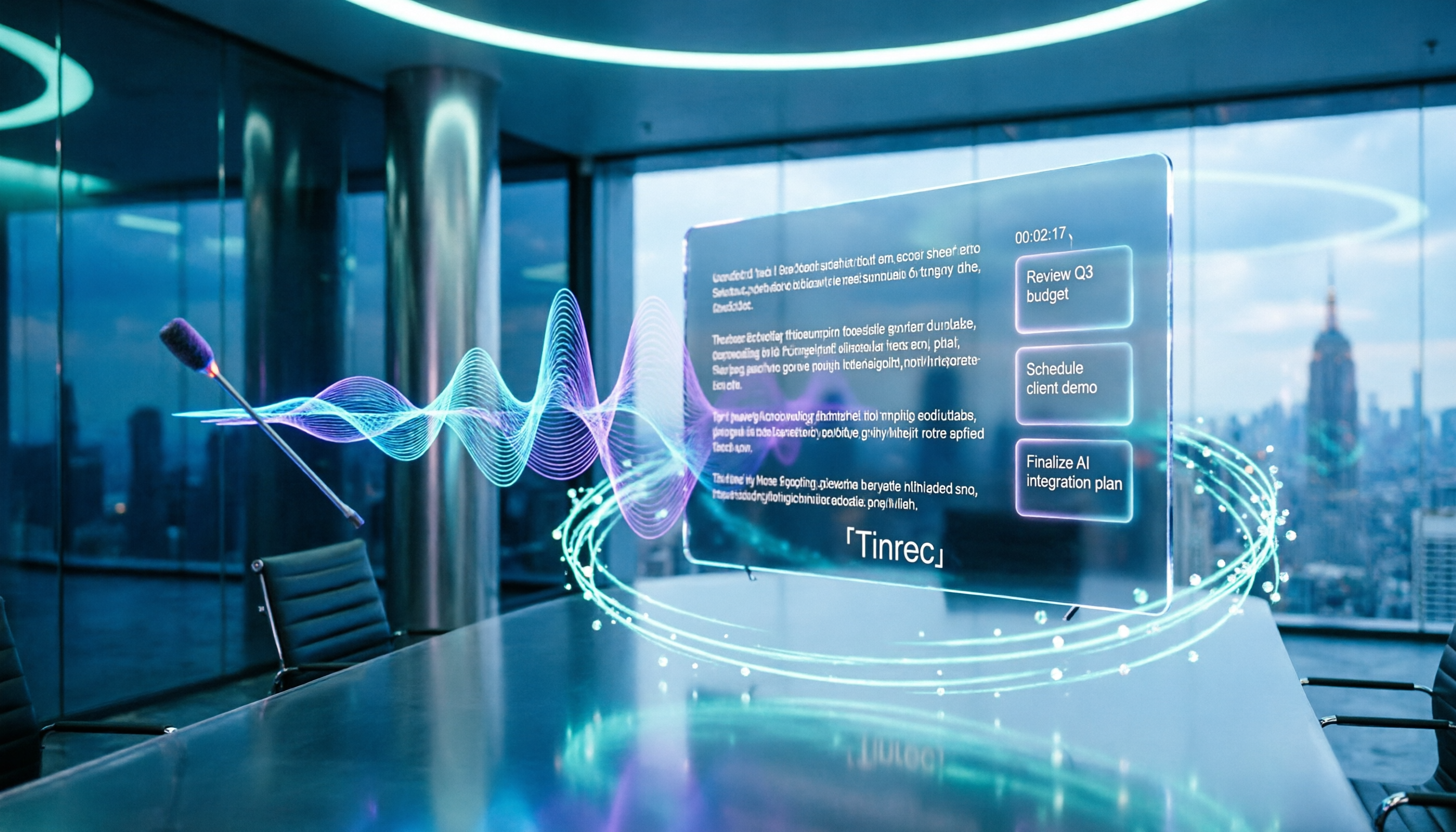
Scenario 1: Get Meeting Minutes 5 Minutes After the Meeting Ends Previously, after a two-hour meeting, you might spend another hour organizing the minutes. Now, with AI meeting summaries—using Tinrec as an example—by the time the meeting ends, the AI has already generated a summary, conclusions, and action items, showing who is responsible for what and the deadlines at a glance. You just quickly review and confirm, then send the notes to your team.
Scenario 2: No Need to Invite Bots to Online Meetings Many people invite a meeting bot to record when using Zoom or Google Meet. But Tinrec's desktop version directly captures the computer's system audio, so no extra bot needs to join the meeting, avoiding the awkwardness of "an extra person suddenly in the meeting room." Just open Tinrec before the meeting starts, and it records in the background and transcribes in real time.
Scenario 3: Turn Historical Recordings into Gold You might have a pile of old meeting recordings and interview files that you've never had time to organize. Tinrec supports uploading audio and video files, quickly converting them into transcripts and summaries, giving old data new value. No more manual transcription—just generate searchable text files.
Scenario 4: Bilingual Comparison for Cross-Language Meetings If your meetings mix Chinese and English, or you need to communicate with foreign clients, Tinrec offers real-time translation, displaying the original text, translation, or a side-by-side bilingual view during recording. This is especially useful for international business or cross-border teams, eliminating the need for a separate translation app.
What Are Tinrec's Core Capabilities?
Tinrec isn't just a transcription tool; its core value lies in "organization and action after transcription." The following five capabilities are what set it apart from typical recording apps:
1. Real-Time Transcript, Words Appear as You Record Tinrec's real-time transcription has very low latency, so during the meeting you can watch the text appear and confirm nothing important is missed. It doesn't wait until the recording ends to start transcribing; it displays like subtitles in real time, which is helpful for those who need to quickly note things during meetings.
2. AI Semantic Summaries and Chapters After transcription, Tinrec automatically splits long meetings into chapters and generates structured summaries—meeting topic, discussion conclusions, action items, and responsible persons listed separately. This is more practical than just a condensed paragraph, letting you scan through and grasp the full picture.
3. Automatic Extraction of Action Items The biggest fear in every meeting is "out of sight, out of mind." Tinrec automatically identifies action items from the meeting content, including who is responsible and deadlines. You can export these to-dos or integrate them into your workflow, without having to search for them one by one.
4. AI Q&A: Query Meetings Like Asking an Assistant After transcription, you can directly ask Tinrec questions like "Who mentioned the budget in the meeting?" or "What was the client's feedback on pricing?" It uses semantic understanding to find answers from the transcript, not just keyword search. This is very convenient for searching historical meeting data.
5. Team Space and Knowledge Accumulation If you're a team leader, Tinrec's team version centralizes all meeting data in one space, where members can view and search, and admins can manage seats and usage. When a member leaves, meeting data doesn't disappear with them; it stays in the team account, allowing knowledge to accumulate continuously.
Stop organizing recordings by hand
Upload audio or video and automatically get a transcript, summary, and action items
Practical Use Cases
Use Case 1: Weekly Project Meetings Weekly meetings discuss progress and issues. Previously, the note-taker had to listen, type, and organize simultaneously, juggling multiple tasks. With Tinrec: open the desktop version during the meeting to record the online meeting, with real-time transcription displayed alongside. After the meeting, just review the AI summary and action items, paste the to-dos into your project management tool, and you're done in 10 minutes. The note-taker can finally focus on participating in the discussion instead of being a human typewriter.
Use Case 2: Client Interviews and Requirements Gathering Sales or product teams often interview clients to gather needs and pain points. Use Tinrec to record the interview (whether online or offline), convert it to a transcript, and then use AI Q&A to quickly find keywords and commitments mentioned by the client. For example, ask "What complaints did the client have about the current process?" and get organized key points without re-listening to an hour of audio.
Use Case 3: Online Courses and Lecture Notes Students or self-learners often take notes while listening to online courses, easily missing key points. Use Tinrec to record the course audio playing on your computer, automatically generating a transcript and chapters. After the course, you can search for where a concept was mentioned, or even use AI Q&A to deepen understanding. It's like having a complete text handout right after the class.
Use Case 4: Research Interviews and Qualitative Analysis Researchers conducting in-depth interviews typically need verbatim transcripts for coding and analysis. Use Tinrec to record and transcribe, with real-time translation handling multilingual interviews. After transcription, you can export the document and use AI Q&A to speed up theme categorization, significantly reducing data organization time and leaving more energy for analysis.
4 Things to Watch When Choosing a Meeting Transcription Tool
1. Accuracy: Always Test with Your Own Recordings Officially claimed accuracy rates are usually conditional, often measured in quiet environments with standard accents. We recommend testing with your actual meeting recordings (with background noise, multiple speakers). Tinrec provides high-quality transcription in clear audio and common scenarios, but overlapping speech or heavy accents may still cause errors. Make sure the tool supports Chinese, Traditional Chinese, and mixed Chinese-English content.
2. Post-Processing After Transcription: More Than Just a Transcript Many tools stop after transcription, but the real time sink is organization. Tinrec offers AI summaries, chapters, action item extraction, and Q&A, turning transcripts into actionable meeting minutes. When choosing a tool, check if it has these post-processing capabilities; otherwise, you'll still have to organize manually.
3. Cross-Platform and Input Sources Your meetings might be online (Zoom, Teams) or offline, and sometimes you need to process old recordings. Make sure the tool supports these input sources. Tinrec supports real-time recording, desktop system audio capture (no meeting bot needed), audio/video file upload, and mobile recording, covering most use cases.
4. Team Collaboration and Data Ownership If you're using it as a team, consider data ownership and permission management. Tinrec's team version provides a team space where members can share meeting data, admins can manage seats and usage, and even view audit logs. When a member leaves, data can be handed over to others without loss. For individual use, the free version or Pro plan is sufficient.
Frequently Asked Questions
Q1: What's the difference between Tinrec and a regular recording app? A regular recording app only records audio. Tinrec also transcribes in real time, generates summaries and action items, and supports AI Q&A and team collaboration, turning recordings into usable data.
Q2: Do I need to buy extra hardware to use Tinrec? No. Tinrec has web, desktop, and mobile apps, so you can record and transcribe directly with your computer or phone. If you need to record online meetings, the desktop version can capture system audio directly, no external microphone needed.
Q3: Is the free version sufficient? Tinrec offers a free version with basic quotas to experience recording, transcription, and summary features. If you only occasionally organize a recording or two, the free version is a good start. But if you have multiple meetings weekly, we recommend upgrading to Pro or considering the team version, as the free quota may not be enough.
Q4: Will my meeting content be used to train AI? That depends on the tool you choose. Tinrec, as a professional tool, has privacy protections for user data, but we recommend checking the official documentation for specific data handling policies. If your meetings involve confidential information, choose a tool with clear privacy commitments and obtain consent from all participants when necessary.
Q5: What extra features does the team version offer? The team version provides a dedicated team space where meeting data belongs to the team. You can set roles like owner, admin, and member, allocate seats, view usage analytics, and access audit logs. When a member leaves, data can be handed over to other members, ensuring team knowledge isn't lost.
Conclusion
Meeting transcription shouldn't just be "record and convert to text"; it should help you save organization time, track action items, and accumulate team knowledge. Tinrec 秒听录音 integrates real-time transcription, AI summaries, action item extraction, Q&A, and team collaboration, making it well-suited for small and medium-sized businesses, project teams, and individual professionals who have frequent meetings.
If you're still using free apps or manual transcription, we suggest trying Tinrec's free version to experience the feeling of having summaries and action items right after a meeting. Once you realize you can save two to three hours of organization time each week, you'll know whether this investment is worth it.
References
- Meeting Ink - 2026 AI Meeting Notes Tools Test: 7 Voice-to-Text and Summary Speed Comparison | Meeting Ink - AI Meeting Notes Assistant, Automatic Transcript and Summary
- How to Quickly Create Meeting Transcripts? 2026 Complete Guide | Voice-to-Text, AI Automatic Meeting Notes in One Go
- 2026 Latest 6 Multi-Person Meeting Recording-to-Text Tool Recommendations: Accurately Distinguish Speakers, Solve Minutes Challenges - Tinrec Instant Recording Blog
- How to Use AI for Meeting Minutes? How to Organize Meeting Transcripts? | AI Voice-to-Text Tutorial | 104 Career Center
- No Time Limit! 3 Free AI Transcript Tools, Highly Recommended! AI Voice Notes Generate Meeting Minutes, Slides, Mind Maps | 104 Career Center
Turn every recording into actionable outcomes
Get 60 free transcription minutes when you sign in. No credit card required.
Related Reading
You might also like

Google Meet Meeting Notes in 2026: 4 Options Tested for Chinese Transcripts and Post-Meeting Efficiency
Google Meet's built-in Take Notes doesn't support Chinese, so how do you take notes in Chinese meetings? This article breaks down the language support, recording methods, post-meeting outputs, and team data retention differences of four common solutions, and explains how Tinrec works in practice for Chinese transcripts, AI Q&A, and team knowledge retention.
2026 Comparison of 4 Meeting Audio-to-Text Tools: Gemini, NotebookLM, and Tinrec — Which One Really Saves Time?
You can feed meeting recordings to Gemini and get a transcript, but most people still end up re-listening. This article starts from practical limitations: Gemini free version's 10-minute limit, unsupported AAC format, unstable timestamps, and goes on to explain the differences between NotebookLM, EchoScript, and Tinrec. It also summarizes 4 key buying factors: length, to-dos, online meeting recording, and team knowledge retention, helping you choose the approach that truly saves time.

6 AI Meeting Notes Tools Tested in 2026: Google AI Studio vs. Tinrec — Which Saves More Time?
Meeting notes pile up not because of the meeting itself, but because of what happens after. This article, from a mid-level manager's hands-on perspective, compares Google AI Studio, NotebookLM, Gemini, EchoScript AI, Gemini for Meet, and Tinrec: which is best for free validation, which preserves timestamps and speakers, and which turns meeting data into a searchable team asset. It also honestly lists the limitations and costs of each option.

Free Real-Time Transcription Software in 2026: 4 Options Compared
Can't keep up with typing during meetings? This article reviews four free real-time transcription software options, including Tinrec, Otter.ai, Notta, and Granola. We compare Chinese recognition, free quotas, post-meeting organization, and team collaboration, plus provide transcript examples and tips to avoid pitfalls.

2026 Real-Time Transcription Translation Tools Compared: Which Is Most Practical for Live Translation?
How to choose a real-time transcription translation tool? This article breaks down four dimensions: real-time translation display, meeting audio capture, post-meeting organization, and team quotas, and compares the use cases and limitations of Tinrec, Notta, Granola, and Google Translate.

2026 Free Real-Time Transcription AI Comparison: Are Free Tiers Enough?
Starting from a campus scenario, we tested four free real-time transcription AIs: Tinrec, Notta, Granola, and Otter.ai. We compared free quota calculations, Chinese and mixed Chinese-English recognition, post-meeting summaries, and AI Q&A capabilities. We also compiled the four most common pitfalls when choosing tools, helping budget-conscious students find the one that truly works for them.

2026 Live Transcription Comparison: Which Tool Saves the Most Time for Chinese Meetings?
Compare Tinrec, Transcribe, Yating, and cSubtitle for live transcription, Chinese recognition, meeting audio capture, and post-meeting organization to find the best fit for your meetings and team.

2026 Live Transcription App Comparison: Tinrec vs Yating - Which One Really Saves Time After Meetings?
Starting from common recording pitfalls on campus, this hands-on comparison examines Tinrec and Yating in live transcription, post-meeting summaries, AI Q&A, and group collaboration, plus key considerations for students choosing a live transcription app, including free quotas and pricing.

2026 Comparison of 4 Online Live Transcription Tools: Which Free Version Is Actually Usable?
Many people search for "free online live transcription" only to find that free tiers allow just a few minutes of transcription, or that tools only support file uploads and can't transcribe during meetings. This article compares Tinrec, Yating Transcription, Easemate.AI, and cSubtitle based on real usage scenarios, covering live audio capture, free quotas, output formats, and post-meeting organization to help you choose the one that truly works for you.