
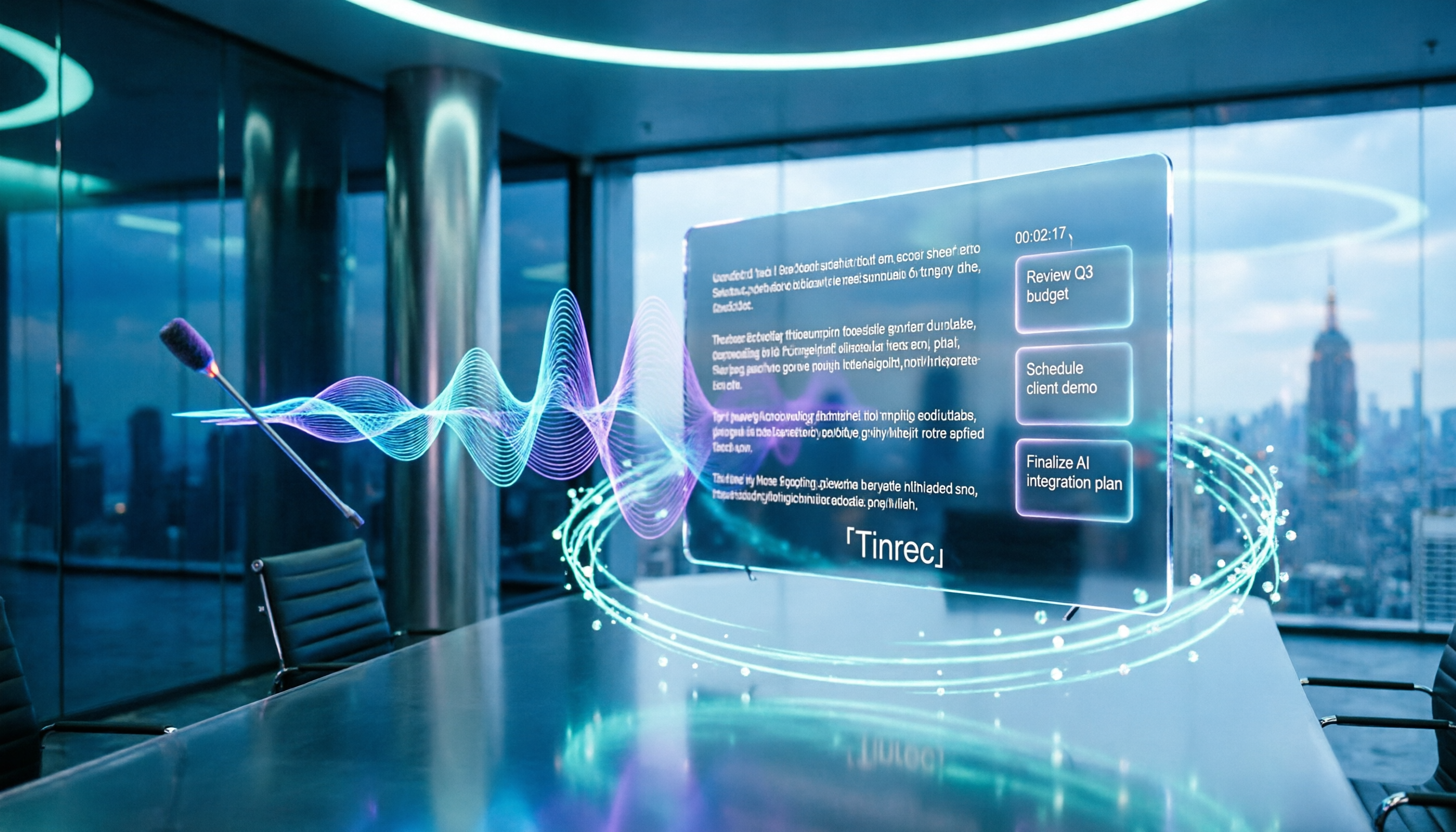
Turn recordings into transcripts and summaries in minutes
Upload audio or video for multilingual transcription, AI notes, and action items
2026 Comparison of 4 Meeting Audio-to-Text Tools: Gemini, NotebookLM, and Tinrec — Which One Really Saves Time?
Pain Point: Why Do You Still Have to Re-listen After Feeding the Recording to Gemini?
Many people's first experience with Gemini for meeting organization follows a similar pattern: after the meeting, drag the mp3 into the chat box, type "convert this to a transcript for me," and expect a meeting record ready to send out.
The usual result is that text comes out, but mixed Chinese-English paragraphs have missing words and repetitions, and parts where three people speak simultaneously become a blur. To confirm "who said to delay the launch," you still have to go back and re-listen to that 20-minute segment.
The problem isn't that AI isn't smart enough; it's that "converting to text" and "organizing into usable meeting material" are actually two different things.
This article starts with the limitations you'll actually encounter, then explains how to choose an approach that truly saves time.
Before Choosing a Tool, Understand These 4 Key Points
1. How long is your recording, and what format is it in?
A free Gemini account can only process recordings of about 10 minutes per session; paid Pro/Ultra extends this to 3 hours. The file size limit is 100MB, supporting MP3, M4A, and WAV; AAC will fail to recognize. For a 40-minute weekly meeting, the free version is basically out.
2. Do you just need a transcript, or do you also need summaries and to-dos?
A transcript is raw material. What most people really want is "what was decided, who is responsible, and when is it due." When choosing a tool, first check whether it can directly produce summaries, chapters, and to-dos after transcription, rather than just a large block of text.
3. Is the meeting online or offline?
For online meetings (Zoom, Meet, Teams), consider the recording method. Some tools require sending a bot to join the meeting, adding an extra participant on the screen, which can be inconvenient for client meetings. For offline meetings, check whether real-time transcription on mobile or desktop works smoothly.
4. Where does the data ultimately reside?
Records stored in personal chat boxes are usually impossible to find six months later. If this is for team use, check whether the tool has team spaces, member, and seat concepts.
Tinrec — The Most Hassle-Free One After Testing
Tinrec is an AI meeting notes and collaboration tool for individuals and teams, available on web, desktop, and mobile. Its positioning is not just "audio to text," but turning meetings into searchable, queryable, and further processable data.
Capture insights during the meeting
The desktop version directly captures computer system audio, handling online meetings like Zoom, Google Meet, Microsoft Teams, and Webex without inviting a bot as a participant. For offline meetings, use real-time recording on mobile or web to generate transcripts while recording. For those who frequently have client meetings, "no extra AI assistant on the screen" is more important than you might think.
The real value comes after transcription
After the meeting, Tinrec automatically generates summaries, chapters, key points, and to-dos. You can directly ask questions about the meeting, such as "What were the client's concerns about the quote?" or "Who is responsible for the three risks mentioned last week?" It answers based on semantics, not just a bunch of keyword search results. This is where most similar tools currently fall short.
Output you can take with you
Transcripts, summaries, and to-dos can be exported to common formats, and brought into tools like Notion or Google Docs for further use, or processed via Agent to generate reports, tables, and meeting minutes documents.
Version for multi-person teams
Stop organizing recordings by hand
Upload audio or video and automatically get a transcript, summary, and action items
If meeting data is shared across departments, the Tinrec team version is a separate team space, not "multiple people sharing one personal account." Admins can manage member roles and seats, view usage trends and audit logs, and when members leave, data stays with the team and is handed over to others. Currently, the team version offers a 7-day trial (1 free seat, 300 minutes shared import quota), monthly USD 29.80 per paid seat, annual USD 199 per paid seat (approximately USD 16.58/month), each paid seat has 2,000 minutes of team shared import quota per month, and real-time recording within the plan is currently not deducted by minutes.
Points to note
Tinrec does not publicly promise a fixed accuracy rate; actual performance is affected by recording quality, accents, overlapping speech, and technical terminology. For important content, it is recommended to verify against the recording. The personal free quota is suitable for trying a few meetings first; when volume increases, consider weekly cards or Pro.
Who is it for
People who have regular weekly meetings, need Chinese and mixed Chinese-English transcripts, hold meetings on computers, and want to directly ask key points and convert them into to-dos after the meeting.
Besides Tinrec, What Other Options Are There?
Gemini
You can directly feed audio files to Gemini to get a transcript, and it works with free accounts too, and it's fast. Limitations are that the free version handles about 10 minutes per session with a 32K context, long meetings are easily processed incompletely, and timestamp subtitles are still unstable. It's suitable for temporary short recordings, but lacks meeting recording, to-do tracking, and team spaces; post-transcript organization is still up to you.
NotebookLM (Gemini Notebook)
With a free account, you can upload about one hour of recording and get a complete transcript, handling longer content than the Gemini chatbot. However, it is essentially a data analysis tool; it won't record meetings for you, and has no to-do management or member permissions. It's suitable for personal data organization, not as a team meeting system.
EchoScript (Google AI Studio)
A tool designed by Google for transcription; upload an audio file to get a transcript. Suitable for legal evidence and academic interviews requiring precise timestamps and speaker labels. It is purely transcription; post-meeting summaries, Q&A, and collaboration require other tools, which is the biggest difference from Tinrec.
Pitfall Guide: The 3 Most Common Mistakes When Choosing a Meeting Transcription Tool
Pitfall 1: Assuming upload will work, ignoring length and format limits.
Free plans almost all have per-session length limits, and not all formats are supported. Rather than failing halfway through, confirm your meeting length and recording format first. For those who frequently handle meetings over an hour, choosing a service with file import and long recording plans will save a lot of hassle.
Pitfall 2: Treating AI transcripts as official meeting records.
AI transcription will have missing words, repetitions, and even timestamp shifts, regardless of which service you use. The correct approach is to treat it as a draft: quickly scan and correct names, numbers, and decisions, then produce the official version. For important numbers and commitments, always listen back to the original audio.
Pitfall 3: Only using the "audio to text" feature.
If you only use the tool as a typewriter, you're only using one-third of its capabilities. The real value of meeting data lies in the subsequent summaries, to-dos, follow-up questions, and exports. After recording, directly asking "What are the three conclusions of this meeting?" is much faster than manually flipping through a 30-minute transcript.
Conclusion: Which One Should You Choose?
- Just want to quickly turn a short recording into text → Gemini free version is enough.
- Have a long recording and zero budget → NotebookLM, free quota can handle about one hour.
- Legal or academic interviews requiring timestamps and speakers → EchoScript.
- Weekly meetings, need summaries and to-dos, don't want to invite a bot to online meetings → Tinrec.
- Meeting data for the whole department → Tinrec team version, start with a 7-day trial on real meetings.
We recommend first running your own last week's meeting recording through the free plan. You'll know after one try whether it can save you that hour.
References
- Master Meeting Minutes! How to Do AI Speech-to-Text? Gemini Notebook, Gemini, EchoScript Operation Analysis | 104 Career Power
- Note Savior! Google Gemini Supports Uploading Audio Files, AI Assistant Transcribes Over 10,000 Words in One Minute - TNL The News Lens
- Gemini Speech-to-Text Tutorial 2026 | Meeting Recording to Transcript in 2 Steps! 10 Must-Learn Commands + Practical Prompt Guide
- Gemini Can Also Convert Audio Files to Transcripts for Free, 20-Minute Content Transcribed in 1 Minute - Computer King Ada
- Gemini Meeting Notes APP: The Strongest Plaud AI Alternative | AI Audio to Text
Turn every recording into actionable outcomes
Get 60 free transcription minutes when you sign in. No credit card required.
Related Reading
You might also like

Best Free AI Meeting Notes for iPhone in 2026: 4 Options Compared
Looking for an AI meeting notes app on iPhone? The real challenge isn't features—it's whether the free tier is enough and if the output is usable. This guide breaks down 4 iPhone-compatible AI meeting note solutions across four dimensions: free tier format, post-meeting output, cross-device use, and team collaboration. It also explains how Tinrec differs in Chinese meetings, bot-free recording, and team knowledge retention.

2026 Google Meet Note-Taking Showdown: Is Gemini's Auto Notes Enough?
Google Meet's built-in Gemini 'Take notes for me' is convenient, but it may not be the best fit for every team. This article uses four key decision points to compare Gemini auto notes, Tinrec, Otter.ai, and Granola, explaining where meeting notes should live, how they'll be used afterward, and the four most common pitfalls when choosing a solution.

Google Meet Gemini vs Tinrec: Which Meeting Notes Tool Saves More Time in 2026?
Google Meet's built-in Gemini can transcribe and summarize meetings, but recording and transcripts are plan-restricted, and captions can't be copied directly. This hands-on comparison of Tinrec and Google Meet's built-in meeting notes across 6 dimensions—recording method, post-meeting output, cross-platform support, Chinese-language experience, team management, and pricing/quotas—helps you decide which fits your meeting scenario.

2026 iPhone Meeting Recorder Apps: Free Plans Compared — Free, Weekly, and Pro
A student's hands-on guide to choosing a free plan for iPhone meeting recorder apps, debunking myths like 'free download doesn't mean free use,' and using Tinrec as an example to explain which scenarios suit the free version, weekly pass, Pro monthly, and annual plans.
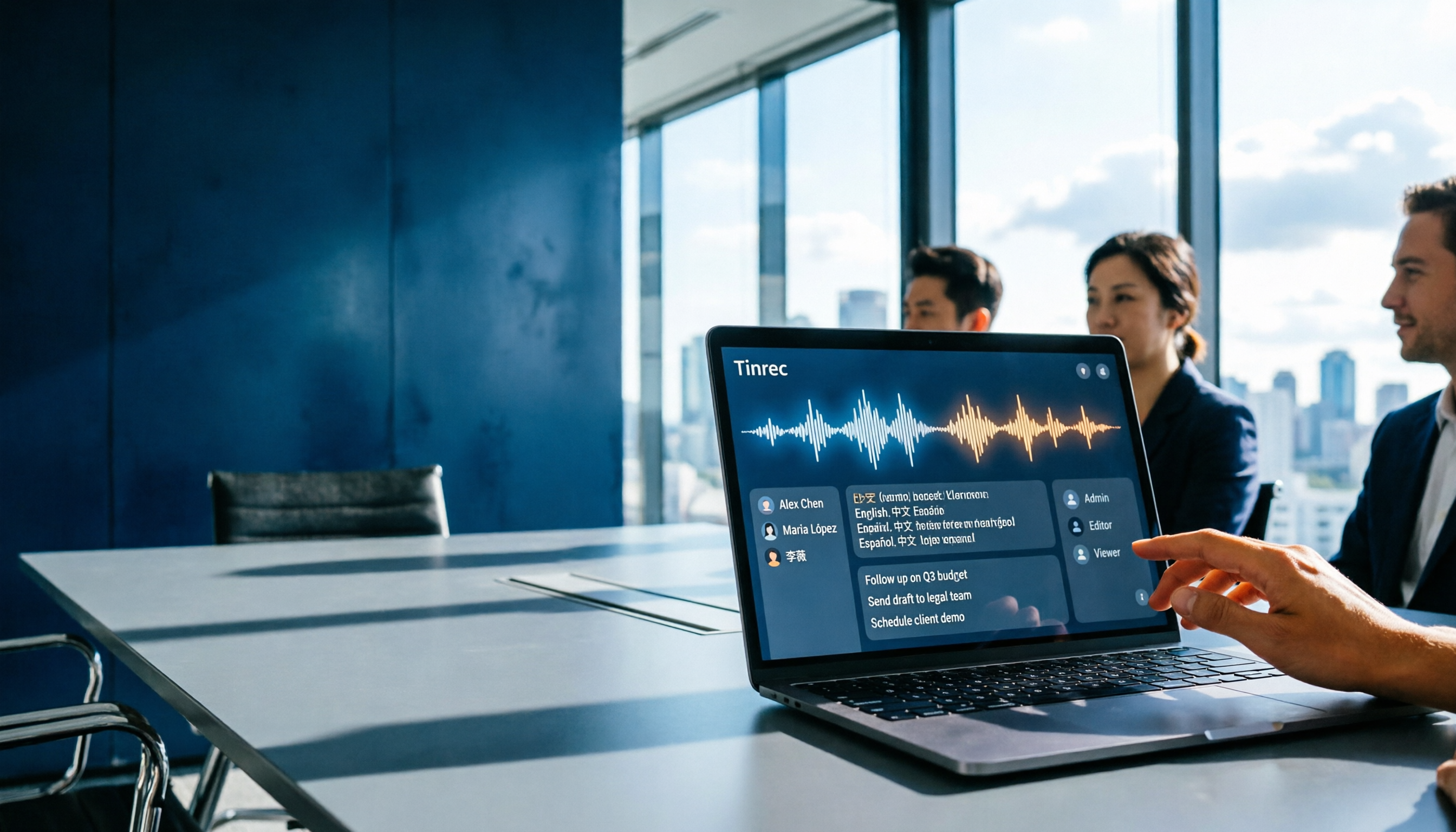
Which Gemini Meeting Notes App Is Best? 2026 Hands-On Test of 2 Options—This One Is the Most Complete for Team Collaboration
Dread meetings ending because the real work begins? This article compares Google Gemini (including Meet's "Take notes for me" and uploading audio files to Gemini) with Tinrec across five dimensions: meeting capture, multilingual transcription, post-meeting organization, file retention, and team governance. We break down the practical differences and identify who each tool is best for, helping you decide which one to use.

Google Meet Meeting Notes in 2026: 4 Options Tested for Chinese Transcripts and Post-Meeting Efficiency
Google Meet's built-in Take Notes doesn't support Chinese, so how do you take notes in Chinese meetings? This article breaks down the language support, recording methods, post-meeting outputs, and team data retention differences of four common solutions, and explains how Tinrec works in practice for Chinese transcripts, AI Q&A, and team knowledge retention.

6 AI Meeting Notes Tools Tested in 2026: Google AI Studio vs. Tinrec — Which Saves More Time?
Meeting notes pile up not because of the meeting itself, but because of what happens after. This article, from a mid-level manager's hands-on perspective, compares Google AI Studio, NotebookLM, Gemini, EchoScript AI, Gemini for Meet, and Tinrec: which is best for free validation, which preserves timestamps and speakers, and which turns meeting data into a searchable team asset. It also honestly lists the limitations and costs of each option.

Free Real-Time Transcription Software in 2026: 4 Options Compared
Can't keep up with typing during meetings? This article reviews four free real-time transcription software options, including Tinrec, Otter.ai, Notta, and Granola. We compare Chinese recognition, free quotas, post-meeting organization, and team collaboration, plus provide transcript examples and tips to avoid pitfalls.

2026 Real-Time Transcription Translation Tools Compared: Which Is Most Practical for Live Translation?
How to choose a real-time transcription translation tool? This article breaks down four dimensions: real-time translation display, meeting audio capture, post-meeting organization, and team quotas, and compares the use cases and limitations of Tinrec, Notta, Granola, and Google Translate.