

Turn recordings into transcripts and summaries in minutes
Upload audio or video for multilingual transcription, AI notes, and action items
Press Take Notes and Get Chinese Meeting Notes? Most People Get the First Step Wrong
Many people think that pressing the notes icon in the top right corner of Google Meet will automatically generate meeting notes.
But when they open Google Docs, the transcript is in English, or they can't find a Chinese option at all.
This isn't because you don't know how to use it. Google Meet's built-in transcription and Gemini Take Notes support the same set of 8 languages, which currently does not include Chinese; moreover, each meeting processes only one language at a time, and mixed Chinese-English conversations are not supported. This feature also requires an eligible paid Workspace plan to enable.
In other words, if your meetings are primarily in Chinese, platform built-in features alone can't fill this gap—you need a different approach.
Another common inefficient approach is: after the meeting, dragging the progress bar to re-listen to the entire session while typing. A two-hour meeting takes another two hours to organize, and when someone else takes over later, this content is still scattered in individual Word files.
This article lays out several common solutions: which one suits pure English meetings, which one actually works for Chinese, and which one can retain meeting data for team reuse.
Before Choosing a Google Meet Meeting Notes Solution, Understand These 4 Key Points
1. Check language first, not the number of features
The first hurdle for Chinese meetings is transcript language. No matter how many features there are, if it can't transcribe Chinese, it's useless. When choosing a tool, test it directly with a recording of your typical meeting—that's more accurate than reading spec sheets.
2. How does meeting audio get in?
There are roughly three ways: a meeting bot joins as a participant, desktop capture of computer system audio, or platform built-in recording. A bot joining client meetings can sometimes concern the other party, while desktop capture doesn't add an extra participant. This is especially noticeable in external meetings.
3. What's left after the meeting?
Having only a transcript versus having a transcript + summary + chapters + action items are two completely different workloads. With the former, you still have to read through it yourself; with the latter, you can directly schedule follow-ups.
4. Will data be retained?
Whether audio files are kept, whether they can be replayed for verification, and who owns the data after team members leave—these questions don't matter for personal use, but once it becomes a weekly team meeting, they surface.
Tinrec — Our Most Effort-Saving Choice After Testing
Tinrec is an AI meeting notes and collaboration tool for individuals and teams, available on web, desktop, and mobile. Its positioning is not "audio-to-text" but turning meetings into searchable, collaborative, and actionable material.
No bot needed for online meetings
For meetings on Google Meet, Zoom, Teams, Webex, etc., Tinrec's desktop version directly captures computer system audio without inviting a bot to join as a participant. For professionals who need to hold client meetings externally, this saves the trouble of explaining "who that extra person is." Transcripts are generated synchronously during the meeting, so you don't need to re-listen afterward.
Actual experience with Chinese meetings
Tinrec covers Chinese, Traditional Chinese, and multilingual meeting scenarios, and can also organize mixed Chinese-English content. During recording, you can switch between original text, translation, or bilingual view, so you don't have to wait for post-meeting translation in cross-language meetings. Note that actual results are affected by recording quality, noise, accents, overlapping speech, and technical terminology—no tool should be considered 100% accurate. Teams can also maintain "team hotwords" to add internal product codes and technical terms, reducing the chance of proper nouns being misheard.
The meeting end is not the endpoint, but the starting point
After the meeting, Tinrec automatically organizes summaries, chapters, key points, and action items. Even better is AI Q&A—you can directly ask it "Who mentioned the budget in the last meeting?" or "What were the client's concerns about the quote?" and it will answer based on meeting content, rather than dumping a bunch of keyword search results for you to sift through.
When you need to submit a report, you can use Agent post-processing to generate documents, reports, or tables from meeting content, and export to Google Docs, Notion, OneNote, etc. for further editing.
Team Edition: Make meeting data belong to the team, not individuals
Stop organizing recordings by hand
Upload audio or video and automatically get a transcript, summary, and action items
If your pain point is "when people leave, meeting notes leave too," then you shouldn't be looking at the personal edition. Tinrec Team Edition is a separate team collaboration space where meeting data is uniformly stored in the team; new members can view historical meetings, and when members leave or lose their seats, their team resources are transferred to other active members.
In the Team Edition, distinguish between "roles" and "seats": roles determine who can manage the team, members, and audits; seats determine whether members can record, upload, edit, and export. Active members without seats can still view, play, and read team data, but cannot perform editing operations.
Management also includes usage trends, member rankings, audit logs, and an audio recycle bin (retained for 30 days, allowing recovery of accidentally deleted audio). For pricing, the team monthly plan is USD 29.80 per paid seat per month, and the annual plan is USD 199 per paid seat per year (approximately USD 16.58 per month), with each paid seat providing 2,000 minutes of team shared import quota per month; eligible teams can try 7 days free with 1 free seat and 300 minutes of shared import quota. Real-time recording currently does not deduct minutes under active plans and active seats, while file and web imports use the team shared quota.
Limitations should also be clear
Tinrec is not a bot that automatically joins all calendar meetings; you need to open the desktop version yourself to start recording. Also, its strength is real-time meetings and post-meeting organization—if you need to batch process dozens of long files at once, that's not its primary scenario.
Who is it for
People who have several Chinese meetings every week, want a ready-to-use meeting summary right after the meeting, and don't want an extra bot in the meeting.
Besides Tinrec, What Other Options Are There?
Google Meet built-in Take Notes
If your company already uses an eligible Workspace plan, this is a zero-extra-tool option. It works for both online and in-person meetings, automatically organizes notes into Google Docs saved to Drive, and sends links to specified recipients; all attendees are notified when enabled. The limitation is language—its supported languages are the same set of 8 as transcription, excluding Chinese, and it processes only one language at a time. It's handy for pure English meetings; for Chinese meetings, you'll need another solution. What it can't do is Chinese transcripts, bilingual view, and retaining audio for replay verification.
Otter.ai
A veteran choice for English meetings, with mature real-time transcription, speaker identification, and AI Q&A. The Basic free plan offers 300 minutes per month; Pro annual billing is about USD 8.49 per user per month, including 1,200 minutes per month and 10 file imports. If your meetings are almost entirely in English, it's more cost-effective than Tinrec. But for Chinese meetings and mixed Chinese-English organization, Tinrec is still more suitable.
Notta
A multilingual transcription tool with significant overlap with Tinrec. The free plan offers 120 minutes per month with a 3-minute limit per session; Pro annual billing is about USD 8.17 per month with 1,800 minutes per month; Business annual billing is about USD 16.67 per seat per month. File import and translation are its strengths. However, it mainly collects via meeting bots and uploads, whereas Tinrec offers bot-free desktop recording plus team space seat governance and audit capabilities.
Pitfall Guide: The 4 Most Common Mistakes in Google Meet Meeting Notes
Pitfall 1: Thinking "having a transcript" equals "having meeting notes"
A transcript is raw material, not a finished product. A deliverable meeting note needs decisions, action items, and owners. When choosing a tool, ask directly: Will it give me an action item list?
Pitfall 2: Putting a bot in client meetings just to record
Some clients may mind. Using desktop system audio capture is much cleaner in perception.
Pitfall 3: Only comparing free minutes, ignoring audio retention and export
Minutes are intuitive, but what really affects you is: can you replay the original audio for verification after the meeting, and can you export to tools you already use. Without these two, no matter how many minutes, they're useless.
Pitfall 4: Keeping team data in personal accounts
When colleagues leave, change projects, or transfer departments, files are disconnected. Meeting data belonging to the team is key for new members to quickly take over, and it's also the most commonly overlooked question in evaluation.
Conclusion: Which One Should You Choose for Your Situation?
In one sentence: For Chinese meeting notes, the point is never "whether there's AI," but "whether the AI understands Chinese and whether it can be used directly after the meeting."
- Meetings almost entirely in English, company already has an eligible Workspace plan → Google Meet built-in Take Notes is enough, zero cost.
- Mainly Chinese or mixed Chinese-English, need summaries plus action items → Tinrec, with Chinese experience and bot-free recording as differentiators.
- Want to ask follow-up questions like "who mentioned the budget last time" → Tinrec's AI Q&A, no need to sift through 30 minutes of transcript yourself.
- Need to submit reports and tables to supervisors → Tinrec's Agent post-processing and multi-format export.
- Multiple team members sharing, care about member and seat management → Tinrec Team Edition, data belongs to the team, usage and audits available.
We recommend first using the free version with a recording of your own meeting to see how Chinese transcription and summaries actually look, then decide whether to upgrade—after all, the best way to test a tool is with your own company's terminology.
References
- Using Google Meet real-time captions for meeting notes | Vinasse's Fantasy World
- Google Meet Take Notes now works for in-person meetings! One click lets Gemini automatically organize meeting content | T客邦
- Google Meet Take Notes feature - Computer - Google Meet Help
- Google Meet meeting notes tutorial | Chinese transcripts and AI summaries | Subanana
- How to record Google Meet sessions — three methods explained
Turn every recording into actionable outcomes
Get 60 free transcription minutes when you sign in. No credit card required.
Related Reading
You might also like

Best Free AI Meeting Notes for iPhone in 2026: 4 Options Compared
Looking for an AI meeting notes app on iPhone? The real challenge isn't features—it's whether the free tier is enough and if the output is usable. This guide breaks down 4 iPhone-compatible AI meeting note solutions across four dimensions: free tier format, post-meeting output, cross-device use, and team collaboration. It also explains how Tinrec differs in Chinese meetings, bot-free recording, and team knowledge retention.

2026 Google Meet Note-Taking Showdown: Is Gemini's Auto Notes Enough?
Google Meet's built-in Gemini 'Take notes for me' is convenient, but it may not be the best fit for every team. This article uses four key decision points to compare Gemini auto notes, Tinrec, Otter.ai, and Granola, explaining where meeting notes should live, how they'll be used afterward, and the four most common pitfalls when choosing a solution.

Google Meet Gemini vs Tinrec: Which Meeting Notes Tool Saves More Time in 2026?
Google Meet's built-in Gemini can transcribe and summarize meetings, but recording and transcripts are plan-restricted, and captions can't be copied directly. This hands-on comparison of Tinrec and Google Meet's built-in meeting notes across 6 dimensions—recording method, post-meeting output, cross-platform support, Chinese-language experience, team management, and pricing/quotas—helps you decide which fits your meeting scenario.

2026 iPhone Meeting Recorder Apps: Free Plans Compared — Free, Weekly, and Pro
A student's hands-on guide to choosing a free plan for iPhone meeting recorder apps, debunking myths like 'free download doesn't mean free use,' and using Tinrec as an example to explain which scenarios suit the free version, weekly pass, Pro monthly, and annual plans.
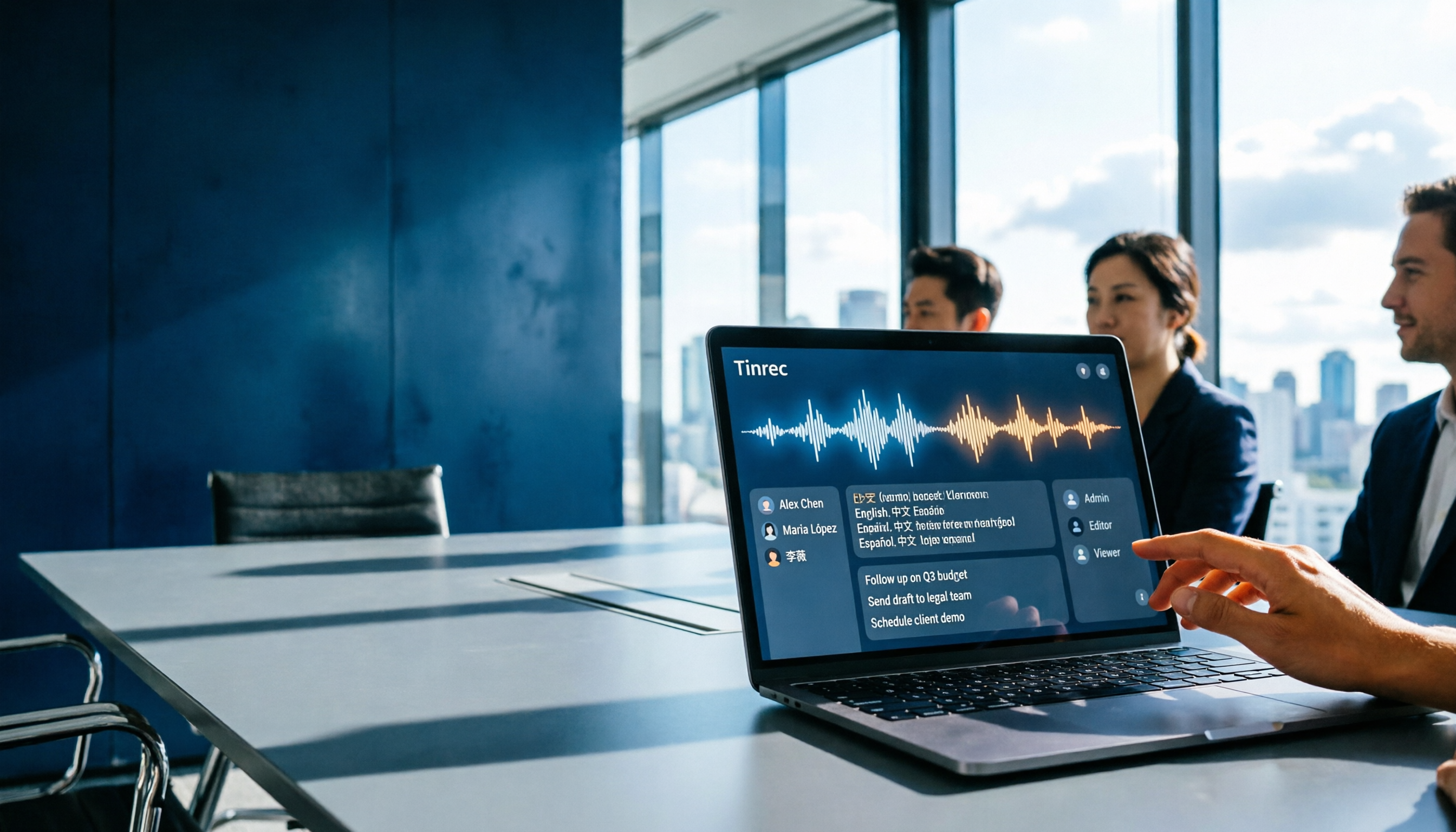
Which Gemini Meeting Notes App Is Best? 2026 Hands-On Test of 2 Options—This One Is the Most Complete for Team Collaboration
Dread meetings ending because the real work begins? This article compares Google Gemini (including Meet's "Take notes for me" and uploading audio files to Gemini) with Tinrec across five dimensions: meeting capture, multilingual transcription, post-meeting organization, file retention, and team governance. We break down the practical differences and identify who each tool is best for, helping you decide which one to use.
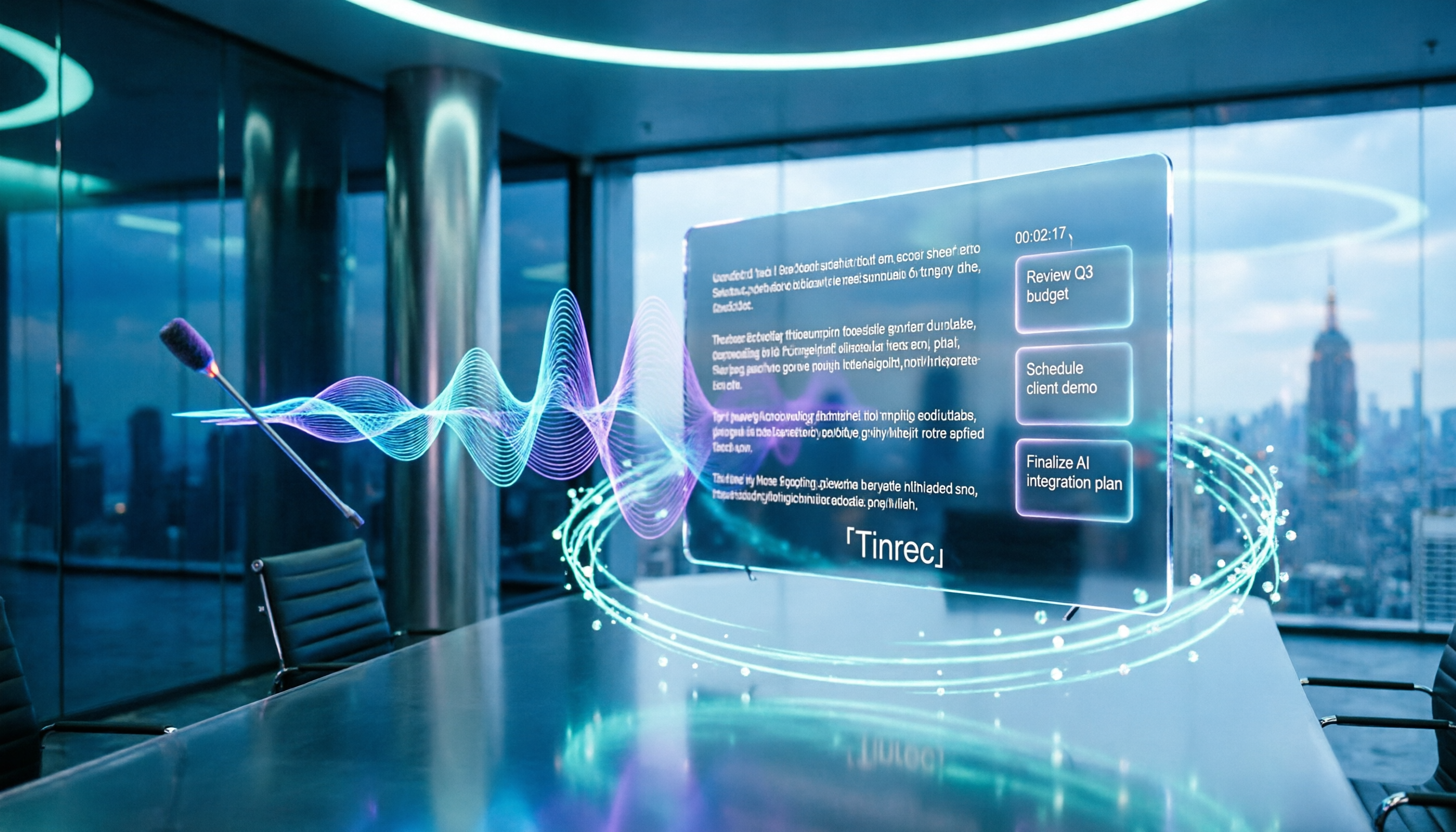
2026 Comparison of 4 Meeting Audio-to-Text Tools: Gemini, NotebookLM, and Tinrec — Which One Really Saves Time?
You can feed meeting recordings to Gemini and get a transcript, but most people still end up re-listening. This article starts from practical limitations: Gemini free version's 10-minute limit, unsupported AAC format, unstable timestamps, and goes on to explain the differences between NotebookLM, EchoScript, and Tinrec. It also summarizes 4 key buying factors: length, to-dos, online meeting recording, and team knowledge retention, helping you choose the approach that truly saves time.

6 AI Meeting Notes Tools Tested in 2026: Google AI Studio vs. Tinrec — Which Saves More Time?
Meeting notes pile up not because of the meeting itself, but because of what happens after. This article, from a mid-level manager's hands-on perspective, compares Google AI Studio, NotebookLM, Gemini, EchoScript AI, Gemini for Meet, and Tinrec: which is best for free validation, which preserves timestamps and speakers, and which turns meeting data into a searchable team asset. It also honestly lists the limitations and costs of each option.

Free Real-Time Transcription Software in 2026: 4 Options Compared
Can't keep up with typing during meetings? This article reviews four free real-time transcription software options, including Tinrec, Otter.ai, Notta, and Granola. We compare Chinese recognition, free quotas, post-meeting organization, and team collaboration, plus provide transcript examples and tips to avoid pitfalls.

2026 Real-Time Transcription Translation Tools Compared: Which Is Most Practical for Live Translation?
How to choose a real-time transcription translation tool? This article breaks down four dimensions: real-time translation display, meeting audio capture, post-meeting organization, and team quotas, and compares the use cases and limitations of Tinrec, Notta, Granola, and Google Translate.