

Turn recordings into transcripts and summaries in minutes
Upload audio or video for multilingual transcription, AI notes, and action items
Why do you need AI to help with meeting notes?
Let me ask you: how many action items came out of those five meetings last week? If you can't answer, it's not because you have a bad memory—it's because there's no record you can look up afterward.
I manage a team of 10 and have about 15 meetings a week. My old approach was handwritten notes plus phone recordings, which meant half the notes were missing and I never listened to the recordings again. Only when I started using AI to transcribe did that most mechanical post-meeting work really get cut.
This article covers 6 solutions I've actually tried, including the keyword you searched for: Google AI Studio. Which is free, which only gives you a transcript, and which can go all the way to action items and team sharing—I'll explain it all below.
Tinrec | Turning meetings into searchable, collaborative data
One-line positioning: It's not just about turning voice into text—it's about turning meetings into data you can keep working with.
After testing with my team, three things stood out:
- No bot needs to join your online meetings. The desktop app captures your computer's system audio directly, so it works with Zoom, Google Meet, Microsoft Teams, and Webex—no awkward "assistant has joined the meeting" notifications.
- The transcript is just the starting point. After the meeting, you get summaries, chapters, key points, and action items. You can also ask follow-up questions about a specific meeting, like "What was the conclusion about the budget?"—no need to re-listen to an hour of audio.
- The team version keeps data in the company. Members, roles, and seats are managed separately, with usage analytics, audit logs, and an audio recycle bin. When someone leaves, the meeting data doesn't go with them.
On pricing: the free version lets you try basic quotas; for short-term intensive meetings, check the weekly plan; for regular weekly use, choose the Pro monthly plan; for long-term data retention, go with the annual plan. The team version offers a 7-day trial for first-time eligible users, 1 free seat, and 300 minutes of shared import quota. After that, each paid seat costs USD 29.80 per month (annual payment USD 199, about USD 16.58/month), with 2,000 minutes of shared import quota per seat per month. Real-time recording is currently not deducted by minutes under an active plan and seat.
Who it's for: People who need Chinese meeting notes, don't want a bot joining their meetings, and want post-meeting data to stay with the team for continued use.
Google AI Studio | A free online experimentation platform to test Gemini's capabilities
A free online tool platform from Google that lets developers and creators directly try out and test Gemini series models. Using it for meeting notes is straightforward: upload an audio or video file and give it a prompt to output a transcript and meeting notes. One tester uploaded a 1-hour 27-minute recording and got a transcript plus first-person meeting notes in about 5 minutes.
Who it's for: People who want to validate at zero cost whether "AI can actually understand my kind of meeting." Note that its positioning is a testing and prototyping interface, not a team meeting database—conversations disappear once you're done.
NotebookLM (Gemini Notebook) | Turn recordings into a notebook you can query
After uploading an audio file, just click the audio file in the sources panel to see the full transcript; select and copy to save it. It can also answer questions based on the data you upload—for example, ask it to "summarize the key decisions and action items from this meeting" and save the answer as a note. It uses a source-grounded design, answering only based on the data you provide, and says it doesn't know if the information isn't there.
Who it's for: People who already have a batch of meeting recordings and want centralized Q&A and review. It leans toward personal research and learning; team seats, usage, and auditing are not its focus.
Stop organizing recordings by hand
Upload audio or video and automatically get a transcript, summary, and action items
Gemini | Upload recordings and directly request transcripts and summaries
A quick approach similar to NotebookLM: toss the meeting recording to Gemini and ask it to organize a transcript. The difference is Gemini is more of a general assistant—in the same conversation, you can easily rewrite it into an executive summary, draft an external email, or translate it into English.
Who it's for: People who already use Gemini daily and want to merge meeting notes into the same workflow. The limitation: Transcripts and files are scattered across conversations, making them hard to find when meetings pile up.
EchoScript AI | Raw transcripts with timestamps and speakers
This is a transcription app within Google AI Studio. Its value lies in the "most raw, unedited" transcript, with timestamps and speaker labels—suitable for legal evidence, academic interviews, and other occasions requiring precise citation.
Who it's for: People who need to cross-reference timestamps and use transcripts as evidence or citation sources. It doesn't do summaries or action items; you still have to organize meeting highlights yourself.
Gemini for Google Meet "Take notes for me" | Automatically records during the meeting
If your meetings are already on Google Meet, this is the easiest approach: turn on "Take notes for me" during the meeting, and it records in real time, then automatically organizes into a Google Doc saved to Drive after the meeting. You can also use Gemini to further refine and summarize. Meet itself also has AI features like translated captions and studio effects.
Who it's for: Teams whose entire workflow is in Google Workspace. The limitation: It only handles meetings on Meet—offline interviews, client calls, and recordings from other platforms are not covered.
With so many options, how should you choose?
- Want transcription, summaries, action items, and follow-up questions all in one → Tinrec. It has all these capabilities at once, so you don't need to stitch three tools together.
- Chinese meetings, mixed Chinese-English project meetings → Tinrec. You can also standardize terminology with team hotwords.
- Don't want a bot joining meetings, and need cross-platform support → Tinrec desktop app captures system audio directly.
- Need to hand off to colleagues after meetings, and track who used how much quota → Tinrec team version has seats, usage, and auditing.
- Zero budget, just want to validate feasibility first → Google AI Studio, try it for free.
- Need timestamps and speakers for citation or evidence → EchoScript AI.
- All company meetings are on Google Meet → Gemini for Meet's "Take notes for me."
4 things to know before using AI for meeting notes
- Announce before recording. Recording and transcription involve legal considerations—follow local regulations and obtain consent from participants when necessary. This is not a formality.
- A transcript is not the same as meeting notes. AI may miss words or misunderstand; for important conclusions, replay and verify against timestamps. Tools like Tinrec keep the original text and recording so you can check.
- Calculate free quotas clearly. Whether the free version is enough depends on how many meetings you have per month, not on how nice the plan name sounds.
- Where you store files determines whether you can find them later. Stored in personal conversations, they're gone when someone else takes over; stored in team spaces, new members can pick up.
Conclusion
Google AI Studio is a great free entry point—spend ten minutes uploading a recording and you'll know whether AI can handle your kind of meeting. But if your problem is "post-meeting decisions and action items are always hard to track down," what you really need to solve isn't transcription—it's how to retain, query, and hand off to the team after transcription.
That's why I ultimately put my daily meetings in Tinrec: it connects transcripts, summaries, action items, and team spaces into one line. Run two meetings on the free version first, and if it works for you, then talk about upgrading—that order is the most honest for your budget.
References
- Master Meeting Notes! How to Use AI Voice-to-Transcript? Gemini Notebook, Gemini, EchoScript Operation Analysis | 104 Career Power
- Leverage AI in meetings and video conferences | Google Workspace
- Using NotebookLM to Quickly Create Meeting Notes - 1/2 | Venus's Fantasy World
- Still Typing Meeting Notes by Hand? These 3 AI Tools Save You Time and Effort (The Third Is Free and Organizes Fastest) :: I'm Chi
- Use AI meeting notes and "Take notes for me" with Gemini in Google Meet | Google Workspace
Turn every recording into actionable outcomes
Get 60 free transcription minutes when you sign in. No credit card required.
Related Reading
You might also like

Best Free AI Meeting Notes for iPhone in 2026: 4 Options Compared
Looking for an AI meeting notes app on iPhone? The real challenge isn't features—it's whether the free tier is enough and if the output is usable. This guide breaks down 4 iPhone-compatible AI meeting note solutions across four dimensions: free tier format, post-meeting output, cross-device use, and team collaboration. It also explains how Tinrec differs in Chinese meetings, bot-free recording, and team knowledge retention.

2026 Google Meet Note-Taking Showdown: Is Gemini's Auto Notes Enough?
Google Meet's built-in Gemini 'Take notes for me' is convenient, but it may not be the best fit for every team. This article uses four key decision points to compare Gemini auto notes, Tinrec, Otter.ai, and Granola, explaining where meeting notes should live, how they'll be used afterward, and the four most common pitfalls when choosing a solution.

Google Meet Gemini vs Tinrec: Which Meeting Notes Tool Saves More Time in 2026?
Google Meet's built-in Gemini can transcribe and summarize meetings, but recording and transcripts are plan-restricted, and captions can't be copied directly. This hands-on comparison of Tinrec and Google Meet's built-in meeting notes across 6 dimensions—recording method, post-meeting output, cross-platform support, Chinese-language experience, team management, and pricing/quotas—helps you decide which fits your meeting scenario.

2026 iPhone Meeting Recorder Apps: Free Plans Compared — Free, Weekly, and Pro
A student's hands-on guide to choosing a free plan for iPhone meeting recorder apps, debunking myths like 'free download doesn't mean free use,' and using Tinrec as an example to explain which scenarios suit the free version, weekly pass, Pro monthly, and annual plans.
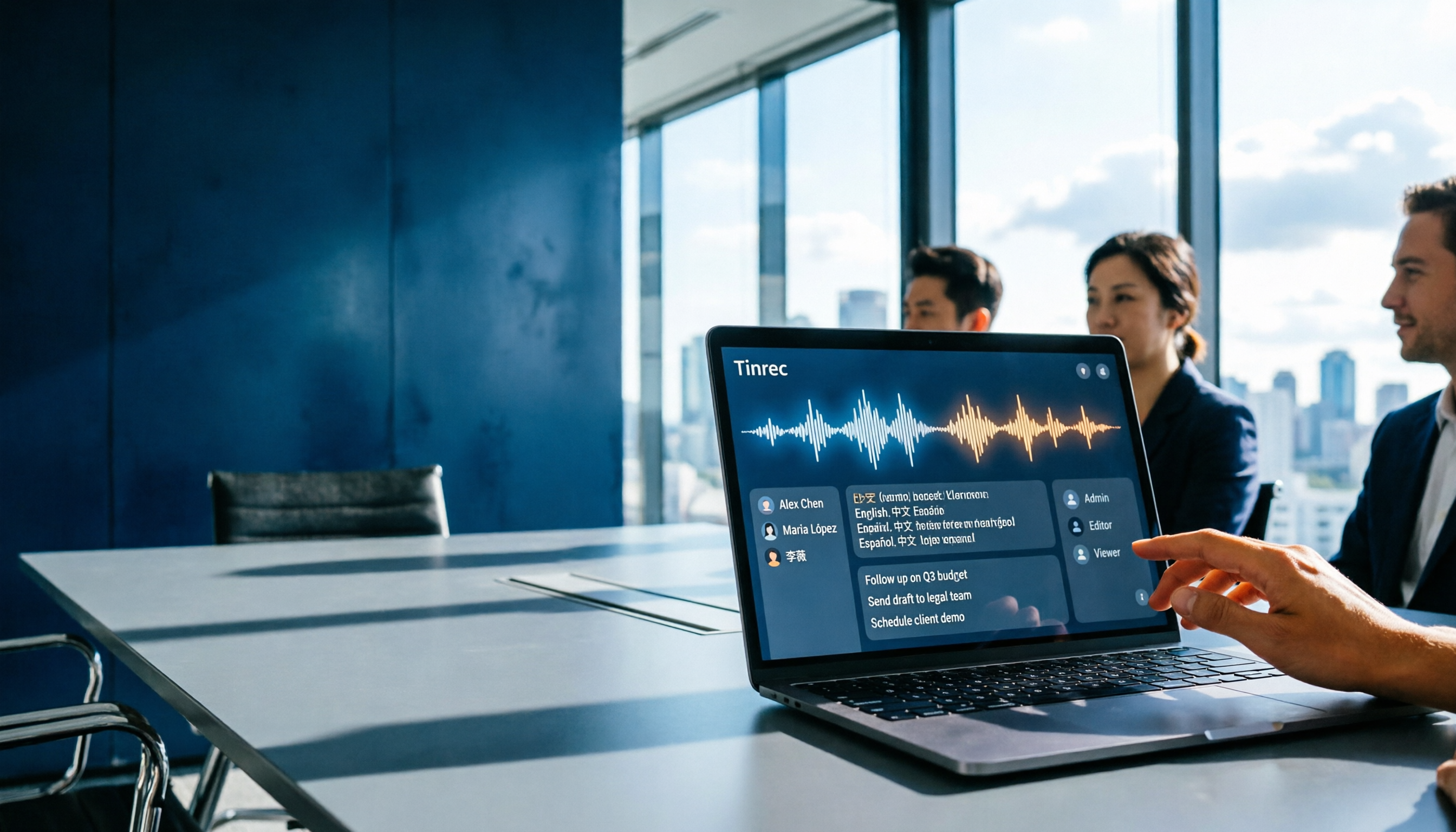
Which Gemini Meeting Notes App Is Best? 2026 Hands-On Test of 2 Options—This One Is the Most Complete for Team Collaboration
Dread meetings ending because the real work begins? This article compares Google Gemini (including Meet's "Take notes for me" and uploading audio files to Gemini) with Tinrec across five dimensions: meeting capture, multilingual transcription, post-meeting organization, file retention, and team governance. We break down the practical differences and identify who each tool is best for, helping you decide which one to use.

Google Meet Meeting Notes in 2026: 4 Options Tested for Chinese Transcripts and Post-Meeting Efficiency
Google Meet's built-in Take Notes doesn't support Chinese, so how do you take notes in Chinese meetings? This article breaks down the language support, recording methods, post-meeting outputs, and team data retention differences of four common solutions, and explains how Tinrec works in practice for Chinese transcripts, AI Q&A, and team knowledge retention.
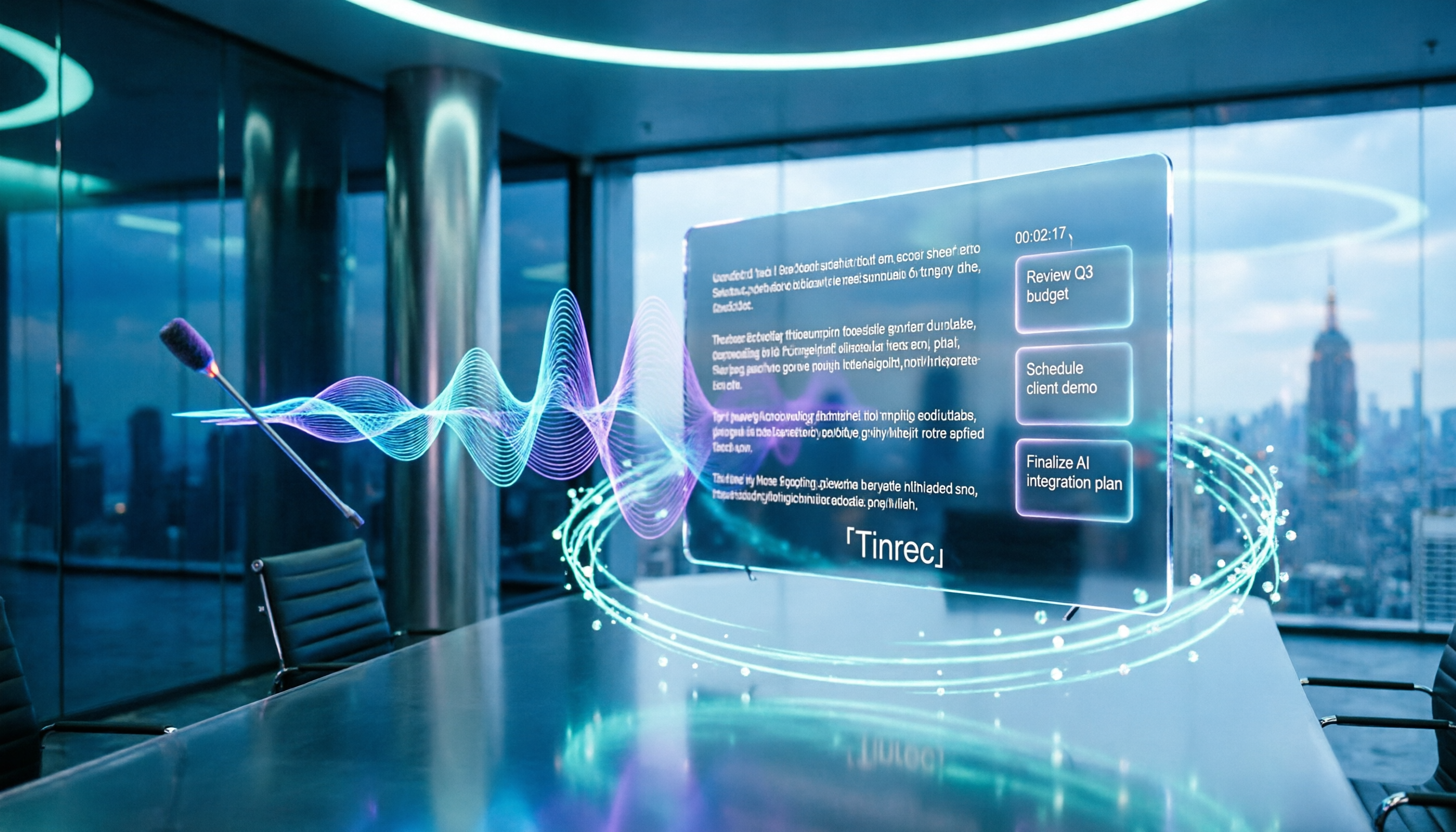
2026 Comparison of 4 Meeting Audio-to-Text Tools: Gemini, NotebookLM, and Tinrec — Which One Really Saves Time?
You can feed meeting recordings to Gemini and get a transcript, but most people still end up re-listening. This article starts from practical limitations: Gemini free version's 10-minute limit, unsupported AAC format, unstable timestamps, and goes on to explain the differences between NotebookLM, EchoScript, and Tinrec. It also summarizes 4 key buying factors: length, to-dos, online meeting recording, and team knowledge retention, helping you choose the approach that truly saves time.

Free Real-Time Transcription Software in 2026: 4 Options Compared
Can't keep up with typing during meetings? This article reviews four free real-time transcription software options, including Tinrec, Otter.ai, Notta, and Granola. We compare Chinese recognition, free quotas, post-meeting organization, and team collaboration, plus provide transcript examples and tips to avoid pitfalls.

2026 Real-Time Transcription Translation Tools Compared: Which Is Most Practical for Live Translation?
How to choose a real-time transcription translation tool? This article breaks down four dimensions: real-time translation display, meeting audio capture, post-meeting organization, and team quotas, and compares the use cases and limitations of Tinrec, Notta, Granola, and Google Translate.