

Turn recordings into transcripts and summaries in minutes
Upload audio or video for multilingual transcription, AI notes, and action items
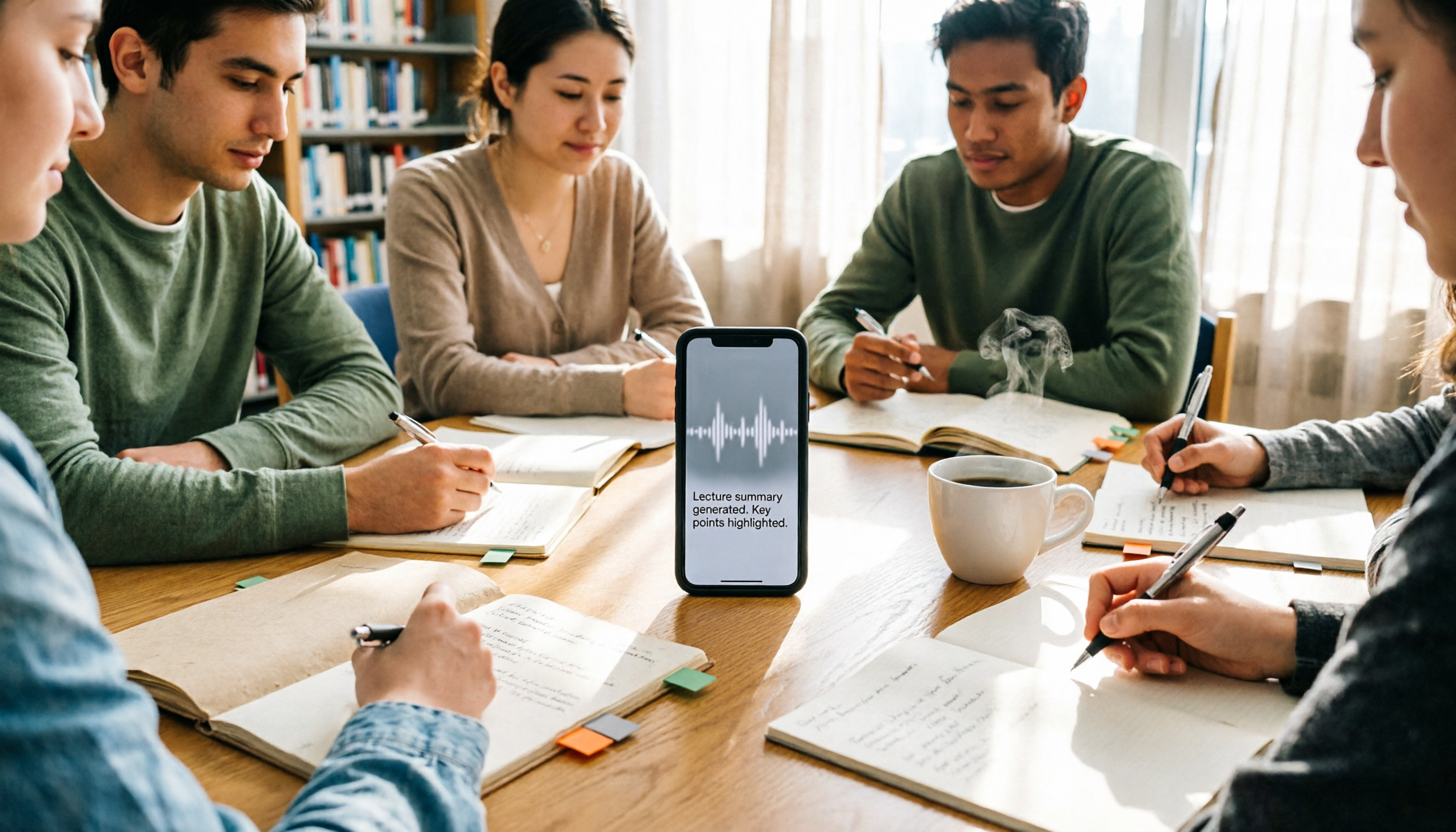
Many students think the built-in Voice Memos app on iPhone is enough for transcription, but when they open the transcript before finals, they realize it's just a wall of text with no paragraphs or highlights, forcing them to listen to the entire recording again to find key points. I've been there too. After switching to Tinrec, I discovered that voice-to-text is just the beginning—the real time-saver is its AI summary, to-do extraction, and Q&A features. In this post, I'll share how I use Tinrec to turn lecture recordings into exam review notes.
What Can Tinrec Do for You?
Scenario 1: Auto-generate transcripts with chapter segmentation for lectures Previously, I had to slowly listen to lecture recordings at home. Now, I open Tinrec on my phone, and it transcribes in real time. By the time class ends, the transcript and chapters are already organized, so I can jump straight to the professor's key points without listening to the entire recording.
Scenario 2: Auto-extract to-dos from group discussions In group discussions, everyone talks a lot, but no one remembers the conclusions afterward. Tinrec automatically lists who is responsible for what and deadlines, so I can just share the to-dos in the group chat, boosting our team's efficiency instantly.
Scenario 3: Use AI Q&A to find key points in interview recordings When working on project interviews, a two-hour recording can be overwhelming. Now, I can ask Tinrec, "What are the interviewee's main views on this topic?" It finds answers from the recording and even provides timestamps, making report writing super fast.
What Are Tinrec's Core Features?
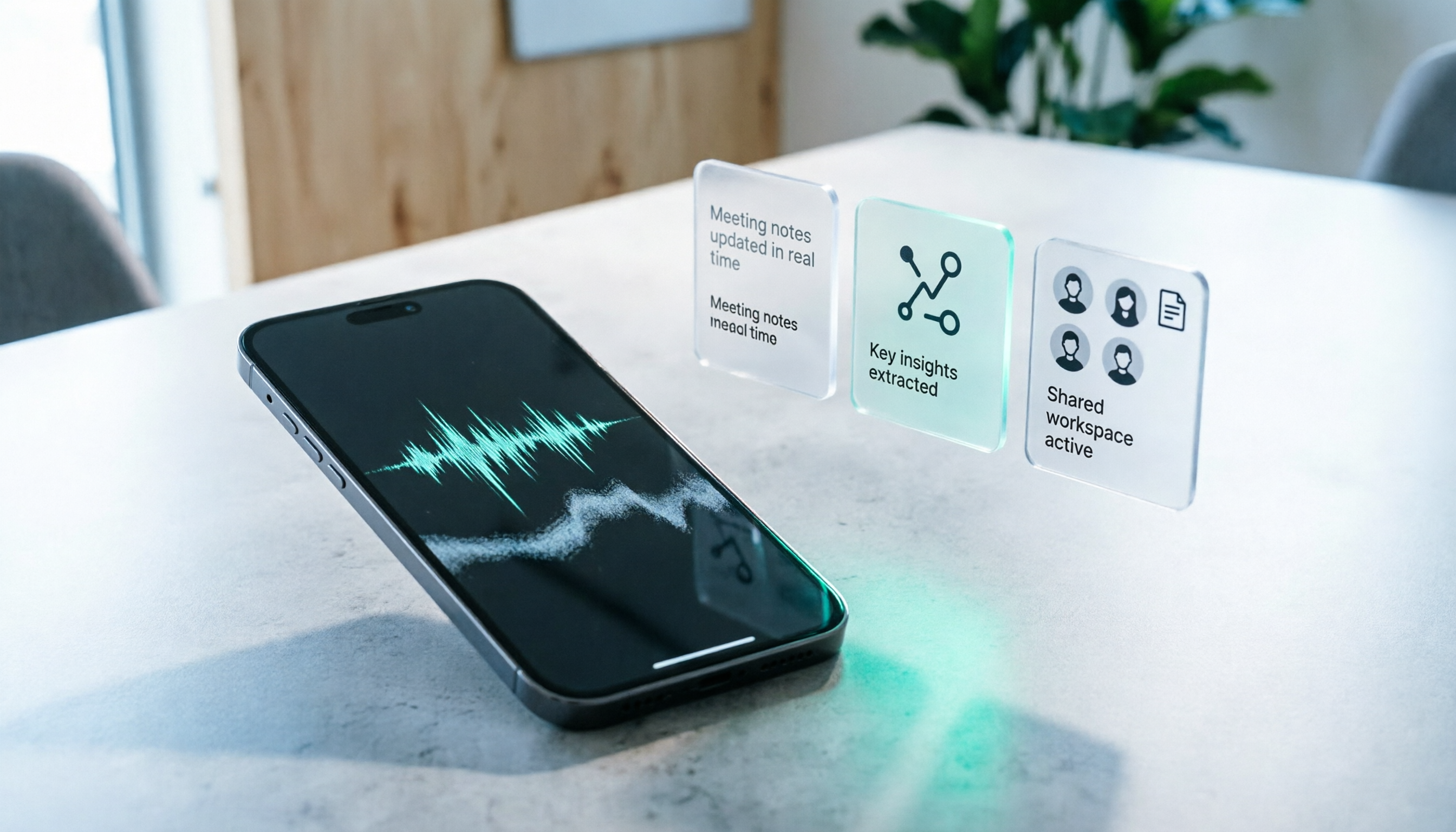
Real-time voice-to-text Open Tinrec on your phone and it transcribes as you record, with minimal lag. During class, I can read the text in real time to ensure I don't miss anything, without worrying about recording quality.
AI auto-summary and chapters Tinrec doesn't just give you a transcript; it also generates summaries and chapter titles. A two-hour lecture becomes a five-minute read of key points, so you can review just the summary before exams.
To-do extraction After meetings or group discussions, Tinrec automatically lists action items, making it clear who does what. No more time spent organizing meeting notes, and teammates can't claim they didn't hear something.
AI Q&A After transcription, you can chat with Tinrec, asking questions like, "What exam points did the professor emphasize this time?" It answers based on the recording and includes original text references, perfect for spotting exam topics.
Multi-format export and team collaboration You can export to Notion, Google Docs, or create a team space to share recordings and transcripts with group members. Everyone can view and search, so team materials are no longer scattered.
Practical Use Cases
Class recordings: Turn a two-hour lecture into five pages of key points I now use Tinrec on my phone to record lectures, with real-time transcription. After class, I use AI summaries to organize notes. When reviewing for exams, I just look at each class's summary and to-dos, without digging through recordings. Previously, I'd stay up late listening to recordings before finals; now I save enough time to get two extra hours of sleep.
Stop organizing recordings by hand
Upload audio or video and automatically get a transcript, summary, and action items
Group meetings: From chaos to action lists During group project discussions, everyone talks over each other, and no one remembers the conclusions. With Tinrec, I record (using the desktop version for online meetings, mobile for in-person), and it automatically generates transcripts and to-dos, clearly showing who is responsible for what and deadlines. Team members no longer argue about who noted what; they just follow the to-dos.
Interviews and reports: Use AI Q&A to quickly find quotes When conducting user or expert interviews, finding key points in a long recording is painful. Tinrec's AI Q&A lets me ask, "What are the interviewee's opinions on pricing?" It pulls relevant passages from the transcript, and I can copy-paste them into my report. My roommate thinks I hired an assistant because I'm so efficient.
4 Things to Consider When Choosing an iPhone Voice-to-Text Tool
1. Transcription quality: Don't just trust official claims Many tools claim high accuracy, but the best test is using your own recordings. Tinrec performs well with clear Chinese audio, producing few errors, and it supports custom vocabulary. You can add your professor's technical terms for even better recognition.
2. Post-processing capabilities: The real key is whether it helps you organize after transcription A transcript alone isn't enough; the key is automatic organization. Tinrec's AI summary, to-dos, and Q&A are designed to solve this, so you don't have to manually digest thousands of words.
3. Cross-platform and export: Make sure the tool supports your workflow I use Notion for notes and Google Docs for reports. Tinrec has iOS, Android, and web versions, and can export to these tools, so I don't have to change my habits.
4. Free tier and pricing: Students have limited budgets, so try the free version first Many tools have restrictive free tiers, but Tinrec's free version offers basic credits, enough to try a few lecture recordings and summaries. If you use it regularly, consider upgrading to Pro—it costs a bit more than a bubble tea, but the time saved is definitely worth it.
FAQ
Q: What's the difference between Tinrec and iPhone's built-in Voice Memos? A: The built-in feature only transcribes; you still have to organize everything yourself. Tinrec adds AI summaries, to-do extraction, Q&A, and team collaboration. Voice-to-text is just the first step; the automatic organization afterward is where the real time savings come from.
Q: Does Tinrec have a free version? A: Yes, the free version provides basic credits, allowing you to try voice-to-text and AI summaries. It's suitable for students who record occasionally and want to test it out.
Q: Do I need an internet connection for lecture recordings? A: Real-time transcription requires an internet connection, but you can record offline and upload later for transcription. Even in a basement classroom, recording is unaffected.
Q: Can I share with group members? A: Yes, after upgrading to the team plan, you can create a team space and invite members to share recordings and transcripts. Everyone can view and search, so you don't have to send files back and forth.
Q: Does Tinrec support Chinese? A: Yes, it supports Traditional Chinese and can handle mixed Chinese-English content. Our classes often include English technical terms, and Tinrec recognizes them well, even offering real-time translation.
Conclusion
If you're still using iPhone's built-in transcription or manually organizing transcripts, you should really try Tinrec. It doesn't just transcribe; it also organizes key points, extracts to-dos, and answers questions, saving you enough time to review another subject. The free version is enough to start, so students don't have to spend a lot. I've already recommended it to three classmates, and they all thanked me after finals. I recommend it to every student who wants to make learning easier.
References
- View Voice Memos transcripts on iPhone - Apple Support (Taiwan)
- iPhone Voice Memos to Text: How to Get Transcripts Without Third-Party Apps - Mr. Mad
- iPhone Voice-to-Text Free Transcripts! iOS 18 Supports 10 Languages | Quality Life | 500 Times
- No Third-Party Apps Needed! Complete Guide to iPhone Voice Memos and Notes App Transcription
- iPhone Notes and Recording Apps Have Transcript Features! Turn Class, Meeting, and Speech Content into Text in 4 Simple Steps | Digital Times BusinessNext
Turn every recording into actionable outcomes
Get 60 free transcription minutes when you sign in. No credit card required.
Related Reading
You might also like

2026 AI Meeting Recorder Comparison: Tinrec vs Notta vs Otter — Which Free Version Is Enough?
A hands-on comparison of Tinrec, Notta, and Otter.ai across five practical dimensions: meeting capture, free-tier usability, post-meeting outputs, team governance, and Chinese/bilingual support. Find out which AI meeting recorder actually saves you time.

2026 AI Meeting Recorder Comparison: 4 Tools Tested—Which Saves the Most Time After Meetings?
Hands-on comparison of 2026 AI meeting recorder tools. Tinrec stands out with bot-free desktop recording, Chinese transcripts, AI Q&A, and team spaces. We compare free tiers and limits of Notta, Otter.ai, and PLAUD, plus 4 key buying factors and pitfalls to help you choose the tool that saves the most post-meeting time.

2026 AI Meeting Notes Guide: ChatGPT Summaries + Tinrec Team Knowledge Base
This guide helps you choose the right AI meeting notes tool by explaining ChatGPT's common workflow and limitations, and comparing Tinrec's suitability for Chinese meetings, bot-free recording, AI Q&A, and team knowledge retention.

Tinrec vs Notion AI Meeting Notes in 2026: 5-Dimension Comparison — Which Should Chinese-Speaking Teams Choose?
The real problem with meeting notes tools isn't whether they can record — it's where the data lives afterward and who can take over. This article compares Tinrec and Notion AI Meeting Notes across 5 dimensions: audio capture, recording retention, post-meeting outputs, team governance, and data residency — so you can justify your choice in a procurement meeting.
2026 iPhone Recording 'Replace' Feature Buying Guide: 2 Real-World Tests and Recommendations
Before you hit 'Replace' in Voice Memos, figure out whether you want to 'fix a section of a recording' or 'avoid re-listening after recording.' This guide starts from real student scenarios and compares iPhone's built-in Voice Memos with Tinrec across five dimensions: replace editing, finding key points, post-class output, online class recording, and group project data ownership. It also honestly explains what the free quota and team plan pricing mean for students.
iPhone Recording No Sound in 2026? 5-Step Troubleshooting & Alternatives
Playing back an iPhone recording but only hearing background noise or nothing at all? This guide first walks through 5 steps to check volume output, microphone openings, permissions, and call recording settings. Then it explains how Tinrec fills the gap when the built-in Voice Memos isn't enough—with bot-free recording, real-time transcription, AI summaries, and team spaces for post-meeting organization—and compares PLAUD recording hardware with iPhone's built-in recording.

2026 Comparison of 4 AI Meeting Note Tools: From Transcript to Action Items for Online Meetings
The real work begins after the online meeting ends. Based on the pain points of a mid-level manager juggling over a dozen meetings a week, this article breaks down 6 key factors for choosing an AI meeting note tool. It focuses on Tinrec as the main example and compares it with Notta, Otter.ai, and Granola, covering their differences and best-use scenarios, plus a guide to common pitfalls and selection advice.

5 AI Meeting Note Software Tested and Compared in 2026: How to Choose Based on Free Quotas and Chinese Accuracy
Meeting notes pile up mostly because you chose the wrong type of tool. This article starts with the three most common misconceptions, breaks down the differences among 5 AI meeting note software approaches on the market, and uses Tinrec as an example to explain the complete workflow from bot-free recording, transcription, summaries, action items, AI Q&A to team spaces, while honestly listing plans and pricing.

4 iPhone Recording Apps Tested in 2026: When You Can't Hear Your Recording, Which One Can Save Your Audio?
If you can't hear your iPhone recording, it's usually not a broken microphone. This guide first walks you through checking playback volume, Bluetooth connections, microphone permissions, storage space, and recording interruptions, then tests and compares four recording tools—Tinrec, Notta, TurboScribe, and PLAUD—to find the best one for long meetings and post-meeting organization.