
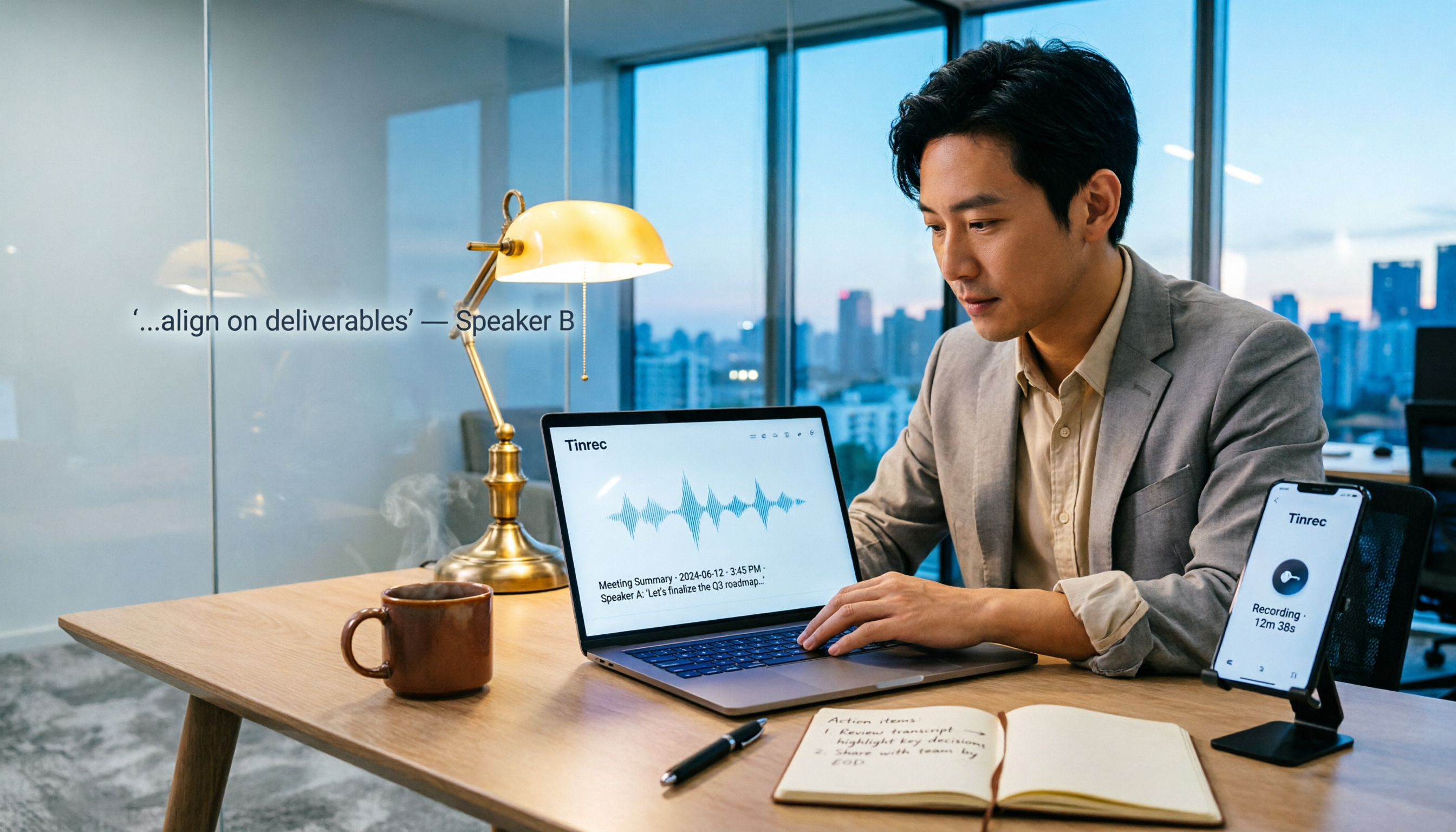
Turn recordings into transcripts and summaries in minutes
Upload audio or video for multilingual transcription, AI notes, and action items
2026 Speech-to-Text Tool Review: Is Tinrec's Free Plan Really Enough?
Many people think that online speech-to-text is just uploading an audio file and waiting for the system to spit out a bunch of text, and that's it. But that's the biggest pitfall: transcription is only the first step; what really eats your time is the organizing, verifying, and follow-up after the transcription. I have about 15 meetings a week and have tried several tools. In the end, I realized that choosing a tool isn't about who transcribes most accurately, but who can turn your meeting content into actionable data.
This article doesn't dive into complex principles; it directly shares my team's real experience with Tinrec: Is the free plan enough? Which features actually save time? What limitations should you know upfront?
What Can Online Speech-to-Text Do for You?
Many people's imagination of speech-to-text stops at "turning audio into text," but for a mid-level manager constantly chased by meetings, it truly solves these three things:
Scenario 1: Meeting Minutes Ready 5 Minutes After the Meeting
Previously, after a two-hour meeting, I'd spend at least another hour organizing key points, action items, and decisions. Now with Tinrec, the moment the meeting ends, the transcript is ready, and AI summaries and action items are auto-generated—who is responsible for what and deadlines are clear at a glance. I can directly use that data to report to my boss without flipping through handwritten notes.
Scenario 2: Interview Recordings Quickly Turned into Transcripts
Our team often conducts customer interviews. Previously, we had to transcribe word by word, and a one-hour recording took three hours to organize. Now, I upload the audio file, and Tinrec transcribes it in minutes, automatically segmenting and adding punctuation. I can directly search for keywords to find the customer's exact words at the time.
Scenario 3: Searching and Following Up on Historical Recordings
Previously, audio files lying on the hard drive were dead data; I couldn't remember which meeting discussed a certain budget. Now, I upload all historical meetings to Tinrec, and I can directly use AI chat to query: "What was the customer's reaction to the price last time?" It answers based on semantic understanding, not just throwing a bunch of text at you.
What Are Tinrec's Core Capabilities?
Tinrec is not just a speech-to-text tool; its post-processing capabilities are the key. Here are the five features my team and I use most:
1. Bot-Free Online Meeting Recording
Many online speech-to-text tools require adding a bot to your meeting, which disrupts the meeting and may be blocked by the platform. Tinrec's desktop version directly captures your computer's system audio, so you don't need to invite a bot to record meetings on Zoom, Google Meet, Microsoft Teams, and more. When I'm in a meeting, I just open Tinrec, and it silently transcribes in the background, with the data going straight to the workspace afterward.
2. Real-Time Transcription and Translation
Tinrec supports transcribing while recording, not just after the recording ends. During a meeting, you can watch the text sync in real time to ensure no key points are missed. If you need cross-language communication, you can view the original text, translation, or bilingual side-by-side in real time, which is useful for teams with foreign clients or international meetings.
3. AI Summaries and Action Item Extraction
This is the biggest difference between Tinrec and typical transcription tools. It doesn't just condense the transcript; it structures the information: meeting topic, discussion conclusions, action items, and responsible persons are listed separately. For my weekly project status meetings, I just look at the action item list after the meeting to know who should do what and by when.
4. AI Q&A and Follow-Up Generation
After transcription, I can continue to ask Tinrec questions, such as: "Who mentioned the budget adjustment in the meeting?" "What was the customer's feedback on the new proposal?" It answers directly based on the meeting content. When I need to submit a report, I can use the Agent post-processing feature to generate meeting minutes, tables, or documents, saving a lot of copy-pasting.
5. Team Space and Member Management
If you're a department head or project lead, this feature is especially important. Tinrec's team plan allows you to create a dedicated team space where meeting data belongs to the team, so it won't be taken away if a member leaves. You can invite members, allocate seats, view usage, and even check audit logs. Team recording and import credits can also be shared, so each person doesn't have to buy their own.
Stop organizing recordings by hand
Upload audio or video and automatically get a transcript, summary, and action items
Practical Use Cases
Here are three scenarios my team actually uses, each with Tinrec as the tool:
Meetings: Weekly Meetings, Project Status Meetings, Cross-Department Coordination
Before a meeting, I open Tinrec's desktop version and select "Bot-Free Recording" mode. After the meeting, the transcript, summary, and action items are already in the team space. I directly copy the action items into my project management tool, no more staying late to organize.
Interviews: Customer Interviews, User Research
Researchers upload audio files to Tinrec, and the system transcribes them in minutes. They use AI Q&A to quickly find key points, such as "What are the interviewee's concerns about pricing?" Then they export key sections to Google Docs and share with the team.
Courses and Lectures: Personal Knowledge Management
When I listen to online courses or lectures, I also use Tinrec to record or import audio files. After converting to text, I use the Q&A feature to quickly review key points, and even generate mind maps, which is much faster than handwritten notes.
5 Things to Consider When Choosing an Online Speech-to-Text Tool
There are many tools on the market, but many people fall into pitfalls with free plans. Here are the five criteria my team cares about most when choosing a tool, and how Tinrec performs:
1. Is the Free Plan Quota Really Enough?
Don't just look at the word "free"; look at the quota and limitations. Some tools' free plans only offer 3 minutes per day, which isn't enough for a single meeting. Tinrec's free plan provides a basic quota, suitable for light use or occasional transcription of a recording. If you have more than 3 meetings a week, I recommend upgrading directly, otherwise, you'll run out of quota quickly and waste time.
2. Post-Transcription Organization Capabilities
Transcription is just the first step; whether the tool can help you summarize, extract action items, and answer questions is the key to saving time. Tinrec's AI summary and action item extraction are my most-used features because they give me "next steps" directly, not just a long transcript.
3. Support for Chinese and Mixed Languages
Many tools are strong in English but struggle with Chinese meetings. Tinrec handles Chinese, Traditional Chinese, and Chinese-English mixed content well, and also supports real-time translation. If you need bilingual meetings, this is a must-check.
4. Cross-Platform and Meeting Capture Methods
Make sure the tool supports the devices and meeting platforms you commonly use. Tinrec has desktop, iOS, Android, and web versions. For online meetings, the desktop version captures system audio without needing a bot. This is more flexible than tools that rely solely on meeting bots.
5. Team Collaboration and Data Ownership
If you're a manager, you must look at team features. Tinrec's team plan has a dedicated space where meeting data belongs to the team, and members can't take it away when they leave. Roles, seats, usage analytics, and audit logs are all available, suitable for department or project team management.
Frequently Asked Questions
How long can I transcribe with the free plan?
Tinrec's free plan provides a basic quota, allowing you to experience recording, importing, summarizing, and transcription. The exact minutes are subject to the official page, but light use is fine. If you have more than 3 meetings a week, I recommend upgrading to Pro or Team.
Do I need to install a bot for online meetings?
No. Tinrec's desktop version directly captures your computer's system audio, so you don't need to add an extra bot to your meeting. Just open Tinrec and start recording; it will transcribe in the background. However, remember to comply with local laws and obtain consent from participants when required.
How accurate is the transcription?
Tinrec doesn't claim a fixed accuracy rate because actual results are affected by recording quality, noise, accents, overlapping speech, and technical jargon. In clear audio and common scenarios, it can significantly reduce manual organization costs, but for important content, it's recommended to cross-check with the transcript and audio playback.
Will data disappear when a team member leaves?
No. In Tinrec's team plan, data belongs to the team. When a member exits, is removed, or loses their seat, the admin can transfer their team resources to other active members.
Can I export to other tools?
Yes. Tinrec supports multiple export formats, and you can also bring the results to Notion, Google Docs, OneNote, Dropbox, and other tools to continue working, making it easy to integrate into your existing workflow.
Conclusion
Online speech-to-text tools aren't new, but many people only use the "transcription" layer, ignoring the organization and follow-up after transcription. If you're like me and drowning in meetings every week, what you really need isn't just a transcription tool, but a helper that turns meetings into searchable, actionable, and collaborative data.
Tinrec's free plan is suitable for trying it out and experiencing the difference that AI summaries, action item extraction, and Q&A features make. If you have more than 3 meetings a week or need to share meeting data with your team, upgrading to Pro or Team is more cost-effective—what you save isn't money, but an extra hour every day.
References
- Online AI Speech, Video, Audio File to Text - Free Trial - cSubtitle
- Tested 4 Best "Speech-to-Text" Online Tools Recommended, Free to Convert Audio Files to Transcripts
- Online AI Speech-to-Text Tool, Free to Convert MP3 or Audio Files to Text Transcripts - MyEdit
- Audio to Text - Free Speech-to-Text Tool
- Online AI Speech-to-Text Tool, Free to Convert MP3 or Audio Files to Text Transcripts
Turn every recording into actionable outcomes
Get 60 free transcription minutes when you sign in. No credit card required.
Related Reading
You might also like

2026 AI Meeting Recorder Comparison: Tinrec vs Notta vs Otter — Which Free Version Is Enough?
A hands-on comparison of Tinrec, Notta, and Otter.ai across five practical dimensions: meeting capture, free-tier usability, post-meeting outputs, team governance, and Chinese/bilingual support. Find out which AI meeting recorder actually saves you time.

2026 AI Meeting Recorder Comparison: 4 Tools Tested—Which Saves the Most Time After Meetings?
Hands-on comparison of 2026 AI meeting recorder tools. Tinrec stands out with bot-free desktop recording, Chinese transcripts, AI Q&A, and team spaces. We compare free tiers and limits of Notta, Otter.ai, and PLAUD, plus 4 key buying factors and pitfalls to help you choose the tool that saves the most post-meeting time.

2026 AI Meeting Notes Guide: ChatGPT Summaries + Tinrec Team Knowledge Base
This guide helps you choose the right AI meeting notes tool by explaining ChatGPT's common workflow and limitations, and comparing Tinrec's suitability for Chinese meetings, bot-free recording, AI Q&A, and team knowledge retention.
Tinrec vs Notion AI Meeting Notes in 2026: 5-Dimension Comparison — Which Should Chinese-Speaking Teams Choose?
The real problem with meeting notes tools isn't whether they can record — it's where the data lives afterward and who can take over. This article compares Tinrec and Notion AI Meeting Notes across 5 dimensions: audio capture, recording retention, post-meeting outputs, team governance, and data residency — so you can justify your choice in a procurement meeting.
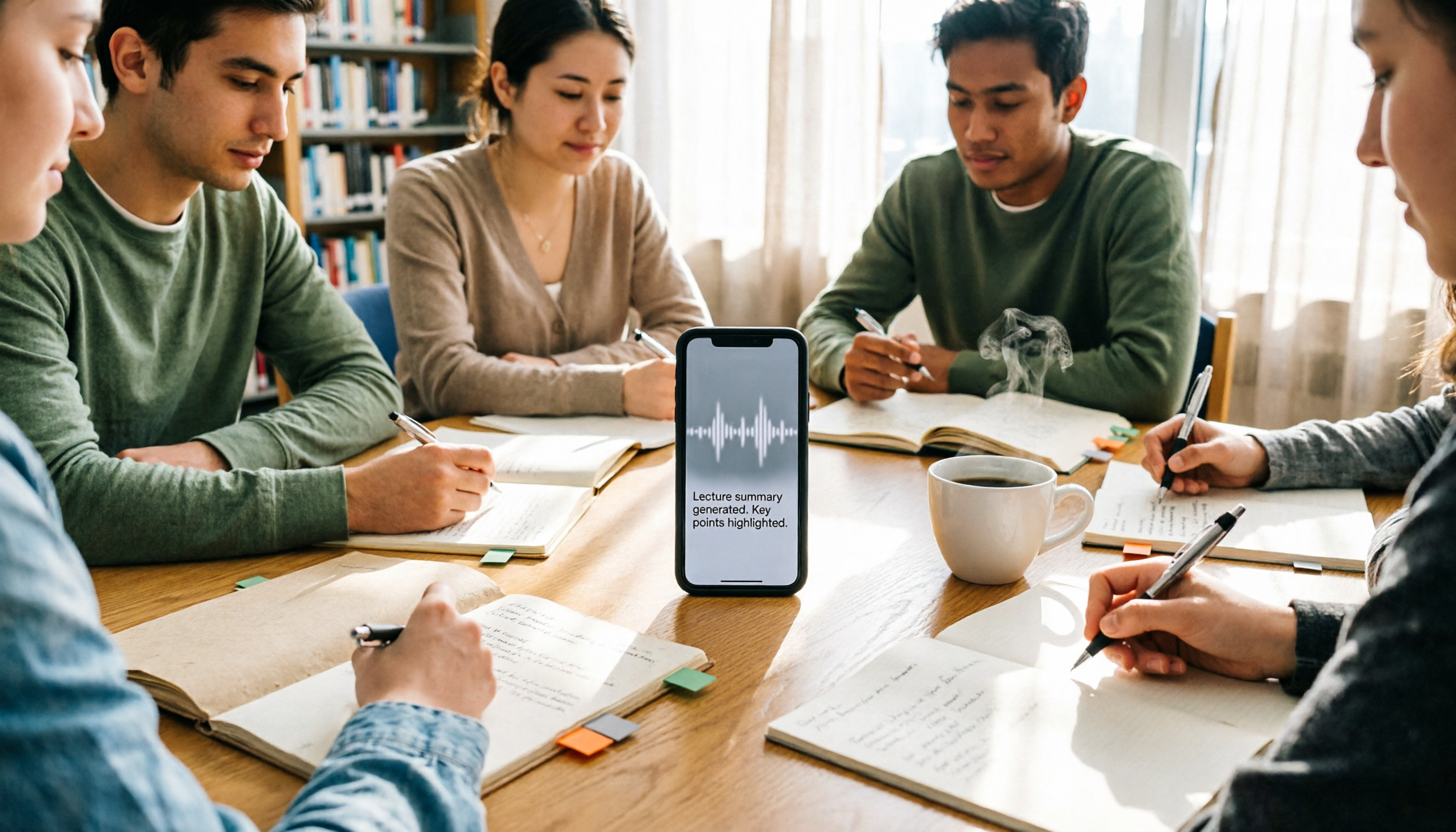
2026 iPhone Recording 'Replace' Feature Buying Guide: 2 Real-World Tests and Recommendations
Before you hit 'Replace' in Voice Memos, figure out whether you want to 'fix a section of a recording' or 'avoid re-listening after recording.' This guide starts from real student scenarios and compares iPhone's built-in Voice Memos with Tinrec across five dimensions: replace editing, finding key points, post-class output, online class recording, and group project data ownership. It also honestly explains what the free quota and team plan pricing mean for students.
iPhone Recording No Sound in 2026? 5-Step Troubleshooting & Alternatives
Playing back an iPhone recording but only hearing background noise or nothing at all? This guide first walks through 5 steps to check volume output, microphone openings, permissions, and call recording settings. Then it explains how Tinrec fills the gap when the built-in Voice Memos isn't enough—with bot-free recording, real-time transcription, AI summaries, and team spaces for post-meeting organization—and compares PLAUD recording hardware with iPhone's built-in recording.

2026 Comparison of 4 AI Meeting Note Tools: From Transcript to Action Items for Online Meetings
The real work begins after the online meeting ends. Based on the pain points of a mid-level manager juggling over a dozen meetings a week, this article breaks down 6 key factors for choosing an AI meeting note tool. It focuses on Tinrec as the main example and compares it with Notta, Otter.ai, and Granola, covering their differences and best-use scenarios, plus a guide to common pitfalls and selection advice.

5 AI Meeting Note Software Tested and Compared in 2026: How to Choose Based on Free Quotas and Chinese Accuracy
Meeting notes pile up mostly because you chose the wrong type of tool. This article starts with the three most common misconceptions, breaks down the differences among 5 AI meeting note software approaches on the market, and uses Tinrec as an example to explain the complete workflow from bot-free recording, transcription, summaries, action items, AI Q&A to team spaces, while honestly listing plans and pricing.

4 iPhone Recording Apps Tested in 2026: When You Can't Hear Your Recording, Which One Can Save Your Audio?
If you can't hear your iPhone recording, it's usually not a broken microphone. This guide first walks you through checking playback volume, Bluetooth connections, microphone permissions, storage space, and recording interruptions, then tests and compares four recording tools—Tinrec, Notta, TurboScribe, and PLAUD—to find the best one for long meetings and post-meeting organization.