

Turn recordings into transcripts and summaries in minutes
Upload audio or video for multilingual transcription, AI notes, and action items
Meetings driving you crazy, and then you have to listen to recordings and type them up? Many speech-to-text apps claim to be free, but are there hidden catches? Today, we'll break down how to choose a truly helpful free plan. We recently tried Tinrec and found its free version and team trial quite impressive—read on to see if it suits you.
What Can Speech-to-Text Do for You?
Many office workers think speech-to-text just turns voice into text, but truly useful tools save you time on organizing. Tinrec, for example, doesn't just produce transcripts; it also auto-generates summaries, chapters, and action items.
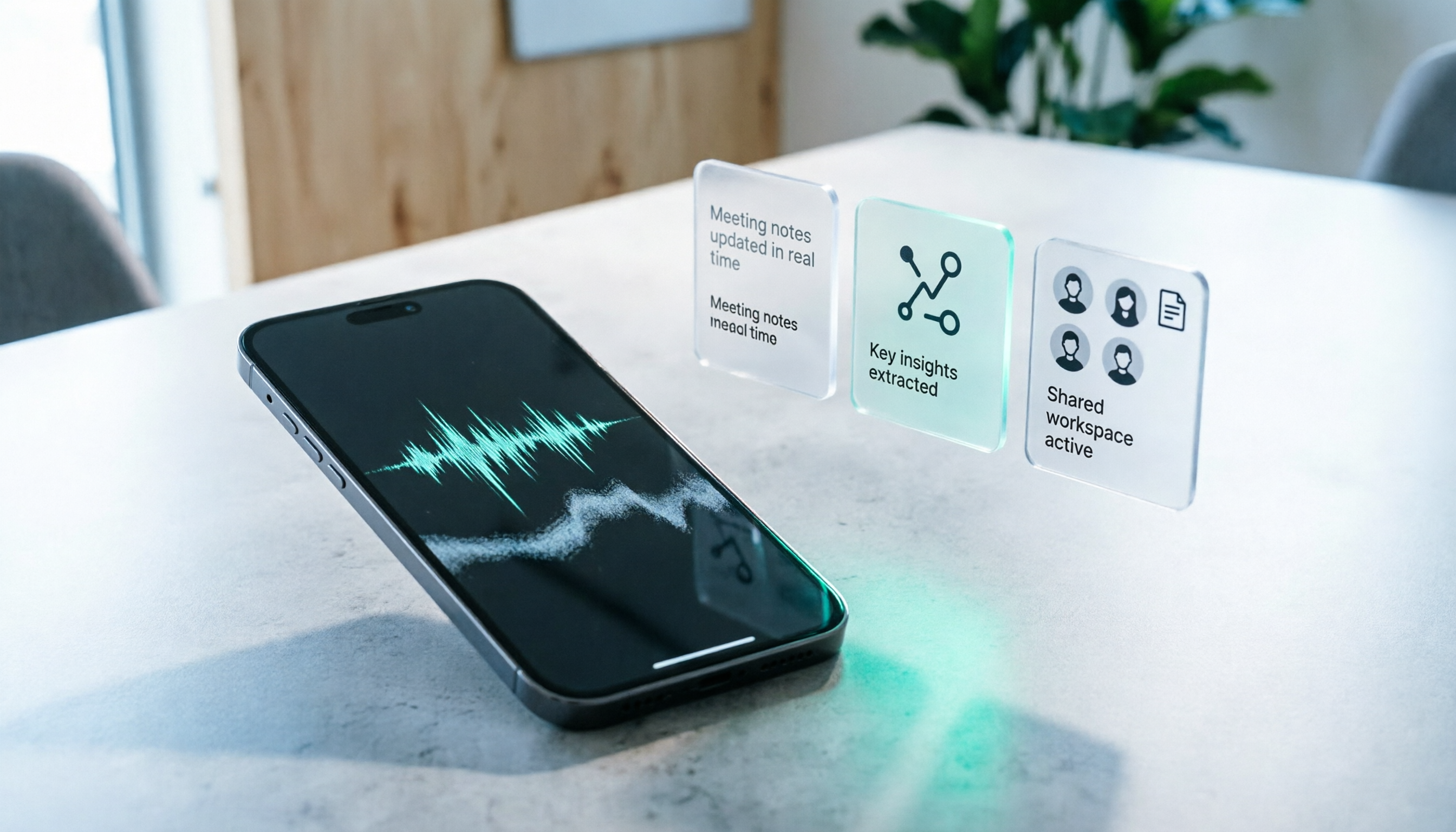
Scenario 1: Instant Meeting Minutes After the Meeting Previously, after a two-hour meeting, you might spend another hour listening to the recording to note key points. Now with Tinrec, the moment the meeting ends, AI has already organized summaries, conclusions, and action items—who's responsible for what and deadlines at a glance.
Scenario 2: Client Interviews Without Relying on Memory After chatting with clients, many details are quickly forgotten. Tinrec can convert the entire recording to text, and you can use the AI Q&A feature to ask, "What concerns does the client have about the budget?" and get answers instantly without re-listening.
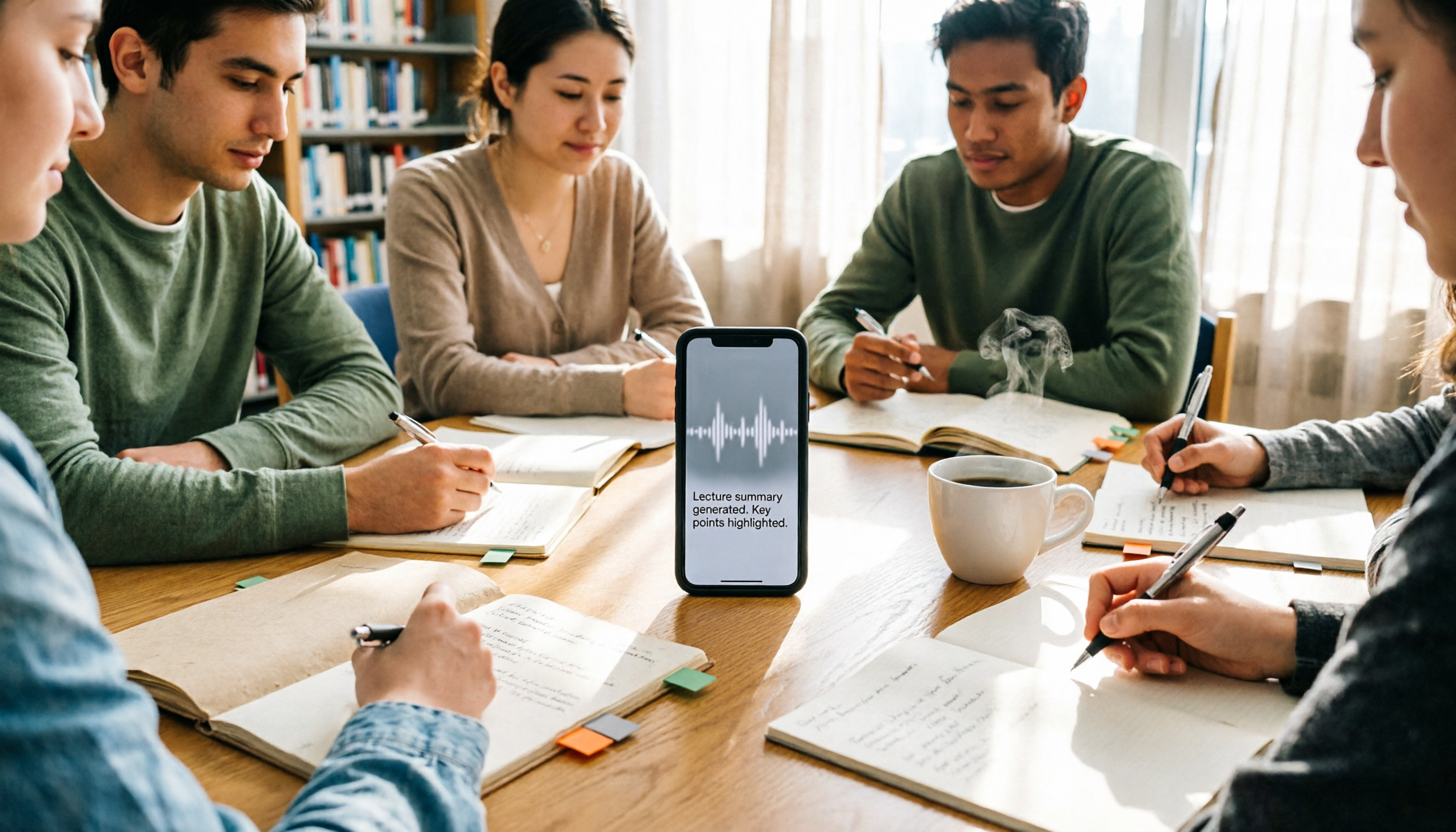
Scenario 3: Auto-Organized Lecture Notes Students record lectures, and Tinrec helps segment chapters and key points, even generating mind maps, making study more efficient.
What Are Tinrec's Core Features?
Tinrec isn't just a recording tool; its strength lies in turning meeting content into actionable data. Here are some features we found practical:
Real-Time Transcription: Text as You Record Tinrec supports live speech-to-text, so you don't have to wait until the recording ends. During meetings, you can watch the screen to ensure no key points are missed, especially for mixed English-Chinese meetings, where accuracy is decent.
No Bot Joining Online Meetings This is Tinrec's unique feature. Its desktop version can directly capture computer system audio, so you don't need to invite a meeting bot to Zoom, Google Meet, or Teams. Just open Tinrec, and you're set—no awkward "participant" visible to colleagues.
AI Summaries and Action Item Extraction After transcription, Tinrec automatically generates structured summaries: meeting topic, conclusions, and action items listed separately. It can also extract action items from discussions, like "Submit report by Monday," turning them into a to-do list.
Multi-Format Export and Third-Party Integrations Organized content can be exported to Word, PDF, and other formats, and synced to tools like Notion, Google Docs, and OneNote for continued work.
Team Space to Accumulate Meeting Assets If you use it with a team, Tinrec allows creating a team space where all meeting recordings, transcripts, and action items are stored centrally. New members can review past meetings, preventing data from being scattered across personal devices.
Practical Use Cases
Meeting Minutes Hong Kong office workers have endless meetings. Use Tinrec to record online or offline meetings, and it generates transcripts in real time, producing minutes right after. No more overtime listening and typing—save at least half the time.
Classes and Lectures Students or those pursuing further education can record lectures with Tinrec. It supports mixed Chinese-English recognition and generates chapters and key points, making it easy to find key sections when studying.
Stop organizing recordings by hand
Upload audio or video and automatically get a transcript, summary, and action items
Interviews and Research Journalists or user researchers often conduct interviews. Tinrec converts recordings to text, and the AI Q&A helps find interviewees' key viewpoints, speeding up report preparation.
Content Creation Creators making videos or podcasts can use Tinrec to convert audio to subtitle scripts and organize them into article outlines, saving editing time.
5 Things to Consider When Choosing a Speech-to-Text App
Many free apps are available, but not all suit Hong Kong users. Here are the most important points from our testing:
1. Accuracy and Language Support Many tools struggle with Cantonese or mixed Chinese-English content. Tinrec performs well in Chinese and multilingual meetings, supporting real-time translation and bilingual comparison, ideal for Hong Kong's mixed-language environment.
2. Hidden Catches in Free Plans Some tools limit free versions by time or minutes, forcing upgrades mid-recording. Tinrec's free plan offers basic quotas, enough to test recording, transcription, AI summaries, and other core features without immediate payment demands.
3. What Else After Transcription? If it only produces transcripts, you still have to read through them. Tinrec's AI summaries, action item extraction, and Q&A are the real highlights, giving you actionable data directly.
4. Cross-Platform Use You use a work computer and a personal phone. Tinrec offers web, desktop, and mobile versions with synced recordings, so you won't lose data when switching devices.
5. Team Collaboration If you work with colleagues, a team space is crucial. Tinrec allows managing members, seats, and usage, with audit logs, suitable for teams focused on data governance.
FAQ
Q: What are the limitations of Tinrec's free plan? A: The free plan includes basic usage quotas, letting you experience recording, transcription, AI summaries, and more. If you only occasionally organize a recording, the free plan is sufficient. The team plan also offers a 7-day free trial, including 1 seat and 300 minutes of shared import quota.
Q: Does Tinrec support Cantonese? A: Tinrec supports Chinese, Traditional Chinese, and multilingual mixed content. Cantonese meetings can be transcribed, but actual results depend on recording quality, background noise, and accents. We recommend testing with your own recordings first.
Q: How accurate is the speech-to-text? A: Tinrec performs well with clear audio and common scenarios, but don't expect 100% accuracy. For important content, cross-check the transcript against the recording.
Q: Does Tinrec automatically join meetings? A: No. Tinrec's desktop version captures computer system audio; you must actively open it to record. No bot is invited to meetings, making it more secure and discreet.
Q: Are recording files retained? A: Yes. Tinrec supports retaining audio files for playback anytime. The team plan also includes an audio recycle bin, allowing recovery of accidentally deleted files within 30 days.
Conclusion
Speech-to-text apps aren't just about turning voice into text; they save you organization time. Tinrec's free plan lets you test core features, plus practical extras like bot-free meeting recording and AI Q&A. If you have meetings or recordings to organize weekly, we genuinely recommend downloading Tinrec's free version, testing with your own recordings, and then deciding whether to upgrade.
(Remember: When recording or transcribing conversations involving others, comply with Hong Kong law and obtain consent where necessary.)
References
- Real-Time Voice-to-Text App Recommendations 1. iPhone/iPad "Notes" App - Supports real-time transcription - Free - Supports Chinese, English
- "Voice to Text: AI Transcript, Recording to Text, Voice Memo with Real-Time Translation" App - App Store
- SoundType AI - Ultra-Precise Transcript, Voice to Text, AI Dictation - Google Play
- Tested: 4 Best "Voice-to-Text" Online Tools Recommended, Free Instant Recording to Transcript
- Unlimited Time! 3 Free AI Transcript Tools, Highly Recommended! AI Voice Notes for Meeting Minutes, Slides, Mind Maps | 104 Career Center
Turn every recording into actionable outcomes
Get 60 free transcription minutes when you sign in. No credit card required.
Related Reading
You might also like

2026 AI Meeting Recorder Comparison: Tinrec vs Notta vs Otter — Which Free Version Is Enough?
A hands-on comparison of Tinrec, Notta, and Otter.ai across five practical dimensions: meeting capture, free-tier usability, post-meeting outputs, team governance, and Chinese/bilingual support. Find out which AI meeting recorder actually saves you time.

2026 AI Meeting Recorder Comparison: 4 Tools Tested—Which Saves the Most Time After Meetings?
Hands-on comparison of 2026 AI meeting recorder tools. Tinrec stands out with bot-free desktop recording, Chinese transcripts, AI Q&A, and team spaces. We compare free tiers and limits of Notta, Otter.ai, and PLAUD, plus 4 key buying factors and pitfalls to help you choose the tool that saves the most post-meeting time.

2026 AI Meeting Notes Guide: ChatGPT Summaries + Tinrec Team Knowledge Base
This guide helps you choose the right AI meeting notes tool by explaining ChatGPT's common workflow and limitations, and comparing Tinrec's suitability for Chinese meetings, bot-free recording, AI Q&A, and team knowledge retention.

Tinrec vs Notion AI Meeting Notes in 2026: 5-Dimension Comparison — Which Should Chinese-Speaking Teams Choose?
The real problem with meeting notes tools isn't whether they can record — it's where the data lives afterward and who can take over. This article compares Tinrec and Notion AI Meeting Notes across 5 dimensions: audio capture, recording retention, post-meeting outputs, team governance, and data residency — so you can justify your choice in a procurement meeting.
2026 iPhone Recording 'Replace' Feature Buying Guide: 2 Real-World Tests and Recommendations
Before you hit 'Replace' in Voice Memos, figure out whether you want to 'fix a section of a recording' or 'avoid re-listening after recording.' This guide starts from real student scenarios and compares iPhone's built-in Voice Memos with Tinrec across five dimensions: replace editing, finding key points, post-class output, online class recording, and group project data ownership. It also honestly explains what the free quota and team plan pricing mean for students.
iPhone Recording No Sound in 2026? 5-Step Troubleshooting & Alternatives
Playing back an iPhone recording but only hearing background noise or nothing at all? This guide first walks through 5 steps to check volume output, microphone openings, permissions, and call recording settings. Then it explains how Tinrec fills the gap when the built-in Voice Memos isn't enough—with bot-free recording, real-time transcription, AI summaries, and team spaces for post-meeting organization—and compares PLAUD recording hardware with iPhone's built-in recording.

2026 Comparison of 4 AI Meeting Note Tools: From Transcript to Action Items for Online Meetings
The real work begins after the online meeting ends. Based on the pain points of a mid-level manager juggling over a dozen meetings a week, this article breaks down 6 key factors for choosing an AI meeting note tool. It focuses on Tinrec as the main example and compares it with Notta, Otter.ai, and Granola, covering their differences and best-use scenarios, plus a guide to common pitfalls and selection advice.

5 AI Meeting Note Software Tested and Compared in 2026: How to Choose Based on Free Quotas and Chinese Accuracy
Meeting notes pile up mostly because you chose the wrong type of tool. This article starts with the three most common misconceptions, breaks down the differences among 5 AI meeting note software approaches on the market, and uses Tinrec as an example to explain the complete workflow from bot-free recording, transcription, summaries, action items, AI Q&A to team spaces, while honestly listing plans and pricing.

4 iPhone Recording Apps Tested in 2026: When You Can't Hear Your Recording, Which One Can Save Your Audio?
If you can't hear your iPhone recording, it's usually not a broken microphone. This guide first walks you through checking playback volume, Bluetooth connections, microphone permissions, storage space, and recording interruptions, then tests and compares four recording tools—Tinrec, Notta, TurboScribe, and PLAUD—to find the best one for long meetings and post-meeting organization.