

Turn recordings into transcripts and summaries in minutes
Upload audio or video for multilingual transcription, AI notes, and action items
Tinrec Voice-to-Text 2026: Free Version Review + AI Meeting Notes
With so many free voice-to-text tools out there, how do you choose?
Open any app store and search for "free voice-to-text," and every app claims to be free. But after downloading, you find out: the free tier only gives you a few minutes, there are upload limits, no Chinese support, or no AI summarization. What you really need isn't just software that turns audio into text—you need something that turns meetings, interviews, and lectures into searchable, organized, and trackable assets. If you're on the fence about which tool to pick, this article breaks down the key points.
Before choosing a voice-to-text tool, understand these 4 key factors
1. Accuracy: Don't just trust the advertised 98% Many tools claim accuracy above 95%, but those numbers are usually measured in a quiet recording studio. Real meetings have background noise, accents, and people talking over each other, which significantly drops accuracy. We recommend testing with your own audio files during a free trial, and pay attention to punctuation, paragraphing, and how well it handles technical terms. Tinrec provides high-quality transcription for Chinese meetings, but actual results depend on audio quality, so it's wise to double-check important content.
2. AI features: Transcription is just the start; organization is key If a tool only produces a verbatim transcript, you'll still spend a lot of time manually extracting key points. A good tool should automatically generate summaries, extract action items, divide content into chapters, and even let you search via Q&A. Tinrec's AI chat feature lets you ask "What was the meeting conclusion?" without manually scanning a 30-minute transcript.
3. Cross-platform: Can you record on your phone and edit on your computer? You might record on your phone and edit on your computer, or record online meetings on your computer. Whether the tool supports web, desktop, and mobile versions determines if you're tied to a single device. Tinrec offers iOS, Android, and web versions, and the desktop version can record online meetings without a bot.
4. Free tier: Is it enough, or is it a trap? Free versions usually have limitations, but the key is whether those limits are reasonable. Some tools only allow 3-minute recordings per session or 30 minutes per month, which isn't enough. Tinrec's free version offers a trial allowance, perfect for testing the waters before upgrading, without forcing you to pay upfront.
Tinrec (秒听录音) — Our Top Pick After Testing
Tinrec is an AI meeting notes and collaboration tool for individuals and teams. It goes beyond voice-to-text, turning meetings into searchable, collaborative, and actionable assets. It supports real-time recording, bot-free online meeting recording, and audio/video file import, and is available on iOS, Android, and web.
During meetings, Tinrec transcribes in real time, and you get a transcript and summary as soon as the meeting ends. You can watch the text generate live, and after the meeting, AI automatically organizes it into chapters, key points, and action items. For example, in a project meeting, Tinrec lists "who is responsible for what and deadlines," saving you from manual note-taking.
After recording, you can ask Tinrec, "Who mentioned the budget in the last meeting?" It uses semantic understanding to give you the answer directly, not just keyword search results. This feature is almost nonexistent in competitors at the same price point, making it a key differentiator for Tinrec.
We tested a 5-minute Chinese meeting recording (with background chatter), and Tinrec correctly segmented the text, preserved punctuation, and generated a logically clear summary. There were occasional typos, but overall readability was high, significantly reducing proofreading time. Actual results vary with audio quality and accents, but it's sufficient for everyday meeting use.
Stop organizing recordings by hand
Upload audio or video and automatically get a transcript, summary, and action items
Pros:
- Excellent Chinese and multilingual support: Traditional Chinese transcription is smooth, with real-time translation and bilingual viewing.
- Bot-free online meeting recording: The desktop version captures system audio directly, so you don't need to invite a bot to Zoom, Meet, or Teams.
- Comprehensive post-transcription processing: Summaries, chapters, action items, mind maps, AI Q&A, and multi-format export—not just a transcript.
Limitations:
- The free tier has limited minutes; heavy users will need to pay. But for occasional meeting organizers, the free version is enough to experience the full workflow.
- Accuracy is affected by recording environment; it can't guarantee 100% correctness, so it's advisable to verify important decisions against the original audio.
Who is it for? If you need Chinese meeting notes, want to ask AI about key points after recording, frequently switch between phone and computer, or don't want to buy extra recording hardware, Tinrec is the most suitable choice right now.
Beyond Tinrec: What Other Options Are There?
Otter.ai: The go-to for English meetings, with a generous free tier of 300 minutes per month. However, its strength is English; Chinese transcription accuracy and organization are not as good as Tinrec. If you primarily record English content, Otter.ai is worth considering; but if you need Chinese meeting notes and AI Q&A, Tinrec is better.
Notta: A multilingual transcription tool with a free tier of 120 minutes per month, but each session is limited to 3 minutes, which is quite restrictive. Tinrec's free version offers a more complete experience, and Notta lacks AI chat for asking about meeting highlights.
Granola: A bot-free AI meeting notes app that emphasizes handwritten notes and AI enhancement, but it doesn't support uploading pre-recorded audio files or retaining meeting audio. Tinrec supports file import and audio storage, making it better for users who need to revisit original recordings.
Pitfall Guide: 3 Common Mistakes When Choosing a Voice-to-Text Tool
Pitfall 1: Only looking at free minutes, ignoring actual usability Some tools advertise 300 free minutes, but each session is limited to 5 minutes or only supports English. First, check if the free version meets your real use case before deciding to try it.
Pitfall 2: Overlooking post-transcription organization features If you only use the tool for "voice-to-text," you're only using a third of its potential. Choose a tool with AI summaries, action item extraction, and Q&A to truly save time. Tinrec's AI Q&A can directly answer "What was the meeting conclusion?" much faster than manual searching.
Pitfall 3: Ignoring cross-platform and team collaboration needs If you record on your phone today and edit on your computer tomorrow, a tool without cross-platform support will be a pain. Also, if you're using it with a team, can meeting data be centrally stored and shared among members? Tinrec's team plan offers team spaces, roles, and seat management, suitable for departments or project teams.
Conclusion: Which One Should You Choose?
If your goal is to experience high-quality voice-to-text for free and get AI meeting notes, Tinrec is the top choice. Its free version lets you fully experience core features, while the paid version unlocks more minutes and team collaboration.
Scenario Recommendations:
- Need Chinese meeting transcription + AI summaries → Tinrec (excellent Chinese support, complete AI features)
- Want to use AI to find key points after recording → Tinrec (the only one with AI chat)
- Cross-platform use (phone + computer) → Tinrec (iOS + Android + web)
- Zero budget, only English recordings → Otter.ai (generous free tier, but weak in Chinese)
- Need portable hardware recording → PLAUD (extra cost, but hardware convenience)
We recommend downloading Tinrec's free version first and testing it with your own audio files. If you're satisfied, then consider upgrading. There's no need to pay upfront—first confirm the tool actually saves you time.
References
- Online AI Voice, Video, and Audio to Text - Free Trial - cSubtitle
- Unlimited Time! 3 Free AI Transcript Tools, Highly Recommended! AI Voice Notes for Meeting Minutes, Slides, and Mind Maps | 104 Career
- Online AI Voice-to-Text Tool, Free MP3 or Audio to Transcript - MyEdit
- Tested 4 Best "Voice-to-Text" Online Tools, Free Instant Transcripts
- Audio to Text - Free Voice-to-Text Tool
Turn every recording into actionable outcomes
Get 60 free transcription minutes when you sign in. No credit card required.
Related Reading
You might also like

2026 AI Meeting Notes: Record Online Meetings Without a Bot + Auto To-Dos in One Go
The latest shift in AI meeting notes for 2026 is moving from "inviting a bot into the meeting" to "getting data you can use right after the meeting." This article takes the perspective of a mid-level manager, breaks down 4 key purchasing criteria, tests Tinrec's bot-free recording, automatic to-dos, and AI Q&A, and briefly reviews who Meeting Ink, SeaMeet, and CLOVA Note are each best for.

2026 AI Meeting Notes Comparison: Which Latest Version Actually Saves You Time?
A guide to choosing the latest AI meeting notes tools in 2026, covering common pitfalls, core capabilities, real-world use cases, team seat pricing, and how Tinrec turns meetings into searchable, collaborative, actionable data.

2025 AI Meeting Notes Guide: Auto-Generate Transcripts and Action Items in One Go
How to choose an AI meeting notes tool in 2025? We break down 5 key buying factors: meeting capture methods, post-transcript organization, mixed Chinese-English recognition, team data ownership, and quota calculations. Plus, we compare Tinrec, Otter.ai, Notta, and Granola to help you find the right fit.

4 Real-Time Transcription Tools Tested for 2026: Which One Keeps Up as You Speak?
How do you do real-time transcription? We tested 4 tools with the same Chinese meeting recording, comparing live transcription, Chinese and mixed Chinese-English recognition, post-meeting summaries and AI follow-up questions, as well as free quotas, team seats, and pricing, to help you find the approach that truly keeps up during meetings.

2026 AI Meeting Notes Guide: Record Online Meetings Without Bots + Auto-Generate Action Items
How to choose the best AI meeting notes tool in 2026? This guide covers three real-world scenarios—online meetings, in-person meetings, and multilingual meetings—and outlines 4 key buying factors. It hands-on tests Tinrec's bot-free recording, transcription, AI summaries, and action item extraction, compares Otter.ai, Notta, and Granola, and includes a pitfalls guide and selection advice.

2026 AI Meeting Notes Tools Compared: How to Calculate Costs Without Wasting Money
Many people only look at the monthly fee when choosing an AI meeting notes tool, but overlook usage caps, per-meeting length limits, and post-meeting organization costs. This article recalculates using 'cost per meeting hour' and compares the pricing structures and use cases of Tinrec, Notta, Otter.ai, Granola, and PLAUD, plus four common pricing traps.
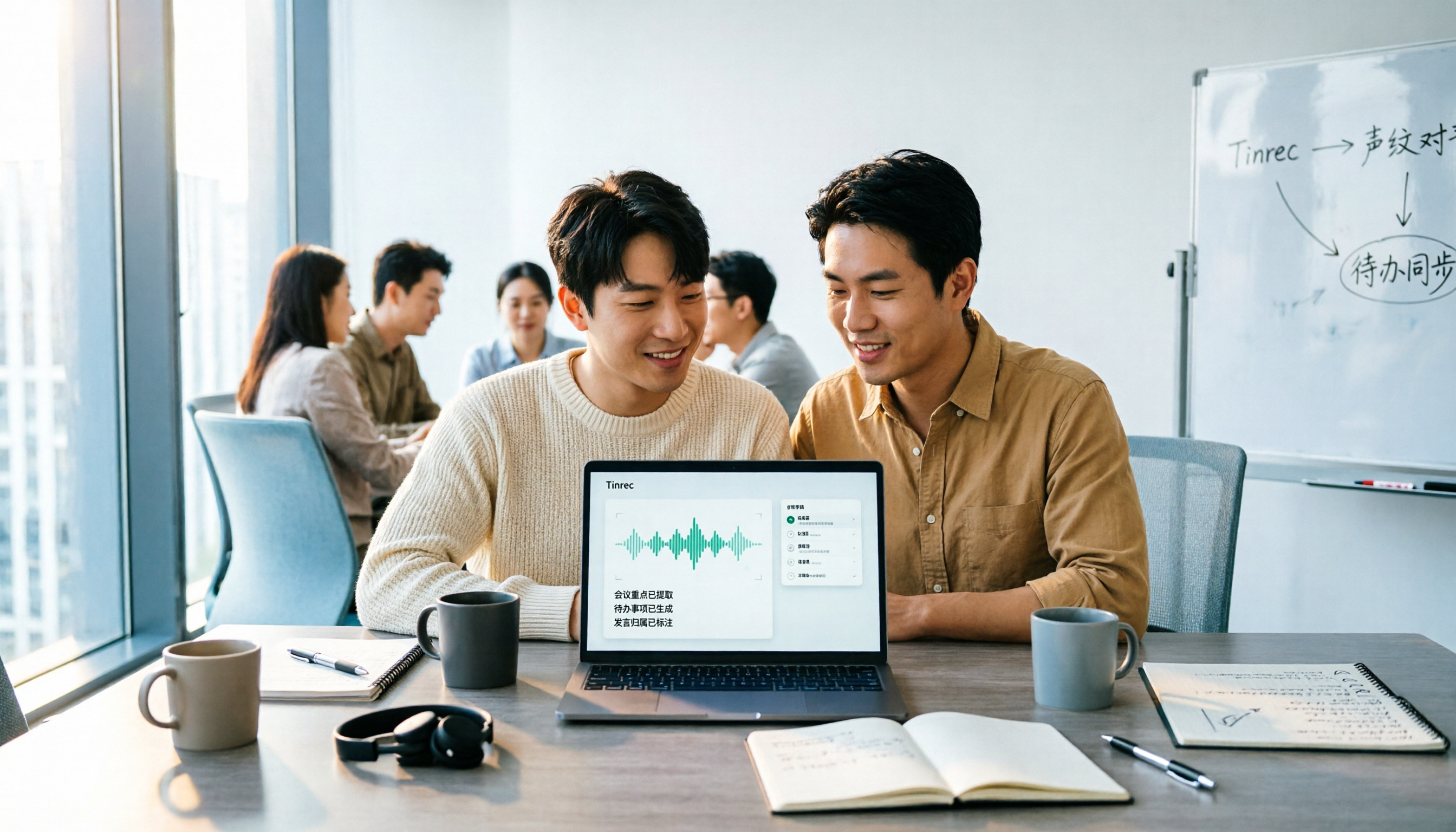
2026 AI Meeting Notes Comparison: Tinrec vs Notta Across 5 Dimensions — Which One Really Saves You Time?
The time between a meeting ending and delivering the minutes — replaying, pulling out key points, confirming action items — often wears you down more than the meeting itself. This article puts Tinrec and Notta side by side, comparing them across 5 dimensions: meeting capture, Chinese transcription, post-meeting output, team governance, and pricing/quotas. It also honestly lists each tool's limitations and best-fit scenarios to help you decide which tool should handle your meeting notes in 2026.
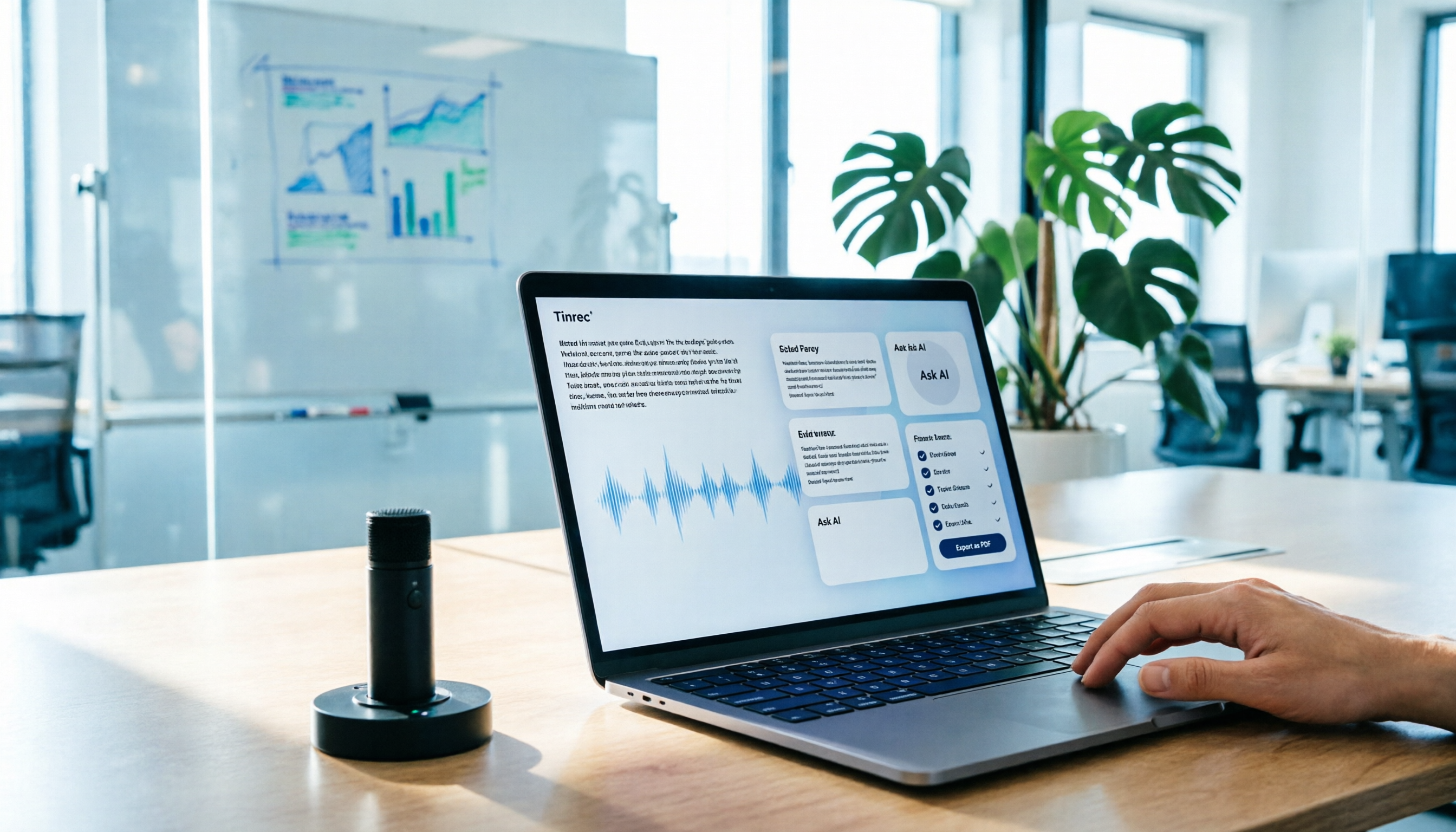
AI Meeting Notes in 2026: My Tinrec Workflow + Auto Summaries & Action Items
Meeting notes shouldn't mean replaying recordings and typing them up. This article breaks down AI meeting notes into five steps using my actual workflow: bot-free recording, live transcription, chapter summaries, AI follow-up questions, and action item export—with Tinrec as the example tool, plus a copy-paste follow-up checklist and buying considerations.

2026 AI Meeting Recorder Comparison: 5 Tools Tested for Chinese Transcripts and Post-Meeting Efficiency
Most people choose AI meeting recorder tools based only on free minutes, but still have to re-listen to recordings afterward. This article starts from real pain points, breaks down the core capabilities AI meeting recorder tools should have, 4 real use cases, and 5 purchase checkpoints. Using Tinrec as an example, it explains the complete workflow from bot-free recording, transcription, summaries, action items, AI Q&A, to team knowledge retention.