

Turn recordings into transcripts and summaries in minutes
Upload audio or video for multilingual transcription, AI notes, and action items
Why Recording-to-Text Tools Are More Than Just Transcription: From Records to Action
After a meeting ends, the real burden begins: a 1-hour discussion often requires another 1–2 hours to organize the transcript, extract key points, and list action items. Traditional recording software only handles "recording," and basic transcription tools only "convert to text." But what truly consumes time is turning meeting content into actionable follow-up work.
New-generation AI recording-to-text tools, such as Tinrec (Miao Ting Lu Yin), extend the workflow beyond transcription: they automatically generate summaries, chapters, key points, and action items, and even allow AI Q&A around the meeting content. They can further process action items into action plans, follow-up materials, reports, and tables. This means you get not just a static transcript but a working document.
Comparison of Mainstream Tools in 2026: Capture Methods, Input Sources, Chinese Experience, and Post-Meeting Outputs
Different tools vary significantly in core positioning and suitable scenarios. The table below compares mainstream products across several key dimensions:
| Tool | Core Positioning | Meeting Capture Method | Input Sources | Chinese Experience | Post-Meeting Outputs |
|---|---|---|---|---|---|
| Tinrec | AI Meeting Notes and Team Collaboration | Desktop no-bot capture of system audio | Live recording, online meetings, audio/video files, mobile | Chinese, multilingual, real-time translation | Transcript, summary, chapters, action items, Q&A, export, Agent post-processing |
| Otter.ai | AI Meeting Assistant | Bot and desktop | Primarily online meetings, supports files | Primarily English | Summary, action items, Q&A, team analytics |
| Fireflies.ai | Meeting Automation | Bot and desktop | Primarily online meetings | Primarily English | Summary, action items, AskFred, team analytics |
| Granola | No-Bot AI Meeting Notes | Desktop no-bot capture | Live meetings, no pre-recorded files | Primarily English | Note enhancement, Q&A, integrations |
| Notta | Transcription, Translation, and File Processing | Meeting bot, desktop, or upload | Files and some meeting scenarios | Strong multilingual | Subtitles, translation, summary |
| TurboScribe | High-Cost-Performance File Transcription | File upload | Audio, video files | Multilingual | Subtitles, translation, batch processing |
No-Bot Recording vs. Meeting Bots: Which Is Better for Your Meetings
Meeting bots (such as Otter's or Fireflies' bots) typically join online meetings as participants to automatically record and transcribe. No-bot recording (like Tinrec and Granola) directly captures system audio on the desktop without requiring an additional bot to join the meeting.
- No-Bot Recording: Suitable for teams that prefer not to have extra participants in meetings or have security requirements. Tinrec's desktop version can handle audio from platforms like Zoom, Google Meet, Microsoft Teams, and Webex; users need to manually start recording.
- Meeting Bots: Suitable for teams that want automatic calendar meeting joining and reduced manual operations. However, note that bots may not be allowed on all meeting platforms, and some tools (like Fireflies) still limit "unlimited transcription" by storage, upload speed, and AI credits.
Stop organizing recordings by hand
Upload audio or video and automatically get a transcript, summary, and action items
When choosing, consider your team's needs for meeting privacy, automation level, and platform compatibility.
From Transcript to Action Items: How to Use AI Tools to Generate Minutes and Action Items
Most tools can generate transcripts and summaries, but the real value lies in extracting actionable to-dos from discussions. Taking Tinrec as an example, it automatically extracts action items and allows an AI assistant (Agent) to further process them into action plans, follow-up materials, reports, tables, or documents based on the meeting minutes and context.
For instance, after a sales meeting, the AI assistant can organize the timing, talking points, and materials needed for the next follow-up based on customer commitments. After a project meeting, it can turn division of labor and timeline into an action plan. For important commitments, external communications, and key decisions, manual review is still recommended.
Team Collaboration: How Meeting Data Becomes Searchable Team Assets
Personal tools solve individual efficiency, but meeting data scattered across personal devices and chat logs is hard to find and follow up on. Tinrec's team edition provides a team space to centrally store meeting recordings, transcripts, summaries, action items, and post-meeting outputs. Members can share and view, and new members can access historical data.
In practice, team administrators can create a team space, invite members, and allocate seats. Members with seats can record, upload, and edit; members without seats can still view and play. Meeting data belongs to the team, and when a member leaves, it can be transferred to other members, ensuring knowledge is not lost.
Buying Advice: Choose Tools Based on Your Meeting Types and Team Size
- Individual Users: If you only need occasional recording organization, start with free versions (e.g., Otter free 300 minutes/month, Notta free 120 minutes/month). If you need Chinese meeting notes and no-bot recording, consider Tinrec.
- Small Teams: If you need to share meeting data and collaborate, choose tools with team spaces, such as Tinrec or Otter Business.
- Large Enterprises: If you need advanced governance features (like roles, seats, usage analytics, audit logs), evaluate Tinrec's team edition or Fireflies Enterprise.
Considerations: Accuracy, Privacy, and the Boundary of Human Review
- Accuracy: Affected by recording quality, noise, accents, overlapping speakers, and technical jargon. It is not advisable to promise a fixed accuracy rate. Important content should be cross-checked against transcript timestamps and recording playback.
- Privacy: Recordings and transcriptions may involve sensitive information. Comply with local laws and obtain participant consent when necessary. Team edition data belongs to the team and can be transferred when members leave.
- Human Review: AI-generated summaries, action items, and documents should be manually reviewed for important decisions and external communications; do not rely entirely on AI.
When choosing a tool, first clarify your meeting types, team size, and needs for Chinese and no-bot recording, then compare each tool's capture methods, post-meeting outputs, and team capabilities to find the best fit.
References
- Online AI Voice, Video, Recording Auto-Transcription - Free Trial - cSubtitle
- "Speech-to-Text: AI Transcript, Recording-to-Text, Voice Memo Real-Time Translator" App - App Store
- Audio to Text | Free Online AI Transcription | Proactor AI
- Online Speech-to-Text AI Tool, Free Convert MP3 or Recording to Text Transcript
- SoundType AI Ultra-Precise Transcript, Speech-to-Text, AI Dictation
Turn every recording into actionable outcomes
Get 60 free transcription minutes when you sign in. No credit card required.
Related Reading
You might also like
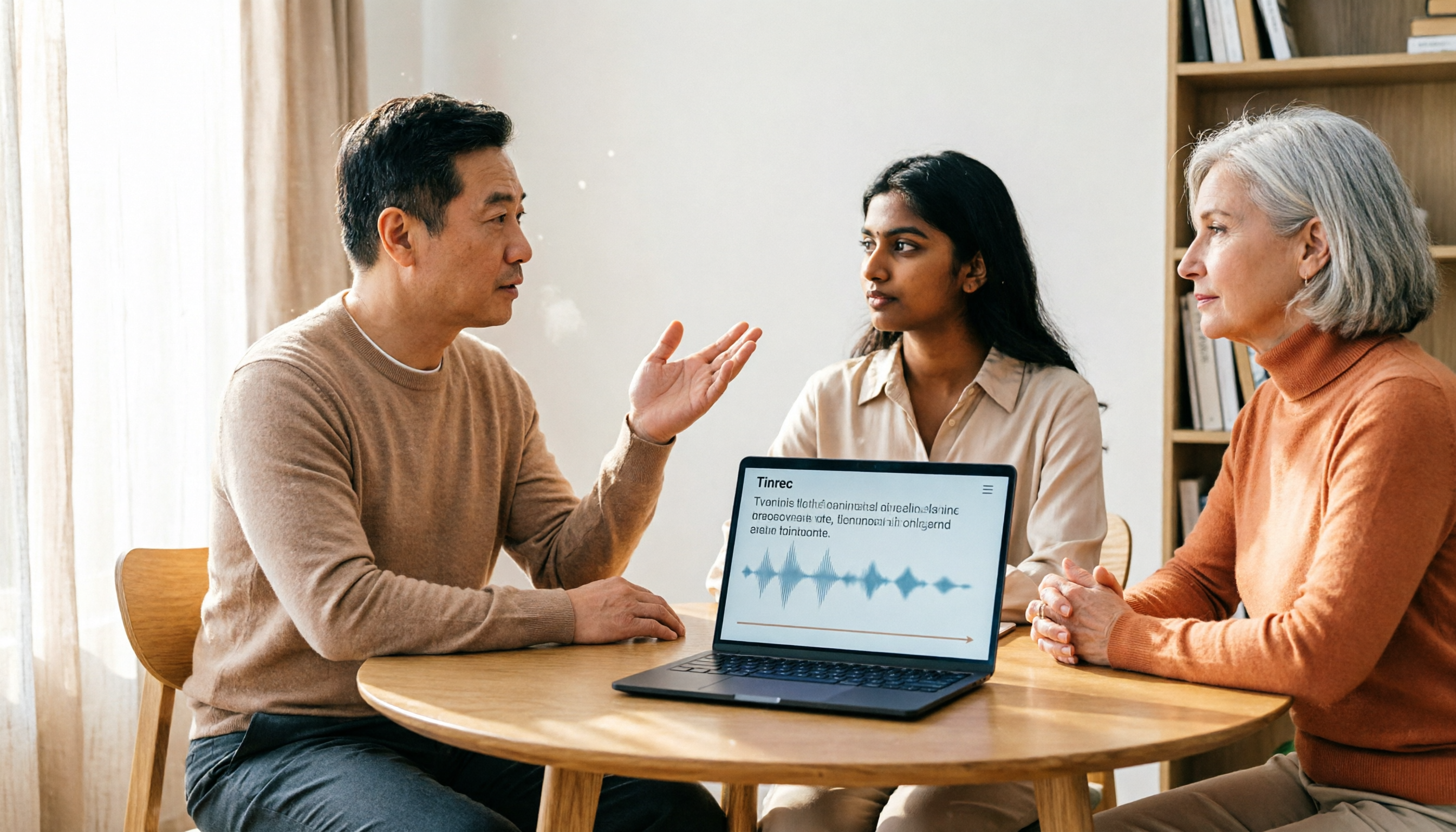
Yating Transcript vs Tinrec in 2026: 5-Dimension Comparison for Chinese Meeting Notes
Is Yating Transcript good? This article breaks down real evaluations from speaker identification, Taiwanese Hokkien recognition, cost, and proofreading effort, and compares it with Tinrec, Notta, Otter, TurboScribe, and PLAUD to help you choose the right transcription tool for your meeting scenario.

How to Choose a Speech-to-Text App in 2026: Meeting Notes + AI Summaries & Action Items
Recording meetings is easy; organizing them afterward is the hard part. This guide covers 5 key factors for choosing a speech-to-text app based on real-world use cases, using Tinrec as the main example to demonstrate bot-free online meeting recording, AI summaries and action items, and AI Q&A. It also compares Otter.ai, Notta, and Yating Transcription, highlighting their positioning and pitfalls to avoid.
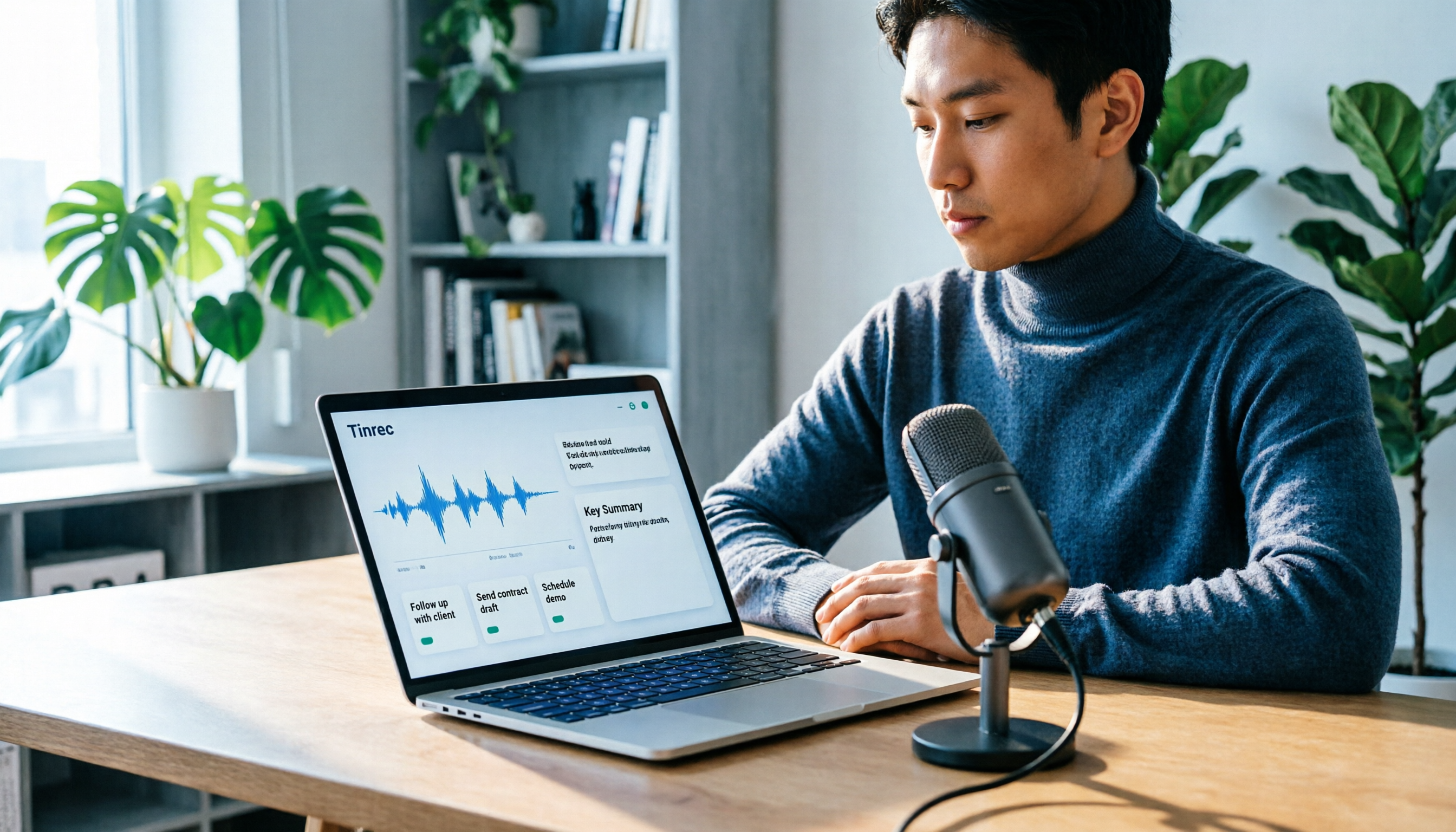
How to Record Audio on Mac in 2026: 6 Methods from Built-in Tools to AI Transcription
Recording audio on a Mac isn't hard—the challenge is making the recording useful afterward. This guide covers 6 ways to record on Mac, from free built-in options like Voice Memos, Notes transcription, QuickTime, and GarageBand, to Tinrec, which directly produces transcripts, summaries, and action items. It also includes selection advice and 4 things to know before recording.

4 Speech-to-Text Tools Tested for 2026: Is Yating Transcript Good? Which Saves the Most Time After Meetings?
Is Yating Transcript good? From the perspective of a mid-level manager who holds 15 meetings a week, I tested four speech-to-text tools: Yating Transcript, Tinrec, Otter.ai, and Notta. I compared them on Traditional Chinese and Taiwanese Hokkien recognition, post-meeting summaries and action items, AI Q&A, team collaboration, and pricing. I also compiled selection criteria and 3 common pitfalls to help you decide which one truly saves time on post-meeting organization.

2026 Comparison of 2 Transcription Tools: How to Use Yating Transcript vs. Tinrec
How do you use Yating Transcript? This article starts with hands-on steps: first, a 3-step walkthrough from recording to transcription to export. Then it compares Yating Transcript and Tinrec across 5 dimensions—free quota, AI post-meeting organization, online meeting recording, multilingual support, and team collaboration—to help you decide which tool to use for your recording.

2026 Comparison of 4 Online Transcription Tools: Yating vs. Tinrec — Which Should You Choose?
Starting from the real need for 'Yating online transcription,' this comparison examines Tinrec, Yating, Notta, and TurboScribe across Chinese recognition, post-meeting organization, online meeting recording, and team collaboration. It clearly explains each tool's limitations and ideal users to help you pick the one that truly saves time.

Cantonese Speech-to-Text App Comparison 2026: Tinrec vs Otter.ai — Which Wins on Five Dimensions?
Comparing Tinrec and Otter.ai across five dimensions—Cantonese with mixed English recognition, bot-free meeting recording, post-meeting AI organization, cross-platform input, and team seat governance—to help you decide which Cantonese speech-to-text app truly fits your meeting scenarios and budget.

2026 Comparison of 5 Transcription Tools' Free Tiers: Which Free Version Is Most Generous?
How many free minutes does Yating Transcription actually offer? Public sources cite 20 minutes, 120 minutes, and about 300 minutes. This article explains why these figures conflict, how pricing works after the free quota runs out, and compares the free plans and ideal use cases of Tinrec, Notta, Otter.ai, and TurboScribe to help you judge whether a one-time free allotment covers your actual usage.

Best Transcription Tools in 2026: Testing 3 Options, Yating Free Plan Limits and Tinrec Differences
People searching for "Yating transcription free" often ask: how much can the free version handle, do I have to pay to upload audio files, and is it enough for a meeting? This article compares Yating, Tinrec, Otter.ai, and Notta in terms of free quotas, Chinese recognition, and post-meeting organization, and lists 3 common pitfalls when choosing a tool to help you decide which one is worth using long-term.