
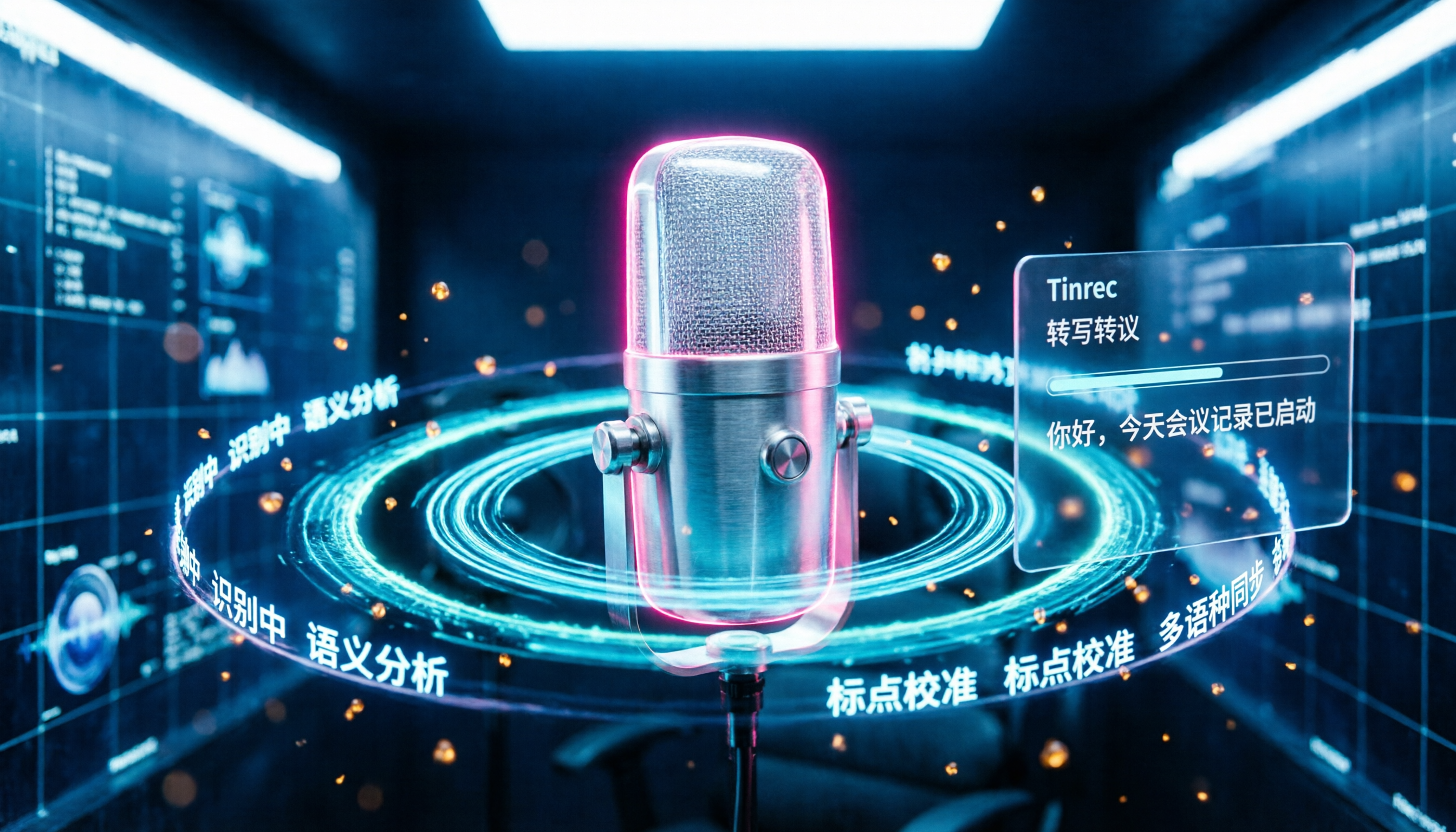
Turn recordings into transcripts and summaries in minutes
Upload audio or video for multilingual transcription, AI notes, and action items
Why You Need a Speech-to-Text Tool
Meeting minutes, interview notes, and lecture notes—all these scenarios require turning audio into text. But have you ever calculated: a 1-hour meeting often takes 2 to 3 times as long to manually transcribe.
With AI speech-to-text technology maturing, most free options can now handle everyday needs. This guide covers 6 free options that are easy to access for users in Taiwan, from fully free to limited quotas, so you can see everything at a glance.
Tinrec—Not Just Transcription, But Usable Meeting Materials
If what you need isn't just a transcript but content you can continue working with after the meeting, start with Tinrec.
It converts audio to text and then automatically generates summaries, chapters, key points, and action items. Even better, you can continue asking AI questions about the meeting content, such as "What objections did the client raise in this meeting?"—no need to dig through the entire transcript yourself.
For online meetings, the Tinrec desktop app captures system audio directly, so you don't need to add a bot to Zoom, Google Meet, Microsoft Teams, or Webex meetings. This is especially useful for those who don't want an extra participant in their meetings.
The free version provides basic credits to try live recording, audio import, and summary features. If you need consistent use, consider the weekly card or Pro plan. The team plan is suitable for departments or project teams that want to centralize meeting materials, manage seats, and track usage.
Best for: Users who need more than just meeting transcripts—they also want summaries, action items, AI Q&A, and team knowledge management.
MyEdit—Optimize Audio Before Transcription
MyEdit is an online audio editing website by CyberLink, offering free speech-to-text in 9 languages including Chinese, English, and Japanese.
The difference from Tinrec is that MyEdit's primary focus is audio editing, with speech-to-text as one of its features. It lets you reduce noise, enhance speech, and remove wind before transcription, which helps with files of average recording quality.
After transcription, you can edit the content and add timestamps before exporting. The free version allows downloads, but some premium assets and features require a subscription.
Best for: Those who want to clean up audio quality before transcription and also use audio editing features.
cSubtitle—Upload and Transcribe Without an Account
cSubtitle is a Chinese-focused online speech-to-text service that prides itself on requiring no account.
Upload video or audio files in formats like MP4, MOV, MP3, and WAV, and the system automatically generates text and Word files, complete with punctuation and paragraphing. The output Word file includes timestamps for easy reference during proofreading.
It also generates .srt and .vtt subtitle files, which is handy for those who need to add subtitles to videos. The free trial handles files up to a certain length; full use requires payment.
Best for: Those who need quick transcripts and subtitle files without registering an account.
Yating—Optimized for Taiwanese Accents, Free Live Transcription
Yating, developed by Taiwan AI Labs, is a 100% Taiwan-made speech-to-text service.
It's specifically tuned for Taiwanese Mandarin, Taiwanese Hokkien, and code-switching between Chinese and English. Live recording transcription is completely free, with no payment required. For audio uploads, you get a 20-minute free credit, and paid plans start at NT$100 per hour.
Data doesn't leave Taiwan, which is a key consideration for those with sensitive recordings or who care about data residency.
Best for: Users who primarily handle Taiwanese-accented content and need real-time transcription on a budget.
Monica—30 Minutes Free for New Users
Monica's audio-to-text tool offers new users 30 minutes of free service, ideal for those who occasionally need to transcribe meeting recordings or voice memos.
Beyond transcription, it lets you save transcripts as memos, edit online, and export in multiple formats. After the trial, if you need to continue, you can choose a paid plan.
Stop organizing recordings by hand
Upload audio or video and automatically get a transcript, summary, and action items
Best for: Those who only need occasional short transcriptions and don't want to subscribe upfront.
Vidnoz—Daily Free Credits for Light Testing
Vidnoz's speech-to-text tool provides 30 free credits daily, which you can use for light transcription tests on videos and audio.
Its main product line is AI video creation, with speech-to-text as a supplementary feature. If you're already using Vidnoz for videos, transcribing on the side is convenient; if you're only using it for transcription, you'll have to wait until the next day or pay once daily credits run out.
Best for: Existing Vidnoz users or those who only need occasional light transcription.
How to Choose Among These Free Options
• Want the most complete meeting workflow (transcription + summary + action items + AI Q&A + team collaboration) → Tinrec, with the free version covering core features • Need Taiwanese accent recognition and heavy live recording → Yating, with completely free live transcription • Want to clean up audio before transcription → MyEdit, combining audio enhancement and transcription • Don't want to register and need transcripts and subtitles from uploads → cSubtitle • Only need occasional transcription of files under 30 minutes → Monica, with enough free credits for new users • Already using Vidnoz for AI videos → Pair it with Vidnoz's daily free credits
4 Things to Know Before Using Free Speech-to-Text Tools
First, free quotas often have per-session length limits. For example, Monica gives new users only 30 minutes, and Notta's free version caps each session at 3 minutes. Check file length before uploading to avoid running out of credits mid-transcription.
Second, recording quality matters more than the tool. Even the best transcription service struggles with background noise, overlapping speech, or mumbling. Tools like Tinrec perform reliably with clear audio, but for important content, keep the original recording for reference.
Third, be mindful of where your data goes. If recordings contain company secrets or personal privacy, check the service's data residency. Yating claims data doesn't leave Taiwan, making it a top choice for such needs.
Fourth, the gap between free and paid versions often lies in "organizational capabilities." Free tools mostly provide raw transcripts, but services like Tinrec add value through summaries, action items, AI Q&A, and team collaboration. If you manually organize meeting notes every time, the time saved often far exceeds the subscription cost.
Conclusion
Free speech-to-text tools are mature enough that most people's monthly transcription needs can be met with free quotas.
If you only need occasional audio-to-text conversion, start with Yating or Monica; if you want to handle post-meeting organization, action items, and team collaboration in one go, Tinrec is the most complete option on this list, with the free version covering the full workflow.
FAQ
Are free speech-to-text tools really sufficient?
For most people, yes. According to third-party statistics, about 70% of users have monthly transcription needs under 5 hours, which free quotas typically cover. But if you need heavy file imports or team collaboration, paid plans are more stable.
Which free speech-to-text tool is the most accurate?
Accuracy is affected by recording quality, accent, background noise, and overlapping speech, so don't rely solely on vendor claims. For Taiwanese-accented content, try Yating first; for general Chinese meetings, try Tinrec and cSubtitle. Testing with your own recordings is the most reliable way.
Are there hidden fees in free plans?
Most free plans limit usage quotas, not hidden charges. Check per-session length caps, monthly totals, and feature limits before using, so you won't be forced to pay mid-use.
Do I need to register an account for audio-to-text?
Not necessarily. cSubtitle allows uploads without an account, ideal for those who prefer not to share personal data. Others like Tinrec, Yating, and Monica require registration, but free credits don't require a credit card.
Can I use these tools for phone recordings?
Yes. Most tools accept common phone recording formats like MP3, M4A, and WAV, and you can upload them for transcription. Tinrec and Yating also offer mobile live recording transcription.
Which plan is best for team meetings?
For individual occasional use, free plans suffice. For departments or project teams that need to accumulate meeting materials long-term, Tinrec's team plan offers team spaces, seat management, usage analytics, and permission controls, which is more efficient than everyone using free versions separately.
References
- Online AI Speech, Video, and Audio to Text - Free Trial - cSubtitle
- Tested: 4 Best Online Speech-to-Text Tools, Free Transcription of Audio Files
- Audio to Text - Free Speech-to-Text Tool
- AI Speech to Text | Free Easy Online Tool
- 2026 Complete Guide to Free Transcription Platforms: 15 Free Speech-to-Text Tools Reviewed
Turn every recording into actionable outcomes
Get 60 free transcription minutes when you sign in. No credit card required.
Related Reading
You might also like

2026 AI Meeting Notes: Record Online Meetings Without a Bot + Auto To-Dos in One Go
The latest shift in AI meeting notes for 2026 is moving from "inviting a bot into the meeting" to "getting data you can use right after the meeting." This article takes the perspective of a mid-level manager, breaks down 4 key purchasing criteria, tests Tinrec's bot-free recording, automatic to-dos, and AI Q&A, and briefly reviews who Meeting Ink, SeaMeet, and CLOVA Note are each best for.

2026 AI Meeting Notes Comparison: Which Latest Version Actually Saves You Time?
A guide to choosing the latest AI meeting notes tools in 2026, covering common pitfalls, core capabilities, real-world use cases, team seat pricing, and how Tinrec turns meetings into searchable, collaborative, actionable data.

2025 AI Meeting Notes Guide: Auto-Generate Transcripts and Action Items in One Go
How to choose an AI meeting notes tool in 2025? We break down 5 key buying factors: meeting capture methods, post-transcript organization, mixed Chinese-English recognition, team data ownership, and quota calculations. Plus, we compare Tinrec, Otter.ai, Notta, and Granola to help you find the right fit.

4 Real-Time Transcription Tools Tested for 2026: Which One Keeps Up as You Speak?
How do you do real-time transcription? We tested 4 tools with the same Chinese meeting recording, comparing live transcription, Chinese and mixed Chinese-English recognition, post-meeting summaries and AI follow-up questions, as well as free quotas, team seats, and pricing, to help you find the approach that truly keeps up during meetings.

2026 AI Meeting Notes Guide: Record Online Meetings Without Bots + Auto-Generate Action Items
How to choose the best AI meeting notes tool in 2026? This guide covers three real-world scenarios—online meetings, in-person meetings, and multilingual meetings—and outlines 4 key buying factors. It hands-on tests Tinrec's bot-free recording, transcription, AI summaries, and action item extraction, compares Otter.ai, Notta, and Granola, and includes a pitfalls guide and selection advice.
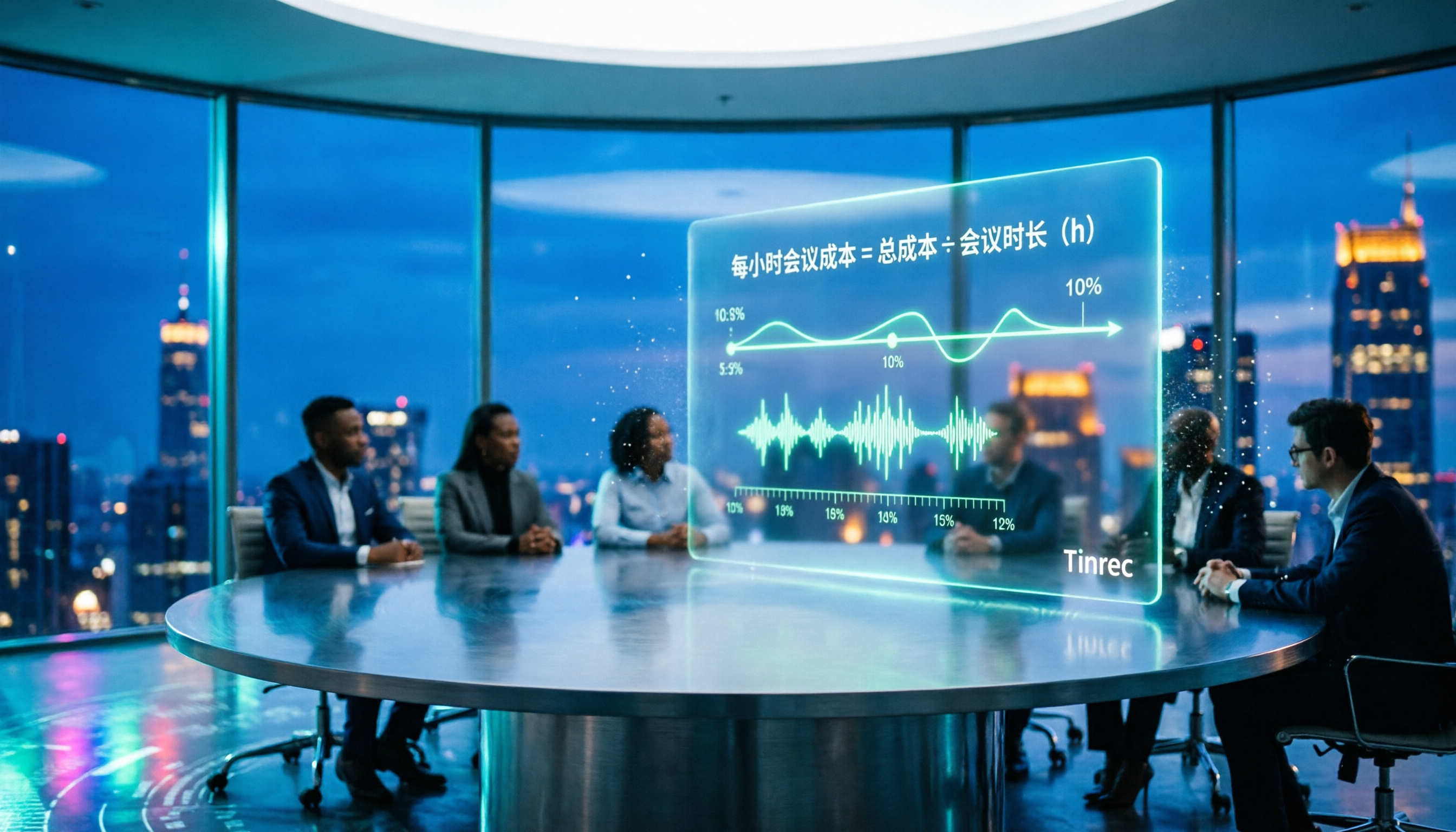
2026 AI Meeting Notes Tools Compared: How to Calculate Costs Without Wasting Money
Many people only look at the monthly fee when choosing an AI meeting notes tool, but overlook usage caps, per-meeting length limits, and post-meeting organization costs. This article recalculates using 'cost per meeting hour' and compares the pricing structures and use cases of Tinrec, Notta, Otter.ai, Granola, and PLAUD, plus four common pricing traps.
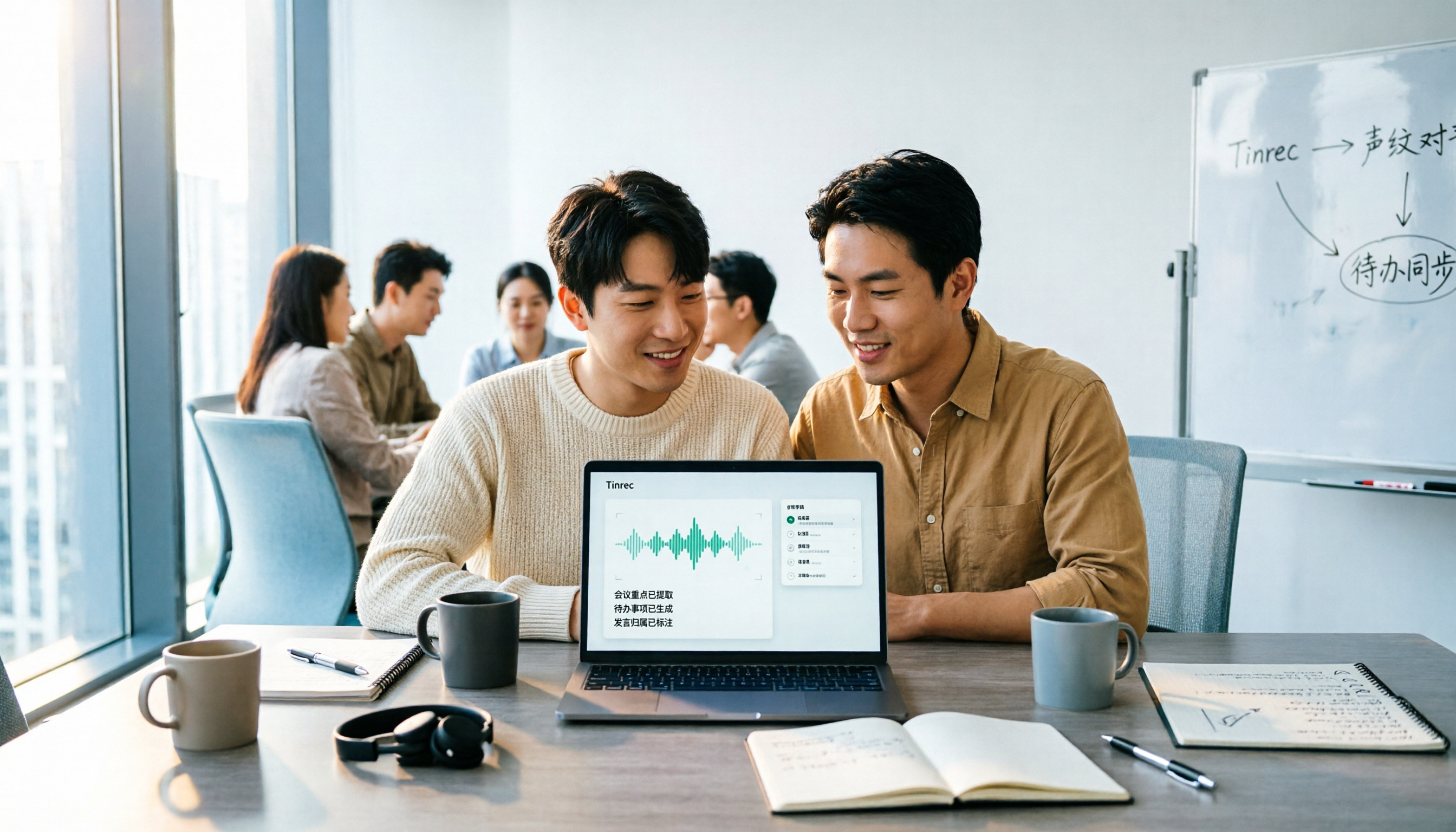
2026 AI Meeting Notes Comparison: Tinrec vs Notta Across 5 Dimensions — Which One Really Saves You Time?
The time between a meeting ending and delivering the minutes — replaying, pulling out key points, confirming action items — often wears you down more than the meeting itself. This article puts Tinrec and Notta side by side, comparing them across 5 dimensions: meeting capture, Chinese transcription, post-meeting output, team governance, and pricing/quotas. It also honestly lists each tool's limitations and best-fit scenarios to help you decide which tool should handle your meeting notes in 2026.
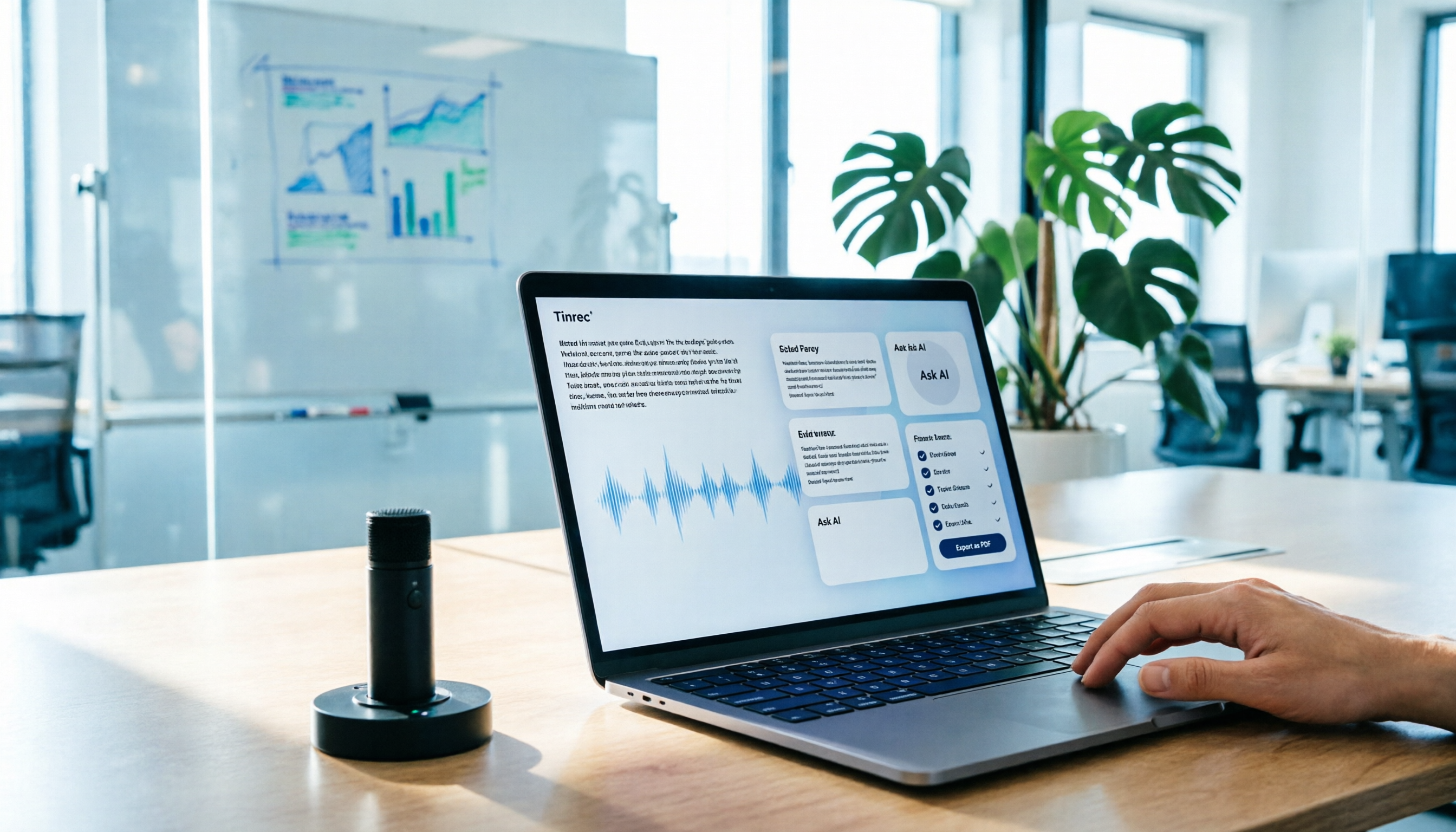
AI Meeting Notes in 2026: My Tinrec Workflow + Auto Summaries & Action Items
Meeting notes shouldn't mean replaying recordings and typing them up. This article breaks down AI meeting notes into five steps using my actual workflow: bot-free recording, live transcription, chapter summaries, AI follow-up questions, and action item export—with Tinrec as the example tool, plus a copy-paste follow-up checklist and buying considerations.

2026 AI Meeting Recorder Comparison: 5 Tools Tested for Chinese Transcripts and Post-Meeting Efficiency
Most people choose AI meeting recorder tools based only on free minutes, but still have to re-listen to recordings afterward. This article starts from real pain points, breaks down the core capabilities AI meeting recorder tools should have, 4 real use cases, and 5 purchase checkpoints. Using Tinrec as an example, it explains the complete workflow from bot-free recording, transcription, summaries, action items, AI Q&A, to team knowledge retention.