

Turn recordings into transcripts and summaries in minutes
Upload audio or video for multilingual transcription, AI notes, and action items
Have you ever calculated: a two-hour meeting takes two hours of focused discussion, plus another hour replaying the recording and organizing the transcript—leaving half your productive time consumed by follow-up work.
AI speech-to-text tools can significantly cut this time. But with more tools on the market, some focus on free access, others on accuracy, and some on team collaboration. This article uses Tinrec as the primary test subject, while helping you understand the differences between tools to find the one that truly fits your needs.
What Can AI Speech-to-Text Tools Do for You?
For most office workers, the core value of AI speech-to-text isn't just "turning audio into text," but saving time on manual transcription and organization.
Take Tinrec as an example—it covers three common use cases.
Scenario 1: Get Meeting Minutes 5 Minutes After the Meeting Ends
Previously, after a cross-departmental meeting, you'd need to replay the recording, mark key points, and organize action items. Now with Tinrec's real-time recording-to-text, the transcript is generated as the meeting progresses, and once it ends, AI summaries, chapters, and action items are all ready. Who's responsible for what and deadlines are clear at a glance.
Scenario 2: No More Manual Notes for Online Meetings
For Zoom, Google Meet, and Microsoft Teams meetings, Tinrec's desktop version can directly capture system audio, so there's no need to add a meeting bot. This is a more natural approach for teams that prefer not to have third-party participants.
Scenario 3: Turn Interview Recordings into Searchable Data
Upload user interviews, client conversations, or course recordings to Tinrec, and you get not just a transcript but also the ability to ask AI questions like "What budget constraints did the client mention?" or "What's the interviewee's attitude toward the new feature?" Historical recordings become more than just files taking up space.
What Core Capabilities Should You Look For?
When choosing a tool, don't just check if it can "convert audio to text"—look at what it can do after conversion. Here's what Tinrec offers in practice.
Real-Time Transcription and Bilingual Comparison
Tinrec supports transcribing while recording, so you can see the text as the meeting happens. For multilingual meetings, you can switch between original text, translation, or side-by-side bilingual view, without waiting until the recording ends to understand the content.
AI Summaries and Chapter Breakdown
Long meetings are tough when you need to find key points later. Tinrec automatically splits content into chapters and generates structured summaries, separating meeting topics from discussion conclusions.
Automatic Action Item Extraction
Discussions like "let's confirm the budget next time" or "please have the design team provide a draft by Friday" are automatically turned into action items by Tinrec, reducing the time spent manually searching through the transcript.
AI Q&A and Post-Meeting Generation
After transcription, you can continue asking questions about the meeting content, or have Tinrec generate meeting minutes, reports, or tables that you can take directly back into your workflow.
Team Spaces and Knowledge Accumulation
Beyond the personal plan, Tinrec offers a team version. Meeting data is stored centrally in team spaces, so it doesn't disappear when team members change. Admins can assign seats and monitor usage, turning meeting notes from personal records into team assets.
Practical Use Cases: How Tinrec Fits into Daily Work
Use Case 1: Weekly Project Meetings
Record online meetings with Tinrec's desktop app, then review the AI summary for conclusions and check that action items are complete. When you need to report progress, have Tinrec generate the meeting minutes directly, saving time on reformatting.
Stop organizing recordings by hand
Upload audio or video and automatically get a transcript, summary, and action items
Use Case 2: Client Interviews and Requirements Discussions
Enable real-time recording-to-text during client visits or online calls. Afterward, use AI Q&A to query details like budget, timelines, and concerns the client mentioned, then compile a follow-up list to avoid missing key commitments.
Use Case 3: Course and Lecture Notes
Record classes or talks, and Tinrec generates the transcript and chapters in real time. When reviewing, you can skip straight to key sections instead of listening from start to finish, or use AI Q&A to confirm how a concept was explained in the course.
Use Case 4: Team Knowledge Management
Once a department sets up a team space, all meeting data is stored centrally. New members can search and read historical meeting minutes to get up to speed faster. Admins can also use usage analytics to understand team engagement.
5 Things to Consider When Choosing an AI Speech-to-Text Tool
1. Post-Transcription Organization Capabilities
The transcript is just the first step. Tinrec stands out by automatically generating summaries, chapters, and action items after transcription, plus supporting AI Q&A and report generation. If a tool only provides a transcript, you'll still have to do the organizing yourself.
2. How Online Meetings Are Recorded
Some tools require a bot to join the meeting, which can feel intrusive. Tinrec's desktop version captures system audio directly, so no extra participant is needed, making it less disruptive to the meeting flow.
3. Chinese and Multilingual Performance
If you frequently hold meetings in Chinese or mix Chinese and English, real-world testing is crucial. Tinrec is specifically designed for Chinese meetings and multilingual scenarios, with support for real-time translation and bilingual comparison.
4. The Line Between Personal Use and Team Collaboration
The personal plan is fine for organizing your own recordings, but when meeting data needs to be shared and tracked across members, consider the team version. Tinrec's team plan offers roles, seats, usage analytics, and audit logs, suitable for departments or project teams.
5. Free Allowance and Paid Plans
Don't just check if there's a free version—see if the free allowance is enough for you to actually test it. Tinrec offers a free plan as a starting point. For short-term intensive use, consider a weekly card; for steady weekly use, the Pro monthly or annual plan is more suitable. Actual pricing is subject to the official page.
Frequently Asked Questions
Q: What's the difference between Tinrec and a regular recording app?
A regular recording app just records. Tinrec goes further by converting the audio to text, organizing summaries, chapters, key points, and action items, and supporting AI Q&A, translation, export, and team collaboration.
Q: Does Tinrec require a meeting bot to join?
No. Tinrec's desktop version captures system audio directly; users simply start recording, and no extra bot needs to join Zoom, Google Meet, or Microsoft Teams meetings.
Q: Is the free plan sufficient?
If you only need to transcribe an occasional recording, start with the free plan. For short periods with heavy meetings or interviews, consider a weekly card; if you have steady weekly needs, evaluate the Pro plan.
Q: Can all team members edit all meeting data?
In the team plan, active members can view, play, and read team data; only those with a seat can record, upload, edit, and import/export. Roles and seats are managed separately.
Q: Can accuracy be guaranteed?
Actual results depend on recording quality, noise, accents, overlapping speech, and technical jargon. Tinrec can significantly reduce manual transcription effort, but for critical content, it's still recommended to cross-check the transcript against the recording.
Conclusion
Choosing an AI speech-to-text tool isn't about which spec sheet looks best—it's about whether it truly integrates into your workflow. If you need more than just a transcript, but also summaries, action items, Q&A, and team knowledge accumulation after meetings, Tinrec is a solid option to start with on the free plan.
Audio-to-text is just the beginning. The real value of these tools lies in turning every meeting into searchable, trackable, and collaborative data.
References
- Audio to Text - Free Speech-to-Text Tool
- Online AI Speech, Video, and Audio File to Text - Free Trial - cSubtitle
- Online AI Speech-to-Text Tool, Free MP3 or Recording to Transcript - MyEdit
- Tested: 4 Best "Speech-to-Text" Online Tools Recommended, Free Instant Recording to Transcript
- [AI Voice Notes] Top 5 Recommended AI-to-Text Tools! Generate Transcripts and Meeting Minutes, Free vs. Subscription, Pros and Cons | 104 Career Builder
Turn every recording into actionable outcomes
Get 60 free transcription minutes when you sign in. No credit card required.
Related Reading
You might also like

How to Use AI for Meeting Notes in 2026: 5 Steps from Recording to Summary
A 5-step guide to using AI for meeting notes in 2026: from recording and transcription to AI summarization, action item extraction, and post-meeting Q&A. Includes comparisons of Tinrec, Otter.ai, Notta, and Granola for different use cases and limitations.

2026 AI Meeting Notes Tools Compared: Which Summaries Actually Save Time?
The meeting ends, but the work begins. This article runs the same Chinese meeting recording through four AI meeting notes tools, comparing everything from how they capture online meetings, transcript usability, summaries and action items, AI follow-up questions, to team data ownership and pricing. We break down the real differences and the most common pitfalls when choosing a tool, so you can find the one that truly saves you time after the meeting.

6 AI Meeting Transcription Tools Compared for 2026: Which Free Version Is Enough?
Is a free AI meeting transcription tool enough? This side-by-side comparison of Tinrec, Otter.ai, Notta, Granola, PLAUD, and TurboScribe breaks down free quotas, Chinese transcription, post-meeting summaries, and team collaboration to help you decide when to upgrade from free.

2026 AI Meeting Notes Showdown: Tinrec vs. Granola Review, Examples, and Buying Advice
We put Tinrec and Granola—two bot-free AI meeting note tools—through the same evaluation framework, comparing meeting capture, audio retention, Chinese-language experience, post-meeting outputs, team governance, and pricing. Includes a meeting notes format example to help you decide which tool better fits your workflow.

2026 AI Meeting Notes Showdown: Tinrec vs. Notta — Which Saves More Time on Transcripts?
Meeting just ended and your boss wants notes? We compare Tinrec and Notta, two AI meeting note tools, across online meeting recording, Chinese transcript quality, summaries and action items, export workflows, team seats, and pricing. Includes step-by-step instructions and FAQs to help you choose the right fit for your meeting style.

Tinrec vs PLAUD Note 2026: 5-Dimension Comparison — Which Is Better for Chinese Meeting Notes and Team Knowledge Retention?
AI meeting note apps don't stop at transcription. This article compares Tinrec and PLAUD Note across five practical dimensions (how meeting audio gets in, what you get after transcription, Chinese and mixed Chinese-English performance, team collaboration, and how quotas are calculated), and highlights common pitfalls and scenario-based selection advice.

2026 Comparison of 5 AI Meeting Notes Tools: Which Free Version Is Actually Good Enough?
There are many free AI meeting notes tools, but 'free minutes' often aren't calculated the same way. This article compares the free plans of Tinrec, Otter.ai, Notta, TurboScribe, and others based on how free quotas are calculated, meeting audio capture, post-meeting organization, and team data ownership. It outlines common pitfalls and buying advice to help you find the one that's truly good enough.
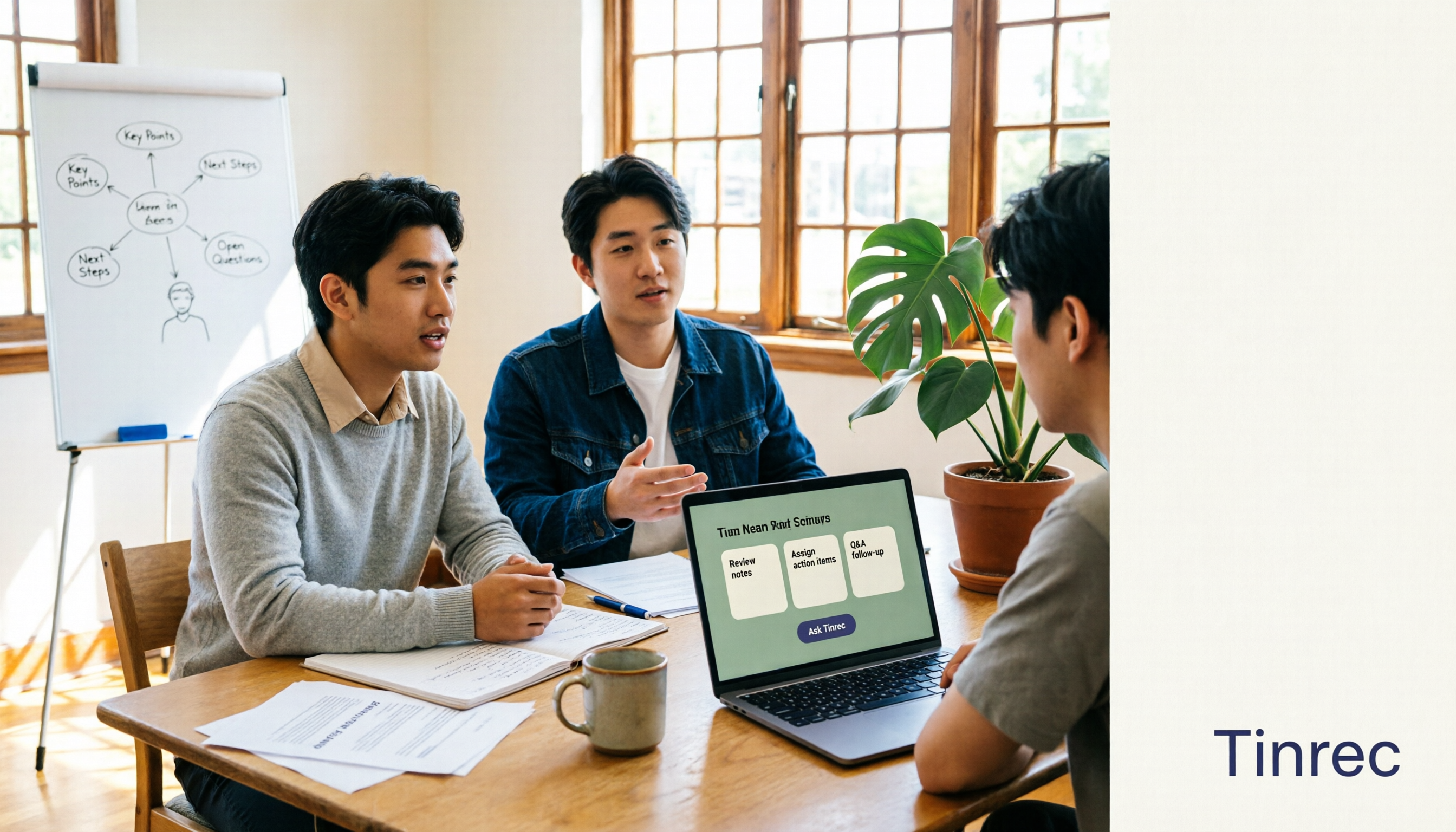
The Complete Guide to AI Meeting Notes in 2026: Hands-On Workflow, Core Features, and How to Choose a Tool
Starting from the real pain points of campus classes and group discussions, this guide shows that AI meeting notes are more than just transcripts—they also include summaries, action items, AI Q&A, and team collaboration. Using Tinrec as an example, it covers a hands-on workflow, core capabilities, buying considerations, and FAQs to help students find a tool that truly saves time on a limited budget.

Tinrec vs PLAUD Note 2026: 5-Dimension Comparison — Which Free AI Meeting Recorder Is Right for You?
How to choose a free AI meeting recorder? This article compares two popular options, Tinrec and PLAUD Note, across five dimensions: free quota and upfront cost, online meeting recording methods, post-meeting organization and AI follow-up, Chinese and multilingual experience, and team collaboration. It also includes FAQs to help budget-conscious professionals decide which tool fits them best.