

Turn recordings into transcripts and summaries in minutes
Upload audio or video for multilingual transcription, AI notes, and action items
Why You Need a Speech-to-Text Platform
Struggling to keep up with meeting notes, or spending twice as long re-listening to interviews? A speech-to-text platform solves this by converting recordings, videos, or online meetings into searchable, editable text.
Whether it's meeting minutes, lecture highlights, interview transcripts, or video captions, these tools save hours of manual typing. This article reviews 5 speech-to-text platforms commonly used in Taiwan, covering everything from free plans to paid features.
Tinrec — Turning Meetings into Actionable Team Knowledge
Tinrec is more than just a recording-to-text tool; it's a complete AI meeting assistant and collaboration platform. Beyond real-time transcription, it organizes summaries, chapters, key points, and action items, solving the problem of "still having to re-read everything after transcription."
Its most practical feature is the desktop app's bot-free recording of online meetings. Open the Tinrec desktop app, capture your computer's system audio, and it records meetings on Zoom, Google Meet, Microsoft Teams, Webex, and more—no need to invite a meeting bot. This is a thoughtful touch for those who prefer not to have an extra participant in their meetings.
After transcription, Tinrec further organizes the content. You can ask AI questions about the meeting, such as "What concerns did the client raise?" or "What are the action items from this discussion?" The system pulls relevant sections from the transcript. It can also generate reports, tables, and documents, and export them to tools like Notion, Google Docs, OneNote, and Dropbox.
Chinese and multilingual meetings are Tinrec's strength. It supports Chinese, Traditional Chinese, and mixed Chinese-English content, offers real-time translation and bilingual transcripts, and team plans can maintain custom terminology to improve recognition of specialized terms.
The team plan upgrades the personal tool into a collaborative workspace. Meeting data is stored centrally for the team, members can review past meetings and search previous discussions; admins can allocate seats, view usage trends, and access audit logs. When a member leaves, data can be handed over without disappearing with their personal account.
The free plan provides basic credits, suitable for trying out recording, import, and summary transcription. Users with regular meeting or interview needs can consider the Pro monthly or annual plan; the team plan uses a paid seat model, with each active seat providing 2,000 minutes of shared team import quota per month, and live recording not deducted by the minute during the subscription period.
Ideal for those who need a complete meeting workflow: not just converting speech to text, but also summarizing, tracking action items, asking questions, and building team knowledge.
MyEdit — No-Install Online Speech-to-Text Tool
MyEdit is a web-based AI speech-to-text tool that requires no installation—just open your browser and use it. Upload an audio file to quickly get a transcript, and it also supports editing the transcribed content and adding timestamps.
It's suitable for users who occasionally need to transcribe recordings and prefer not to install software. The free plan lets you try basic features, and subscription pricing is relatively affordable among online tools.
Yating — A Local Option Designed for Taiwanese Accents
Yating is an AI speech-to-text service developed by a Taiwanese team, with particularly strong recognition for Taiwanese Mandarin, Taiwanese Hokkien, and mixed Chinese-English "Jingjing" speech. It also supports Cantonese and Japanese.
The app is free to use, making it ideal for users who need local accent recognition and quick recording-to-text on the go. It handles multi-speaker conversations well, but transcription speed is relatively slower, so allow extra time for long recordings.
Vocol.ai — A Meeting Transcription Platform Focused on Team Collaboration
Vocol.ai focuses on meeting transcription and team collaboration, with fast transcription speeds, making it suitable for teams that need shared meeting notes and collaborative discussions.
It offers summary and key-point features, though the interface may take some getting used to for first-time users. If your primary need is quick personal transcription, a free tool might suffice; if your team wants to centrally manage meeting data, it's worth considering.
Stop organizing recordings by hand
Upload audio or video and automatically get a transcript, summary, and action items
cSubtitle — A Transcript and Subtitle Tool for Video Creators
cSubtitle offers high recognition accuracy, especially for video creators who need to generate subtitles for their videos. You can convert videos into transcripts and export SRT subtitle files.
The editing interface is less convenient, so if you have heavy text post-production needs, consider pairing it with other editing tools. It's better suited for users with greater short-video subtitle needs than long meeting transcripts.
How to Choose Among So Many Platforms?
When choosing a speech-to-text platform, first consider your primary use case: meetings, interviews, lectures, or video subtitles.
- Need a complete meeting workflow: transcription, summaries, action items, AI Q&A, and team collaboration all in one → Tinrec, one of the few options that also covers the "post-recording organization" work.
- Need bot-free recording of Zoom, Meet, or Teams online meetings → Tinrec's desktop app captures system audio directly, no extra participants needed.
- Want to turn meeting data into a searchable team asset → Tinrec's team plan offers team space, seat management, usage analytics, and audit logs.
- Just want a quick, no-install transcription of an audio file → MyEdit, ready to use in your browser.
- Particularly concerned about Taiwanese accents, Hokkien, or mixed Chinese-English recognition → Yating, with an advantage in local language data.
- Need to quickly generate subtitle files for video creation → cSubtitle, with direct SRT export.
- Need team collaboration for meeting transcription but not complex post-processing → Vocol.ai is worth considering.
4 Things to Know Before Using a Speech-to-Text Platform
- Free quotas are usually limited. Most platforms' free versions only offer limited minutes or file length, like MyEdit's free plan with restrictions, and Yating's free trial is also short. Tinrec's free plan provides basic trial credits, suitable for first checking transcription quality and workflow.
- Accuracy is affected by recording quality. Even with stable platforms, background noise, overlapping speakers, or technical jargon may require manual correction. Tinrec's team custom terms can improve recognition of specialized vocabulary, but it's still recommended to verify important content against the recording.
- Don't just compare transcription minutes. Transcription is only the first step; summaries, action items, Q&A, export, and team collaboration are where the real time savings are. Tinrec integrates these follow-up tasks into one platform, reducing the cost of switching between tools.
- Be mindful of compliance issues with recording and transcription. Before recording meetings or interviews, obtain participants' consent and comply with local laws.
Conclusion
Speech-to-text platforms are no longer just about converting speech to text; the real value lies in post-transcription organization, tracking, and collaboration. If you only need occasional transcription, free tools can suffice; if your needs involve meeting minutes, interview organization, or team knowledge management, Tinrec is a highly complete option.
Start with the free version, transcribe one of your own meeting recordings, and see if the transcript quality and workflow fit your working style.
Frequently Asked Questions
Is the free version of speech-to-text platforms enough?
It depends on usage frequency. For occasional transcription of a few minutes, the free version is usually sufficient; if you have meetings or interviews every week, free quotas run out quickly, so consider a paid plan.
Which platform has the best Chinese recognition?
Yating has a local advantage in Taiwanese accents and Hokkien; Tinrec performs stably in Chinese, Traditional Chinese, and mixed Chinese-English meeting scenarios, and supports team custom terms to improve recognition of technical jargon. Actual results still depend on recording quality.
Do I have to invite a bot to transcribe online meetings?
Not necessarily. Tinrec's desktop app captures your computer's system audio directly, so you don't need to invite a meeting bot to record Zoom, Google Meet, Teams, and other online meetings.
Can speech-to-text platforms export subtitle files?
Some can. cSubtitle exports SRT subtitle files directly, and MyEdit also supports timestamps. Tinrec supports multi-format export and lets you take results to tools like Notion and Google Docs.
How can team meeting notes be centrally managed?
Use a platform with team space features. Tinrec's team plan stores meeting data centrally in a team space, members can review past meetings, and admins can manage seats, usage, and audit logs, preventing meeting notes from being scattered across personal devices.
References
- Tested: 4 Best Online Speech-to-Text Tools, Free to Convert Recordings to Transcripts
- [AI Voice Notes] 5 Highly Recommended AI Transcription Tools! Generate Transcripts and Meeting Key Points, Free vs. Subscription, Pros and Cons | 104 Career Builder
- Yating Transcript App - App Store
- Recommended Apps for Real-Time Voice-to-Text Conversion: 1. iPhone/iPad "Voice Memos" App - Supports Real-Time Transcription - Cost: Free - Supports Chinese and English
- Complete Roundup of Free Transcription Platforms in 2026: Reviews and Recommendations of 15 Free Speech-to-Text Tools
Turn every recording into actionable outcomes
Get 60 free transcription minutes when you sign in. No credit card required.
Related Reading
You might also like

How to Use AI for Meeting Notes in 2026: 5 Steps from Recording to Summary
A 5-step guide to using AI for meeting notes in 2026: from recording and transcription to AI summarization, action item extraction, and post-meeting Q&A. Includes comparisons of Tinrec, Otter.ai, Notta, and Granola for different use cases and limitations.

2026 AI Meeting Notes Tools Compared: Which Summaries Actually Save Time?
The meeting ends, but the work begins. This article runs the same Chinese meeting recording through four AI meeting notes tools, comparing everything from how they capture online meetings, transcript usability, summaries and action items, AI follow-up questions, to team data ownership and pricing. We break down the real differences and the most common pitfalls when choosing a tool, so you can find the one that truly saves you time after the meeting.

6 AI Meeting Transcription Tools Compared for 2026: Which Free Version Is Enough?
Is a free AI meeting transcription tool enough? This side-by-side comparison of Tinrec, Otter.ai, Notta, Granola, PLAUD, and TurboScribe breaks down free quotas, Chinese transcription, post-meeting summaries, and team collaboration to help you decide when to upgrade from free.

2026 AI Meeting Notes Showdown: Tinrec vs. Granola Review, Examples, and Buying Advice
We put Tinrec and Granola—two bot-free AI meeting note tools—through the same evaluation framework, comparing meeting capture, audio retention, Chinese-language experience, post-meeting outputs, team governance, and pricing. Includes a meeting notes format example to help you decide which tool better fits your workflow.

2026 AI Meeting Notes Showdown: Tinrec vs. Notta — Which Saves More Time on Transcripts?
Meeting just ended and your boss wants notes? We compare Tinrec and Notta, two AI meeting note tools, across online meeting recording, Chinese transcript quality, summaries and action items, export workflows, team seats, and pricing. Includes step-by-step instructions and FAQs to help you choose the right fit for your meeting style.

Tinrec vs PLAUD Note 2026: 5-Dimension Comparison — Which Is Better for Chinese Meeting Notes and Team Knowledge Retention?
AI meeting note apps don't stop at transcription. This article compares Tinrec and PLAUD Note across five practical dimensions (how meeting audio gets in, what you get after transcription, Chinese and mixed Chinese-English performance, team collaboration, and how quotas are calculated), and highlights common pitfalls and scenario-based selection advice.

2026 Comparison of 5 AI Meeting Notes Tools: Which Free Version Is Actually Good Enough?
There are many free AI meeting notes tools, but 'free minutes' often aren't calculated the same way. This article compares the free plans of Tinrec, Otter.ai, Notta, TurboScribe, and others based on how free quotas are calculated, meeting audio capture, post-meeting organization, and team data ownership. It outlines common pitfalls and buying advice to help you find the one that's truly good enough.
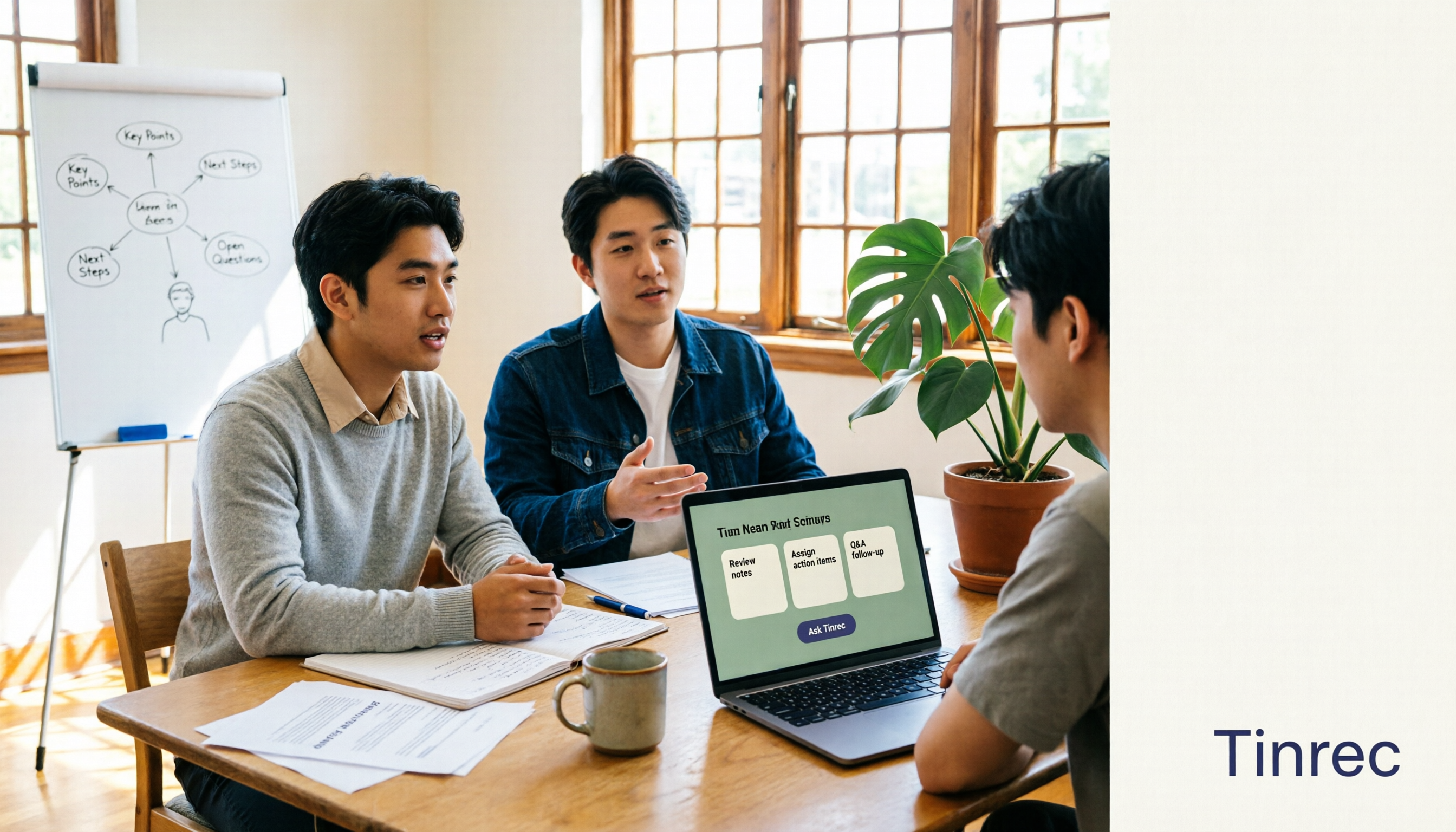
The Complete Guide to AI Meeting Notes in 2026: Hands-On Workflow, Core Features, and How to Choose a Tool
Starting from the real pain points of campus classes and group discussions, this guide shows that AI meeting notes are more than just transcripts—they also include summaries, action items, AI Q&A, and team collaboration. Using Tinrec as an example, it covers a hands-on workflow, core capabilities, buying considerations, and FAQs to help students find a tool that truly saves time on a limited budget.

Tinrec vs PLAUD Note 2026: 5-Dimension Comparison — Which Free AI Meeting Recorder Is Right for You?
How to choose a free AI meeting recorder? This article compares two popular options, Tinrec and PLAUD Note, across five dimensions: free quota and upfront cost, online meeting recording methods, post-meeting organization and AI follow-up, Chinese and multilingual experience, and team collaboration. It also includes FAQs to help budget-conscious professionals decide which tool fits them best.