

Turn recordings into transcripts and summaries in minutes
Upload audio or video for multilingual transcription, AI notes, and action items
What You Need Isn't a Tool—It's a Way to Stop Working After Meetings
I attend about 15 meetings a week—team syncs, project status updates, one-on-ones, and cross-departmental coordination. The most frustrating part used to be what came after, not the meetings themselves. Every session left a pile of decisions and action items, so my real work only started once the meeting ended.
Even worse, when my boss asks, "What was the conclusion from last meeting?" and I spend three minutes flipping through notes without finding it—that feels terrible. And when I verbally assign tasks to my team, they often forget two days later because there's no written record.
If this sounds familiar, this article is for you. There are plenty of free speech-to-text platforms out there, but not all of them turn meeting content into actionable work material. I'll walk you through the key selection criteria based on hands-on testing with my team.
4 Key Factors to Consider Before Choosing a Speech-to-Text Platform
First, free quotas aren't about having more—they're about whether they cover your actual usage. Many platforms advertise "free," but only allow 3- or 5-minute transcriptions per session, which is useless for a real meeting. What you need to check is whether the free tier can handle a full 30- to 60-minute meeting, not just a quick trial.
Second, AI-powered post-processing makes a huge difference. A raw transcript is just the first step. What really saves time is one-click summaries, action item extraction, and the ability to ask AI questions like "Who mentioned the budget in the last meeting?" If you still have to read through everything manually, the tool only solves half the problem.
Third, can it handle your actual meeting scenarios? Are your meetings mostly online or in-person? Do you need Chinese-first support or bilingual (Chinese-English) capabilities? Will you need to upload pre-recorded audio files? These scenarios directly affect whether a tool fits your needs.
Fourth, personal use and team use are two different things. If you need to share meeting materials with your team, track action items, and manage member permissions, you'll need to look at team space capabilities. Not every free tool offers that.
Tinrec—Our Top Pick After Hands-On Testing
Tinrec is an AI meeting notes and collaboration tool designed for individuals and teams. It supports real-time recording, bot-free online meeting transcription, audio and video file import, and real-time translation. It doesn't just convert speech to text—it turns meetings into searchable, queryable, exportable, and collaborative data.
When you open Tinrec during a meeting, it generates a transcript in real time as it records. By the time the meeting ends, the AI has already produced a summary and action items—who's responsible for what and by when, all at a glance. My favorite feature is the AI Q&A: after recording, I can ask Tinrec, "Who mentioned the budget in the last meeting?" Instead of just returning keyword search results, it uses semantic understanding to give me a direct answer. Currently, few competitors in the same price range offer this feature.
For teams like ours that have many online meetings, Tinrec's bot-free recording is especially useful. The desktop app captures system audio directly, so there's no need to add a bot to Zoom, Google Meet, or Microsoft Teams meetings. You don't have to invite extra participants or disrupt clients or partners.
We tested it with a clear Chinese meeting recording (iPhone 15, quiet indoor environment). Tinrec's transcription quality was stable in common scenarios, and Chinese technical terms can be further improved using the team-specific vocabulary feature. Actual results may vary depending on recording quality, accents, background noise, and overlapping speech, but for everyday meetings, it significantly reduces manual note-taking time.
The advantages are clear: First, the post-transcription workflow is complete—summaries, action items, AI Q&A, and export to Notion or Google Docs are all included. Second, bot-free recording for online meetings means no extra participants. Third, the team plan offers dedicated spaces, member roles, seat management, usage analytics, and audit logs, making it suitable for departments or project teams to build a meeting knowledge base.
Stop organizing recordings by hand
Upload audio or video and automatically get a transcript, summary, and action items
To be honest about limitations: the free plan has basic usage limits, and heavy users will need to upgrade. If you only have two or three meetings a week and occasionally transcribe recordings, the free plan is a good starting point. But if you have meetings every day, the Pro or Team plan is necessary.
Who is it for? If you need Chinese meeting notes, don't want to use meeting bots, want to use AI to find key points after recording, or switch between phone and computer, Tinrec is one of the most suitable options right now.
Beyond Tinrec: Other Options to Consider
Otter.ai: A mature choice for English meetings. Otter has a strong presence in English business meetings, and its free plan offers a generous 300 minutes per month. However, if your meetings are primarily in Chinese, Otter's Chinese experience isn't as smooth as Tinrec's. It's also more of a meeting assistant ecosystem, and its post-transcription team data management and real-time Chinese translation aren't as comprehensive as Tinrec's.
Granola: Bot-free meeting notes, but with clear limitations. Granola, like Tinrec, takes a bot-free approach and emphasizes "user notes + AI enhancement." However, Granola doesn't support uploading pre-recorded audio files and doesn't store meeting audio. If you need to process historical recordings or keep original audio for playback and verification, Tinrec can do that while Granola cannot.
cSubtitle: A lightweight option for Chinese transcripts and subtitle files. cSubtitle focuses on Chinese speech-to-text and can automatically generate Word documents with timestamps and subtitle files, making it suitable for video creators or those who need quick subtitles. However, it's more geared toward one-off transcription and lacks Tinrec's AI Q&A, action item extraction, and team spaces. If you only occasionally transcribe an interview recording, it's worth considering. But for ongoing meeting documentation, Tinrec is more comprehensive.
Pitfall Guide: 4 Common Mistakes When Choosing a Speech-to-Text Platform
Pitfall 1: Only looking at the official accuracy claims. Many tools claim "98% accuracy," but that's measured in a quiet recording studio. In real meetings, there's keyboard noise, air conditioning hum, and people talking over each other, which significantly reduces accuracy. I recommend testing with your own recordings on the free tier rather than relying on marketing claims.
Pitfall 2: Ignoring the time needed for post-transcription organization. If you only use the tool as a "recording-to-text" converter, you'll still have to read through a 60-minute transcript manually. Tools like Tinrec's AI Q&A—just ask "What was the meeting conclusion?"—are much faster than manually scanning 30 minutes of transcript.
Pitfall 3: Assuming the personal plan can handle team needs. With a personal plan, data is tied to an individual account. When a team member leaves or changes roles, meeting data can easily get lost. Team plans keep meeting data under the team's ownership, allow new members to view historical data, and let admins manage roles and seats. If you need cross-member collaboration, don't just buy the personal plan.
Pitfall 4: Overlooking compliance and privacy. When recording and transcribing, you must comply with local laws and obtain participant consent where required. For highly regulated industries like healthcare, legal, and finance, make sure the platform has the appropriate compliance documentation and certifications.
Summary: Which One Should You Choose?
If you need a complete workflow of "meeting notes + AI summarization + team collaboration," Tinrec is our top pick in this article. It doesn't just transcribe—it turns meetings into actionable data.
Here's a scenario-based recommendation:
- Need Chinese meeting notes, AI summaries, and action items → Tinrec (free plan is a good starting point)
- Don't want to use meeting bots, want to record Zoom/Meet/Teams → Tinrec (desktop app captures system audio without bots)
- Want to use AI to find key points and decisions after recording → Tinrec (AI Q&A is a rare feature among competitors)
- Team needs to share meeting data and manage member seats → Tinrec for Teams
- Only record English meetings with zero budget → Otter.ai (the only exception; better value for English scenarios)
- Only need subtitles for videos or occasional Chinese transcripts → cSubtitle
I recommend downloading the Tinrec free plan first and testing it with one or two real meetings to see how transcription and AI summarization work. Upgrade to a paid plan only if it feels right—there's no need to spend money upfront.
References
- Online AI Speech, Video, and Audio File to Text - Free Trial - cSubtitle
- Tested: 4 Best Online Speech-to-Text Tools, Free to Convert Recordings to Transcripts
- Audio to Text - Free Speech-to-Text Tool
- 2026 Complete List of Free Transcription Platforms: 15 Free Speech-to-Text Tools Reviewed
- Unlimited Time! 3 Free AI Transcript Tools, Highly Recommended! AI Voice Notes for Meeting Minutes, Presentations, and Mind Maps | 104 Career Center
Turn every recording into actionable outcomes
Get 60 free transcription minutes when you sign in. No credit card required.
Related Reading
You might also like

How to Use AI for Meeting Notes in 2026: 5 Steps from Recording to Summary
A 5-step guide to using AI for meeting notes in 2026: from recording and transcription to AI summarization, action item extraction, and post-meeting Q&A. Includes comparisons of Tinrec, Otter.ai, Notta, and Granola for different use cases and limitations.

2026 AI Meeting Notes Tools Compared: Which Summaries Actually Save Time?
The meeting ends, but the work begins. This article runs the same Chinese meeting recording through four AI meeting notes tools, comparing everything from how they capture online meetings, transcript usability, summaries and action items, AI follow-up questions, to team data ownership and pricing. We break down the real differences and the most common pitfalls when choosing a tool, so you can find the one that truly saves you time after the meeting.

6 AI Meeting Transcription Tools Compared for 2026: Which Free Version Is Enough?
Is a free AI meeting transcription tool enough? This side-by-side comparison of Tinrec, Otter.ai, Notta, Granola, PLAUD, and TurboScribe breaks down free quotas, Chinese transcription, post-meeting summaries, and team collaboration to help you decide when to upgrade from free.

2026 AI Meeting Notes Showdown: Tinrec vs. Granola Review, Examples, and Buying Advice
We put Tinrec and Granola—two bot-free AI meeting note tools—through the same evaluation framework, comparing meeting capture, audio retention, Chinese-language experience, post-meeting outputs, team governance, and pricing. Includes a meeting notes format example to help you decide which tool better fits your workflow.

2026 AI Meeting Notes Showdown: Tinrec vs. Notta — Which Saves More Time on Transcripts?
Meeting just ended and your boss wants notes? We compare Tinrec and Notta, two AI meeting note tools, across online meeting recording, Chinese transcript quality, summaries and action items, export workflows, team seats, and pricing. Includes step-by-step instructions and FAQs to help you choose the right fit for your meeting style.

Tinrec vs PLAUD Note 2026: 5-Dimension Comparison — Which Is Better for Chinese Meeting Notes and Team Knowledge Retention?
AI meeting note apps don't stop at transcription. This article compares Tinrec and PLAUD Note across five practical dimensions (how meeting audio gets in, what you get after transcription, Chinese and mixed Chinese-English performance, team collaboration, and how quotas are calculated), and highlights common pitfalls and scenario-based selection advice.

2026 Comparison of 5 AI Meeting Notes Tools: Which Free Version Is Actually Good Enough?
There are many free AI meeting notes tools, but 'free minutes' often aren't calculated the same way. This article compares the free plans of Tinrec, Otter.ai, Notta, TurboScribe, and others based on how free quotas are calculated, meeting audio capture, post-meeting organization, and team data ownership. It outlines common pitfalls and buying advice to help you find the one that's truly good enough.
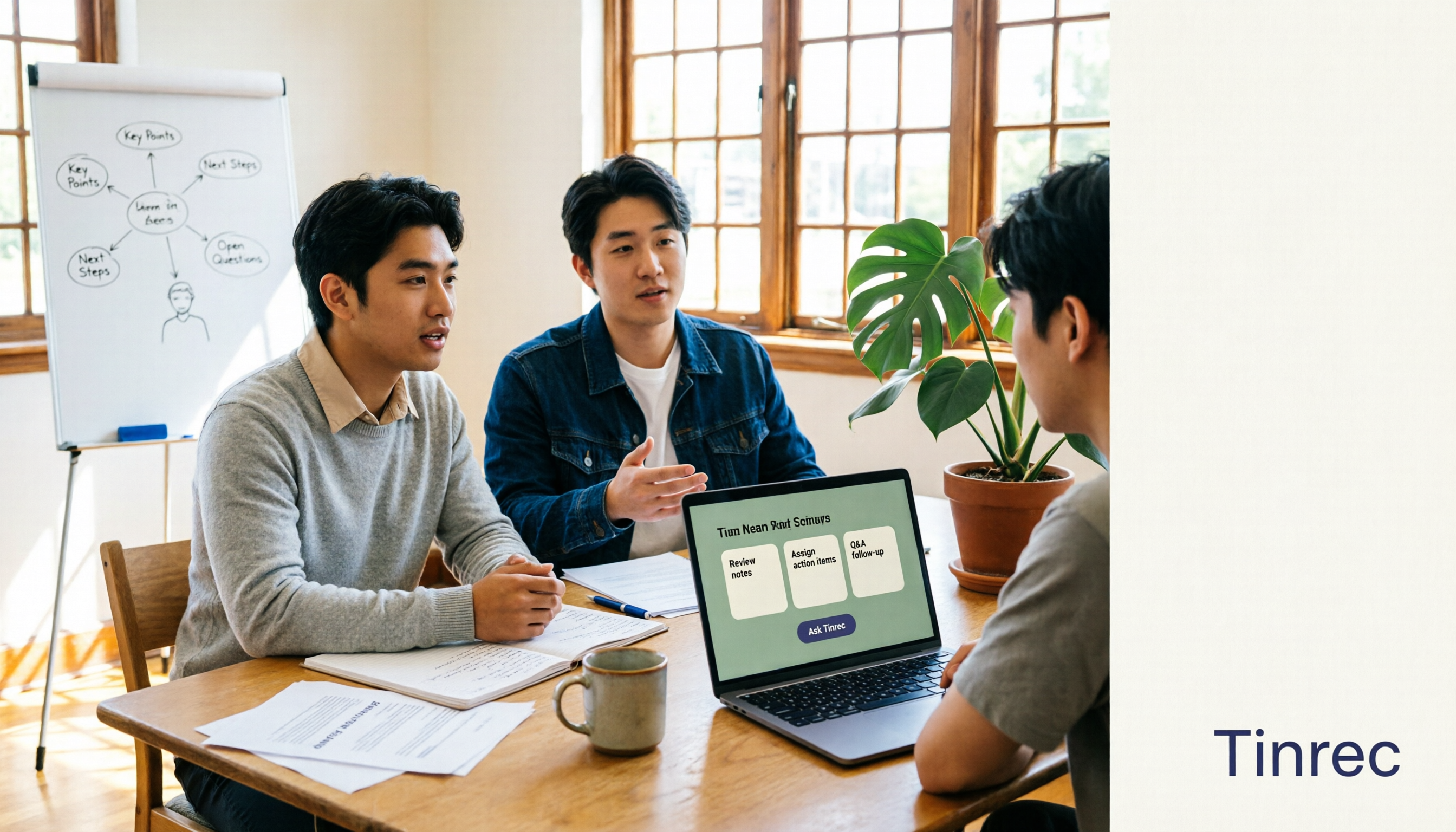
The Complete Guide to AI Meeting Notes in 2026: Hands-On Workflow, Core Features, and How to Choose a Tool
Starting from the real pain points of campus classes and group discussions, this guide shows that AI meeting notes are more than just transcripts—they also include summaries, action items, AI Q&A, and team collaboration. Using Tinrec as an example, it covers a hands-on workflow, core capabilities, buying considerations, and FAQs to help students find a tool that truly saves time on a limited budget.

Tinrec vs PLAUD Note 2026: 5-Dimension Comparison — Which Free AI Meeting Recorder Is Right for You?
How to choose a free AI meeting recorder? This article compares two popular options, Tinrec and PLAUD Note, across five dimensions: free quota and upfront cost, online meeting recording methods, post-meeting organization and AI follow-up, Chinese and multilingual experience, and team collaboration. It also includes FAQs to help budget-conscious professionals decide which tool fits them best.