

Turn recordings into transcripts and summaries in minutes
Upload audio or video for multilingual transcription, AI notes, and action items
Why You Should Rethink Your "Recording Tool"
If you're debating whether to buy the Plaud NotePin, the real question isn't "Is this recording capsule any good?" but rather "Do I need recording hardware, or do I need the ability to organize what's recorded?"
The NotePin's positioning is clear: it's a portable AI recording hardware device, ideal for face-to-face interviews, off-site meetings, and lecture capture. Tinrec, on the other hand, requires no additional hardware, focusing on online meetings, organizing historical audio files, and turning meeting content into reusable team resources.
These are two different product paths. Let's break them down across 5 dimensions.
Dimension 1: Recording Methods and Use Cases
The Plaud NotePin is a physical recording capsule that's lightweight and can be clipped to your collar, worn on your wrist, or hung around your neck. Its advantage lies in its "low profile"—it doesn't create the same pressure as recording with a phone during face-to-face conversations, and you don't have to worry about calls interrupting your recording.
According to official data, the NotePin offers 20 hours of continuous recording, 40 days of standby time, and 64GB of storage, making it suitable for long outings, fieldwork, or situations where you don't want to carry your phone for recording.
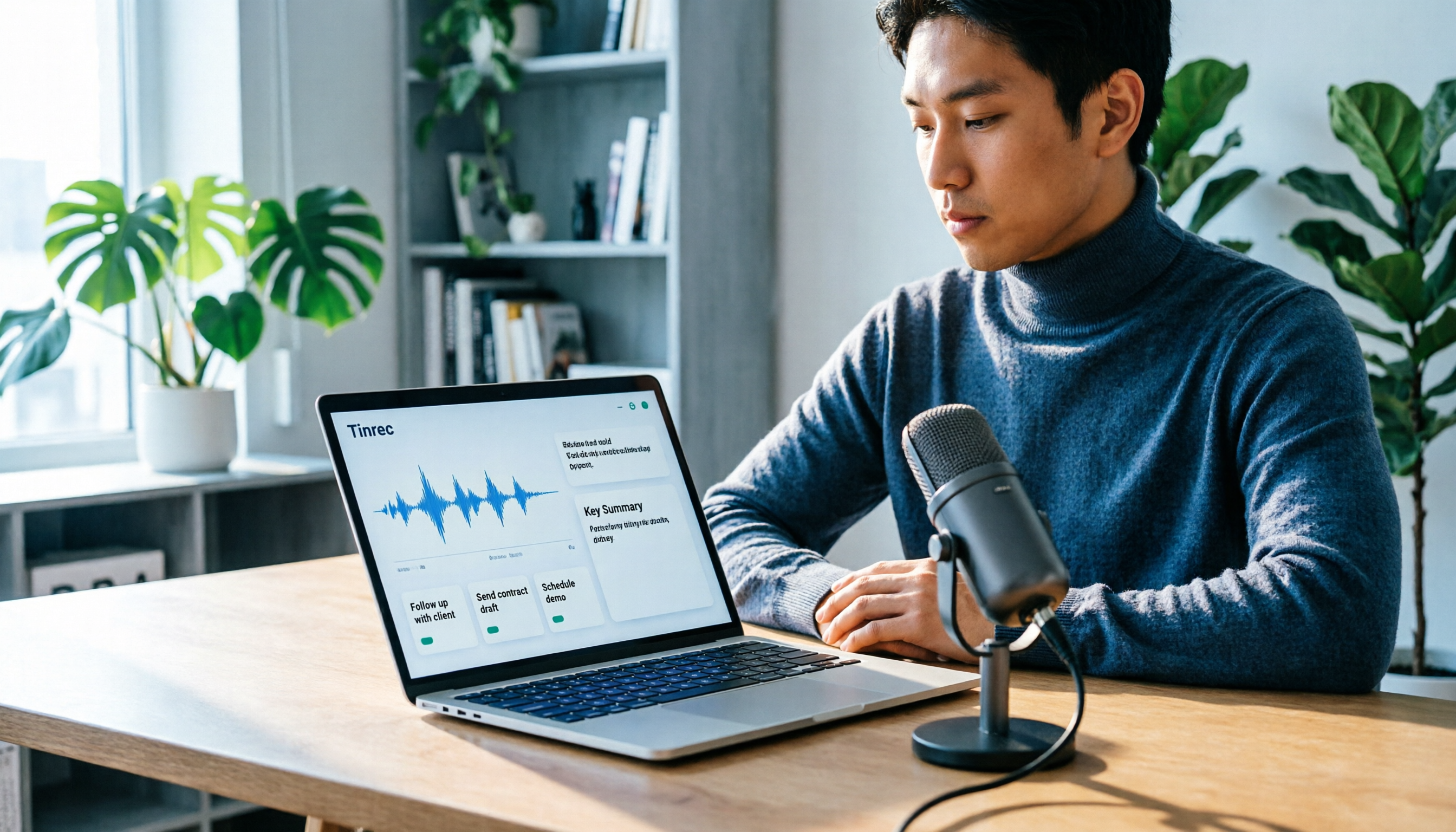
Tinrec takes a software approach, requiring no additional device purchase. It supports real-time recording, desktop-based recording of online meetings without a bot, and uploading audio and video files for transcription. If your primary need is online meetings like Zoom, Google Meet, or Microsoft Teams, Tinrec's desktop version can directly capture your computer's system audio without adding a meeting bot to your conference.
In short: if you're frequently in physical settings and need discreet recording, the NotePin's hardware design has an edge; if your meetings are mostly online and you don't want to carry another device, Tinrec is more straightforward.
Dimension 2: Recording Quality and Transcription Performance
The NotePin puts effort into hardware audio capture. According to official and third-party reviews, it features two Knowles MEMS microphones with AI noise reduction, which can minimize ambient noise like air conditioning or paper shuffling, maintaining clear voice capture even when placed in a pocket. This directly benefits subsequent AI transcription accuracy.
However, note that the NotePin's AI transcription requires the Plaud App, and advanced AI features are tied to a Plaud AI membership. The free plan has monthly minute limits, and heavy users will need to pay extra.
Tinrec's transcription performance depends on the user's own recording source. With clear audio and common meeting scenarios, Tinrec can deliver high-quality Chinese transcription, real-time translation, and bilingual transcripts. However, it doesn't guarantee a fixed accuracy rate; actual results are affected by recording quality, accents, overlapping speech, and technical jargon.
Dimension 3: AI Organization Capabilities
Both products emphasize "more than just recording," but their organization approaches differ.
The NotePin, via Plaud Intelligence, offers voice-to-text, key summaries, mind maps, and more, supporting transcription in 112 languages and generating summaries with various templates. It excels at quickly turning a physical interview into structured notes.
Tinrec's organization leans more toward "post-meeting workflow." Beyond transcripts, summaries, chapters, and highlights, it can extract action items from meeting discussions, support AI Q&A around meeting content, and even generate reports, tables, and documents for export to tools like Notion, Google Docs, and OneNote.
If you only need to "record, transcribe, and view summaries," the NotePin is sufficient. If you need to "follow up after meetings, organize action items, and export into work documents," Tinrec offers more post-processing flexibility.
Dimension 4: Team Collaboration and Knowledge Retention
The NotePin is essentially a personal device. While Plaud offers multi-device binding and cloud services, its core experience is "one person records, one person organizes."
Stop organizing recordings by hand
Upload audio or video and automatically get a transcript, summary, and action items
Tinrec has a clear team edition design. Meeting data can be centralized in a team space, where members can view historical meetings, search content, and track action items. Admins can manage roles, seats, usage, and audit logs. When a member leaves the team, meeting data doesn't disappear with their personal account but is transferred to other active members.
This is a key differentiator for departments, project groups, or teams that need to retain meeting records. If you only need personal use, this dimension matters less; if meeting data needs to be shared and managed long-term, Tinrec's team space is more comprehensive.
Dimension 5: Pricing and Long-Term Costs
The NotePin involves a one-time hardware cost plus ongoing AI membership fees. Based on Taiwan's official page, the NotePin sells for about NT$4,120 (original price NT$5,490), but advanced AI features require a separate Plaud AI subscription. The free plan has monthly minute limits, so heavy users should factor in both hardware and subscription costs.
Tinrec requires no hardware purchase; costs come mainly from subscription plans. The personal plan offers free credits to try, and regular users can opt for a Pro monthly or annual card. The team plan is priced per paid seat at $29.80 per month, or $199 per paid seat annually, roughly $16.58 per month.
If your recording needs are focused and you already have a phone or computer, Tinrec has a lower entry barrier. If you need a standalone recording device you can wear at all times, the NotePin's hardware investment is a reasonable choice.
How Should You Choose?
• Frequently out for interviews, face-to-face meetings, or need discreet recording → Consider the Plaud NotePin; its hardware audio capture and wearable design are its core value. • Primarily recording online meetings and don't want extra devices → Try Tinrec; its desktop app records system audio directly without meeting bots. • Need to turn recordings into action items, reports, and export to other tools → Tinrec's AI post-processing and export workflow is more complete. • Meeting data needs to be shared, retained long-term, and managed → Tinrec's team edition is more suitable than a personal recording device. • Limited budget, start with a free plan → Tinrec offers free credits to test; the NotePin requires upfront hardware investment.
3 Things to Know Before Using AI Recording Tools
- Confirm the setting and consent before recording. Whether using the NotePin or Tinrec, recording and transcription should comply with local laws, and you should obtain attendees' consent when necessary.
- AI transcription isn't 100% accurate. Both products perform well with clear audio, but errors can occur with heavy accents, overlapping speech, noisy environments, or technical jargon. For important content, consider replaying the recording to verify.
- Understand free credits and paid plans. The NotePin's advanced AI features require a subscription, while Tinrec's file import and team features also have minute or seat limits. Check your monthly usage first, then decide on a plan.
Conclusion
The Plaud NotePin is a well-made wearable AI recording device, suitable for users who value portable recording and face-to-face interviews. But if what you truly need is turning meeting content into actionable, collaborative resources, Tinrec offers greater completeness in online meeting recording, AI post-processing, and team spaces.
Neither is inherently better; it's about which fits your work scenario. Think through your recording settings and organization needs first, then decide whether to invest in hardware or choose a complete meeting organization workflow.
FAQ
Can the Plaud NotePin record online meetings?
The NotePin primarily records via its hardware microphone, suitable for capturing in-person sound. To record online meetings, you'd need to place it near speakers or use other connection methods, which is less stable than recording directly on your computer.
Does Tinrec require hardware?
No. Tinrec is a software service that works on computers, phones, or the web, allowing you to record system audio directly or import audio files.
Are the Plaud NotePin's AI features an additional cost?
Yes. Advanced AI transcription and summaries require a Plaud AI membership; the free plan has monthly minute limits.
Can Tinrec be used for free?
Yes. Tinrec offers a free version with basic usage credits, allowing you to try recording, import, summaries, and transcription.
Which is better for team use?
If your team needs to share meeting records, manage member permissions, and track usage and audit logs, Tinrec's team edition is more suitable. The NotePin is more of a personal portable recording device.
Can transcription accuracy be guaranteed?
We don't recommend trusting any fixed accuracy guarantee. Actual results are affected by recording quality, accents, ambient noise, and overlapping speech.
References
- Plaud NotePin | AI Smart Recording Capsule
- 【Unboxing】Is the Plaud NotePin Worth the Money? Lightweight Wearable AI Transcription Tool - Real-World Test and Value Analysis
- PLAUD NotePin Smart Recording Capsule - A Powerful AI Productivity Tool! - Mobile01
- Plaud Note vs Plaud NotePin: Which AI Note-Taking Assistant Suits You Best?
- Plaud NotePin Real-World Test: More Than a Voice Recorder - AI Voice Capture Is Truly Accurate
Turn every recording into actionable outcomes
Get 60 free transcription minutes when you sign in. No credit card required.
Related Reading
You might also like

Yating Transcript vs Tinrec in 2026: 5-Dimension Comparison for Chinese Meeting Notes
Is Yating Transcript good? This article breaks down real evaluations from speaker identification, Taiwanese Hokkien recognition, cost, and proofreading effort, and compares it with Tinrec, Notta, Otter, TurboScribe, and PLAUD to help you choose the right transcription tool for your meeting scenario.

How to Choose a Speech-to-Text App in 2026: Meeting Notes + AI Summaries & Action Items
Recording meetings is easy; organizing them afterward is the hard part. This guide covers 5 key factors for choosing a speech-to-text app based on real-world use cases, using Tinrec as the main example to demonstrate bot-free online meeting recording, AI summaries and action items, and AI Q&A. It also compares Otter.ai, Notta, and Yating Transcription, highlighting their positioning and pitfalls to avoid.
How to Record Audio on Mac in 2026: 6 Methods from Built-in Tools to AI Transcription
Recording audio on a Mac isn't hard—the challenge is making the recording useful afterward. This guide covers 6 ways to record on Mac, from free built-in options like Voice Memos, Notes transcription, QuickTime, and GarageBand, to Tinrec, which directly produces transcripts, summaries, and action items. It also includes selection advice and 4 things to know before recording.

4 Speech-to-Text Tools Tested for 2026: Is Yating Transcript Good? Which Saves the Most Time After Meetings?
Is Yating Transcript good? From the perspective of a mid-level manager who holds 15 meetings a week, I tested four speech-to-text tools: Yating Transcript, Tinrec, Otter.ai, and Notta. I compared them on Traditional Chinese and Taiwanese Hokkien recognition, post-meeting summaries and action items, AI Q&A, team collaboration, and pricing. I also compiled selection criteria and 3 common pitfalls to help you decide which one truly saves time on post-meeting organization.

2026 Comparison of 2 Transcription Tools: How to Use Yating Transcript vs. Tinrec
How do you use Yating Transcript? This article starts with hands-on steps: first, a 3-step walkthrough from recording to transcription to export. Then it compares Yating Transcript and Tinrec across 5 dimensions—free quota, AI post-meeting organization, online meeting recording, multilingual support, and team collaboration—to help you decide which tool to use for your recording.

2026 Comparison of 4 Online Transcription Tools: Yating vs. Tinrec — Which Should You Choose?
Starting from the real need for 'Yating online transcription,' this comparison examines Tinrec, Yating, Notta, and TurboScribe across Chinese recognition, post-meeting organization, online meeting recording, and team collaboration. It clearly explains each tool's limitations and ideal users to help you pick the one that truly saves time.

Cantonese Speech-to-Text App Comparison 2026: Tinrec vs Otter.ai — Which Wins on Five Dimensions?
Comparing Tinrec and Otter.ai across five dimensions—Cantonese with mixed English recognition, bot-free meeting recording, post-meeting AI organization, cross-platform input, and team seat governance—to help you decide which Cantonese speech-to-text app truly fits your meeting scenarios and budget.

2026 Comparison of 5 Transcription Tools' Free Tiers: Which Free Version Is Most Generous?
How many free minutes does Yating Transcription actually offer? Public sources cite 20 minutes, 120 minutes, and about 300 minutes. This article explains why these figures conflict, how pricing works after the free quota runs out, and compares the free plans and ideal use cases of Tinrec, Notta, Otter.ai, and TurboScribe to help you judge whether a one-time free allotment covers your actual usage.

Best Transcription Tools in 2026: Testing 3 Options, Yating Free Plan Limits and Tinrec Differences
People searching for "Yating transcription free" often ask: how much can the free version handle, do I have to pay to upload audio files, and is it enough for a meeting? This article compares Yating, Tinrec, Otter.ai, and Notta in terms of free quotas, Chinese recognition, and post-meeting organization, and lists 3 common pitfalls when choosing a tool to help you decide which one is worth using long-term.