

Turn recordings into transcripts and summaries in minutes
Upload audio or video for multilingual transcription, AI notes, and action items
Why Do You Need Online Meeting Recording Organization?
Online meetings come one after another. During the meeting, it seems like you understand everything, but afterward, trying to recall "what was the conclusion, who is responsible for what" often leaves you blank.
Many people think that just recording the meeting is enough, but the real problem is usually not "not recording," but that the audio file sits in a folder and is never opened again.
This article will review several online meeting recording and organization solutions and walk you through 5 steps from recording to a usable meeting summary.
What is Plaud?
Plaud is a highly discussed AI recording brand in the Taiwan market, with a product line that includes hardware recording cards and the recently launched Plaud Desktop software for computers.
Plaud's core value is that after capturing conversations, it automatically converts them into transcripts, key summaries, and follow-up actions, rather than just giving you a long audio file.
For recording cards like the Plaud Note, it supports one-touch recording, voice transcription, speaker labeling, and AI key point summaries, making it suitable for in-person meetings, classes, interviews, and phone recordings.
Plaud Desktop extends the scenario to online meetings, with a focus on "no need to invite a bot into the meeting." Instead, it directly analyzes changes in the computer's microphone and system audio to automatically determine when a meeting starts.
For users of platforms like Zoom, Google Meet, Microsoft Teams, and Slack, this means you don't need to add an AI bot account to the meeting room, and participants won't feel like they are being extra monitored.
What Are the Options for Online Meeting Recording?
Option 1 | Plaud Desktop—Computer-Based Meeting Notes Without Bots
One-line positioning: Plaud Desktop is an online meeting note-taking tool that runs in the background on your computer without disrupting the meeting.
Its main concept is "native capture." Unlike common tools like Otter.ai that use bots to join meeting rooms, Plaud Desktop directly analyzes changes in the computer's microphone or system audio to automatically determine when a meeting starts.
Users can choose from three recording modes: a recording prompt when the meeting starts, manual recording activation, or automatic recording when the meeting begins.
Plaud also emphasizes a "consent-first" design principle, meaning the system will not start recording on its own before the user explicitly takes action.
Recorded content syncs to the Plaud App and Plaud Web cloud platform, allowing in-person and online meeting data to be managed in one place.
This solution is suitable for users who already use Plaud hardware recording cards or prefer not to have bot accounts in online meetings.
Option 2 | Plaud Note—Portable Hardware Recording Card
The Plaud Note is a slim AI-powered recording card, ideal for in-person meetings, classes, interviews, and phone recordings.
It supports one-touch recording, CD-quality audio, dual recording modes for environment and calls, and smart noise reduction. Audio files can be transcribed into text via Whisper, with automatic speaker labeling and timestamped segments.
The Plaud Note supports recognition of over 112 languages, including Traditional Chinese. Even for online meetings, as long as you can record, you can transcribe and summarize afterward.
According to official data, the Plaud Note can record continuously for 30 hours and hold up to nearly 480 hours of audio.
This type of hardware solution is suitable for people who often need to step away from the computer and record conversations in physical settings. Note that it requires purchasing additional equipment, which is a different entry barrier compared to pure software tools.
Option 3 | Tinrec—Turning Meetings into Collaborative Team Assets
Tinrec is an AI meeting notes and collaboration tool designed for individuals and teams. It doesn't just do recording-to-text; it emphasizes post-meeting organization, follow-up questions, and team knowledge retention.
For online meetings, the Tinrec desktop version captures computer system audio to handle meetings on Zoom, Google Meet, Microsoft Teams, Webex, and more, without needing a meeting bot as a participant.
After recording, Tinrec automatically generates transcripts, summaries, chapters, key points, and action items. Users can also continue AI Q&A around the meeting content, such as asking "What are the risks of this project?" or "Who was responsible for what in the last meeting?"
Compared to tools that only output transcripts, Tinrec places more emphasis on the post-meeting use of data. It supports exporting to tools like Notion, Google Docs, OneNote, and Dropbox, and can generate reports, tables, and documents based on meeting content.
The team version provides a dedicated team space where meeting data belongs to the team, with governance features like member management, roles and seats, usage analytics, audit logs, and an audio recycle bin.
If you need more than just "recording"—you want to turn meetings into searchable, collaborative, and actionable team assets—Tinrec is the most complete choice on this list.
Option 4 | Otter.ai—A Mature English Meeting Assistant
Otter.ai is a mature product in the AI meeting notes space, covering platforms like Zoom, Microsoft Teams, and Google Meet, with real-time transcription, speaker identification, AI Chat, and team management.
Stop organizing recordings by hand
Upload audio or video and automatically get a transcript, summary, and action items
Otter has a strong presence in English business meeting scenarios and offers relatively complete features. However, its Chinese meeting experience may not be its strong suit, and some users are concerned about the bot-joining-meeting format.
Otter offers a free plan with 300 minutes per month; the Pro plan costs approximately USD 8.49 per user per month when billed annually, including 1,200 minutes of in-app recording and 10 file imports per month.
If you primarily attend English meetings and need mature team features, Otter is worth considering.
Option 5 | Notta—Multilingual Transcription and Subtitles Tool
Notta overlaps somewhat with Tinrec in positioning, as both cover multi-platform transcription, meeting notes, file imports, and team plans.
Notta's strength lies in its more complete multilingual transcription, subtitles, and translation features. Its Free plan offers 120 minutes per month, with a max of 3 minutes per session; the Pro plan costs approximately USD 8.17 per month when billed annually, with 1,800 minutes per month.
However, Notta may not be as deep as Tinrec in post-meeting AI Q&A, action item extraction, and team knowledge retention.
If you need heavy transcription, subtitles, and translation, Notta is worth considering; if the focus is on Chinese meeting organization and team collaboration, Tinrec is a better fit.
Option 6 | Built-in Platform Transcription—The Easiest Entry Point
Platforms like Zoom, Google Meet, and Microsoft Teams have built-in transcription or subtitle features.
The advantage of this option is that you don't need to install extra tools; you can use it right during the meeting. The downside is that transcripts are usually stored only within that platform, making it hard to integrate with other meeting data, and lacking follow-up summaries, Q&A, and team management capabilities.
If your need is just "occasionally having a text record of meetings," built-in platform features are the lowest-barrier choice.
With So Many Options, How Do You Choose?
When choosing an online meeting recording tool, first clarify whether you want "just a recording" or "something usable."
- For complete AI meeting organization, including transcripts, summaries, action items, AI Q&A, and team space → Tinrec, because it doesn't just transcribe; it turns meetings into collaborative team assets.
- If you already have a Plaud hardware recorder and want online meetings integrated into the same platform → Plaud Desktop, which syncs with the Plaud App and Plaud Web, so data isn't scattered.
- For frequent in-person recording, such as classes, interviews, or client visits → Hardware recorders like the Plaud Note are convenient to carry.
- For primarily English meetings needing mature transcription and team management → Otter.ai.
- For heavy subtitle, translation, and document transcription needs → Notta.
- For zero budget and only occasional subtitles or simple notes → Built-in features in Zoom, Meet, or Teams.
Honestly, if your pain point is "too many meetings, scattered notes, and no follow-up afterward," I'd recommend trying a tool like Tinrec that combines meeting organization with team collaboration.
4 Things to Know Before Using Online Meeting Recording
Get consent from participants first. It's best to explain the purpose beforehand, e.g., "I'd like to use an AI note-taking tool to assist with notes and avoid missing follow-ups." Regulations vary by region; if unsure, check first.
Don't just save the audio file. Audio is just the raw material; transcripts, summaries, and action items are what's truly useful. Tools like Tinrec focus on turning raw material into actionable data.
Online meeting system audio isn't always clean. Speaker playback, microphone noise, and multiple people talking simultaneously can affect transcription quality. For important meetings, keep the original recording for later verification.
Personal tools and team tools are different. If you need colleagues to view, search, and take over historical meeting data, personal audio files in a cloud drive aren't enough. The value of team tools lies in data ownership, member management, and handover mechanisms.
Summary
Online meeting recording isn't just about pressing the record button. The real time savings come from automatic transcription, summarization, and follow-up action organization after the meeting.
If you need a tool that turns online meetings into searchable, collaborative, and actionable data, Tinrec is worth trying first; if you're already used to the Plaud ecosystem, Plaud Desktop can also make online meeting notes smoother.
Start with one meeting and see which workflow suits you best.
FAQ
Does Plaud Desktop require inviting a bot to the meeting?
No. Plaud Desktop directly analyzes changes in the computer's microphone or system audio to automatically determine when a meeting starts, without needing an extra bot account in the meeting room.
Which online meeting platforms does Plaud Desktop support?
Based on current information, Plaud Desktop supports major meeting platforms like Zoom, Google Meet, Microsoft Teams, and Slack.
Where does Plaud sync recording data?
Plaud Desktop data syncs with the Plaud App and Plaud Web cloud platform, allowing in-person and online meeting records to be managed in one place.
Can the Plaud Note record online meetings?
Yes. As long as you can record, the Plaud Note can convert audio into text and summarize it. However, if the online meeting is on a computer, using Plaud Desktop or the Tinrec desktop version is more direct.
What's the main difference between Tinrec and Plaud?
Plaud is centered on hardware recording cards, suitable for portable recording and integration with specific devices; Tinrec is a pure software AI meeting notes and team collaboration tool, emphasizing bot-free online meeting recording, Chinese meeting organization, AI Q&A, and team knowledge retention.
Do I need to inform participants about online meeting recording?
It's recommended. The safest approach is to remind participants beforehand and explain the purpose, and check local regulations to confirm whether consent is required.
References
- Plaud Taiwan | Official Website | AI Recording Device Leader
- CES 2026 / Plaud Launches Desktop Software "Plaud Desktop" for Online Meeting Notes Without Bots | 3C Home Appliances | udn Tech
- PLAUD NOTE | AI Smart Recorder | Free 300 Minutes of Transcription per Month - Esentra
- Plaud Note | The Smartest AI Recorder | Auto-Generates Transcripts and Summaries for Phone Calls and Meetings
- Plaud Desktop Debuts! Record Online Meetings Without Bots, Key Notes Auto-Sync | T客邦
Turn every recording into actionable outcomes
Get 60 free transcription minutes when you sign in. No credit card required.
Related Reading
You might also like

3 Transcription Tools Tested for 2026: How Long Can Yating Record, and Which Tool Is Best for Long Meetings?
How long can Yating Transcribe record? The official documentation doesn't specify a single-recording limit; the real constraints are audio-file billing and free hours. This article breaks down Yating's duration and pricing rules, and compares Notta, TurboScribe, and Tinrec on long meetings, post-meeting organization, and team collaboration to help you choose the right tool.

4 Online Audio Transcription Tools Tested in 2026: PLAUD File-to-Text vs. AI Meeting Summaries—Which Saves the Most Time?
Stuck with a pile of PLAUD recordings and unsure how to quickly transcribe and summarize them online? This article uses a real meeting workflow to compare Tinrec, PLAUD, Otter.ai, and Notta, and shows you how to export audio from the PLAUD App and turn it into searchable, queryable meeting data.

Tinrec vs Plaud Note in 2026: 5-Dimension Comparison — Is Plaud Recording Still Worth It?
How to choose an AI recording tool in 2026? This article compares Tinrec and Plaud Note across 5 dimensions: bot-free online meeting recording, post-meeting summaries and AI Q&A, team spaces and seat management, and the cost structure of hardware versus subscription. It's for SMB managers and team leads evaluating meeting note tools, with a pitfalls guide and scenario-based selection advice at the end.

2026 AI Recording & Note-Taking Tools Compared: After Plaud's Cloud Playback, Which One Actually Saves You Time?
Starting from the real frustration of 'Plaud recording online viewing,' this hands-on comparison of Plaud, Otter.ai, Granola, and Tinrec examines differences in meeting transcription, post-meeting organization, Chinese language support, and team collaboration, offering mid-level managers who need to report upward and track downward an actionable selection guide.
2026 Plaud Recording Software Download Guide: Tinrec, a No-Hardware Alternative
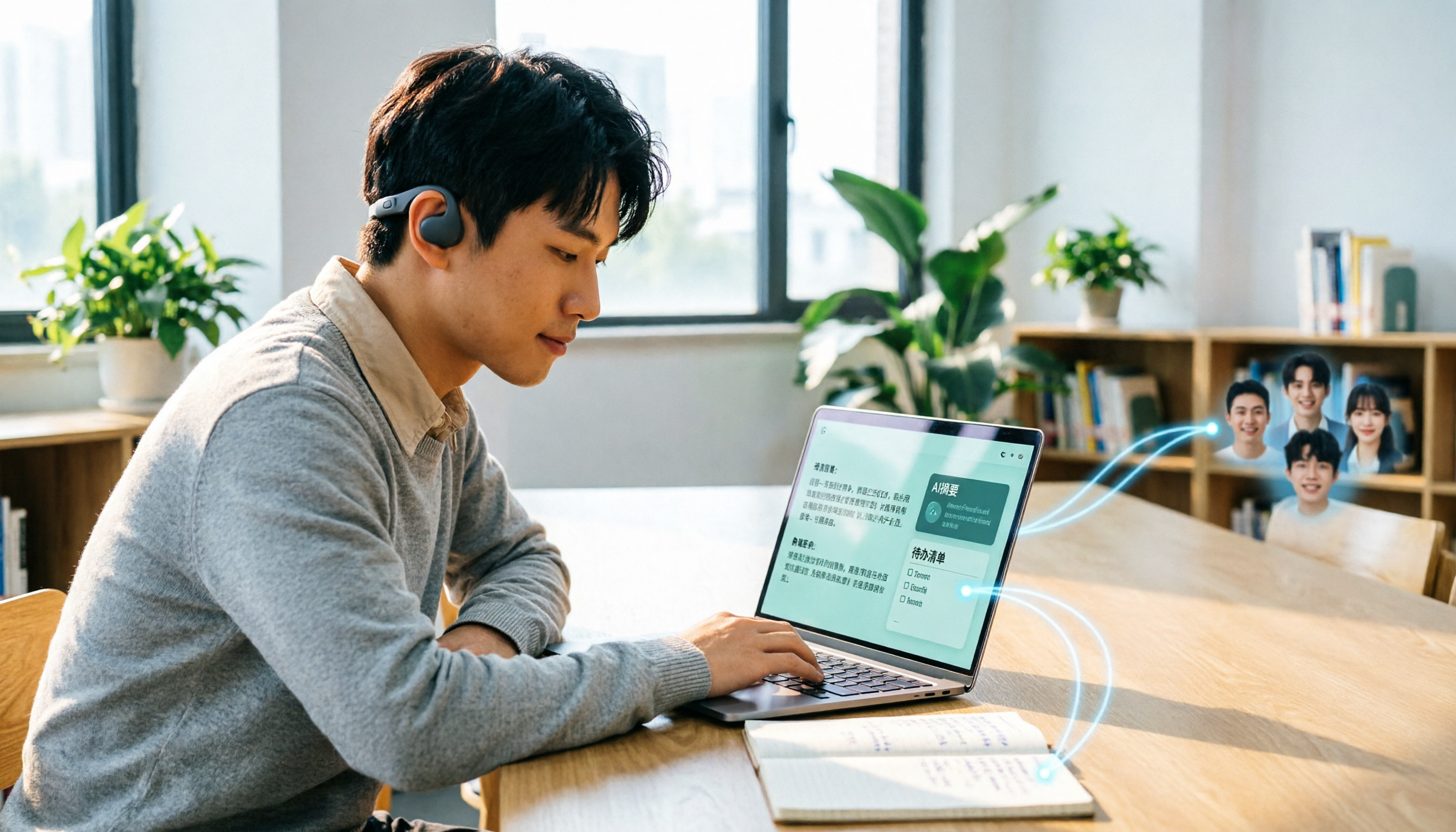
Many people search for "Plaud recording software download" without realizing that Plaud Desktop currently requires hardware binding. Starting from student use cases, this article explains the prerequisites before downloading Plaud and compares Tinrec's practical uses in bot-free online meetings, real-time transcription, AI summaries, to-dos, Q&A, export, and team spaces, helping you decide whether to switch to a more flexible alternative.

2026 Free Plaud Recorder Plans Compared: 4 Options at a Glance
Many people search for a "free Plaud recorder," but PLAUD is a hardware device—what's free is the 300 transcription minutes per month. This article compares free plans from PLAUD, Tinrec, Otter.ai, and Notta, covering hardware costs, Chinese support, post-meeting organization, and team collaboration to help you choose the right tool.

2026 AI Voice Recorder Comparison: Plaud Note, Note Pro, NotePin vs Tinrec — Which Should You Choose?
What's the difference between Plaud Note, Note Pro, and NotePin? This guide compares four AI voice recorders based on real workflows for online meetings and in-person interviews, covering recording methods, post-meeting organization, subscription costs, and team data ownership to help you decide between hardware and software.

2026 AI Recorder Comparison: Plaud Free Tier & Pricing Explained — Which Tool Fits You Best?
People searching for 'Plaud free recording' often mistake the monthly free quota for a long-term free plan, only to discover the real cost is hardware plus subscription. This article breaks down free quotas and pricing, tests Plaud, Notta, Otter.ai, and Tinrec, and shares 4 key buying factors and common pitfalls.

Tinrec vs Plaud Note 2026: 5-Dimension Comparison — Do You Need Meeting Recording Hardware?
People searching for 'which Plaud recorder' often think a new device will solve their meeting notes problems, but the real bottleneck is what happens after recording: organizing, follow-up questions, and team handoff. This article compares AI recording hardware like Plaud Note with a hardware-free meeting notes tool like Tinrec across 5 dimensions—online meeting capture, post-meeting output, team governance, and cost structure—and gives clear scenario-based recommendations.