
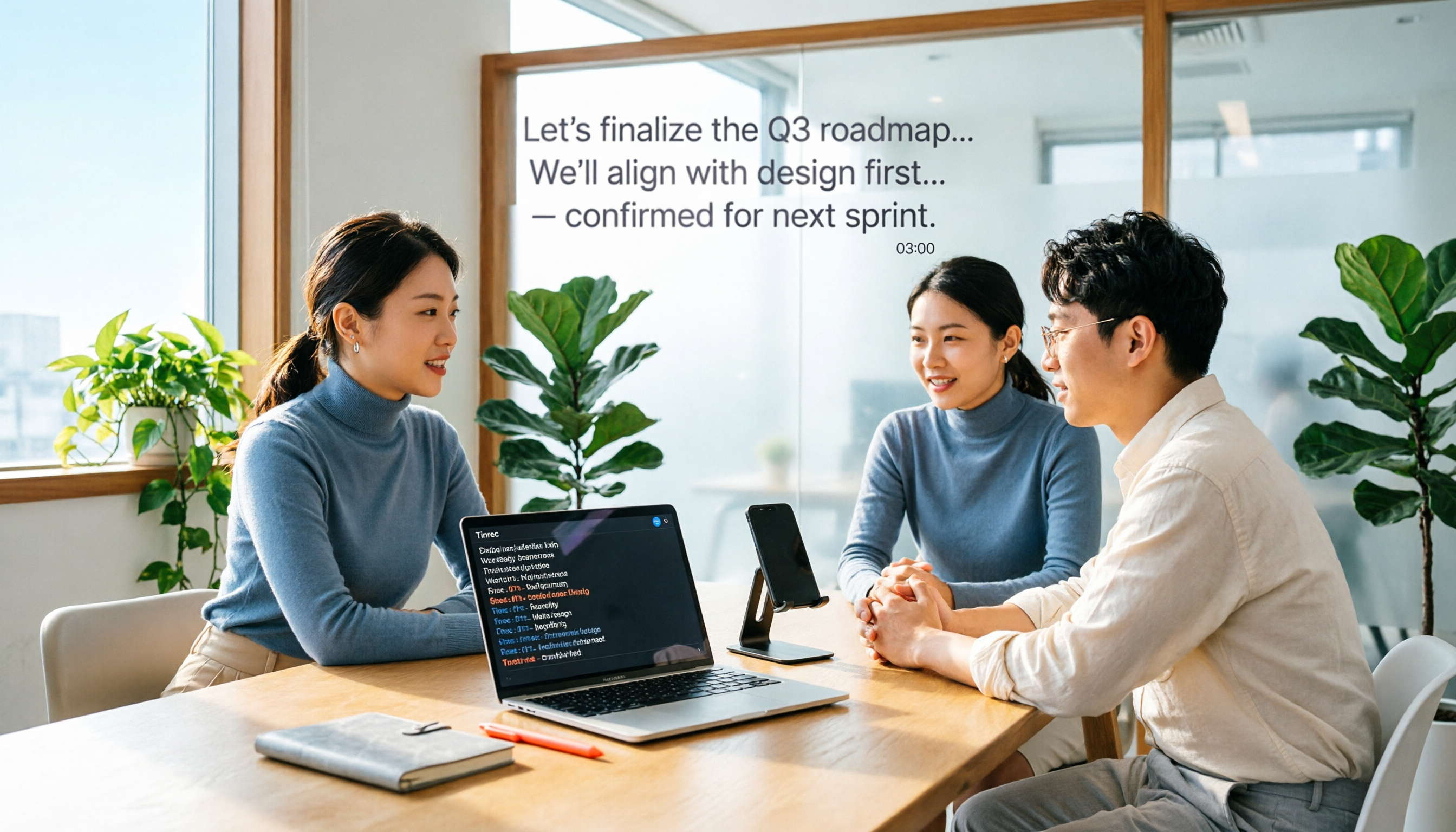
Turn recordings into transcripts and summaries in minutes
Upload audio or video for multilingual transcription, AI notes, and action items
What is Notta?
Notta is an AI meeting notes and speech-to-text tool that converts meetings, interviews, lectures, or audio recordings into searchable text, and further generates summaries and key points.
The free plan provides 120 minutes of transcription credit per month, with a maximum of 3 minutes per file, suitable for experiencing transcription quality and basic workflows.
Core Features and Highlights
Multilingual Transcription
Notta supports transcription and translation in 58 languages, including Chinese, English, Japanese, Spanish, and German.
Live Recording to Text
You can start live recording directly in Notta, and the system transcribes as it records, ideal for in-person meetings and interviews.
Upload Audio and Video
Pre-recorded audio or video files can be uploaded to Notta for transcription, making it easy to organize historical meetings and course content.
Browser Extension
Notta offers a Chrome extension that works with Google Meet, Zoom, and Microsoft Teams, capturing meeting audio in real time and converting it to text.
AI Summaries and Action Plans
Beyond transcripts, Notta automatically generates meeting summaries and action plans, helping you quickly grasp discussion points and follow-up tasks.
Pricing Plans
Notta uses a freemium model. The main differences between free and paid plans are as follows:
| Plan | Transcription Credit | Best For |
|---|---|---|
| Free | 120 minutes/month, max 3 minutes per file | Light testing and quick trials |
| Pro | 1,800 minutes/month, approx. USD 8.17/month billed annually | Regular users |
| Business | Unlimited transcription, approx. USD 16.67/seat/month billed annually | Team collaboration and management |
The free plan includes recording, transcription, and summary features. Upgrading to Pro unlocks transcript export, translation, custom vocabulary, and team collaboration.
Stop organizing recordings by hand
Upload audio or video and automatically get a transcript, summary, and action items
Note that if your paid plan expires, your transcribed data remains, but free users can only view the first 3 minutes of transcripts. It's recommended to export your data before downgrading.
How to Use
Step 1: Create a Notta Account
Go to the Notta website and sign up with your email or a third-party account. The free plan does not require a credit card.
Step 2: Choose Recording or File Upload
After logging in, you can select "Live Recording" or "Upload Audio/Video." Live recording is ideal for in-person meetings, while uploading is suitable for organizing existing materials.
Step 3: Wait for Transcription
Once processing is complete, the transcript will appear on screen. You can edit the text directly or view AI-generated summaries and key points.
Step 4: Export or Share
The free plan includes basic features. If you need to export transcripts, translate content, or collaborate with a team, consider upgrading to Pro or Business.
FAQ
Is Notta's free plan really free?
Yes, it is. The free plan provides 120 minutes of transcription credit per month, with a maximum of 3 minutes per file, and no credit card is required.
What does the 3-minute limit mean?
Each audio or video file can only be transcribed for up to 3 minutes. Content longer than 3 minutes requires a paid plan for full processing.
Can Notta transcribe Chinese?
Yes. Notta supports 58 languages, including Chinese, Traditional Chinese, English, Japanese, and more. It also has decent recognition for mixed Chinese-English content.
Can Notta record online meetings?
Yes. Notta's Chrome extension works with Google Meet, Zoom, and Microsoft Teams, capturing meeting audio in real time and converting it to text.
Is the free plan suitable for long-term use?
120 minutes per month is enough for occasional short recordings. If you have meetings or interviews to transcribe weekly, upgrading to Pro would better meet your needs.
Are there discounts for students or educators?
Yes. Notta offers a discount on the Pro plan for students and educators. For details, refer to the official pricing page.
References
- AI Note Taker | Free AI Meeting Transcription
- Online Free Automatic Transcription Software AI-Powered
- Notta Pricing: Compare Plans, Features & Costs
- Notta: AI Meeting Notetaker & Audio Transcription - Chrome Web Store
- Free Forever No Registration Notta: AI Speech & Video to Text Converter | SoundWise.ai
Turn every recording into actionable outcomes
Get 60 free transcription minutes when you sign in. No credit card required.
Related Reading
You might also like

2026 Free Plaud Recorder Plans Compared: 4 Options at a Glance
Many people search for a "free Plaud recorder," but PLAUD is a hardware device—what's free is the 300 transcription minutes per month. This article compares free plans from PLAUD, Tinrec, Otter.ai, and Notta, covering hardware costs, Chinese support, post-meeting organization, and team collaboration to help you choose the right tool.

2026 AI Voice Recorder Comparison: Plaud Note, Note Pro, NotePin vs Tinrec — Which Should You Choose?
What's the difference between Plaud Note, Note Pro, and NotePin? This guide compares four AI voice recorders based on real workflows for online meetings and in-person interviews, covering recording methods, post-meeting organization, subscription costs, and team data ownership to help you decide between hardware and software.

2026 AI Recorder Comparison: Plaud Free Tier & Pricing Explained — Which Tool Fits You Best?
People searching for 'Plaud free recording' often mistake the monthly free quota for a long-term free plan, only to discover the real cost is hardware plus subscription. This article breaks down free quotas and pricing, tests Plaud, Notta, Otter.ai, and Tinrec, and shares 4 key buying factors and common pitfalls.

Tinrec vs Plaud Note 2026: 5-Dimension Comparison — Do You Need Meeting Recording Hardware?
People searching for 'which Plaud recorder' often think a new device will solve their meeting notes problems, but the real bottleneck is what happens after recording: organizing, follow-up questions, and team handoff. This article compares AI recording hardware like Plaud Note with a hardware-free meeting notes tool like Tinrec across 5 dimensions—online meeting capture, post-meeting output, team governance, and cost structure—and gives clear scenario-based recommendations.

Plaud Note Pro vs Note vs NotePin: 2026 Comparison Review — Which One Is Right for You?
How do Plaud Note, Note Pro, and NotePin differ? This comparison breaks down recording form factor, transcription quotas, and post-meeting workflows. It also explains why you may not need dedicated hardware if most of your meetings are online, and what a software-only option like Tinrec can actually do.

4 Free Recording Tools Tested in 2026: Is PLAUD's Free 300 Minutes Enough?
PLAUD's "free" offer is actually 300 transcription minutes per month; the hardware still costs money. This article compares Tinrec, PLAUD, Notta, and Otter.ai in real meeting scenarios, looking at free quotas, post-meeting organization, and team collaboration to help you decide which one is worth trying first.

2026 AI Recording Tools Compared: Plaud Recorder vs. Bot-Free Meeting Notes
People searching for an online Plaud recorder usually face the same decision: buy a physical recording device or use software for online meetings? This guide compares six options by positioning, quotas, and best-fit users, and explains the real limitations of Plaud Note and NotePin hardware in online meeting scenarios so you can choose the right tool within budget.

2026 AI Voice Recorder Comparison: PLAUD File Organization vs. Meeting Notes—Which Saves More Time?
Starting from the question 'How do I organize PLAUD recording files?', this article compares four AI voice tools: Tinrec, PLAUD, Otter.ai, and Notta. It covers input sources, post-transcription processing, Chinese-language experience, team collaboration, and pricing structure. PLAUD is suited for on-the-go recording, while Tinrec turns recording files into searchable, queryable meeting data. The article also includes buying tips and scenario-based recommendations.

How to Transcribe Audio for Free in 2026: A Complete 5-Step Guide
Many people search for 'plaud recording free 2024' to find out if they can turn recordings into transcripts without paying. This guide compares PLAUD and Tinrec across five key points—free quotas, hardware costs, online meeting recording, and post-meeting organization—and outlines common pitfalls and selection advice to help you decide if a free plan is enough.