
Turn recordings into transcripts and summaries in minutes
Upload audio or video for multilingual transcription, AI notes, and action items
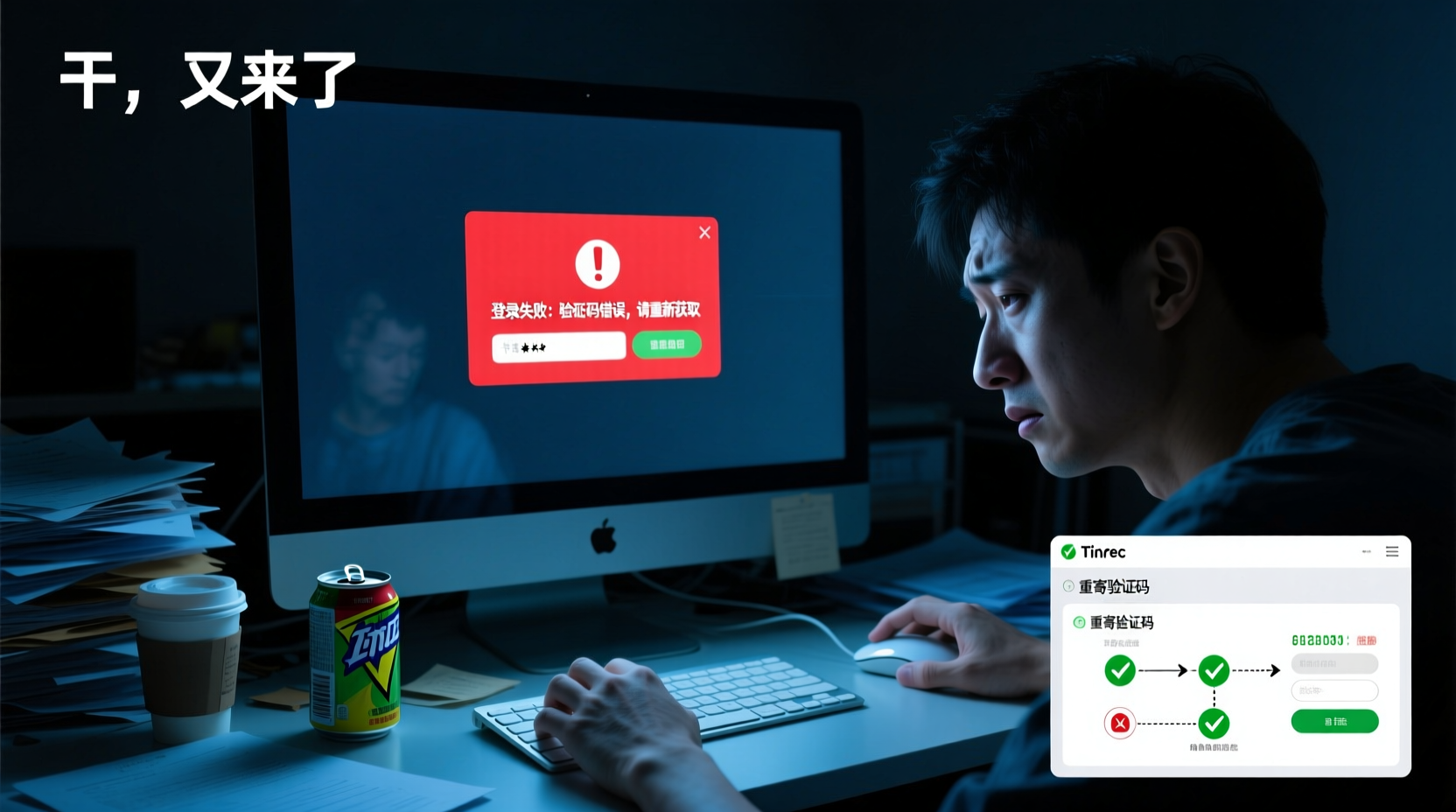
Stuck at login? First, determine if it's an account or network issue
When you enter your credentials and see an error message or the screen freezes, don't rush to retry. The first step is to determine whether the problem lies with your account or your network connection.
- Account issues: Incorrect password, missing verification code, or third-party login failures are all account-level problems.
- Network issues: Pages not loading, unresponsive buttons, or endless loading spinners are usually caused by network connectivity or browser cache.
Start with a simple test: open other websites to confirm your network is working. If other sites also fail to load, it's a network issue—fix your connection first. If only Good Tape is having problems, continue reading.
Error 1: Incorrect or forgotten password—how to reset it
The most common reason for login failure is entering the wrong password. If you're unsure whether your password is correct or you've forgotten it, use the "Forgot Password" feature to reset it.
1. Go to the Good Tape login page.
2. Click "Forgot Password" or a similar link.
3. Enter the email address you used to register.
4. Check your inbox for the password reset email and click the link in it.
5. Set a new password, ensuring it meets the length and complexity requirements.
Security reminder: When resetting your password, make sure you initiate the process from the official Good Tape website or app. Do not click links from unknown emails or text messages to avoid account theft.
Error 2: Not receiving verification codes—check your inbox and spam folder
If you're using email verification codes to log in but aren't receiving the emails, check the following:
- Spam or promotions folder: Verification emails may be mistakenly filtered by your email provider. Check your spam, promotions, or ads folders.
- Correct email address: Make sure the email you entered is the one you registered with and that there are no typos.
- Wait time: Sometimes emails are delayed. Wait 1–2 minutes before requesting a new one.
- Resend: If you still haven't received it after 5 minutes, click "Resend Verification Code" and ensure you haven't exceeded the resend limit.
If you've tried all the above and still haven't received it, consider using an alternative login method, such as Google or Apple login, to bypass email verification.
Error 3: Google/Apple login failure—switch to email login
If you usually log in with your Google or Apple account and it suddenly fails, it could be a third-party authorization issue or a temporary service outage.
Stop organizing recordings by hand
Upload audio or video and automatically get a transcript, summary, and action items
- Check third-party service status: Google or Apple login services occasionally experience instability. Try again later.
- Switch to email login: If you originally registered with Google or Apple, you can often log in with your email instead. Go to the login page, select "Login with Email," enter the email you used to register, and complete verification.
- Clear browser cache: Sometimes old authorization data stored in your browser can interfere with login. Clear your cache and try again.
Error 4: Page won't load—clear browser cache or switch devices
If the login page won't load or nothing happens after clicking login, the issue is likely with your browser or device.
- Clear browser cache and cookies: Corrupted cache data can cause page errors. Go to your browser settings, clear cache and cookies, then refresh the page.
- Try a different browser: If clearing the cache doesn't help, try another browser like Chrome, Firefox, or Safari.
- Use incognito mode: Incognito mode doesn't load old cache, so you can quickly test if the issue is cache-related.
- Switch devices: If your computer isn't working, try logging in from your phone or tablet to see if it's a device-specific issue.
Still can't log in? Try these 3 tips before contacting support
If you've tried all the methods above and still can't log in, don't rush to contact support. Try these three tips first:
1. Check if your account is locked: Multiple incorrect password attempts can temporarily lock your account. Wait 15–30 minutes and try again, or use "Forgot Password" to reset.
2. Check Good Tape service status: Visit Good Tape's official website or social media to see if there are any service outage announcements. If it's a service issue, you'll need to wait for it to be resolved.
3. Update the app or browser: If you're using the app, make sure it's updated to the latest version. Also, update your browser to the latest version to avoid compatibility issues.
If none of the above works, contact Good Tape's official customer support and provide the error message you encountered and the steps you've already tried to speed up the process.
After logging in successfully, how to confirm your account settings are correct
Once you've logged in, take a minute to verify your account settings to avoid future issues:
- Check if your email is verified: Go to account settings and confirm your email is verified and that it's an email you frequently use.
- Update your password: If you just reset your password, confirm the new password is active and store it securely.
- Confirm third-party login bindings: If you prefer using Google or Apple login, ensure your account is properly linked to avoid future login issues.
- Check notification settings: Make sure login notifications or security alerts are enabled so you can stay informed about account activity.
Once you've resolved your login issues, you can continue using Good Tape for transcription tasks.
References
Turn every recording into actionable outcomes
Get 60 free transcription minutes when you sign in. No credit card required.
Related Reading
You might also like

How to Use Free AI Speech-to-Text Tools? Beginners Should Understand Quota Limits First
When using free AI speech-to-text tools for the first time, the most common issue is how to use the free quota. This article helps you understand quotas, per-session duration limits, and feature restrictions, compares free plans of mainstream tools, and provides a workflow to complete meeting minutes with zero budget, helping you decide if the free version is sufficient.
Good Tape Login Tutorial: Complete Registration and First Transcription in 5 Minutes
New to Good Tape and not sure how to log in? This article guides you through account preparation, choosing a login method, and email verification, step by step, and explains how to start your first transcription after logging in.

Are Free Speech-to-Text Apps Really Enough? Understand Quotas, Duration, and Feature Limits Before Downloading
A roundup of free plans from popular speech-to-text apps, analyzing quotas, per-session duration limits, and feature restrictions, plus a free workflow from recording to usable meeting minutes to help you decide if the free tier is sufficient.

PowerDirector Speech-to-Text Free Guide: Complete Workflow from Video to Subtitles
Want to add subtitles to your PowerDirector videos for free? This article provides a complete workflow from exporting video or audio from PowerDirector, choosing the right free speech-to-text tool, and importing the transcript back into PowerDirector as subtitles, comparing the use cases and limitations of different tools.

How to Choose a Free Online Speech-to-Text Tool: Convenience of No Installation and Cross-Device Use, and Real Limitations
A roundup of free online speech-to-text tools, analyzing the convenience of no-install, cross-device use, and limitations on quotas, duration, and features, with workflow tips from recording to usable meeting minutes.

How to Choose a Free AI Speech-to-Text Plan? Understand Three Hidden Limitations of Free Versions First
A roundup of free plans from mainstream AI speech-to-text tools, analyzing quotas, per-session duration limits, and feature restrictions, with a suggested free workflow from recording to usable meeting minutes.

How to Choose a Free Speech-to-Text App? Understand the Hidden Limitations of Free Plans Before Downloading
A roundup of free plans from popular speech-to-text apps, analyzing quotas, per-session duration limits, and feature restrictions. Provides a free workflow from recording to usable meeting minutes to help you decide if a free plan is sufficient.

AI Speech-to-Text Recommendations: From Meeting Types to Post-Meeting Deliverables, Choose the Right Tool for You
There are many AI speech-to-text tools, but the key to truly saving time lies in meeting types, Chinese language quality, post-meeting deliverables, and team collaboration. This article provides a selection framework, compares mainstream tools such as Tinrec, Otter, Fireflies, Notta, Granola, and TurboScribe, and offers specific recommendations for different work styles including sales, product/R&D, and institutional staff.

Which Speech-to-Text Is Free? Understand the Three Hidden Limitations of Free Plans Before Deciding
A roundup of free plans from leading speech-to-text tools, analyzing quotas, per-session duration limits, and feature restrictions, plus a free workflow from recording to usable meeting minutes to help you decide if a free plan is sufficient.