
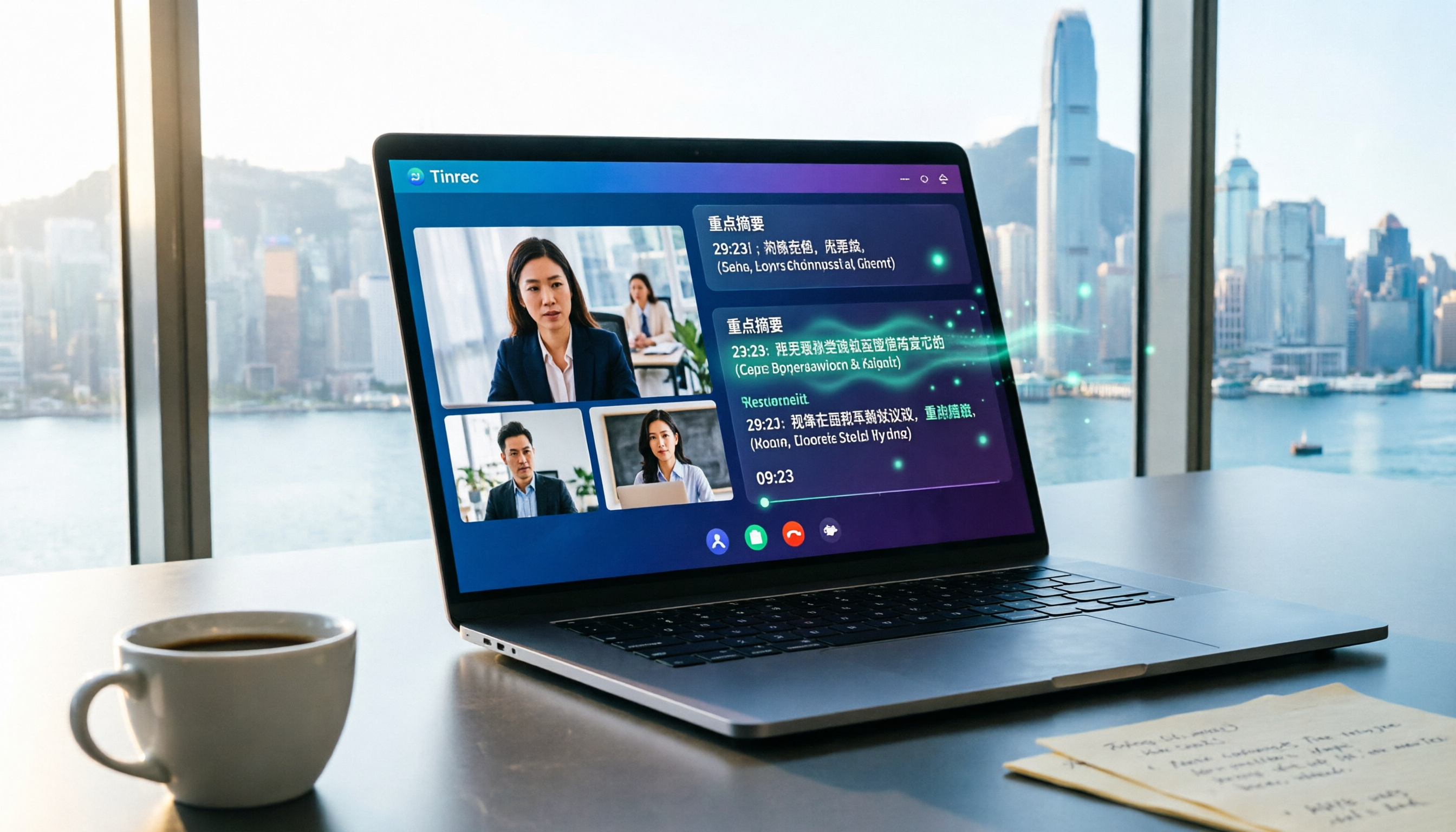
Turn recordings into transcripts and summaries in minutes
Upload audio or video for multilingual transcription, AI notes, and action items
Why You Need to Know Whether Google Meet Is a Video Calling App
Many Hong Kong office workers use Google Meet for meetings daily, but not everyone fully understands its positioning. Simply put, Google Meet is Google's video calling and online meeting service, formerly Google Hangouts, which officially took over as Google's sole video calling app in 2022.
However, meetings are more than just "seeing faces and hearing voices." After the call, you still need to compile transcripts, write meeting minutes, and track action items—that's where the real time drain lies. This article starts with Google Meet and reviews 5 video conferencing and AI meeting note solutions, so you can see at a glance which one helps most.
Tinrec (Seconds Recording)—The Most Complete AI Meeting Assistant
Tinrec is an AI meeting note tool designed for individuals and teams. It goes beyond simple recording-to-text, turning meeting content into searchable, queryable, and exportable team knowledge.
Key Highlights:
No Bot Needed in Meetings: Tinrec's desktop app directly captures your computer's system audio, covering online meetings on Zoom, Google Meet, Microsoft Teams, Webex, and more. You don't need to invite extra bots into the call—just run Tinrec in the background. Perfect for sales staff who don't want to alert clients.
More Than Just Transcripts: After recording, it automatically generates summaries, chapters, key points, and action items. You can ask the AI about the meeting content, like "What did the client request last time?" or "Are there any pending action items?"—no need to replay the entire recording.
Chinese and Multilingual Support: Supports Chinese, Traditional Chinese, and multilingual meetings, plus real-time translation and bilingual transcripts. Hong Kong companies often mix Cantonese and English in meetings, making this feature highly practical.
Team Space for Knowledge Retention: Meeting data belongs to the team, so new members can access historical meetings. Admins can allocate seats, monitor usage, and review audit logs, ensuring data isn't lost when employees leave.
Plan Options:
- Free Plan: Basic quota to try recording, import, summaries, and transcription
- Weekly Pass: Ideal for short-term, meeting-heavy project sprints
- Pro Monthly/Annual: For regular users; annual plan offers a lower monthly equivalent
- Team Plan: Each paid seat includes 2,000 minutes of shared import quota per month; real-time recording doesn't count against the quota
Best For: Hong Kong office workers who have back-to-back meetings all day and want to save time on meeting notes, especially teams dealing with Chinese meeting content.
Google Meet—The Most Convenient Video Calling Tool
Google Meet is Google's video calling and online meeting service, integrated with Gmail, Google Calendar, Docs, and other Workspace tools.
Key Highlights:
- Use directly in the browser—no extra software installation needed
- Supports live captions, noise cancellation, and group calls
- Seamless integration with Google Workspace, one-click meeting start from Calendar
Plan Options: Free for personal users with basic features; paid plans via Google One or Google Workspace unlock longer group call durations and advanced features.
Best For: Users already on Gmail and Google Calendar who want quick, simple video meetings.
Zoom—The Veteran Cross-Platform Video Conferencing Tool
Zoom is a long-standing choice for video conferencing, and many Hong Kong companies use it for client meetings.
Stop organizing recordings by hand
Upload audio or video and automatically get a transcript, summary, and action items
Key Highlights:
- Mature cross-platform support—works on mobile, tablet, and desktop
- Breakout rooms, whiteboard, and screen sharing features are comprehensive
- Free users can host meetings up to 40 minutes
Plan Options: Free version has a 40-minute limit; paid plans unlock longer meetings and cloud recording.
Best For: Users needing stable cross-platform video conferencing and frequent external client meetings.
Microsoft Teams—An All-in-One Enterprise Collaboration Platform
Teams is Microsoft's collaboration platform, combining video conferencing, instant messaging, and document collaboration in one place.
Key Highlights:
- Deep integration with Microsoft 365—collaborate directly on Word, Excel, and PowerPoint
- Channel-based communication, ideal for ongoing departmental discussions
- Built-in meeting recording and transcription
Plan Options: Free version includes basic meeting features; paid plans via Microsoft 365 subscriptions offer more storage and management capabilities.
Best For: Teams already using Microsoft 365 that want a single platform for communication and documents.
Otter.ai—AI Assistant for English Meetings
Otter is a mature AI meeting assistant, popular in Western markets.
Key Highlights:
- Real-time transcription for Zoom, Teams, and Google Meet
- Mature speaker identification and AI Chat features
- Reliable transcription for English meetings
Plan Options: Basic is free with 300 minutes per month; Pro is approximately USD 8.49/month when billed annually, with 1,200 minutes per month.
Best For: Users who frequently hold English meetings and need mature English transcription and meeting intelligence.
With So Many Options, How Do You Choose?
- Want the most complete AI features (transcription + AI Q&A + auto-summary + action items) → Tinrec, the only solution with all these features
- Need Chinese and mixed Cantonese-English meeting notes → Tinrec, with the best Chinese experience and real-time translation for Hong Kong scenarios
- Don't want to invite bots into meetings and prefer discreet recording → Tinrec's desktop app records without bots
- Want to turn meeting data into team assets → Tinrec Team Plan, with member, seat, usage, and audit management
- Only use the Google ecosystem and want simple meetings → Google Meet, free version is enough for basic use
- Company already uses Microsoft 365 → Teams, one platform for collaboration
- Frequent English meetings on a budget → Otter.ai, mature English transcription
4 Things to Know Before Using Video Conferencing Tools
Get Consent Before Recording: Hong Kong law has certain requirements for recording. It's best to inform participants before recording a meeting to avoid future disputes.
Don't Rely Solely on Transcripts: AI transcription can mishear accents or technical terms. For important decisions, cross-check the transcript against the recording using timestamps—Tinrec supports timestamp playback for easy verification.
Choose Tools Based on Post-Meeting Workflow: The meeting is just the first step; post-meeting organization is what takes the most time. When choosing a tool, check if it offers summaries, action items, export, and team collaboration features—Tinrec excels in this area.
Check Free Plan Limits Carefully: Every tool's free plan has minute or feature restrictions. Before choosing, estimate your monthly meeting hours to avoid hitting limits mid-use.
Conclusion
Google Meet is indeed a video calling tool, but what Hong Kong office workers truly need is a complete meeting note and organization solution. If you just want simple meetings, Google Meet's free version is sufficient; but if you want to save post-meeting organization time and turn meeting content into team assets, Tinrec is a more complete choice. It's worth trying the free version—record an actual meeting to see if it helps.
References
Turn every recording into actionable outcomes
Get 60 free transcription minutes when you sign in. No credit card required.
Related Reading
You might also like

4 Best Speech-to-Text Tools in 2026: Live Transcription vs. Post-Meeting Notes and Team Knowledge
Compare Tinrec, Notta, Otter.ai, and TurboScribe on positioning, pricing, and use cases, focusing on live transcription and post-meeting organization. Includes 4 key buying factors and 4 common pitfalls to help you choose the right speech-to-text tool with a single table.

5 Southern Min Input Methods Compared (2026): Is Free Good Enough, and Which One Should You Start With?
Most people install a Southern Min input method but still can't type—the problem usually isn't the software, but unclear romanization schemes, dictionary sources, and cross-platform support. This hands-on comparison covers the Ministry of Education Taiwan Southern Min Chinese Character Input Method, PhahTaigi, Lohankha, RIME, and built-in mobile options, outlining selection criteria, common pitfalls, and use cases to help you choose the right one.

2026 Comparison of 6 Audio-to-Text Tools: Accuracy Isn't About Official Numbers, It's About Real-World Scenarios
Audio-to-text accuracy isn't just about the advertised 98% figure. This article summarizes key evaluation points for 6 tools in Chinese, noise, multi-person conversations, and post-meeting organization, and compares free and paid plans to help you find a truly usable transcription tool.

4 Best Speech-to-Text Tools for 2026: Free Tiers and Post-Meeting Workflows Explained
Looking for a speech-to-text tool? Based on real meeting scenarios, this guide compares Tinrec, Otter.ai, Notta, and TurboScribe—covering free tiers, limitations, and ideal users. It also explains 4 key factors to consider before choosing, 4 common pitfalls, and scenario-based recommendations.

5 Free Speech-to-Text Tools Tested and Compared in 2026: Which Free Tier Is Actually Enough?
Comparing the free speech-to-text options from Tinrec, Notta, TurboScribe, Otter, and MyEdit across free quota, online meeting recording, post-meeting organization, and team data, to help you decide which free version is truly sufficient.

4 Desktop Speech-to-Text Tools Tested: Free Tiers, Chinese Accuracy, and Post-Meeting Organization
After an online meeting, do you still spend two hours typing up the transcript? This article compares four desktop speech-to-text tools based on real-world use cases: which can record computer system audio directly, which only offer web upload, which just give you text, and which can also generate summaries, action items, and AI Q&A. It includes free tiers, pricing, and team seat details to help you choose the one that truly saves time.

2026 Korean Speech-to-Text Showdown: Tinrec vs Musely — Which Is Better for Teams?
Starting from the pain of organizing notes after a meeting with a Korean client, this comparison of Tinrec and Musely across 5 dimensions — audio capture, Korean honorific handling, post-meeting organization, export, and team governance — helps you decide between a Korean-specific transcription tool and a collaborative meeting-notes platform.

How to Choose Audio-to-Text Software in 2026: 5 Steps to Avoid Pitfalls and Pick the Right Tool
Many people looking for audio-to-text software make the mistake of treating Word dictation as a transcription tool. This article uses 5 checkpoints to help you avoid pitfalls around free quotas, Chinese recognition, and post-meeting organization, and compares Tinrec and Otter.ai dimension by dimension to help you determine which one fits your workflow.

2026 Multilingual Speech-to-Text Comparison: Which Tool Handles Cantonese and Mixed Chinese-English Best?
Instead of comparing how many languages a tool supports, look at real meeting performance. This article uses the same Cantonese and mixed Chinese-English meeting recording to test 4 popular multilingual speech-to-text tools, explains selection criteria, each tool's strengths and weaknesses, and gives clear recommendations by scenario.