

Turn recordings into transcripts and summaries in minutes
Upload audio or video for multilingual transcription, AI notes, and action items
5 Southern Min Input Methods Compared (2026): Is Free Good Enough, and Which One Should You Start With?
The Most Common Misconception: Thinking That Installing an Input Method Lets You Type Taiwanese in Chinese Characters
Many people encountering a Southern Min input method for the first time run into the same problem: the software is installed, but they can't type the characters they want.
The reason isn't hard to understand. Southern Min input methods are a type of phonetic input method—you first need to know how a character is pronounced in Taiwanese before you can input it. Unlike Zhuyin or Cangjie, you can't get started just by relying on character shapes or existing habits.
The second common misconception is thinking that "one piece of software can handle everything." In reality, desktop and mobile are usually two different things, and even the same set can behave differently on Windows and Mac.
And a third: many people install free tools and feel "there are too few characters," but the real issue is the dictionary. Tools that don't adopt the Ministry of Education's recommended characters have many homophones, making character selection difficult.
This article is the selection logic I compiled after actually installing and trying out several common Southern Min input methods.
Before Choosing a Southern Min Input Method, Understand These 4 Key Points
1. Which romanization scheme does it use?
The current mainstream options are the "Taiwanese Romanization System" (Tâi-lô) and "Pe̍h-ōe-jī" (POJ), with a few supporting Taiwanese phonetic symbols. You need to confirm which system you've learned first, because input methods for different schemes are not interchangeable—forcing an install will make things difficult.
2. Does the dictionary use the Ministry of Education's recommended characters?
This is the most easily overlooked point, yet it has the biggest impact on user experience. The characters in the "Taiwanese Southern Min Common Word Dictionary" are a standardized set, and if a tool adopts them, the candidate options for character selection will be much cleaner. If not, you'll have to pick one by one yourself.
3. Does it support both desktop and mobile?
Most people type Taiwanese messages on their phones and write long texts on their computers. If your usage spans both, confirm that both ends are covered—don't just install one side.
4. Does it output all Chinese characters, all romanization, or mixed Chinese-romanization?
Some people only want Chinese characters, some are used to full romanization, and others mix them. This determines which one you should choose, not the most famous one.
Ministry of Education Taiwan Southern Min Chinese Character Input Method—The Most Recommended Starting Choice After Testing
In one sentence: This input method was commissioned by the Ministry of Education and developed by "Hsin Yi Co., Ltd.," the maker of Boshiamy, and is offered as a free download to all citizens—it's a Taiwanese Chinese character input tool.
I put it first for the most practical reason: a clean dictionary. Its built-in characters and words are based on the Ministry of Education's officially announced recommended characters and the "Taiwanese Southern Min Common Word Dictionary," so when typing words, you rarely need to worry about selecting incorrect forms. For those just starting to write in Taiwanese, this matters more than anything—you don't want to have to look up every character you write.
Usage is intuitive: type according to Tâi-lô romanization, using numbers 1 to 8 for the eight tones of Taiwanese. For example, typing "ka3" brings up candidates like "較, 教, 嫁." It also supports phrase input—typing "bah" can directly bring up words like "魩仔魚."
Even more thoughtful is its learning mechanism. When unsure, you can use "" to replace any number of letters, "?" to replace a single letter, and "0" to replace any tone. For example, to find "尪仔標," typing "a" will pull up related phrases. For those still building vocabulary, this is like a built-in lookup tool.
It also has an often-overlooked benefit: a built-in "Tâi-lô mode." That means the same input method can be used as a Tâi-lô input method—no need to install a second one for romanization. Punctuation is also handled: common ",。、;" and quotation marks can be typed directly.
There are three things to note.
First, the installation process is a bit more involved than typical software. Because it handles Unicode 3.1 font support and custom character sets, the whole process requires about two reboots. After installation, use Ctrl+Shift to switch input methods.
Second, the custom character set will overwrite your system's existing custom character area. If you already have self-created characters on your computer, they will be backed up and replaced during installation. Don't worry too much—there's an "Install or Remove Character Set" option in the program group to restore them.
Third, its interface style is somewhat dated—the "functional but not trendy-looking" type. It runs and the characters are correct, but you won't want to screenshot it for show.
**Who it's for:** People who want to seriously write in Taiwanese, care about character accuracy, and mainly write on a computer. If you only occasionally type a couple of Taiwanese sentences on your phone, don't bother with the hassle.
Other Options: PhahTaigi, Lohankha, RIME, and Built-in Mobile Keyboards
PhahTaigi Taiwanese Input Method: The most frequently mentioned mobile option, available on both Android and iOS, supporting Tâi-lô (TL) and POJ, with output in all Chinese characters or mixed Chinese-romanization. It integrates the ChhoeTaigi (find Taiwanese) corpus, making character selection easier during tone recognition. Free to use; the developer accepts donations. The downside is its focus on mobile—desktop has never been its strength.
Stop organizing recordings by hand
Upload audio or video and automatically get a transcript, summary, and action items
Lohankha Input Method: A free Taiwanese input method designed specifically for iPad, also supporting the compilation of the all-Chinese-character version of Southern Min Wikipedia. If you mainly use an iPad for Taiwanese writing, it's one of the few options with a better experience on tablets. But it's iPad-only; cross-device needs require another solution.
RIME (Rime Input Method Engine): Open-source and free, the community has created dozens of input schemes for Southern Min dialects, with smart dictionaries, automatic character selection, and continuous typing, usable on both desktop and mobile. Its problems are also obvious—it requires manual configuration, which is a high barrier for those who don't want to spend time setting up; but for those who like to tweak settings, there's plenty of room for customization.
Built-in mobile options: Gboard has a built-in Southern Min input method with two input modes: Tâi-lô letters and POJ letters; SwiftKey also has a built-in Southern Min input method using Tâi-lô romanization. The advantage of both is no extra app installation; the disadvantage is relatively basic functionality, and the character selection experience isn't as good as dedicated tools.
One more note: The "Ithuan Taiwanese Input Method," once listed on Wikipedia, ceased use in 2024—don't look for it when you see old articles introducing it. Also on the list is the "Xinwang'ai Taiwanese and Hakka Input Method," which is also worth including in comparisons.
Pitfall Guide: The 4 Most Common Mistakes When Using Southern Min Input Methods
Misconception 1: Blaming the input method for inaccuracy before learning the romanization.
The logic of an input method is "if you can pronounce it, it can type it." Type one wrong tone number, and all candidate characters will be wrong. It's advisable to spend half a day getting familiar with Tâi-lô tone rules first—your typing efficiency will be much better afterward.
Misconception 2: Ignoring font and custom character issues, then seeing no characters after installation.
This is the easiest stage to give up at. A few Chinese characters in the Ministry of Education dictionary are still outside the common Unicode range and require custom character set support. Pay attention to system prompts during installation, especially if your computer already has self-created characters.
Misconception 3: Thinking desktop and mobile can share the same settings.
In reality, they can't. The Ministry of Education input method on desktop, PhahTaigi on mobile, and built-in Gboard are three different things—dictionaries and usage habits don't sync. Factor this cost in when choosing tools.
Misconception 4: Treating the input method as a translation machine.
The input method helps you type "characters you can pronounce" into text; it won't translate a Mandarin sentence into Taiwanese for you. To type a Taiwanese sentence, you still need to know how to say that sentence in Taiwanese first.
Input Methods Only Solve "Typing": What About Interviews and Meeting Notes?
Let's draw a clear line here.
Input methods solve "typing Taiwanese into text"—they won't turn a 90-minute interview recording into a transcript. If you're doing Taiwanese field interviews, native language teaching meetings, or elder oral histories, the real time-consuming part is "transcribing by ear," not typing.
This type of need belongs to another tool category—AI meeting notes and transcription tools.
Take Tinrec as an example: it's positioned as an AI meeting notes and collaboration tool for individuals and teams. It can transcribe while recording and automatically generate summaries, chapters, and action items; the desktop version directly captures computer system audio, so when handling online meetings like Zoom, Google Meet, Microsoft Teams, and Webex, you don't need to invite an extra bot to join. After recording, you can also ask AI questions about the content—directly ask "what work experiences were mentioned in this interview"—and export to Notion, Google Docs, and other tools for further organization.
The team version is another way to use it: meeting data belongs to the team, you can manage member roles and seats, view usage, check audit logs, and when members leave, resources can be handed over—they won't disappear with individual accounts. Currently, the team monthly plan is USD 29.80 per paid seat per month, annual plan USD 199 per paid seat per year, and each paid seat provides 2,000 minutes of team shared import quota per month.
But here's an important reminder.
Tinrec's language support focuses on Chinese, Traditional Chinese, and mixed Chinese-English meeting scenarios—the product itself is not designed for Southern Min transcription. If your entire conversation is in Taiwanese, it's advisable to run a short test segment first to confirm actual recognition performance before deciding whether to invest—don't assume it can handle it as well as Chinese.
A more practical approach is division of labor: let AI tools handle the big picture of recording transcription, and use input methods to manually correct Taiwanese words that are unclear or mis-transcribed in the transcript. Doing these two things separately is more realistic than expecting a single tool to do it all.
Conclusion: Which One Should You Actually Install?
Want to seriously write in Taiwanese and care about character accuracy → Ministry of Education Taiwan Southern Min Chinese Character Input Method. Free, dictionary based on Ministry of Education standards, and built-in Tâi-lô mode—one set does the work of two.
Mainly on mobile, want to type Taiwanese anytime → PhahTaigi Taiwanese Input Method. Supports both Tâi-lô and POJ, integrates the ChhoeTaigi corpus, smooth character selection.
Only use iPad for Taiwanese writing → Lohankha Input Method.
Don't want to install any app → Try the built-in Southern Min input methods in Gboard or SwiftKey first—basic functionality but zero cost.
Like to tweak settings yourself → RIME. Many schemes, customizable, but takes time.
Have a lot of interview or meeting recordings to organize → That's the job of AI meeting notes tools—a different matter from input methods. It's advisable to first clarify whether you're solving "slow typing" or "tiring transcription by ear," so you don't install a bunch of tools and still not solve the problem.
When it comes to writing in Taiwanese, the barrier isn't really the tool—it's whether you're willing to learn that romanization first. Once you've chosen the right tool, the rest is just typing more.
References
- Southern Min Input Method - Wikipedia, the free encyclopedia
- Ministry of Education Taiwan Southern Min Chinese Character Input Method free download—to solve the problem of writing Taiwanese Southern Min in Chinese characters, the Ministry of Education launched the "Taiwan Southern Min Chinese Character Input Method" for all citizens free of charge
- Taiwan Southern Min Chinese Character Input Method Windows version Linux version Mac version FAQ Q1: What is the "Taiwan Southern Min Chinese Character Input Method"?
- Southern Min Input Method - Wikiwand
- Taiwan Southern Min Chinese Character Input Method 2.0: Let's learn Taiwanese writing together
Turn every recording into actionable outcomes
Get 60 free transcription minutes when you sign in. No credit card required.
Related Reading
You might also like

2026 Audio-to-Text Tool Buying Guide: 5 Key Dimensions Tested and Recommended
How to choose an audio-to-text tool? This guide starts with three key considerations: audio source type, post-meeting organization needs, and team data ownership. It then outlines 5 practical buying dimensions and uses Tinrec as an example to demonstrate bot-free online meeting recording, AI summaries and action item extraction, AI conversational search, and team spaces. A FAQ section is included at the end.
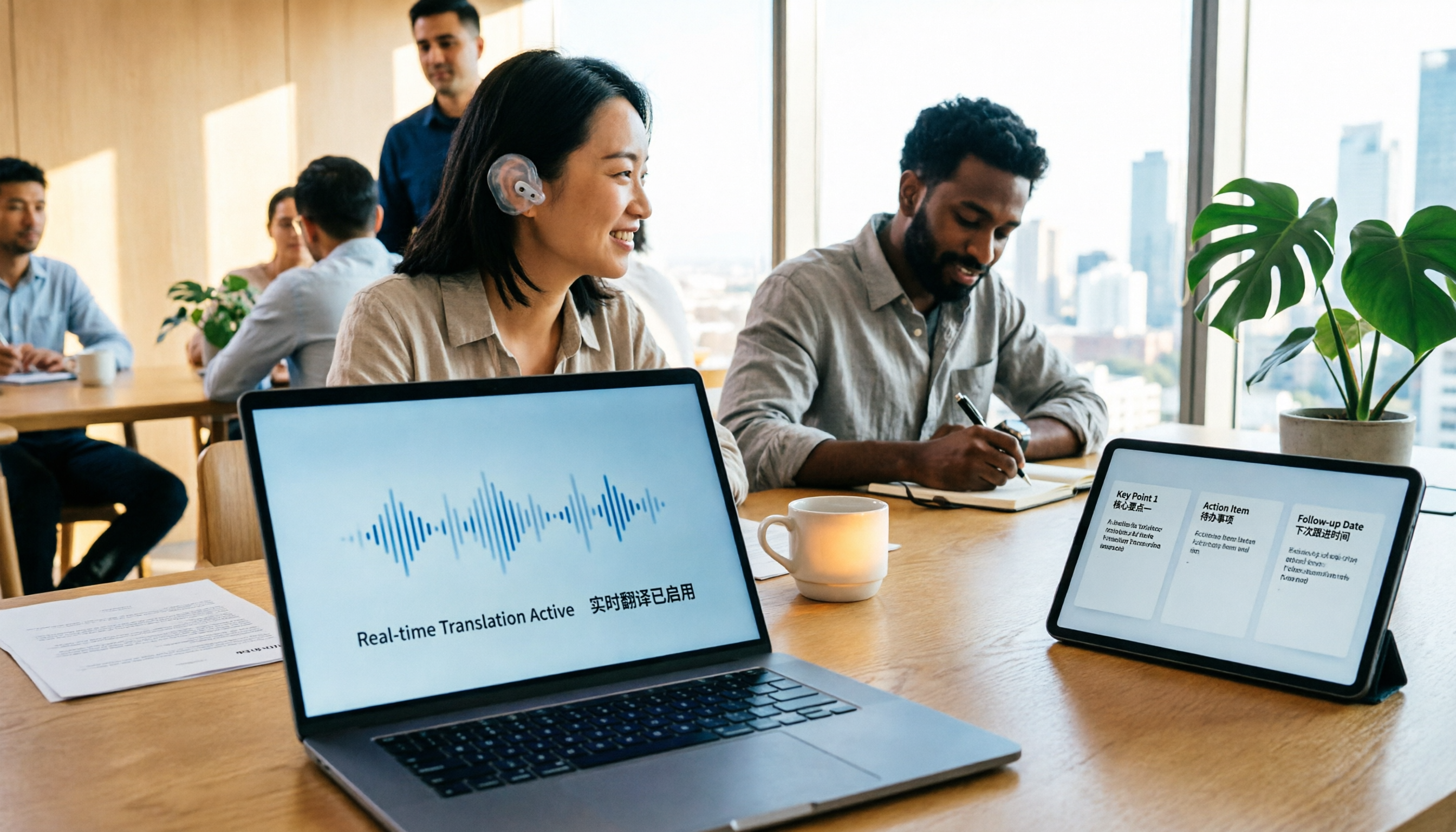
2026 Comparison of 4 Foreign Language Meeting Translation Tools: From Real-Time Bilingual Subtitles to Post-Meeting Summaries
Can you understand foreign language meetings but struggle to remember or follow up? This article starts with common misconceptions and breaks down 4 key factors for choosing a foreign language meeting translation tool. It compares Tinrec, Otter.ai, Notta, and Granola in real-time translation, bilingual comparison, post-meeting summaries, and team collaboration, and lists the 4 most common pitfalls to help you choose the right tool at once.
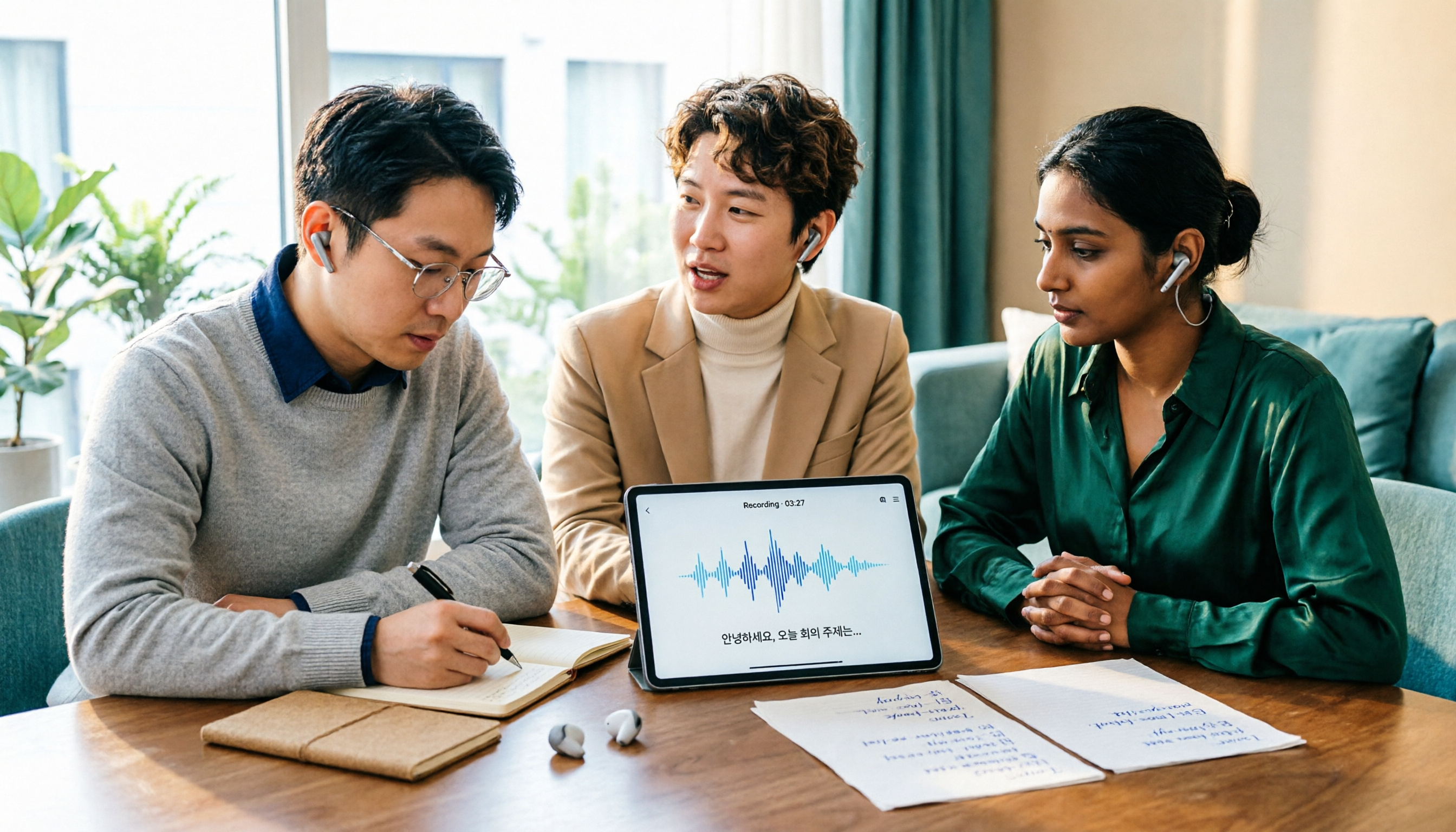
Tinrec vs Musely 2026: 5-Dimension Comparison, Tinrec for Korean Meeting Notes
How to choose a Korean audio-to-text tool? This article compares Tinrec and Musely across 5 dimensions: Korean recognition, post-meeting organization, team collaboration, export, and free quota. It also covers alternatives like MyEdit and Sonix to help you decide when pure transcripts vs. meeting notes are suitable.

2026 Comparison of 4 Audio-to-Text Tools: Which One Actually Saves You Time?
From meeting notes and transcripts to post-meeting follow-ups, compare Tinrec, Canva, MyEdit, and Otter.ai in terms of positioning, limitations, and best-fit scenarios to help you choose the right audio-to-text tool.

2026 Shanghai Dialect Speech-to-Text Buyer's Guide: 4 Tools Tested and Selection Tips
Shanghai dialect has voiced consonants and tone sandhi, so speech-to-text often fails on entire sentences. This guide breaks down 5 key factors for choosing a Shanghai dialect speech-to-text tool based on recognition, usability, and retention, with hands-on testing of Tinrec (Miao Ting Lu Yin) and comparisons to Notta, Otter.ai, and Granola, plus a pitfall checklist and getting-started steps.

4 Best Speech-to-Text Tools in 2026: Live Transcription vs. Post-Meeting Notes and Team Knowledge
Compare Tinrec, Notta, Otter.ai, and TurboScribe on positioning, pricing, and use cases, focusing on live transcription and post-meeting organization. Includes 4 key buying factors and 4 common pitfalls to help you choose the right speech-to-text tool with a single table.

2026 Comparison of 6 Audio-to-Text Tools: Accuracy Isn't About Official Numbers, It's About Real-World Scenarios
Audio-to-text accuracy isn't just about the advertised 98% figure. This article summarizes key evaluation points for 6 tools in Chinese, noise, multi-person conversations, and post-meeting organization, and compares free and paid plans to help you find a truly usable transcription tool.

4 Best Speech-to-Text Tools for 2026: Free Tiers and Post-Meeting Workflows Explained
Looking for a speech-to-text tool? Based on real meeting scenarios, this guide compares Tinrec, Otter.ai, Notta, and TurboScribe—covering free tiers, limitations, and ideal users. It also explains 4 key factors to consider before choosing, 4 common pitfalls, and scenario-based recommendations.

5 Free Speech-to-Text Tools Tested and Compared in 2026: Which Free Tier Is Actually Enough?
Comparing the free speech-to-text options from Tinrec, Notta, TurboScribe, Otter, and MyEdit across free quota, online meeting recording, post-meeting organization, and team data, to help you decide which free version is truly sufficient.