
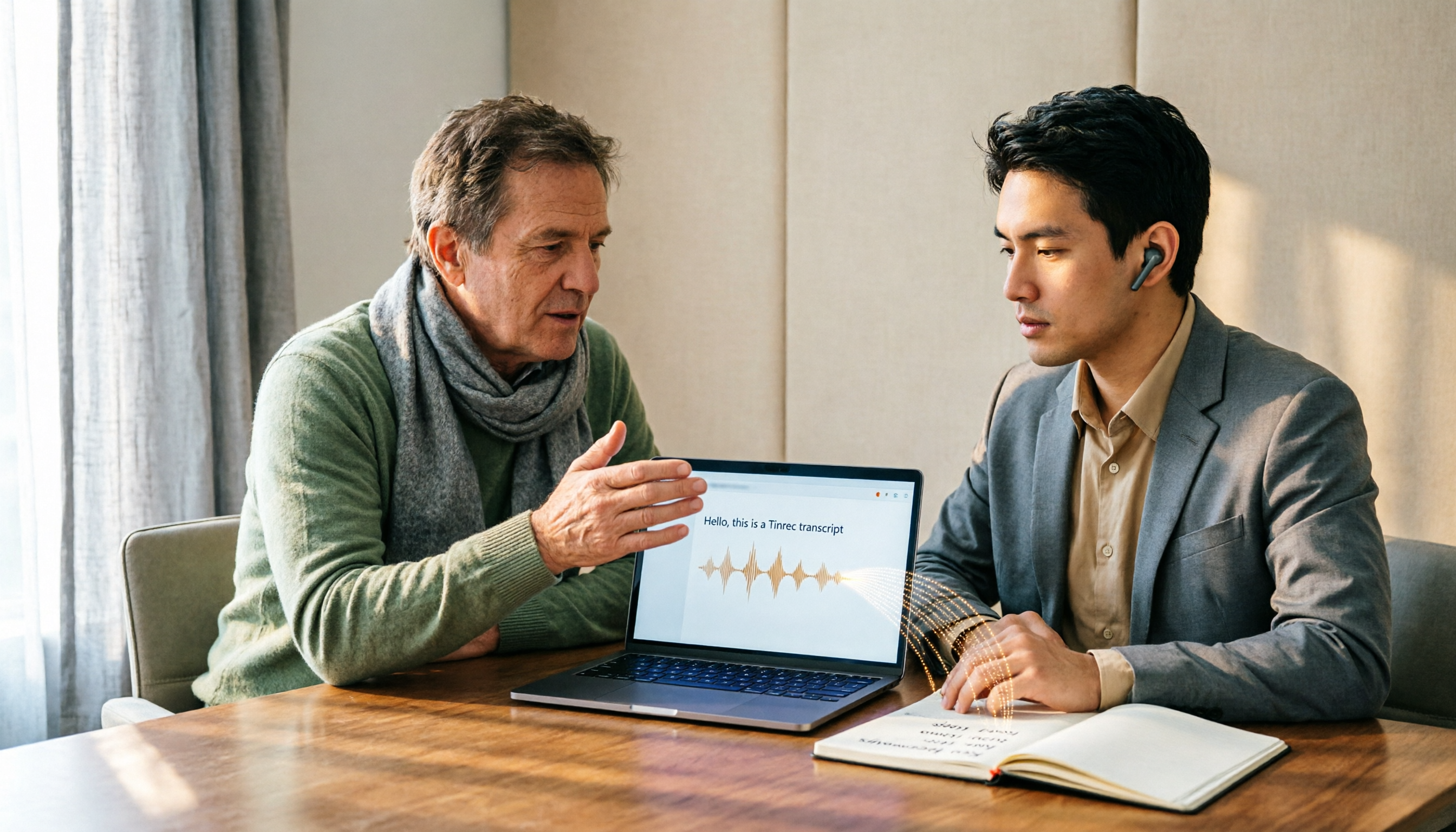
Turn recordings into transcripts and summaries in minutes
Upload audio or video for multilingual transcription, AI notes, and action items
How to Choose Audio-to-Text Software in 2026: 5 Steps to Avoid Pitfalls and Pick the Right Tool
Many people looking for audio-to-text software first open the voice input in Word or Google Docs, only to find that it only recognizes a microphone, not the MP3 file on your phone.
The second common pitfall is downloading something just because it says "free," only to get a few minutes of transcription before an upgrade prompt pops up. The third pitfall is more subtle: assuming that tools from big international vendors must handle Chinese well, only to find names and product terms completely garbled in the transcript.
Honestly, these problems aren't about anyone being dumb—most people confuse "voice input" with "audio file transcription." The former is real-time dictation that stops when you stop speaking; the latter is what actually turns recorded content into a text file.
This article uses 5 checkpoints to take you from pitfalls to picking the right tool, with a real comparison between Tinrec and Otter.ai.
Tinrec vs Otter.ai | Quick Overview
Tinrec is an AI meeting notes and collaboration tool for individuals and teams. It not only transcribes audio into text but also organizes meetings into searchable, summarizable, queryable, and exportable data.
Otter.ai is a mature AI meeting assistant with deep experience in English business meetings, meeting automation, and integration ecosystems.
| Item | Tinrec | Otter.ai |
|---|---|---|
| Core positioning | AI meeting notes and team collaboration | AI meeting assistant and meeting automation |
| Meeting capture | Desktop version captures system audio without a bot; also supports live recording and file upload | Meeting bot, desktop client, and other methods; also supports file import |
| Chinese experience | Covers Chinese, Traditional Chinese, and multiple languages; supports real-time translation and team hotwords | Primarily optimized for English business meetings |
| Post-meeting output | Transcript, summary, chapters, action items, mind map, AI Q&A, Agent-generated documents | Transcript, summary, action items, AI Chat, workflows, and integrations |
| Free plan | Free version offers basic quota for trial | Basic is free, 300 minutes per month |
| Paid reference | Personal plans include weekly card, Pro monthly and annual; team plan USD 29.80 per paid seat per month, annual USD 199 per seat per year | Pro annual billing equivalent to USD 8.49 per user per month, including 1,200 minutes of in-app recording and 10 file imports per month; Business priced separately |
Prices, currencies, and plan benefits are subject to change; please refer to the official pages of both parties before ordering.
The following 5 dimensions are where pitfalls most often occur in actual selection.
Dimension 1 | Recognition Experience with Chinese and Mixed Chinese-English
Otter's strength is English meetings, with high maturity in English transcripts and speaker separation. But Chinese has never been its strong suit; many users report limited stability in Traditional Chinese, Taiwanese Hokkien, or Cantonese recognition, and sentence segmentation often fails with mixed Chinese-English.
Tinrec covers Chinese, Traditional Chinese, and multilingual meeting scenarios, supports mixed Chinese-English content organization, and can maintain product names and project codes as professional terms using team hotwords. Note that actual performance is still affected by recording quality, accent, background noise, and overlapping speakers; no tool can guarantee 100%.
→ This dimension: If your meetings are mainly in Chinese, Tinrec is clearly more suitable.
Dimension 2 | How to Record Online Meetings: Bot vs No Bot
Otter's common approach is to have a meeting bot join as a participant, offering high automation and centralized record management afterward. However, an extra account on the meeting list can be a concern in some external client meetings or interviews.
Tinrec's desktop version directly captures computer system audio, handling online meetings on Zoom, Google Meet, Microsoft Teams, Webex, etc., without inviting an extra bot. But to be clear: this is not automatic joining of all calendar meetings; you actively open Tinrec to start recording.
→ This dimension: If you don't want an extra bot on the meeting list, Tinrec's approach is cleaner.
Dimension 3 | Beyond the Transcript: Summary, Action Items, and AI Queries
Otter provides summaries, action items, AI Chat, and workflow integrations, and is quite mature for English team meeting automation.
In addition to summaries and chapters, Tinrec extracts action items and lets you do AI Q&A around single or multiple meetings; going a step further, you can use Agent post-processing to generate reports, tables, and documents, or export results to Notion, Google Docs, OneNote, Dropbox for further processing.
Stop organizing recordings by hand
Upload audio or video and automatically get a transcript, summary, and action items
→ This dimension: If the focus is on actually delivering something after the meeting, Tinrec's output is more fully formed.
Dimension 4 | Audio Retention and Multi-Source Input
Otter focuses on online meetings and also supports file import; whether audio is retained depends on the product and plan.
Tinrec supports live recording, desktop meetings, audio and video files, mobile recording, and some public web links can also be imported; recordings are retained so you can listen back to the original for verification. The team version also has an audio recycle bin to recover accidentally deleted files.
→ This dimension: For those who need to keep original recordings and verify sentence by sentence afterward, Tinrec is more convenient.
Dimension 5 | Team Collaboration and Governance: Roles, Seats, Usage, Audit
Otter offers team management and more complete administrative capabilities in its Business plan, with mature enterprise experience.
Tinrec's team version is an independent team space where you can create multiple teams, invite members via join links, set owners, admins, and regular members, and separate "roles" from "seats": roles determine who can manage the team and settings, seats determine who can record, upload, edit, and export. There are also team usage trends, member rankings, audit logs, hotwords, and an audio recycle bin. Note that currently it is mainly team-level sharing, not file-level granular permissions.
→ This dimension: Both can manage teams, so it's a tie; the difference is that Tinrec draws a clearer line between roles and seats, suitable for teams that don't want multiple people sharing one account.
What Are the Unique Advantages of Each?
Tinrec's unique advantages:
- Bot-free desktop recording: Directly captures system audio, so no extra account appears on the meeting list.
- Chinese and bilingual experience: Chinese, Traditional Chinese, and multilingual meetings, plus real-time translation and original/translated/bilingual views.
- Complete post-meeting workflow: From summary, chapters, action items, mind map, AI Q&A to Agent-generated documents, all the way to export.
- Team data accumulation: Team space, roles, seats, usage analysis, audit logs, hotwords, and audio recycle bin; data stays with the team when members leave.
Otter's unique advantages:
- Strong English business meeting mindset: High maturity in English transcription, speaker separation, and meeting automation.
- Rich integration ecosystem: Many workflow and third-party integration options, suitable for teams already tied to English toolchains.
Conclusion: Which One Should You Choose?
- If your meetings are mainly in Chinese and often mix Chinese and English → Tinrec (Chinese and Traditional Chinese scenarios are its home turf).
- If you don't want an extra bot account in meetings → Tinrec (bot-free desktop recording).
- If what you need after meetings is minutes, action items, and reports, not just transcripts → Tinrec (summaries, Q&A, Agent post-processing, and multi-format export).
- If multiple team members share meeting data and you need to manage seats and usage → Tinrec (roles and seats managed separately).
- If your team works entirely in English and your workflow is already tied to Otter's integrations → Otter.ai is still a reasonable choice.
In one sentence: For most Taiwanese users, Tinrec is a choice that better fits everyday meeting scenarios. We recommend trying the free version with your own recording first to confirm recognition performance before deciding whether to pay.
FAQ
Q1: Is the free version enough?
It depends on usage frequency. For occasional transcription of a recording, the free version's basic quota is enough to test the results; if you have regular weekly meetings, consider the Pro monthly or annual plan; for short-term project sprints, there's a weekly card option. Teams also have a 7-day trial, 1 free seat, and 300 minutes of shared team import quota; eligible users can use it to validate the workflow.
Q2: Does Tinrec require a meeting bot to join? Which platforms are supported?
No. The desktop version directly captures computer system audio and can handle meeting audio played on the computer from Zoom, Google Meet, Microsoft Teams, Webex, etc. This means it has no official partnership with these platforms; it simply processes the audio being played.
Q3: Is Chinese recognition accuracy guaranteed?
No tool can guarantee a fixed accuracy rate. Actual performance is affected by recording quality, noise, accent, overlapping speakers, and technical terminology. A safer approach is to treat the transcript as a draft and verify important numbers and decisions against the recording timestamps.
Q4: What's the difference between the team version and the personal version?
Personal version data is managed by the individual account; the team version is an independent team space where meeting data belongs to the team, with additional members, roles, seats, shared benefits, usage analysis, audit logs, and audio recycle bin. The team version is not multiple people sharing one personal account.
Q5: Can team members without a seat see the data?
They can view, play, and read team data, but cannot perform resource-consuming operations such as upload, edit, import, or export. When actual use is needed, an admin can assign a seat.
Q6: What are the legal risks of audio-to-text?
Recording and transcription involve personal data and privacy, and regulations vary by region. It is recommended to inform participants and obtain consent before the meeting starts, and to handle the storage and sharing of recordings in accordance with company policies.
References
- No time limit! 3 free AI transcription tools, highly recommended! AI voice notes generate meeting minutes, presentations, mind maps | 104 Career Power
- Online AI voice, video, audio file auto-transcription - free trial - cSubtitle
- 7 free audio-to-text Word tools recommended in 2026: accurately generate meeting transcripts and action items - Tinrec Blog
- Online speech-to-text AI, free MP3 or audio file to text transcript - MyEdit
- Audio-to-text/speech-to-text/transcript: 6 AI tools recommended in 2026 and practical tutorials - Tinrec Blog
Turn every recording into actionable outcomes
Get 60 free transcription minutes when you sign in. No credit card required.
Related Reading
You might also like

4 Best Speech-to-Text Tools in 2026: Live Transcription vs. Post-Meeting Notes and Team Knowledge
Compare Tinrec, Notta, Otter.ai, and TurboScribe on positioning, pricing, and use cases, focusing on live transcription and post-meeting organization. Includes 4 key buying factors and 4 common pitfalls to help you choose the right speech-to-text tool with a single table.
5 Southern Min Input Methods Compared (2026): Is Free Good Enough, and Which One Should You Start With?
Most people install a Southern Min input method but still can't type—the problem usually isn't the software, but unclear romanization schemes, dictionary sources, and cross-platform support. This hands-on comparison covers the Ministry of Education Taiwan Southern Min Chinese Character Input Method, PhahTaigi, Lohankha, RIME, and built-in mobile options, outlining selection criteria, common pitfalls, and use cases to help you choose the right one.

2026 Comparison of 6 Audio-to-Text Tools: Accuracy Isn't About Official Numbers, It's About Real-World Scenarios
Audio-to-text accuracy isn't just about the advertised 98% figure. This article summarizes key evaluation points for 6 tools in Chinese, noise, multi-person conversations, and post-meeting organization, and compares free and paid plans to help you find a truly usable transcription tool.

4 Best Speech-to-Text Tools for 2026: Free Tiers and Post-Meeting Workflows Explained
Looking for a speech-to-text tool? Based on real meeting scenarios, this guide compares Tinrec, Otter.ai, Notta, and TurboScribe—covering free tiers, limitations, and ideal users. It also explains 4 key factors to consider before choosing, 4 common pitfalls, and scenario-based recommendations.

5 Free Speech-to-Text Tools Tested and Compared in 2026: Which Free Tier Is Actually Enough?
Comparing the free speech-to-text options from Tinrec, Notta, TurboScribe, Otter, and MyEdit across free quota, online meeting recording, post-meeting organization, and team data, to help you decide which free version is truly sufficient.

4 Desktop Speech-to-Text Tools Tested: Free Tiers, Chinese Accuracy, and Post-Meeting Organization
After an online meeting, do you still spend two hours typing up the transcript? This article compares four desktop speech-to-text tools based on real-world use cases: which can record computer system audio directly, which only offer web upload, which just give you text, and which can also generate summaries, action items, and AI Q&A. It includes free tiers, pricing, and team seat details to help you choose the one that truly saves time.

2026 Korean Speech-to-Text Showdown: Tinrec vs Musely — Which Is Better for Teams?
Starting from the pain of organizing notes after a meeting with a Korean client, this comparison of Tinrec and Musely across 5 dimensions — audio capture, Korean honorific handling, post-meeting organization, export, and team governance — helps you decide between a Korean-specific transcription tool and a collaborative meeting-notes platform.

2026 Multilingual Speech-to-Text Comparison: Which Tool Handles Cantonese and Mixed Chinese-English Best?
Instead of comparing how many languages a tool supports, look at real meeting performance. This article uses the same Cantonese and mixed Chinese-English meeting recording to test 4 popular multilingual speech-to-text tools, explains selection criteria, each tool's strengths and weaknesses, and gives clear recommendations by scenario.

Best Multilingual Meeting Transcription Tools in 2026: 3 Tested, This One Excels for Chinese Meetings
Multilingual meeting transcription often fails because translated subtitles aren't meeting notes, mixed Chinese-English transcription is unstable, key points get lost after meetings, and team data is scattered across personal accounts. This article breaks down 5 key purchasing factors, tests and compares Tinrec, Otter.ai, Notta, and Granola, and provides practical tips and scenario-based recommendations for teams in Taiwan.