

Turn recordings into transcripts and summaries in minutes
Upload audio or video for multilingual transcription, AI notes, and action items
Best Multilingual Meeting Transcription Tools in 2026: 3 Tested, This One Excels for Chinese Meetings
The most common misconception about multilingual meeting transcription is thinking that if real-time translated subtitles appear on screen, the meeting is properly recorded. Once subtitles are turned off, they disappear, leaving only a vague impression in your mind.
Another inefficient approach is even more common: after the meeting, re-listening to an hour-long recording from the beginning, typing while listening, and switching languages back and forth when encountering mixed Chinese and English. A two-hour meeting takes another two hours to organize, and the organized file usually never gets opened a second time.
A more reasonable approach is to view multilingual meeting transcription as a process: record the audio completely first, convert it into a searchable verbatim transcript, view it in original, translated, or bilingual format as needed, let AI generate summaries, chapters, and action items after the meeting, and finally export to the tools you already use. How smoothly this process runs determines whether you'll actually go back and use that record.
A reminder: before recording, inform participants and obtain consent, and comply with local regulations.
The Real Challenge of Multilingual Meeting Transcription Isn't Translation
The first scenario is international weekly meetings. Participants speak in Chinese, English, and Japanese in turn. After the meeting, your manager asks, "What did the client say about the second-phase budget?" You only remember the gist and have to go back and re-listen to forty minutes of recording.
The second is Taiwanese teams mixing Chinese and English. Product names are in English, processes in Chinese. Old transcription tools start producing garbled text as soon as you switch languages, making the transcript harder to read than no organization at all.
The third is the most damaging: data scattered everywhere. Recordings on personal phones, transcripts in personal cloud storage, action items written in chat rooms. When the person in charge leaves, the entire year's meeting context disappears with them.
These problems aren't caused by "translation not being fast enough," but by meeting content not being organized into reusable data.
5 Key Points to Understand Before Choosing a Multilingual Meeting Transcription Tool
1. Do you need real-time subtitles or a savable bilingual transcript? Subtitles are for viewing in the moment; transcripts are for reviewing after the meeting. If you can only choose one, choose the one that stays. Tinrec allows switching between original, translated, or bilingual views during recording, and retains the transcript afterward.
2. How is the meeting recorded? Traditional meeting bots need to join as a participant, which some clients may mind; another approach is a desktop version that directly captures computer system audio without adding an extra participant. Tinrec uses the latter, which is especially practical for external meetings.
3. Are audio files retained, and can historical files be supplemented? Some tools only give you transcripts without saving audio; others don't support uploading existing recordings. Both can leave you stuck when you need to verify a specific statement.
4. Are post-meeting outputs sufficient? Summaries, chapters, and action items are just the basics. What really sets tools apart is whether you can ask questions directly about meeting content and whether you can export to tools you already use like Notion or Google Docs.
5. Is team governance in place? If multiple people share it, confirm whether it has team spaces, roles, seats, usage, and activity logs. Using a single personal account for the whole team is the most common and most expensive way to save money.
Tinrec — The Top Choice After This Test
Tinrec is an AI meeting transcription and collaboration tool for individuals and teams, available on web, desktop, and mobile. What makes it different is the order in which it handles meetings: first capture the audio completely, then organize it into data you can continue working with.
Let's start with recording. The desktop version directly captures computer system audio and can handle online meetings on Zoom, Google Meet, Microsoft Teams, Webex, etc., without requiring an additional meeting bot to join. For offline meetings or interviews, use your phone or web for real-time recording, generating transcripts as you record. Existing audio and video files can also be uploaded for supplementary organization without reopening a meeting.
Multilingual is its strong suit. It can transcribe Chinese, Traditional Chinese, and multilingual meetings, and organize mixed Chinese-English content; during recording, you can switch between original, translated, or bilingual views, so international teams don't have to wait until after the meeting to compare.
Post-meeting is the key. After the meeting ends, AI generates summaries, chapters, and key points, and extracts action items from discussions. Even better is AI Q&A: you can directly ask "What are the client's requirements for the second-phase budget?" and it will answer based on semantics and context, rather than dumping a bunch of keywords for you to sift through.
Stop organizing recordings by hand
Upload audio or video and automatically get a transcript, summary, and action items
Output doesn't stop at transcripts. It supports multi-format export and third-party tools (Notion, Google Docs, OneNote, Dropbox), and can further generate reports, tables, or documents from meeting content through Agent post-processing, saving the time of retyping after meetings.
If you're using it as a team, the team version collects meeting data into an independent space: member roles, seat allocation, shared import quotas, usage analytics, activity logs, and audio recycle bin (retained for 30 days) are all managed in one place. When members change, team resources can be handed over to other active members and won't leave with personal accounts. Team hotwords can train recognition of product names and proper nouns.
Pricing: The personal version has a free version, weekly card, Pro monthly card, and Pro annual card—choose based on usage frequency. The team version currently offers a 7-day trial for first-time eligible users, 1 free seat, and 300 minutes of team shared import quota; monthly payment is USD 29.80 per paid seat per month, annual payment is USD 199 per paid seat per year (equivalent to about USD 16.58 per month), with each paid seat providing 2,000 minutes of team shared import quota per month. Real-time recording under active team plans is currently not deducted by minutes; files and web imports use the team shared quota. Actual prices and benefits are subject to the official purchase page.
Three reasons I think are most worthwhile: You can record online meetings without inviting a bot; there's a whole post-meeting workflow after the transcript; meeting data finally belongs to the team, not someone's phone.
Limitations to be clear about: The free version quota is suitable for trial; heavy meeting users need to move to weekly cards or Pro; transcription performance is affected by recording quality, noise, accents, overlapping speakers, and technical terminology—any claim of fixed 98% or 99% accuracy should only be taken as reference; the team version currently focuses on team-level sharing, managing governance and usage eligibility through roles and seats, not file-level granular permissions.
Who it's for: People who frequently hold mixed Chinese-English meetings, need bilingual transcripts, want to use AI to find key points directly after meetings, or want to upgrade meeting records from personal devices to team assets.
Besides Tinrec, What Other Options Are There?
Otter.ai: A veteran choice for English business meetings. Basic is free with 300 minutes per month; Pro annual billing is about USD 8.49 per user per month. Its strength is English meeting automation and workflows. If you mainly have Chinese and mixed Chinese-English meetings, Tinrec's post-meeting organization is more suitable; the desktop version doesn't require a bot to join and can keep audio files and action items in the team space.
Notta: A direct competitor for multilingual transcription and file processing. Free version has 120 minutes per month with a 3-minute limit per session; Pro annual billing is about USD 8.17 per month, suitable for those mainly doing file transcription. Tinrec puts real-time meetings, AI Q&A, action items, and team hotwords in the same workflow, and the team version additionally has seats, usage, and activity logs.
Granola: An AI meeting notes tool that also takes the no-bot approach. Basic is free; Business is about USD 14 per user per month. Official documentation states it supports real-time transcript viewing and search but does not save meeting audio files and does not support uploading pre-recorded audio files. If you need to retain recordings and supplement historical meetings, Tinrec has a clear advantage on these two points.
Pitfall Guide: 4 Most Common Mistakes When Choosing Multilingual Meeting Transcription Tools
Pitfall 1: Treating real-time translated subtitles as meeting notes. Subtitles are the process; transcripts and summaries are the results. When choosing a tool, first ask: After this meeting ends, what do I get?
Pitfall 2: Thinking a transcript is enough. Spoken expression is usually imprecise; using Ctrl+F to search keywords often fails to find key points. Tools that can directly answer questions about meeting content make post-meeting retrieval much less costly.
Pitfall 3: Only looking at free quota, not single-session limits. Some free plans seem to have decent minutes, but single-file or single-session duration is cut very short, making them unusable for hour-long meetings. When trialing, test with your longest meeting.
Pitfall 4: The whole team sharing one personal account. It saves money short-term, but long-term you'll face quota conflicts, inability to track who changed what, and data leaving when people leave. For team use, use team spaces and manage roles, seats, and usage separately.
Conclusion: Which One Should You Choose?
Need bilingual transcripts for Chinese and mixed Chinese-English meetings → Tinrec, with switchable original, translated, and bilingual views.
Don't want meeting bots joining meetings but need to record Zoom, Meet, Teams → Tinrec, desktop version captures system audio.
Want to ask AI directly after recording "What are the conclusions, who is responsible for what" → Tinrec, AI Q&A and action item extraction in the same workflow.
Need to retain recordings and supplement historical audio files → Tinrec, supports audio/video file import and audio recycle bin.
Team needs to manage seats, usage, and activity logs → Tinrec team version, meeting data belongs to the team.
Mainly record English meetings with zero budget → Otter.ai free version with 300 minutes per month is still a reasonable exception.
Honestly, whether a tool works well—others' reviews can only help you filter out half. I suggest first running your own real meeting with Tinrec's free version: a mixed Chinese-English weekly meeting, or a client interview recording. Whether you can find the sentence you need within five minutes after the meeting is more accurate than any spec sheet.
Remember to inform participants and obtain consent before recording—this is basic courtesy and a legal requirement.
References
- AI Meeting Notes - Smart Meeting Records and Summaries | MaiAgent
- Best Meeting Translation: Real-time AI for Multilingual Meetings
- AI Meeting Notes Real-time Translation | Transync AI
- Meeting Records Feature Overview | MaiAgent
- 2026 Latest 5 Bilingual Chinese-English Meeting Transcription AI Tools: Solving Recording Organization and Cross-Language Communication Pain Points - Tinrec Blog
Turn every recording into actionable outcomes
Get 60 free transcription minutes when you sign in. No credit card required.
Related Reading
You might also like

4 Best Speech-to-Text Tools in 2026: Live Transcription vs. Post-Meeting Notes and Team Knowledge
Compare Tinrec, Notta, Otter.ai, and TurboScribe on positioning, pricing, and use cases, focusing on live transcription and post-meeting organization. Includes 4 key buying factors and 4 common pitfalls to help you choose the right speech-to-text tool with a single table.

5 Southern Min Input Methods Compared (2026): Is Free Good Enough, and Which One Should You Start With?
Most people install a Southern Min input method but still can't type—the problem usually isn't the software, but unclear romanization schemes, dictionary sources, and cross-platform support. This hands-on comparison covers the Ministry of Education Taiwan Southern Min Chinese Character Input Method, PhahTaigi, Lohankha, RIME, and built-in mobile options, outlining selection criteria, common pitfalls, and use cases to help you choose the right one.

2026 Comparison of 6 Audio-to-Text Tools: Accuracy Isn't About Official Numbers, It's About Real-World Scenarios
Audio-to-text accuracy isn't just about the advertised 98% figure. This article summarizes key evaluation points for 6 tools in Chinese, noise, multi-person conversations, and post-meeting organization, and compares free and paid plans to help you find a truly usable transcription tool.

4 Best Speech-to-Text Tools for 2026: Free Tiers and Post-Meeting Workflows Explained
Looking for a speech-to-text tool? Based on real meeting scenarios, this guide compares Tinrec, Otter.ai, Notta, and TurboScribe—covering free tiers, limitations, and ideal users. It also explains 4 key factors to consider before choosing, 4 common pitfalls, and scenario-based recommendations.

5 Free Speech-to-Text Tools Tested and Compared in 2026: Which Free Tier Is Actually Enough?
Comparing the free speech-to-text options from Tinrec, Notta, TurboScribe, Otter, and MyEdit across free quota, online meeting recording, post-meeting organization, and team data, to help you decide which free version is truly sufficient.

4 Desktop Speech-to-Text Tools Tested: Free Tiers, Chinese Accuracy, and Post-Meeting Organization
After an online meeting, do you still spend two hours typing up the transcript? This article compares four desktop speech-to-text tools based on real-world use cases: which can record computer system audio directly, which only offer web upload, which just give you text, and which can also generate summaries, action items, and AI Q&A. It includes free tiers, pricing, and team seat details to help you choose the one that truly saves time.

2026 Korean Speech-to-Text Showdown: Tinrec vs Musely — Which Is Better for Teams?
Starting from the pain of organizing notes after a meeting with a Korean client, this comparison of Tinrec and Musely across 5 dimensions — audio capture, Korean honorific handling, post-meeting organization, export, and team governance — helps you decide between a Korean-specific transcription tool and a collaborative meeting-notes platform.
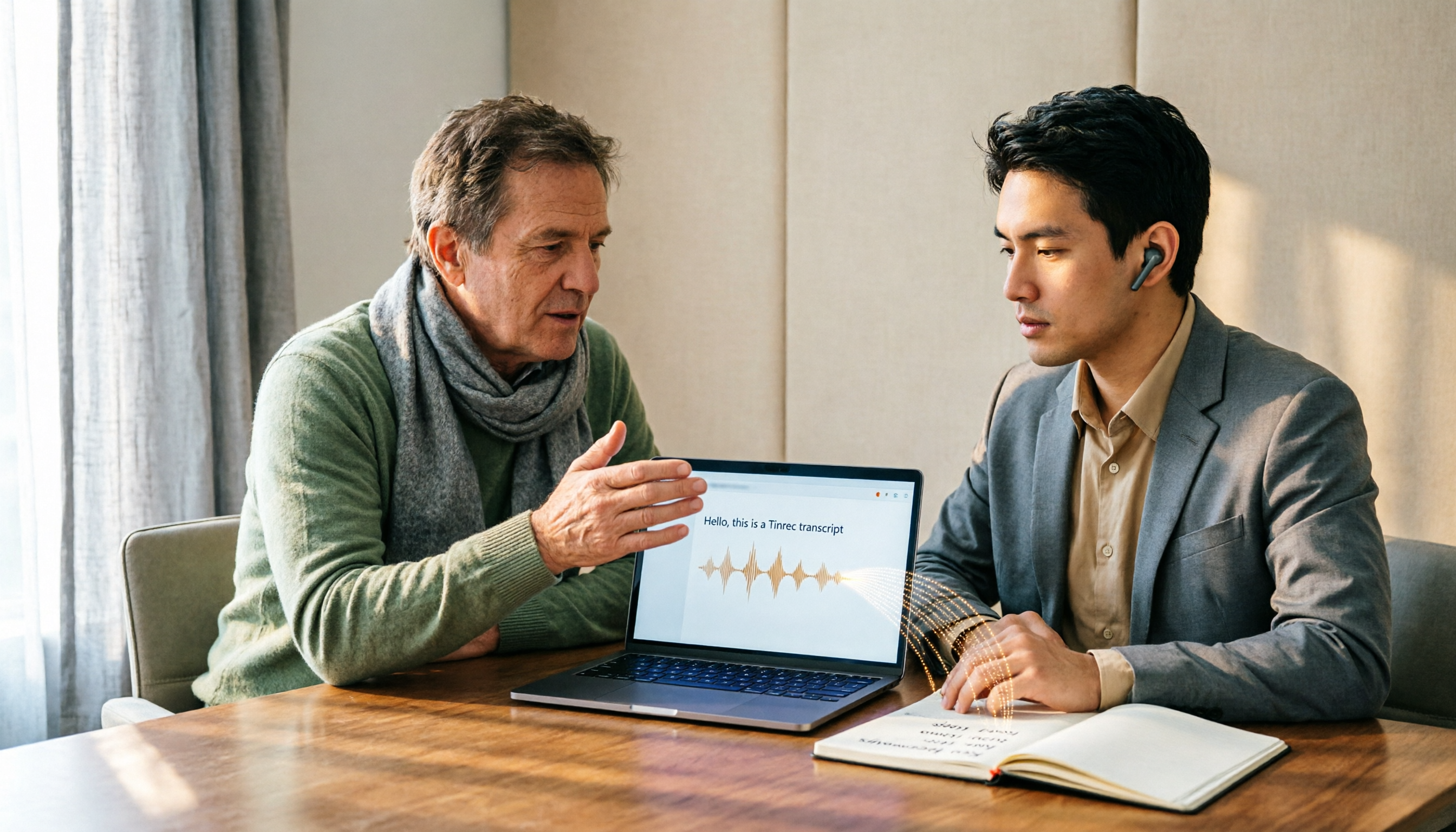
How to Choose Audio-to-Text Software in 2026: 5 Steps to Avoid Pitfalls and Pick the Right Tool
Many people looking for audio-to-text software make the mistake of treating Word dictation as a transcription tool. This article uses 5 checkpoints to help you avoid pitfalls around free quotas, Chinese recognition, and post-meeting organization, and compares Tinrec and Otter.ai dimension by dimension to help you determine which one fits your workflow.

2026 Multilingual Speech-to-Text Comparison: Which Tool Handles Cantonese and Mixed Chinese-English Best?
Instead of comparing how many languages a tool supports, look at real meeting performance. This article uses the same Cantonese and mixed Chinese-English meeting recording to test 4 popular multilingual speech-to-text tools, explains selection criteria, each tool's strengths and weaknesses, and gives clear recommendations by scenario.