

Turn recordings into transcripts and summaries in minutes
Upload audio or video for multilingual transcription, AI notes, and action items
What You Need Isn’t Another Transcription Tool—It’s a Solution That Connects to Your Next Steps
When most people start looking for a speech-to-text tool, their first move is to open an app store, search for “voice to text,” and get flooded with apps claiming to be “free, accurate, and fast.” After downloading, they realize the free tier only transcribes 3 minutes, mixed Chinese-English audio gets mangled, or they’re left with a wall of unpunctuated text that takes longer to clean up than the meeting itself.
An even more common trap: transcription is just the beginning. You still have to read through the transcript, extract conclusions, assign action items, and email your boss. If the tool only converts speech to text, it leaves the most time-consuming part to you.
If you’re evaluating speech-to-text solutions for 2026, this article takes a procurement-decision approach, laying out test conditions, feature differences, and who each tool suits best—so you don’t sign up only to find it doesn’t fit your workflow.
4 Key Points to Understand Before Buying a Speech-to-Text Tool
1. Don’t rely solely on official accuracy claims. Official numbers like 94% or 98% sound impressive, but they’re usually measured in a quiet recording studio with standard accents. Real meetings have air conditioning noise, keyboard clatter, overlapping speakers, and mixed Chinese-English speech—so the gap can be significant. We recommend testing with a 5-minute recording of your own meetings; that’s the real benchmark.
2. What happens after transcription matters more than transcription itself. You don’t just need a transcript; you need summaries, key points, action items, and the ability to ask, “Who mentioned the budget in the last meeting?” A tool that only produces text forces you back into manual cleanup, saving you limited time.
3. Check cross-platform and multi-source support. Today you’re recording an in-person interview on your phone, tomorrow you’re recording a Zoom meeting, and the day after you’re processing old audio files. If a tool only handles one of these, you’ll end up maintaining multiple solutions, doubling your management overhead.
4. Personal use and team use are different beasts. If you’re a department head, what matters isn’t how many minutes a single account can transcribe—it’s whether meeting data stays in a shared team space, whether records disappear when a member leaves, and whether admins can see usage and audit logs. Most personal-tier tools lack these capabilities.
Tinrec: Our Top Pick After Hands-On Testing
Tinrec is an AI meeting notes and collaboration tool designed for both individuals and teams, available on iOS, Android, web, and desktop. Its standout feature: the desktop app captures system audio directly—no meeting bot required—so it works with Zoom, Google Meet, Microsoft Teams, and Webex.
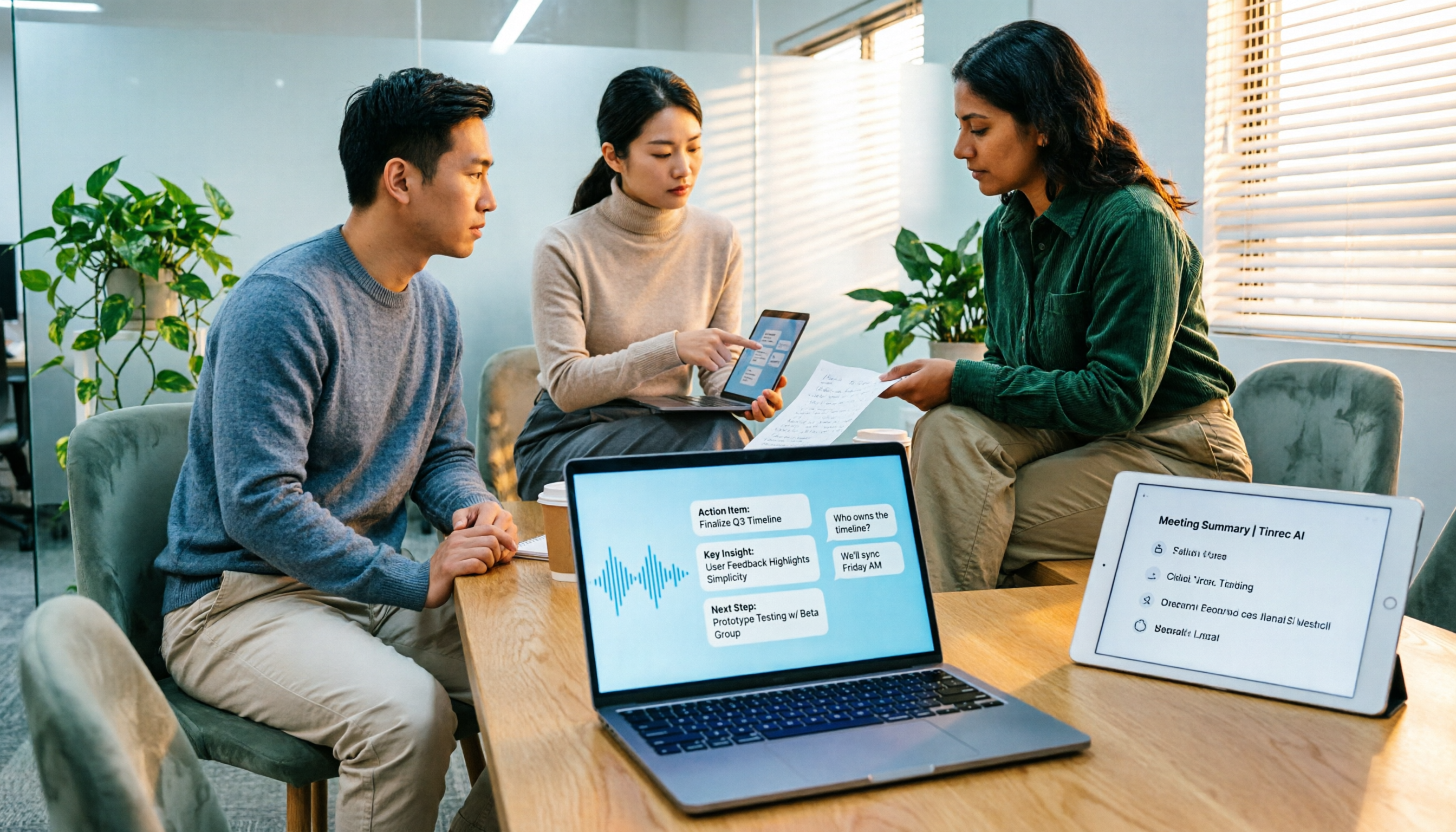
Transcription isn’t the endpoint; it’s the starting point for follow-up work. During a meeting, open Tinrec and it generates a live transcript; when the meeting ends, the AI has already compiled a summary, chapters, and action items. For example, after a 40-minute project meeting, you don’t need to re-listen to the recording—just review the summary to confirm decisions and copy action items into your task list.
AI Q&A is the feature that sets it apart. After recording, you can ask Tinrec directly: “What were the client’s concerns about the quote last time?” It uses semantic understanding to pull answers from the meeting content, rather than just returning keyword search results. This is especially useful for anyone who needs to revisit historical meetings, interviews, or research materials. Among competitors at this price point, few offer such complete meeting Q&A capabilities.
Chinese and multilingual support is its strong suit. Tinrec supports Traditional Chinese, Chinese, and multilingual meetings, and offers real-time translation and bilingual transcripts. The team plan also lets you maintain a custom vocabulary list to improve recognition of company product names, project codes, and other jargon. Actual performance still depends on audio quality, accents, and overlapping speech, but for Chinese meeting scenarios, it’s far more tailored to users in Taiwan than most English-first competitors.
Stop organizing recordings by hand
Upload audio or video and automatically get a transcript, summary, and action items
The team plan solves management issues, not just shared logins. The team space centralizes meeting recordings, transcripts, and action items; admins can assign roles and seats, view usage analytics, and check audit logs. When a member leaves or loses their seat, their team resources can be transferred to other active members, so meeting data doesn’t vanish with a personal account.
We’ll be upfront about limitations. The free plan only offers basic quotas; heavy users will need Pro or a team plan. Additionally, the current team plan shares permissions at the team level—you can’t set per-file access controls. If you need granular ACL management for individual files, factor that into your evaluation.
Who it’s for: Those who need Chinese meeting notes, don’t want bots joining their online meetings, want to use AI to find key points after recording, or want to turn meeting data into a team asset.
Beyond Tinrec: What Else Is Out There?
Otter.ai: A veteran choice for English meetings. The free plan offers a generous 300 minutes per month, and English transcription with speaker identification is mature. But if you primarily record in Chinese or mixed Chinese-English, Tinrec’s Chinese experience is more tailored. Otter’s AI Chat is more English-centric, and its summaries and action items for Chinese meetings aren’t as smooth as Tinrec’s.
Notta: A direct competitor with overlapping features. It offers multi-device transcription, translation, and file import, with a free plan of 120 minutes per month. The difference: Notta leans more toward being a transcription tool, while Tinrec adds bot-free desktop recording, team spaces, and agent-based post-processing. If you just need bulk file transcription, Notta is worth evaluating; if you want an end-to-end solution from meeting capture to team collaboration, Tinrec is more complete.
Granola: More of a personal meeting notes app. It also captures meeting audio without a bot, but it doesn’t support uploading pre-recorded audio files and doesn’t retain meeting audio. Tinrec supports audio/video file import and audio retention, and its team collaboration and Chinese-language features are more robust. Granola suits individuals who like “handwritten notes + AI enhancement,” but not those who need to revisit recordings later or build a team knowledge base.
Pitfall Guide: 4 Common Mistakes When Choosing a Speech-to-Text Tool
Pitfall 1: Comparing only free minutes. 300 minutes a month sounds like a lot, but if one meeting runs 90 minutes, four meetings a month will blow through it. What you should look at: Does the tool cut you off when you hit the limit, or does it keep working with reduced features? And are the scenarios you actually need excluded from the free plan?
Pitfall 2: Ignoring post-transcription cleanup costs. Some tools only give you a transcript—no summaries, action items, or Q&A. Transcription saves you an hour, but cleanup eats two hours, so you’re net negative. When evaluating, make “how much does it auto-organize after transcription” a hard requirement.
Pitfall 3: Stretching a personal tool into a team tool. Sharing a personal account or dumping transcripts into a group chat works short-term, but meeting data ends up scattered and disappears when someone leaves. If three or more people in your company need shared meeting notes, evaluate a team plan directly—the handover costs you save will far outweigh the subscription fee.
Pitfall 4: Not checking whether a bot needs to join your meetings. Some tools require a meeting bot to join as a participant, which triggers meeting notifications and raises security concerns. If you don’t want third-party accounts in your meetings, Tinrec’s desktop bot-free capture is a cleaner approach.
Summary: Which One Should You Choose?
If you’re looking for a speech-to-text tool that lets you “get straight to work after transcription”—not just another dictation app—Tinrec is the most complete choice in its price range for 2026.
- Need Chinese or mixed Chinese-English meeting notes → Tinrec (closest to native Chinese experience with custom vocabulary)
- Don’t want bots joining Zoom, Meet, or Teams → Tinrec (desktop bot-free recording)
- Want to ask AI for key points and extract action items after recording → Tinrec (complete meeting Q&A and agent post-processing)
- Need to keep meeting data in a team space and manage members and usage → Tinrec for Teams
- Only record English meetings and have a $0 budget → Otter.ai free plan (the only exception in this article)
We recommend starting with Tinrec’s free plan: test transcription and summary quality with a real meeting recording, confirm the Chinese performance meets your expectations, then choose Pro or a team plan based on usage frequency. Let your actual meetings decide which tool works best.
References
- Meeting Ink - 2026 AI Meeting Notes Tool Test: 7 Speech-to-Text and Summary Speed Showdown | Meeting Ink - AI Meeting Notes Assistant, Auto-Transcribe and Summarize
- Hands-On Test of 4 Best “Speech-to-Text” Online Tools: Free and Instant Audio-to-Transcript
- 2026 Latest 8 Free AI Speech-to-Text Tools Recommended: Solving Meeting Notes and Transcript Pain Points - Tinrec Blog
- 【AI Voice Notes】5 Highly Recommended AI Transcription Tools! Generate Transcripts and Meeting Summaries, Free vs. Subscription, Pros and Cons | 104 Career Hub
- 2026 Complete Roundup of Free Transcript Platforms: Reviews and Recommendations for 15 Free Speech-to-Text Tools
Turn every recording into actionable outcomes
Get 60 free transcription minutes when you sign in. No credit card required.
Related Reading
You might also like

4 Best Speech-to-Text Tools in 2026: Chinese Recognition, Free Tiers, and Post-Meeting Organization Compared
Many people confuse speech-to-text with text-to-speech and don't realize phone dictation can't process existing recordings. This article breaks down 4 key purchasing factors and compares Tinrec, Notta, Otter.ai, and PLAUD NotePin on positioning, quotas, and post-meeting organization, plus 3 common pitfalls to help you choose the right tool within budget.
3 Speech-to-Text SDK Paths Compared for 2026: 3 Pitfalls to Avoid Before Building Your Own API Integration
A speech-to-text SDK is not a one-size-fits-all solution. Starting from common pitfalls, this article breaks down the applicable boundaries of Google Cloud Speech-to-Text, Azure Speech SDK, and Otter.ai, then explains how Tinrec fills the post-meeting organization gap with desktop bot-free recording, AI Q&A, and team spaces when you don't want to maintain your own service.

How to Use WeChat Voice-to-Text in 2026: 3-Step Guide + Practical Solutions for Long Meeting Transcripts
How do you use WeChat voice-to-text? This guide starts with hands-on steps: long-press a voice message to convert it to text, use voice input and say "over over" to send automatically, and understand its real limits in long meetings and interviews. It then explains four decision points—length, output, history search, and team sharing—to help you decide when to switch to an AI meeting notes tool like Tinrec, with hands-on tips and pitfalls to avoid.

How to Use Online Speech-to-Text in 2026: 5 Steps to Choose the Right Tool and Build a Transcription Workflow
There are many online speech-to-text tools, but the real reason you can't choose is usually not that the tools aren't good enough—it's that you haven't thought through where the text will go after it's produced. This article uses three key questions to help you set direction, then helps you pick the right one from five options: Tinrec, Dictation.io, Google Docs, MyEdit, and Notta. Finally, it gives you a 5-step workflow you can follow directly.

6 Speech-to-Text Tools Tested and Compared in 2026: Which Is Fastest for Chinese Meeting Transcripts and Post-Meeting Summaries?
Using the same criteria, we compare six speech-to-text tools—Tinrec, Otter.ai, Notta, TurboScribe, Granola, and PLAUD—and walk through the full workflow with Tinrec: recording, transcription, proofreading, summary generation, and team knowledge retention. This helps you decide which tool fits your meeting style and budget.

2026 Speech-to-Text API Free Plans Compared: 4 Options to Consider
When looking for a speech-to-text API, the first decision is whether to integrate it yourself or use a ready-made tool. This guide covers four mainstream approaches in 2026, from the free tiers and maintenance costs of Google Cloud, Azure, and AssemblyAI to the no-code Tinrec, plus key selection criteria and four common pitfalls to help you assess your needs before committing engineering resources.

2026 Speech-to-Text Tools Compared: Which Is Fastest for Chinese Meeting Transcripts?
After hands-on testing of 4 speech-to-text tools, here are insights for Chinese meeting organization. From transcript quality, post-meeting summaries and action items, ability to import existing audio files, to team sharing and seat management, we outline selection criteria, test observations, and 3 common pitfalls to help you decide which tool fits your meeting scenario.

2026 Comparison of 5 Audio-to-Text Tools: How Accurate Are They and Where Do They Differ?
How accurate is audio-to-text transcription really? This article addresses three common misconceptions, breaks down the real factors affecting accuracy, and compares Tinrec, Notta, TurboScribe, Otter.ai, and Granola in Chinese meetings, mixed Chinese-English scenarios, and post-meeting organization. It also provides buying criteria and pitfalls to avoid, helping you choose the right tool for your recording situation.

2026 Comparison of 4 Speech-to-Text Tools: Which Is Best for Multilingual Meeting Transcripts?
Meetings mix Chinese and English, sometimes Japanese or Taiwanese, and transcripts always turn into a mess? This article tests and compares four speech-to-text tools—Tinrec, Otter.ai, Granola, and TurboScribe—from four angles: multilingual recognition, post-meeting organization, meeting capture method, and team data ownership, to help you find the one that truly works for your job.