

Turn recordings into transcripts and summaries in minutes
Upload audio or video for multilingual transcription, AI notes, and action items
What Can Yating Transcriber Do for You?
Many people think "speech-to-text" simply means turning audio into text after recording. But Yating Transcriber actually solves the problems Taiwanese users face in different situations: "can't hear clearly, can't write everything down, and can't find key points later."
Scenario 1: Can't keep up with note-taking during lectures or talks
In university online classes, remote learning, or in-person seminars, instructors often speak quickly, and students who focus on note-taking may miss later content. Yating Transcriber lets you record and transcribe simultaneously, so you can review key points from the transcript after class instead of relying on vague memories of what the instructor said.
Scenario 2: Interviews and meetings require preserving original statements
Lawyers handling recorded evidence, researchers organizing interviews, and journalists interviewing sources all worry about "who said this and how exactly was it phrased." Yating Transcriber converts audio into searchable text, so you don't have to listen to the entire recording again when you need to quote or verify something.
Scenario 3: Capturing ideas and discussions anytime in daily life
Whether in meetings, casual discussions with friends, or everyday conversations mixing Chinese and English, Yating Transcriber's recognition of Taiwan Mandarin and code-switching means users don't have to deliberately speak "standard Mandarin" to get usable transcripts.
What Are Yating Transcriber's Core Capabilities?
The first capability is Taiwan accent recognition.
Yating Transcriber positions itself as the first AI speech-to-text service specifically developed for Taiwan accents and made available to the public. Taiwan Mandarin, Taiwanese Hokkien, Cantonese, Japanese, and mixed Chinese-English code-switching are all within its claimed recognition scope. For Taiwanese users who aren't used to speaking with "perfect enunciation," the real-world experience feels more natural than tools that only handle standard speech.
The second capability is real-time recording-to-text.
Open the app, tap the recording icon, and it transcribes as you record. In meetings, interviews, or classrooms, you can see the text live without waiting for the recording to finish before transcription begins.
The third capability is export and sharing.
Completed transcripts can be exported for safekeeping. You can also use Share-in or Universal Link features to bring audio files from other apps into Yating Transcriber for transcription, or share transcripts with friends or colleagues. This is handy for users who need to hand off recorded content to others for processing.
The fourth capability is listen-and-edit.
The new interface moves the playback controls to the top, letting users listen to the recording and edit the transcript simultaneously without switching back and forth between the player and the editing area. This saves significant time for those who need to fine-tune their transcripts.
Practical Use Cases for Yating Transcriber
Students Organizing Class Notes and Thesis Discussions
When graduate students discuss their theses with advisors or senior lab members, the amount of information can be overwhelming. Yating Transcriber helps capture these discussions, allowing students to focus on the thesis structure, organization, and experimental content rather than scrambling to take notes. Afterward, they can review the transcript to extract the advisor's suggested directions.
Lawyers Handling Case Recordings
Case recordings often run for tens of minutes or even hours, and lawyers need to quickly locate key statements. Yating Transcriber converts recordings into text, enabling keyword searches that are far more efficient than repeatedly listening to the audio.
Stop organizing recordings by hand
Upload audio or video and automatically get a transcript, summary, and action items
Meeting Minutes and Interview Organization
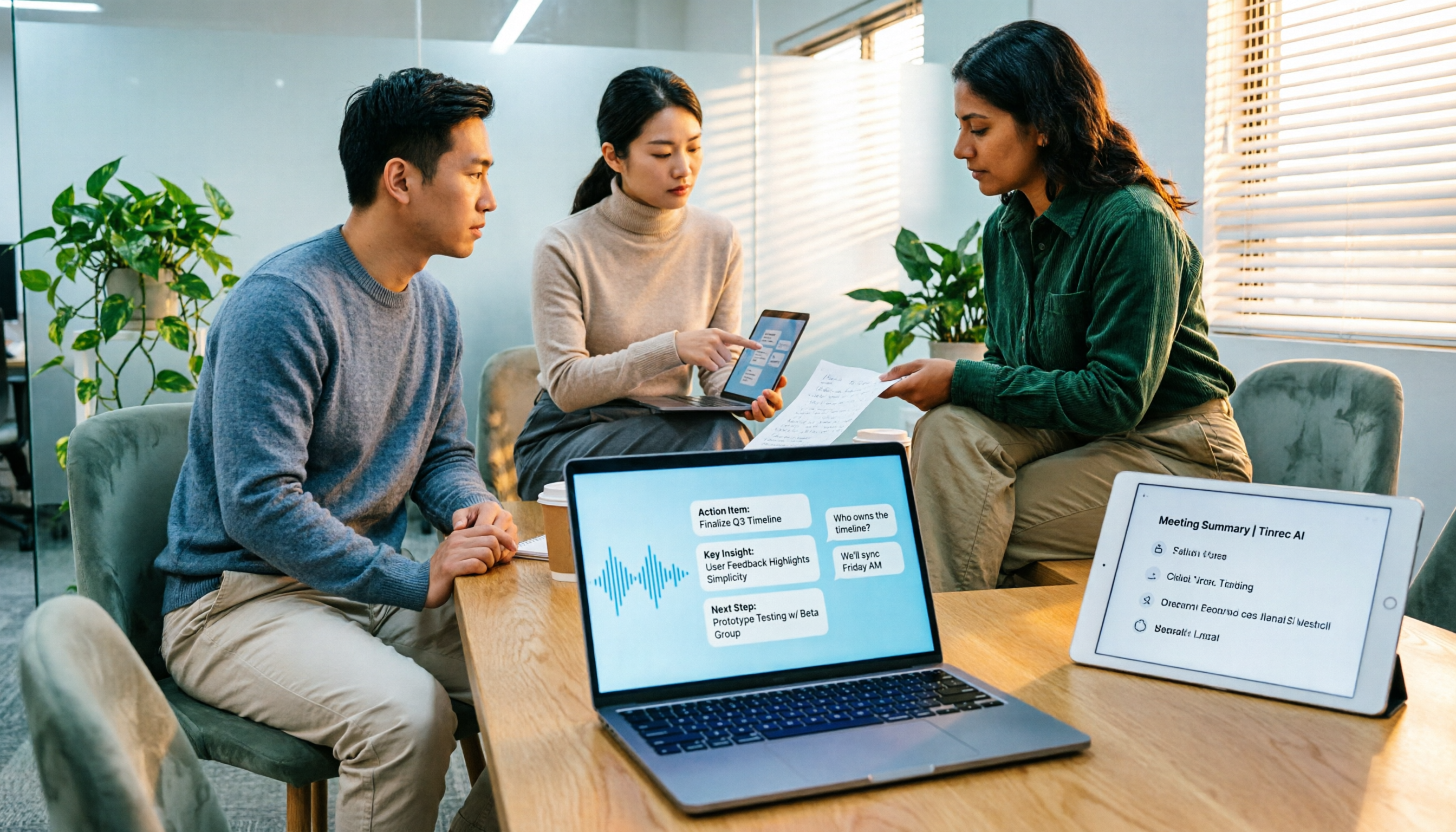
Whether it's a company meeting or a user interview, converting audio to text is just the first step. If you need to turn meeting content into minutes, action items, or trackable data, you can pair it with an AI meeting note tool like Tinrec. Tinrec's strength isn't just transcription—it further organizes meeting content into summaries, chapters, action items, and a queryable database.
Accessibility for the Hearing Impaired
Yating Transcriber's real-time transcription also helps hearing-impaired individuals convert speech into text, bridging the silent world. This makes Yating Transcriber more than just a productivity tool—it also holds assistive communication value.
Things to Keep in Mind Before Using Yating Transcriber
- Understand the free vs. paid boundaries.
Yating Transcriber offers free credits after registration, but once those run out, continued use requires payment. For occasional users, it's nearly free; for heavy users, it's important to evaluate whether the paid plans are cost-effective.
- Speech-to-text is not 100% accurate.
Yating Transcriber is optimized for Taiwan accents, but actual recognition accuracy can still be affected by recording quality, background noise, overlapping speakers, accent variations, and technical jargon. For important content, it's advisable to cross-check against the original recording.
- The transcript is just the first step—organizing it is key.
Yating Transcriber quickly turns speech into text, but turning that text into highlights, action items, and summaries requires additional effort. If you have many meetings each week, consider pairing the transcribed material with Tinrec. Tinrec supports uploading audio files for transcription and automatically generates summaries, chapters, and action items. It also offers AI-powered Q&A around meeting content, turning meeting data into a trackable work asset.
- Determine whether your use case is "real-time" or "post-event."
Yating Transcriber's real-time recording-to-text is ideal for live note-taking. For organizing pre-recorded online meetings, client interviews, or historical recordings, tools like Tinrec allow you to upload audio files for further summarization, Q&A, and team sharing. The two can complement each other.
Frequently Asked Questions
Is Yating Transcriber free?
You get free credits after registration, but once those are used up, continued use requires payment. Light users can start with the free credits to try it out, then decide whether to upgrade.
What languages does Yating Transcriber support?
Yating Transcriber focuses on Taiwan Mandarin, Taiwanese Hokkien, Cantonese, Japanese, and mixed Chinese-English code-switching, with special optimization for the everyday accents of Taiwanese users.
Can I export transcripts from Yating Transcriber?
Yes. After transcription, you can export the file from the transcript screen, or use the share function to send the transcript to friends or colleagues.
How is Yating Transcriber different from other recording-to-text tools?
The biggest difference is that Yating Transcriber is specifically developed for Taiwan accents, with its core strength being recognition of Taiwan Mandarin, Taiwanese Hokkien, and mixed Chinese-English speech. General international tools may not offer the same level of optimization for Taiwan accents.
Is Yating Transcriber suitable for meeting minutes?
It's suitable for converting speech into transcripts. However, if you need to further organize content into meeting summaries, action items, or team-shared meeting materials, you can pair it with an AI meeting note tool like Tinrec for more complete post-processing.
Conclusion
Yating Transcriber is a speech-to-text tool that's quite user-friendly for Taiwanese users, especially with its local development advantage in recognizing Taiwan Mandarin, Taiwanese Hokkien, and mixed Chinese-English speech. If you need to quickly turn recordings into searchable text, Yating Transcriber is worth trying.
If you need more than just transcripts—such as turning meeting content into summaries, action items, and trackable team data—you can explore Tinrec. It goes beyond converting meeting recordings to text by offering summarization, Q&A, export, and team collaboration, turning transcripts into actionable work assets.
References
Turn every recording into actionable outcomes
Get 60 free transcription minutes when you sign in. No credit card required.
Related Reading
You might also like

4 Best Speech-to-Text Tools in 2026: Chinese Recognition, Free Tiers, and Post-Meeting Organization Compared
Many people confuse speech-to-text with text-to-speech and don't realize phone dictation can't process existing recordings. This article breaks down 4 key purchasing factors and compares Tinrec, Notta, Otter.ai, and PLAUD NotePin on positioning, quotas, and post-meeting organization, plus 3 common pitfalls to help you choose the right tool within budget.
3 Speech-to-Text SDK Paths Compared for 2026: 3 Pitfalls to Avoid Before Building Your Own API Integration
A speech-to-text SDK is not a one-size-fits-all solution. Starting from common pitfalls, this article breaks down the applicable boundaries of Google Cloud Speech-to-Text, Azure Speech SDK, and Otter.ai, then explains how Tinrec fills the post-meeting organization gap with desktop bot-free recording, AI Q&A, and team spaces when you don't want to maintain your own service.

How to Use WeChat Voice-to-Text in 2026: 3-Step Guide + Practical Solutions for Long Meeting Transcripts
How do you use WeChat voice-to-text? This guide starts with hands-on steps: long-press a voice message to convert it to text, use voice input and say "over over" to send automatically, and understand its real limits in long meetings and interviews. It then explains four decision points—length, output, history search, and team sharing—to help you decide when to switch to an AI meeting notes tool like Tinrec, with hands-on tips and pitfalls to avoid.

How to Use Online Speech-to-Text in 2026: 5 Steps to Choose the Right Tool and Build a Transcription Workflow
There are many online speech-to-text tools, but the real reason you can't choose is usually not that the tools aren't good enough—it's that you haven't thought through where the text will go after it's produced. This article uses three key questions to help you set direction, then helps you pick the right one from five options: Tinrec, Dictation.io, Google Docs, MyEdit, and Notta. Finally, it gives you a 5-step workflow you can follow directly.

6 Speech-to-Text Tools Tested and Compared in 2026: Which Is Fastest for Chinese Meeting Transcripts and Post-Meeting Summaries?
Using the same criteria, we compare six speech-to-text tools—Tinrec, Otter.ai, Notta, TurboScribe, Granola, and PLAUD—and walk through the full workflow with Tinrec: recording, transcription, proofreading, summary generation, and team knowledge retention. This helps you decide which tool fits your meeting style and budget.

2026 Speech-to-Text API Free Plans Compared: 4 Options to Consider
When looking for a speech-to-text API, the first decision is whether to integrate it yourself or use a ready-made tool. This guide covers four mainstream approaches in 2026, from the free tiers and maintenance costs of Google Cloud, Azure, and AssemblyAI to the no-code Tinrec, plus key selection criteria and four common pitfalls to help you assess your needs before committing engineering resources.

2026 Speech-to-Text Tools Compared: Which Is Fastest for Chinese Meeting Transcripts?
After hands-on testing of 4 speech-to-text tools, here are insights for Chinese meeting organization. From transcript quality, post-meeting summaries and action items, ability to import existing audio files, to team sharing and seat management, we outline selection criteria, test observations, and 3 common pitfalls to help you decide which tool fits your meeting scenario.

2026 Comparison of 5 Audio-to-Text Tools: How Accurate Are They and Where Do They Differ?
How accurate is audio-to-text transcription really? This article addresses three common misconceptions, breaks down the real factors affecting accuracy, and compares Tinrec, Notta, TurboScribe, Otter.ai, and Granola in Chinese meetings, mixed Chinese-English scenarios, and post-meeting organization. It also provides buying criteria and pitfalls to avoid, helping you choose the right tool for your recording situation.

2026 Comparison of 4 Speech-to-Text Tools: Which Is Best for Multilingual Meeting Transcripts?
Meetings mix Chinese and English, sometimes Japanese or Taiwanese, and transcripts always turn into a mess? This article tests and compares four speech-to-text tools—Tinrec, Otter.ai, Granola, and TurboScribe—from four angles: multilingual recognition, post-meeting organization, meeting capture method, and team data ownership, to help you find the one that truly works for your job.