

Turn recordings into transcripts and summaries in minutes
Upload audio or video for multilingual transcription, AI notes, and action items
What Have Google Meet's Latest Features Changed?
Google Meet has rolled out several recent updates: Gemini will prompt co-hosts in the Ask Gemini in Meet panel; when a presenter shares Google Slides via Chrome or Edge, they can grant co-host rights with one click upon hearing a trigger word; the mobile app now supports automatic room check-in, using ultrasonic proximity detection to make joining Companion mode smoother. Additionally, the Meet homepage now displays meeting rooms and physical locations directly, intelligently sorted by work location from Google Calendar, and addresses can be tapped to open Google Maps navigation.
These updates make the "before" and "during" meeting experience smoother, but the "after" meeting work—organizing, follow-up questions, and team knowledge retention—still relies on AI meeting note-taking tools. That's the choice you face now: keep using Google Meet's built-in features, or pair it with a tool like Tinrec?
4 Key Factors When Choosing an AI Meeting Note-Taking Tool
First, how meetings are captured. Meeting bots join as participants, which isn't suitable for some client meetings; Tinrec's desktop version captures your computer's system audio directly, no bot invitation needed, and works with Google Meet, Zoom, Teams, and Webex.
Second, post-meeting organization. A transcript alone isn't enough—it's best if the tool automatically generates summaries, chapters, action items, and lets you ask questions about the meeting content.
Third, Chinese and multilingual support. If you often hold mixed Chinese-English meetings, real-time translation, bilingual viewing, and team hotwords are more practical than simple transcription.
Fourth, team knowledge retention. Meeting data is a team asset—it needs to be shareable, searchable, transferable, and allow management of members, seats, usage, and audits.
Tinrec—The Top Choice for Google Meet
Tinrec is an AI meeting note-taking and collaboration tool for individuals and teams, available on iOS, Android, and web. It doesn't just turn audio into text—it turns meetings into searchable, collaborative, actionable team knowledge.
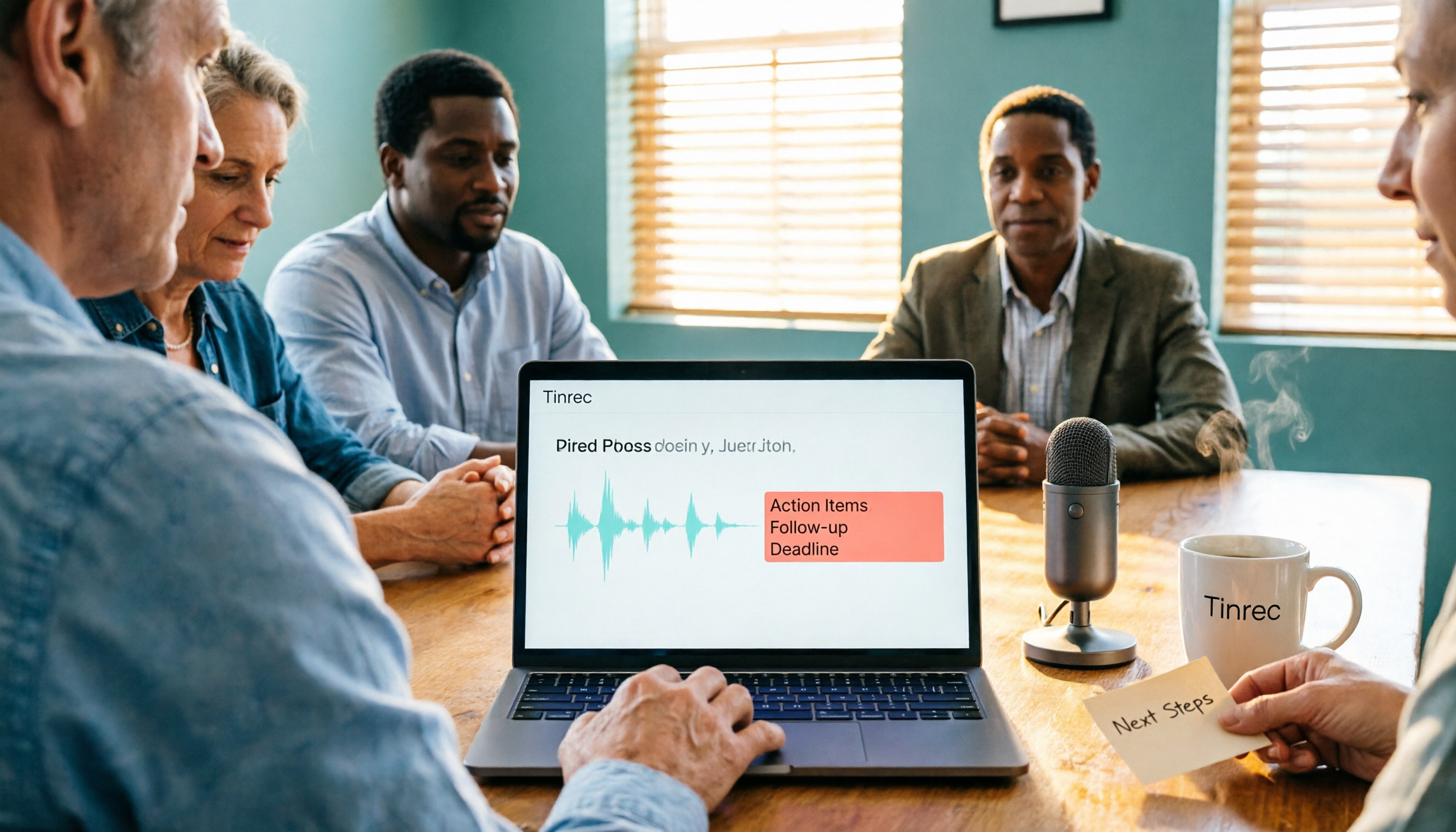
When using Google Meet, you can open Tinrec's desktop version to record your computer's system audio directly and generate a real-time transcript without inviting a bot into the meeting. After the meeting, AI automatically organizes summaries, chapters, key points, and action items; you can ask it directly, "Who mentioned the budget in the last meeting?" and it will answer based on the meeting content, not just throw keyword search results at you. When you need deliverables, it can generate reports, tables, documents, or export to Notion, Google Docs, OneNote, or Dropbox for further editing.
Tinrec supports Chinese, Traditional Chinese, and multilingual meetings, with real-time translation and bilingual viewing, while team hotwords improve recognition of technical terms. Note that actual transcription quality is affected by recording quality, noise, accents, and overlapping speakers—no tool's accuracy should be treated as a fixed number.
Stop organizing recordings by hand
Upload audio or video and automatically get a transcript, summary, and action items
Pricing: The personal plan includes a free version, weekly pass, Pro monthly, and Pro annual; the team plan offers a 7-day trial, with the first eligible account getting 1 free seat and 300 minutes of shared team import quota. Team monthly is USD 29.80 per paid seat per month, annual is USD 199 per paid seat per year (about USD 16.58 per month), with 2,000 minutes of shared team import quota per paid seat per month. Real-time recording under an active team plan and active seat is currently not deducted by minutes; file and web imports consume shared team import minutes. Prices are subject to the official purchase page.
Limitations to be clear about: The free version has basic quota; heavy use requires payment. The team version distinguishes roles and seats—members without a seat can view, play, and read team data but cannot upload, edit, or import/export.
Who is it for? If you frequently use Google Meet, need Chinese transcripts, bot-free recording, post-meeting AI Q&A, and want to retain knowledge in a team space, Tinrec is a very suitable choice right now.
Besides Tinrec, What Other Options Are There?
Otter.ai: A mature English AI meeting assistant. Basic is free with 300 minutes per month; Pro annual works out to about USD 8.49 per user per month. It has a strong mindshare for English business meetings, but if your meetings are mainly in Chinese and you need real-time translation, bot-free desktop recording, and team knowledge retention, Tinrec is more direct.
Notta: A multi-platform transcription and file import tool. Free gives 120 minutes per month, max 3 minutes per session; Pro annual works out to about USD 8.17 per month. It's good for file and subtitle organization, but if you want bot-free Google Meet recording, AI Q&A, and a team space, Tinrec's post-meeting workflow is more complete.
Google Meet built-in transcription: If you already use Google Workspace, built-in transcription requires no extra installation and basic transcripts are convenient. But cross-platform organization, AI Q&A, action item extraction, export to third-party tools, and team knowledge base capabilities are relatively limited. Tinrec can fill in these post-meeting tasks.
Pitfall Guide: 3 Most Common Mistakes When Choosing a Google Meet Note-Taking Tool
Pitfall 1: Assuming Google Meet's built-in transcription is enough. Built-in transcription lets you view transcripts, but summaries, action items, follow-up questions, and cross-platform archiving usually need separate handling.
Pitfall 2: Only looking at free minutes. More minutes doesn't mean accurate Chinese, strong post-meeting organization, or complete team governance. Test with your own meeting recordings, not just marketing claims.
Pitfall 3: Treating meeting bots as the only solution. Bots appear in the participant list, which isn't suitable for some client meetings. Tinrec's desktop version uses system audio capture, no extra bot needed.
Conclusion: Which One Should You Choose?
Need Chinese meetings + bot-free recording + AI Q&A + team knowledge retention → Tinrec.
Mainly English meetings, limited budget → Otter.ai.
Lots of file transcription, subtitle organization → Notta or TurboScribe.
Just need basic transcripts and already use Google Workspace → Google Meet built-in transcription.
We recommend starting with Tinrec's free version, testing Chinese transcription, summaries, and action items with a real Google Meet meeting to see if it meets your needs, then consider upgrading. Before recording meetings, remember to comply with local laws and obtain participant consent.
References
- Google Meet Updates by Google - September 2026 - Releasebot
- Google Meet - App Store - Apple
- Google Workspace Updates: View conference room and meeting location details directly on the Google Meet homepage
- Google Meet - Wikipedia
- Google Meet: Online Web and Video Conferencing Calls | Google Workspace
Turn every recording into actionable outcomes
Get 60 free transcription minutes when you sign in. No credit card required.
Related Reading
You might also like
Google Meet Not Working? 4 Alternatives Tested and Compared: Fix It or Switch?
When Google Meet stops working, most people just restart or switch browsers. This article first walks you through 5 key troubleshooting steps—app version, permissions, extensions, and plan limits—then hands-on compares meeting note alternatives like Tinrec, Otter.ai, Granola, and PLAUD, with a pitfalls guide and scenario-based recommendations.

Google Meet Not Working Today? 3 Backup Meeting Tools Compared: Troubleshooting and Alternatives
Don't rush to reinstall if Google Meet isn't working today. This article outlines the troubleshooting order for server-side and local issues, and compares backup meeting tools like Tinrec, Granola, and TurboScribe to help you capture transcripts, summaries, and action items even when meetings get stuck.

4 Google Meet Note-Taking Tools Tested for 2026: Which Bot-Free Recorder Saves the Most Time?
Google Meet updates frequently, but built-in transcription is still tied to specific plans and languages. This article starts with version checks, then tests and compares four meeting note-taking tools—Tinrec, Otter.ai, Granola, and Notta—and provides buying tips and pitfalls to avoid.
2026 Google Meet Note-Taking Showdown: 3 Tools Tested—Which Turns Transcripts into Action Items?
After a meeting on the latest Google Meet app, the real work begins. This guide covers 3 key factors for choosing a Google Meet note-taking solution, with hands-on comparisons of Tinrec, Google Meet's built-in Gemini notes, Otter.ai, and Notta. Includes common pitfalls and selection advice.
2026 Comparison of 3 Google Meet Note-Taking Tools: Tinrec vs Otter vs Granola — Which Can Record Without a Bot?
Searching for 'Google Meet join anyway' but stuck at the request to join screen? This article first explains the actual rules for joining a Google Meet, then tests three meeting note-taking tools—Tinrec, Otter, and Granola—to help you find the best post-meeting solution for users in Taiwan.
5 Google Meet Alternatives Tested in 2026: Automatic Meeting Notes Without a Bot
Looking for a Google Meet alternative but still stuck summarizing meetings yourself? We tested Tinrec, Otter.ai, Granola, and Jitsi Meet, comparing bot-free recording, transcripts, summaries, action items, AI Q&A, and team knowledge sharing. Plus common pitfalls and selection tips to help you find the tool that truly saves time.
2026 Online Meeting Tools Comparison: After Downloading Google Meet for Free, Who Handles the Meeting Notes?
Downloading the latest Google Meet for free is easy; the hard part comes after. This article starts with common misconceptions, outlines 4 key points for choosing online meeting and note-taking tools, shares hands-on experience with Tinrec, and highlights 4 common pitfalls when downloading and using these tools. It helps you decide if the free version is enough and who should handle post-meeting organization.
4 Google Meet Note-Taking Tools Tested in 2026: Bot-Free Recording vs. Chinese Summaries—Which Is More Practical?
Google Meet recently added Ask Gemini, Take notes for me, automatic room check-in, and CarPlay support, but post-meeting organization remains unsolved. This article addresses common misconceptions, explains four key points for choosing a meeting note-taking tool, and compares Tinrec, Google Meet's built-in Gemini, Otter.ai, and Notta.
Google Meet APK Download Guide & 4 Meeting Note Tools Compared (2026)
How to safely find the latest Google Meet APK, understand Split APK architecture and admin restrictions, plus a hands-on comparison of 4 meeting note methods—and why you still need a tool that turns meetings into searchable data after installing Google Meet.