

Turn recordings into transcripts and summaries in minutes
Upload audio or video for multilingual transcription, AI notes, and action items
Google Meet's latest update brings agendas, attachments, notes, recordings, and transcripts together on a single homepage. The features look more complete, but many office workers are stuck on the same question: Google Meet's built-in capabilities are getting stronger—do I still need a separate meeting notes tool?
This article first walks you through what Google Meet's latest update changed, then compares Tinrec, Otter.ai, and Notta from the perspective of "can I actually use the post-meeting data," helping you figure out which combination best fits your workflow.
What Did Google Meet's Latest Update Change?
In this round of updates, several changes are most relevant to meeting notes.
1. Redesigned web homepage. The new homepage collects each meeting's agenda, attachments, notes, recordings, and transcripts in one place, and adds weekly and monthly views for reviewing upcoming meetings and past discussions. This update is rolling out to all Google Workspace customers and Workspace Individual subscribers over about 15 days.
2. Recording default change. Starting April 30, 2026, new recordings will allow downloads by default; admins who need to restrict this must adjust settings manually. This change applies only to new recordings and select paid plans, with a rollout period of about 15 days.
3. Meet API now generally available. Developers can now manage meeting space members and co-host roles via API, making it easier for enterprise IT teams that need to manage meeting permissions in bulk.
4. Take notes for me will automatically embed visual screenshots. Previously, AI notes only captured spoken content; going forward, screenshots of presentations, charts, and diagrams will be automatically placed into the corresponding Google Doc.
In addition, Google Meet hardware continues to receive updates, including recent stability and security fixes for devices such as the Series One soundbar and Huddly C1.
Before Choosing a Meeting Notes Tool, Understand These 4 Key Points
1. Whether built-in is enough depends on your cross-platform needs. If your entire company is tied to Google Workspace, Meet's built-in transcription can already meet basic needs. But if you also handle meetings on Zoom, Teams, and Webex, you'll need a tool that can consolidate data across platforms.
2. Whether meeting recordings are retained. Some tools only give you a transcript without keeping the audio file, so you can't verify tone or details afterward. Whether recordings can be retained and replayed is something many people only regret not checking later.
3. Whether you can use it directly after the meeting. A transcript alone means you still have to read through it yourself. The real time-saver is automatic summaries, chapters, action items, and even the ability to ask questions directly about the meeting content.
4. How team data is preserved. Personal tools scatter data across individual accounts. If your team wants meeting data stored centrally and preserved when members change, you need a tool with team spaces and permission governance.
Tinrec — Our Top Pick After Testing
Tinrec is an AI meeting notes and collaboration tool for individuals and teams, available on iOS, Android, and web. It doesn't just turn audio into text—it organizes meetings into searchable, summarizable, queryable, and further editable data.
Bot-free recording during meetings. Tinrec's desktop version captures your computer's system audio directly, so when handling online meetings on Zoom, Google Meet, Microsoft Teams, Webex, and others, you don't need to invite a bot into the meeting room. For participants, no unfamiliar account appears on the attendee list—especially important in client meetings.
Stop organizing recordings by hand
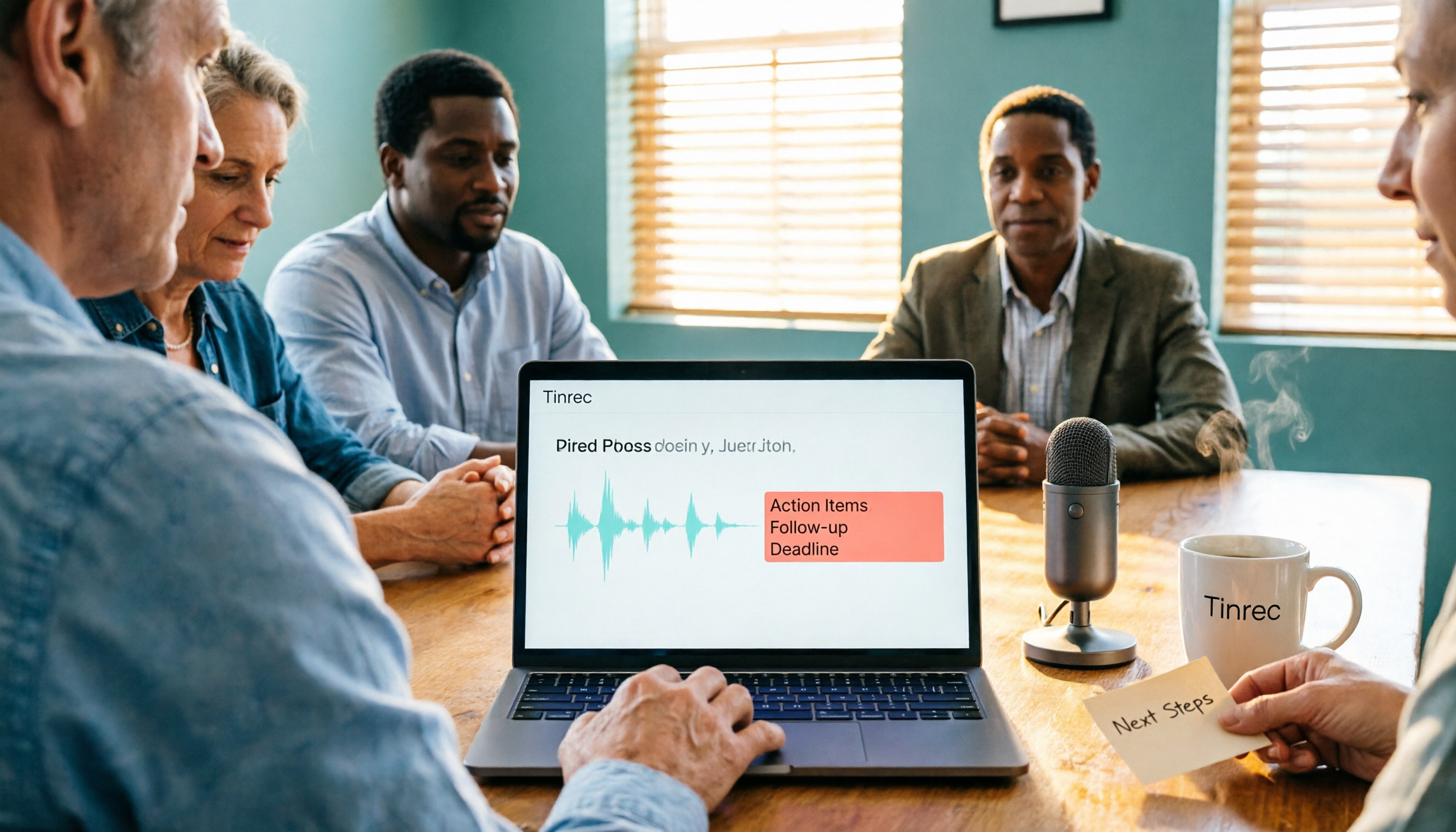
Upload audio or video and automatically get a transcript, summary, and action items
Ask AI for key points right after the meeting. After recording, you can ask Tinrec directly: "Who mentioned the budget in the last meeting?" It doesn't just throw keyword search results at you—it gives answers based on semantics. Combined with automatically generated summaries, chapters, and action items, a 30-minute meeting can be compressed into a few key lines.
Output goes straight into your workflow. Tinrec supports export to Notion, Google Docs, OneNote, and Dropbox, and can generate reports, tables, and documents through Agent post-processing. For those who need to deliver meeting minutes, this saves a step of manually moving data around.
Team plan keeps data within the team. The team plan provides an independent team space where meeting data belongs to the team. Admins can manage roles and seats, view usage analytics, and check audit logs. When members leave, resources can be handed over to other members, so a departure doesn't take the entire meeting history with it.
Limitations to note. The free plan offers a basic quota, suitable for light use; if you have regular weekly meetings, you'll need to move to a paid plan. Also, actual recording and transcription quality is affected by recording quality, noise, accents, and multiple people talking over each other—for important content, it's best to verify against the recording playback. Tinrec is also not currently a calendar-based meeting bot; you need to start recording manually, and it won't automatically join all meetings.
Who it's for. If you frequently handle Chinese-language meetings, want to consolidate data across Google Meet/Zoom/Teams, or want meeting notes to become a team asset, Tinrec is currently the smoothest choice.
Besides Tinrec, What Other Options Are There?
Google Meet built-in transcription. If you only meet on Google Meet and just need "a transcript," the built-in feature is completely free and requires no extra installation. After this update, the homepage integrates notes, recordings, and transcripts, making basic review convenient—but it's tied to Google Meet, with limited cross-platform and deep post-meeting organization capabilities.
Otter.ai. A mature choice for English business meetings, with a free plan of 300 minutes per month. But it lacks Tinrec's combination of bot-free desktop recording and team data preservation, and it's not strong for Chinese or mixed Chinese-English meetings. If your meetings are almost entirely in English, Otter will fit your needs better than Tinrec.
Notta. Covers multi-platform transcription, document import, and translation, with a free plan of 120 minutes per month and a maximum of 3 minutes per single item. It overlaps significantly with Tinrec in features, but Tinrec is more complete in bot-free online meeting recording, team spaces, AI Q&A, and Agent post-processing.
Pitfall Guide: The 3 Most Common Mistakes When Choosing a Meeting Notes Tool
Pitfall 1: Only looking at transcripts, ignoring post-meeting processing. Using a transcription tool as just "audio-to-text" means you're only using a third of its capabilities. What really saves time is summaries, action items, and AI Q&A you can query directly.
Pitfall 2: Not checking whether recordings are retained. Some tools emphasize privacy and don't keep audio files after the meeting ends. In some situations that's an advantage, but if you need to verify numbers or commitments afterward, it becomes a hassle.
Pitfall 3: Ignoring team member turnover. Piling up meeting data in personal accounts means it scatters once someone leaves. Only tools with team spaces and seat management can keep meeting assets within the team.
Conclusion: Which One Should You Actually Choose?
To sum up in one line: Google Meet's built-in features are enough for basic review, but if you need cross-platform support, directly usable post-meeting output, and data that stays with the team, third-party tools are still more complete.
- Only meet on Google Meet and only need transcripts → Google Meet built-in transcription
- Chinese meetings, want to consolidate across Meet/Zoom/Teams → Tinrec
- Want to ask AI for key points right after recording, need action items and summaries → Tinrec
- Need team spaces, seat management, and auditing → Tinrec team plan
- Meetings almost entirely in English → Otter.ai
We suggest starting with Tinrec's free plan and trying one or two meetings with the basic quota. If it feels smooth, then consider upgrading—no need to pay from the start.
References
- Google Meet Updates by Google - September 2026 - Releasebot
- Google Meet Updates - devicebase.net
- Google Meet's latest update fixes a headache every office worker knows
- What's new in Google Meet hardware? | Meet Hardware | Google Workspace Help
- Google Meet Update Brings New Changes to the Recording Settings
Turn every recording into actionable outcomes
Get 60 free transcription minutes when you sign in. No credit card required.
Related Reading
You might also like
Google Meet Not Working? 4 Alternatives Tested and Compared: Fix It or Switch?
When Google Meet stops working, most people just restart or switch browsers. This article first walks you through 5 key troubleshooting steps—app version, permissions, extensions, and plan limits—then hands-on compares meeting note alternatives like Tinrec, Otter.ai, Granola, and PLAUD, with a pitfalls guide and scenario-based recommendations.

Google Meet Not Working Today? 3 Backup Meeting Tools Compared: Troubleshooting and Alternatives
Don't rush to reinstall if Google Meet isn't working today. This article outlines the troubleshooting order for server-side and local issues, and compares backup meeting tools like Tinrec, Granola, and TurboScribe to help you capture transcripts, summaries, and action items even when meetings get stuck.

4 Google Meet Note-Taking Tools Tested for 2026: Which Bot-Free Recorder Saves the Most Time?
Google Meet updates frequently, but built-in transcription is still tied to specific plans and languages. This article starts with version checks, then tests and compares four meeting note-taking tools—Tinrec, Otter.ai, Granola, and Notta—and provides buying tips and pitfalls to avoid.
2026 Google Meet Note-Taking Showdown: 3 Tools Tested—Which Turns Transcripts into Action Items?
After a meeting on the latest Google Meet app, the real work begins. This guide covers 3 key factors for choosing a Google Meet note-taking solution, with hands-on comparisons of Tinrec, Google Meet's built-in Gemini notes, Otter.ai, and Notta. Includes common pitfalls and selection advice.
2026 Comparison of 3 Google Meet Note-Taking Tools: Tinrec vs Otter vs Granola — Which Can Record Without a Bot?
Searching for 'Google Meet join anyway' but stuck at the request to join screen? This article first explains the actual rules for joining a Google Meet, then tests three meeting note-taking tools—Tinrec, Otter, and Granola—to help you find the best post-meeting solution for users in Taiwan.
5 Google Meet Alternatives Tested in 2026: Automatic Meeting Notes Without a Bot
Looking for a Google Meet alternative but still stuck summarizing meetings yourself? We tested Tinrec, Otter.ai, Granola, and Jitsi Meet, comparing bot-free recording, transcripts, summaries, action items, AI Q&A, and team knowledge sharing. Plus common pitfalls and selection tips to help you find the tool that truly saves time.
2026 Online Meeting Tools Comparison: After Downloading Google Meet for Free, Who Handles the Meeting Notes?
Downloading the latest Google Meet for free is easy; the hard part comes after. This article starts with common misconceptions, outlines 4 key points for choosing online meeting and note-taking tools, shares hands-on experience with Tinrec, and highlights 4 common pitfalls when downloading and using these tools. It helps you decide if the free version is enough and who should handle post-meeting organization.
4 Google Meet Note-Taking Tools Tested in 2026: Bot-Free Recording vs. Chinese Summaries—Which Is More Practical?
Google Meet recently added Ask Gemini, Take notes for me, automatic room check-in, and CarPlay support, but post-meeting organization remains unsolved. This article addresses common misconceptions, explains four key points for choosing a meeting note-taking tool, and compares Tinrec, Google Meet's built-in Gemini, Otter.ai, and Notta.
Google Meet APK Download Guide & 4 Meeting Note Tools Compared (2026)
How to safely find the latest Google Meet APK, understand Split APK architecture and admin restrictions, plus a hands-on comparison of 4 meeting note methods—and why you still need a tool that turns meetings into searchable data after installing Google Meet.