

Turn recordings into transcripts and summaries in minutes
Upload audio or video for multilingual transcription, AI notes, and action items
4 Google Meet Alternatives & Post-Meeting Apps Tested in 2026: Which One Can Take Notes Without a Bot?
There are really two things you might be looking for: one is a video conferencing tool that can directly replace Google Meet, and the other is a tool that after you finish a Google Meet, Zoom, or Teams call, turns your meeting into a transcript, summary, action items, and team data.
These two needs are often mixed up. Honestly, after testing, I found that most people's real problem isn't "where to host the video call" but "what to do with all that content after the meeting."
This article tests 4 common options: Tinrec, Granola, TurboScribe, and PLAUD. If you need a full video conferencing solution, Tinrec is not that kind of product; but if you already use Google Meet and want automatic post-meeting organization, Tinrec is the top choice in this article.
After the Google Meet Ends, the Pain Begins
Two-hour meeting, then two more hours of post-meeting organization—that's the daily routine for many office workers.
What's worse, recordings are scattered across phones, cloud drives, and chat rooms. Next time you need to find "who mentioned the budget last time," you have to manually scroll through a 30-minute transcript.
If a team member leaves, meeting records might disappear with their personal account. These are not problems that video conferencing software can solve.
Simply put, you need a post-meeting organization and team knowledge retention tool. Choose the right tool, and meetings can truly become searchable, queryable, and actionable data.
Before Choosing a Google Meet Alternative or Meeting Note App, Understand These 4 Key Points
1. Do you need video, or post-meeting organization? Tools like Google Meet handle the meeting itself, while Tinrec organizes meeting content into transcripts, summaries, and action items. They don't replace each other; they work together before and after.
2. How does the meeting get into the tool? Common methods include meeting bots, desktop system audio capture, and manual file upload. Tinrec's desktop version takes a bot-free approach, directly capturing computer system audio without adding a bot to the meeting.
3. Is a transcript enough? A transcript is just raw material. Whether it can automatically generate summaries, chapters, and action items, and whether you can ask AI follow-up questions, is the key to saving time.
4. Does the team need knowledge retention? For personal use, look at quotas and exports; for team use, look at spaces, members, roles, seats, usage, and audit. This directly affects long-term costs.
Tinrec — Our Top Choice After Testing
Tinrec is an AI meeting note and collaboration tool for individuals and teams, supporting iOS, Android, and web, with a desktop version that can handle online meetings.
It is not video conferencing software, but it fills the biggest gap after Google Meet. During a meeting, open Tinrec desktop, and it records Zoom, Google Meet, Microsoft Teams, Webex, etc. via system audio without a bot, producing a transcript in real time.
After the meeting, AI generates a summary, chapters, and action items. Who is responsible for what and what's next can be directly extracted from the meeting content. Even better is AI Q&A: after recording, you can directly ask "Who mentioned the budget in the last meeting?" It doesn't just give keyword search; it answers based on the meeting content.
In testing, I used three scenarios most often. First, online meetings without inviting a bot—just record from the desktop. Second, upload historical audio files to transcribe and then generate summaries. Third, export meeting results to Notion, Google Docs, OneNote, or Dropbox for further processing.
Stop organizing recordings by hand
Upload audio or video and automatically get a transcript, summary, and action items
Tinrec has three main advantages. First, bot-free recording of online meetings causes less disruption to participants. Second, it handles Chinese meetings, mixed Chinese-English, and multilingual scenarios, and supports real-time translation and bilingual viewing. Third, the team version centralizes meeting data and provides member, role, seat, usage analytics, audit logs, audio recycle bin, and team hotwords.
Limitations should also be clear. Tinrec cannot replace Google Meet's video features. The free version offers basic quota; heavy users need to pay. Accuracy can be affected by audio quality, noise, accents, and overlapping speakers; important content should still be verified against the transcript and recording.
Pricing: Personal plans include a free version, weekly card, Pro monthly, and Pro annual, suitable for task-based use. Team version: first-time eligible users can try 7 days, 1 free seat, 300 minutes of team shared import quota; team monthly is USD 29.80 per paid seat per month, annual is USD 199 per paid seat per year (about USD 16.58 per month); each paid seat provides 2,000 minutes of team shared import quota per month, and real-time recording is currently not deducted by minutes under an active plan.
If you frequently use Google Meet and need post-meeting Chinese notes, action items, AI Q&A, and want to share data with your team, Tinrec is the most suitable choice among these 4.
Besides Tinrec, What Other Options Are There?
Granola: A bot-free AI meeting note tool. Basic is free, Business is USD 14 per user per month, Enterprise is USD 35 per user per month. It supports real-time transcript viewing, copying, and searching, suitable for live English meeting notes. Note that Granola does not support uploading pre-recorded audio files and does not save meeting audio; if you need to keep recordings or import historical files, Tinrec is more suitable.
TurboScribe: A cost-effective file transcription tool. Free allows 3 files per day, up to 30 minutes each; Unlimited annual is USD 120 (about USD 10 per month), up to 10 hours or 5 GB per file, and can upload 50 files at once. It is suitable for batch transcription of long audio into subtitles, but it is not a real-time meeting or team collaboration tool, and lacks Tinrec's bot-free meeting recording, AI Q&A, and team spaces.
PLAUD Note / NotePin: AI recording hardware. NotePin is USD 159, Note Pro is USD 189; membership Starter is 300 minutes per month, Pro is USD 99.99 per year with 1,200 minutes per month, Unlimited is USD 239.99 per year. It is suitable for portable recording and phone call recording, but requires purchasing additional hardware; Tinrec can handle online meetings and files via web, desktop, and mobile.
Pitfall Guide: 3 Most Common Mistakes When Choosing These Tools
Pitfall 1: Treating a meeting note tool as a video conferencing replacement. Tinrec does not replace Google Meet; it supplements post-meeting organization. First confirm whether you lack video or notes.
Pitfall 2: Only looking at free minutes, ignoring team collaboration and export. Free quota matters, but whether data can be exported, whether team members can take over, and whether data disappears when members leave are more important long-term.
Pitfall 3: Thinking a transcript equals meeting minutes. A transcript is just raw material. Summaries, action items, AI Q&A, and export workflows are what truly save you time.
Conclusion: Which One Should You Choose?
Need Chinese meeting notes, post-meeting AI Q&A, team knowledge retention → Tinrec.
Only need live English meeting notes, no need to keep recordings → Granola.
Batch transcription of long audio into subtitles, budget priority → TurboScribe.
Prefer portable hardware recording, phone call recording → PLAUD.
Overall, if you already use Google Meet, the real problem is usually not finding another video tool, but who will organize after the meeting. Tinrec connects transcripts, summaries, action items, Q&A, and team spaces, making it the most recommended direction to try first in this article. Before trying, also note that recording and transcription should comply with local laws, and obtain participant consent when necessary.
References
- r/opensource on Reddit: Alternatives to Google meets for overnight, stable call
- Top 7 of the Best Google Meet Alternatives
- 8 Best Video Conferencing Alternatives to Google Meet | Noota
- Google Meet Alternatives, Competitors & Similar Software | GetApp 2026
- Great Google Meet Alternatives: Top Video Calling Apps in 2025 | AlternativeTo
Turn every recording into actionable outcomes
Get 60 free transcription minutes when you sign in. No credit card required.
Related Reading
You might also like

2026 Teams Meeting Transcription Tools Buying Guide: 4 Tested Picks and Recommendations
Teams built-in transcription can generate transcripts, but real-time translation and smart summaries require additional paid licenses. This article explains how to start Teams transcription and its limitations, and compares Tinrec, Otter.ai, and Notta to help you choose the best meeting transcription solution.
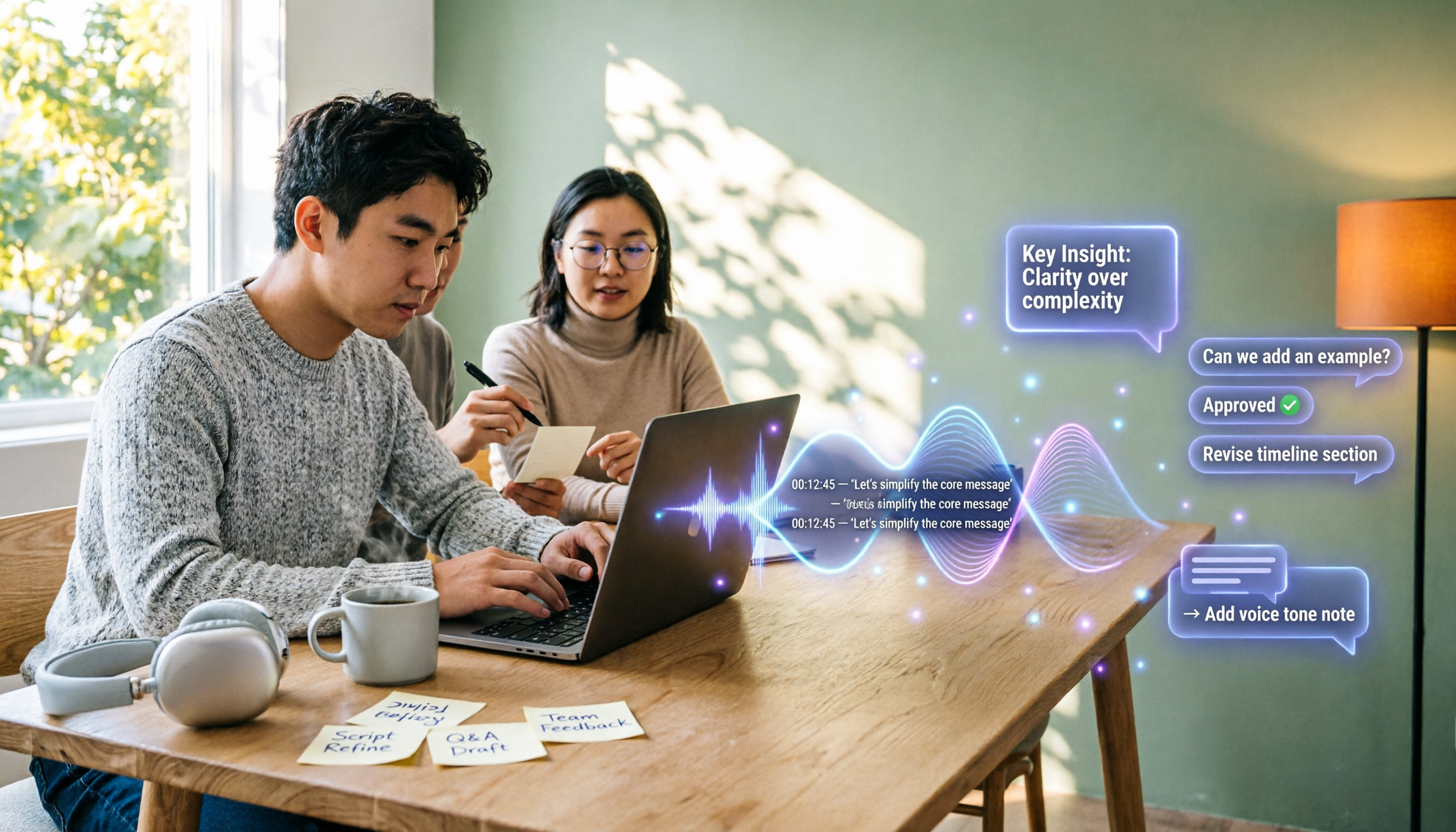
4 YouTube Transcript Tools Tested and Compared in 2026: Which Free Tier Gives You the Most?
A comparison of four free YouTube transcript tools covering free usage limits, support for videos without captions, timestamps, and export formats. It also explains how Tinrec fits in after transcription with summaries, AI Q&A, and team collaboration, helping you decide which tool to use.

4 Teams Meeting Transcription Tools Tested in 2026: Built-in Transcription vs. Tinrec — Which Is Enough?
Complete guide to Teams meeting transcription: first, the requirements and common pitfalls of Teams built-in transcription, then a 5-step walkthrough using Tinrec for recording, transcript, summary, action items, and team export, plus troubleshooting tips.
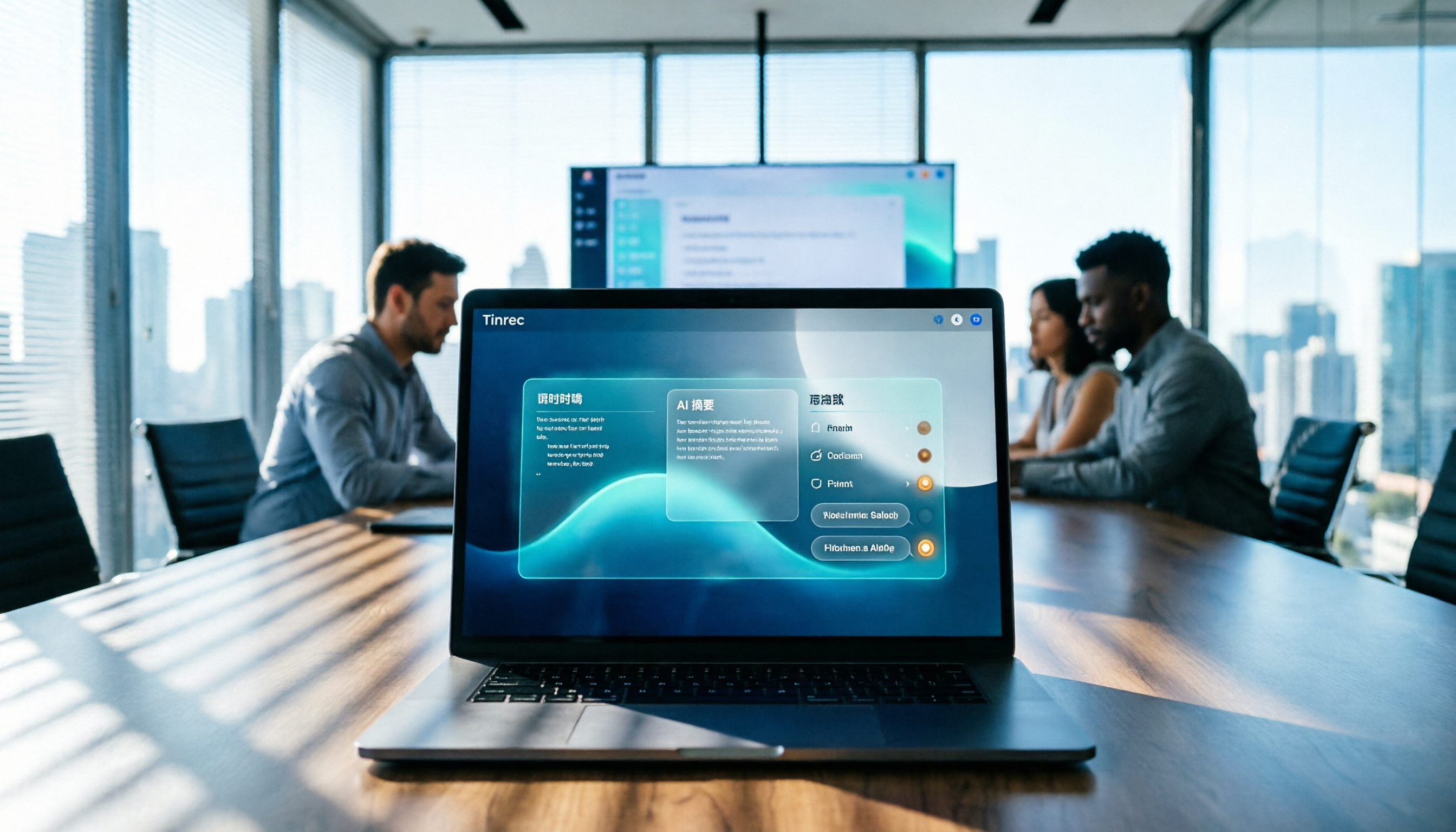
Tinrec Meeting Notes 2026: Auto Summaries + Action Items, a Notion Template Alternative
Notion meeting note templates are great for manual organization, but typing while listening and filling in action items afterward can be time-consuming. This article features Tinrec voice recording, comparing bot-free recording, real-time transcription, AI summaries, action item extraction, AI Q&A, Notion export, and team spaces. It also covers free and team pricing to help you decide if you should add an automated meeting notes workflow.

Which YouTube Transcript Tool Is Best? 2026 Hands-On Test of 4 Options—This Free, No-Login One Is the Easiest
How do you choose a free YouTube transcript tool? This article starts with common misconceptions, then hands-on tests and compares 4 transcript tools. It explains the difference between grabbing captions and AI speech-to-text, the traps of free quotas, and outlines the best use cases for Tinrec, youtube-transcript.ai, Notta, and TurboScribe.

2026 Teams Meeting Notes Tools Buyer's Guide: 4 Tested Picks and Selection Tips
Tired of messy Teams meeting transcripts? We tested 4 tools and organized a guide covering capture methods, post-meeting organization, audio retention, and free tiers so you can choose with confidence.

2026 Teams Meeting Transcription Comparison: 3 Tools Tested for Ready-to-Use Transcripts
Teams built-in transcription only gives you a transcript; organizing, searching, and tracking action items are still on you. This article starts from real meeting scenarios, outlines 4 key buying factors, and compares Teams built-in transcription, Otter.ai, Notta, and Tinrec to show which one truly helps you wrap up meeting notes.

6 Zoom Meeting Transcription Tools Tested and Compared for 2026: How to Choose for Chinese Meetings and Free Plans
A practical guide to common misconceptions and methods for getting Zoom meeting transcripts, with hands-on comparisons of six options (Tinrec, Zoom built-in, Otter.ai, Fireflies.ai, Notta, Granola) covering positioning, pricing, and ideal users, plus notes on recording permissions, participant consent, free quotas, and team seats.

2026 Teams Meeting Transcription: Auto Transcribe + AI Summary Guide
Teams built-in transcription only gives you a raw transcript, summaries require an add-on license, and transcripts expire after 120 days by default. This article addresses common misconceptions, breaks down 4 key factors for choosing a Teams meeting transcription tool, shares hands-on experience with Tinrec, and covers alternatives and pitfalls to help you build a truly workable meeting notes workflow.