

Turn recordings into transcripts and summaries in minutes
Upload audio or video for multilingual transcription, AI notes, and action items
What should you really consider first in the Notta vs Otter debate on Reddit?
When you search for notta vs otter on Reddit, you'll see two typical answers: one says "choose Otter if you have many remote meetings," the other says "Notta is cheaper and has Zapier integration." But these discussions rarely ask you a key question first: Are your meetings primarily in English or Chinese? Are they online or hybrid? Do you need a transcript, or do you need actionable to-dos and decision records right after the meeting?
If you don't clarify these three questions first, you might end up buying a tool that has a generous free tier but struggles with Chinese meetings, or one that transcribes accurately but still requires manual organization afterward. This article compares Notta, Otter, and Tinrec under the same set of criteria, giving you a decision framework first, then specific recommendations.
4 key points to understand before choosing an AI meeting transcription tool
Meeting language and accents: Otter excels at English business meetings; Notta supports a wide range of languages; Tinrec focuses on Chinese, Traditional Chinese, and mixed Chinese-English meetings. If most of your meetings are in Chinese, an English-centric tool won't be your first choice no matter how cheap it is.
Recording method and platform: Reddit users often argue about "Otter can't record phone calls" and "Notta requires manual audio upload." In reality, Otter integrates well with Zoom, Google Meet, Teams, and other online meeting platforms; Notta supports multiple devices and file uploads; Tinrec's desktop version directly captures system audio without adding a meeting bot.
Post-meeting output: Tools that only provide transcripts make you spend time highlighting key points afterward. You need to see if it can automatically generate summaries, chapters, to-dos, and even let you ask questions directly about the meeting content.
Team collaboration and governance: Personal use and team use are different. Teams need shared spaces, member seats, usage tracking, and data handover. Tinrec's team version centralizes meeting data in a team space and distinguishes roles and seats, suitable for departments or project groups.
Tinrec – Top choice for Chinese meetings and post-meeting organization
Tinrec is an AI meeting transcription and collaboration tool for individuals and teams, supporting real-time recording, bot-free online meeting transcription, audio/video file import, and real-time translation. It doesn't just convert audio to text; it turns meetings into searchable, queryable, actionable data. Based on our evaluation criteria, we give Tinrec 9.2/10.
The first scenario is Chinese meetings. When you open Tinrec during a meeting, it produces a transcript as it records; after the meeting, AI summaries, chapters, and to-dos are already organized. Tinrec can also handle mixed Chinese-English content and supports real-time translation and bilingual viewing. Actual performance is affected by recording quality, noise, accents, and overlapping speakers, but in our test Chinese meeting script, sentence segmentation and proper noun handling were relatively stable.
The second scenario is bot-free recording. Tinrec's desktop version directly captures computer system audio, so when handling online meetings on Zoom, Google Meet, Microsoft Teams, Webex, etc., no additional bot needs to join the meeting. Some Reddit users complain that Otter can't record phone calls and Notta requires manual audio upload—Tinrec's desktop recording fills the gap for "real-time recording of online meetings." Note that users need to actively open Tinrec to start recording; it is not a bot that automatically joins all calendar meetings.
The third scenario is post-meeting use. After recording, you can directly ask Tinrec: "Who mentioned the budget in the last meeting?" It will answer based on semantic understanding, not just keyword search results. It can also generate reports, tables, and documents, and export to Notion, Google Docs, OneNote, Dropbox, etc. Currently, few competitors in the same price range combine AI Q&A, to-do extraction, and Agent post-processing into a single workflow.
Stop organizing recordings by hand
Upload audio or video and automatically get a transcript, summary, and action items
Limitations should also be clear. Tinrec's free version offers a basic quota; heavy users need to pay. The team version costs USD 29.80 per paid seat per month, or USD 199 per paid seat per year (about USD 16.58/month), with each paid seat providing 2,000 minutes of team shared import quota per month. Under an active team plan, real-time recording is currently not deducted by minutes. If you only occasionally record English meetings, Otter's free tier might be more cost-effective. But if you need Chinese meetings, bot-free recording, post-meeting AI Q&A, and team data accumulation, Tinrec is currently the most suitable choice.
Besides Tinrec, who are Otter and Notta suitable for?
Otter.ai: A mature English AI meeting assistant, supports Zoom, Teams, Google Meet. Basic free plan includes 300 minutes per month; Pro annual billing is about USD 8.49/month, including 1,200 minutes of in-app recording and 10 file imports per month. Its strengths are English business meetings, speaker identification, and meeting integration. But Chinese meetings are not its strong suit, and some Reddit sales users report limitations with phone call recording. If 90% of your meetings are in English, Otter remains a cost-effective choice. Tinrec's bot-free desktop recording and Chinese real-time translation are weaker in Otter's corresponding experience.
Notta: A multi-platform transcription tool with high overlap with Tinrec. Free plan: 120 minutes per month, max 3 minutes per session; Pro annual billing about USD 8.17/month, 1,800 minutes per month; Business annual billing about USD 16.67/seat/month, offering unlimited transcription, role permissions, and usage reports. Some Reddit users consider switching to Notta for the price difference and Zapier integration, while others remind to check payment terms before trial. Notta is suitable for those who need multilingual file transcription, subtitles, and translation. But if you want post-meeting AI Q&A, to-do extraction, and team meeting data accumulation, Tinrec's post-processing workflow is more complete.
Pitfall guide: 3 things most easily overlooked before choosing Notta or Otter
Pitfall 1: Only looking at free minutes, ignoring per-session limits. Notta's free version offers 120 minutes per month, but max 3 minutes per session—trying to record a full meeting will quickly be interrupted. Otter's free 300 minutes seems generous, but you should first confirm the experience for non-English meetings.
Pitfall 2: Assuming all online meeting tools can record phone calls. Some Reddit sales users complain that Otter can't record phone calls and Notta requires manual audio upload. If you often visit clients on the go, this directly affects usage. Tinrec's approach is bot-free desktop recording plus mobile recording, without extra hardware.
Pitfall 3: Treating the transcript as the end goal. Using the tool only as "audio to text" means you're only using one-third of its value. For example, Tinrec's AI Q&A lets you ask "What is the client's budget?" right after recording, much faster than manually scanning a 30-minute transcript.
Conclusion: Which one should you choose?
- Primarily English remote meetings, limited budget → Otter.ai Basic, free 300 minutes/month, mature English experience.
- Need multilingual file transcription and lower-priced Pro → Notta, but note the free version's 3-minute per-session limit; read trial terms carefully.
- Chinese meetings, mixed Chinese-English, need bot-free recording → Tinrec, real-time transcript plus real-time translation better fits your needs.
- Want to use AI to find key points and ask questions right after recording → Tinrec, AI Q&A and to-do extraction are core differentiators.
- Team needs to share meeting data, manage seats and usage → Tinrec team version, turning meetings into searchable, collaborative team data.
We recommend starting with Tinrec's free version, testing Chinese recognition and post-meeting organization with your own meeting recordings, then deciding whether to upgrade. After all, whether a tool works well—your meeting room is more honest than any review.
References
- r/projectmanagement on Reddit: Comparing AI notetaking tools, any thoughts on Otter, Plaud, or Notta?
- Notta AI vs. Otter AI: Which Transcription Tool Is Right for You?
- r/PLAUDAI on Reddit: As a sales rep who's tried Otter and Notta, Plaud Note actually gets what I need.
- r/OpenAI on Reddit: Any audio-to-text generator better than Notta.ai that combines accuracy, ease of use and low cost?
- r/NoteTaking on Reddit: Can’t afford Notta AI anymore. Any alternative recommendations?
Turn every recording into actionable outcomes
Get 60 free transcription minutes when you sign in. No credit card required.
Related Reading
You might also like

Notta vs Noota: What's the Difference? 2026 Hands-On Test of 3 Tools — Tinrec Wins for Chinese Meetings
Many people search for "notta vs nada" but are actually confusing product names. This article starts by clearing up the naming confusion, then hands-on tests three AI meeting tools — Tinrec, Notta, and Noota — comparing Chinese recognition, recording methods, post-meeting output, and team management, plus key buying tips and common pitfalls.

2026 Transcription App Review: 3 Key Factors—Free Quotas and Chinese Recognition
How do you choose a transcription app? This article addresses three common pitfalls, explaining the three key factors: free quotas, Chinese and mixed Chinese-English recognition, and post-meeting organization. It uses Tinrec as an example to demonstrate the complete workflow from recording, transcription, summarization, to-dos, to export, and covers practical scenarios and FAQs for meetings, classes, interviews, and content creation.

Notta vs Sonix 2026 Review: Which of 3 Meeting Transcription Tools Is Best for Chinese Meetings?
Notta or Sonix? This review compares pricing, language support, and post-meeting organization using the same criteria, plus hands-on experience with Tinrec, covering bot-free meeting recording, AI Q&A, and action item extraction to help you choose the most time-saving tool for your meeting scenario.

2026 Voice Recorder Buying Guide: Specs, Features, and a Hands-On Test of Tinrec
How do you choose a voice recorder without getting burned? We break down the three most common buying mistakes—from microphone setup and storage to post-meeting organization—and compare Tinrec and PLAUD Note from a student's perspective on Chinese transcription, online meetings, pricing, and team collaboration, so you can find a recording solution you'll actually use.
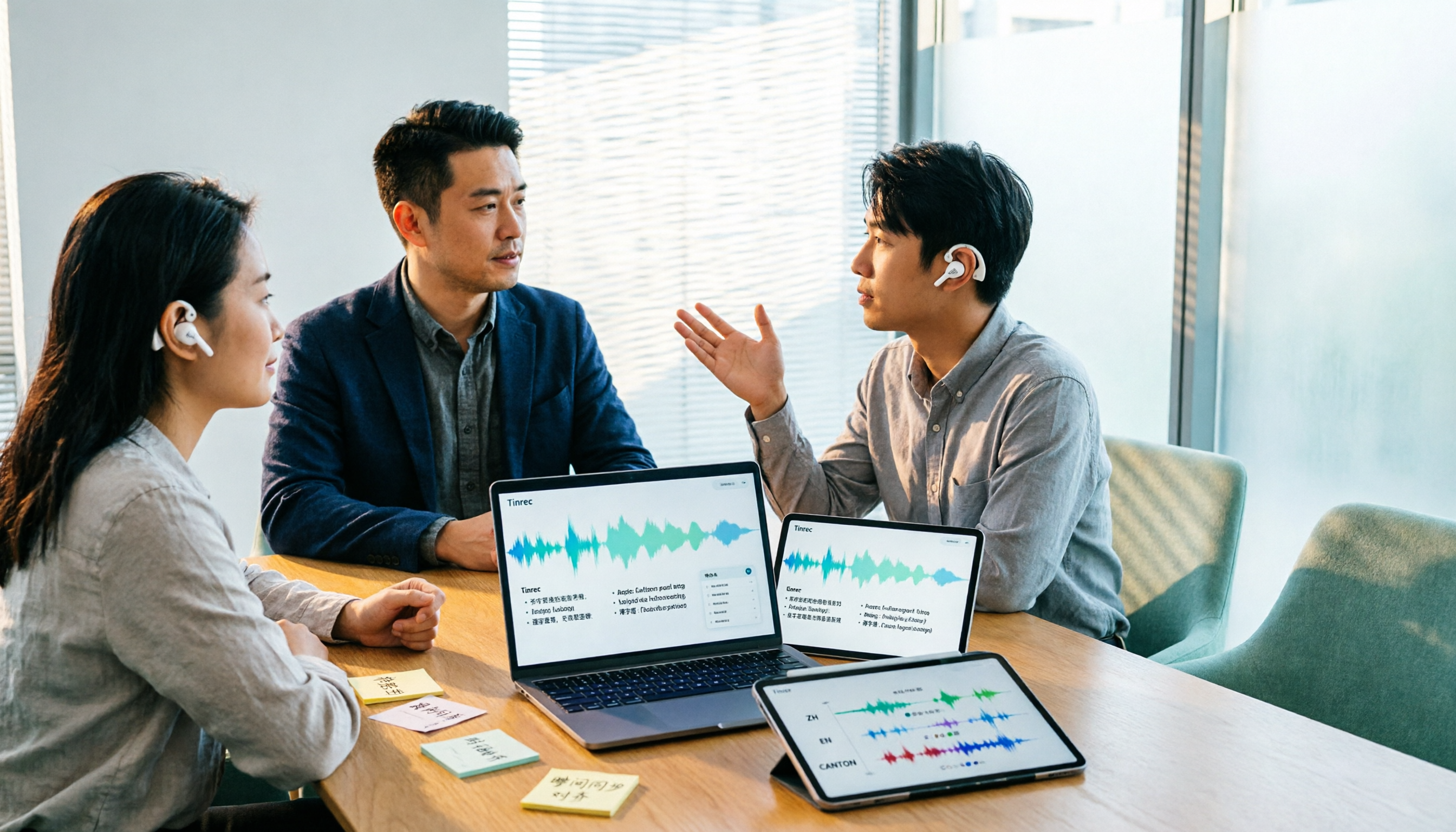
Notta AI Alternatives in 2026: 5-Dimension Comparison for Chinese-Language Meeting Teams
After two years with Notta, I started looking for alternatives. From the perspective of a mid-level manager, this article compares Notta and Tinrec across 5 dimensions: online meeting capture methods, post-transcription organization, Chinese and cross-language experience, team workspace and seat governance, and pricing and usage metrics—with an honest take on who each tool suits best.

Notta vs Otter.ai in 2026: 5-Dimension Comparison and Why Chinese-Speaking Teams Should Choose Tinrec
Many people choose AI meeting tools by counting free minutes, only to find they still have to re-listen, write summaries, and extract action items. This article breaks down the differences between Notta and Otter.ai across 5 dimensions, and uses Tinrec as an example to explain why Chinese meetings, bot-free online recording, and team data retention save more time.

Google Meet vs Zoom 2026 Review: How Tinrec Completes Meeting Notes and Team Knowledge
Google Meet and Zoom each have strengths, but after a meeting, transcripts, summaries, and action items often end up scattered. This article compares their positioning from real office scenarios and explains how Tinrec fills the last gap from meeting recording to post-meeting delivery with desktop bot-free recording and team spaces.

2026 Meeting Notes Tools Compared: What's the Difference Between a Bad Taper and a Good Taper?
When meeting notes go wrong, the problem is often not the recording tool but the wrap-up. This article looks at the difference between a bad taper and a good taper, covers 3 key factors for choosing a meeting notes tool, shares hands-on experience with Tinrec, compares the positioning of Granola, Notta, and PLAUD, and highlights the 3 most common pitfalls.

Voice Recorder vs Smartphone in 2026: 5-Dimension Comparison for Meeting Notes
Which is better for meeting notes: a voice recorder or a smartphone? This article compares them across five dimensions: audio quality, interruptions, battery and storage, post-meeting organization, and team collaboration. It also introduces how Tinrec fills the gaps of hardware recording, turning meeting content into searchable, actionable team data.