

Turn recordings into transcripts and summaries in minutes
Upload audio or video for multilingual transcription, AI notes, and action items
Notta vs Noota: What's the Difference? 2026 Hands-On Test of 3 Tools — Tinrec Wins for Chinese Meetings
Don't Rush to Compare Specs — You Might Be Confusing the Names
Last week in the break room, a colleague asked me: "Which do you think is better, notta or nada?" I blanked for three seconds.
After looking it up, I realized this search term mixes up three different things:
- Nada is not a meeting tool. It's Spanish for "nothing," used in English slang to mean nothing. When you see it, it's usually a misspelling of Noota or confusion with the English slang "notta" (short for "not a").
- Notta is a real product, focused on multilingual transcription, captions, and file processing.
- Noota is also a real product, an AI meeting assistant focused on online meeting notes and workflow automation.
So the real question isn't "notta vs nada" — it's: with all the meetings you have each week, do you need transcription, or the whole post-meeting organization package?
I have about 15 meetings a week — weekly syncs, project updates, one-on-ones, cross-department coordination. The worst part was never the meeting itself, but afterward: organizing decisions, assigning action items, and when the boss asks "What was the conclusion last time?" I'd have to dig through notes for three minutes. This article lays out the three tools I've used, including their limitations.
Before Choosing an AI Meeting Tool, Understand These 4 Key Points
1. Chinese and mixed-language recognition quality. In Taiwan, few meetings stick to one language throughout — mixing Chinese and English with jargon is the norm. Official accuracy claims mean little; they're usually tested in quiet environments. Real conference rooms have AC noise, keyboard clatter, and people talking over each other. Actual recognition is affected by recording quality, accents, noise, and overlapping speech.
2. How the meeting is recorded. One way is a meeting bot that joins with an extra account; the other is desktop software that directly captures system audio, so no extra "person" appears on the participant list. The latter matters for client meetings — you don't want a strange bot in front of clients.
3. What you get after recording. Tools that only give transcripts just hand the organizing work back to you. What really saves time is summaries, chapters, action items, and the ability to ask questions directly about the meeting content.
4. How the team takes over. Personal accounts and team spaces are different. Who owns data after a member leaves, who can edit, who can only view — if you don't think this through when choosing, you'll have to redo it in three months.
Tinrec — The One I Kept Using
Tinrec is an AI meeting notes and collaboration tool for individuals and teams. At first I saw it as "just another audio-to-text tool," but what made me stay was its post-meeting workflow.
For online meetings I use the desktop version, which directly captures system audio to process Zoom, Google Meet, Microsoft Teams, and Webex — no meeting bot needed. This makes a big difference for someone like me who often meets with external clients — the participant list stays clean, and clients don't see an unknown account. For offline meetings or impromptu interviews, I use the mobile app for live recording, generating transcripts as I record. Already-finished meetings, recorded audio, or video can also be uploaded for transcription.
After the meeting is the key part. Tinrec automatically generates summaries and chapters, breaking discussions into easy-to-browse sections, and extracts action items from the conversation — who's responsible for what and when it's due. The next morning I don't have to spend an hour re-listening to recordings; I can just read the summary and start assigning work.
Stop organizing recordings by hand
Upload audio or video and automatically get a transcript, summary, and action items
Another rare feature at this price point is AI Q&A. After recording, you can ask it directly: "Who mentioned the budget in the last meeting?" It doesn't just give you keyword search results — it understands the context and answers directly. Before reporting to my boss, I often ask a round of questions across months of meeting data to confirm the context of each decision. It also supports live translation, so cross-language meetings can be viewed in original, translated, or bilingual mode.
Output doesn't stop at transcripts: you can export to Notion, Google Docs, OneNote, Dropbox for further editing, or use Agent post-processing to directly generate reports, tables, or meeting minutes.
I'll also be upfront about its limitations: The free version offers a basic quota, good for trying a few meetings. If you have meetings daily like me, you'll need to upgrade. Also, with multiple people talking over each other or very poor recording quality, any tool will drop words — for important content, go back and check the original text and recording.
Who it's for: People who need Chinese meeting notes, don't want a bot joining meetings, and want to ask key questions right after recording. For teams, there's a team space where data belongs to the team, not tied to an individual's account.
Besides Tinrec, These Are Also Worth Knowing
Notta: Focused on multi-platform transcription and translation, available on desktop and mobile, with team plans. The free version offers 120 minutes per month, max 3 minutes per recording; Pro annual billing is about USD 8.17/month. Transcription quality is good, but it lacks Tinrec's bot-free desktop recording and AI Q&A for meeting content.
Noota: Also an AI meeting assistant, with good user satisfaction ratings on third-party review platforms, suitable for standardized online meeting note workflows. However, it doesn't focus on the Chinese meeting experience and lacks Tinrec's team seat governance and audio recycle bin for data retention.
If you mainly record English meetings: Otter.ai is a mature choice, with 300 free minutes per month and deep experience in English business meetings. But Chinese meetings aren't its strength — think carefully about mixed Chinese-English situations.
Pitfall Guide: 3 Most Common Mistakes When Choosing a Meeting Notes Tool
Pitfall 1: Only looking at free minutes. Minutes are just an entry threshold, not a decision basis. Per-recording length limits are often more critical than total quota — 120 minutes per month but only 3 minutes per recording means a meeting gets cut off at minute three, and those 120 minutes are useless.
Pitfall 2: Treating transcripts as the end goal. If your tool only gives text, post-meeting organization is still your job. What you should compare is: can it automatically give you summaries and action items, and can you ask in one sentence "Who said this last time?"
Pitfall 3: Using a personal account as a team solution. A three-person team sharing one login is cheapest and most disaster-prone: unclear data ownership, and everything leaves when someone quits. For team plans, look at members, roles, seats, and data ownership — not just seats times price.
Conclusion: Which One Should You Choose?
Back to the original question — if forced to answer "notta vs nada" — Nada isn't an option, it's a typo. What you're really choosing is:
- Mainly Chinese meetings, need post-meeting summaries and action items → Tinrec, my current main tool.
- Want to ask AI about meeting highlights right after recording → Tinrec, it has AI Q&A for meeting content.
- Don't want a bot on the participant list → Tinrec, desktop version captures system audio directly.
- Need to use on mobile, desktop, and web → Tinrec supports all three platforms.
- Team needs to share meeting data, manage members and usage → Tinrec team plan, with team space, seat management, and audit logs.
- Only record English meetings, budget-first → Otter.ai is a possible exception.
I suggest trying Tinrec's free version for one or two real meetings to feel the difference of not re-listening to recordings afterward. Upgrade only if it works for you — no need to pay upfront.
References
Turn every recording into actionable outcomes
Get 60 free transcription minutes when you sign in. No credit card required.
Related Reading
You might also like

7 Meeting Transcription Tools Tested for 2026: Gemini Free Limits and Time-Saving Alternatives
Gemini can turn meeting recordings into transcripts, but the free version can't handle meetings longer than 10 minutes, AAC files fail outright, and the text you get has no timestamps. This article reviews 7 practical meeting transcription options, from Gemini, NotebookLM, and Google AI Studio to Tinrec, Otter, Notta, and TurboScribe, comparing their quotas, limitations, and best use cases to help you pick the right one.
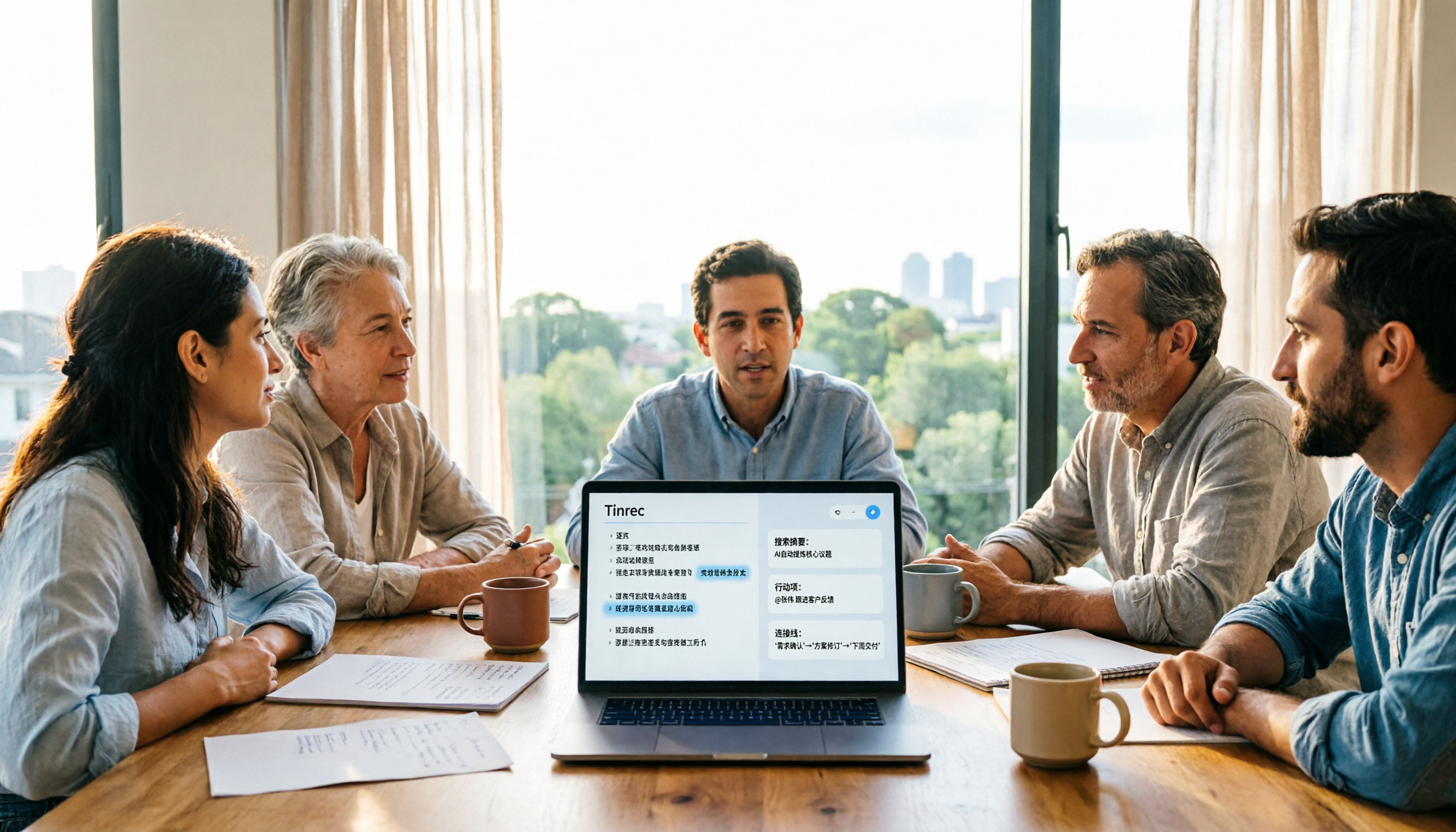
5 Meeting Transcription Tools Tested and Compared in 2026: Why Tinrec Is a Better Notta Alternative
How do you choose a meeting transcription tool? This article examines four decision points—bot-free recording, Chinese language experience, post-meeting organization, and team governance—comparing Tinrec, Notta, Otter, Fireflies, and Granola, and uses Tinrec as an example of how to turn meeting recordings into searchable, collaborative, actionable team data.

How to Use Gemini Meeting Notes App in 2026: 5 Steps from Recording to AI Summary
How do you use the Gemini meeting notes app? This article outlines 5 steps, from uploading recordings to generating AI summaries, and compares tools like Tinrec to help you find the best meeting notes solution.

4 Meeting Transcription Tools Tested for 2026: Which One Beats NotebookLM for Your Meetings?
Tired of staying late to type up meeting transcripts? This article compares 4 meeting transcription tools from a practical workplace perspective, focusing on Chinese meeting transcription, bot-free recording, post-meeting summaries, and team collaboration. Using Tinrec as the primary test tool, it breaks down real-time transcription, AI Q&A, action item extraction, and team spaces, and answers the most common questions from NotebookLM users about differences and purchasing decisions.
4 Meeting Transcription Tools Tested for 2026: Beyond Gemini, Which Saves More Time?
Gemini can generate transcripts from audio uploads, but what happens after? This article compares Gemini, Tinrec, Otter.ai, and Notta, with hands-on testing of Chinese recognition, post-meeting organization, online meeting recording, and team sharing. It also covers 4 common pitfalls to help you find a truly time-saving meeting transcription workflow.

2026 Transcription App Review: 3 Key Factors—Free Quotas and Chinese Recognition
How do you choose a transcription app? This article addresses three common pitfalls, explaining the three key factors: free quotas, Chinese and mixed Chinese-English recognition, and post-meeting organization. It uses Tinrec as an example to demonstrate the complete workflow from recording, transcription, summarization, to-dos, to export, and covers practical scenarios and FAQs for meetings, classes, interviews, and content creation.

Notta vs Sonix 2026 Review: Which of 3 Meeting Transcription Tools Is Best for Chinese Meetings?
Notta or Sonix? This review compares pricing, language support, and post-meeting organization using the same criteria, plus hands-on experience with Tinrec, covering bot-free meeting recording, AI Q&A, and action item extraction to help you choose the most time-saving tool for your meeting scenario.

2026 Voice Recorder Buying Guide: Specs, Features, and a Hands-On Test of Tinrec
How do you choose a voice recorder without getting burned? We break down the three most common buying mistakes—from microphone setup and storage to post-meeting organization—and compare Tinrec and PLAUD Note from a student's perspective on Chinese transcription, online meetings, pricing, and team collaboration, so you can find a recording solution you'll actually use.

Notta AI Alternatives in 2026: 5-Dimension Comparison for Chinese-Language Meeting Teams
After two years with Notta, I started looking for alternatives. From the perspective of a mid-level manager, this article compares Notta and Tinrec across 5 dimensions: online meeting capture methods, post-transcription organization, Chinese and cross-language experience, team workspace and seat governance, and pricing and usage metrics—with an honest take on who each tool suits best.