

Turn recordings into transcripts and summaries in minutes
Upload audio or video for multilingual transcription, AI notes, and action items
Don't Rush to Feed Your Recording to Gemini: Three Pitfalls Most People Hit on the First Try
"Upload your meeting recording to Gemini and get a transcript in a minute" — this claim spread widely in 2025 and 2026, but those who actually tried it usually run into three things first:
- The free version can't handle long meetings. In testing, a 7-minute recording successfully produced about 1,000 words of Traditional Chinese transcript, but recordings over 10 minutes often exceed the free version's text limit. Uploading a 60-minute department meeting directly has a high chance of failure.
- File format and size can block you. Gemini can handle MP3, M4a, and WAV, but AAC shows "unable to recognize text content"; single file limit is 100MB.
- The transcript you get isn't very usable. No timestamps, no speaker labels, and homophones need manual correction — the formatting work for meeting notes isn't saved at all.
In other words, Gemini is indeed one of the most convenient entry points for "meeting recording to text," but it's essentially a general-purpose AI assistant, not a tool designed for meeting workflows. A more reasonable approach is to divide the work: short recordings go to Gemini for quick processing, long meetings switch to NotebookLM or dedicated meeting note tools, and when you need precise timestamps and speaker labels, use Google AI Studio.
This article reviews 7 practical options and clearly lists each one's quotas, limitations, and who it's for.
How to Choose a Meeting Transcription Tool: 3 Decision Points First
Decision point 1: How long is your meeting? This is the first hurdle that determines success. Short recordings under 10 minutes are usually fine for free AI assistants; over 30 minutes, you need to check the single-processing limit and monthly quota.
Decision point 2: Do you want a transcript or meeting minutes? A transcript is "the verbatim spoken content," while minutes are "summary + key points + action items." Some tools only give the former, some give both — different needs mean completely different choices.
Decision point 3: Where does the recording come from? Online meetings (Zoom, Google Meet, Teams, Webex) and in-person recordings are handled differently. For the former, check if the tool can directly capture computer system audio; for the latter, check the real-time recording experience on mobile or desktop.
Option 1 | Tinrec — The Most Complete AI Recording Assistant
Positioning: An AI meeting notes and collaboration tool for individuals and teams, turning meetings into searchable, collaborative, actionable data.
Key highlights:
- Record online meetings without a bot. The desktop version directly captures computer system audio, so Zoom, Google Meet, Microsoft Teams, and Webex don't need a meeting bot invited, and there's no extra participant. Open Tinrec before the meeting and you can record and transcribe simultaneously, seeing the transcript in real time.
- Keep working after the transcript. Automatically generate summaries, chapters, key points, and action items, and do AI Q&A across single or multiple meetings. For example, ask directly "What date was the delivery time finalized last time?" and find the answer from historical meetings instead of digging through three documents.
- Mixed Chinese-English and multilingual meetings. Supports multilingual transcription, real-time translation, and original/translated/bilingual views. Team hotwords can be pre-added with internal company codes, product names, and project terminology to reduce misheard professional terms.
- Meeting data belongs to the team. The team version stores Audio, Folder, and TODO centrally in the team space; members can view and play historical meetings; admins can assign seats, view usage trends and member details, and export audit logs. When a member leaves or is removed from a seat, their team resources can be handed over to other active members and won't disappear with the personal account.
Plans and pricing: The personal version offers a free plan, weekly pass, Pro monthly, and Pro annual, so you can choose based on usage frequency; the team version offers a 7-day trial for first-time eligible users, including 1 free seat and 300 minutes of team shared import quota. Paid seats are USD 29.80/month or USD 199/year (about USD 16.58/month), and each paid seat provides 2,000 minutes of team shared import quota per month. Real-time recording under an active seat is currently not deducted by the minute. Actual prices and benefits are subject to the official purchase page.
Who it's for: Professionals and project teams who have meetings to organize every week and need to turn meeting content into searchable team data.
Option 2 | Google Gemini — A Transcription Entry Point You Can Use with a Free Account
Positioning: A general AI assistant and recording-to-text tool, suitable for quick processing of short recordings.
Upload the recording file directly to the Gemini chat box and use the prompt "organize this into meeting notes" to get a transcript and summary. It has multilingual speech recognition, supporting major languages like Chinese, English, Japanese, Korean, Spanish, French, German, and Italian; the generated summary can be exported to Google Docs via the share function for formatting. A free account can use it, but permissions vary by account level and usage — this is its biggest variable.
Limitations: Single file under 100MB, can handle MP3, M4a, WAV, AAC not recognized; the free version easily exceeds the text limit for long recordings.
Stop organizing recordings by hand
Upload audio or video and automatically get a transcript, summary, and action items
Who it's for: People who occasionally organize 5- to 10-minute short recordings and don't want to open another tool.
Option 3 | Google AI Studio — Go This Route When You Need Timestamps and Speakers
Positioning: A developer-oriented model interface, but the most easily overlooked transcript tool.
Upload a recording file through Google AI Studio and select a model (e.g., Gemini Experimental 1206), then use a prompt to request "identify each speaker and label them as Speaker A, Speaker B, and add a timestamp before each dialogue segment." You can output a directly usable format like [00:01] Speaker A: ..., and it can recognize speakers mixing English. Log in with a Google account to use it — the barrier is lower than you'd think.
Limitations: Still requires manual proofreading after generation; homophones and overlapping speakers may cause speaker misidentification.
Who it's for: Situations requiring precise timestamps and speaker labels, such as legal evidence or academic interviews.
Option 4 | Google NotebookLM (Gemini Notebook) — Free Long Recording Processing
Positioning: A data organization tool that can handle an hour-long recording even with a free account.
After uploading a recording file, NotebookLM first generates a summary, but the transcript you want isn't there — go back and click the recording file in the "Sources" section to see the full transcript and copy it directly. This is one of the few free options that can handle long meeting recordings.
Who it's for: Students and professionals using free accounts whose meetings often run an hour.
Option 5 | Otter.ai — A Mature Choice for English Meetings
Positioning: A veteran AI meeting assistant, strong in English business meetings and meeting automation.
The official pricing page shows Basic free with 300 minutes per month; Pro annual is about USD 8.49/user/month, including 1,200 minutes of in-app recording per month and 10 file imports; Business offers unlimited meetings and in-app recording, plus more management capabilities. Its meeting summaries, action items, and team analytics have accumulated over years, and the English context is the most mature.
Who it's for: Companies that primarily use English for meetings and need mature team management features.
Option 6 | Notta — Multilingual Transcription and Subtitles
Positioning: A multilingual transcription tool with high overlap with Tinrec.
The official line is Free with 120 minutes per month, single content up to 3 minutes; Pro annual is about USD 8.17/month, 1,800 minutes per month; Business annual is about USD 16.67/seat/month, offering unlimited transcription, role permissions, and usage reports. Multilingual recognition and subtitle output are its strengths, and the team plan is complete.
Who it's for: Multinational teams that need subtitle file output or have mixed meeting languages.
Option 7 | TurboScribe — A Cheap Option for Batch Processing Historical Recordings
Positioning: A cost-effective file transcription tool, focused on volume and long files.
The Free plan allows 3 files per day, up to 30 minutes per file; Unlimited annual is USD 120 (about USD 10/month), paid version supports up to 10 hours or 5 GB per file, and 50 files uploaded at once. It doesn't handle live meetings, but it's very efficient for clearing out a year's worth of interview recordings on your hard drive.
Who it's for: People with a batch of historical recordings that need to be transcribed in bulk.
With So Many Options, How Should You Choose?
- Want "transcription + AI Q&A + automatic minutes" all in one → Tinrec, the only option on this list with all three.
- Don't want an extra bot joining online meetings → Tinrec, desktop version captures system audio, no extra account in the participant list.
- Meetings mix Chinese and English, need bilingual transcripts → Tinrec, supports multilingual transcription, real-time translation, and bilingual views, plus team hotwords to correct professional terms.
- Need to switch between phone, computer, and web → Tinrec, multi-device data sync.
- Want meeting data available to the whole department → Tinrec team version, data belongs to the team, with seat, usage, and audit management.
- Just want to try if free AI works → Google Gemini, short recordings, single processing is easiest.
- Zero budget but need to handle a one-hour recording → Google NotebookLM, free account can upload long files.
- Need timestamps and speaker labels → Google AI Studio, use prompts to specify output format.
- English meetings mainly → Otter.ai; need subtitle files → Notta; need batch clearing of historical recordings → TurboScribe.
4 Things to Know Before Using Meeting Transcription
- Free quotas aren't unlimited — check your meeting length first. Gemini free version has limited ability for long recordings and may fail over 10 minutes. The right approach is to route by length: short recordings to Gemini, long meetings to NotebookLM or a solution like Tinrec where real-time recording isn't deducted by the minute.
- Check format and size before uploading. Under 100MB and MP3/M4a/WAV is the safest combination. AAC, common in iPhone recordings, needs conversion first, otherwise you'll get "unable to recognize text content."
- AI transcripts always need proofreading. Homophones, overlapping speakers, accents, and professional terminology are all error sources. For important content, it's recommended to listen back to the original recording with timestamps, especially for compliance situations.
- A transcript is just the starting point, not the end. A transcript without summaries, action items, and search still requires manual reorganization. When choosing a tool, include "what you can directly get after the meeting" in your evaluation. For example, Tinrec can output summaries, chapters, action items, and mind maps, and export to Notion, Google Docs, OneNote, and Dropbox for continued use.
Also note: recording and transcription involve personal data and local regulations; you should obtain participant consent before recording.
Summary
Gemini made "meeting recording to text" almost barrier-free, but its positioning is a general assistant: fast enough for short recordings, but long meetings, timestamps, speaker labels, and team collaboration are not its home turf. If you only occasionally organize a recording under 10 minutes, Gemini or NotebookLM is plenty; if meetings are a weekly routine and you need to turn transcripts into summaries, action items, and searchable team data, Tinrec is the most complete choice on this list — no meeting bot to invite, transcripts you can query, and data that stays in the team space even when people leave. Start with the free version or team trial to evaluate one real meeting, then decide whether to adopt long-term — that's the most practical approach.
References
Turn every recording into actionable outcomes
Get 60 free transcription minutes when you sign in. No credit card required.
Related Reading
You might also like
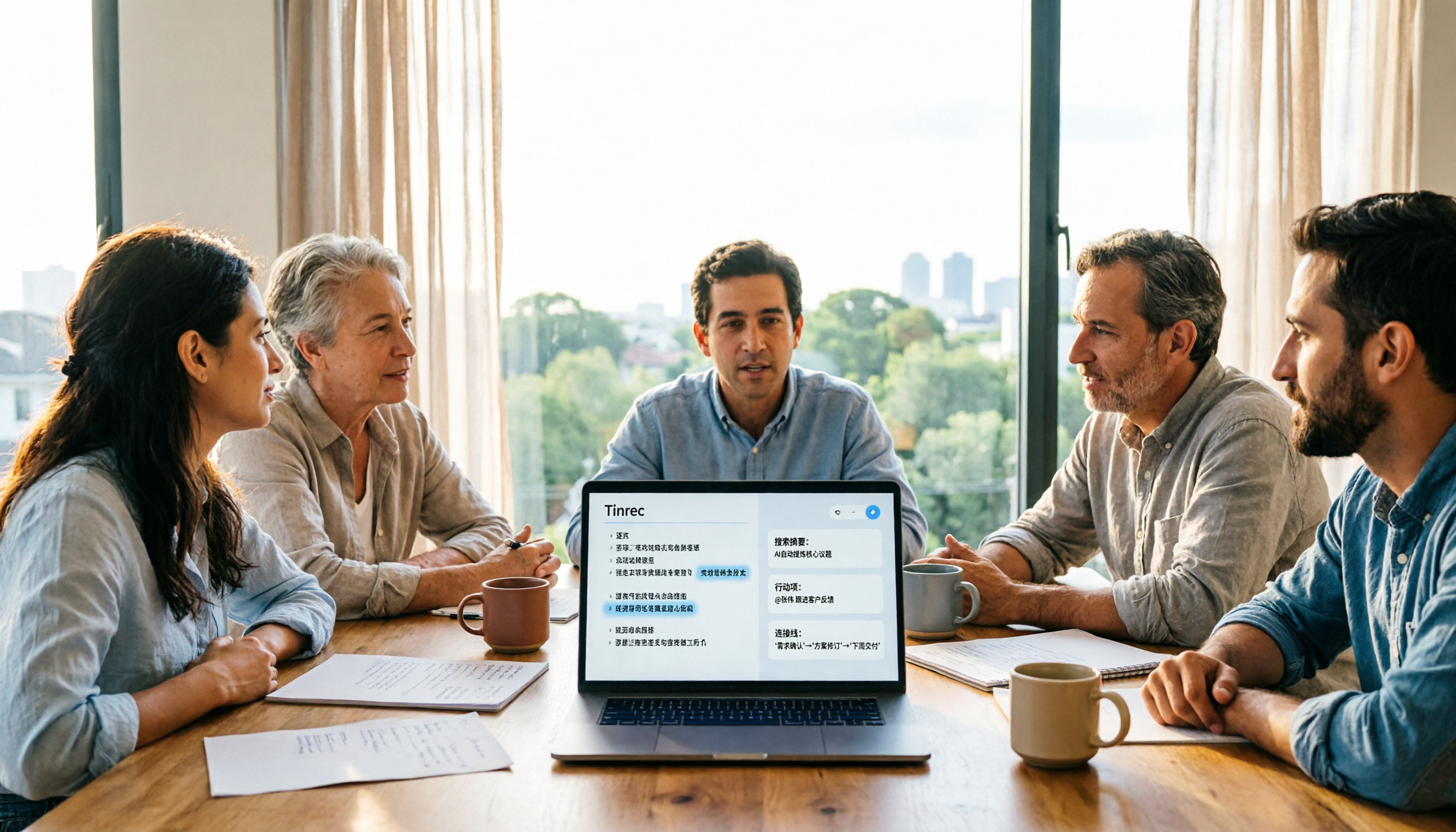
5 Meeting Transcription Tools Tested and Compared in 2026: Why Tinrec Is a Better Notta Alternative
How do you choose a meeting transcription tool? This article examines four decision points—bot-free recording, Chinese language experience, post-meeting organization, and team governance—comparing Tinrec, Notta, Otter, Fireflies, and Granola, and uses Tinrec as an example of how to turn meeting recordings into searchable, collaborative, actionable team data.

How to Use Gemini Meeting Notes App in 2026: 5 Steps from Recording to AI Summary
How do you use the Gemini meeting notes app? This article outlines 5 steps, from uploading recordings to generating AI summaries, and compares tools like Tinrec to help you find the best meeting notes solution.

4 Meeting Transcription Tools Tested for 2026: Which One Beats NotebookLM for Your Meetings?
Tired of staying late to type up meeting transcripts? This article compares 4 meeting transcription tools from a practical workplace perspective, focusing on Chinese meeting transcription, bot-free recording, post-meeting summaries, and team collaboration. Using Tinrec as the primary test tool, it breaks down real-time transcription, AI Q&A, action item extraction, and team spaces, and answers the most common questions from NotebookLM users about differences and purchasing decisions.
4 Meeting Transcription Tools Tested for 2026: Beyond Gemini, Which Saves More Time?
Gemini can generate transcripts from audio uploads, but what happens after? This article compares Gemini, Tinrec, Otter.ai, and Notta, with hands-on testing of Chinese recognition, post-meeting organization, online meeting recording, and team sharing. It also covers 4 common pitfalls to help you find a truly time-saving meeting transcription workflow.

Notta vs Noota: What's the Difference? 2026 Hands-On Test of 3 Tools — Tinrec Wins for Chinese Meetings
Many people search for "notta vs nada" but are actually confusing product names. This article starts by clearing up the naming confusion, then hands-on tests three AI meeting tools — Tinrec, Notta, and Noota — comparing Chinese recognition, recording methods, post-meeting output, and team management, plus key buying tips and common pitfalls.

2026 Transcription App Review: 3 Key Factors—Free Quotas and Chinese Recognition
How do you choose a transcription app? This article addresses three common pitfalls, explaining the three key factors: free quotas, Chinese and mixed Chinese-English recognition, and post-meeting organization. It uses Tinrec as an example to demonstrate the complete workflow from recording, transcription, summarization, to-dos, to export, and covers practical scenarios and FAQs for meetings, classes, interviews, and content creation.

Notta vs Sonix 2026 Review: Which of 3 Meeting Transcription Tools Is Best for Chinese Meetings?
Notta or Sonix? This review compares pricing, language support, and post-meeting organization using the same criteria, plus hands-on experience with Tinrec, covering bot-free meeting recording, AI Q&A, and action item extraction to help you choose the most time-saving tool for your meeting scenario.

2026 Voice Recorder Buying Guide: Specs, Features, and a Hands-On Test of Tinrec
How do you choose a voice recorder without getting burned? We break down the three most common buying mistakes—from microphone setup and storage to post-meeting organization—and compare Tinrec and PLAUD Note from a student's perspective on Chinese transcription, online meetings, pricing, and team collaboration, so you can find a recording solution you'll actually use.

Notta AI Alternatives in 2026: 5-Dimension Comparison for Chinese-Language Meeting Teams
After two years with Notta, I started looking for alternatives. From the perspective of a mid-level manager, this article compares Notta and Tinrec across 5 dimensions: online meeting capture methods, post-transcription organization, Chinese and cross-language experience, team workspace and seat governance, and pricing and usage metrics—with an honest take on who each tool suits best.