

Turn recordings into transcripts and summaries in minutes
Upload audio or video for multilingual transcription, AI notes, and action items
2026 Free Speech-to-Text Plans Compared: 5 Tools to Consider
Search for "speech to text" on Dcard, and the title is almost never "which one is most accurate" but rather "is the free version actually enough?"
It's a good question, but there's no standard answer. What you should really assess first isn't "which has the most features" but three things: how much content you need to transcribe per month, the maximum length per recording, and whether you need post-meeting summaries and action items.
Once you've thought through these three questions, then look at the plans—you'll save a lot of unnecessary spending.
4 Key Points to Understand Before Choosing a Free Plan
1. Is the free quota a "monthly total" or a "per-recording limit"?
Most people only compare monthly minutes and overlook per-recording limits. Notta's free plan offers 120 minutes per month, but each recording is capped at 3 minutes; TurboScribe's free plan allows 3 files per day, with each file up to 30 minutes. The total may seem sufficient, but a 50-minute meeting will hit the limit.
The per-recording limit is often more critical than the total.
2. Does the free version lock "post-meeting organization"?
A plan that only provides transcripts is different from one that includes summaries, chapters, and action items. With the former, you still have to read through it yourself—you've just swapped "listening" for "reading."
Before choosing, confirm: can the free version generate summaries, highlight key points, and export?
3. Are you dealing with "meetings" or "files"?
Online meetings require "transcribe while meeting," while historical recordings need "batch processing after upload." These two needs correspond to different types of tools; forcing one tool to do both will be cumbersome.
4. Recognition experience with Chinese and mixed Chinese-English
Meetings in Taiwan are rarely pure Chinese; they usually mix Chinese with English terminology. The recognition performance in this segment often determines whether you'll keep using it more than the official numbers do.
Tinrec (秒聽錄音) — How Far Can the Free Version Go?
Tinrec (秒聽錄音) is an AI meeting notes and collaboration tool for individuals and teams, available on iOS, Android, desktop, and web. It doesn't just convert audio to text; it turns meetings into searchable, summarizable, queryable, and exportable data.
The free version provides a basic quota that lets you fully experience recording, file import, AI summaries, and transcription. For most people who have two or three meetings a week, running through the workflow once with the free version is more useful than reading ten reviews.
In practice, it saves effort in these areas:
Record online meetings without inviting a bot. The desktop version directly captures computer system audio, so when handling meetings on Zoom, Google Meet, Microsoft Teams, Webex, etc., you don't need an extra bot to join the meeting room, nor do you need to notify participants in advance that "an AI will join." This is especially practical for external client meetings.
Transcribe while recording, with real-time translation. The transcript appears as you record; for cross-language meetings, you can switch between original text, translation, or bilingual view without waiting until after the meeting.
More than just a transcript after the meeting. The system generates AI summaries, chapters, key points, and action items, breaking long meetings into sections so you can quickly find "who said what." For more detailed organization, you can also generate mind maps, reports, tables, or documents.
Ask questions directly about meeting content. This is where it differs most from pure transcription tools. You can ask "What was the budget cap mentioned in the last meeting?" or "What concerns did the client have about the delivery date?" and it will answer based on the meeting content, rather than dumping a bunch of keywords for you to search through.
Export to your existing workflow. It supports export to Notion, Google Docs, OneNote, Dropbox, and other tools, so transcripts and notes don't get stuck in a silo.
Stop organizing recordings by hand
Upload audio or video and automatically get a transcript, summary, and action items
Note that the free version is a basic quota; long recordings or high-frequency use will definitely exceed it. That's when you should consider a paid plan and choose based on task type (short-term sprint, steady use, long-term accumulation)—no need to buy the most expensive one from the start.
Also, recognition performance is affected by recording quality, ambient noise, accents, overlapping speakers, and technical terminology. For important content, it's recommended to cross-check by replaying the transcript with timestamps. The team version currently focuses on team-level sharing: all active members can read team data, and only after obtaining a seat can they upload, edit, and export—it's not fine-grained file-level permissions.
Who it's for: Those who need Chinese meeting notes, don't want a bot joining meetings, want summaries and action items directly after meetings, or want to turn meeting data into team assets.
Beyond Tinrec: How to Evaluate the Other 4 Free Plans
Otter.ai: A veteran choice for English meetings. The free Basic plan offers 300 minutes per month, which is relatively generous on this list. Pro annual billing is about USD 8.49/user/month, including 1,200 minutes of in-app recording per month and 10 file imports. If 80% of your meetings are in English, it's sufficient; but post-meeting organization for Chinese meetings isn't its strong suit, and it lacks Tinrec's combination of desktop bot-free recording with Chinese summaries and team spaces.
Notta: Good multilingual transcription and translation. The free plan offers 120 minutes per month with a 3-minute per-recording limit; Pro annual billing is about USD 8.17/month including 1,800 minutes. The problem is that 3-minute limit—fine for short interviews or single-question recordings, but a full meeting requires payment. Tinrec's free version, on the other hand, lets you complete the entire workflow from recording to summary to action items to follow-up questions.
TurboScribe: Positioned as a cost-effective file transcription tool. Free plan: 3 files per day, up to 30 minutes per file; Unlimited annual plan is USD 120, and after payment, each file can be up to 10 hours or 5 GB, with up to 50 files uploaded at once. If you have a batch of long audio files to transcribe into subtitles, it's suitable; but it focuses on file processing and lacks Tinrec's real-time meeting recording, post-meeting AI Q&A, and action item extraction.
Granola: A bot-free AI meeting notes tool. Basic is free; Business is USD 14/user/month. It takes the approach of "your own notes plus AI enhancement," with transcripts viewable and searchable in real time. However, it doesn't support uploading pre-recorded audio files or saving meeting audio; Tinrec, in contrast, retains recordings, supports file import, and offers real-time translation and team spaces.
Pitfall Guide: 4 Common Mistakes with Free Plans
Pitfall 1: Only comparing monthly minutes. The per-recording limit is the real trap. Splitting a meeting into several uploads will cost you time that outweighs the money saved.
Pitfall 2: Assuming the free version equals full features. Many tools only provide transcripts in the free version, locking summaries, action items, and exports—you're essentially just reading the transcript in a different way.
Pitfall 3: Treating "transcribed text" as the end goal. The real time sink is post-meeting organization: extracting conclusions, listing action items, and sending them to colleagues. When choosing a tool, consider how much of this it handles for you.
Pitfall 4: Ignoring recording quality. Even the best model can't save a microphone three meters away from the speaker. Get closer if you can; use a headset if you can.
Conclusion: Which One Should You Choose for Your Situation?
- Want to run a complete workflow for free first (recording → transcript → summary → action items → follow-up questions) → Tinrec free version; confirm whether the workflow fits your habits.
- Meetings are mainly in English and you need a larger free quota → Otter.ai Basic.
- You have a bunch of long audio files to batch transcribe → TurboScribe.
- Short clips or interviews under 3 minutes each → Notta free version.
- You like taking notes during meetings and don't mind no audio storage → Granola Basic.
- Team needs to share meeting data → Tinrec team version. First-time eligible users can try 7 days free, including 1 free seat and 300 minutes of team shared import quota; monthly billing USD 29.80/paid seat/month, annual billing USD 199/paid seat/year (about USD 16.58/month), each paid seat provides 2,000 minutes of team shared import quota per month; real-time recording is currently not deducted by minutes under active plans and seats.
The best way to use a free plan is to try it with your most realistic recording. Don't pay upfront—use one of your own meetings and see if the notes it produces can be forwarded directly to colleagues. If yes, then consider upgrading.
(Prices and benefits of each plan are subject to the official pages.)
References
- Expert-reviewed Top 10 Audio-to-Text Recommendations | mybest
- Free Speech-to-Text Tools Dcard Discussion: Is the Free Version Enough? When to Upgrade? - 秒聽錄音Blog
- 2026 Meeting Notes App Dcard Popular Recommendations: 3 AI Speech-to-Text Tools Tested and Compared - 秒聽錄音Blog
- Sharing 'AI Speech-to-Text' Tools - NCKU forum | Dcard
- AI PC Applications - Comparison of Three Quick Speech-to-Text Methods - 3C forum | Dcard
Turn every recording into actionable outcomes
Get 60 free transcription minutes when you sign in. No credit card required.
Related Reading
You might also like

Tinrec vs Google Speech-to-Text in 2026: 5-Dimension Comparison for Chinese Meeting Notes
Google Speech-to-Text offers three paths: Google Docs voice typing, Google Recorder app, and Cloud Speech-to-Text. They are free and easy to use but lack post-meeting workflow. This article compares Tinrec and Google Speech-to-Text from the perspective of a mid-level manager with 15 meetings per week, across 5 dimensions: Chinese recognition, meeting capture method, post-meeting output, team collaboration, and cost structure. It also includes a pitfalls guide and selection advice.

2026 Speech-to-Text AI Showdown: Tinrec vs Otter.ai — Which Is Better for Chinese Meetings?
Starting from the real pain of a 90-minute interview recording, this comparison of Tinrec and Otter.ai across five dimensions—meeting capture, Chinese and mixed-language transcription, post-meeting output, team data governance, and pricing/quotas—goes beyond vague model specs to answer: once it's text, what do you actually need to do with it?

5 Speech-to-Text Tools Compared for 2026: Google Docs vs. Tinrec
Google Docs voice typing is free and ready to use, but it's really a typing alternative, not a meeting notes tool. This article tests the full Google Docs voice typing workflow and its three limitations, then compares Tinrec, Otter.ai, Notta, and Granola on input sources, post-meeting output, team collaboration, and pricing to help you decide which tool fits what you actually need to do.

Best Free Speech-to-Text AI Tools in 2026: 4 Options Compared
Which free speech-to-text AI tools are worth trying? We compare Tinrec, Otter.ai, Notta, and Yating Transcription, breaking down their free tiers and limitations, plus 4 common pitfalls to help you choose in under 30 minutes.
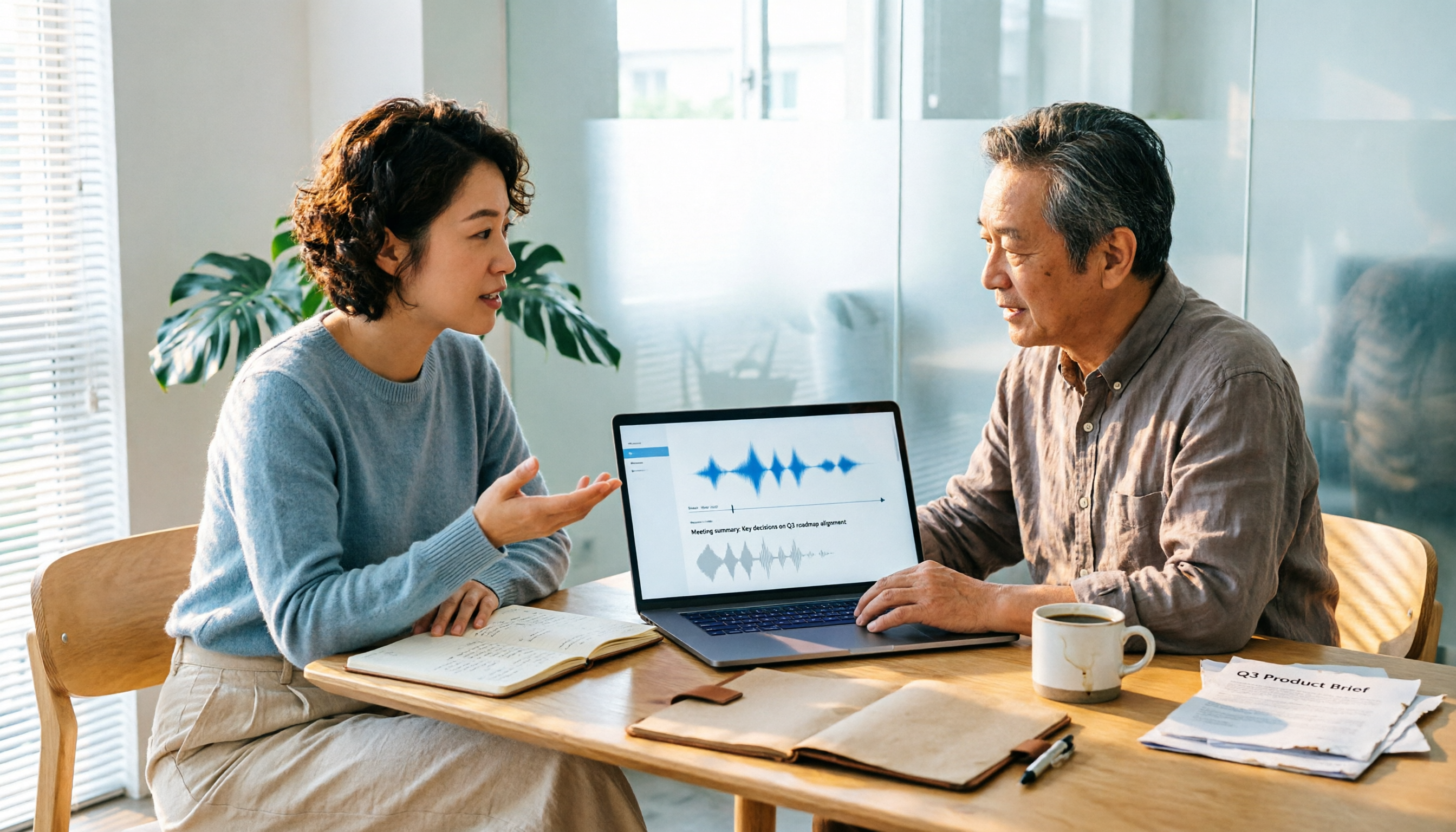
2026 Speech-to-Text Tool Comparison: Google AI vs. Tinrec — Which Should You Choose?
Many people search for 'speech to text Google AI' but confuse Google Cloud Speech-to-Text, Google AI Studio, and general meeting transcription tools. This article addresses common misconceptions and compares Tinrec, Google Cloud Speech-to-Text, and Google AI Studio in terms of operation, suitable scenarios, and limitations to help you choose the right tool.
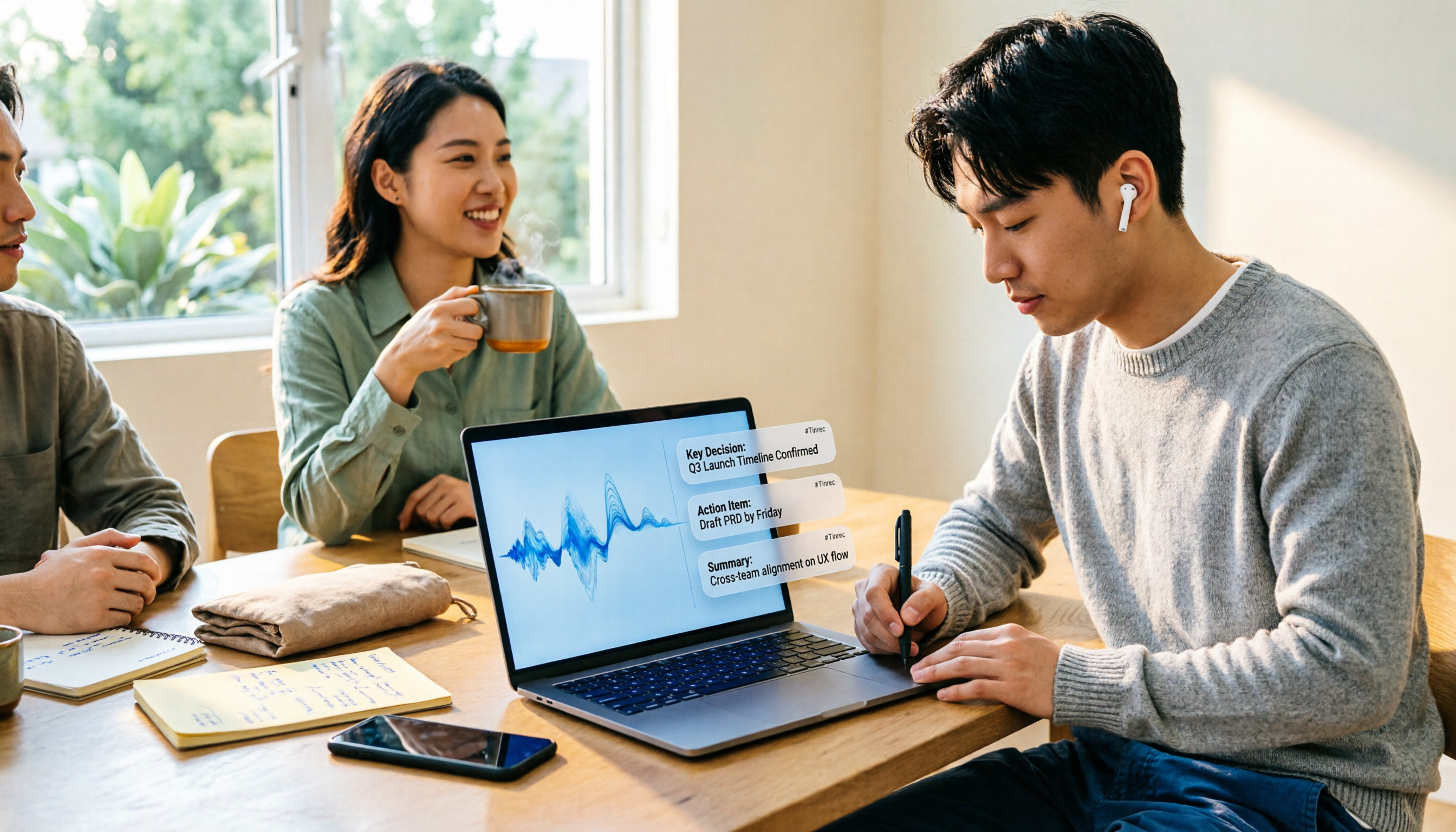
2026 Best 5 AI Speech-to-Text Tools Tested: Which Saves the Most Time for Chinese Meeting Notes and Post-Meeting Organization?
A hands-on comparison of 2026 AI speech-to-text tools for Chinese meeting notes, bot-free recording, post-meeting summaries, and AI Q&A. We compare Tinrec, Otter.ai, Notta, and Granola on positioning, official pricing, and limitations to help you pick the one that best fits your workflow.

2026 AI Speech-to-Text Showdown: Tinrec vs. PLAUD Note for Meeting Notes
Are you mostly transcribing meetings on your computer or conversations with people in front of you? This comparison of Tinrec (a software AI meeting recorder) and PLAUD Note (a hardware AI recorder) covers recording methods, platform requirements, post-meeting workflows, Chinese language experience, team governance, and pricing to help you decide between a pure software app and a hardware recorder, with FAQs and practical recommendations.

4 Best Speech-to-Text AI Tools for 2026: Chinese Meetings, Transcripts, and Post-Meeting Organization
A procurement-focused hands-on comparison of 4 speech-to-text AI tools, covering Chinese recognition, bot-free meeting recording, post-meeting summaries and action items, team seats and quota calculations, to help you decide which one best fits your meetings and budget.

4 Speech-to-Text Apps Tested for 2026: How to Choose Chinese Recognition and Free Tiers Discussed on Dcard
Searching for 'speech-to-text app' on Dcard yields ever-changing recommendation lists. This article starts from 'what problem you need to solve' and breaks down how to choose among real-time recording, online meetings, and audio file upload needs. It also tests Tinrec for Chinese meeting transcription, AI summaries, action item extraction, and team spaces, while honestly explaining the limitations of free tiers and paid plans.