

Turn recordings into transcripts and summaries in minutes
Upload audio or video for multilingual transcription, AI notes, and action items
Two-hour meeting, two-hour cleanup—the problem is often not recording, but choosing the wrong tool
Many people who search for "Notta vs Sonix" immediately open both pricing pages to compare who offers more free minutes. This is the most common first mistake.
What really determines whether a transcription tool saves you time is not the free quota, but three things: whether it can transcribe in real time during the meeting, whether you can get summaries and action items right after, and whether the data can stay within your team for reuse.
If you only compare "cost per minute," you may end up with a tool that only produces transcripts. After the meeting, you still have to listen again and manually organize key points—saving only typing time.
This article does not dwell on small price differences, but instead evaluates Notta, Sonix, and Tinrec under the same criteria to clarify who each is best for.
Before choosing a meeting transcription tool, understand these 4 key points
1. Do you need file transcription or a full meeting workflow? If you only transcribe interview recordings or video subtitles, a file transcription tool is enough. But if you have meetings every week and need to track action items or find "who mentioned the budget last time," you need a searchable, queryable meeting database, not just a transcript.
2. How is the meeting recorded? Some tools use a meeting bot that joins as a participant; others use a desktop app to capture system audio directly. The former requires remembering to invite and others see an extra participant; the latter does not add participants but requires you to start it manually. Neither is inherently better—first confirm your meeting habits.
3. Are the post-meeting outputs sufficient? Transcripts are just the starting point. Summaries, chapters, action items, the ability to ask follow-up questions, and export to Notion or Google Docs determine how much time you spend afterward.
4. How will the team manage it? Personal use will eventually require sharing. At that point, you need to look at member, role, and seat distinctions, as well as whether usage and audit logs can be checked—this determines whether data is a "personal asset" or a "team asset."
Tinrec—the smoothest workflow we found after testing
Tinrec is an AI meeting notes and collaboration tool for individuals and teams. It not only converts audio to text but organizes meeting recordings into searchable, summarizable, queryable, exportable, and further editable data, supporting web, desktop, and mobile.
For online meetings, Tinrec's desktop app captures system audio directly, handling Zoom, Google Meet, Microsoft Teams, Webex, and other platforms without inviting a meeting bot. This is especially useful for external client meetings—the other party won't see an unfamiliar account in the meeting.
It can transcribe while recording, with real-time transcripts appearing instantly, and real-time translation can be enabled to view in original, translated, or bilingual mode. For cross-language meetings, this saves not only typing time but also back-and-forth confirmation.
After the meeting is the key part. Tinrec automatically generates summaries and chapters, breaking long meetings into readable sections and extracting action items from discussions. Even better is AI Q&A—you can directly ask "What was the conclusion of this meeting?" or "What concerns did the client mention?" and it answers based on meeting semantics, not just a list of keyword search results. You can also use Agent post-processing to generate reports, tables, or documents, or export to Notion, Google Docs, OneNote, Dropbox for further use.
Stop organizing recordings by hand
Upload audio or video and automatically get a transcript, summary, and action items
For team use, Tinrec for Teams provides a separate team space. Roles determine who can manage the team and settings; seats determine whether members can record, upload, edit, and export—managed separately. Administrators can view usage trends, member details, and audit logs, and there is an audio recycle bin to recover accidentally deleted files (currently retained for 30 days), plus team glossary maintenance to improve recognition of technical terms.
Pricing: Personal plans include a free version, weekly pass, Pro monthly, and Pro annual, depending on usage frequency. Team plan: first-time eligible teams can try 7 days with 1 free seat and 300 minutes of shared import quota; afterward, monthly USD 29.80 per paid seat per month, annual USD 199 per paid seat per year (about USD 16.58 per month). Each paid seat provides 2,000 minutes of shared import quota per month. Real-time recording under active team plans and seats is currently not deducted by minutes.
Note: Tinrec does not publicly promise a fixed accuracy rate; actual performance depends on recording quality, noise, accents, overlapping speech, and technical terms. The team version currently focuses on team-level sharing, not file-level granular permissions.
Besides Tinrec, who are Notta and Sonix best for?
Notta is the closest competitor to Tinrec, covering multi-platform transcription, meeting notes, file import, translation, and team plans. According to Notta's official pricing page, the free version offers 120 minutes per month with a maximum of 3 minutes per session; Pro annual is about USD 8.17 per month with 1,800 minutes per month; Business annual is about USD 16.67 per seat per month with role permissions and usage reports. G2 users rate it 8.9 for ease of use and 7.8 for speech recognition. If you mainly transcribe files and occasionally have meetings, Notta's flexible plans are good; but note the free version's 3-minute per-session limit, and that bot-free desktop recording, team glossary, and audit logs are areas where Tinrec focuses more.
Sonix leans toward file transcription and subtitles, supporting dozens of languages. G2 users rate it 9.7 for ease of use, 9.0 for speech recognition, and 9.3 for timecode management—very high scores, suitable for processing pre-recorded audio, video subtitles, and post-production requiring precise timecodes. Note that Sonix focuses on post-upload transcription and subtitle workflows; real-time meeting transcription and live subtitles are not its focus (according to Notta's official comparison page, Sonix does not support real-time transcription and live subtitles). If you need to see transcripts during the meeting and get action items right after, Tinrec's workflow is closer; if you have a batch of media files to process, Sonix is worth considering.
Pitfall guide: 3 most common mistakes when choosing a transcription tool
Pitfall 1: Only looking at free minutes. A large free quota doesn't mean it's good; per-session length limits, export capability, and team sharing are what actually hold you back. Test with a real meeting recording of your own, not just advertising numbers.
Pitfall 2: Treating transcripts as the end goal. Using the tool only as "audio-to-text" means using only a small part of its capabilities. After recording, directly asking AI "What was the conclusion?" or "Who is responsible for what?" is much faster than manually scrolling through a 30-minute transcript.
Pitfall 3: Ignoring team governance. Personal use is fine at first, but when you need to share with colleagues, you realize you haven't thought about permissions, seats, or data handover after an employee leaves. Clarify team resource ownership, seat and role differences before adoption.
Conclusion: Which one should you choose?
Need Chinese meetings and don't want a bot joining → Tinrec, desktop app captures system audio for recording.
Want summaries and action items right after the meeting, plus follow-up questions → Tinrec, AI Q&A and Agent post-processing are its strengths.
Team needs to share meeting data, manage seats, and check usage → Tinrec for Teams, with more complete team space and governance.
Have a batch of media files for subtitles and need precise timecodes → Sonix, excels in this post-production workflow.
Limited budget, mainly file transcription → Try Notta's free version, but remember the 3-minute per-session limit.
We recommend running your own meeting through a free plan first to feel the difference between "ready to use after recording" and "still needs cleanup after recording," then decide whether to pay.
References
Turn every recording into actionable outcomes
Get 60 free transcription minutes when you sign in. No credit card required.
Related Reading
You might also like

7 Meeting Transcription Tools Tested for 2026: Gemini Free Limits and Time-Saving Alternatives
Gemini can turn meeting recordings into transcripts, but the free version can't handle meetings longer than 10 minutes, AAC files fail outright, and the text you get has no timestamps. This article reviews 7 practical meeting transcription options, from Gemini, NotebookLM, and Google AI Studio to Tinrec, Otter, Notta, and TurboScribe, comparing their quotas, limitations, and best use cases to help you pick the right one.
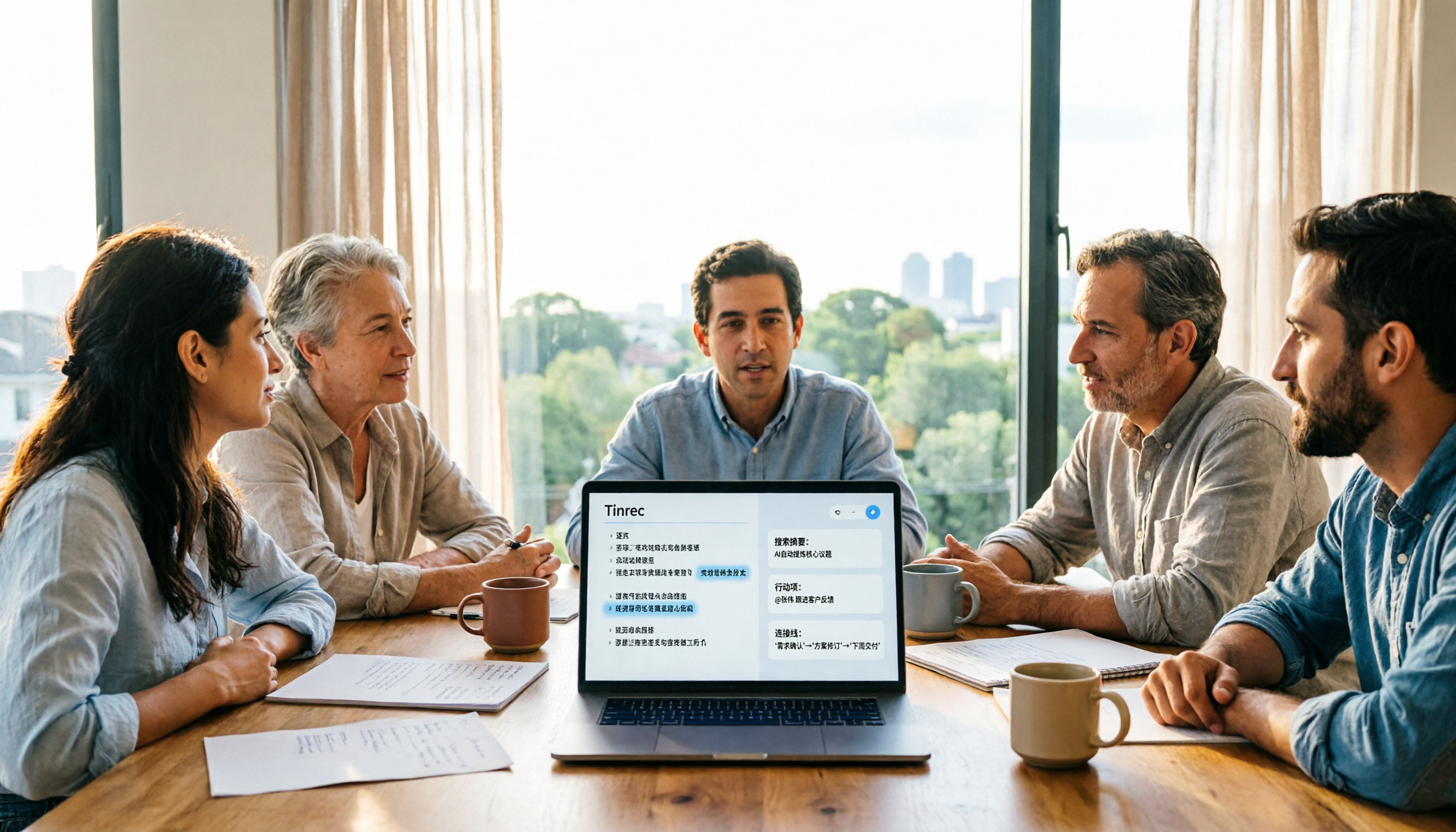
5 Meeting Transcription Tools Tested and Compared in 2026: Why Tinrec Is a Better Notta Alternative
How do you choose a meeting transcription tool? This article examines four decision points—bot-free recording, Chinese language experience, post-meeting organization, and team governance—comparing Tinrec, Notta, Otter, Fireflies, and Granola, and uses Tinrec as an example of how to turn meeting recordings into searchable, collaborative, actionable team data.
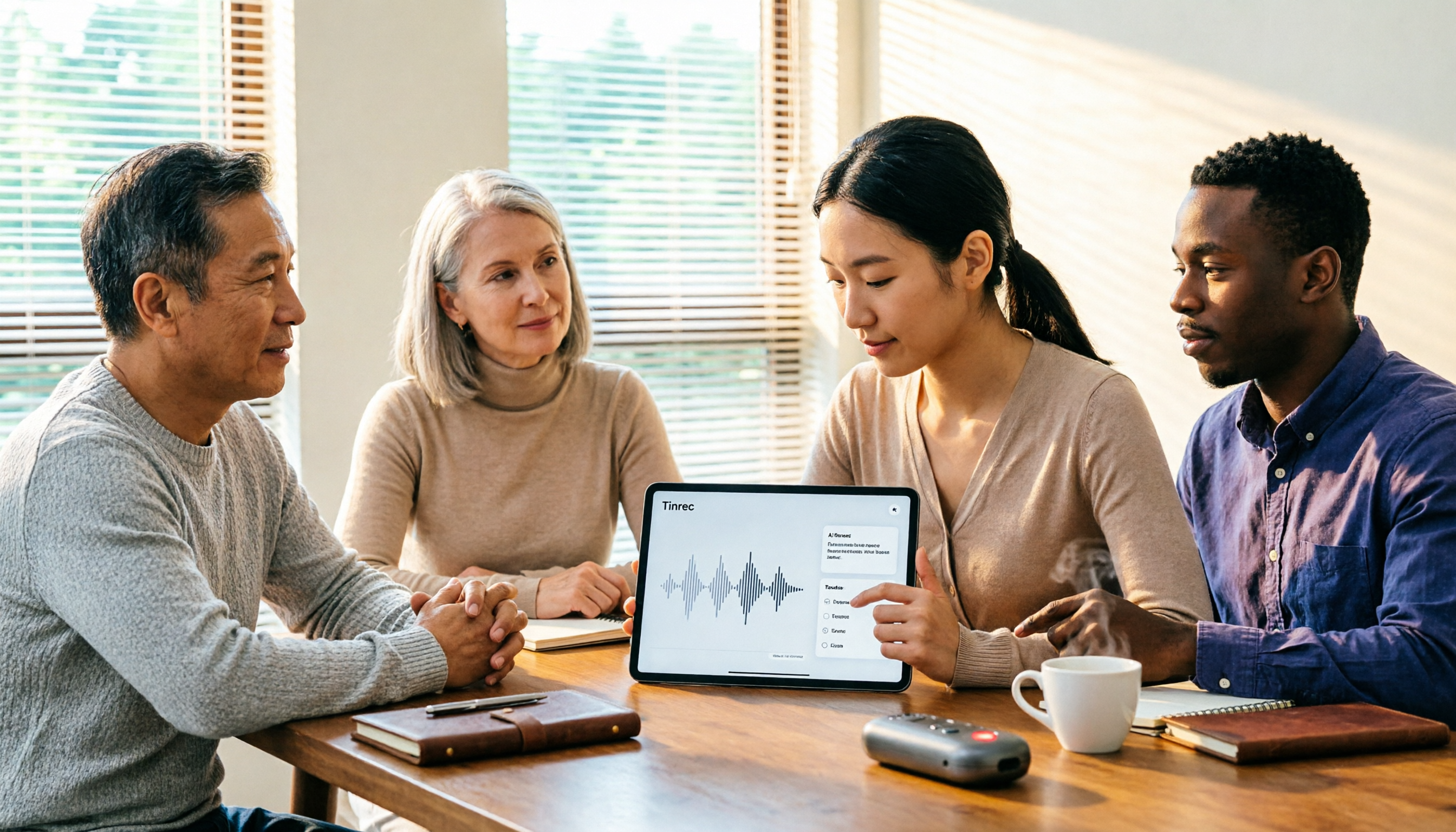
How to Use Gemini Meeting Notes App in 2026: 5 Steps from Recording to AI Summary
How do you use the Gemini meeting notes app? This article outlines 5 steps, from uploading recordings to generating AI summaries, and compares tools like Tinrec to help you find the best meeting notes solution.

4 Meeting Transcription Tools Tested for 2026: Which One Beats NotebookLM for Your Meetings?
Tired of staying late to type up meeting transcripts? This article compares 4 meeting transcription tools from a practical workplace perspective, focusing on Chinese meeting transcription, bot-free recording, post-meeting summaries, and team collaboration. Using Tinrec as the primary test tool, it breaks down real-time transcription, AI Q&A, action item extraction, and team spaces, and answers the most common questions from NotebookLM users about differences and purchasing decisions.
4 Meeting Transcription Tools Tested for 2026: Beyond Gemini, Which Saves More Time?
Gemini can generate transcripts from audio uploads, but what happens after? This article compares Gemini, Tinrec, Otter.ai, and Notta, with hands-on testing of Chinese recognition, post-meeting organization, online meeting recording, and team sharing. It also covers 4 common pitfalls to help you find a truly time-saving meeting transcription workflow.

Notta vs Noota: What's the Difference? 2026 Hands-On Test of 3 Tools — Tinrec Wins for Chinese Meetings
Many people search for "notta vs nada" but are actually confusing product names. This article starts by clearing up the naming confusion, then hands-on tests three AI meeting tools — Tinrec, Notta, and Noota — comparing Chinese recognition, recording methods, post-meeting output, and team management, plus key buying tips and common pitfalls.

2026 Transcription App Review: 3 Key Factors—Free Quotas and Chinese Recognition
How do you choose a transcription app? This article addresses three common pitfalls, explaining the three key factors: free quotas, Chinese and mixed Chinese-English recognition, and post-meeting organization. It uses Tinrec as an example to demonstrate the complete workflow from recording, transcription, summarization, to-dos, to export, and covers practical scenarios and FAQs for meetings, classes, interviews, and content creation.

2026 Voice Recorder Buying Guide: Specs, Features, and a Hands-On Test of Tinrec
How do you choose a voice recorder without getting burned? We break down the three most common buying mistakes—from microphone setup and storage to post-meeting organization—and compare Tinrec and PLAUD Note from a student's perspective on Chinese transcription, online meetings, pricing, and team collaboration, so you can find a recording solution you'll actually use.
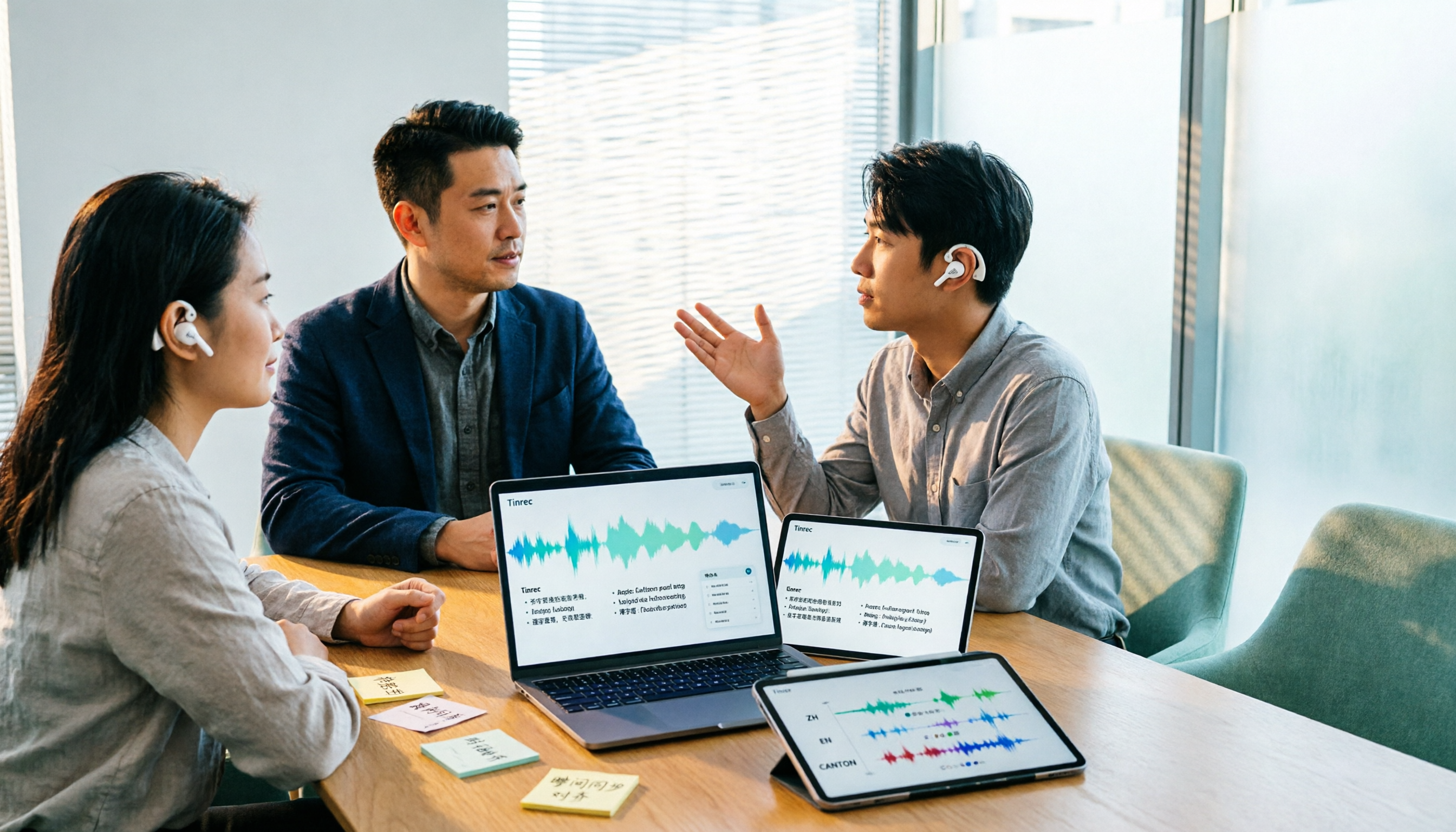
Notta AI Alternatives in 2026: 5-Dimension Comparison for Chinese-Language Meeting Teams
After two years with Notta, I started looking for alternatives. From the perspective of a mid-level manager, this article compares Notta and Tinrec across 5 dimensions: online meeting capture methods, post-transcription organization, Chinese and cross-language experience, team workspace and seat governance, and pricing and usage metrics—with an honest take on who each tool suits best.