
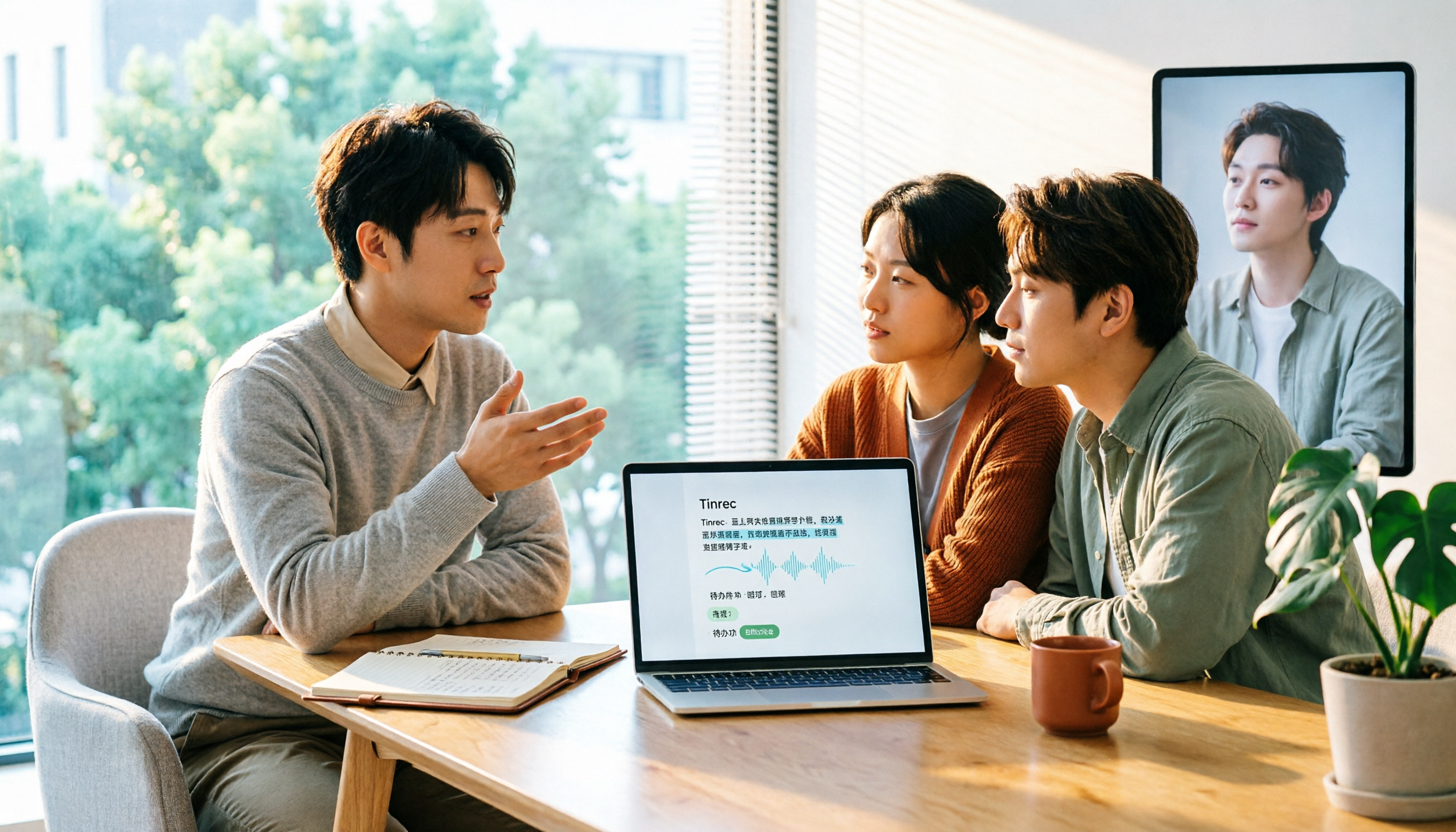
Turn recordings into transcripts and summaries in minutes
Upload audio or video for multilingual transcription, AI notes, and action items
2026 Tinrec Review: 5-Dimension Comparison + Chinese Meeting Test
Honestly, most people's first step when choosing a transcription tool is comparing free minutes.
That's the easiest trap to fall into.
More free minutes doesn't mean the Chinese meeting transcript will be usable; fast transcription doesn't mean you'll have meeting minutes and action items right after the meeting. I've seen many readers try four or five tools and end up going back to manual transcription. The problem usually isn't the tool—it's choosing the wrong direction from the start.
A more reasonable approach: first confirm your meeting language and scenario, then see what the transcript can produce afterward, and finally compare prices.
In this article, I compare Otter.ai, often used as a reference for transcription tools, with Tinrec across five dimensions. Both are AI meeting note tools, but their focus differs significantly.
Tinrec vs Otter.ai | Quick Overview
Tinrec is an AI meeting notes and collaboration tool for individuals and teams. It turns meeting recordings into searchable, summarizable, queryable, and exportable data that accumulates in a team space.
Otter.ai is a mature AI meeting assistant with a long history in real-time transcription, speaker identification, AI Chat, and team management for English business meetings.
- Core positioning: Tinrec focuses on 'meeting data accumulation and collaboration'; Otter focuses on 'English meeting assistant'
- Meeting capture: Tinrec desktop captures system audio without a bot; Otter primarily uses a meeting bot and desktop app
- Language focus: Tinrec handles Chinese, Traditional Chinese, and mixed Chinese-English well; Otter is stronger for English business meetings
- Pricing: Otter Basic is free with 300 minutes per month; Pro annual is USD 8.49 per user per month. Tinrec offers a free personal plan, weekly pass, Pro monthly and annual plans; team plan is USD 29.80 per paid seat per month, or USD 199 per paid seat per year
Let's look at the five dimensions separately.
Dimension 1 | Transcription Experience with Chinese and Mixed Chinese-English
Otter's home turf is English. Its transcription, speaker identification, and AI Chat for English meetings are quite mature, which is where it has the best reputation. But Chinese meetings, Taiwanese terminology, or mixed Chinese-English technical discussions are not its main focus, and the gap in actual use is noticeable.
Tinrec covers Chinese, Traditional Chinese, and multilingual meeting scenarios, supports real-time translation, and allows you to view only the original, only the translation, or bilingual side-by-side. The team plan also lets you maintain team hotwords, adding company-specific terms, which is especially helpful for product names and project codes.
Note that no tool should promise a fixed accuracy rate. Actual results depend on recording quality, background noise, accents, and overlapping speech. For important content, it's best to cross-check with the transcript timestamps.
→ This dimension: For Chinese meeting scenarios, Tinrec has a clear advantage.
Dimension 2 | How to Record Online Meetings: Bot vs No Bot
Otter's common approach is to add a meeting bot to the meeting or use the desktop app. The advantage of a bot is high automation; the downside is an extra participant on the attendee list, which some client meetings or external occasions may care about.
Tinrec desktop takes a different path: it directly captures the computer's system audio, handling Zoom, Google Meet, Microsoft Teams, Webex, and other online meetings without needing a meeting bot as a participant.
Note that Tinrec is not a 'calendar bot that automatically joins all events'; users still need to actively open the desktop app to start recording. It's more accurate to think of it as 'no extra bot in the meeting.'
→ This dimension: If you don't want a bot on the attendee list, Tinrec is more convenient.
Dimension 3 | After the Transcript: Summaries, Chapters, and Action Items
Both produce summaries and action items; the difference is the granularity of organization.
Besides summaries, Tinrec also breaks out chapters and key points, making long meetings easy to scan, extracts action items from discussions, and generates mind maps to help understand relationships between topics.
Stop organizing recordings by hand
Upload audio or video and automatically get a transcript, summary, and action items
Otter has mature workflow designs for summaries, action items, and cross-meeting queries, which is smooth for those already used to it.
→ This dimension: Tie, depending on whether you want structured browsing or continuity with an existing workflow.
Dimension 4 | Post-Meeting Output and Export: Can You Continue Working Directly?
This is where I think the gap is most obvious.
Otter's integration ecosystem has been built early, making it convenient for pure English teams.
Tinrec focuses on 'after the meeting': you can ask AI questions about a single or multiple meetings, use Agent post-processing to generate reports, tables, and documents, and export in multiple formats to Notion, Google Docs, OneNote, Dropbox for further editing.
In other words, the transcript is just the starting point, not the end.
→ This dimension: Tinrec wins.
Dimension 5 | Team Space, Roles, and Seat Governance
Tinrec's team plan is an independent team space, not multiple people sharing a personal account. You can create multiple team spaces, invite members via link, set owners/admins/regular members, and assign, revoke, or transfer seats. Meeting data belongs to the team; when a member leaves or is removed, their team resources must be handed over to other active members. Admins can view team usage trends, member rankings, and details, plus team hotwords, audit logs, and audio recycle bin.
Two points to clarify: currently it's mainly team-level sharing, not file-level granular permissions; members without a seat can view, play, and read team data but cannot upload, edit, or export.
Otter's team and enterprise capabilities are equally mature and have a place in large organizations' existing procurement processes.
→ This dimension: Tie, each governance model has its supporters.
What Are the Unique Advantages of Each?
Tinrec's Unique Advantages
- Bot-free desktop recording, so online meetings don't have an extra participant on the list.
- Chinese, Traditional Chinese, and mixed Chinese-English meeting experience, plus team hotwords and real-time bilingual translation view.
- Complete post-meeting workflow: AI Q&A, Agent-generated reports/tables/documents, mind maps, and multi-format export.
- Clear team data ownership, including seat management, usage analytics, audit logs, audio recycle bin, and offboarding handover.
Otter's Unique Advantages
- Mature English business meeting ecosystem with long-accumulated integrations and workflow automation.
- For pure English, fully remote teams, existing habits are hard to change.
Conclusion: Which Should You Choose?
- Your meetings are mainly in Chinese, Traditional Chinese, or mixed Chinese-English → Tinrec
- You don't want a meeting bot on the attendee list → Tinrec
- You want summaries, action items, AI Q&A, and post-meeting documents after the transcript → Tinrec
- You need to manage team space, seats, usage, and audit together → Tinrec team plan
- You and your team only have English meetings and are used to existing tools → Otter.ai is sufficient
In one sentence: For most Chinese meeting users, Tinrec is a more complete choice. I suggest starting with the free plan and testing with a recording of your own meeting—that's more accurate than reading ten reviews.
FAQ
Q1: How to choose a transcription tool without falling into traps?
First look at your meeting language, then post-meeting output, and finally compare free minutes. Doing it in reverse makes it easy to find a tool with lots of free minutes but poor Chinese support.
Q2: What's the biggest difference between Tinrec and Otter.ai?
Tinrec emphasizes bot-free desktop recording, Chinese experience, and meeting data accumulation in team spaces; Otter's strength is the maturity and integration ecosystem of English business meetings.
Q3: What's the difference between Tinrec's team and personal plans?
Personal plan data is managed under a personal account. The team plan is an independent space where meeting data belongs to the team, with additional members, roles, seats, sharing rights, usage analytics, audit logs, and recycle bin.
Q4: Can members without a seat see the data?
They can view, play, and read team data, but cannot record, upload, edit, or export. They need a seat to use resources.
Q5: Which meeting platforms does Tinrec support?
The desktop version can handle meeting audio played on a computer from Zoom, Google Meet, Microsoft Teams, Webex, etc. This does not imply official partnerships with these platforms.
Q6: What to note before recording?
Please comply with local laws and obtain participant consent when needed. For transcription results, it's recommended to keep the recording and transcript timestamps and double-check important information.
References
- No time limit! 3 free AI transcription tools, highly recommended! AI voice notes generate meeting minutes, presentations, mind maps | 104 Career Force
- Yating Transcription
- Home | Vocol.ai Voice Collaboration Platform
- [AI Voice Notes] 5 highly recommended AI speech-to-text tools! Generate transcripts and meeting notes highlights, free vs subscription, pros and cons review | 104 Career Force
- Asking the experts, any recommended AI tools to transcribe audio files?
Turn every recording into actionable outcomes
Get 60 free transcription minutes when you sign in. No credit card required.
Related Reading
You might also like

2026 AI Meeting Notes Tools Compared: Which Saves the Most Time for Teams Meetings?
After a Teams meeting, do you still have to organize the transcript, summary, and action items yourself? This article breaks down how to choose an AI meeting notes tool from a methodology perspective, comparing Microsoft Teams built-in transcription, Otter.ai, Notta, and Tinrec on their actual differences in Chinese meetings, bot-free recording, and post-meeting Q&A, with a copyable starter checklist.

4 Podcast Transcription Tools Tested for 2026: Which One Best Fits Students' Needs for Transcripts and Bilingual Subtitles?
Ever listen to a podcast during your commute, hear a key point, but can't write it down? Or need to cite a specific idea for a final paper but can't find the timestamp? This article tests 4 podcast subtitle and transcription tools from a student's perspective, covering input methods, whether transcripts are searchable and queryable, bilingual translation, and whether free tiers are sufficient. We break down key buying factors, pitfalls to avoid, and recommendations.
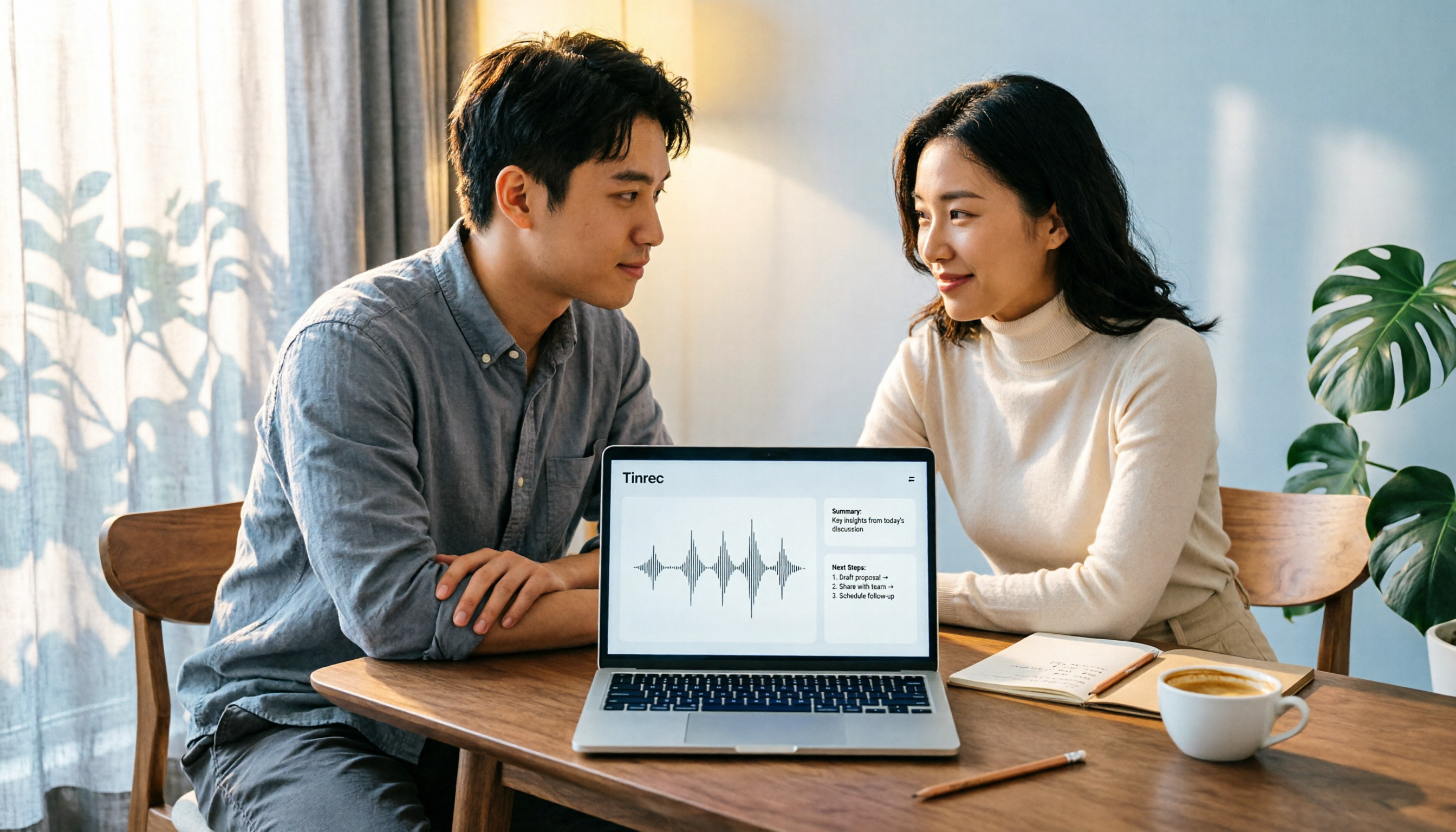
4 Computer Recording Software Compared in 2026: Auto-Generate Summaries and To-Dos After Recording
This article focuses on the decision factor of 'how quickly you can organize after recording' and compares four computer recording software: Tinrec, Bandicam, Audacity, and Windows Voice Recorder. It analyzes key differences such as system sound recording, AI transcription, summary and to-do generation, and team collaboration, and provides buying tips, pitfalls to avoid, and scenario-based recommendations.

2026 Notta vs Tinrec: Bot-Free Recording & Team Knowledge Retention
When you search 'notta vs nada' on Google, half the results are slang explanations—but what you really want to compare is Notta and Noota. This article breaks down Notta and Tinrec across five dimensions, from bot-free recording and Chinese meeting experience to post-meeting workflows, team governance, and pricing, helping you figure out which one better suits Chinese-language meeting scenarios in Hong Kong.

2026 PTT Hot Topic: Meeting Notes AI — Tinrec vs Plaud Note: A 5-Dimension Comparison
How do you choose a meeting notes AI tool that's trending on PTT? This article compares Tinrec and Plaud Note across 5 key dimensions—recording method, Chinese recognition, post-meeting organization, cross-platform use, and team collaboration—to help you find the right meeting notes solution.
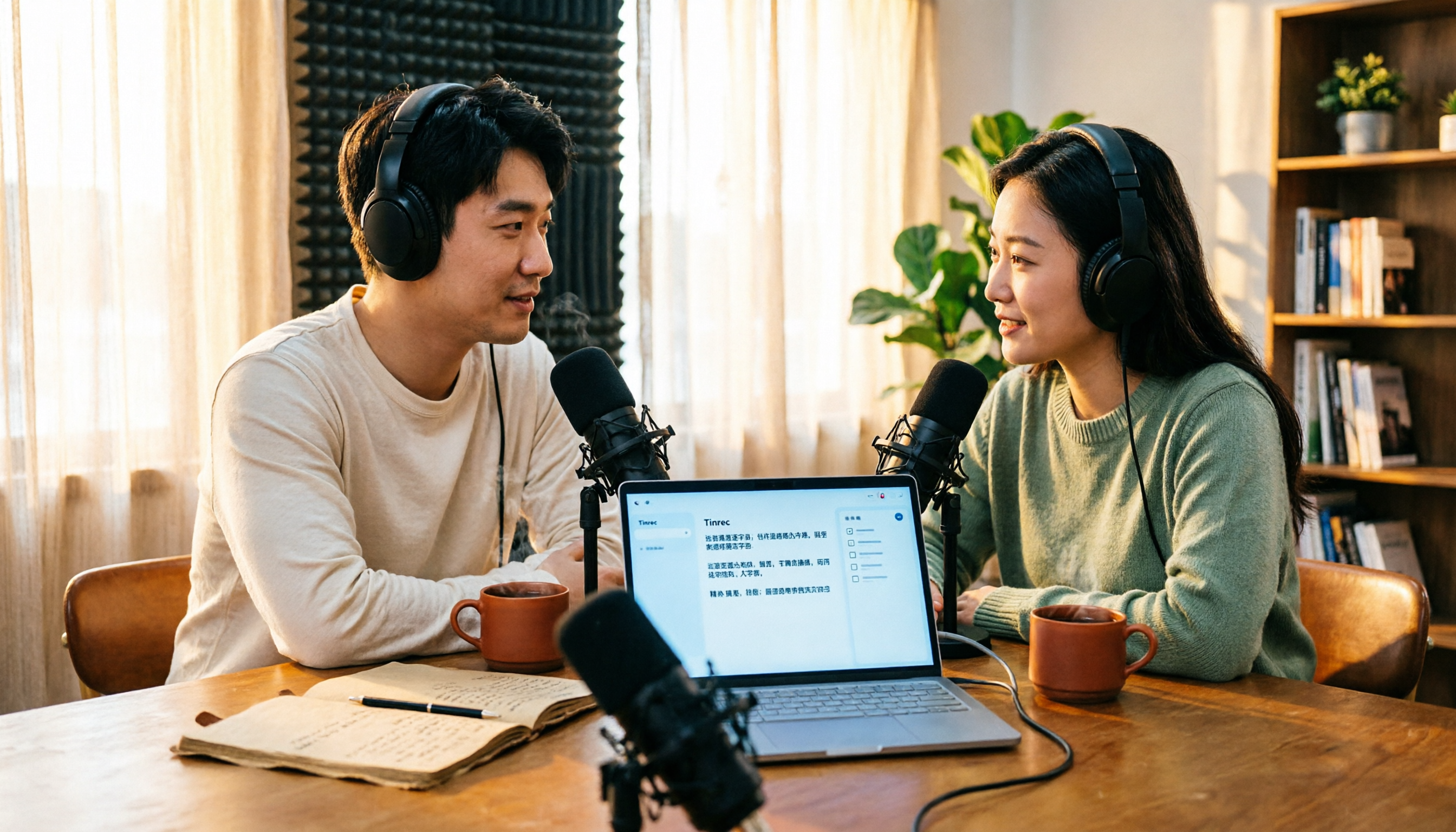
4 Free Podcast Transcription Tools Compared in 2026: Is Tinrec Faster Than MyEdit for Chinese Content?
Looking for a free podcast transcription tool? This article compares free online options with Tinrec, covering differences in Chinese recognition, summarization, Q&A, to-dos, export, and team collaboration, plus free quotas, buying tips, and FAQs.
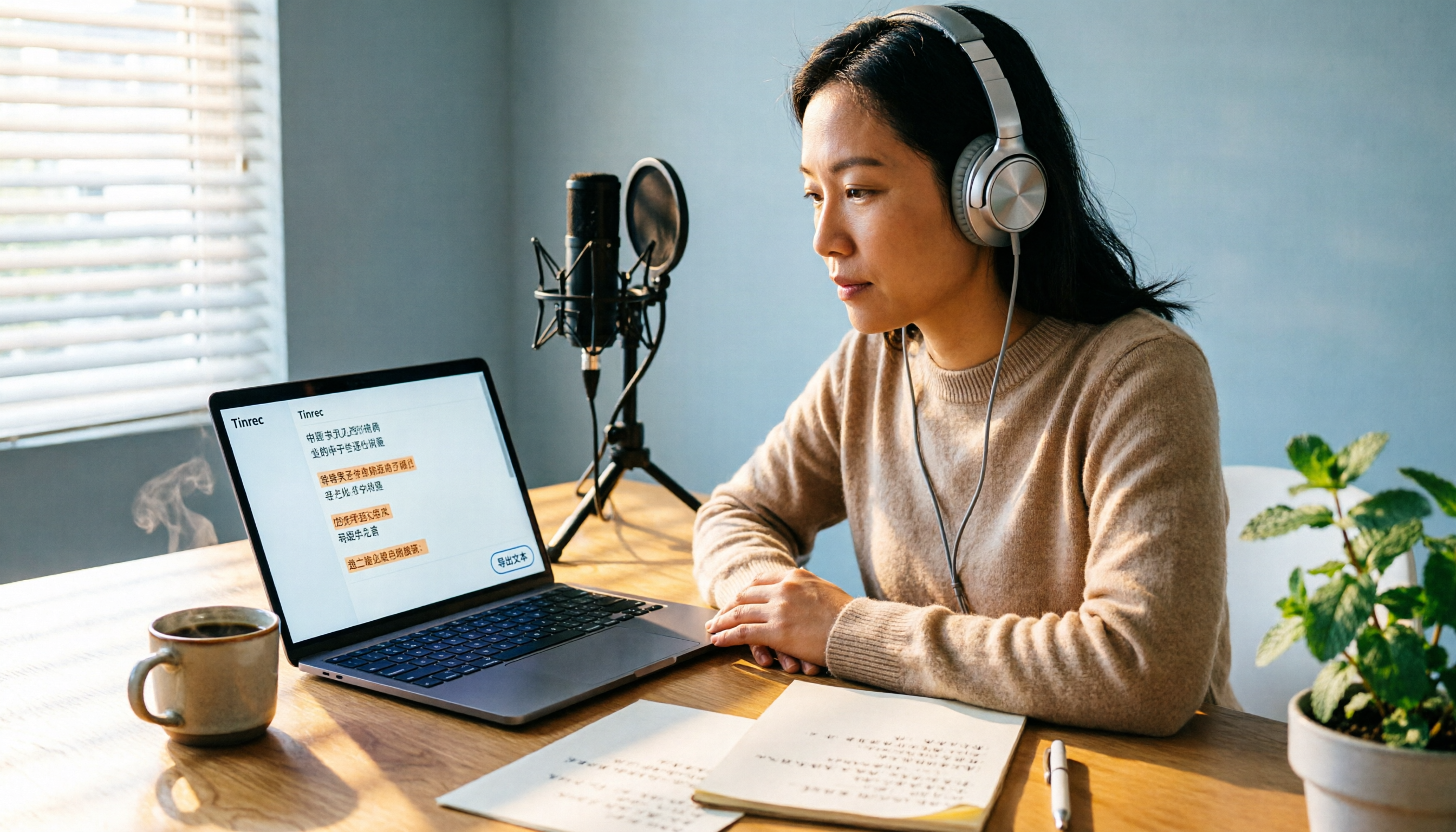
2026 Podcast Transcription Tools Buying Guide: 4 Tested Picks and Recommendations
How to choose a podcast transcription tool? Based on a mid-level manager's hands-on testing, this guide covers 4 key buying factors (Chinese recognition, post-transcription organization, export formats, and quota pricing), tests Tinrec, Otter.ai, TurboScribe, and Notta, and includes pitfalls to avoid plus scenario-based recommendations.
2026 Podcast Transcription AI Comparison: Which Saves the Most Time for Chinese Transcription?
Turning podcast audio into usable data isn't about transcription speed—it's about what you can do after. This article compares Tinrec, Notta, TurboScribe, and Granola on Chinese interview transcription, audio retention, and team collaboration, covering selection criteria, hands-on observations, and pitfalls to avoid.

2026 LINE Voice to Text Free Options: 4 Methods Compared
LINE's built-in microphone is actually voice input, not speech-to-text. Based on a student's real experience, this guide covers 4 free ways to convert LINE voice messages to text in 2026, explaining their limitations, quotas, and use cases. It also demonstrates how Tinrec turns audio files into searchable, queryable transcripts and key notes.