

Turn recordings into transcripts and summaries in minutes
Upload audio or video for multilingual transcription, AI notes, and action items
The Reality of 'Free AI Transcription': What You Think Is Free vs. What's Actually Free
Nine out of ten people looking for free AI transcription tools end up using the paid version—not because they want to pay, but because the free quota is simply not enough.
The most common scenario: a tool claims to be free, but actually offers '3 minutes per day' or a '300-minute trial.' You start a two-hour meeting, and before the first segment is transcribed, a pop-up asks you to upgrade. Another hidden pitfall is language—Chinese accuracy doesn't mean Cantonese accuracy. Real meeting recordings with mixed Chinese-English, fast speech, air conditioning noise, and keyboard sounds are the true test.
And the most overlooked step: even if you get the transcript, you still have to read through it, manually pick out key points, and write meeting minutes. This step often takes longer than the transcription itself.
So the question isn't 'which one is free,' but 'which one can help you finish work.'
Before Choosing a Free AI Transcription Tool, Understand These 4 Key Points
1. The unit of free quota matters more than the number. '300 free minutes' sounds generous, but if it's a one-time trial quota, it's gone after three meetings. Distinguish whether it's daily, monthly, one-time, or per file.
2. Don't just look at the official accuracy claims. Official demos are usually studio-quality, single-language, and steady-paced. Real meetings have noise, interruptions, and technical terms. Test with your own meeting recording that has background noise—don't just trust the marketing page.
3. Does it have organization capabilities after transcription? The transcript is just raw material. Whether it has summaries, chapters, action item extraction, and AI Q&A determines whether you need to spend another hour digesting it. This is where real time savings happen.
4. How important is cross-platform? Record on your phone today, organize on your computer tomorrow—if the tool doesn't support cross-platform, your data will be scattered across devices.
Tinrec – Our Top Pick After Testing
Tinrec is an AI meeting notes and collaboration tool for individuals and teams, covering web, desktop, and mobile, supporting Chinese, Traditional Chinese, and multilingual meeting scenarios. It doesn't just convert audio to text; it turns meetings into searchable, queryable, and further processable data.
First selling point: Record online meetings without a bot. Previously, to record Zoom, Google Meet, Microsoft Teams, or Webex meetings, you usually had to invite a meeting bot. As soon as participants see an extra 'attendee,' it gets awkward. Tinrec's desktop version directly captures system audio without an extra bot. Users can open Tinrec and start recording themselves, with live transcription. This is very practical for client meetings where you don't want the other party to see a bot.
Second selling point: Ask AI directly after recording. This is where Tinrec stands out most from other tools. After the meeting, you can directly ask: 'Who mentioned the budget in the last meeting?' It answers based on semantic understanding, not just a list of keyword search results. Most transcription tools at the same price only offer transcripts and basic summaries; after recording, you still have to Ctrl+F through paragraphs yourself.
Third selling point: Ready-to-use output after the meeting. Tinrec automatically generates summaries, chapters, key points, and action items, and can even produce mind maps. When you need to submit a report, you can use Agent post-processing to generate reports, tables, and documents, and export to Notion, Google Docs, OneNote, Dropbox, etc. for further processing. From 'recording finished' to 'ready to submit,' it handles most of the most time-consuming steps.
Stop organizing recordings by hand
Upload audio or video and automatically get a transcript, summary, and action items
For team use. If shared by a department or project team, Tinrec's team version is a separate team collaboration space, not a few people sharing a personal account. Team data belongs to the team; members can view and reuse historical meetings. Admins can assign roles and seats, view usage trends and member rankings, manage team hotwords, and query and export audit logs. Deleted audio can be recovered from a 30-day recycle bin. The current official configuration is: first eligible team trial for 7 days, 1 free seat, 300 minutes of shared team import quota; after payment, USD 29.80 per paid seat per month, or USD 199 per paid seat per year. Each paid seat provides 2,000 minutes of shared team import quota per month. Real-time recording under an active plan is currently not deducted by minutes. Actual prices and benefits are subject to the official purchase page. Note that roles and seats are different: members with a valid role but no seat can view, play, and read team data, but cannot upload, edit, import, or export.
Limitations to be clear about. The free version only has a basic quota; heavy users need to pay. Also, it doesn't automatically join all meetings on your calendar; you need to start recording yourself. Transcription quality is affected by recording quality, noise, accents, overlapping speech, and technical terms. For important content, it's recommended to verify with transcript timestamps and audio playback.
Who is it for? For those who frequently handle Chinese or mixed Chinese-English meetings, want to use AI to find key points directly after recording, and need to switch between phone and computer, Tinrec is currently the most convenient choice.
Besides Tinrec, What Other Options Are There?
MyEdit: An ad-free online AI transcription tool with 3 minutes free per day. It can transcribe Chinese, English, and Japanese recordings, automatically segments and adds punctuation, and transcription speed is quite fast in tests (source: CyberLink official blog). Suitable for occasional short recordings. But 3 minutes per day is used up in one meeting, and it only provides transcripts—no AI Q&A, and it can't turn an entire meeting into queryable data.
Yating: A veteran Taiwanese Chinese speech-to-text tool with good multi-speaker recognition. However, transcription speed is slower, free quota is limited, and after recording you only get the transcript itself—no AI conversational query or team space for post-meeting workflows.
Otter.ai: The top choice for English meetings. The free version offers 300 minutes per month, which is quite generous. If all your meetings are in English, Otter is more cost-effective than Tinrec. But its support for Cantonese and mixed Chinese-English content is clearly lacking, and it doesn't have Chinese-specific configurations like team hotwords—this is the only exception in this article where we recommend choosing based on language.
Pitfall Guide: The 4 Most Common Mistakes When Choosing a Free AI Transcription Tool
**Pitfall 1: Only looking at the word 'free,' not the quota unit.** 3 minutes per day, 300 minutes per month, one-time trial credits—the actual usability varies greatly. Check carefully before committing.
**Pitfall 2: Judging based on official demo audio.** Demo recordings are clean and single-language. Your own meeting recordings have noise, interruptions, and company-specific terms. Test with your own recording, and the answer will be completely different.
**Pitfall 3: Treating a transcription tool as a typewriter.** Converting to text is just the first step. If the tool has summaries, action items, and AI Q&A, you can directly ask 'What was the conclusion of this meeting?' after recording—much faster than reading through 30 minutes of transcript yourself.
**Pitfall 4: Ignoring cross-platform.** Record on your phone today, organize on your computer tomorrow. If the tool doesn't support cross-platform, you'll constantly copy and paste. Also, before recording, please pay attention to local laws and participant consent—this is basic.
Conclusion: Which One Should You Choose?
It's clearer to choose by scenario:
- Need Chinese/Cantonese meeting transcription → Tinrec (more complete Chinese scenario configuration, supports team hotwords)
- Want to use AI to find key points and ask details directly after recording → Tinrec (has AI Q&A and Agent post-processing)
- Need to record Zoom, Meet, Teams without inviting a bot → Tinrec (desktop version captures system audio)
- Cross-platform use on phone and computer → Tinrec (web, desktop, mobile)
- Team sharing meeting data, need to manage seats and usage → Tinrec team version (team space, seat allocation, usage analysis, audit logs)
- All meetings in English, zero budget → Otter.ai (the only exception)
The conclusion is straightforward: if you have meetings every day and need to write meeting minutes, Tinrec is worth trying; if you only transcribe a few short recordings a year, the free quota is enough. We recommend testing with your own meeting recording first to see if the transcription and summary quality meet your requirements. If it works well, consider upgrading—no need to pay upfront.
References
- No time limit! 3 free AI transcription tools, highly recommended! AI voice notes generate meeting minutes, presentations, mind maps | 104 Career Power
- Want to transcribe audio files for free? 5 must-try transcription tools to help you get it done quickly
- Yating Transcription
- [AI Voice Notes] 5 highly recommended AI transcription tools! Generate transcripts and meeting minutes highlights, free vs subscription, pros and cons comparison | 104 Career Power
- AI Transcript Generator
Turn every recording into actionable outcomes
Get 60 free transcription minutes when you sign in. No credit card required.
Related Reading
You might also like

2026 AI Meeting Notes Tools Compared: Which Saves the Most Time for Teams Meetings?
After a Teams meeting, do you still have to organize the transcript, summary, and action items yourself? This article breaks down how to choose an AI meeting notes tool from a methodology perspective, comparing Microsoft Teams built-in transcription, Otter.ai, Notta, and Tinrec on their actual differences in Chinese meetings, bot-free recording, and post-meeting Q&A, with a copyable starter checklist.

4 Podcast Transcription Tools Tested for 2026: Which One Best Fits Students' Needs for Transcripts and Bilingual Subtitles?
Ever listen to a podcast during your commute, hear a key point, but can't write it down? Or need to cite a specific idea for a final paper but can't find the timestamp? This article tests 4 podcast subtitle and transcription tools from a student's perspective, covering input methods, whether transcripts are searchable and queryable, bilingual translation, and whether free tiers are sufficient. We break down key buying factors, pitfalls to avoid, and recommendations.

4 Computer Recording Software Compared in 2026: Auto-Generate Summaries and To-Dos After Recording
This article focuses on the decision factor of 'how quickly you can organize after recording' and compares four computer recording software: Tinrec, Bandicam, Audacity, and Windows Voice Recorder. It analyzes key differences such as system sound recording, AI transcription, summary and to-do generation, and team collaboration, and provides buying tips, pitfalls to avoid, and scenario-based recommendations.

2026 Notta vs Tinrec: Bot-Free Recording & Team Knowledge Retention
When you search 'notta vs nada' on Google, half the results are slang explanations—but what you really want to compare is Notta and Noota. This article breaks down Notta and Tinrec across five dimensions, from bot-free recording and Chinese meeting experience to post-meeting workflows, team governance, and pricing, helping you figure out which one better suits Chinese-language meeting scenarios in Hong Kong.

2026 PTT Hot Topic: Meeting Notes AI — Tinrec vs Plaud Note: A 5-Dimension Comparison
How do you choose a meeting notes AI tool that's trending on PTT? This article compares Tinrec and Plaud Note across 5 key dimensions—recording method, Chinese recognition, post-meeting organization, cross-platform use, and team collaboration—to help you find the right meeting notes solution.
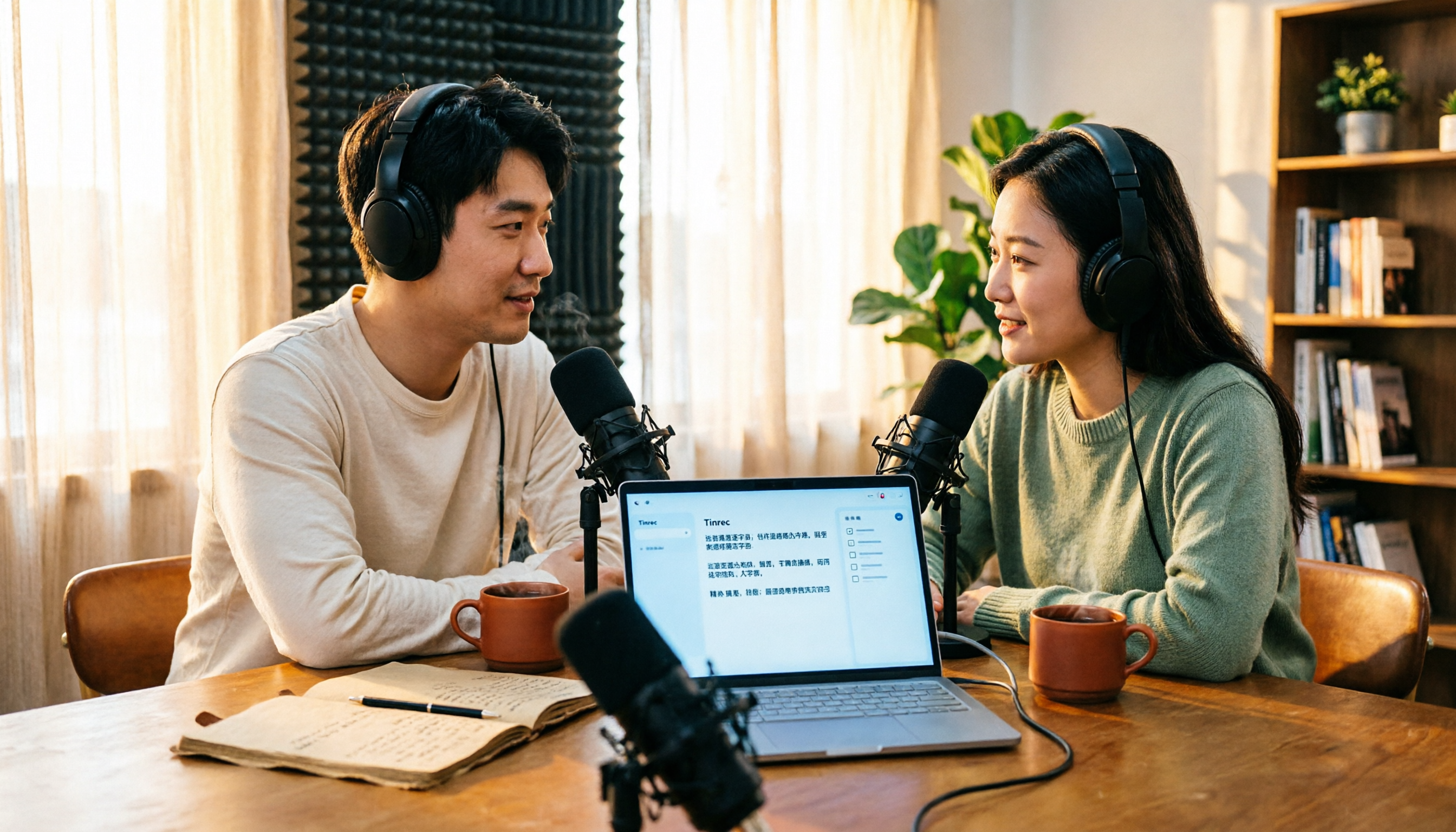
4 Free Podcast Transcription Tools Compared in 2026: Is Tinrec Faster Than MyEdit for Chinese Content?
Looking for a free podcast transcription tool? This article compares free online options with Tinrec, covering differences in Chinese recognition, summarization, Q&A, to-dos, export, and team collaboration, plus free quotas, buying tips, and FAQs.

2026 Podcast Transcription Tools Buying Guide: 4 Tested Picks and Recommendations
How to choose a podcast transcription tool? Based on a mid-level manager's hands-on testing, this guide covers 4 key buying factors (Chinese recognition, post-transcription organization, export formats, and quota pricing), tests Tinrec, Otter.ai, TurboScribe, and Notta, and includes pitfalls to avoid plus scenario-based recommendations.
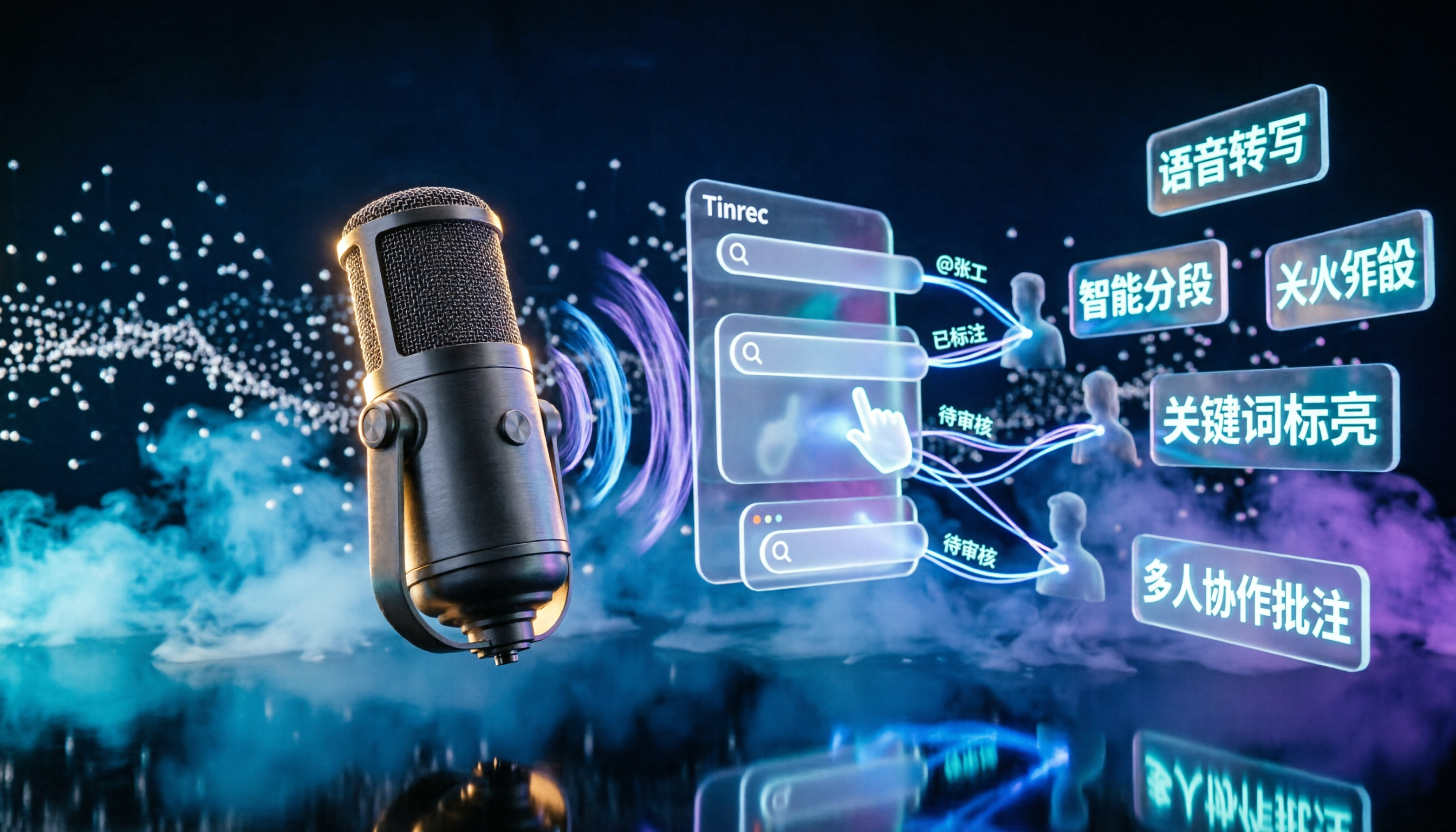
2026 Podcast Transcription AI Comparison: Which Saves the Most Time for Chinese Transcription?
Turning podcast audio into usable data isn't about transcription speed—it's about what you can do after. This article compares Tinrec, Notta, TurboScribe, and Granola on Chinese interview transcription, audio retention, and team collaboration, covering selection criteria, hands-on observations, and pitfalls to avoid.

2026 LINE Voice to Text Free Options: 4 Methods Compared
LINE's built-in microphone is actually voice input, not speech-to-text. Based on a student's real experience, this guide covers 4 free ways to convert LINE voice messages to text in 2026, explaining their limitations, quotas, and use cases. It also demonstrates how Tinrec turns audio files into searchable, queryable transcripts and key notes.