

Turn recordings into transcripts and summaries in minutes
Upload audio or video for multilingual transcription, AI notes, and action items
2026 Podcast Transcription Tools Buying Guide: 4 Tested Picks and Recommendations
Let me ask you a question: what do you actually want from that 60-minute podcast episode you just recorded?
If what you need is "a text asset you can search, quote, and turn into an article or show notes," then what you should be looking for isn't a recording app—it's a tool that can transcribe, organize, and let you go back and ask questions about the content later. If you just want to know roughly what the guest talked about, the built-in transcript on your listening platform might be enough.
This is my own hands-on writeup. I manage a team of 10 and have about 15 meetings a week. Podcasting is my second job after hours—I create content for my company and also do post-production for a friend's show. I've tried three or four tools, and I ended up sticking with Tinrec. I'll explain why later. First, let me lay out the buying criteria clearly, because a lot of people buy the wrong thing—not because the tool is bad, but because it doesn't fit their workflow.
Before Choosing a Podcast Transcription Tool, Understand These 4 Key Points
1. Chinese recognition matters more than you think. Many tools perform great in English but start breaking sentences apart as soon as they hit Chinese, mixed Chinese-English, or Taiwan-specific terms. My advice: take your own hardest audio clip (with background music, a fast-talking guest, mixed Chinese and English) and test it directly. Don't just rely on the demo files on the official website.
2. The transcript is just the starting point, not the finish line. A 60-minute episode transcript is roughly 8,000 to 10,000 words. What you need is usable material. So the focus is on what happens after transcription: can it automatically segment, does it have summaries, can you ask in one sentence "which paragraph did the guest mention pricing strategy?" This layer determines whether you save 1 hour or 5 hours.
3. Export formats determine how easy your downstream work will be. For subtitles you need SRT, for newsletters you need TXT or Markdown, and to keep editing in Notion or Google Docs you need direct transfer. If a tool only lets you view content on its own web page, it's basically locking you in.
4. How quotas are calculated matters more than the unit price. Some tools count "uploaded minutes," others count "recorded minutes"—the calculations differ. If you only produce one episode a week, the free quota might be enough. If you're a content team, what really matters is "how many minutes per seat" and how "multi-person sharing" is calculated.
Tinrec — Our Top Pick After Hands-On Testing
Tinrec is an AI meeting notes and collaboration tool for individuals and teams, supporting iOS, Android, and web. Its core purpose is turning recordings into text data that can be searched, queried, and further processed.
Upload an audio file and it transcribes. I usually drop already-recorded podcast audio into Tinrec, and it produces a transcript and automatically generates a summary, chapters, and key points. In the past I had to listen from the beginning and drag the timeline as I went; now it sets up the chapters first, and I just check whether the titles are correct.
You can ask it questions right after recording. This is where it differs most from most tools at the same price point. After the transcript is ready, I can directly ask: "What did the guest say about remote work?" "How many times did this interview mention subscriptions?" It doesn't just throw a string of keywords at me—it answers based on meaning. When making show notes or writing copy, the time this saves is very concrete.
Material can keep turning into finished products. Transcripts and summaries can be exported into common formats and brought into Notion, Google Docs, OneNote, and Dropbox for further editing. They can also be turned into reports, tables, and documents. For content teams, this means skipping the mechanical work of transcription and going straight to planning and output.
Three benefits I found most impactful:
- Handling of Chinese and mixed Chinese-English is relatively stable, and Taiwan-specific terms aren't forcibly converted into mainland Chinese terms.
- AI Q&A turns past episodes into a database, so when you want to quote something from an episode later, you don't have to listen again.
- It works on phone, computer, and web. You can record ideas on your commute and organize them at the office without switching tools.
Stop organizing recordings by hand
Upload audio or video and automatically get a transcript, summary, and action items
I'll be honest about the limitations too:
- Accuracy is affected by recording quality. Episodes with loud music, multiple people talking over each other, or heavy room echo still need manual proofreading. For important quotes, I recommend replaying at the timestamp to confirm.
- The free version has a basic quota. If you produce several episodes a week like I do, you'll need to upgrade. The personal plan has a weekly card, Pro monthly, and Pro annual, so short-term projects and long-term work can be chosen separately. The team plan is USD 29.80 per paid seat per month, or USD 199 per paid seat per year. Each paid seat provides 2,000 minutes of team shared import quota per month. Under an active team plan and seat, live recording currently does not deduct minutes. Actual prices and benefits are subject to the official purchase page.
Who it's for: People who need to handle Chinese or mixed Chinese-English content, want to use AI to query key points after transcription, and often switch between phone and computer. If you're a team producing a show and need to share episodes and recording data, arrange seats, and manage usage, the team plan is easier to manage than having everyone buy individual plans.
Besides Tinrec, What Other Options Are There?
Otter.ai: The top choice for English meetings and English podcasts. The free version offers 300 minutes per month, and Pro annual works out to about USD 8.49 per user per month. Its English business mindset is mature, but Chinese content isn't its home turf, and it lacks Tinrec's AI query experience built around Chinese transcripts. If you only do English shows, it's a great value.
TurboScribe: Focused on high cost-performance file transcription. The free version allows 3 files per day, up to 30 minutes per file. The paid version supports files up to 10 hours and up to 50 files at once, suitable for people who need to process a large number of long audio files at once. But it's a pure transcription tool. Summaries, to-dos, AI query, and team collaboration after transcription are things Tinrec has and it doesn't.
Notta: Good at multilingual transcription and translation. The free version offers 120 minutes per month, up to 3 minutes per session. The Business plan provides unlimited transcription and role permissions. It overlaps most with Tinrec in features, but Tinrec is more complete in desktop bot-free recording, team seats and member governance, and post-meeting Agent processing.
Also, the in-app transcripts on Apple Podcast and Spotify are mainly for listeners. Creators can't use them for editing or export—that's a "listening experience," not a "production tool."
Pitfall Guide: The 3 Most Common Mistakes When Choosing a Podcast Transcription Tool
Pitfall 1: Only looking at the accuracy on the official demo file. Demo audio is usually clean, slow, and single-language. Your show has background music, guest laughter, and mixed Chinese-English. Test the free quota with your own hardest episode—that's more accurate than any spec sheet.
Pitfall 2: Only buying "transcription" and ignoring the organization afterward. If a tool only gives you a big blob of transcript, you still have to segment it, pull out key points, and make a timeline yourself. What really saves time is the layer after transcription: summaries, chapters, to-dos, and whether you can directly ask it questions.
Pitfall 3: An individual buys it, but the team can't share it. The most common situation in content teams is: the host records, the planner organizes, and the social media editor writes copy—three people each using their own account, with data scattered everywhere. The correct way to use a team plan isn't "multiple people sharing one account," but an independent team space: data belongs to the team, members can view past episodes, roles and seats control who can upload and edit, and when a member leaves, the data can be handed over. Ask about this clearly before buying.
Conclusion: Which One Should You Actually Choose?
- Doing Chinese or mixed Chinese-English shows, and want to use AI to query key points after transcription → Tinrec. This is its strongest area.
- Need to process a large number of long audio files at once, and only need transcripts → TurboScribe. Long file processing is its home turf.
- Pure English shows, budget first → Otter.ai. Generous English free quota.
- Content team needs to share episodes, manage seats and usage → Tinrec team plan. Data belongs to the team, not individuals.
- Just want to quickly know what an episode is about → Use the built-in transcript on your listening platform first. No need to spend money.
My advice: take your own hardest episode audio and run it through Tinrec's free quota once to see if the sentence breaks and Chinese recognition suit your taste. If it works, then decide whether to upgrade. If it's not enough, at least you'll know what kind of tool you actually need, instead of being led around by ads.
References
- Convert Podcast to Text | Transcribe App & Online Editor
- Free AI Podcast Summary Tool | Podcast to Text, Mind Map and Transcript - WayinVideo
- Online Podcast Transcript Generator: Free Podcast Audio to Text
- Apple Podcasts Transcripts Feature - Apple Podcasts for Creators
- Podcast Transcript Review: Did You Notice Apple Podcast and Spotify Podcast Can Display Transcripts in Real Time? | Wo World
Turn every recording into actionable outcomes
Get 60 free transcription minutes when you sign in. No credit card required.
Related Reading
You might also like

2026 AI Meeting Notes Tools Compared: Which Saves the Most Time for Teams Meetings?
After a Teams meeting, do you still have to organize the transcript, summary, and action items yourself? This article breaks down how to choose an AI meeting notes tool from a methodology perspective, comparing Microsoft Teams built-in transcription, Otter.ai, Notta, and Tinrec on their actual differences in Chinese meetings, bot-free recording, and post-meeting Q&A, with a copyable starter checklist.

4 Podcast Transcription Tools Tested for 2026: Which One Best Fits Students' Needs for Transcripts and Bilingual Subtitles?
Ever listen to a podcast during your commute, hear a key point, but can't write it down? Or need to cite a specific idea for a final paper but can't find the timestamp? This article tests 4 podcast subtitle and transcription tools from a student's perspective, covering input methods, whether transcripts are searchable and queryable, bilingual translation, and whether free tiers are sufficient. We break down key buying factors, pitfalls to avoid, and recommendations.

4 Computer Recording Software Compared in 2026: Auto-Generate Summaries and To-Dos After Recording
This article focuses on the decision factor of 'how quickly you can organize after recording' and compares four computer recording software: Tinrec, Bandicam, Audacity, and Windows Voice Recorder. It analyzes key differences such as system sound recording, AI transcription, summary and to-do generation, and team collaboration, and provides buying tips, pitfalls to avoid, and scenario-based recommendations.

2026 Notta vs Tinrec: Bot-Free Recording & Team Knowledge Retention
When you search 'notta vs nada' on Google, half the results are slang explanations—but what you really want to compare is Notta and Noota. This article breaks down Notta and Tinrec across five dimensions, from bot-free recording and Chinese meeting experience to post-meeting workflows, team governance, and pricing, helping you figure out which one better suits Chinese-language meeting scenarios in Hong Kong.

2026 PTT Hot Topic: Meeting Notes AI — Tinrec vs Plaud Note: A 5-Dimension Comparison
How do you choose a meeting notes AI tool that's trending on PTT? This article compares Tinrec and Plaud Note across 5 key dimensions—recording method, Chinese recognition, post-meeting organization, cross-platform use, and team collaboration—to help you find the right meeting notes solution.
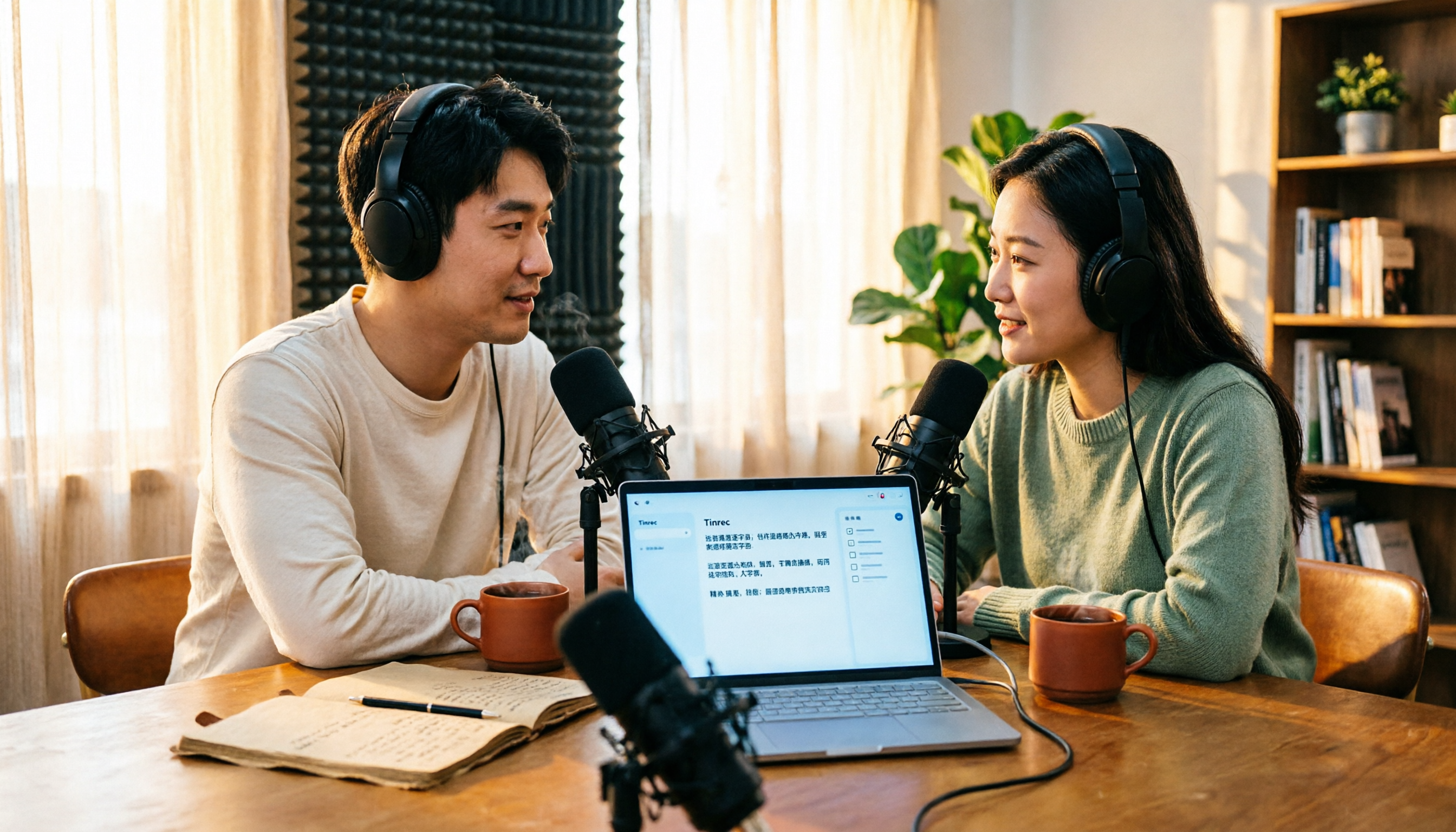
4 Free Podcast Transcription Tools Compared in 2026: Is Tinrec Faster Than MyEdit for Chinese Content?
Looking for a free podcast transcription tool? This article compares free online options with Tinrec, covering differences in Chinese recognition, summarization, Q&A, to-dos, export, and team collaboration, plus free quotas, buying tips, and FAQs.
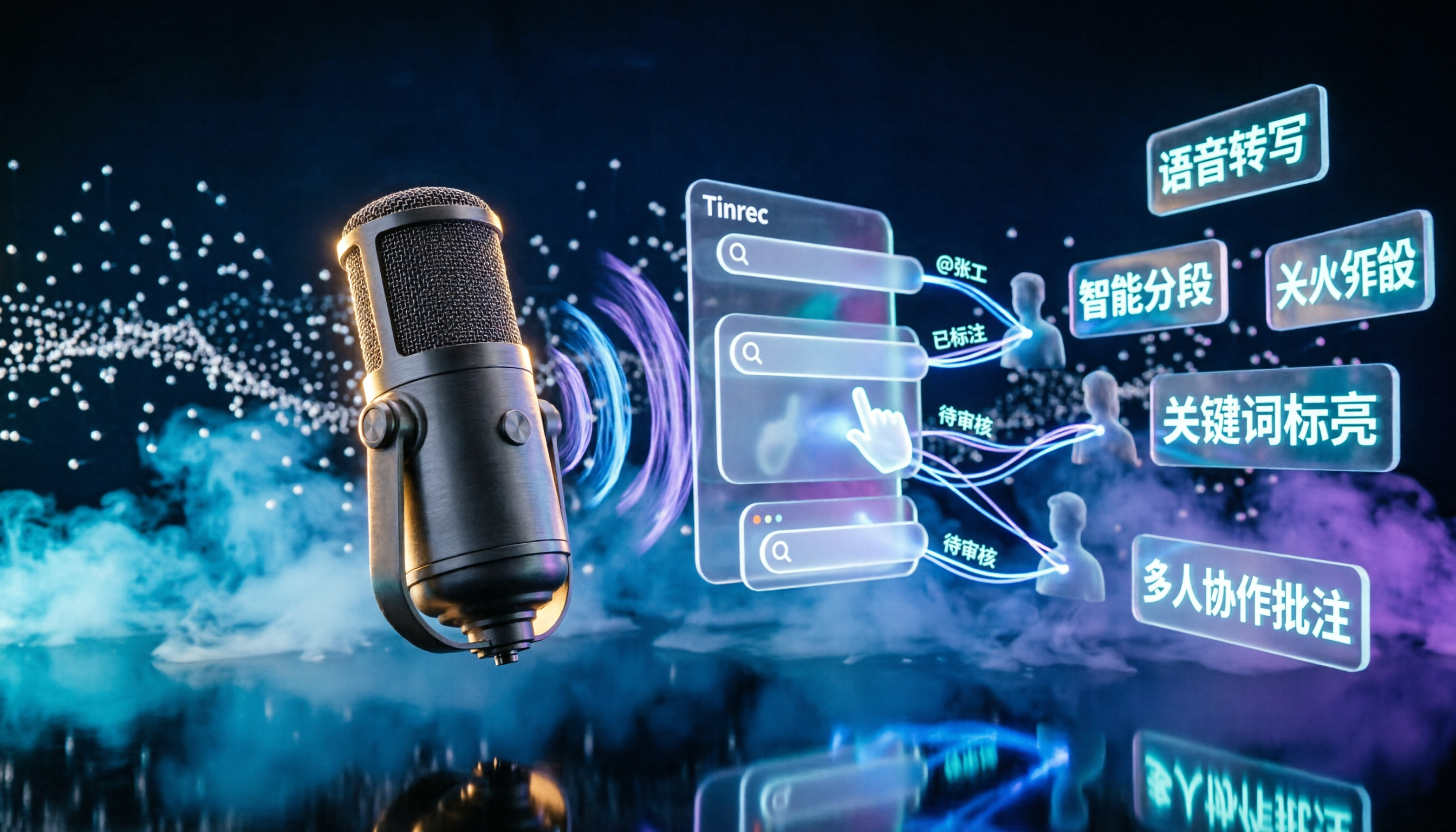
2026 Podcast Transcription AI Comparison: Which Saves the Most Time for Chinese Transcription?
Turning podcast audio into usable data isn't about transcription speed—it's about what you can do after. This article compares Tinrec, Notta, TurboScribe, and Granola on Chinese interview transcription, audio retention, and team collaboration, covering selection criteria, hands-on observations, and pitfalls to avoid.

2026 LINE Voice to Text Free Options: 4 Methods Compared
LINE's built-in microphone is actually voice input, not speech-to-text. Based on a student's real experience, this guide covers 4 free ways to convert LINE voice messages to text in 2026, explaining their limitations, quotas, and use cases. It also demonstrates how Tinrec turns audio files into searchable, queryable transcripts and key notes.

Tinrec vs Manual Transcription for Podcast Notes in 2026: A 5-Dimension Comparison to See Which Saves More Time
Why do manually transcribed podcast notes become less memorable the more you take? This article compares manual transcription and AI transcription workflows across 5 dimensions, and uses Tinrec to demonstrate how to turn transcripts, summaries, and AI Q&A into a reusable long-term podcast note-taking system.