

Turn recordings into transcripts and summaries in minutes
Upload audio or video for multilingual transcription, AI notes, and action items
2026 Free Speech-to-Text Apps: 4 Options Compared
How to Choose a Free Speech-to-Text App: Ask Yourself This First
Free speech-to-text apps are everywhere, but the real question is: Is your free quota enough to get a job done?
I've seen too many people download a tool, record a 40-minute meeting, hit transcribe, and only then discover the free version can only handle 3 minutes per file.
Others happily use their free quota until they need to organize last month's interviews and realize the transcript is just text—no summary, no action items—so they still have to read through it from scratch.
This article doesn't stack up specs. Instead, it looks at what each free plan can actually accomplish, laying out the free rules for four common tools. Choose the right tool and you'll save a lot of cleanup time.
4 Key Points to Understand Before Choosing a Free Speech-to-Text App
1. How the free quota is calculated
They all say "free," but some give monthly minutes, some give daily file counts, and some limit file length. Monthly minutes suit regular meeting-goers; file-count limits suit those who occasionally process long recordings. First, figure out roughly how many audio segments you'll handle per month.
2. Transcript only, or post-meeting outputs
Pure transcription tools give you a wall of text—you have to extract summaries, key points, and action items yourself. Tools with AI post-processing generate summaries, chapters, and action items directly. The time difference is huge, especially when meetings pile up.
3. How meetings are recorded
A common approach is a meeting bot that joins online meetings. Another is a desktop app that captures system audio directly, without adding another participant. The latter is less intrusive for external client meetings and avoids the awkwardness of "a stranger's account in the meeting."
4. Who ultimately holds the data
For personal use, just check your own account. For teams, look for team spaces, member and seat distinctions, and usage logs. This isn't obvious at the free-plan stage, but it becomes a headache once data accumulates.
Tinrec (秒聽錄音) — The Top Choice for Running the Full Workflow on the Free Plan
Tinrec (秒聽錄音) is an AI meeting notes and collaboration tool for individuals and teams, available on web, desktop, and mobile. Its core purpose is to move meetings from "recorded" to "organized and usable."
During meetings, the desktop app captures system audio directly, handling online meetings on Zoom, Google Meet, Microsoft Teams, and Webex without deploying a bot. For in-person meetings or interviews, use live recording to get a transcript as you go; for cross-language meetings, you can view the original, translation, or bilingual side-by-side in real time.
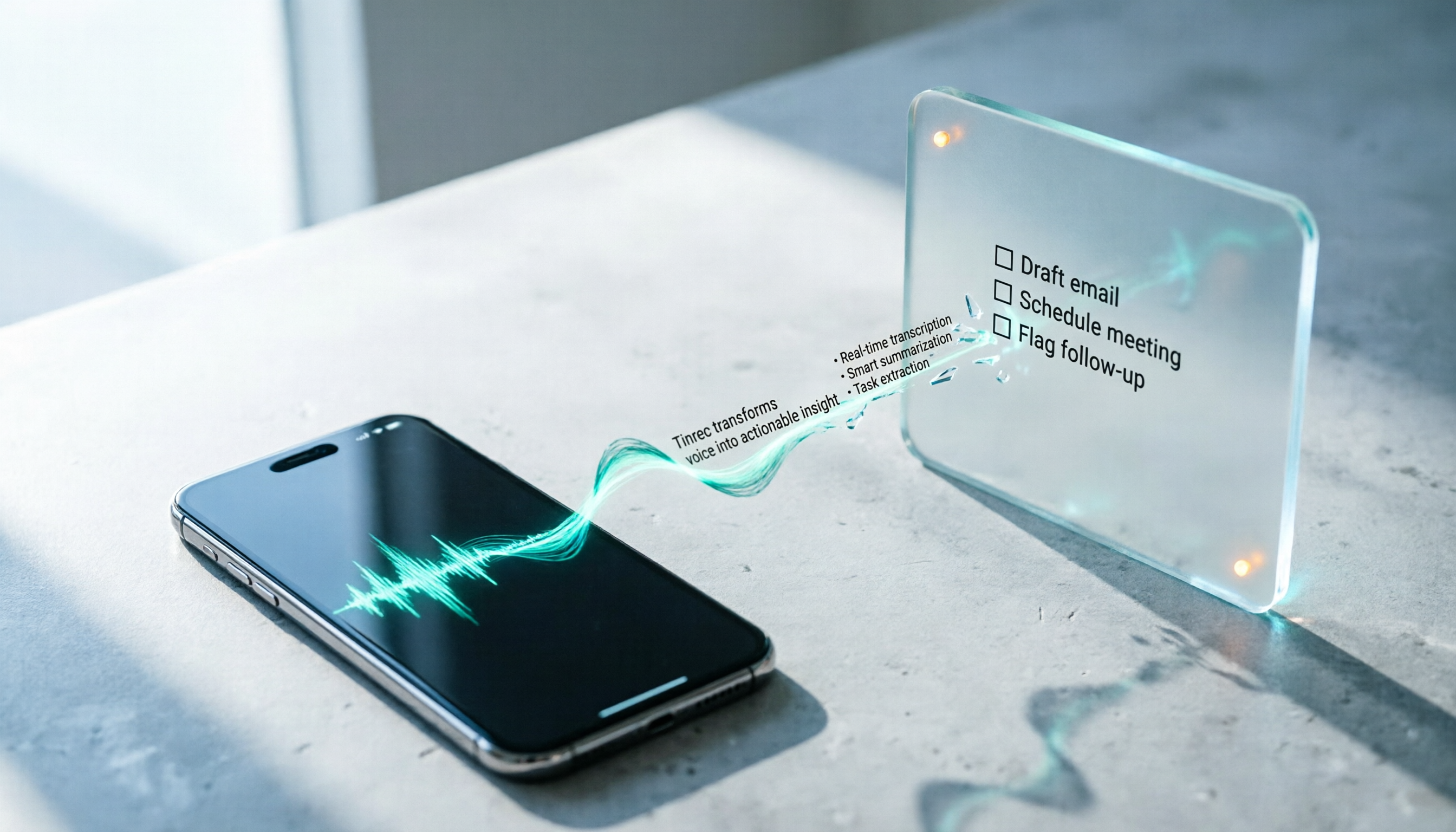
After the meeting, AI automatically generates summaries, chapters, and key points, and organizes action items into to-dos. This is where it differs most from pure transcription tools—you get a working document, not just an article.
When you need to look back, you can ask questions directly about the meeting data. For example, ask "Who mentioned the budget in the last meeting?" and it will answer based on meaning, rather than dumping a string of keywords for you to scroll through the timeline. Recorded audio, imported videos, and past meetings all stay in one place for ongoing Q&A and organization.
For output and extended use, it supports multiple export formats and can be taken to Notion, Google Docs, OneNote, or Dropbox for further editing, or to generate reports, tables, and meeting minutes.
Free plan and limits: The free version provides a basic quota to experience recording, importing, summaries, and transcription. For quota and plan details, refer to the official page. If you need to accumulate large amounts of recordings long-term, the free version will eventually hit its limit. Then you can choose a plan by task—short-term intensive meetings suit a weekly pass, steady weekly use suits a Pro monthly plan, and long-term data accumulation suits an annual plan.
Stop organizing recordings by hand
Upload audio or video and automatically get a transcript, summary, and action items
For team use, the team edition is a separate collaboration space, not multiple people sharing one account. Data belongs to the team; members can view, play, and read even without a seat, but need a seat to record, upload, edit, and export. Admins can manage roles and seats, view usage trends, query and export audit logs, and improve recognition of technical terms via team hotwords. The team plan is currently USD 29.80 per paid seat per month, or USD 199 per paid seat per year (about USD 16.58 per month). Each paid seat provides 2,000 minutes of shared team import quota per month. Eligible teams can try 7 days with 1 free seat and 300 minutes of shared import quota.
Note: Tinrec does not recommend interpreting performance as a "fixed 98% accuracy rate." Actual results are affected by recording quality, noise, accents, overlapping speech, and technical terms. Always verify important content against the transcript timestamps and recording.
Who it's for: People who frequently hold online meetings, need Chinese and mixed Chinese-English content, want to use AI to find key points right after recording, or want to turn meeting data into team assets.
Besides Tinrec, What Other Free Options Are There?
Notta: A familiar name for multilingual transcription and meeting notes. The free version offers 120 minutes per month, with a maximum of 3 minutes per item—suitable for occasional short transcriptions or testing recognition. Pro annual billing works out to about USD 8.17 per month with 1,800 minutes per month. Its limitation is the per-item length; a full meeting is hard to fit into the free version. Also, it doesn't focus on desktop bot-free system audio capture, so recording online meetings requires extra setup.
TurboScribe: Positioned for file transcription, focusing on long files and batch uploads. The free version allows 3 files per day, up to 30 minutes per file; paid plans allow up to 10 hours or 5 GB per file and 50 files at once. Great for converting lots of recordings to text at once, but it gives you transcription results—summaries, action items, and meeting Q&A are not its focus, nor is team collaboration.
Otter.ai: A mature choice for English meetings. The free Basic plan offers 300 minutes per month, which is relatively generous. If your meetings are entirely in English and you only need transcripts and basic summaries, it's a good deal. However, Chinese and mixed Chinese-English meetings are not its strength, and team data governance and post-meeting outputs are less detailed than full meeting tools.
Pitfall Guide: 3 Most Common Mistakes When Choosing a Free Speech-to-Text App
Pitfall 1: Only looking at the word "free" without checking the limits.
120 minutes per month sounds enough, but if the per-item limit is only 3 minutes, a single meeting has to be split into a dozen pieces. Before downloading, confirm three things: minutes or files, whether there's a per-file length limit, and whether the quota resets monthly or daily.
Pitfall 2: Treating a transcription tool as an organization tool.
Getting only a transcript means only a third of the work is done. A 60-minute meeting transcript is about 10,000 words—you have to read it all, extract key points, and list action items. If the tool offers summaries, chapters, action items, and AI Q&A, that time is saved directly—and that's the real difference between free plans.
Pitfall 3: Using the official accuracy claim as a purchase basis.
Numbers measured in a quiet studio are one thing; real conference rooms with air conditioning, keyboard sounds, and multiple people talking at once are another. Try the free version with one of your own real recordings, and decide whether to invest only after you can hear the difference.
Another often-overlooked pitfall: ownership of team data.
Personal accounts are convenient, but when a colleague leaves or the contact person changes, meeting recordings and transcripts often disappear with the personal account. If this content is valuable to the team, choose a solution with team spaces, seat management, and data handover mechanisms—not a shared login.
Conclusion: Which One Should You Choose?
In one sentence: free plans are about whether you can finish the work, not whose minutes look bigger.
- Need Chinese meetings, mixed Chinese-English, and online meetings without adding a bot → Tinrec; the free version covers the workflow from recording to summary
- Want to ask AI "What was the conclusion of this meeting?" right after recording → Tinrec; most similar tools only give transcripts
- Need to use phone, computer, and web → Tinrec; multi-device data in one place
- Want to accumulate team meeting data and manage members and usage → Tinrec team edition; roles and seats managed separately
- Need to convert a batch of long recordings to text at once → TurboScribe; long files and batch processing are its strengths
- Meetings entirely in English, only need transcripts → Otter.ai; free 300 minutes is generous for English users
In practice: run two or three real meetings you'd actually have on the free version first, and see if the transcript flows and the summary captures key points. If it's enough, keep using the free version; if not, choose a plan based on usage frequency—no need to pay upfront.
References
- Speech to Text Converter – Free Online | TicNote Cloud
- Audio to Text - Free Speech to Text Tool
- Speech-to-Text APP Recommendations: 1. iPhone/iPad Notes APP - Supports real-time text conversion - Cost: Free - Supports Chinese and English
- Free Unlimited AI Speech-to-Text Tool, Say Goodbye to Transcript Organization Hassles: Atter App | Lin Weiqing's Salon
- No Time Limit! 3 Free AI Transcript Tools, Highly Recommended! AI Voice Notes Generate Meeting Minutes, Presentations, Mind Maps | 104 Workplace
Turn every recording into actionable outcomes
Get 60 free transcription minutes when you sign in. No credit card required.
Related Reading
You might also like

How to Choose a Free Speech-to-Text App in 2026: 5 Steps from Picking a Tool to Organizing Transcripts
There are many free speech-to-text apps, but "free" can mean very different things. This article starts with three key questions and walks you through 5 steps to turn recordings into usable transcripts and meeting materials. It compares Tinrec, Otter.ai, Notta, and TurboScribe on free quotas, real-time transcription, and post-meeting organization, with a guide to avoiding pitfalls and selection advice.

4 Client Visit Note Tools Compared for 2026: From Field Templates to AI Summaries
How do you write client visit notes? Start with common pitfalls: writing only "has concerns," keeping a running log, or filling in Excel from memory after the meeting—all make notes unusable later. This article gives you 5 must-have fields and compares Tinrec, Granola, TurboScribe, and PLAUD, covering everything from field templates to AI organization.

Google AI vs Tinrec: Which Speech-to-Text Tool Saves More Time in 2026?
A hands-on comparison of Google AI (Gemini/Speech-to-Text) and Tinrec for speech-to-text, covering setup, online meeting recording, Chinese performance, post-meeting organization, team collaboration, and pricing to help you decide which fits your meeting needs.

2026 Speech-to-Text App Free Plans Compared: 5 Options at a Glance
Most people looking for a speech-to-text app aren't missing a tool to turn voice into text—they're missing a workflow to turn meetings into usable data. This article first walks through the 5 steps with Tinrec: recording, transcription, proofreading, generating meeting minutes, and exporting. Then it reviews the differences among 5 free plans in 2026, including Tinrec, to help you decide whether to use free quotas or move directly to team collaboration.

5 Sales Meeting Notes Templates Tested for 2026: Why Decision-Oriented Fields Work Best
Stop treating sales meeting notes as a transcript dump. This article starts with common pitfalls, breaks down the approach behind 5 sales meeting note templates in 2026, and uses Tinrec to demonstrate how to connect recording, summaries, action items, AI Q&A, and team collaboration into a trackable post-meeting workflow.

2026 Comparison of 5 Sales Meeting Notes Table Solutions: From Blank Sheets to AI Summaries, Which Saves the Most Time?
Organize practical fields and 5 solutions for 2026 sales meeting notes tables, from free spreadsheet templates to AI meeting notes tools, to help you track customer commitments, action items, and post-meeting follow-ups.

4 Speech-to-Text Apps Tested for iOS in 2026: Which Saves the Most Post-Meeting Cleanup Time?
How to choose an iOS speech-to-text app? This article starts from real meeting scenarios and compares four iPhone-compatible speech-to-text tools: Tinrec, Yating Transcription, Loro, and SoundType AI. It explains five key factors to consider when purchasing, four common pitfalls, and selection advice for different needs.
How to Convert LINE Voice Messages to Text on iPhone (2026): 3 Methods Tested + Transcript Organization
Received a LINE voice message during a meeting, commute, or in a quiet place and can't play it? This guide covers three ways to convert LINE voice messages to text on iPhone: iOS 18 Voice Memos built-in transcription, Shortcuts scripts, and importing audio files into Tinrec to generate transcripts, summaries, and action items. It also explains how to save voice messages in audio format so they can be transcribed, and highlights common pitfalls.

6 Speech-to-Text Apps Tested and Compared in 2026: Which PTT-Favorite Tool Is Right for You?
We've rounded up 6 speech-to-text apps that are popular on PTT and social media, from AI meeting tools and Taiwan-based transcription services to completely free built-in features. We list free quotas and pricing honestly, and use real scenarios to help you choose.