

Turn recordings into transcripts and summaries in minutes
Upload audio or video for multilingual transcription, AI notes, and action items
Why Do You Need a Speech-to-Text App? Avoid a Common Misconception First
Many people first search for "speech to text app PTT" and start with their phone's built-in voice input or Word's dictation feature, only to realize after trying that it's not what they need.
The problem isn't accuracy—it's that these are essentially "input methods," not "transcription tools."
Built-in dictation can only convert speech you say at the moment into text; it can't upload pre-recorded meeting audio. The output is a plain text stream with no paragraphs or timestamps, and long recordings may be interrupted due to system resources or network fluctuations.
If you have a one-hour meeting recording or a two-hour interview, what you really need is a professional tool that can "take audio files, produce transcripts, and help you organize key points."
This article compiles 6 solutions that are frequently discussed on PTT and social media, from AI meeting tools and professional transcription services to completely free built-in features. We list their free quotas and pricing honestly to save you the time of trying each one.
Tinrec (Miao Ting Lu Yin) | An AI Assistant That Turns Meetings into Queryable Data
Tinrec is an AI meeting notes and collaboration tool for individuals and teams. It doesn't just convert audio to text—it organizes meetings into data that can be searched, queried, and further processed.
The first thing that caught my attention is how it captures meetings. The desktop version directly captures computer system audio, so when handling online meetings like Zoom, Google Meet, Microsoft Teams, or Webex, you don't need to invite an extra meeting bot to join. This is convenient for ad-hoc meetings or situations where you don't want a bot to appear on the participant list.
What sets it apart is the post-transcription processing. The system automatically generates summaries, chapters, key points, and action items. You can directly ask questions about the meeting content, such as "What was the budget number just now?" You can also export results to Notion, Google Docs, OneNote, Dropbox, or further generate reports, tables, and meeting minutes.
It covers Chinese meetings, mixed Chinese-English, and multilingual scenarios, and supports real-time translation, allowing you to view in original, translated, or bilingual mode. Actual recognition performance will be affected by recording quality, accents, noise, overlapping speakers, and technical terminology—we want to be upfront about that.
Plans include a free version, weekly pass, Pro monthly, and Pro annual. Choose based on your usage frequency: for occasional transcription, start with the free version; for short-term intensive meetings, consider the weekly pass; if you have regular weekly needs, go for Pro. The team version offers an independent team space at USD 29.80 per paid seat per month, or USD 199 per paid seat per year (about USD 16.58 per month). Eligible teams can try it free for 7 days with 1 free seat and 300 minutes of shared import quota.
Who it's for: Office workers and teams who need Chinese meeting notes, don't want to use meeting bots, and value post-meeting organization and team knowledge retention.
Yating Transcription | The Most Localized Option for Taiwan
Developed by the Taiwan AI Labs, it has high recognition accuracy for Taiwan-specific filler words and idioms, and also supports Taiwanese Hokkien—a point often raised in PTT discussions.
Real-time recording is free and unlimited for 30 days after registration, making it relatively easy to get started. However, the free quota for uploading audio files for transcription is only 20 minutes, and processing speed can sometimes be slow.
Who it's for: Those who want to try local Chinese recognition for free first, or whose meetings often include Taiwanese Hokkien and Taiwan-specific terms.
Notta | A Multilingual Tool with Significant Overlap with Tinrec
Notta also covers multi-platform transcription, meeting notes, file import, and translation. It's a name frequently compared on PTT.
Stop organizing recordings by hand
Upload audio or video and automatically get a transcript, summary, and action items
The free version offers 120 minutes per month with a 3-minute limit per session; Pro annual is about USD 8.17 per month with 1,800 minutes per month; Business annual is about USD 16.67 per seat per month, offering unlimited transcription, role permissions, and usage reports.
Who it's for: Those with clear multilingual file transcription needs who are willing to spend time comparing minute allowances.
TurboScribe | The Cost-Effective Choice for Long Files and Batch Uploads
Focused on cost-effective file transcription, with strengths in long files, batch uploads, subtitles, and translation.
The free version allows 3 files per day with a 30-minute limit per file; Unlimited annual is USD 120 (about USD 10 per month). Paid versions support files up to 10 hours or 5 GB each, and up to 50 files per upload.
Who it's for: Those with a backlog of existing recordings to transcribe at once, who don't need real-time meeting features or post-meeting action items.
Otter.ai | The Veteran Choice for English Business Meetings
Otter is a mature AI meeting assistant covering meeting notes for Zoom, Microsoft Teams, and Google Meet, speaker identification, AI Chat, and team management.
Basic is free with 300 minutes per month; Pro annual is about USD 8.49 per user per month, including 1,200 minutes of in-app recording and 10 file imports per month; Business offers unlimited meetings and more management capabilities.
Who it's for: Teams that primarily hold English meetings and need a mature meeting automation workflow; for Chinese meetings, we recommend trying it first before deciding.
Built-in Phone and Computer Features | The Zero-Budget Entry Option
iOS Voice Memos, Android's Google Live Transcribe, and Windows voice input are all free.
In recent years, some AI phones and AI PCs have built-in on-device transcription, which doesn't upload to the cloud and offers better privacy.
Limitations: they can't process existing audio files (depending on the device), lack speaker separation and summaries, and long meetings may be interrupted. Suitable for occasional note-taking where only plain text is needed.
With So Many Options, How Should You Choose?
・Want summaries, chapters, action items, and AI querying after transcription → Tinrec, one of the few solutions on this list that turns "post-meeting organization" into a complete workflow.
・Need to record Zoom, Meet, Teams, Webex online meetings without a bot → Tinrec desktop version.
・Meetings are mainly in Chinese or mixed Chinese-English, and you need bilingual comparison → Tinrec, which supports real-time translation and bilingual viewing.
・Team needs to share meeting data, manage seats and usage → Tinrec team version, with team space, roles, seats, usage analytics, and audit logs.
・Just want to transcribe a batch of existing recordings → TurboScribe's batch and long-file advantages are clear.
・Team primarily holds English business meetings → Otter.ai.
・Want to try Taiwan-local Chinese recognition for free first → Yating Transcription.
・Zero budget, occasional recording → Built-in phone or computer features are enough.
4 Things to Know Before Using a Speech-to-Text App
First, audio quality is everything. Even the best models will struggle with noisy environments, overlapping speakers, and heavy accents. Use a microphone if possible, and get closer to the audio source.
Second, a transcript is not the same as meeting minutes. Most tools only give you a text stream; what really saves time is summaries, timestamps, and action item extraction. When choosing a tool, look at this part—for example, Tinrec organizes key points and action items together.
Third, free quotas aren't just about total minutes—check the per-session limit. For example, Notta's free version has a 3-minute limit per session, and Yating's free audio upload is only 20 minutes, which can be a bottleneck for long meetings.
Fourth, confirm consent and regulations before recording. Regardless of which tool you use, recording and transcribing conversations involving others should always be done with participants' consent and in compliance with local laws.
Conclusion
The real dividing line when choosing a speech-to-text app isn't "who transcribes faster," but "how much time you still have to spend organizing after transcription."
If you only need to turn audio files into text, free tools or batch transcription services are sufficient. If you want to get summaries, action items, and a queryable database right after a meeting, Tinrec is the one I'd recommend trying first.
We suggest running a real meeting with the free quota first to see if its Chinese recognition and summaries match your context, then decide whether to upgrade.
References
- Speech-to-Text App PTT Hot Recommendations: 2026 Efficient Meeting Notes and Audio Transcription Tool Comparison - Miao Ting Lu Yin Blog
- Expert-Reviewed Top 10 Audio-to-Text Recommendations | mybest
- Which Audio-to-Text Tool Is Best? Conclusion First: 6 PTT Hot AI Tools Recommended - Miao Ting Lu Yin Blog
- Which Audio-to-Text Tool Works Best? Conclusion First: 5 PTT-Recommended AI Tools Tested - Miao Ting Lu Yin Blog
- Speech to Text - Audio to Text, Real-time Transcription, Voice Memo Audio File Translator on the App Store
Turn every recording into actionable outcomes
Get 60 free transcription minutes when you sign in. No credit card required.
Related Reading
You might also like

How to Choose a Free Speech-to-Text App in 2026: 5 Steps from Picking a Tool to Organizing Transcripts
There are many free speech-to-text apps, but "free" can mean very different things. This article starts with three key questions and walks you through 5 steps to turn recordings into usable transcripts and meeting materials. It compares Tinrec, Otter.ai, Notta, and TurboScribe on free quotas, real-time transcription, and post-meeting organization, with a guide to avoiding pitfalls and selection advice.
4 Client Visit Note Tools Compared for 2026: From Field Templates to AI Summaries
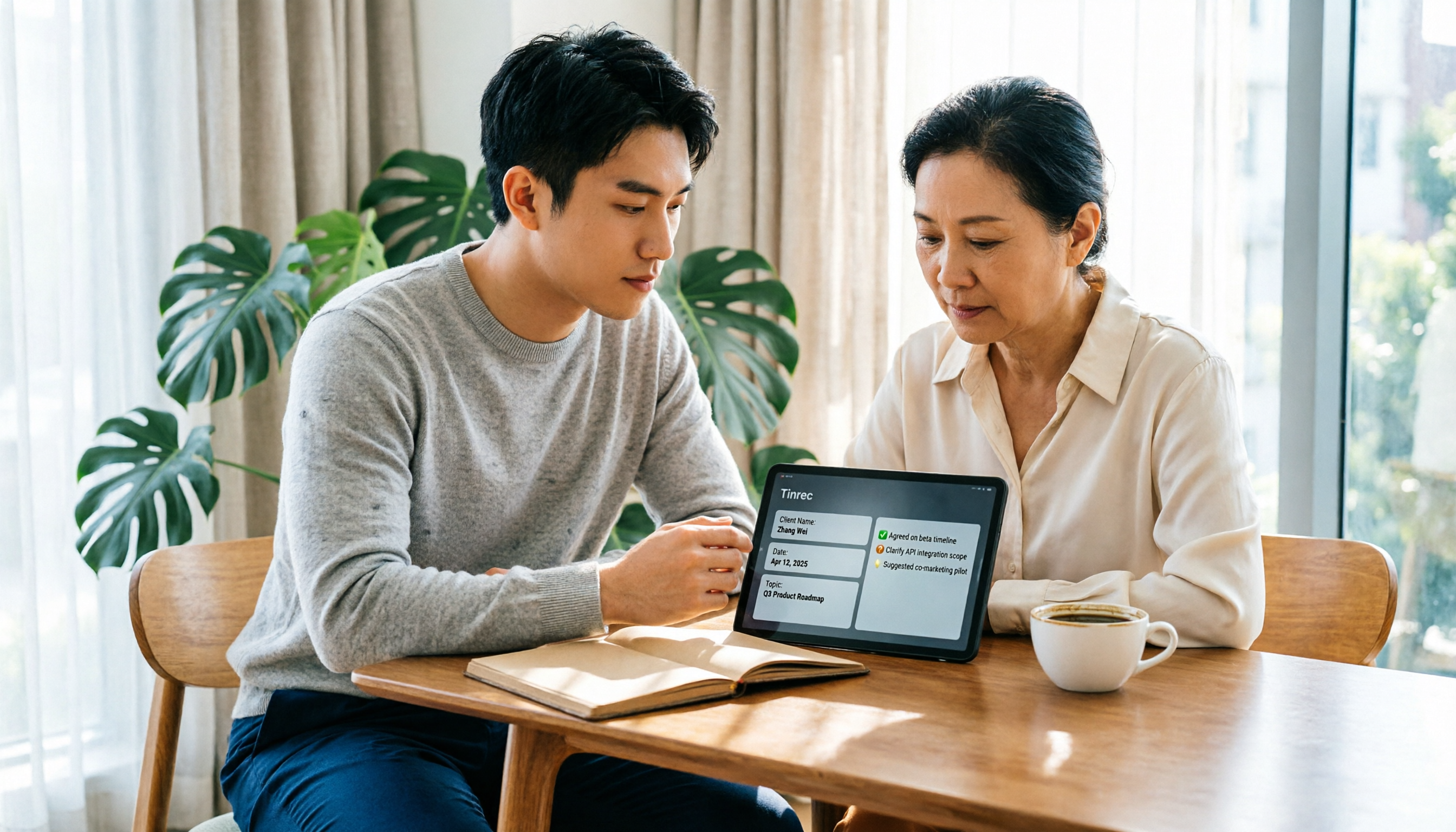
How do you write client visit notes? Start with common pitfalls: writing only "has concerns," keeping a running log, or filling in Excel from memory after the meeting—all make notes unusable later. This article gives you 5 must-have fields and compares Tinrec, Granola, TurboScribe, and PLAUD, covering everything from field templates to AI organization.

Google AI vs Tinrec: Which Speech-to-Text Tool Saves More Time in 2026?
A hands-on comparison of Google AI (Gemini/Speech-to-Text) and Tinrec for speech-to-text, covering setup, online meeting recording, Chinese performance, post-meeting organization, team collaboration, and pricing to help you decide which fits your meeting needs.

2026 Speech-to-Text App Free Plans Compared: 5 Options at a Glance
Most people looking for a speech-to-text app aren't missing a tool to turn voice into text—they're missing a workflow to turn meetings into usable data. This article first walks through the 5 steps with Tinrec: recording, transcription, proofreading, generating meeting minutes, and exporting. Then it reviews the differences among 5 free plans in 2026, including Tinrec, to help you decide whether to use free quotas or move directly to team collaboration.

5 Sales Meeting Notes Templates Tested for 2026: Why Decision-Oriented Fields Work Best
Stop treating sales meeting notes as a transcript dump. This article starts with common pitfalls, breaks down the approach behind 5 sales meeting note templates in 2026, and uses Tinrec to demonstrate how to connect recording, summaries, action items, AI Q&A, and team collaboration into a trackable post-meeting workflow.

2026 Free Speech-to-Text Apps: 4 Options Compared
There are plenty of free speech-to-text apps, but their free tiers work very differently: some count minutes, some limit file length, and some are trial-only. This guide breaks down the free plans and limits of Tinrec, Notta, TurboScribe, and Otter.ai, and helps you choose the right one based on whether the free quota is enough to finish your work.

2026 Comparison of 5 Sales Meeting Notes Table Solutions: From Blank Sheets to AI Summaries, Which Saves the Most Time?
Organize practical fields and 5 solutions for 2026 sales meeting notes tables, from free spreadsheet templates to AI meeting notes tools, to help you track customer commitments, action items, and post-meeting follow-ups.

4 Speech-to-Text Apps Tested for iOS in 2026: Which Saves the Most Post-Meeting Cleanup Time?
How to choose an iOS speech-to-text app? This article starts from real meeting scenarios and compares four iPhone-compatible speech-to-text tools: Tinrec, Yating Transcription, Loro, and SoundType AI. It explains five key factors to consider when purchasing, four common pitfalls, and selection advice for different needs.
How to Convert LINE Voice Messages to Text on iPhone (2026): 3 Methods Tested + Transcript Organization
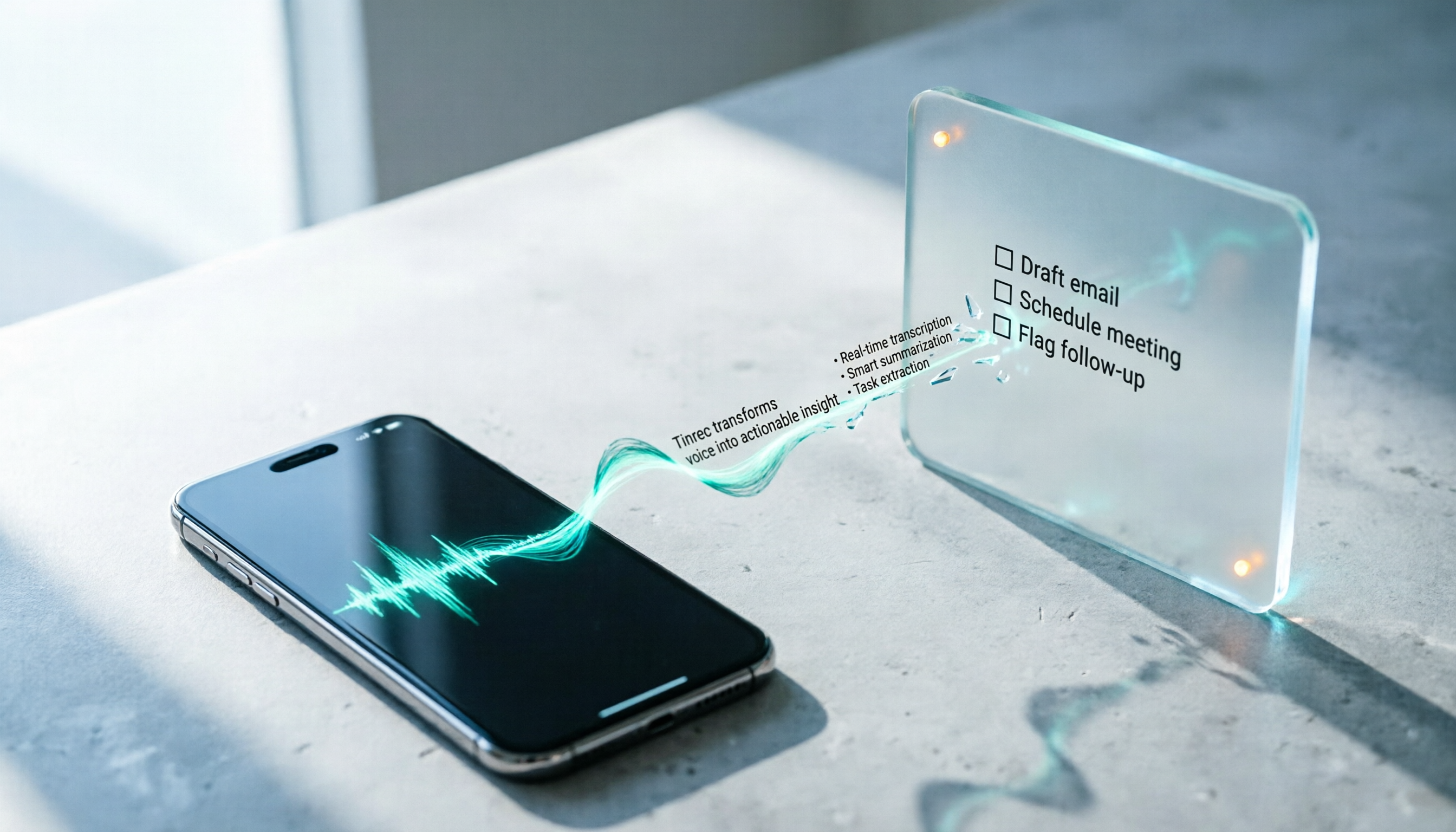
Received a LINE voice message during a meeting, commute, or in a quiet place and can't play it? This guide covers three ways to convert LINE voice messages to text on iPhone: iOS 18 Voice Memos built-in transcription, Shortcuts scripts, and importing audio files into Tinrec to generate transcripts, summaries, and action items. It also explains how to save voice messages in audio format so they can be transcribed, and highlights common pitfalls.